The "Internet Connection" tag on CellularNews collects our guides and troubleshooting articles for anyone using a smartphone, tablet, or smartwatch. Whether you are a streamer, a social media user, or just trying to get a device online, these pages are written to help you solve real-world connectivity problems.

The articles here address two main themes: fixing apps and services that won't work, and understanding how different types of connections compare. For example, you can learn how to stop buffering on an Android phone, fix YouTube on your phone, or resolve specific errors like Disney Plus Error Code 83 and the "Pending" status on Snapchat. Other pieces explain practical differences, such as whether 4G or WiFi is faster, and walk you through tasks like connecting to an Xfinity hotspot or getting a smartwatch online via Bluetooth.

These guides help you do specific things: diagnose why TikTok or Instagram is failing, stream on Twitch without interruption, and connect devices like a Sky Box to wireless internet. The focus is on clear, actionable steps for the most common internet-related hurdles phone users face.
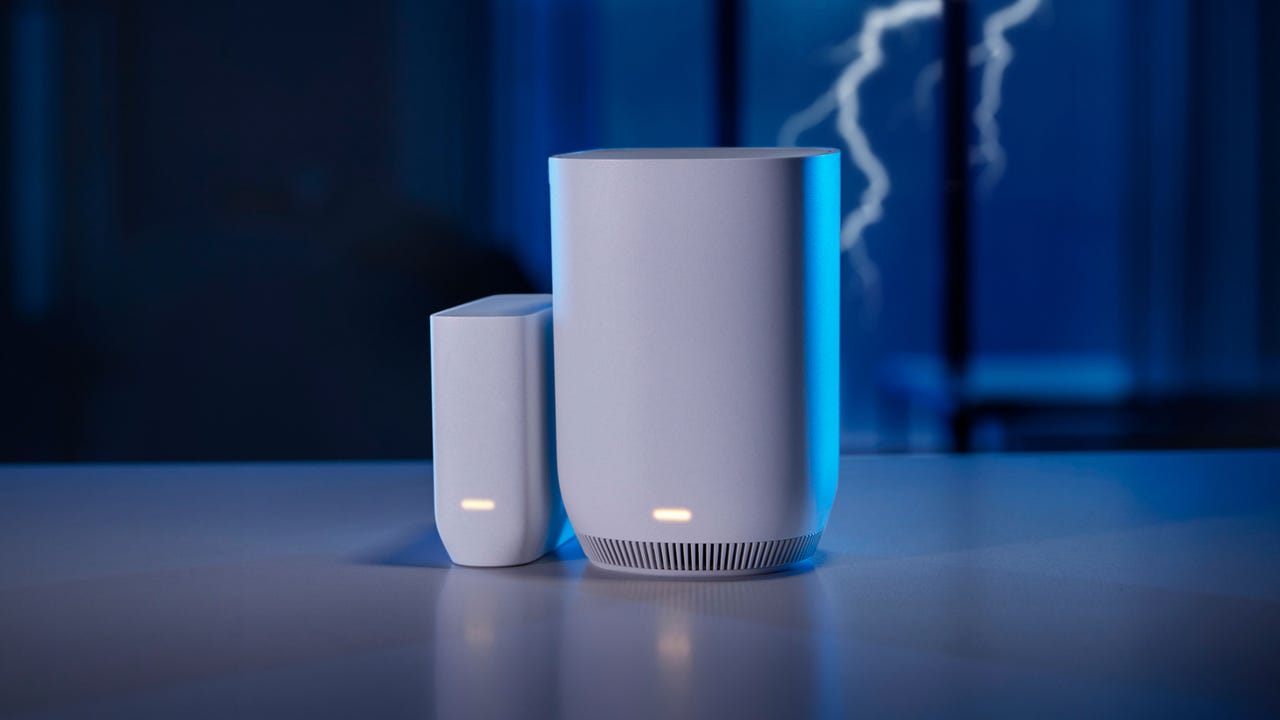
How To Connect To An Xfinity Hotspot

To connect to an Xfinity hotspot, you have two main paths: a quick manual connection to the open "xfinitywifi" network, or a one-time setup for automatic, secure connections to "XFINITY"...

How To Stop Buffering On Android Phone

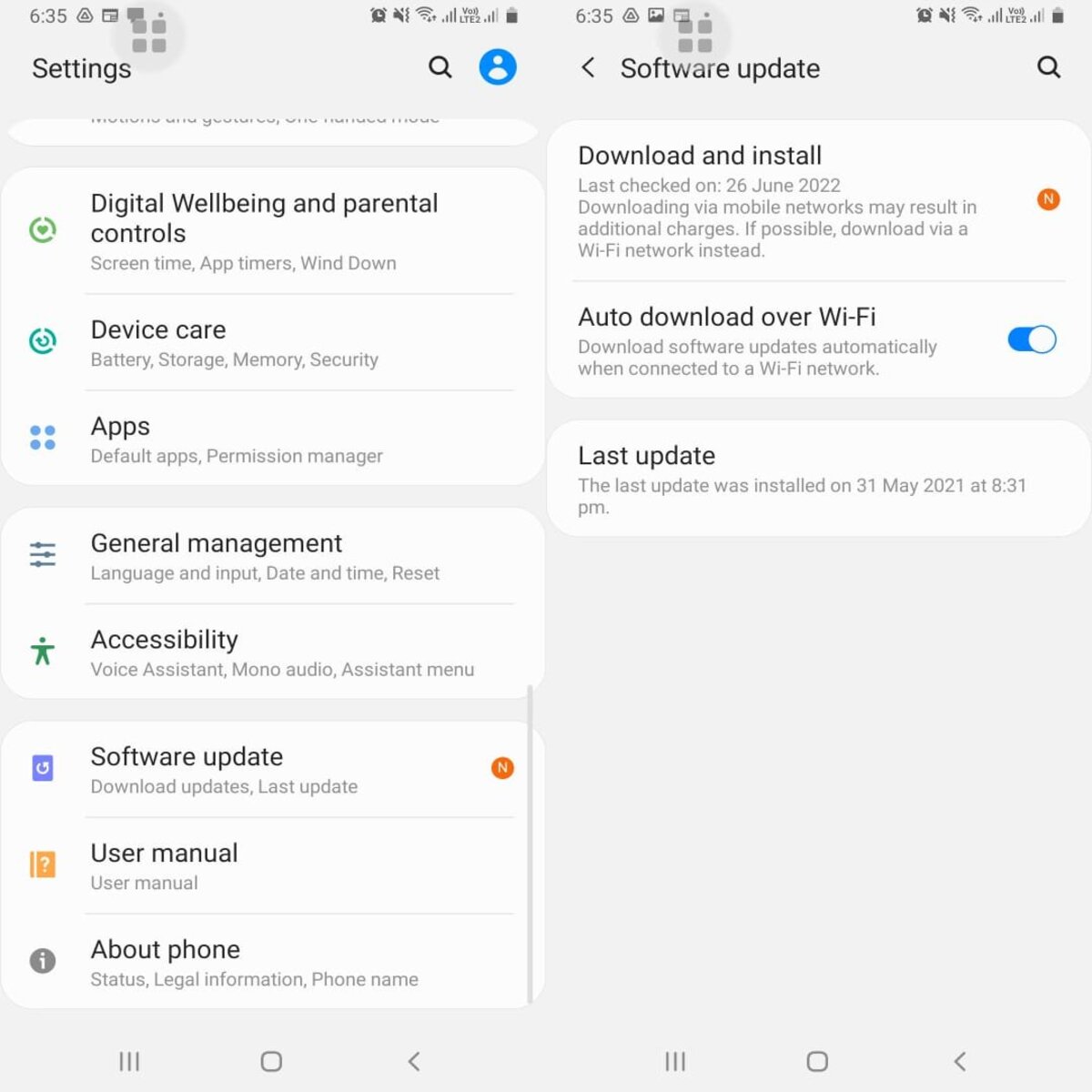
To stop buffering on Android, you need to fix your internet connection or free up your phone's resources. Start by checking your Wi-Fi signal or mobile data strength, as a...

How To Get Wireless Internet On Sky Box

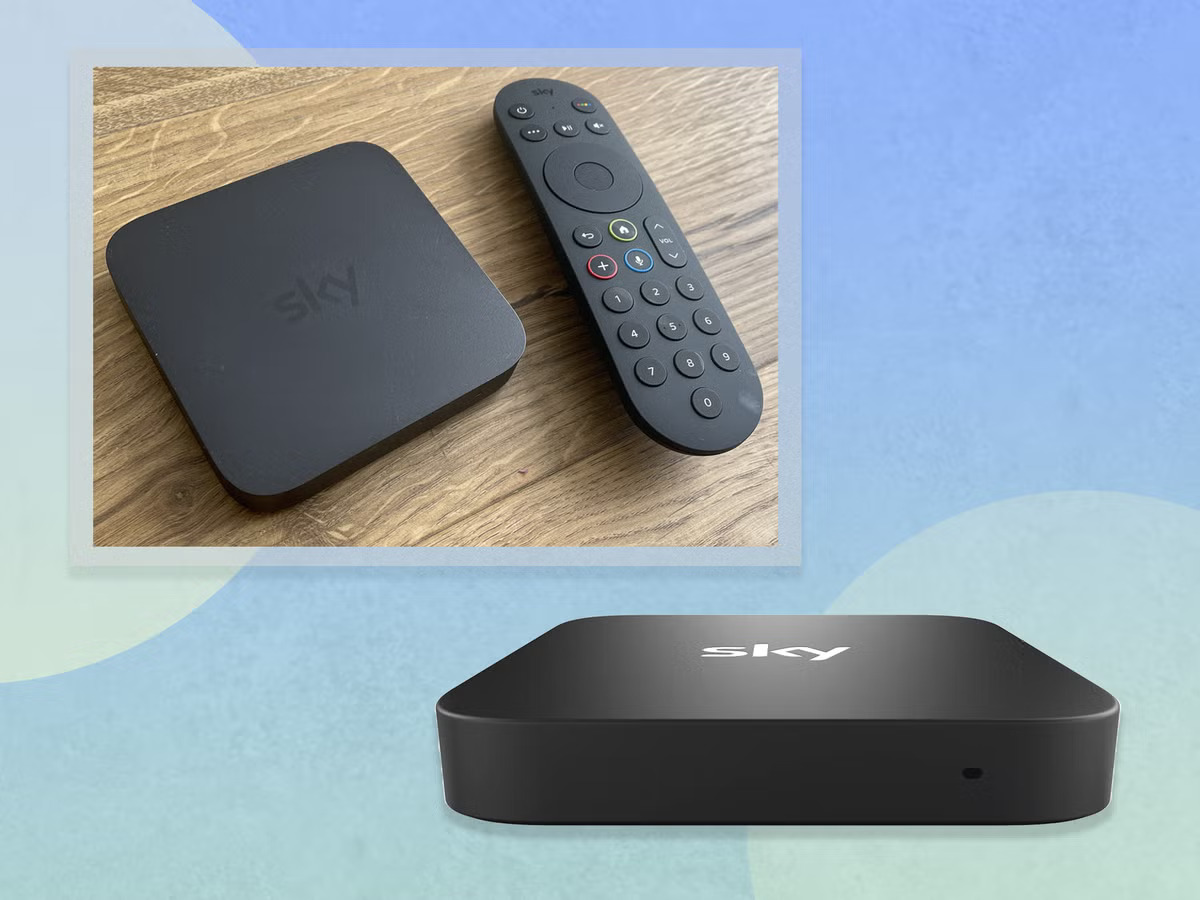
To get wireless internet on a Sky Box, press Setup on your Sky remote, scroll to Internet Connection, and press Select. Then choose your Wi‑Fi network and enter the password...

How To Fix Youtube On Phone

To fix YouTube on your phone, start with the four most common solutions: clear the app cache, update the app, check your internet connection, and restart your phone. These steps...

What Is Wi-Fi Enabled?

Wi-Fi enabled on a phone means the device can place and receive calls over a Wi-Fi network instead of relying solely on a cellular signal, a feature that is controlled...

Does A Mobile Use Wi-Fi?

Yes, you can connect a mobile to Wi‑Fi. iPhones and Android phones use Wi‑Fi for internet access, and the steps to do it depend on your specific device, as outlined...

Do Mobile Apps Need Internet?

Do mobile apps need internet? The answer is conditional: it depends entirely on the app's design. Some apps, like Apple News for subscribers who download content, work fully offline, while...

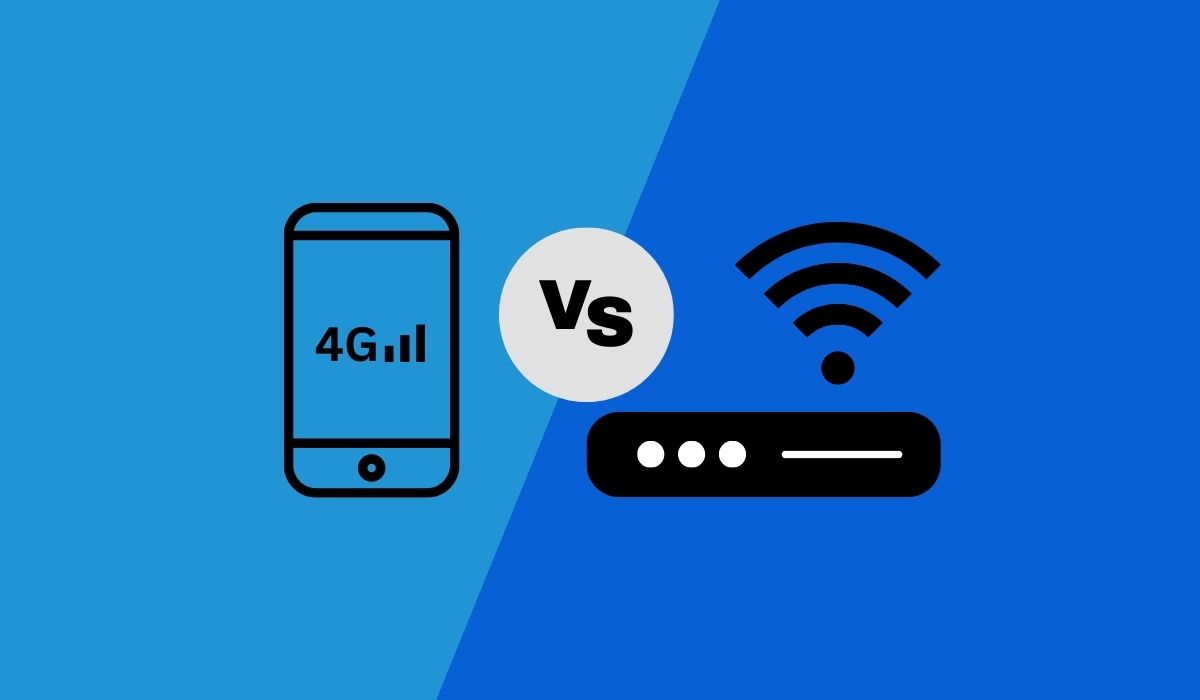
4G vs WiFi: Which Is Faster?

There is no universal winner in the 4g vs wifi speed debate; which is faster depends entirely on the specific cellular network, the Wi‑Fi network you are connected to, and...