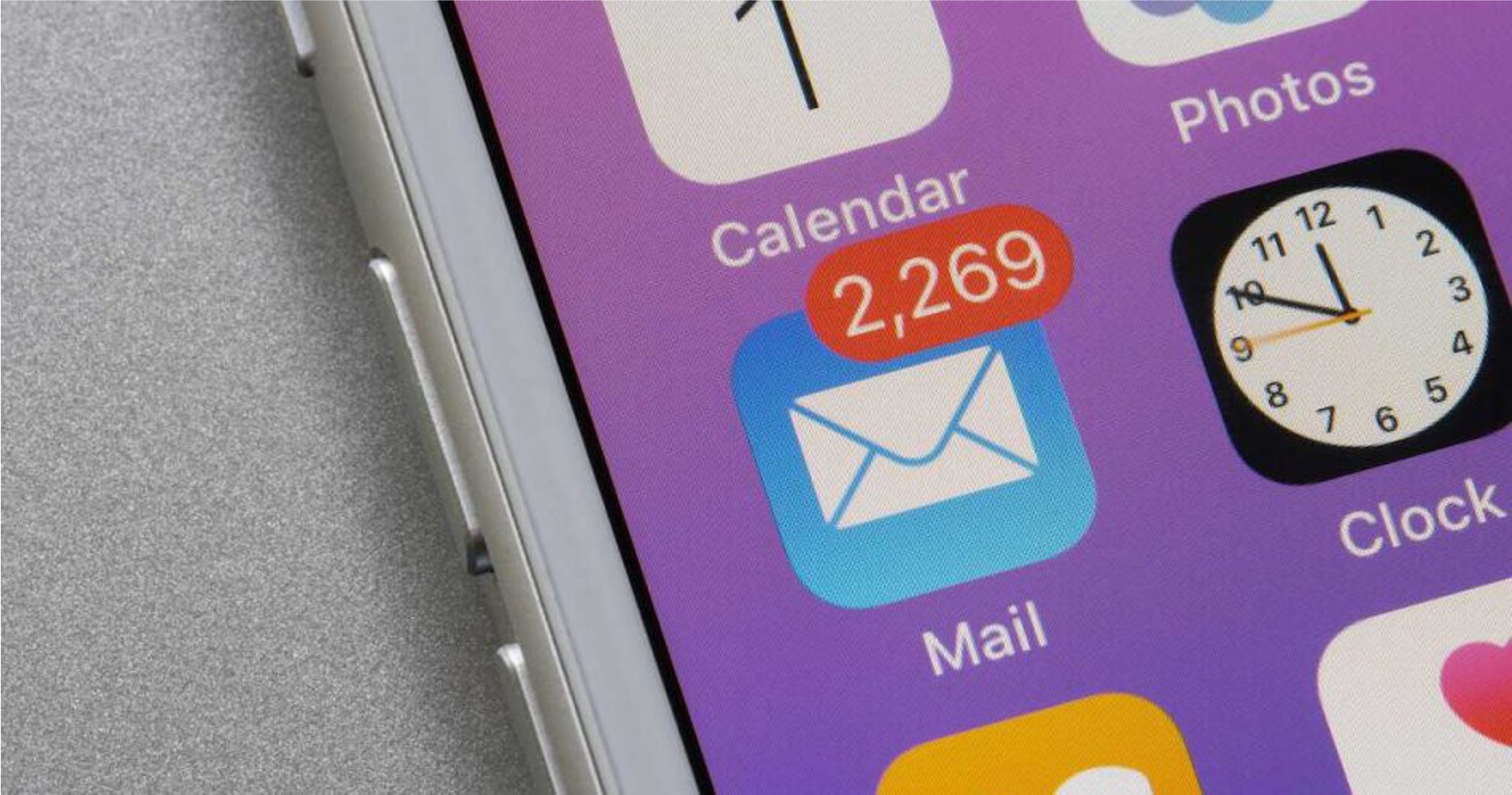
The iPhones tag page on CellularNews collects articles specifically for iPhone users, from casual owners to those who like to tinker with their devices. This tag is for anyone who wants to get more out of their phone, whether that means fixing a common glitch, finding a new app, or understanding a key feature.

The articles here solve real-world problems grouped around a few clear themes. One major theme is troubleshooting and network fixes, with guides on resetting network settings, fixing cellular network errors, and using Wi-Fi calling. Another theme is customization and app management, covering how to transfer apps to a new iPhone, schedule text messages, and recover deleted texts and WhatsApp messages. A third theme focuses on entertainment and productivity, including lists of the best Apple Arcade games, free movie apps, and text to speech readers.

These articles help the reader do practical things: fix a phone that won't make calls, learn how to screen record mobile games, recover deleted messages, and choose the best phone case or mobile accessory. They also explain technical topics like what an IPA file is and how to jailbreak an iPhone without a PC, giving clear steps for specific tasks.


How To Unblock A Telephone Number

To unblock a telephone number, open your phone’s settings and remove it from the blocked contacts list. The exact steps depend on whether you use an iPhone or an Android...

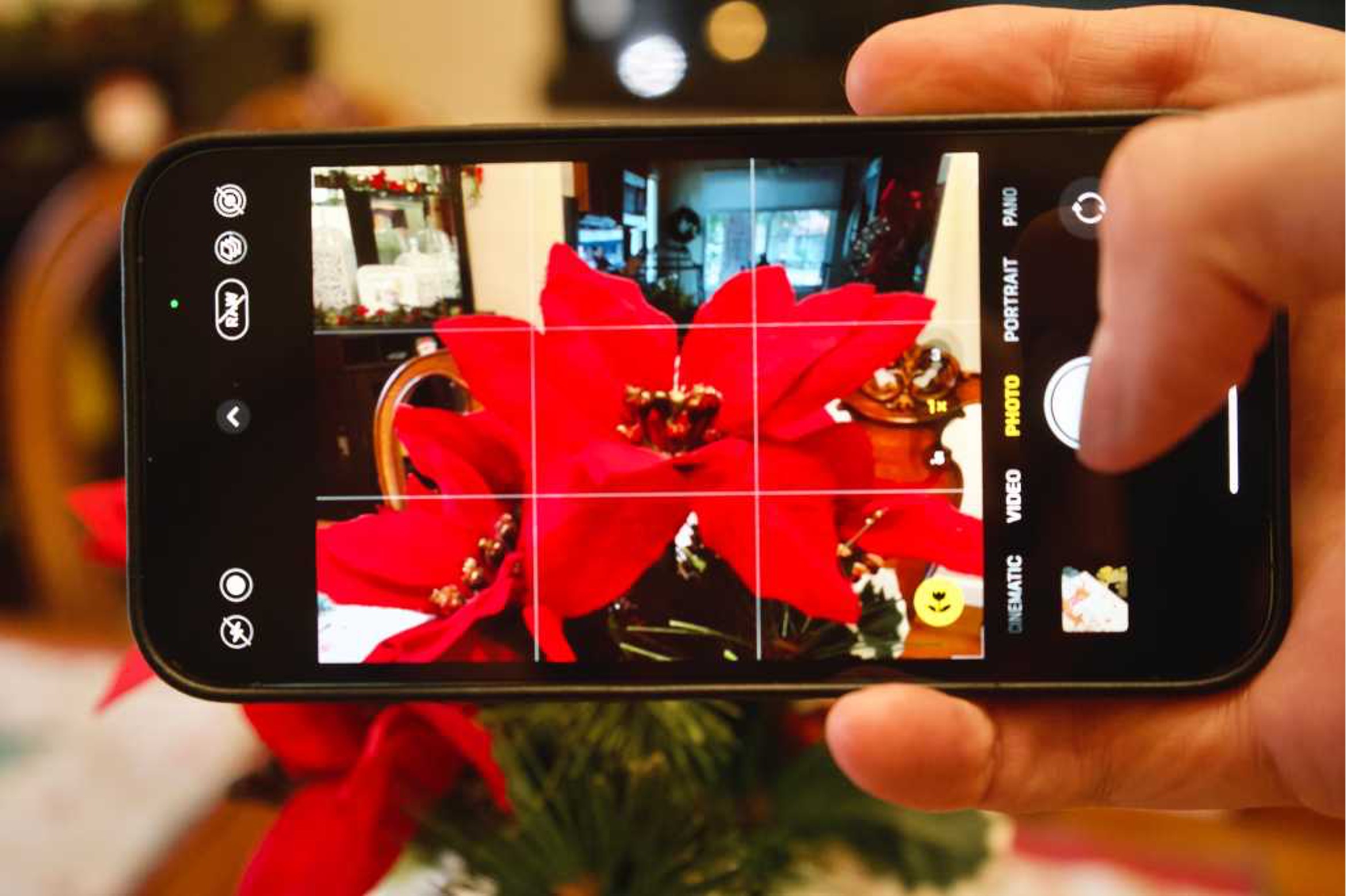
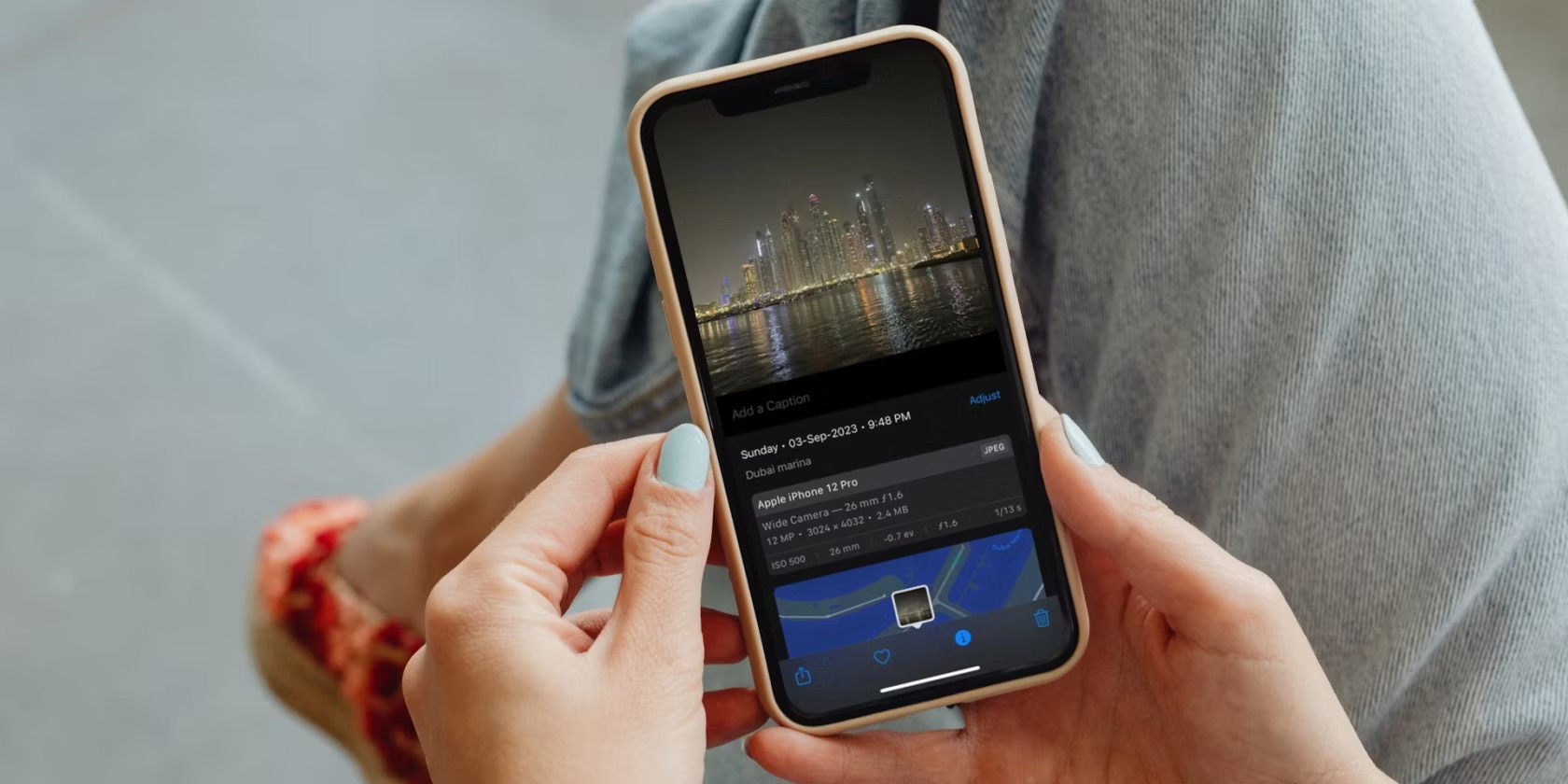
How To Take Macro Photos With IPhone 11

You can take macro photos with iPhone 11, but not using Apple’s built-in macro mode. The iPhone 11 does not support the native macro photography feature that Apple introduced on...

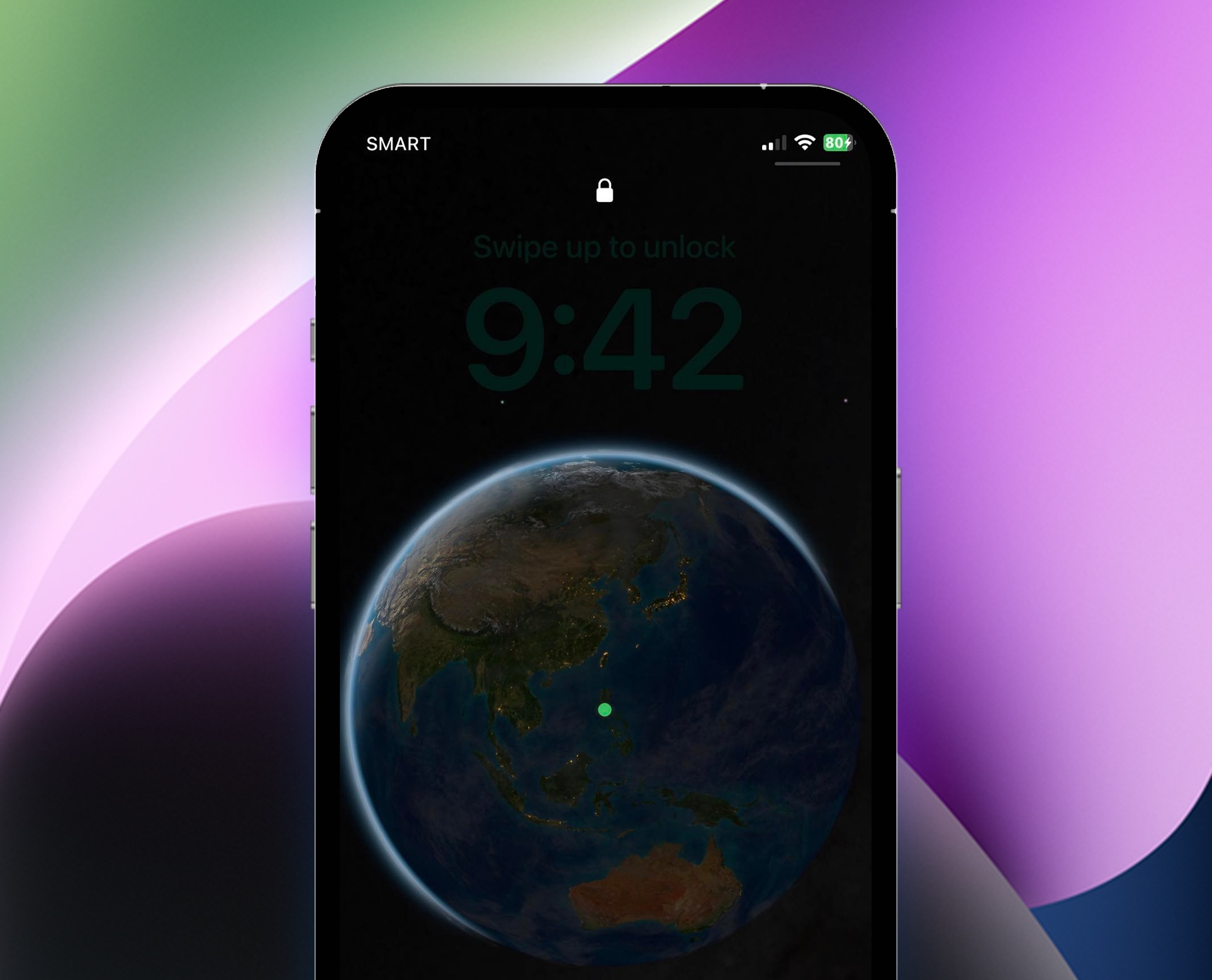
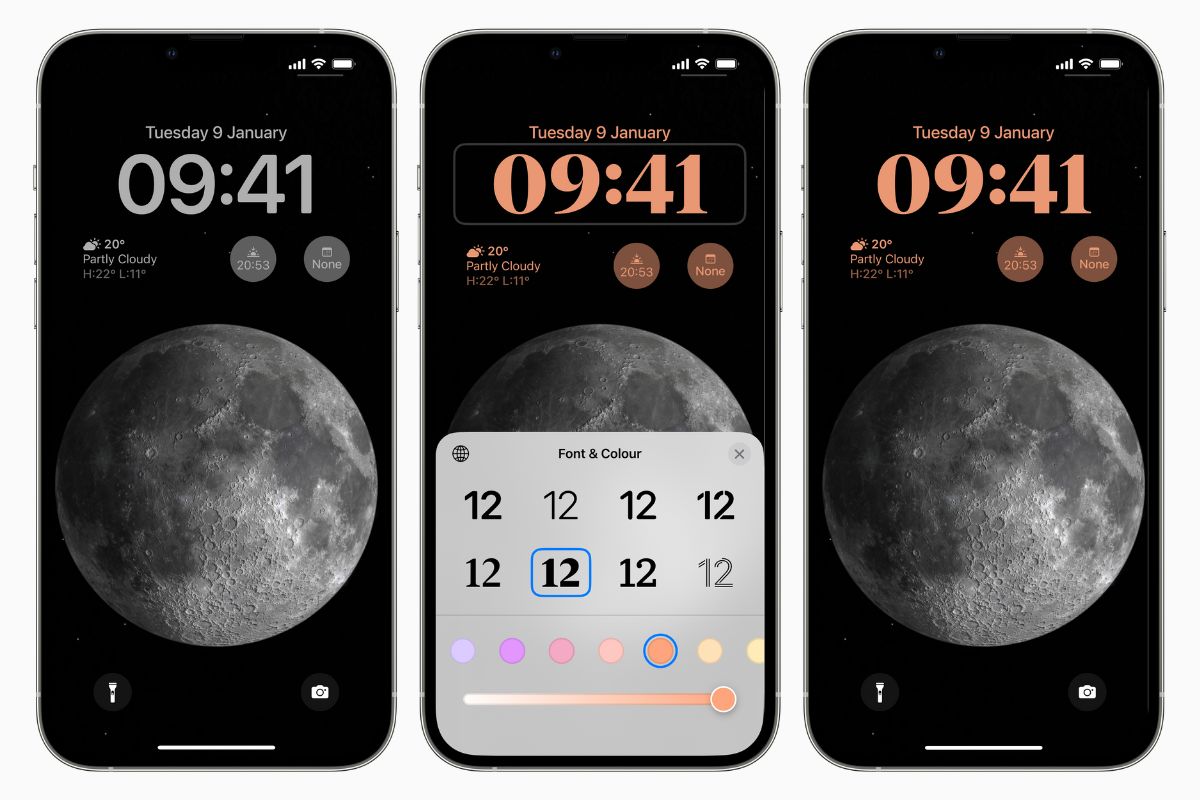
How To Remove Clock From Lock Screen IPhone 11

You cannot remove the clock from the lock screen iPhone 11, as Apple does not support any setting, feature, or workaround to hide it. This is confirmed by Apple Discussions...

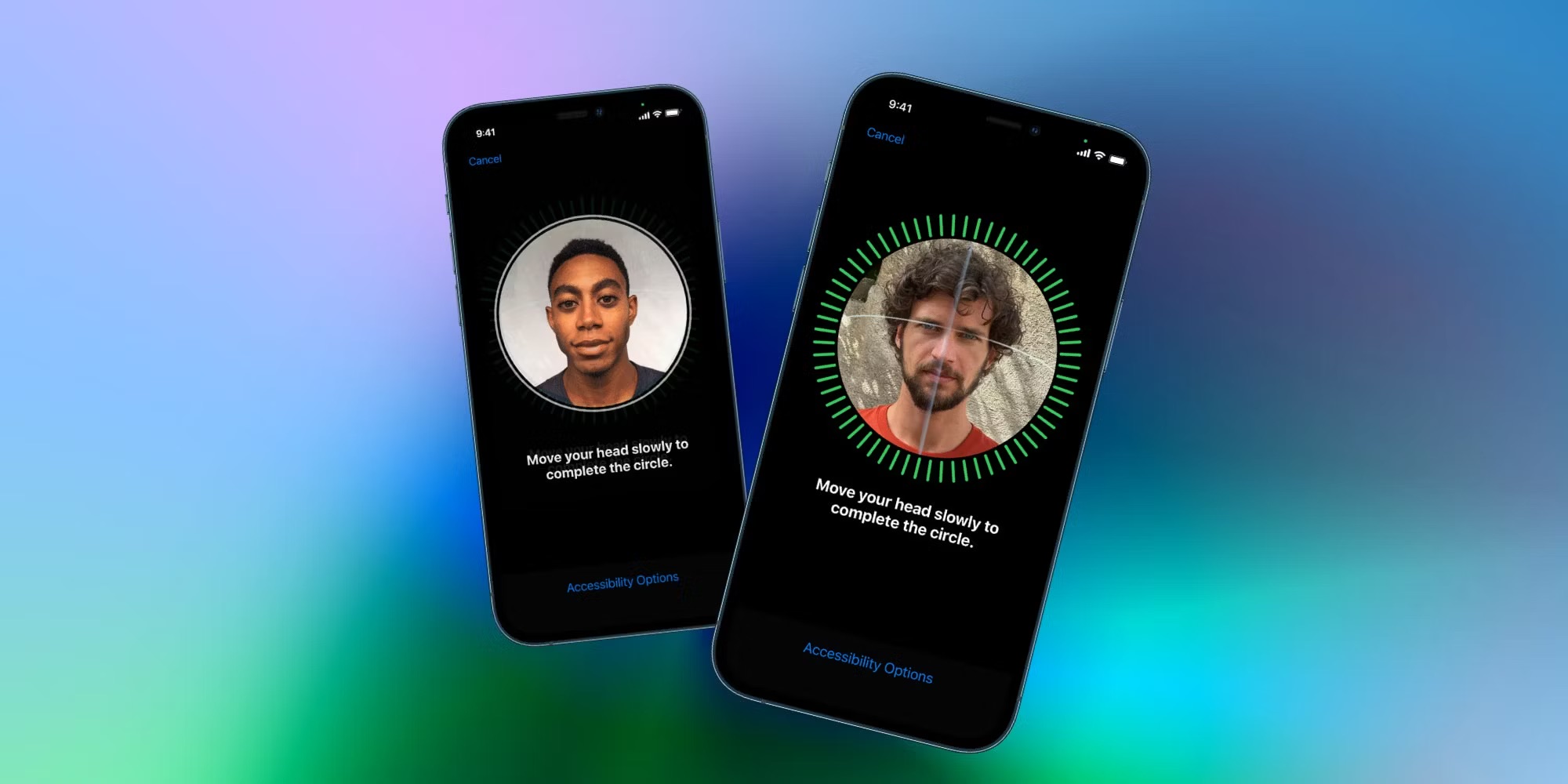
How To Add 2 Face ID On IPhone 11

To add an alternate appearance Face ID on your iPhone 11, go to Settings > Face ID & Passcode > Set Up an Alternate Appearance and follow the onscreen instructions....

How To Change Fonts On IPhone 11

You cannot change the system-wide font on iPhone 11, but you can install custom fonts for use in supported apps and adjust the text size. To increase font size on...

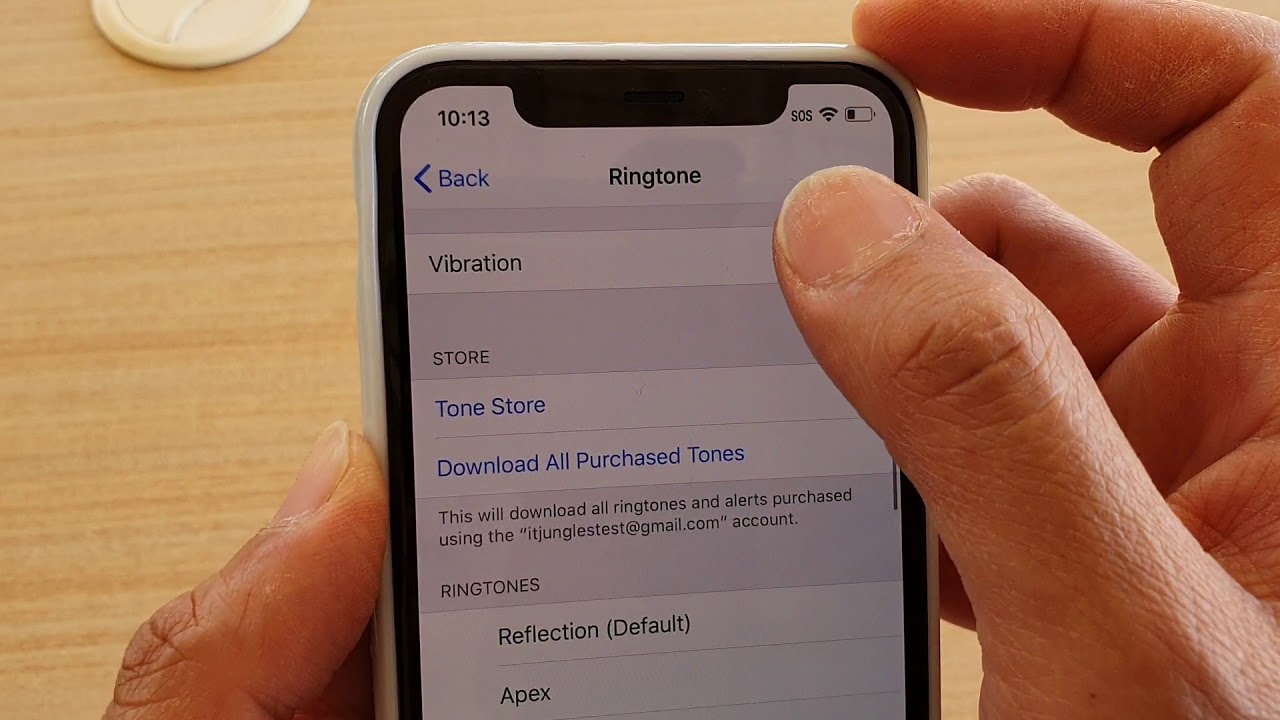
How To Put IPhone 11 On Vibrate Mode

To put iPhone 11 on vibrate, use the physical Ring/Silent switch on the left side of the phone. Flipping the switch toward the back until orange is visible activates Silent...

How To Rename A Video On IPhone 11

To rename a video on iPhone 11, you must use the Files app because the Photos app does not offer a built-in rename feature. The only way to give a...

How To Stop Emails Going To Junk IPhone 11

To stop emails going to junk on iPhone 11, the primary fix is to move a message that was incorrectly filtered from the Junk folder back to your Inbox. This...

How To Increase Font Size On IPhone 11

Adjust system-wide text and increase font size If you need to increase font size on iPhone 11, start in Settings > Accessibility > Display & Text Size to control how...