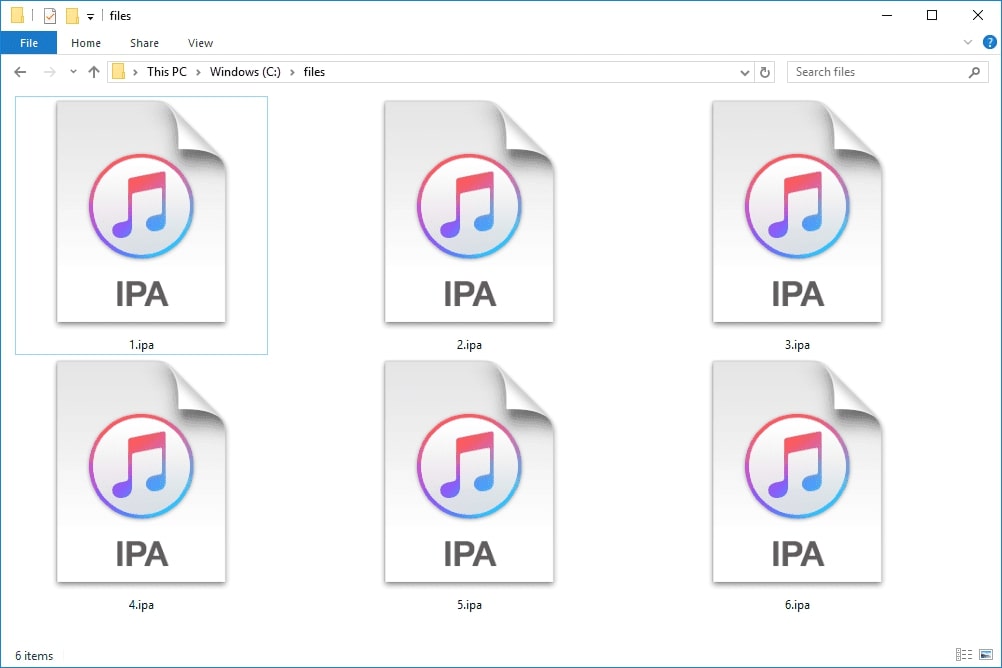
An IPA file is Apple's proprietary iOS and iPadOS app package format, distinguished by the .ipa extension.
What is an IPA file?
An IPA file (iOS application) uses a specific coding proprietary to Apple and is designed exclusively to run on iOS devices such as the iPhone, iPad, and iPod touch. The .ipa extension signifies that the file is an app package for Apple's mobile operating systems. These files are not meant to be viewed directly as documents or media; instead, they serve as containers holding various data pieces that constitute a functional app, including games, utilities, social networking tools, and other software.
What's inside an IPA file?
The internal structure of an IPA file is consistent across all apps. It contains a Payload folder that holds the core application data and executable files. An iTunesArtwork file, typically in PNG or JPEG format, stores the app's icon. All metadata about the application, including its name, version, and bundle identifier, is stored within the iTunesMetadata.plist file.
How Apple officially uses IPA files
According to Apple's official deployment documentation, IPA files are specifically documented for proprietary in-house app distribution to Apple devices. Apps must be in .ipa format and built with an in-house provisioning profile for this purpose. This method is intended for organizations distributing internal applications to their employees' devices, not for consumer app delivery through the App Store.
Where you might encounter IPA files
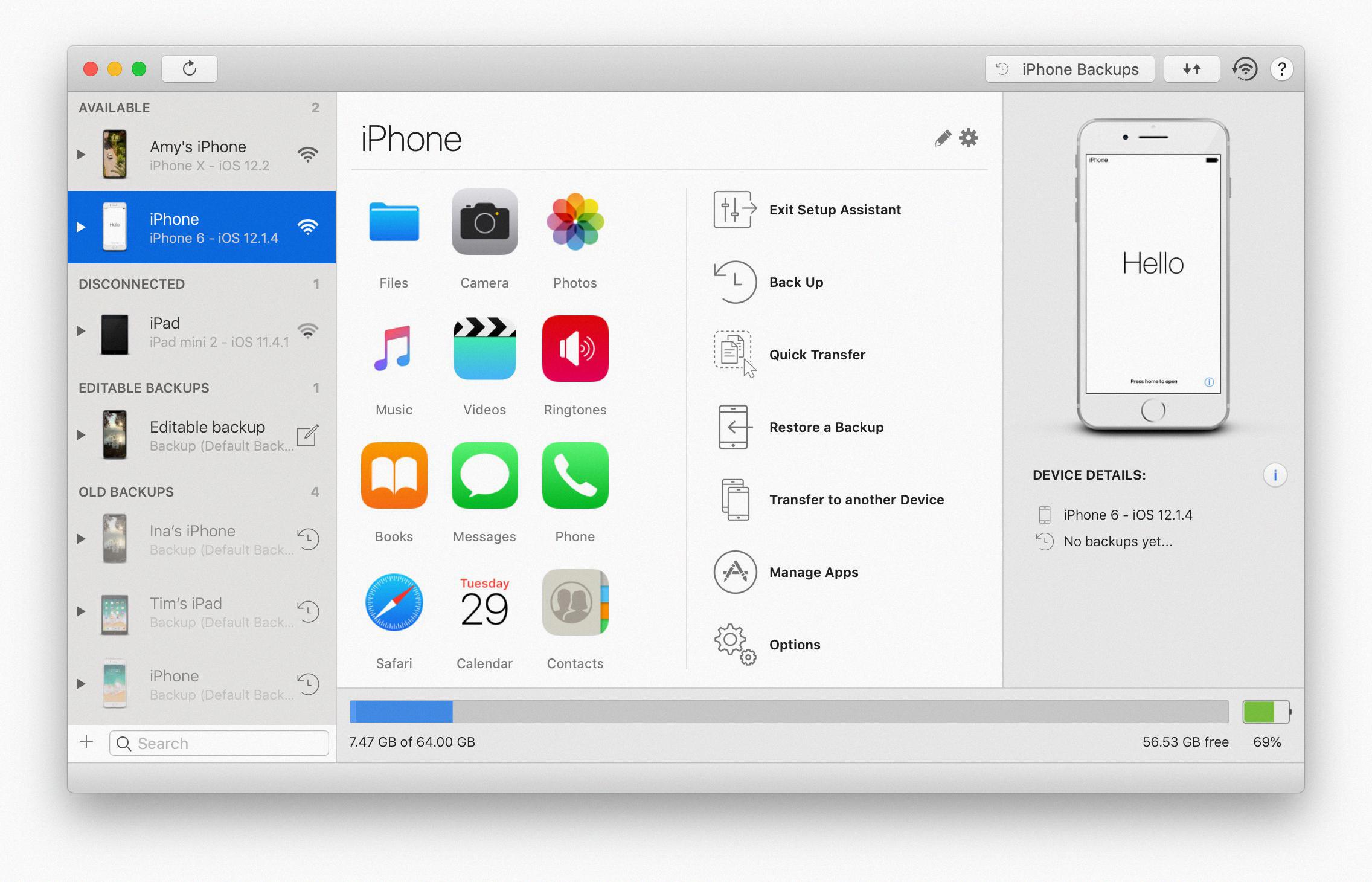
Enterprise IT administrators commonly encounter IPA files when distributing internal business apps to company devices. Developers work with IPA files when testing builds of their applications before submission to the App Store. Older versions of iTunes created backups of purchased apps as IPA files on a computer, though this practice was discontinued with iTunes 12.7. The free Mac app Apple Configurator 2 can download IPA files of apps already installed on an iPhone: sign in, connect the device, and trigger an app update to capture the IPA, which is stored in the temporary cache folder at ~/Library/Group Containers/K36BKF7T3D.group.com.apple.configurator/Library/Caches/Assets/TemporaryItems/MobileApps/. On Windows, a method for downloading an IPA file of an app not yet installed uses iTunes (version prior to 12.7): search the Store, download the app, and locate the file in C:\Users\UserName\Music\iTunes\iTunes Media\Mobile Application. These scenarios involve technical or administrative workflows, not everyday consumer downloads.
IPA files vs. other Apple formats
An IPA file is an app package and should not be confused with an IPSW file, which is Apple's firmware file used for restoring or updating iOS device operating systems. The IPA format is not a media file; it cannot be converted to video or audio formats such as MP4 or MP3. Even if an app contains significant media content, the IPA itself remains an archive of program files that the device uses as software.
What Apple does not support with IPA files
Apple's documentation does not support Android emulation for running IPA files, and no supported Android method for opening IPA files exists in official Apple materials. The iOS emulator iPadian can run IPA files on a computer by installing the emulator and using its built-in App Store to download and launch apps, though this is not supported by Apple.
Frequently Asked Questions
Can I rename an IPA file to ZIP?
Yes, you can rename the .ipa extension to .zip to open the file as an archive. This allows you to view the contents, including the Payload folder and metadata files, but you cannot extract usable source code or run the app from this extracted data.
Why can't I install an IPA file directly on my iPhone?
Apple's iOS security model prevents direct installation of IPA files on consumer devices. The App Store is the only documented method for consumers to install apps, as Apple does not provide a supported path for opening IPA files directly on an iPhone without using enterprise deployment tools or developer provisioning profiles.
What is the difference between an IPA and an APK file?
An IPA file is Apple's proprietary format for iOS apps, while an APK file is the Android application package format. These two file types run on completely different operating systems and cannot be converted between each other while remaining functional. Each format is tied to its respective platform's architecture and security model.
Can I use an IPA file to back up my apps?
Older versions of iTunes (prior to 12.7) automatically stored downloaded apps as IPA files in a Mobile Applications folder during backups.
Do IPA files work on jailbroken devices?
Jailbroken iOS devices can install IPA files through alternative methods, but this is not supported by Apple. Jailbroken devices often use the DEB format through Cydia for software installation, which is distinct from the IPA format used by official Apple distribution methods. Automatic app updates can interfere with IPA capture; to prevent this, disable automatic updates in Settings > iTunes & App Store > Updates, and temporarily turn off Wi-Fi to stop apps from updating before using Apple Configurator 2.
For the wider topic, see phone photos and media.
Related reading: How To Add Accessibility Features To The IPhone & IPad Control Center (iOS 13 & IPadOS) and Where Is IOS Setup Assistant.