The iPhones tag page on CellularNews collects articles specifically for iPhone users, from casual owners to those who like to tinker with their devices. This tag is for anyone who wants to get more out of their phone, whether that means fixing a common glitch, finding a new app, or understanding a key feature.

The articles here solve real-world problems grouped around a few clear themes. One major theme is troubleshooting and network fixes, with guides on resetting network settings, fixing cellular network errors, and using Wi-Fi calling. Another theme is customization and app management, covering how to transfer apps to a new iPhone, schedule text messages, and recover deleted texts and WhatsApp messages. A third theme focuses on entertainment and productivity, including lists of the best Apple Arcade games, free movie apps, and text to speech readers.

These articles help the reader do practical things: fix a phone that won't make calls, learn how to screen record mobile games, recover deleted messages, and choose the best phone case or mobile accessory. They also explain technical topics like what an IPA file is and how to jailbreak an iPhone without a PC, giving clear steps for specific tasks.
How To Turn On IPhone 11 Wireless Charging

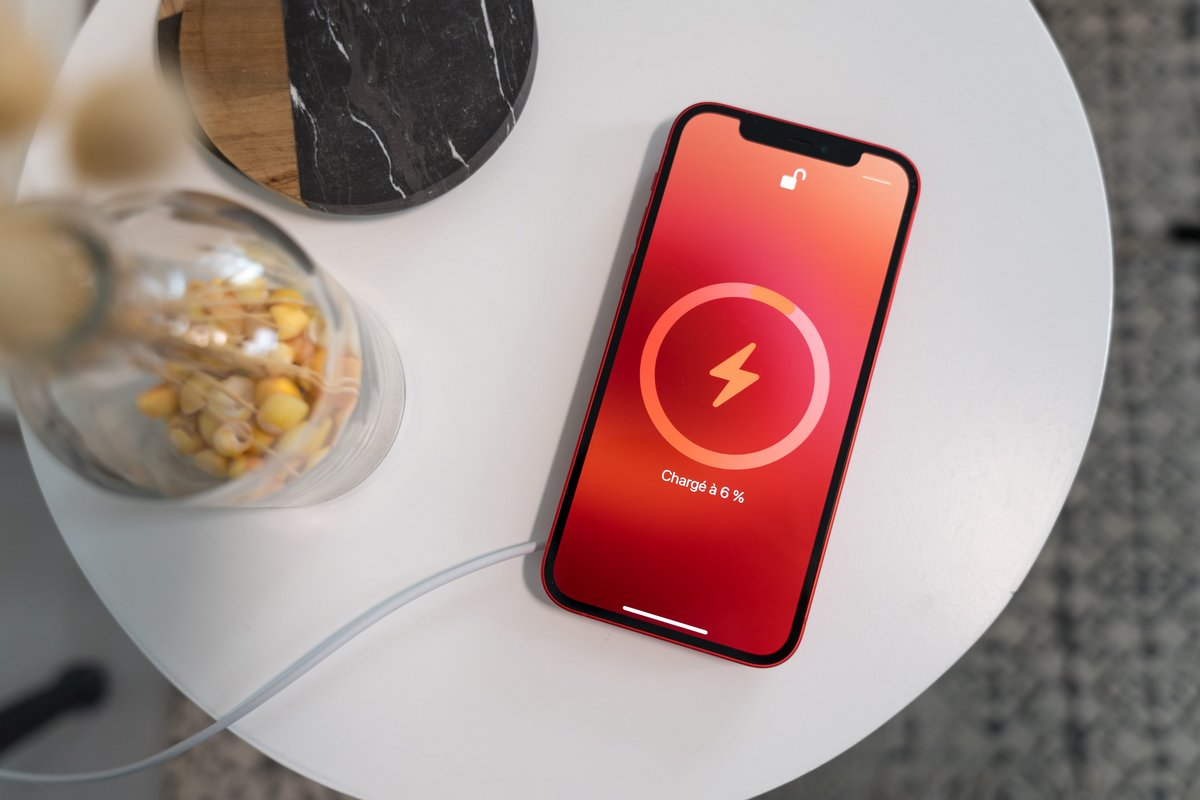
To turn on iPhone 11 wireless charging, you do not need to enable any setting, toggle, or menu, the feature is always active and starts automatically the moment you place...

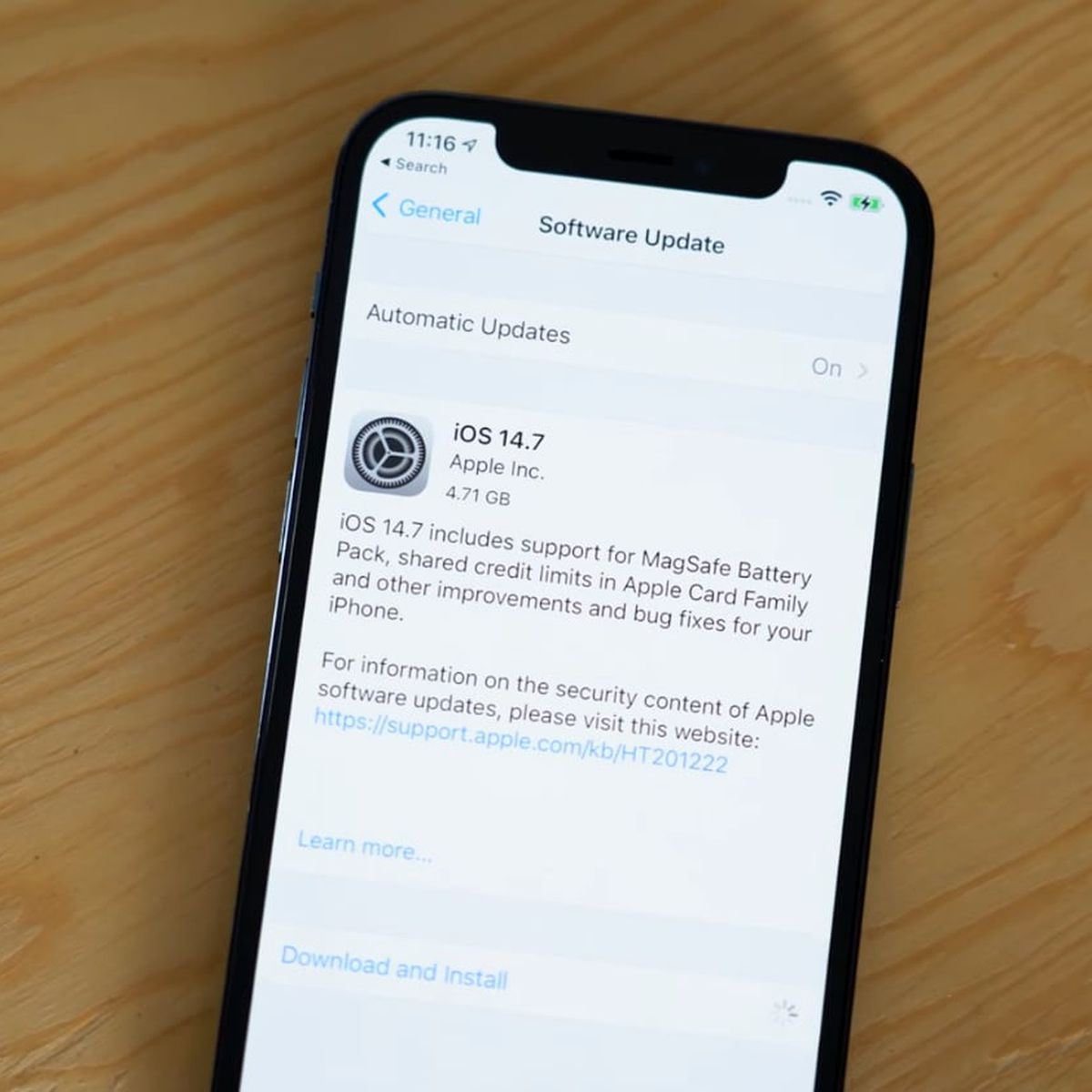
How To Update My IPhone 11

To update my iPhone 11, go to Settings > General > Software Update. Your iPhone 11 supports iOS 27, giving you the latest features and security patches. How to update...

How To Enable MMS On IPhone 11

To enable MMS on iPhone 11, open Settings, tap Apps, then tap Messages, and look for the MMS Messaging toggle. If the toggle is present, turn it on; if it...

How To Take 3D Photos On IPhone 11

You cannot take 3D photos on iPhone 11 using a native camera feature, because Apple’s documented 3D capture mode, Spatial mode, is not available on the iPhone 11. However, you...

How To Close Waze On IPhone 11

How to fully close Waze on iPhone 11To close Waze on iPhone 11, you must use the App Switcher, as this is the only way to completely stop the app...

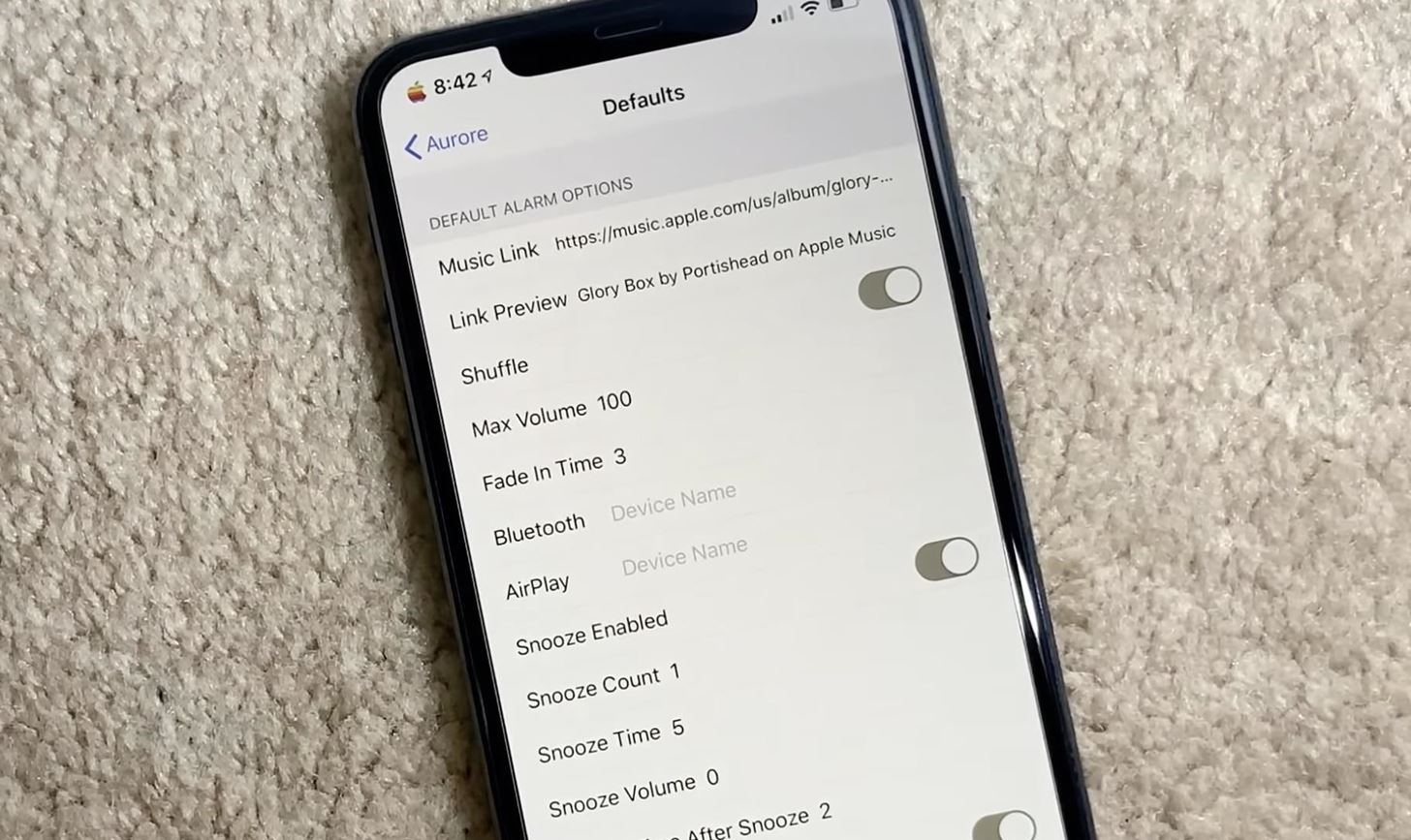
How To Change The Snooze Time On IPhone 11

You can change snooze time on iPhone 11 by opening the Clock app, tapping Alarms, then tapping an alarm and turning on Snooze before selecting a duration. This setting lets...

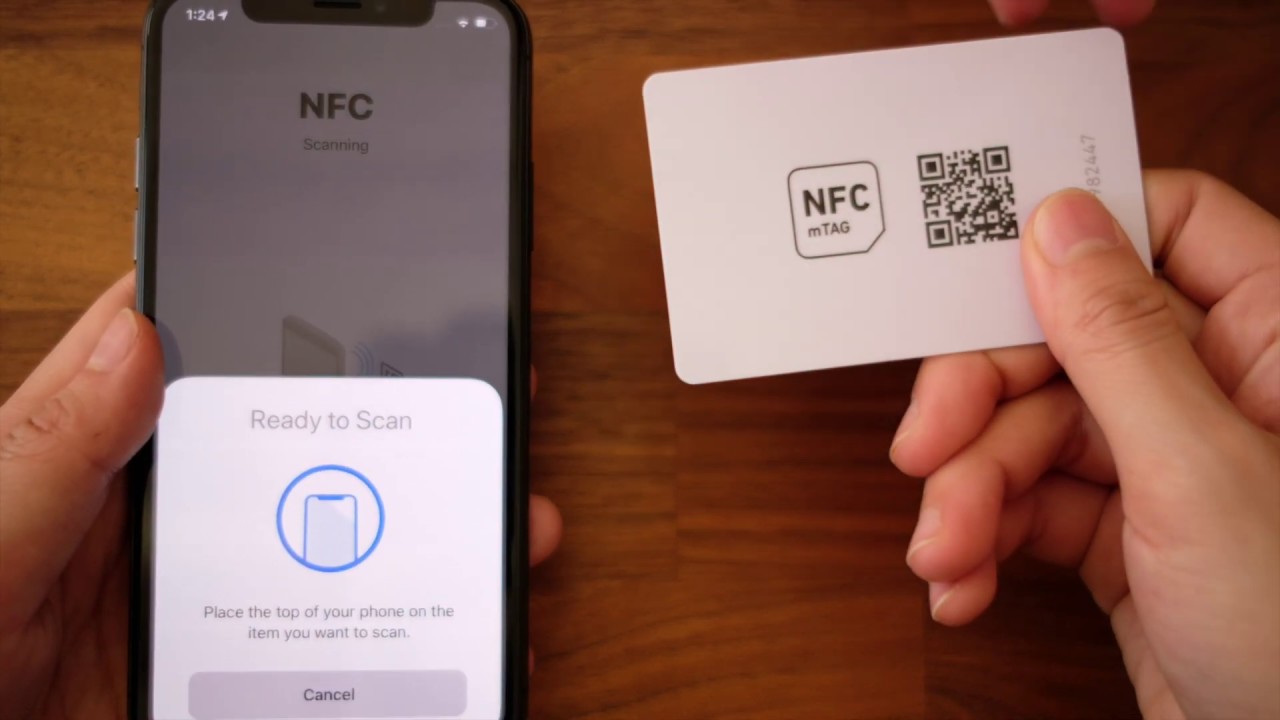
How To Enable NFC On IPhone 11

You do not need to manually enable NFC on iPhone 11 because there is no setting to turn it on or off. Apple documents that the iPhone 11 automatically supports...

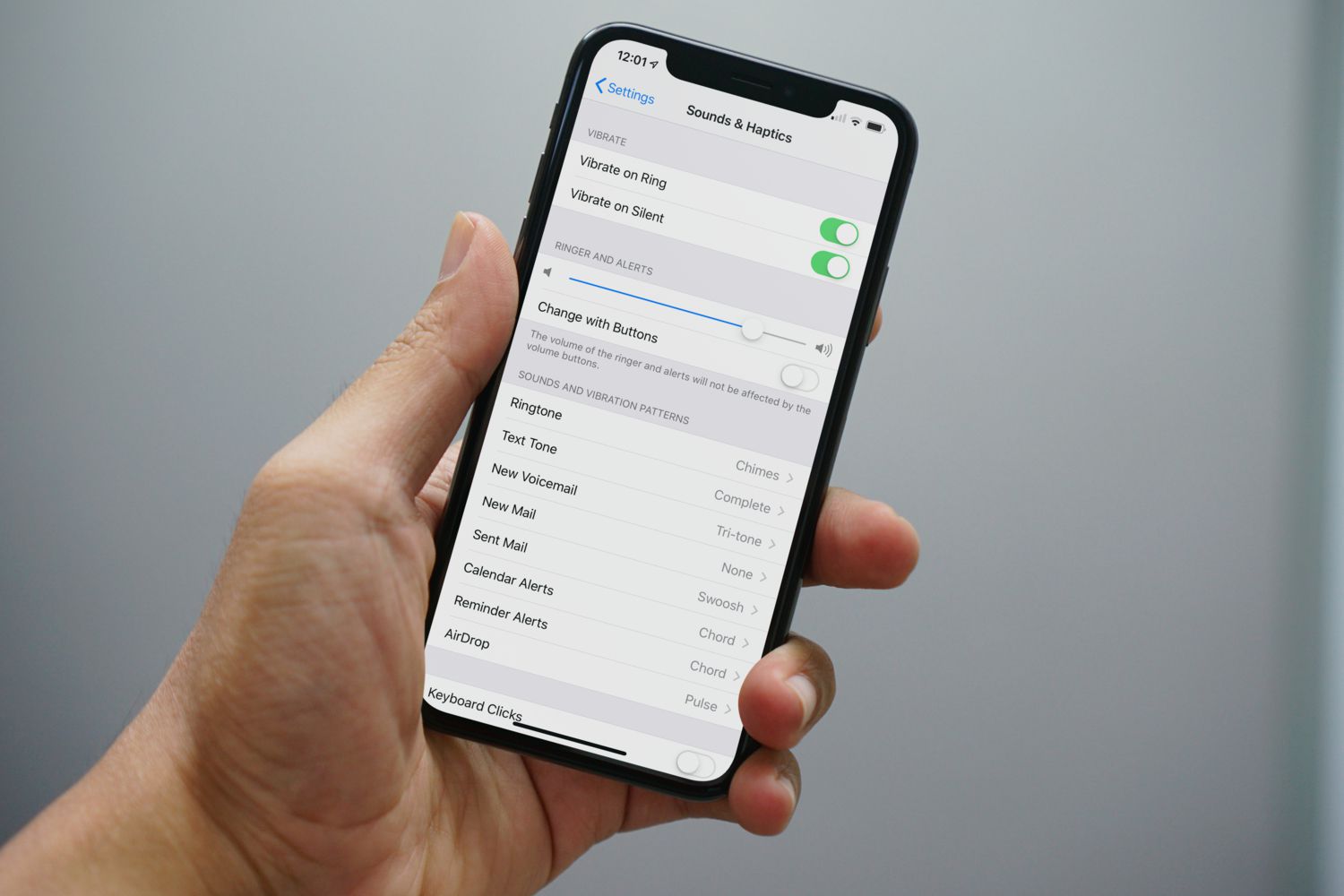
How To Turn The Ringer On IPhone 11

To turn the ringer on your iPhone 11, flip the physical Ring/Silent switch on the left side of the device so that orange is no longer visible. When the switch...

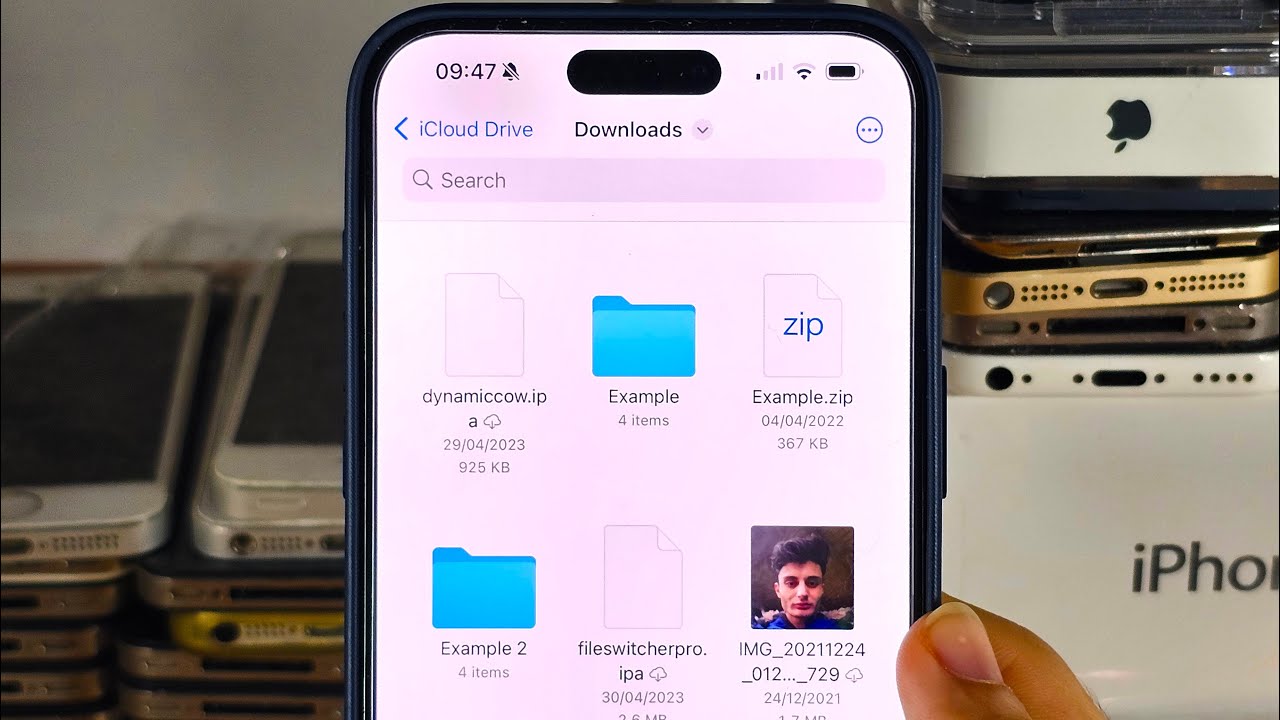
Where Are My Downloads On IPhone 11

Where are my downloads on iPhone 11? Downloaded files are stored in the Files app, typically in the Downloads folder. To find them immediately, open the Files app, tap Browse,...

How To Brighten Screen On IPhone 11

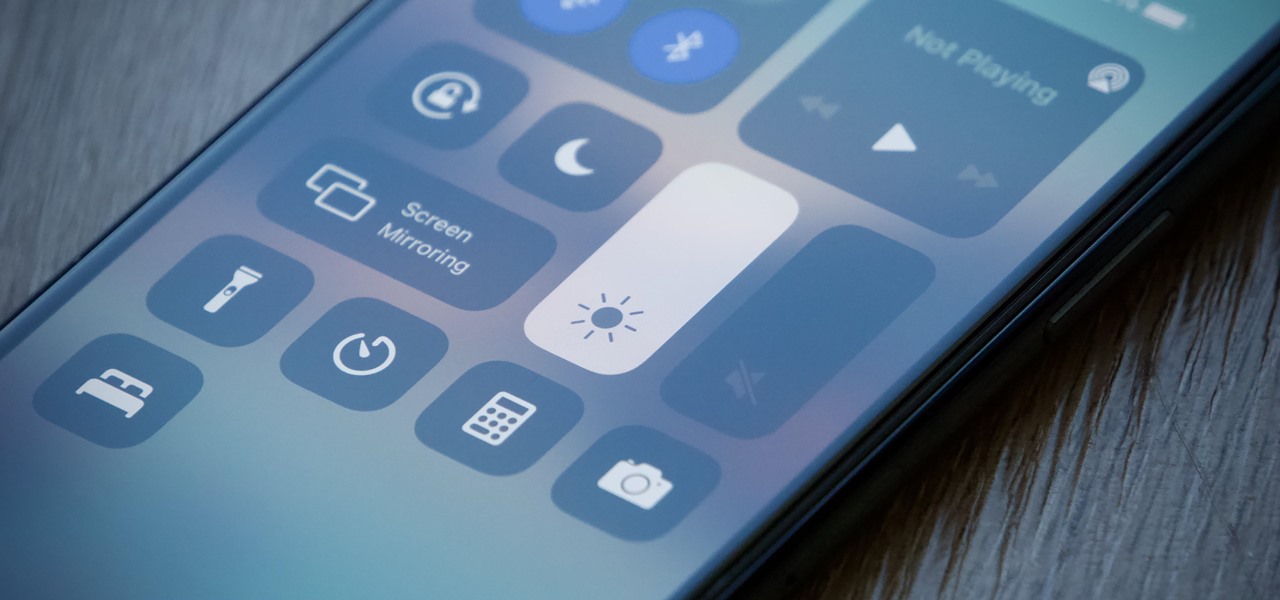
To quickly brighten your iPhone 11 screen, use the Control Center or the Settings app. The two primary methods to brighten screen on iPhone 11 are dragging the brightness bar...

How To Turn Off Call Forwarding On IPhone 11

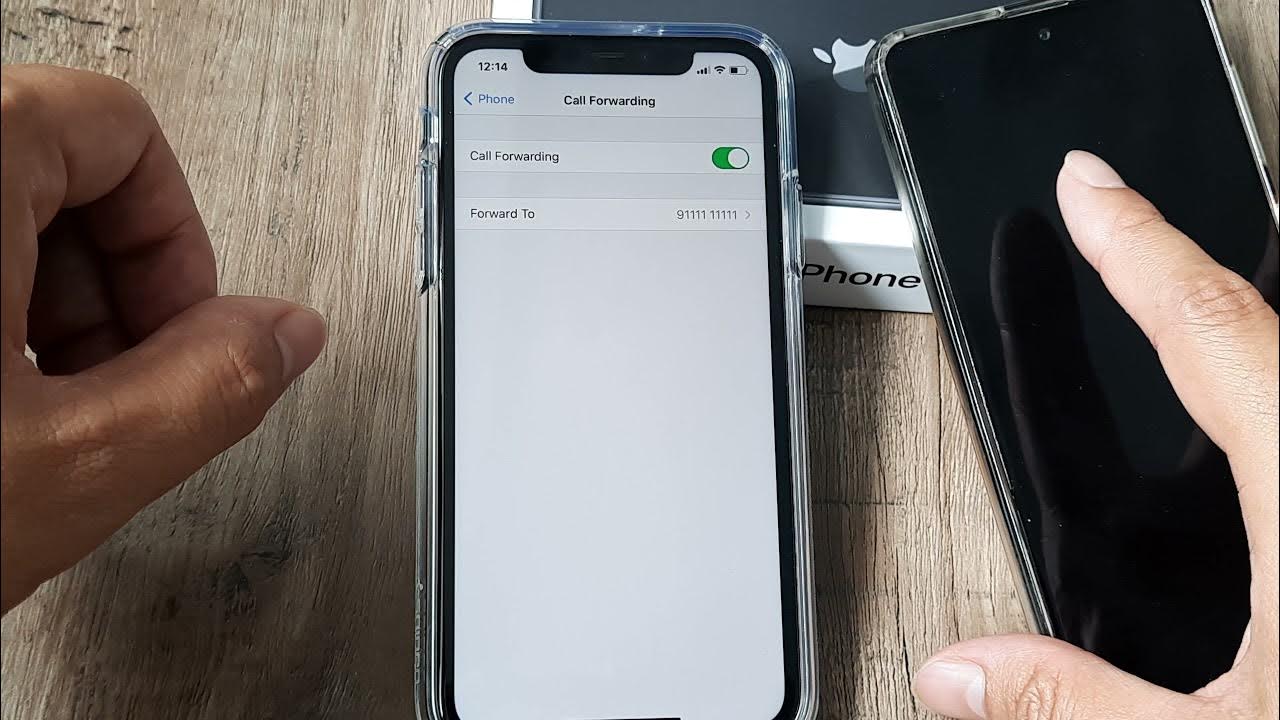
To turn off call forwarding on iPhone 11, open Settings, tap Apps, tap Phone, tap Call Forwarding, and toggle the switch off. On older iOS versions, the path is Settings...

How To Unmute My IPhone 11

To unmute your iPhone 11, locate the Ring/Silent switch on the left side of the phone and flip it toward the front of the device. This turns Silent mode off,...