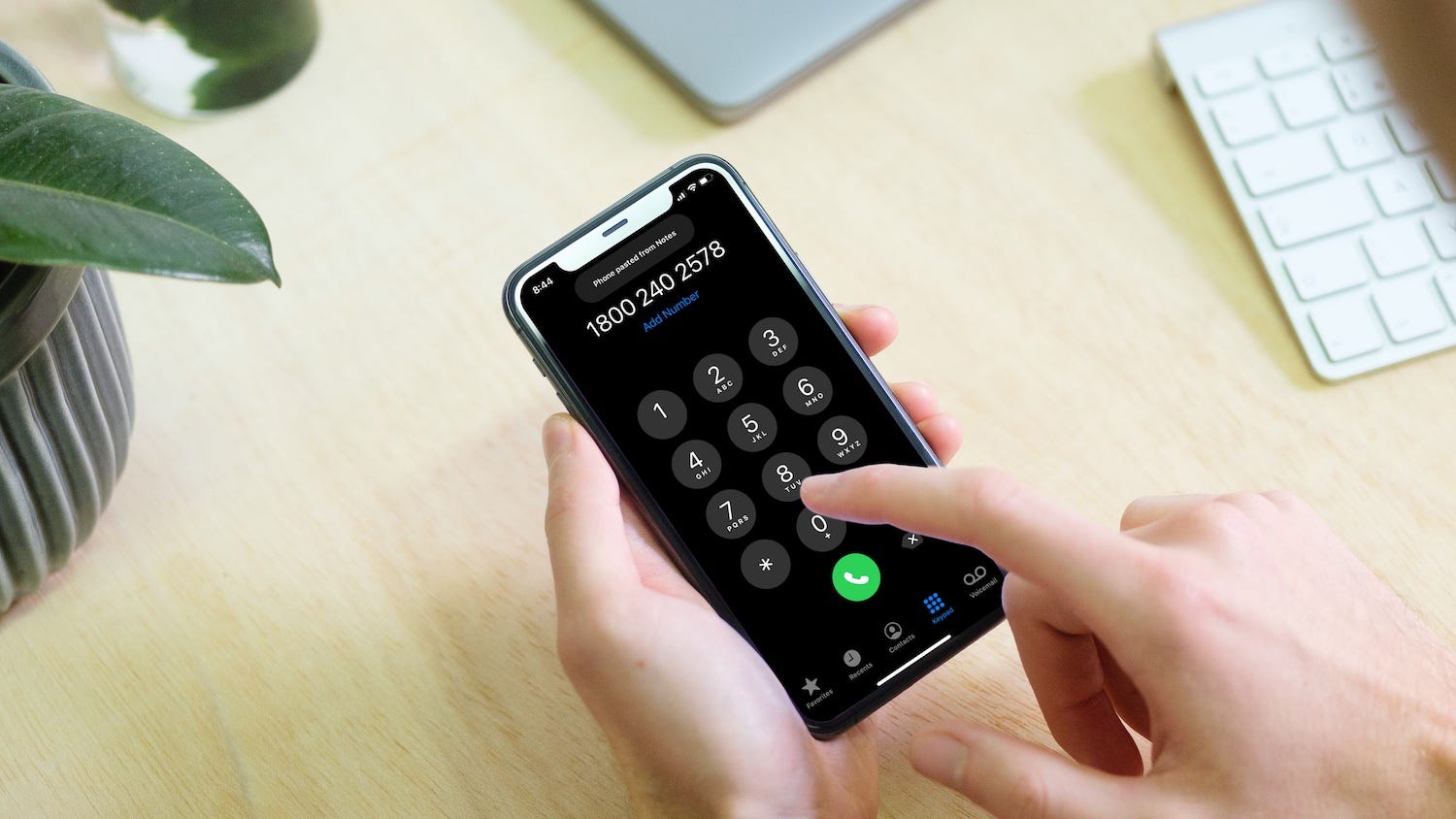
To recover a deleted phone number, you must restore your contacts from a backup created before the deletion. The exact method depends on your device, with iPhone users restoring from iCloud.com and Android users restoring from their Google Account settings.
How to recover a deleted phone number on iPhone
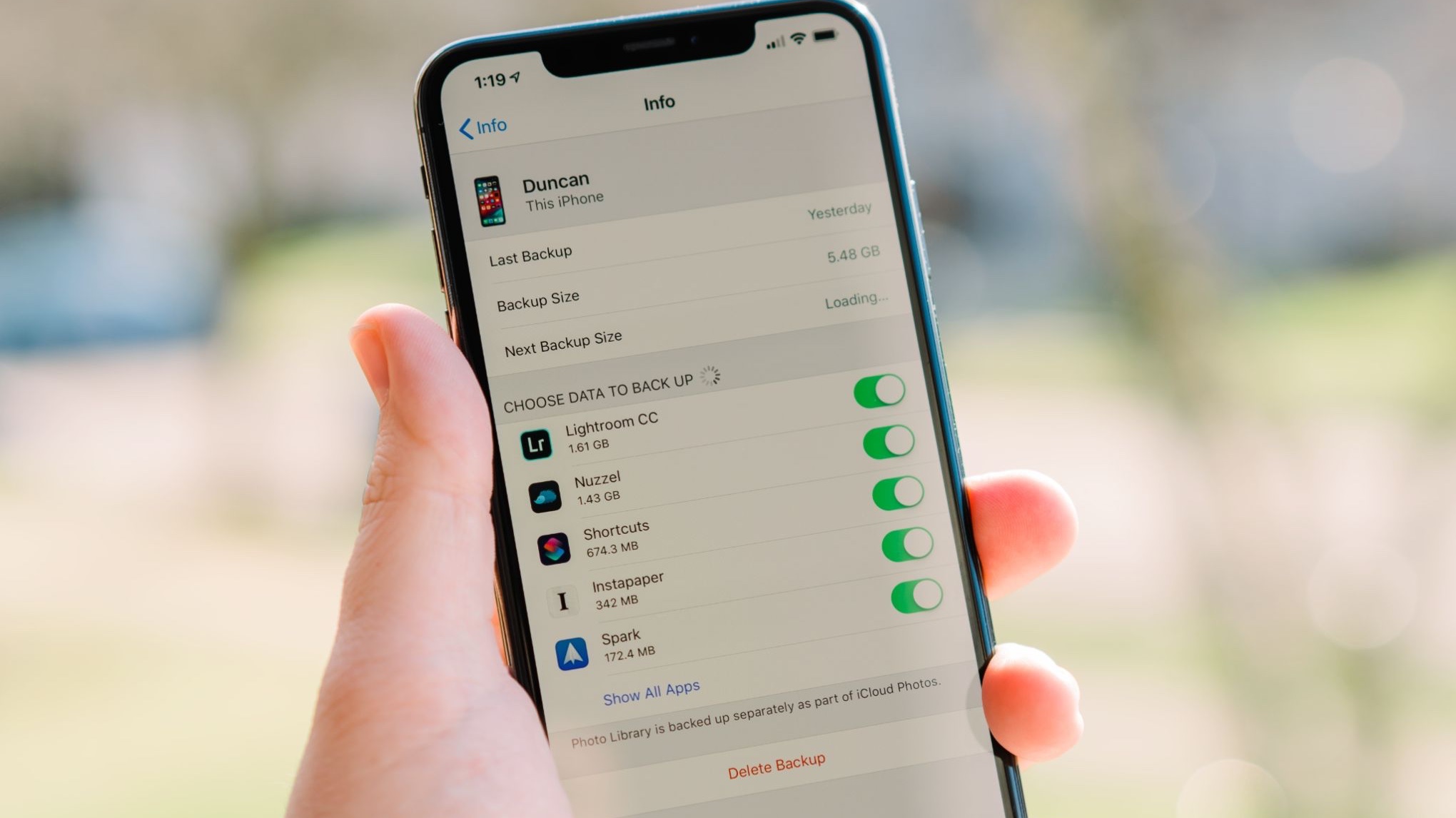
If Contacts were turned on in your iCloud settings before the number was deleted, you can restore them directly from iCloud.com. This process recovers the deleted number along with your entire contact list from a chosen archive. If the number is not in iCloud or Google backup, the other option is restoring a device backup made before the deletion. Restoring from a device backup will replace all data on the device with the backed-up data.
- Sign in to iCloud.com.
- Scroll to the bottom of the page and select Data Recovery.
- Click Restore Contacts.
- Select Restore next to the archive version dated before the deletion.
- Confirm by clicking Restore again.
After confirmation, the restored contacts and contact lists appear on all devices where Contacts is turned on in iCloud settings. Any changes made during the restore process are not saved until iCloud finishes restoring.
How to recover a deleted phone number on Android
Android users can restore deleted contacts from a Google Account backup by following the official settings path.
- Open the phone’s Settings app.
- Tap Google.
- Tap Set up & restore.
- Tap Restore contacts.
- If you have multiple Google Accounts, tap From account and select the correct account.
- Tap the phone with the contacts to copy. Optionally, turn off SIM card or Device storage if you do not want to copy those sources.
- Tap Restore until “Contacts restored” appears.
Restored contacts also sync to the current Google Account and other devices. The restore only copies contacts that do not already exist on the phone, which helps avoid duplicates.
Check your Google Contacts sync settings
If a restore does not bring back the number, your Android device may not have been syncing all contact sources. Turning on automatic sync for device and SIM contacts ensures future deletions are recoverable from your Google Account.
- Open Settings.
- Tap Google services and preferences.
- Tap All services.
- Tap Backup and restore.
- Tap Google Contacts sync.
- Turn on Also sync device and SIM contacts (labeled as Sync device and SIM contacts automatically on some devices).
This setting applies to Android phones and tablets. Once enabled, contacts from your device storage and SIM card are included in your Google Contacts backup.
Check your online accounts and contacts
If the number is not in iCloud or Google backup, it may still exist in other synced services. Logging into social media, email, and cloud storage accounts where contacts may be synced provides a secondary recovery method. Check platforms such as Facebook, Instagram, Gmail, Outlook, Google Drive, or Dropbox for saved contact information. This approach is especially useful if you previously synced contacts to these services without realizing it, or if you are actively removing phone numbers from accounts and devices and need to locate a copy elsewhere. Data recovery software can scan your device's internal storage for deleted data, but success varies by device model, OS, and time since deletion. Act quickly and avoid saving new data to maximize recovery chances, as deleted data can be overwritten. Contact your service provider as a last resort; they may be able to retrieve the deleted phone number from their records. When contacting your service provider, you will need to verify your identity and may need to fill out a form or grant temporary device access.
Frequently Asked Questions
Do I need a backup to recover a deleted phone number?
Yes, the documented recovery methods for both iPhone and Android require a backup made before the deletion. Without a backup, the number cannot be recovered through official settings or iCloud.com.
Can I recover a deleted phone number from Google Contacts Trash?
If the missing phone number was deleted from your contact list rather than lost from a backup, the Trash feature in Google Contacts is the documented place to check. However, the retention period for items in Trash is not specified in official documentation, so you should check as soon as possible.
How can I prevent accidentally deleting phone numbers in the future?
Regularly back up your contacts to a cloud service such as iCloud or your Google Account. On Android, enable the “Also sync device and SIM contacts” setting to ensure all sources are included. On iPhone, confirm that Contacts is turned on in your iCloud settings.
Related reading: How To See When Your Phone Was Last Backed Up and How To Disconnect My Apple Watch From My Old Phone.