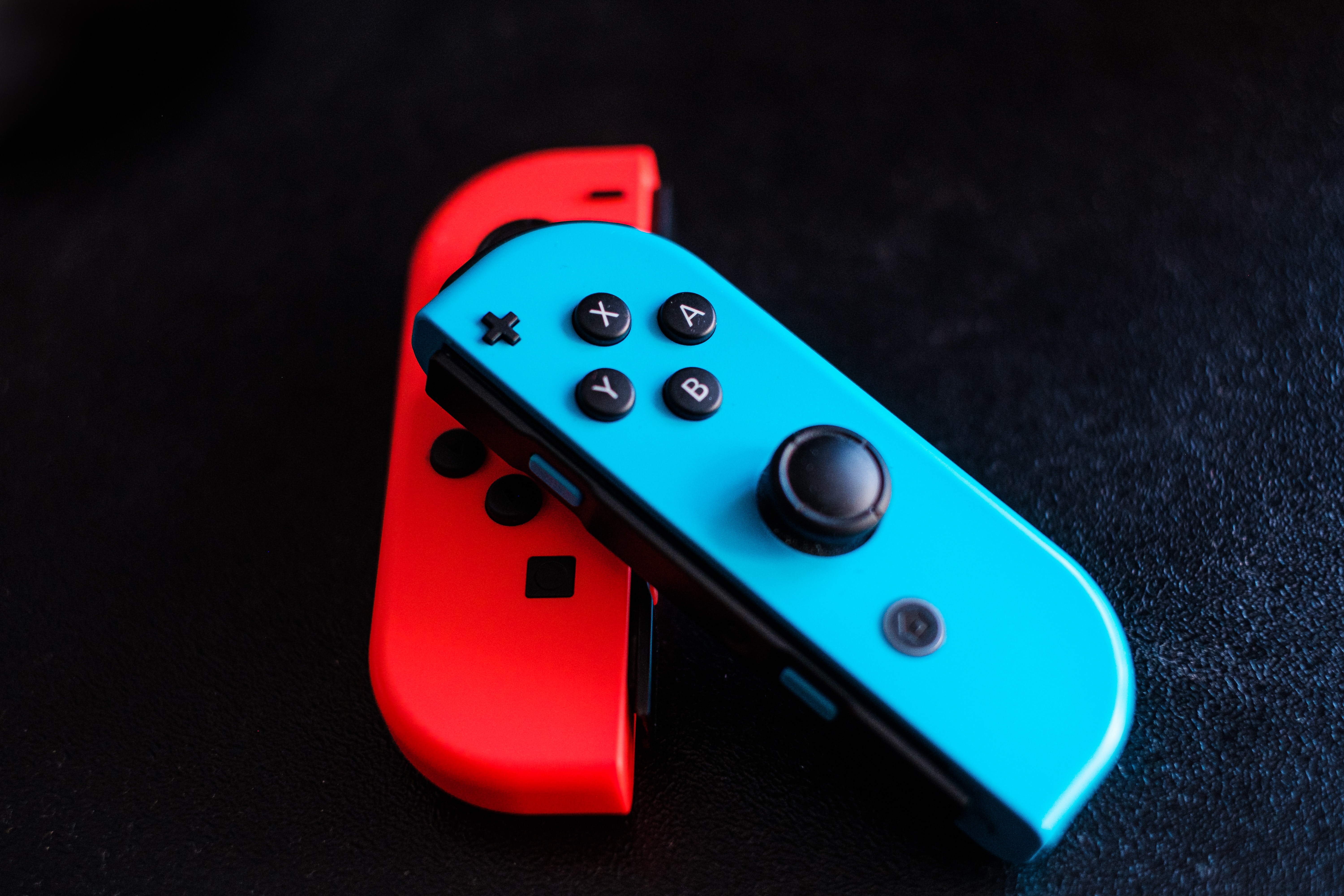
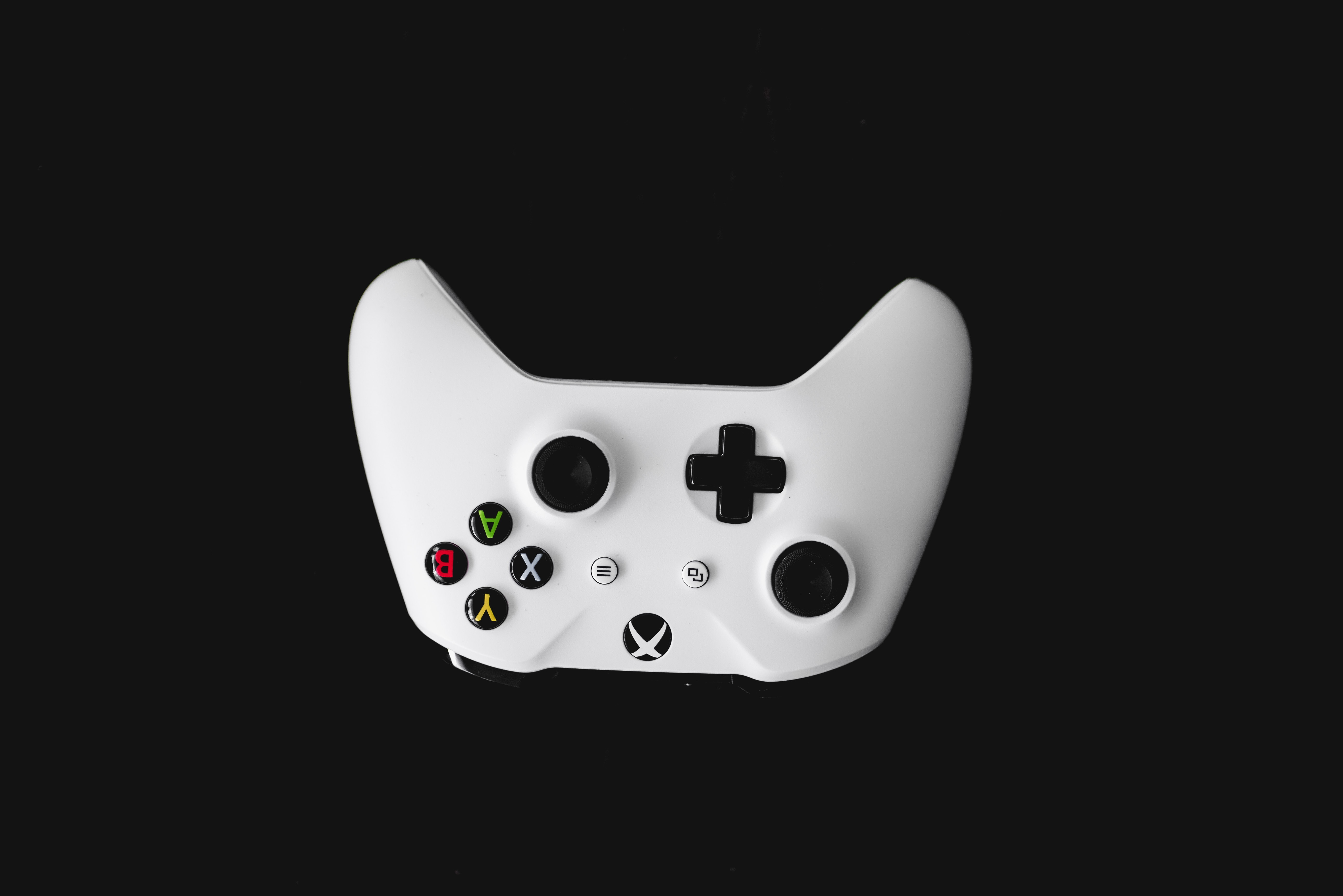
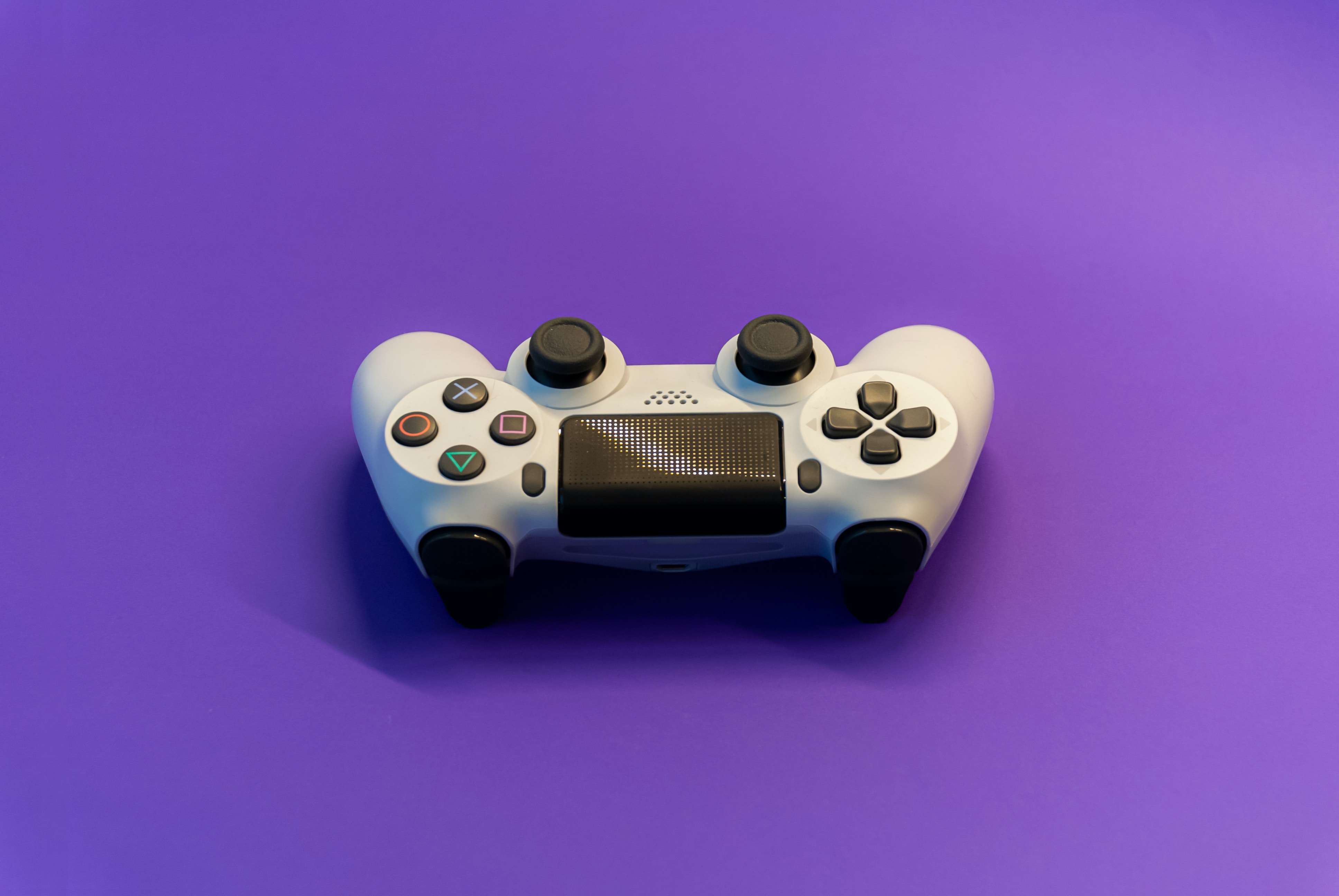
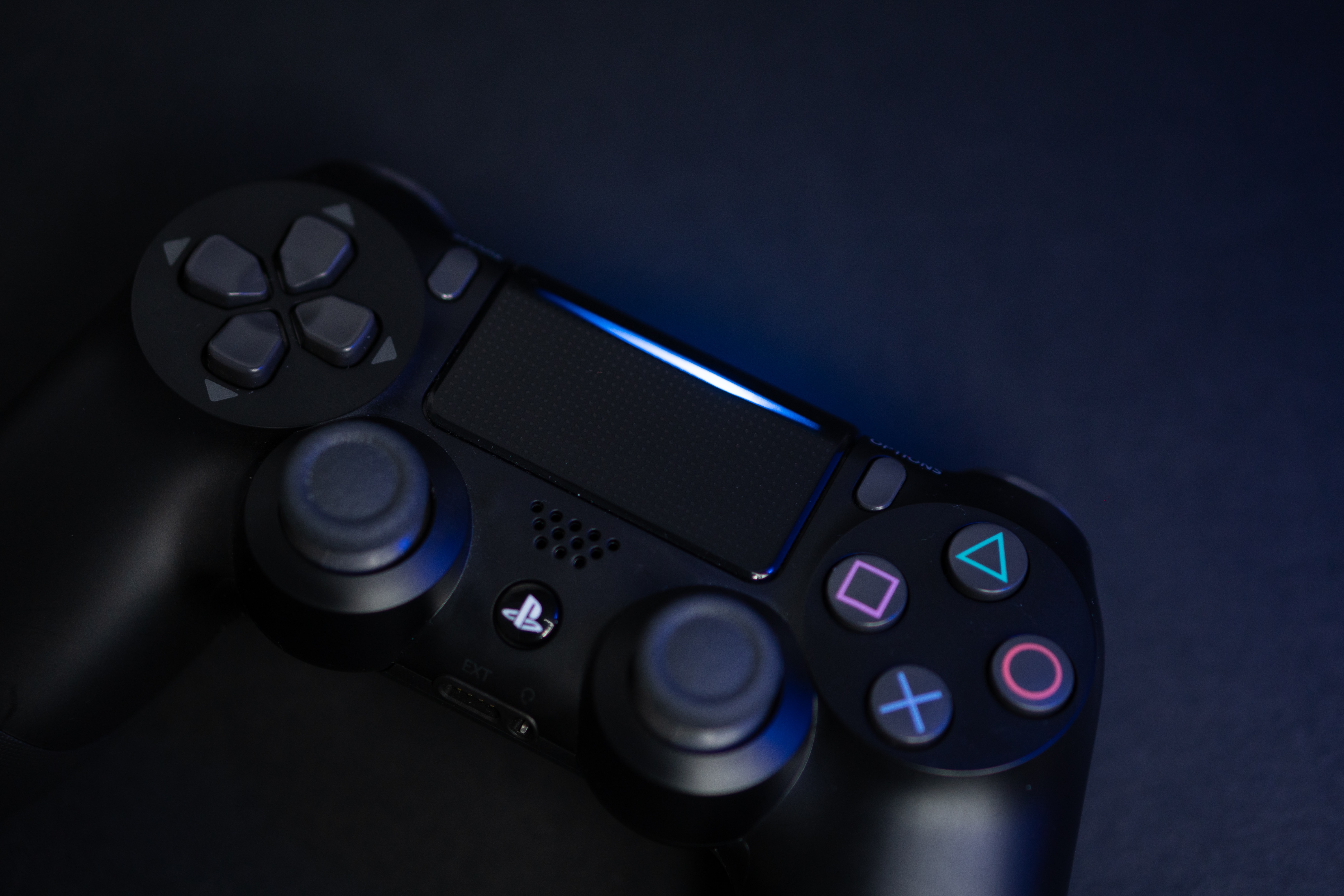
Guides and troubleshooting advice for anyone who uses a joystick with their phone, PC, or game console. This section is built for mobile gamers, PC flight SIM enthusiasts, and anyone dealing with a worn-out or misbehaving controller. Whether you are connecting a peripheral for the first time or trying to revive an old gamepad, these articles offer practical, step-by-step help.
The articles here fall into two clear groups: fixing hardware problems and fine-tuning software settings. On the hardware side, you will find direct repair guides for common issues like a loose joystick on an Xbox One controller, a non-clicking stick on a Nintendo Switch, or a drifting joystick on a Switch Lite. There are also instructions for replacing a Nintendo Switch joystick entirely. For software and calibration, the collection covers how to adjust deadzone, reduce sensitivity, and calibrate a joystick in specific games like Rise of Flight. You can also learn how to mode shift in the Steam Controller joystick or set up controls for War Thunder and DCS World.
These articles help you do specific things: fix a physical joystick that has stopped working properly, adjust its response to match your playstyle, or configure it for a particular game or emulator. For example, you can learn how to use a mouse in Dolphin to act more like a joystick, or how to play games with a joystick on a PC. The goal is to solve real problems with clear, actionable steps, no fluff, just fixes and setup guidance.