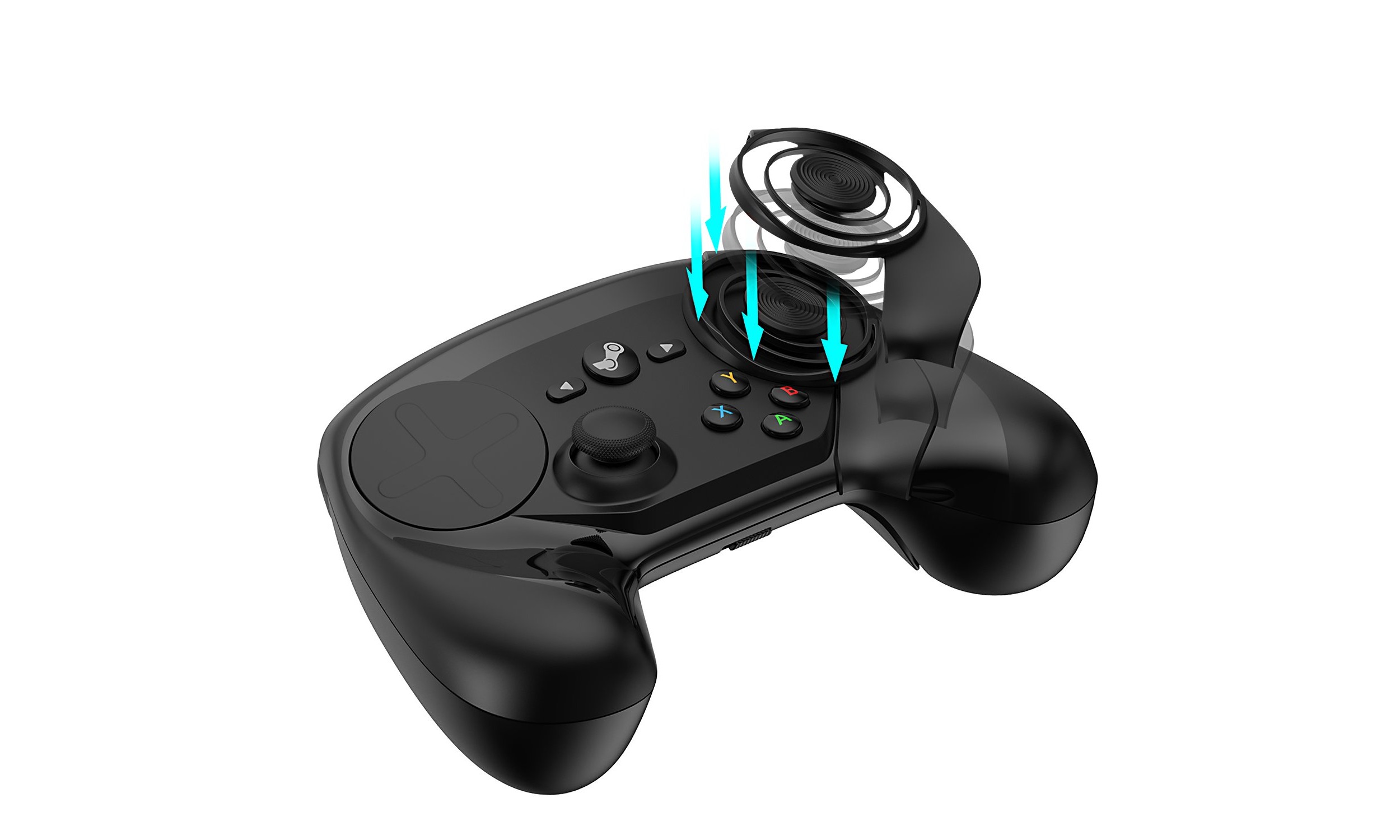
Steam controller mode shift lets you temporarily change your joystick's input style while holding a button, then reverts automatically when you release it. This is essential for gamers using joysticks for PC gaming who want, for example, their left stick to act as a right joystick for camera control only while a trigger is pulled.
What is a Steam controller mode shift?
Mode shifting is a Steam Input feature that changes an input style while a button is held and returns to normal when released. For a joystick, this means you can press a trigger or other button to make the stick behave differently, such as switching from movement to camera control, without leaving your current configuration. The change is active only as long as you hold the mode shift button, so you never have to toggle modes manually.
Which input sources support mode shifting
Steam Input lists joystick as a valid input source for mode shifting, alongside DPad, Button Pad, Mouse, Mouse Joystick, Joystick Move, Joystick Mouse, Joystick Camera, Scroll Wheel, Touch Menu, Mouse Region, Radial Menu, and Single Button. When mode shifting a joystick, you can shift it to DPad, Button Pad, Joystick Move, Joystick Mouse, Scroll Wheel, Mouse Region, or Radial Menu. You cannot shift a joystick to Mouse, Mouse Joystick, Joystick Camera, Touch Menu, or Single Button.
How to set up a joystick mode shift in Steam Input
- Open the controller configuration for your Steam Controller (from Steam Big Picture or the game's controller settings).
- Select the joystick you want to mode shift (for example, the left stick).
- Choose Mode Shifting from that joystick's settings.
- Set Style of Input to the behavior you want while the button is held (e.g., Joystick Move).
- Set Output to the target output (e.g., Right Joystick).
- Set Mode Shift Button to the button that will activate the shift (e.g., Right Trigger Full Pull).
- Go Back > Back > Done to save.
The exact setup path documented in a support thread: select the left stick, select Mode Shifting, then set Style of Input = Joystick Move, Output = Right Joystick, and Mode Shift Button = Right Trigger Full Pull, then go Back > Back > Done. The mode shift will activate only while you hold that button and will revert as soon as you release it.
Example: shifting left stick to right joystick on trigger pull
A common setup is making the left stick control the right joystick only when you pull the right trigger fully. To do this, select the left stick in your controller configuration, then choose Mode Shifting. Set Style of Input to Joystick Move, Output to Right Joystick, and Mode Shift Button to Right Trigger Full Pull. Now, while you hold the right trigger fully, the left stick will act as the right joystick for camera or aiming. Release the trigger, and the left stick returns to its normal function.
Customizing your mode shift settings
Within the mode shift configuration, you can adjust settings for the shifted input style. For a joystick shifted to Joystick Move, you can modify sensitivity, deadzone, and haptic feedback to match how you want the stick to feel while the mode shift is active. These adjustments apply only to the shifted behavior, so your normal joystick settings remain unchanged when the mode shift button is not held.
Troubleshooting mode shift issues
If your mode shift does not activate, first confirm that the mode shift button is correctly selected in the configuration. If the shift reverts unexpectedly, check that the button is set to a hold-type input (like a trigger full pull) rather than a toggle. Conflicting configurations from other controller profiles can also cause issues, ensure no other config is overriding the same joystick or button. Joystick drifting can occur due to dirt or debris around the joystick; fix by cleaning with a soft cloth or compressed air, and if the problem persists, the joystick component may need replacement. If the controller is not responsive, check that batteries are inserted correctly and have enough charge, and ensure the USB receiver is properly connected. For connectivity issues like frequent disconnections or lag, remove nearby sources of interference such as other electronic devices or metal objects, and consider using a USB extension cable to position the receiver optimally. If the controller fails to turn on, double-check battery placement, replace depleted batteries, or try connecting directly via USB cable to see if it powers on. If problems persist, update your Steam client and controller firmware, and re-select the mode shift button in the joystick's settings.
Frequently Asked Questions
How do I enable Joystick Mode on the Steam Controller?
Enter Big Picture Mode, navigate to Settings > Controller > Controller Settings, select the Steam Controller, and click 'Use Joystick Move for Mouse'.
Can I switch between Joystick Mode and the default mouse mode?
Yes, by pressing the dedicated Joystick Mode button, typically located beneath the left joystick.
Can I use Joystick Mode on other platforms apart from Steam?
No, Joystick Mode is specifically designed for the Steam Controller and is exclusive to the Steam platform.
Can I mode shift a joystick to act as a mouse?
No. The official list of valid shifts for a joystick does not include Mouse, Mouse Joystick, or Joystick Camera. You can shift to Joystick Mouse, which simulates mouse-like behavior using joystick output, but not to a direct mouse input.
Does mode shifting work with any button on the Steam Controller?
Yes, you can assign any button, trigger, grip, or pad press as the mode shift button. The shift is active only while that button is held, and it reverts immediately on release.
Will mode shifting affect my normal joystick settings?
No. The sensitivity, deadzone, and other settings you configure for the mode shift apply only while the mode shift button is held. Your normal joystick behavior remains unchanged when the button is not pressed.
Can I use mode shifting in any game on Steam?
Mode shifting is part of Steam Input, so it works in any game that supports Steam Controller configurations. The game does not need special support, the mode shift is handled entirely within the controller profile.
Why does my mode shift sometimes not revert when I release the button?
This usually happens if the mode shift button is set to a toggle-style input rather than a hold. Check that the button binding is set to a full pull or press that only activates while held, not a toggle or double-press action.
Related reading: How To Adjust Deadzone Joystick and How To Enable Joystick Arma.