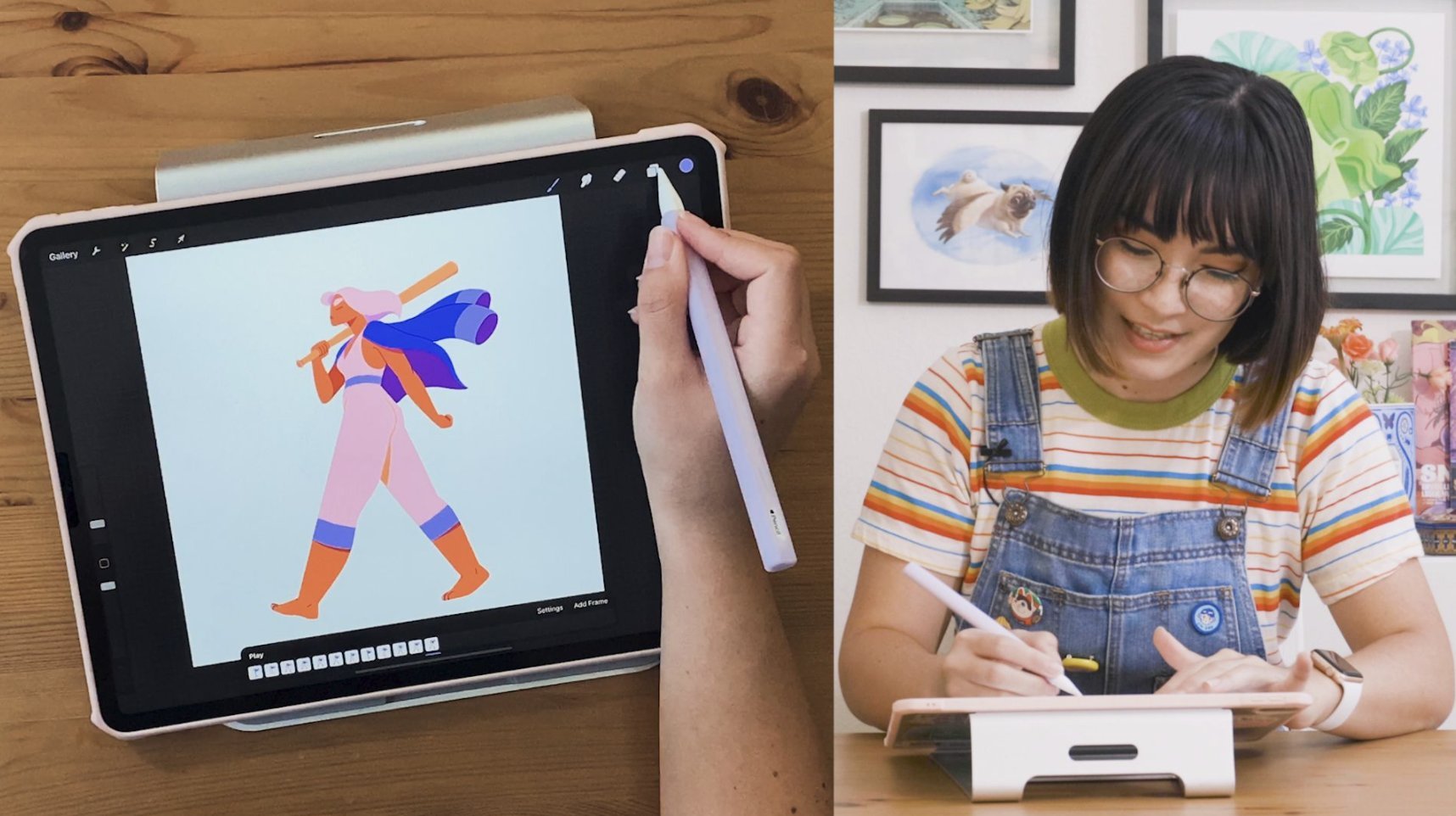
Practical guides for anyone using Procreate on their iPad, from casual doodlers to more serious digital artists. These articles are designed for users who want to master the core layer-based workflow that makes Procreate such a powerful drawing and design tool, helping you move from confusion to confident creation.
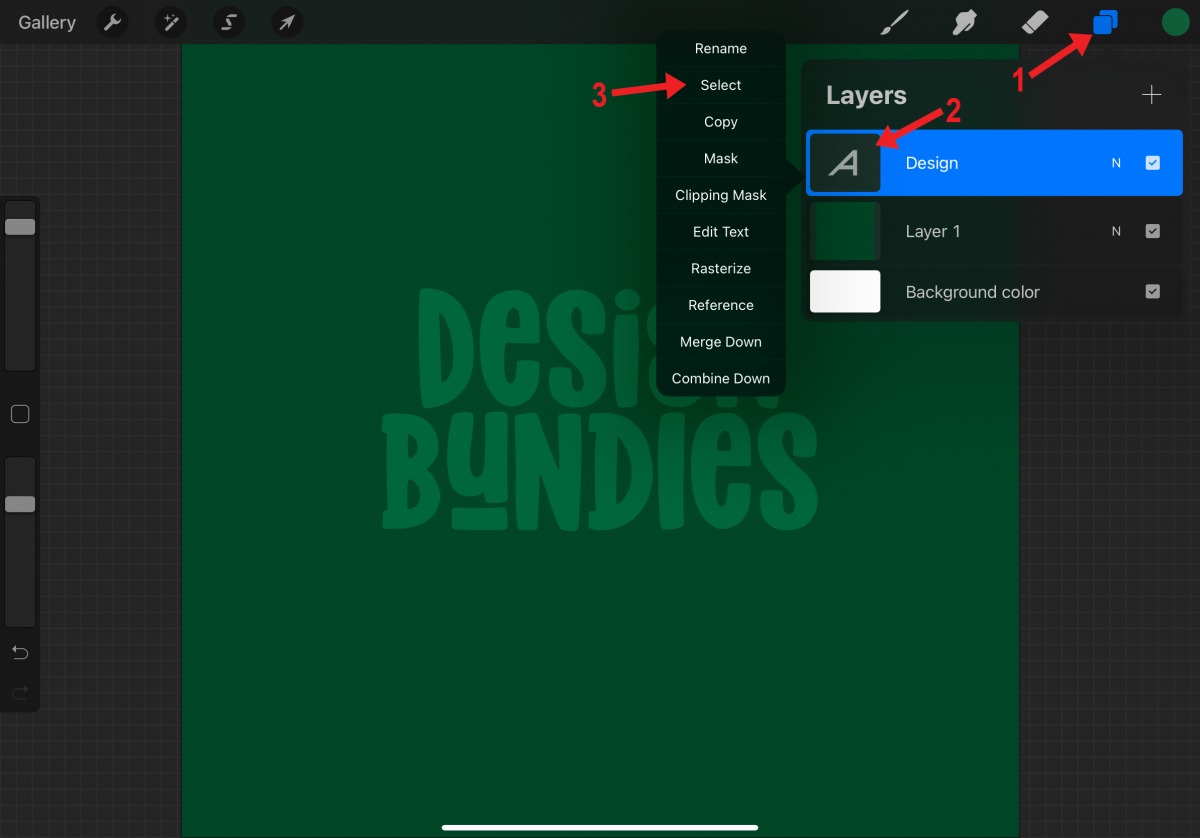
The articles here solve specific, hands-on problems grouped around a few clear themes. One major theme is layer management and organization, you will find straightforward steps for merging layers, moving a layer, ungrouping them, and flipping a layer to mirror your artwork. Another theme focuses on transparency and visibility, with guides on how to make a layer transparent, how to turn down opacity on a layer, and how to change the opacity of a layer on Procreate. A third theme covers image manipulation and masking, including how to cut out an image, how to resize an image, and how to alpha lock to keep your shading within the lines.
By following these guides, you will learn to do essential tasks like tracing an image, making the background transparent on Procreate, and coloring inside the lines without messy edges. Whether you are trying to shade a portrait or animate a simple drawing, these articles give you the direct, no-nonsense steps to get the job done.