Straightforward guides for anyone who uses a phone to text, whether you are new to smartphones, switching carriers, or just trying to make your messaging experience a little more personal. These articles are written for everyday phone owners who need clear, step-by-step help without the jargon, covering both Android and iPhone devices as well as basic flip phones.
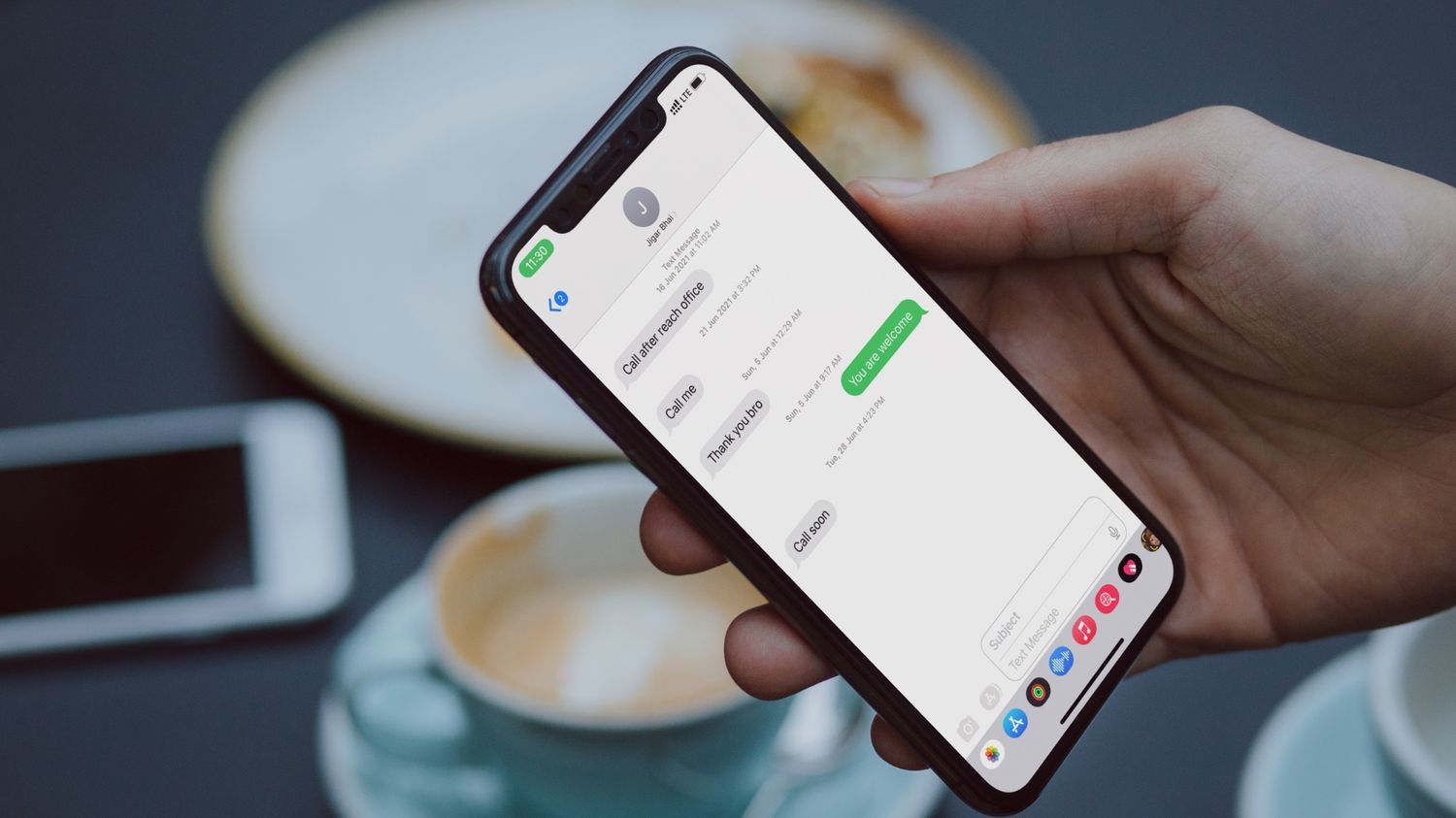
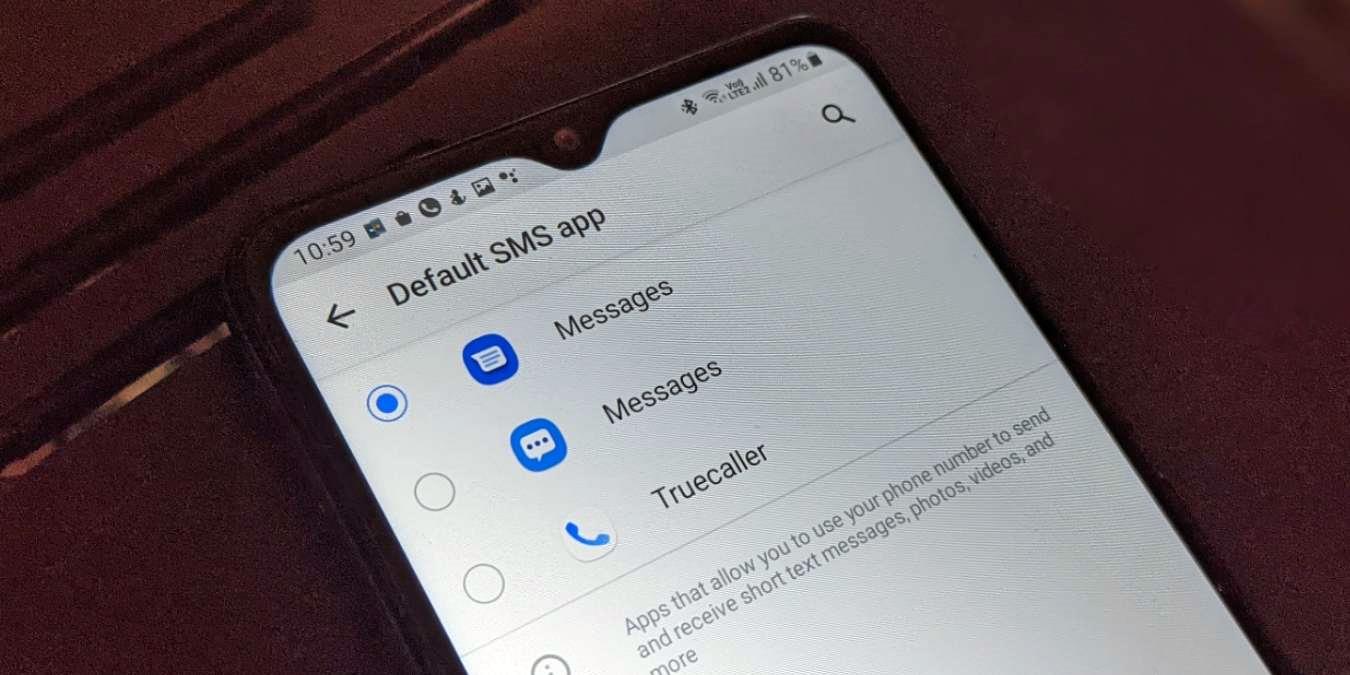
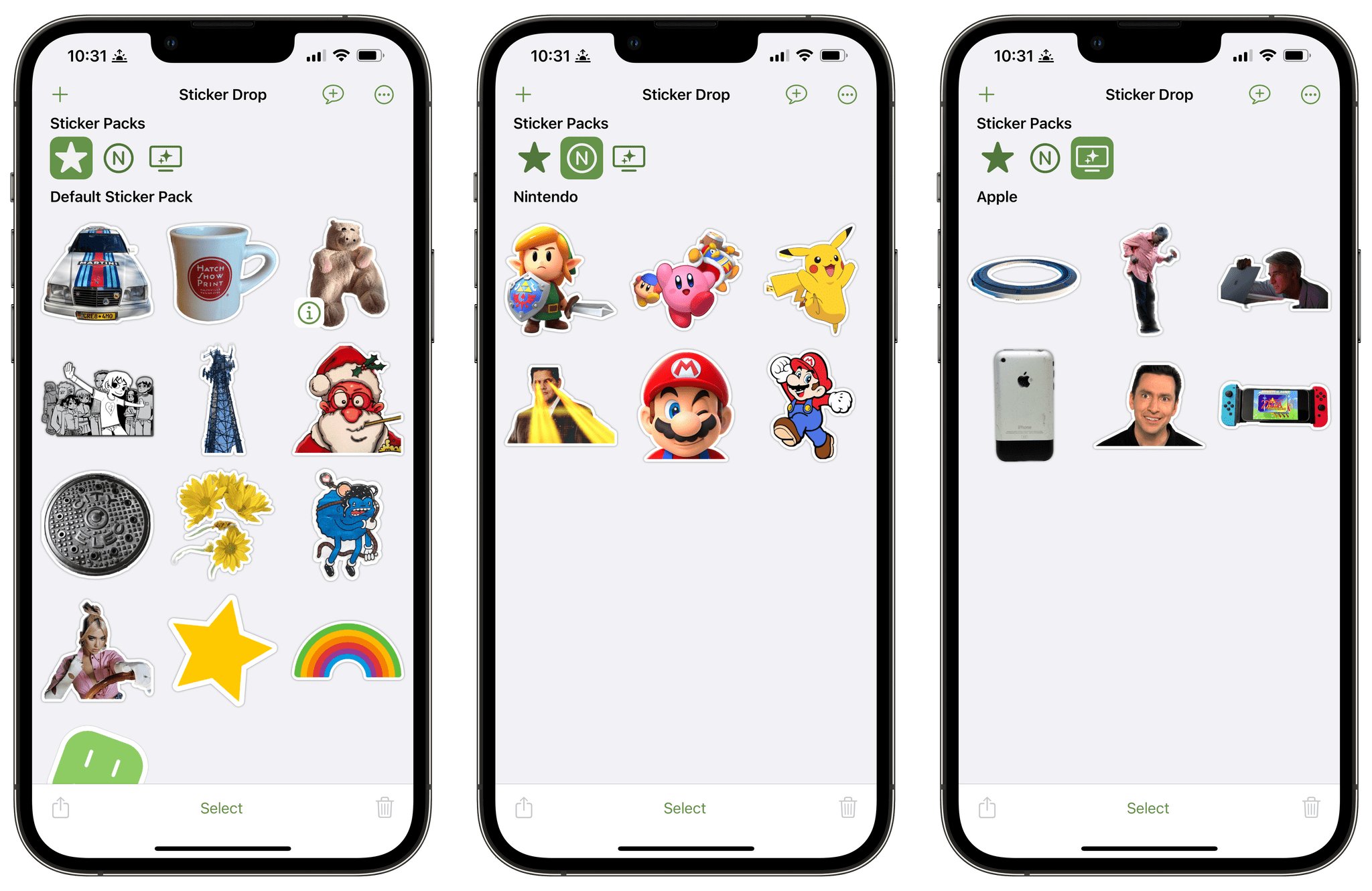
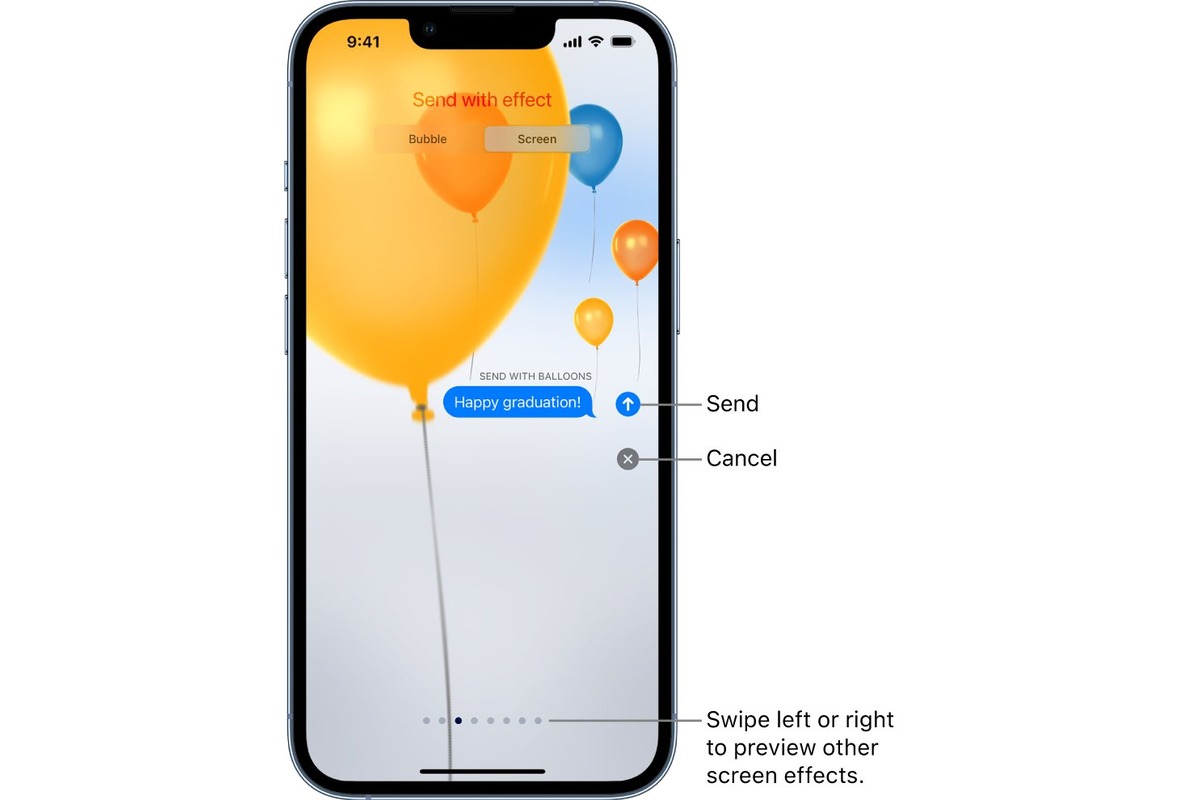
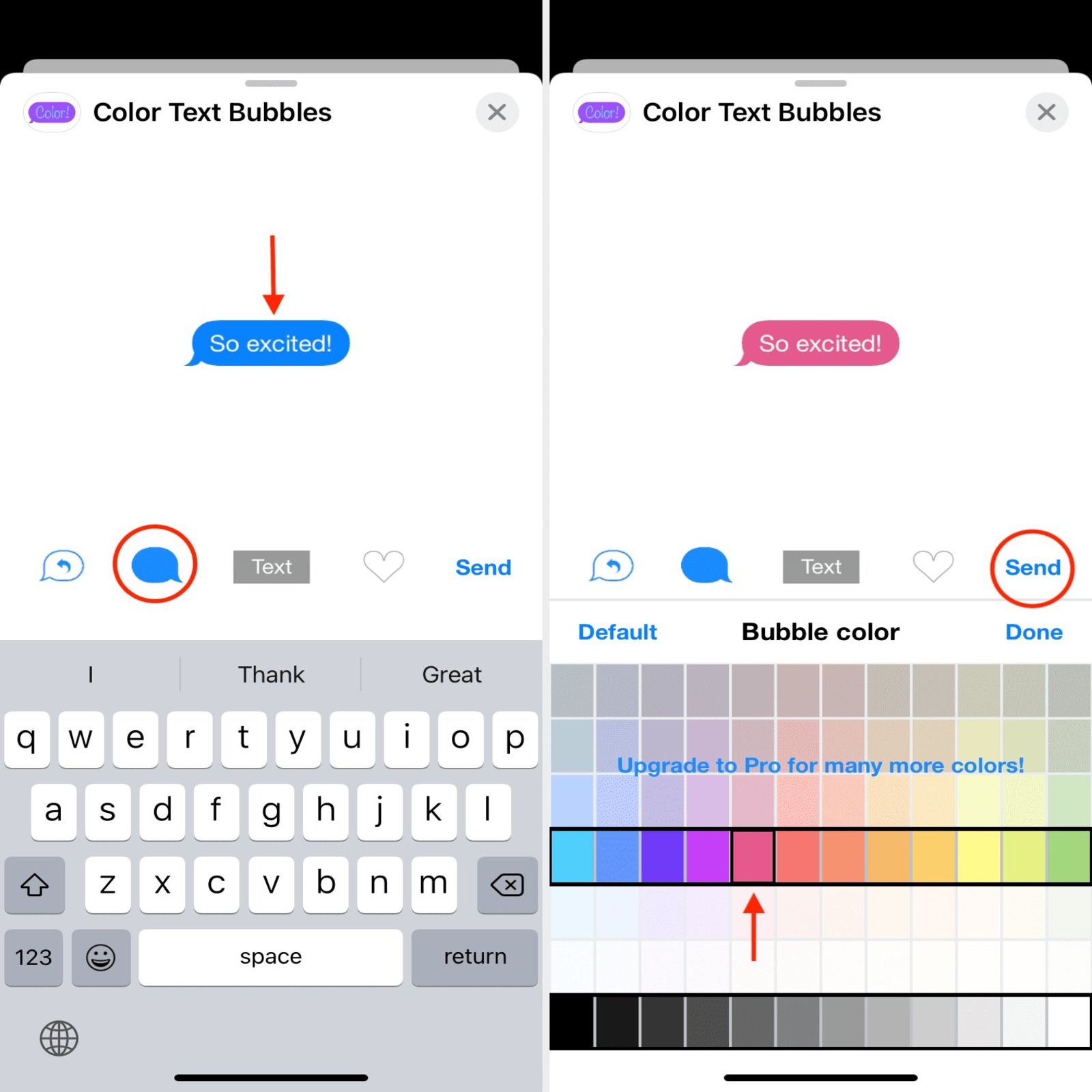
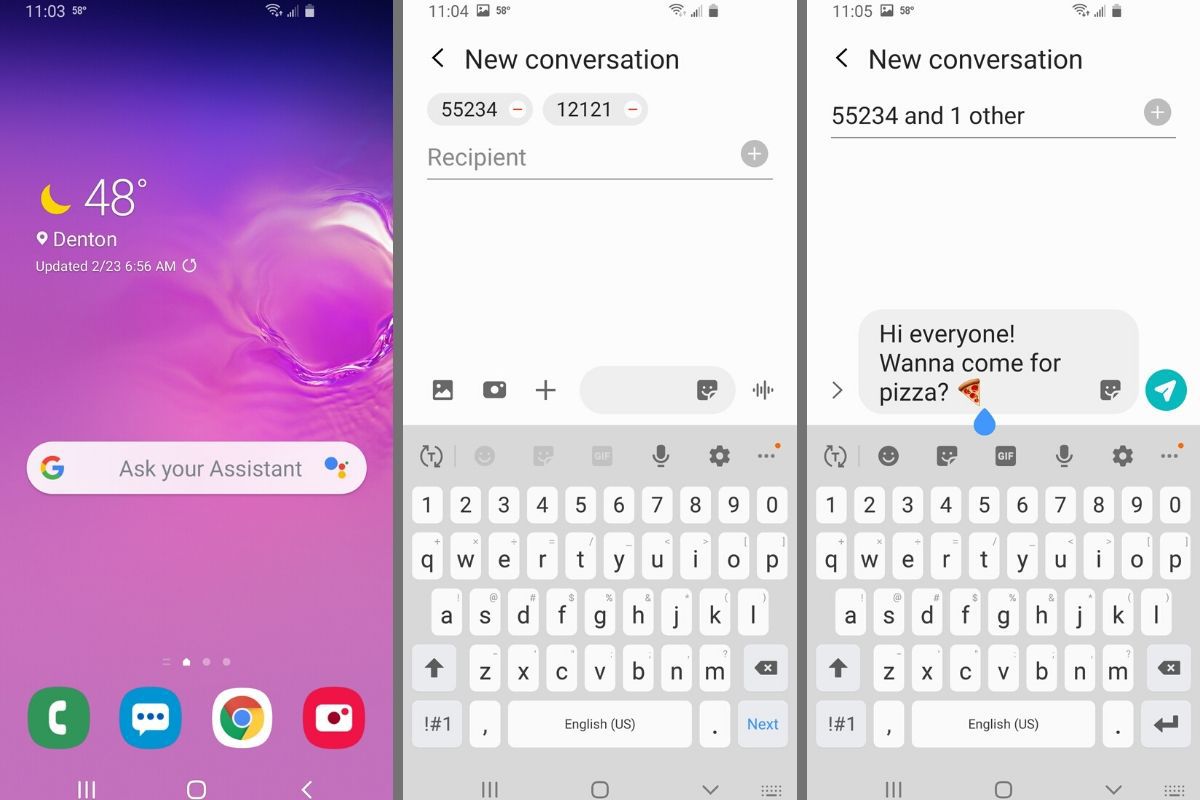
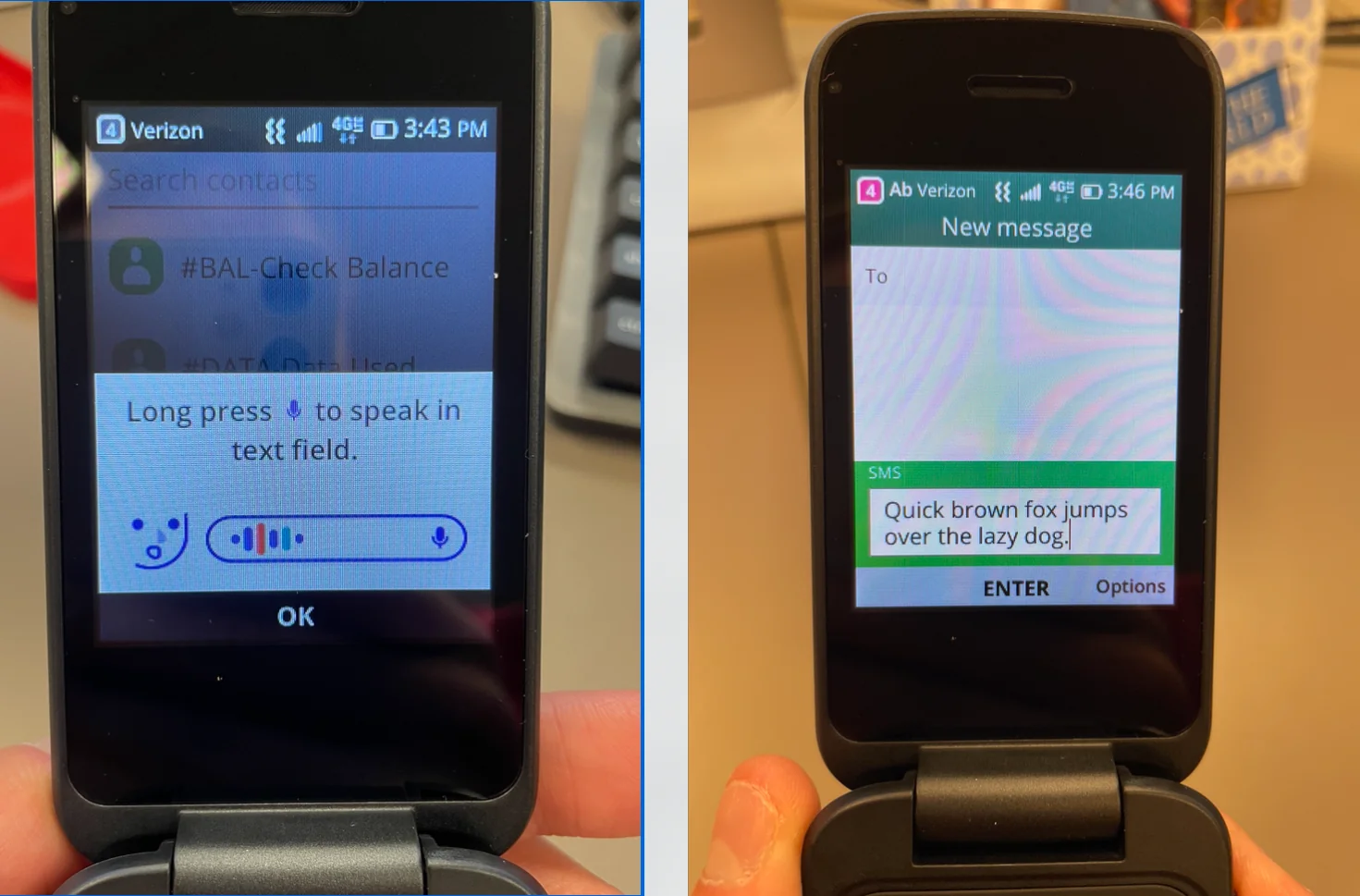
The articles here solve three common kinds of messaging problems. First, there are the basics of sending a text: you will find walkthroughs like How To Send A Text Message On Android and How Do I Send A Text Message On My Motorola Moto G, which help you compose and send your first message on different phones. Second, several guides focus on customizing your chat appearance and adding fun elements, such as How To Change Text Bubble Color On iPhone, How To Send Birthday Balloons On iPhone, and How To Access Stickers On iPhone. Third, there are articles for specific device quirks and troubleshooting, including How To Text On TCL Flip Phone and How To Find Hidden Text Messages On iPhone 11, which help you locate messages that have disappeared or send texts on a non-standard device.
Each article is designed to help you do one specific thing: send a text, change a color, add an effect, find a hidden conversation, or use stickers. No fluff, no extra promises, just the steps you need to get your messages working the way you want.