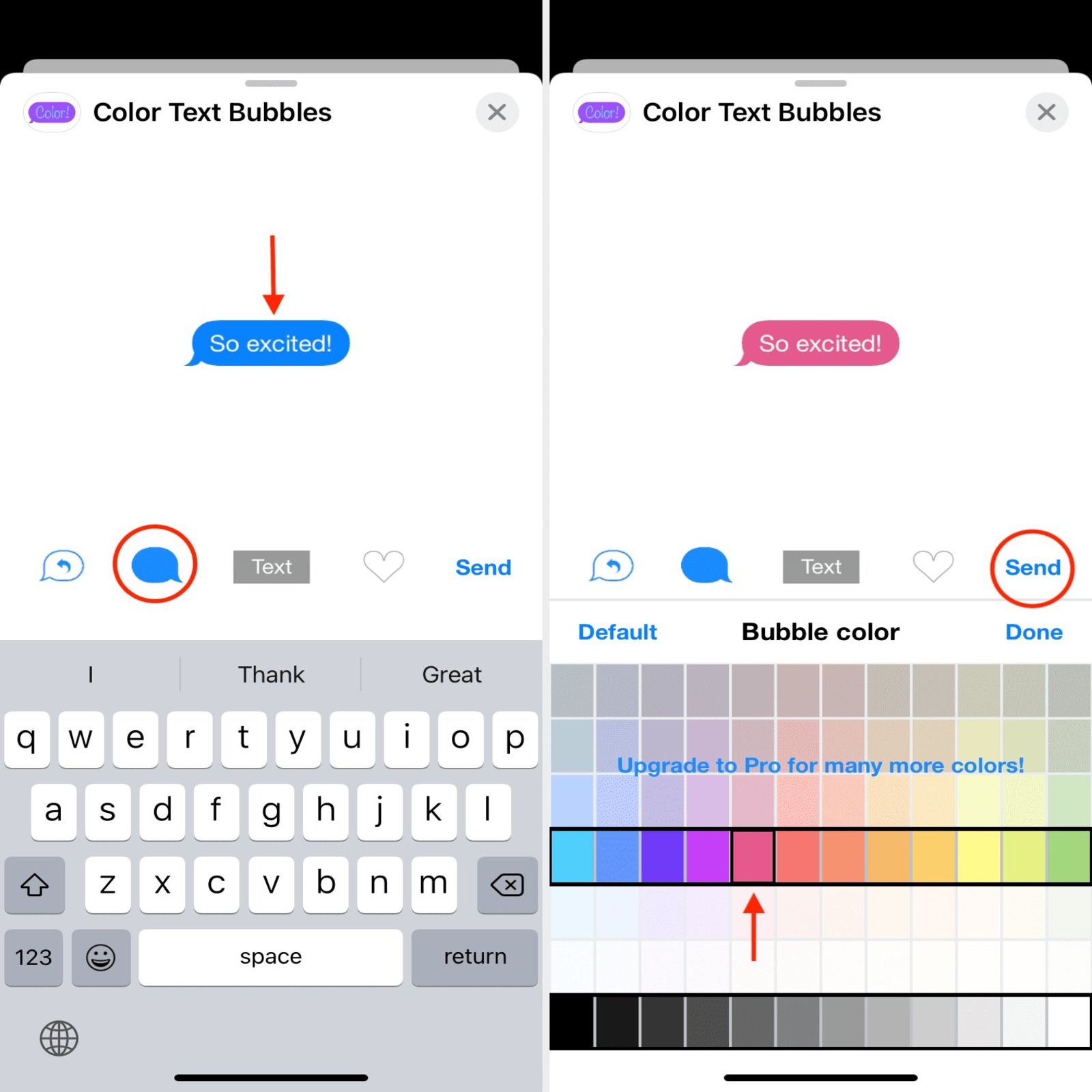
You cannot change text bubble color on iPhone using any built-in setting in Apple's Messages app. Apple does not provide a supported way to recolor the chat bubbles, and the blue or green bubble colors you see are determined entirely by the messaging protocol being used, not by a user preference.
Can you change text bubble color on iPhone?
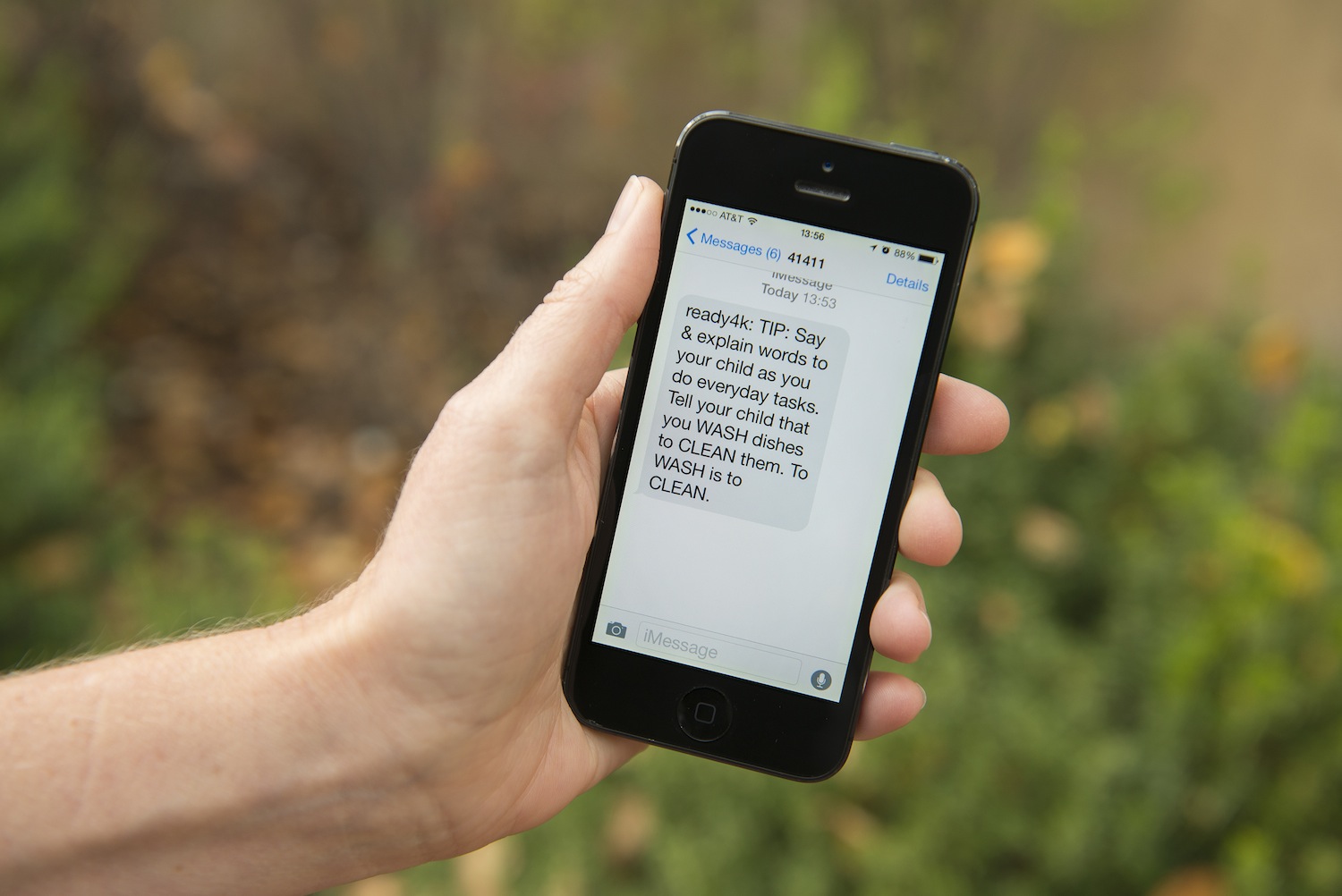
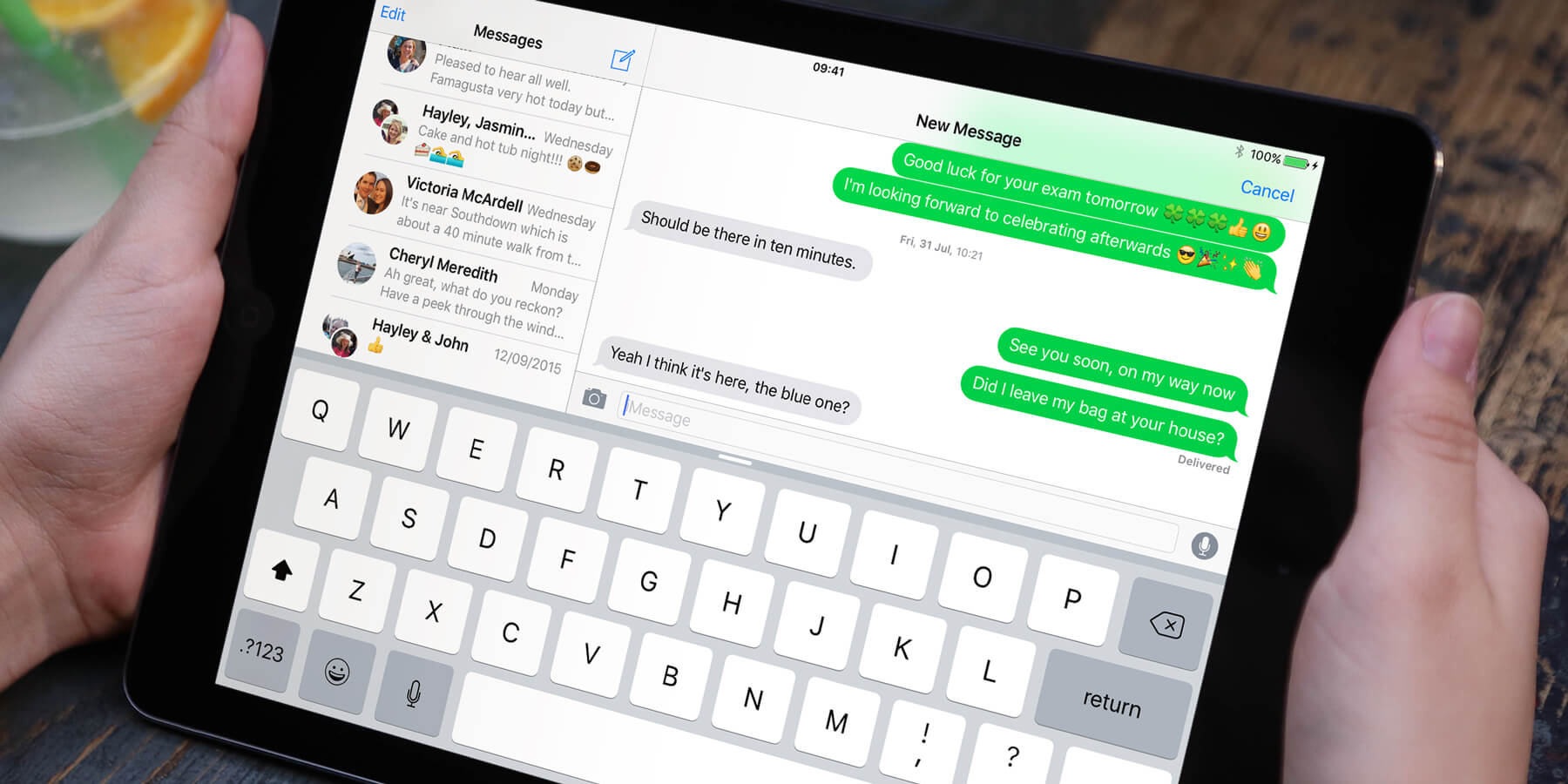
The direct answer is no. Apple’s official guidance confirms that bubble color reflects the messaging protocol, not a user setting. Blue bubbles indicate iMessage, and green bubbles indicate carrier messaging such as SMS, MMS, or RCS.
Why are some iPhone messages green and others blue?
Apple Support explains that blue bubbles are iMessage, which uses Apple’s encrypted messaging service between Apple devices. Green bubbles are SMS, MMS, or RCS messages sent through your cellular carrier. This color distinction is determined by the messaging protocol, not a setting you can change. You can turn on iMessage in Settings > Apps > Messages > iMessage, but this only affects whether you send blue or green messages, it does not let you pick a custom bubble color.
Accessibility workaround: using color filters
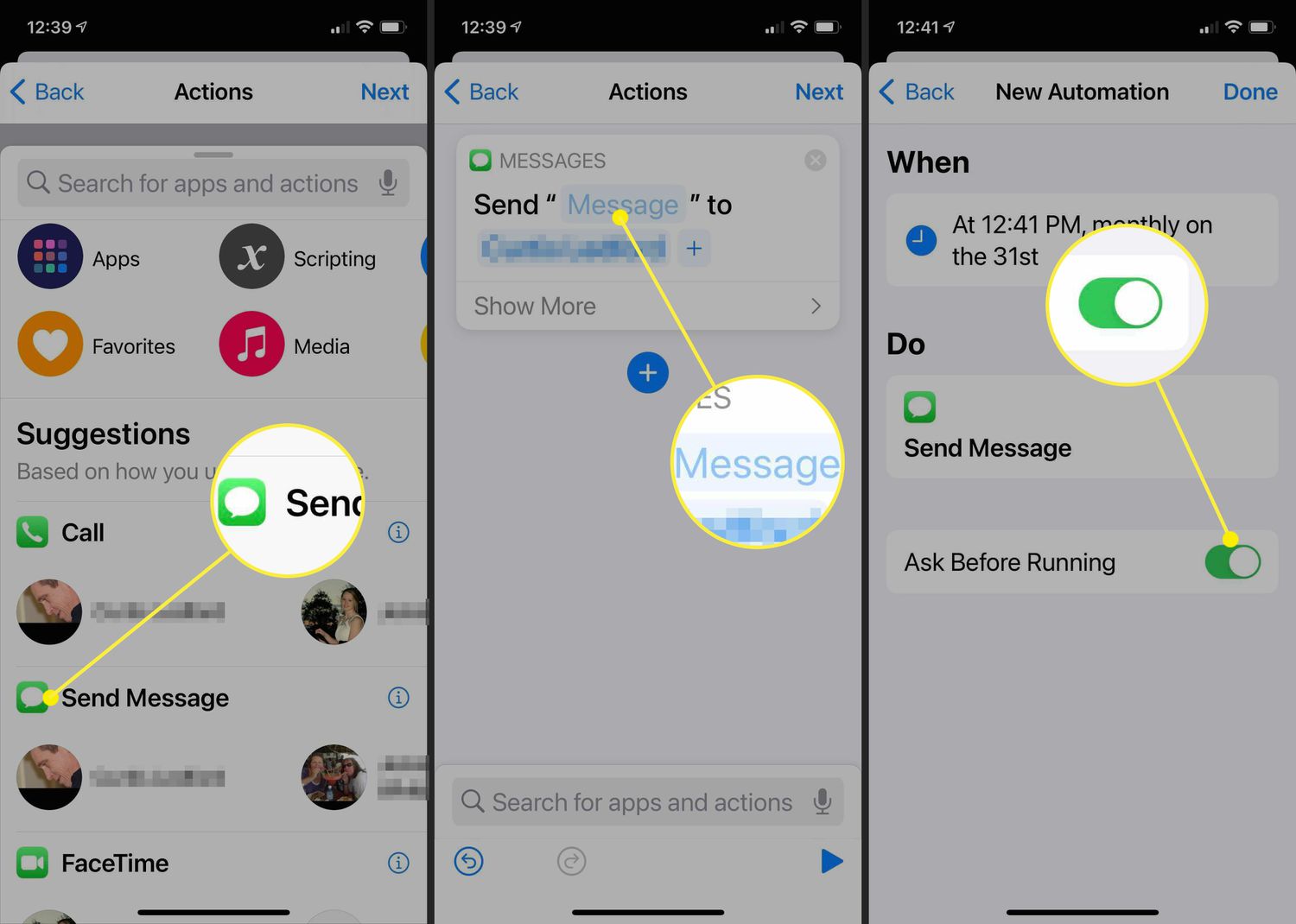
Apple’s only documented iPhone-side workaround involves accessibility display settings, not true bubble-color controls. Apple support discussions mention using the Shortcuts app with the action “Set Color Filters” and choosing “Toggle,” which turns Color Filters on and off from a shortcut. This applies a system-wide tint to your entire screen, including the Messages app, but it does not change the actual bubble colors permanently. Color Filters applies system-wide, affecting other aspects of the display as well. It is a workaround for adjusting brightness and display color, not a method to recolor chat bubbles individually. To revert, toggle off the Color Filters switch in Accessibility settings.
Alternative: use a third-party messaging app
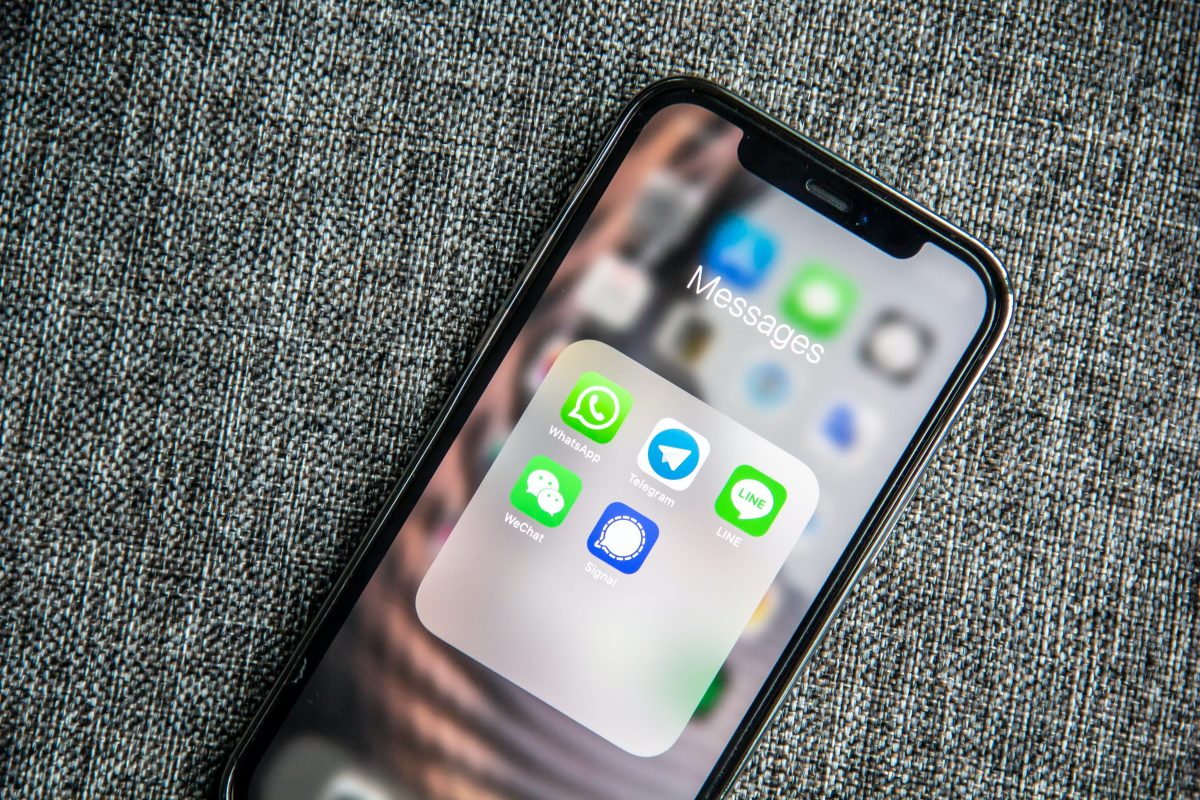
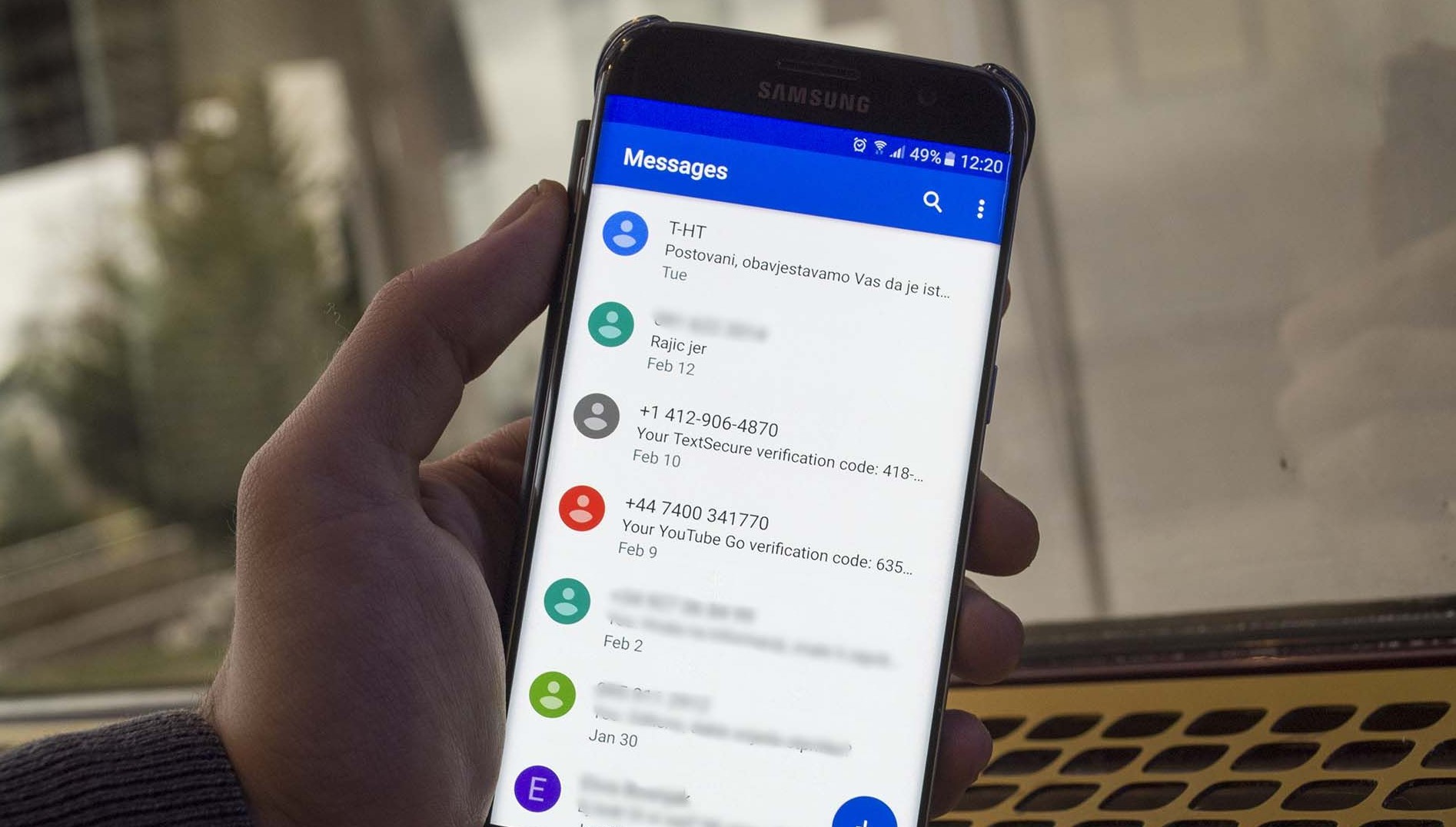
Third-party messaging apps are the documented route if a user wants chat themes or colored bubbles, but the exact controls vary by app and are not part of Apple Messages. For example, Google Messages has documented chat customization features, including “Change colors” and later “Chat theme,” accessed from the three-dot overflow menu in a chat. The documented path shown in coverage is chat > three-dot menu > “Change colors” or “Chat theme,” with themes applying per conversation and on the device only. Note that these customizations only appear within the third-party app and do not affect Apple’s Messages app. Third-party app color customization may only be visible to other users of the same app.
What about jailbreaking?
Jailbreaking is unsupported by Apple, voids your warranty, and introduces security risks. Jailbreaking allows installing tweaks like ColorBanners and MessageColors for bubble customization. MessageColors tweak can also adjust text color, chat bubble shape, and background color. Jailbreak tools may lag behind iOS updates, requiring waiting for compatible versions.
Frequently Asked Questions
Can I change the text bubble color on my iPhone?
No, there is no built-in option in stock iOS to change text bubble colors in the Messages app. The bubble color is tied to the messaging protocol and cannot be customized.
Can I change the text bubble color in iMessage?
No, iMessage does not offer a setting to change bubble color. The blue color is fixed and cannot be altered through any official menu or preference.
Can you change iMessage bubble color in Settings on iPhone?
There is no menu in Settings or within the Messages app to change bubble colors.
Why are some iPhone messages green and others blue?
Apple says blue is iMessage and green is carrier messaging such as SMS, MMS, or RCS. This is determined by the protocol used, not by a user setting.
Is there an Apple menu path for changing bubble color?
No official Apple menu path is documented for that. The only system-wide color adjustment is through Accessibility > Display & Text Size > Color Filters, which does not change bubble colors specifically.
How can I customize text bubble colors on third-party messaging apps?
Check the individual app's settings or preferences menu, often found within a specific chat's details or overflow menu, for theme or color customization options.
Are colored bubbles available in Google Messages?
These features are not part of Apple’s Messages app.
Is a jailbreak method officially supported?
Jailbreaking voids your warranty and introduces security risks.
Related reading: How To Read Text Messages On Another Phone and Text Messaging Features and T-Mobile Text Settings.