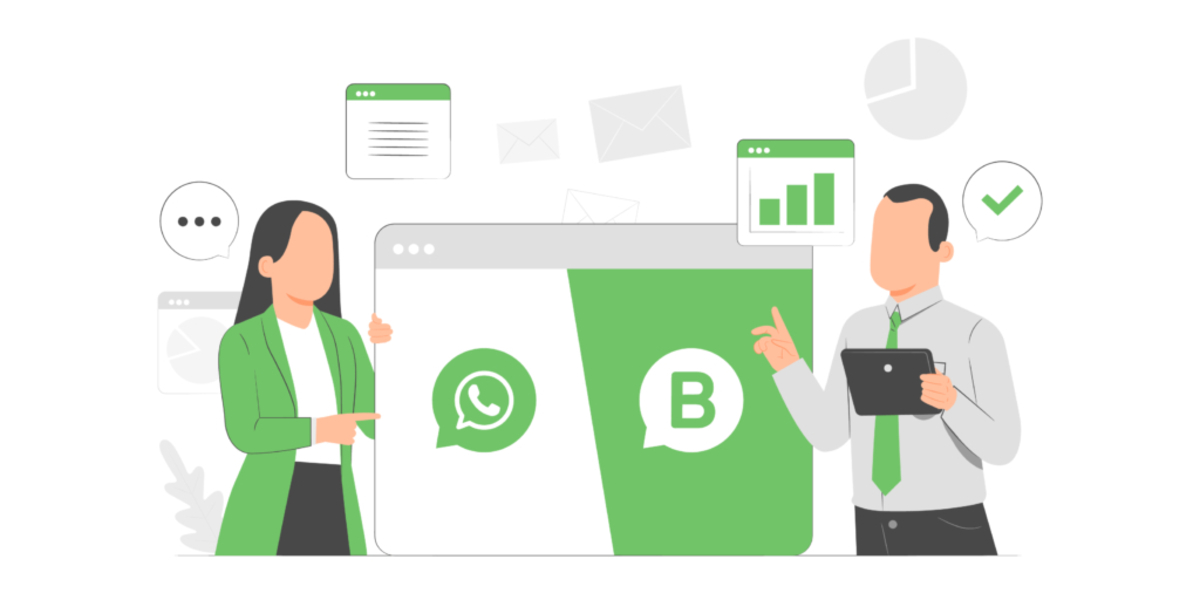
WhatsApp Business vs WhatsApp comes down to one core difference: WhatsApp Business is a separate, free app built for businesses, while standard WhatsApp is the consumer messenger for personal chats. The Business app adds tools like a business profile, a product catalog, and messaging automation that the regular app simply does not have. If you are trying to decide between WhatsApp Business vs WhatsApp, the choice depends on whether you need those business-focused features for customer communication or just a straightforward messenger for friends and family.
WhatsApp business vs WhatsApp: what's the difference?
WhatsApp Business is a standalone app, not a mode you switch on inside the regular WhatsApp app. It is designed around business information and customer communication, so it includes features like a business profile, a catalog, quick replies, greeting messages, and away messages. Standard WhatsApp is built for personal use, with no business profile, catalog, or messaging automation tools. Both apps are free, but they serve different purposes: one is for running customer conversations, and the other is for everyday personal messaging.
Business profile and catalog
WhatsApp Business lets you create a dedicated business profile that includes your address, email, website, business hours, products and services, pricing tier, and responsiveness to enquiries. This gives customers a clear picture of who you are and how to reach you before they even send a message. The app also includes a catalog feature so you can showcase your products and services directly inside the chat, making it easy for customers to browse what you offer without leaving WhatsApp. Standard WhatsApp has none of these options; your profile is limited to basic personal details like your name, photo, and status.
Messaging tools and organization
The messaging tools in WhatsApp Business are where the app really separates itself from standard WhatsApp. You get quick replies for frequently asked questions, greeting messages that automatically welcome new customers, and away messages that let people know when you are unavailable. The Lists feature helps you organize contacts and chats so you can keep track of different customer groups or conversation types. WhatsApp Business includes Labels and Filters to organize and label messages, prioritize important messages, and track customer inquiries. WhatsApp Business provides Analytics and Insights, including message delivery statistics, read receipts, and response rates. Standard WhatsApp offers only basic chat functions like individual and group chats, with none of these automation or organization tools.
Privacy and visibility for business accounts
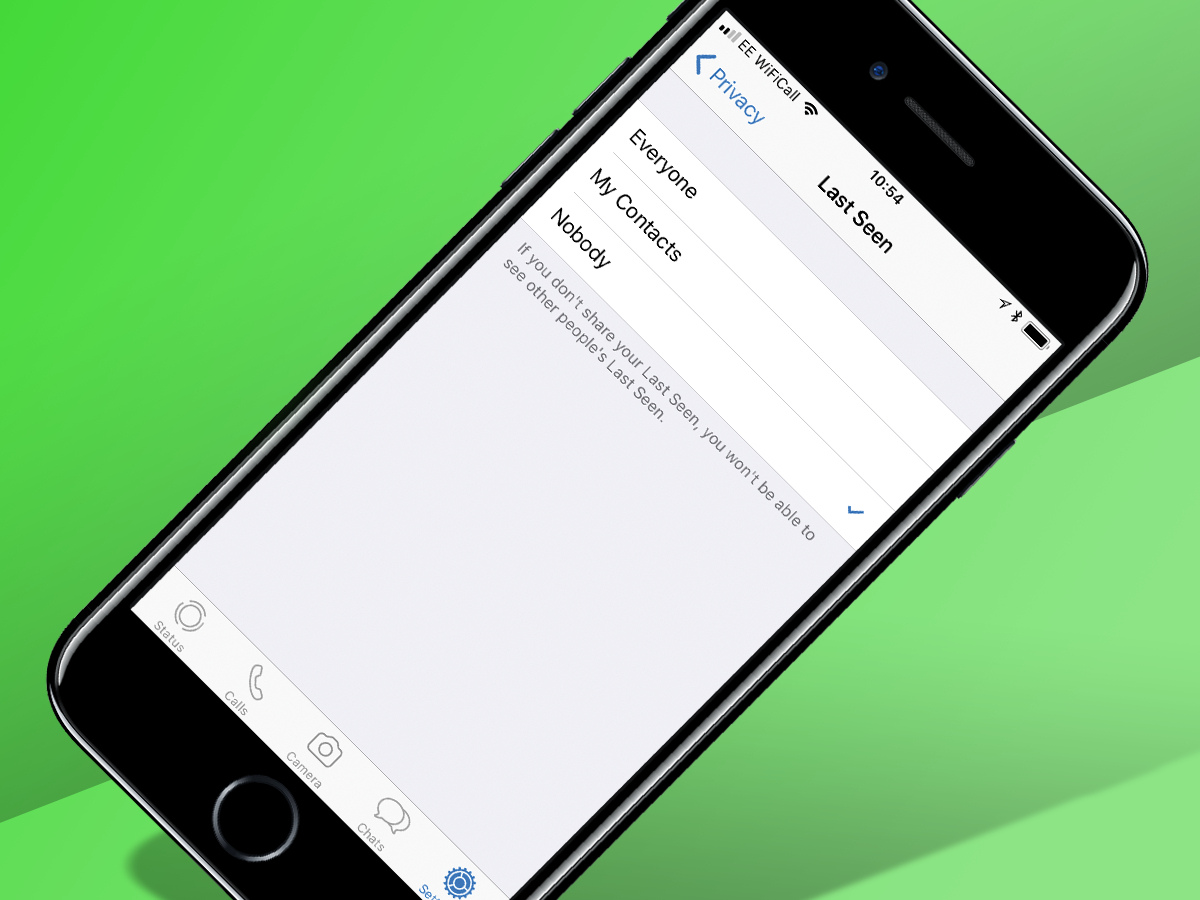
Business accounts on WhatsApp Business are visible to anyone who has your number saved in their address book, including users you have blocked. A blocked user cannot message you or see your last seen status, but they can still view your business profile and catalog. End-to-end encryption still applies to messages and calls with business accounts, so your conversations remain private. When a business uses the WhatsApp Business app or stores customer messages themselves, users see a notice that messages and calls are end-to-end encrypted.
Device support and linked devices
WhatsApp Business on iPhone requires iOS 15.1 or later. When it comes to linked devices, some features are not currently supported: sharing and viewing live location, creating and viewing broadcast lists, and adding or deleting status. For linked devices, messaging or calling someone on a very old WhatsApp version is unsupported. Tablet use is also not supported for linked devices. You can connect up to four devices without multi-agent support, and up to 10 devices with multi-agent support. The maximum number of devices assigned to a business account depends on the benefits included in your Meta Verified or Meta One subscription. If you need to manage customer conversations across a small team, the multi-agent option gives you more flexibility than standard WhatsApp, which does not offer this level of device management.
Which one should you choose?
If you run a business and need to communicate with customers professionally, WhatsApp Business is the clear choice. It gives you the tools to present your business, automate responses, and organize conversations in ways that standard WhatsApp cannot. If you only need WhatsApp for personal chats with friends and family, the standard app is all you need. You can also use both apps on the same phone, each with its own phone number, so you can keep personal and business conversations completely separate. For businesses that need even more advanced integration, the WhatsApp Business platform offers customization and integration with other tools, but the free WhatsApp Business app is the right starting point for most small business owners. And if you are comparing mobile options, remember that WhatsApp Business works alongside your existing mobile carriers and plans, so you do not need a special data plan to use it.
Frequently Asked Questions
Can I use WhatsApp Business without a business phone number?
WhatsApp Business requires a phone number that can receive SMS or voice calls for verification. You can use a dedicated business number or a secondary SIM, but you cannot use the same number on both WhatsApp and WhatsApp Business at the same time.
Will my customers see that I am using WhatsApp Business?
Yes, customers will see a business profile instead of a personal profile, and they may see labels indicating that you are a business account. The app also shows your business hours and other details you add to your profile.
Can I switch from WhatsApp to WhatsApp Business without losing my chats?
Yes, you can migrate your personal WhatsApp account to WhatsApp Business, and your chat history will carry over. This is useful if you want to start using business tools without losing existing conversations.
Does WhatsApp Business show ads?
No, WhatsApp Business does not show ads. The app is free to use, and WhatsApp does not sell user data or use it for targeted advertising.
Can individuals use WhatsApp Business?
Yes, individuals can use it for personal use as well, though some functionalities may not be relevant.
Related reading: How To Add Someone On WhatsApp (2024), How To Print Whatsapp Messages - 2 Fixed Ways (2024), and WhatsApp Tip - How To Turn Off Online Status On WhatsApp.