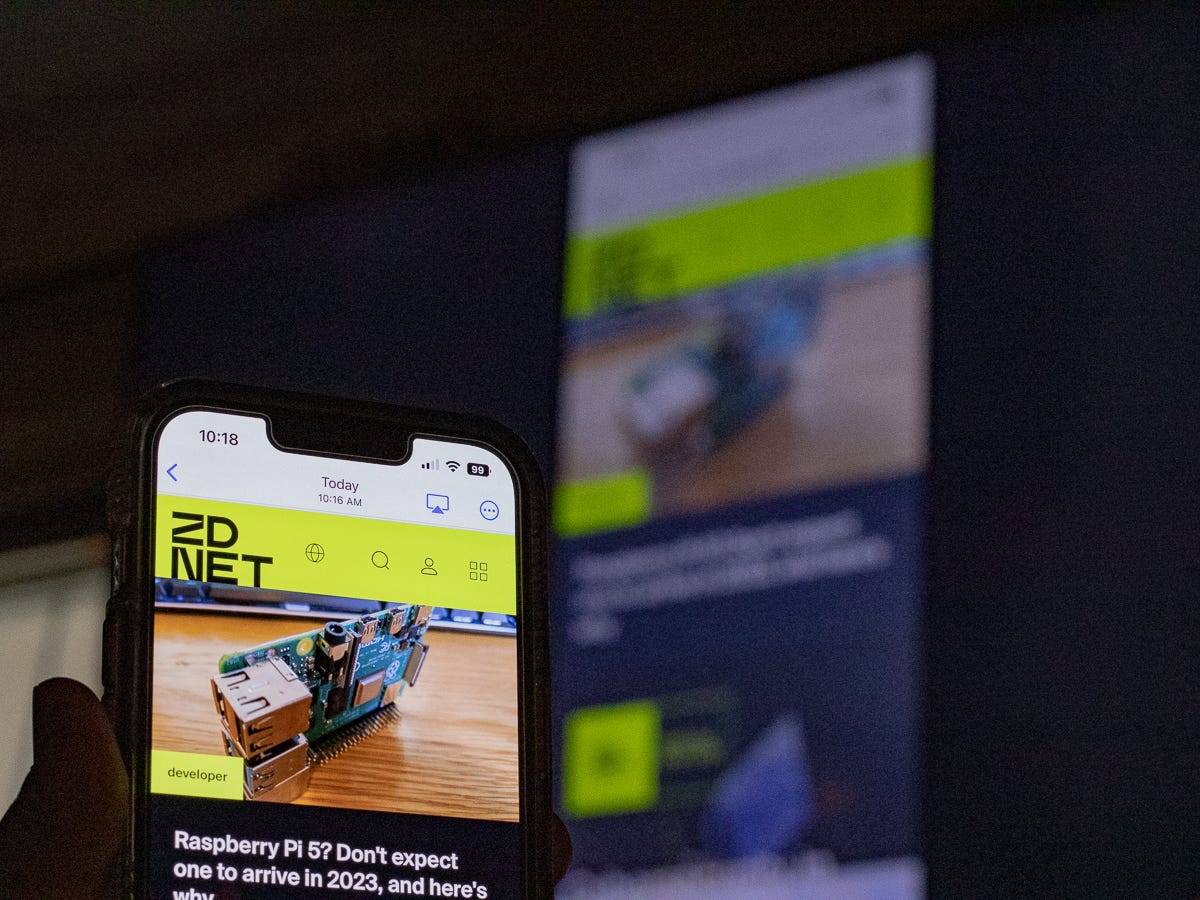
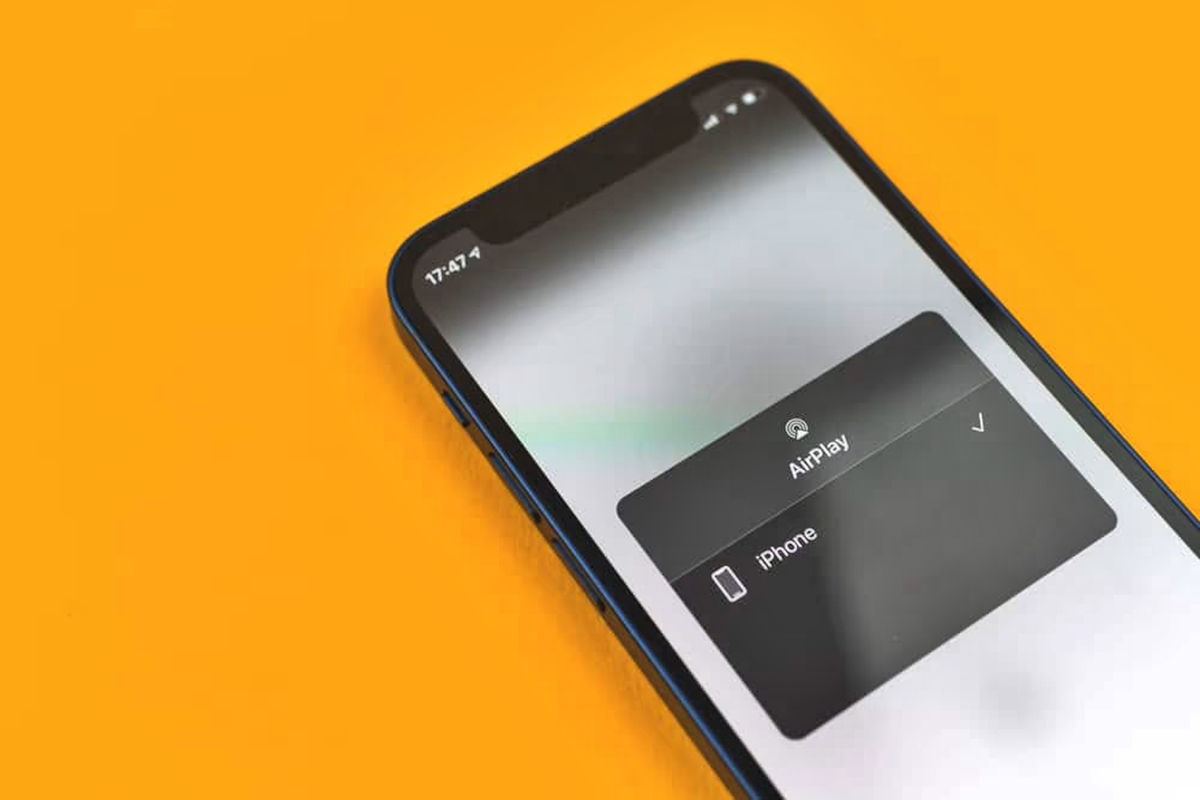
This tag collects our guides on using Miracast, a wireless screen-mirroring standard, to connect your phone to a TV, game console, or streaming device. It is for anyone who wants to cast their Android phone’s screen to a bigger display without buying a new smart TV or relying on a specific brand’s proprietary system.
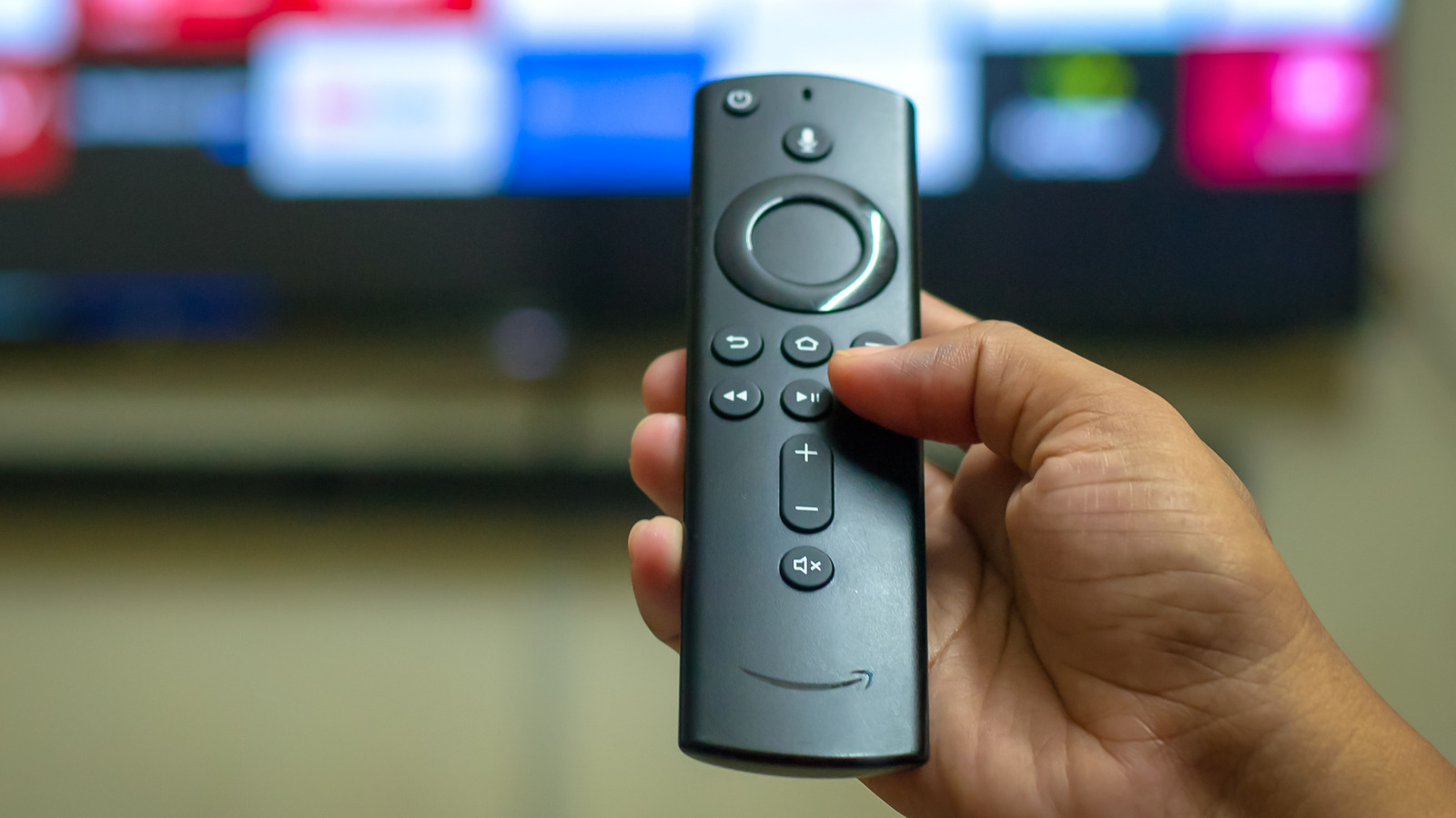
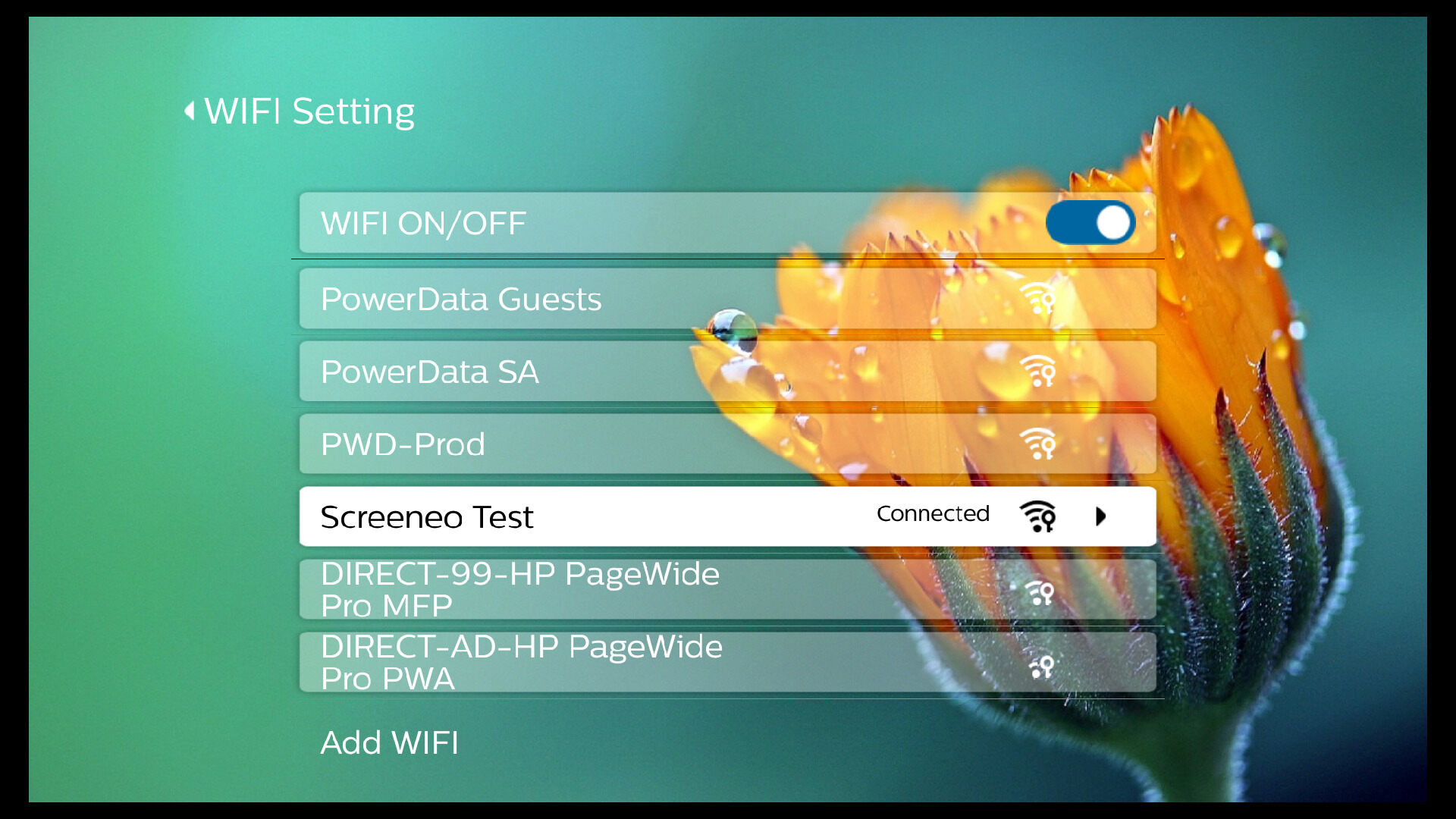
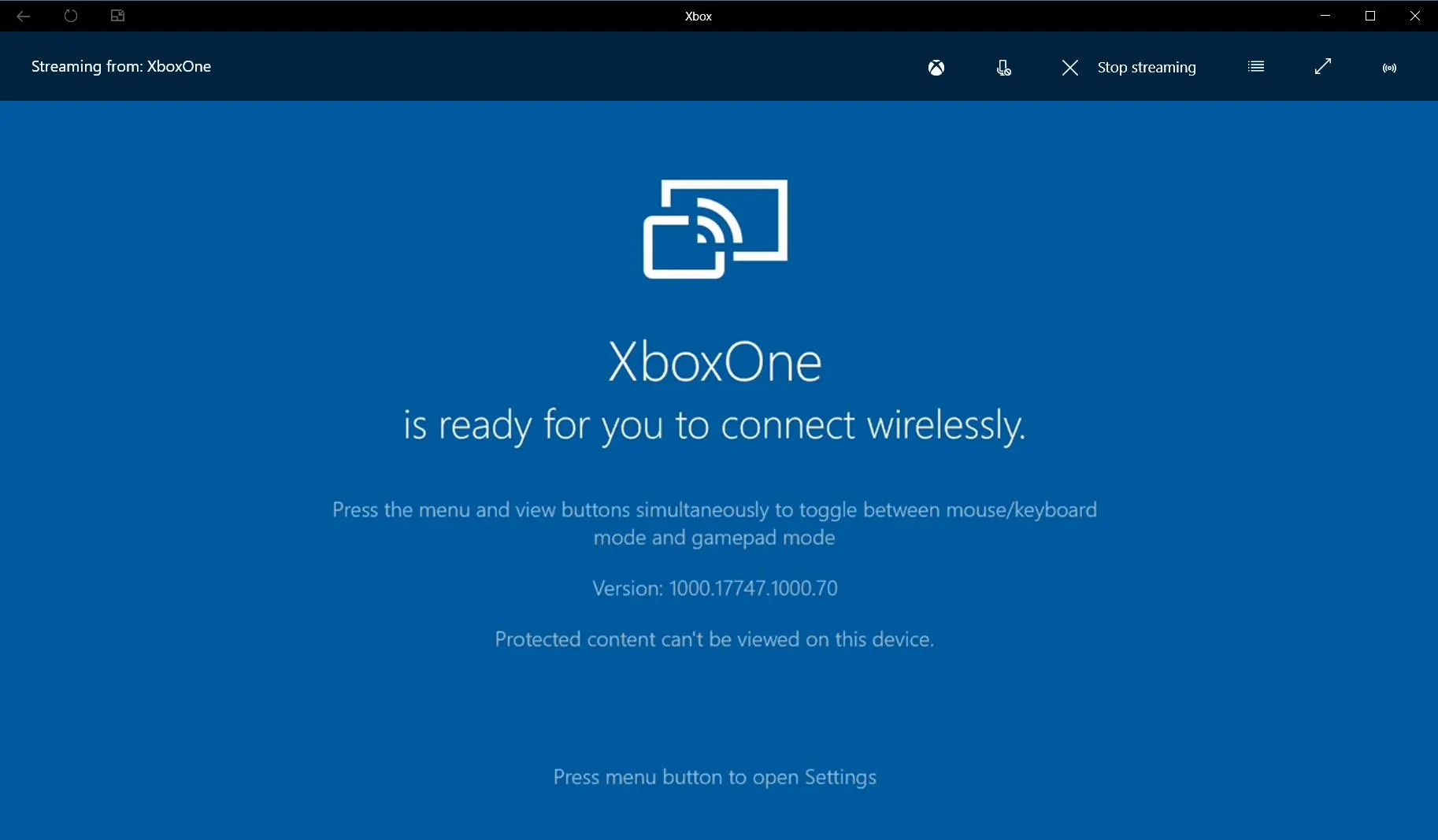
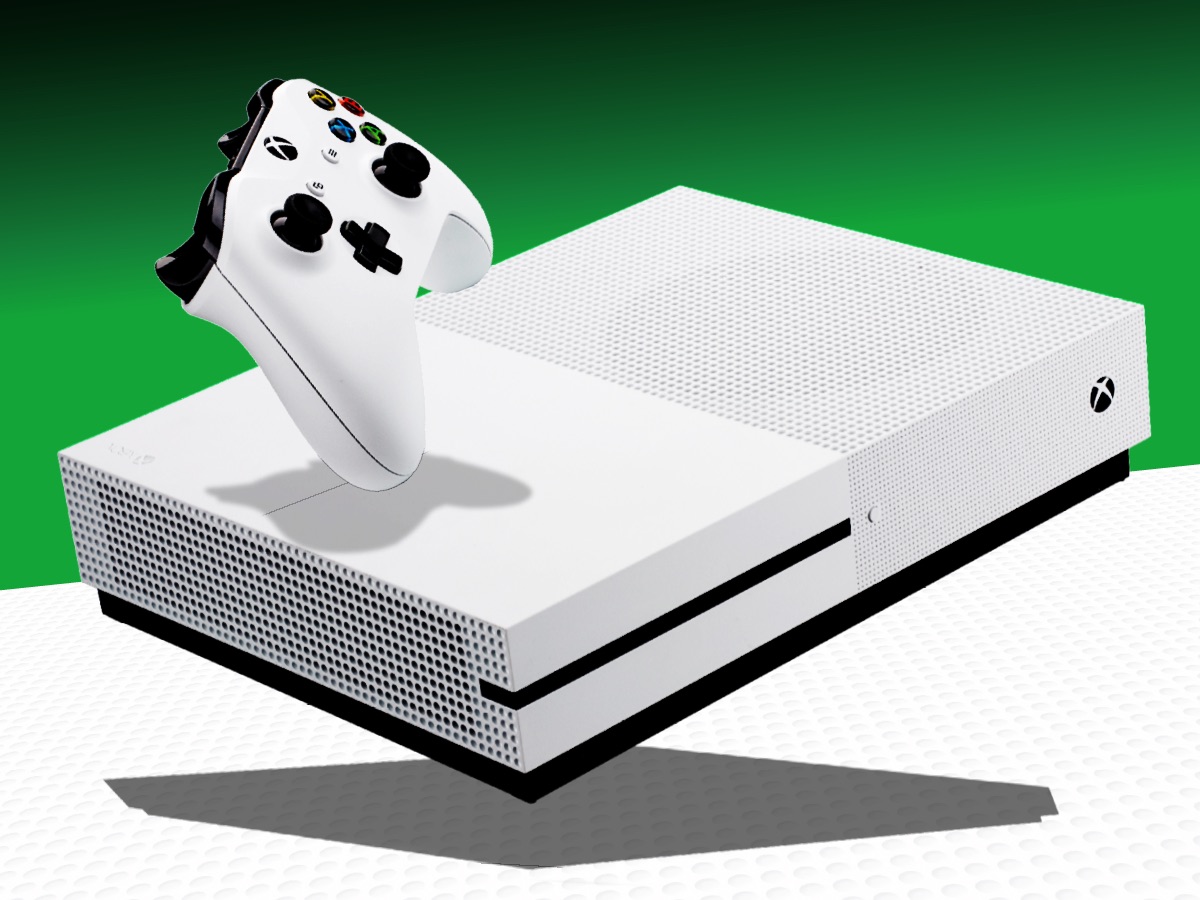
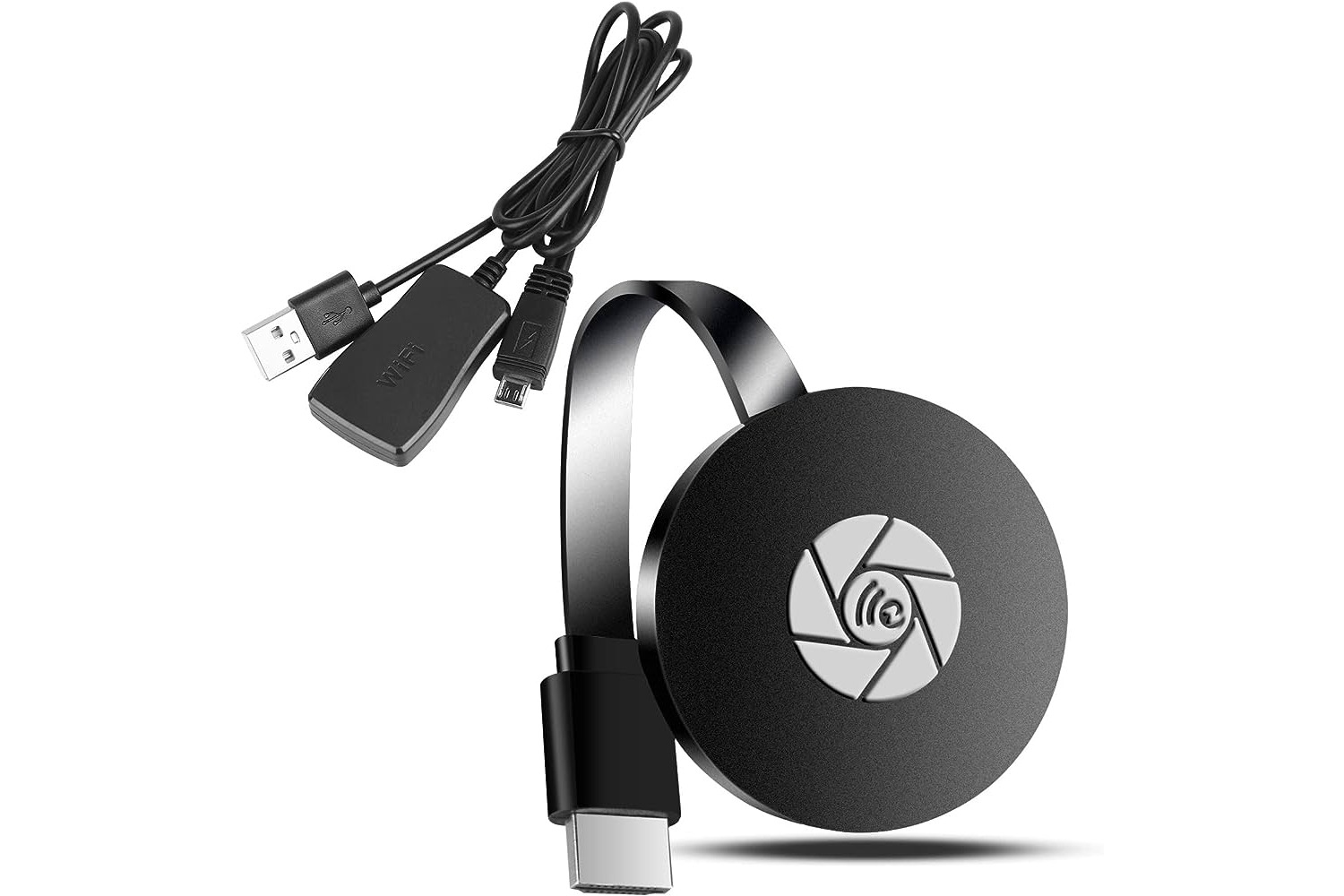
The articles here solve two main kinds of connection problems. The first is making a direct link to a TV or dongle, such as figuring out how to connect a Samsung phone to a Roku TV or how to use a Miracast dongle for the first time. The second is getting the feature to work on specific gaming and streaming hardware, like learning how to mirror a phone to an Xbox One or how to cast a phone to an Amazon Fire Stick TV. Several guides also address the quirks of particular smart TV brands, including how to connect your phone to a Philips TV and how to do wireless screencasting on a Philips Smart TV.
Whether you need to enable the wireless display option on your Xbox One or simply want to get your phone screen onto a television that lacks built-in casting, these articles walk you through the exact settings and steps required. They focus on the practical actions, pairing the devices, selecting the correct input, and troubleshooting a failed connection, so you can get the mirroring working with the hardware you already own.