This tag collects articles focused on the tools and techniques that help you move around, both in the physical world and within your phone’s interface. It is designed for anyone who wants to master navigation apps, understand location-based settings, or simply get from one screen to another without frustration. Whether you are a cyclist, a driver, or just someone trying to share a spot with a friend, these guides address the everyday questions that come up when using maps and menus.
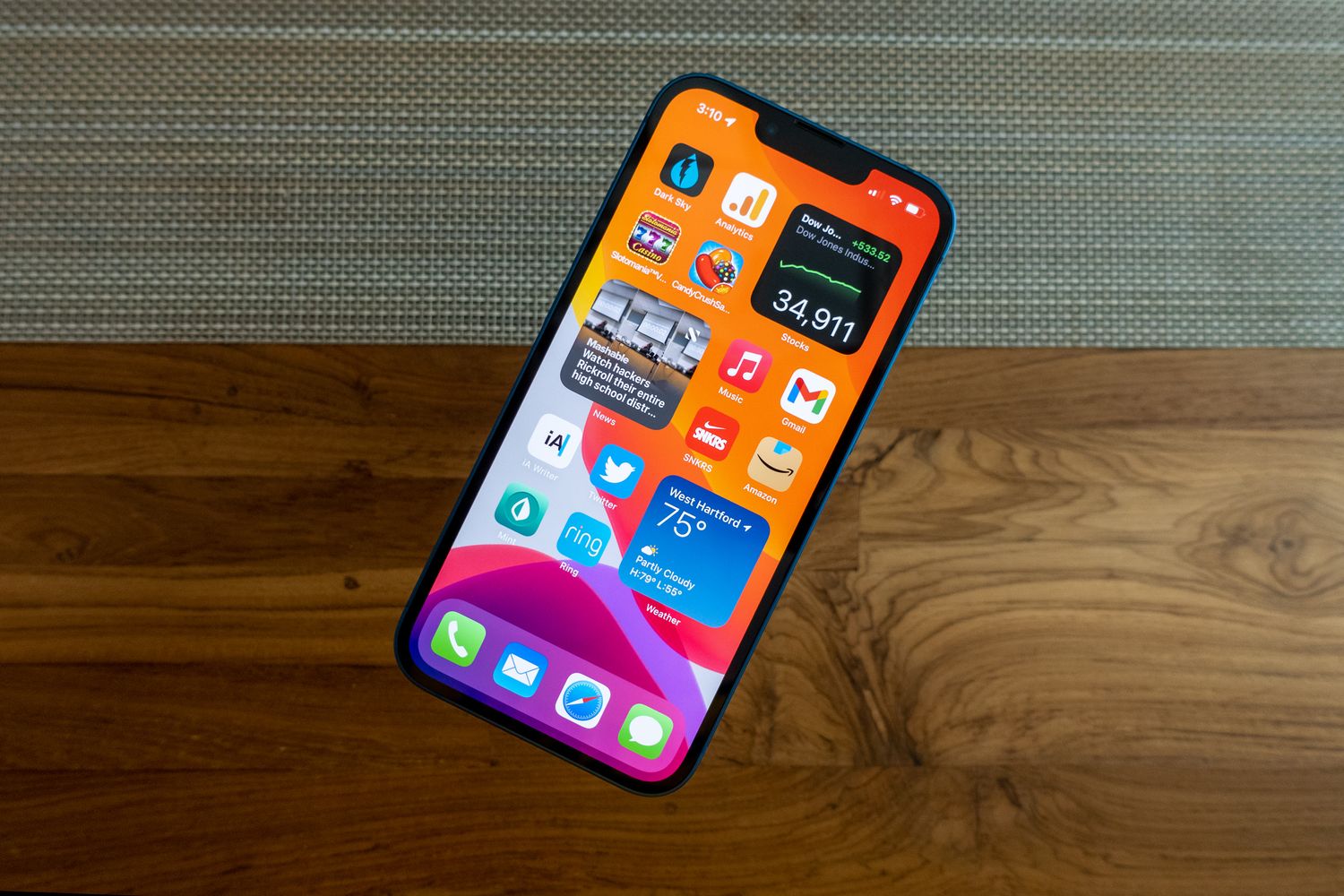
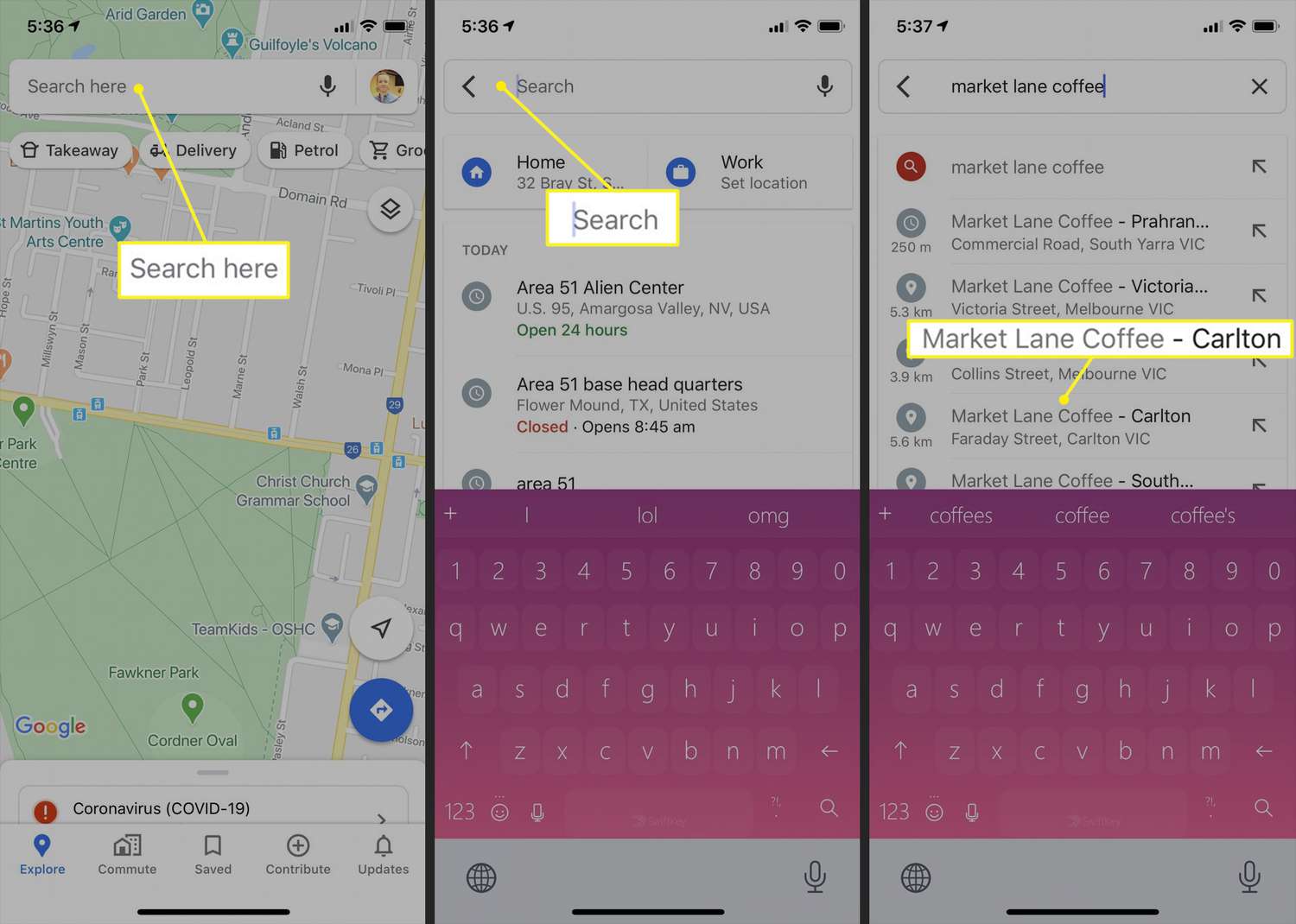
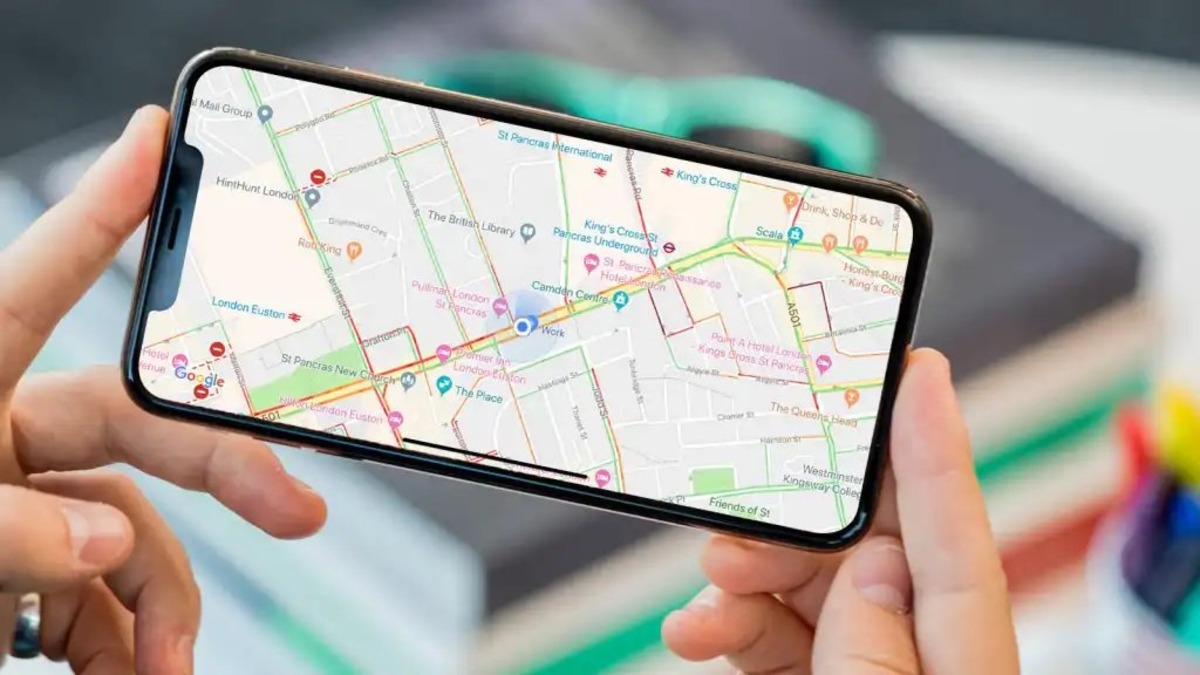
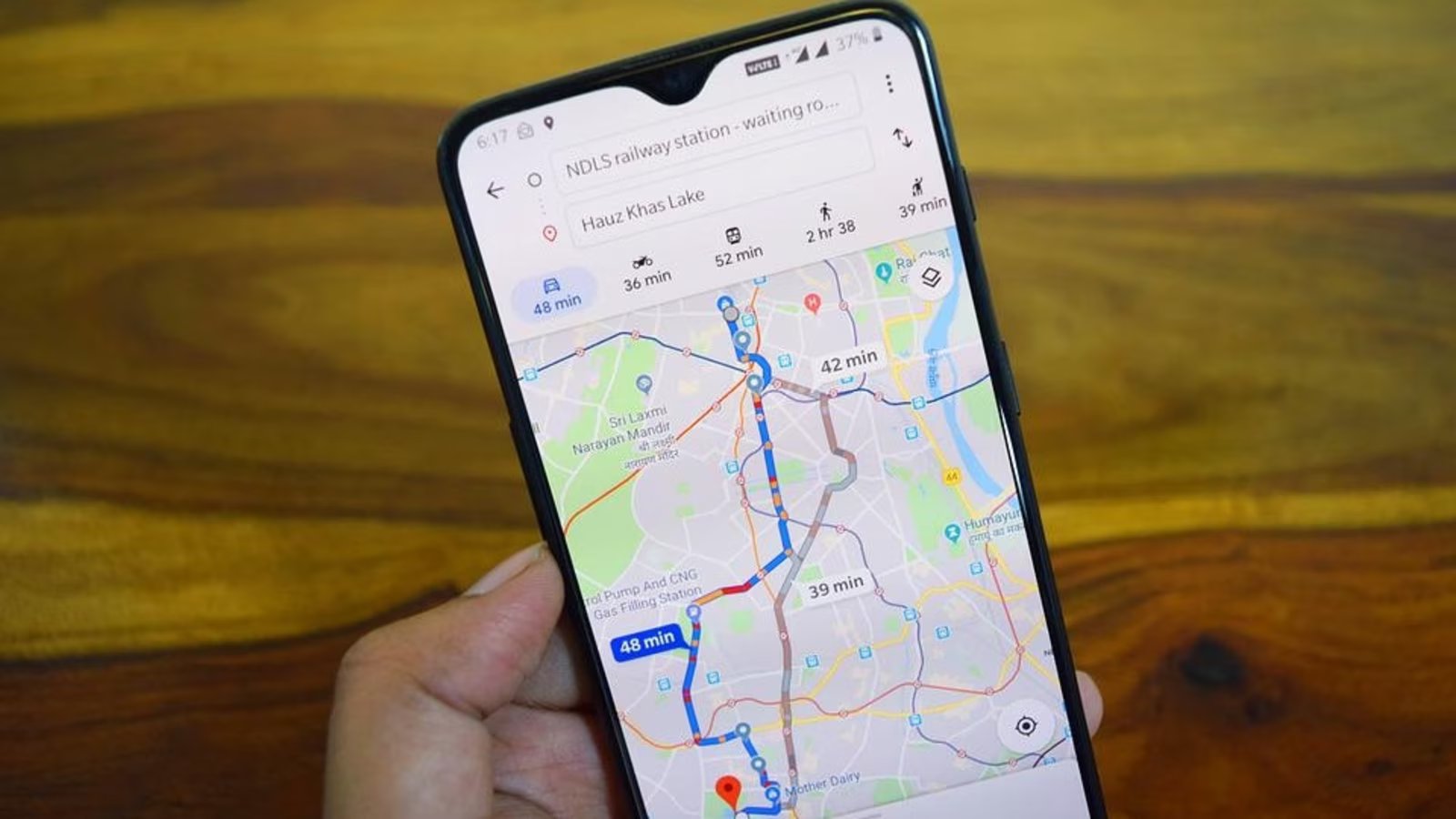
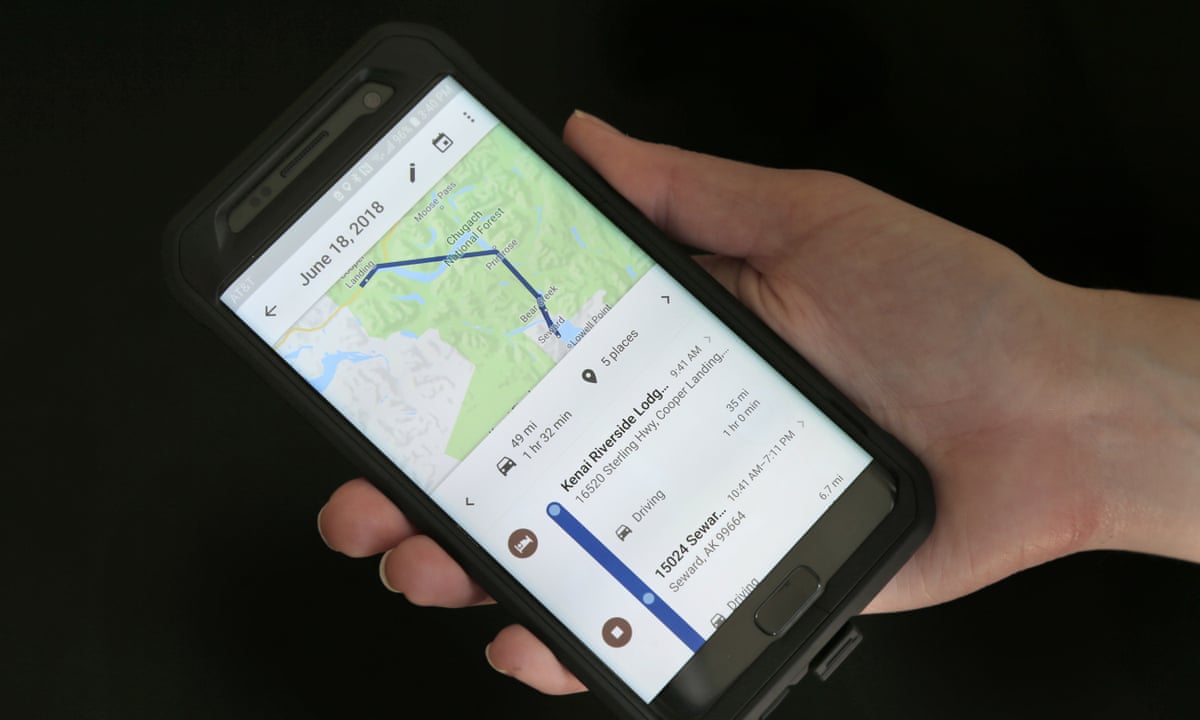
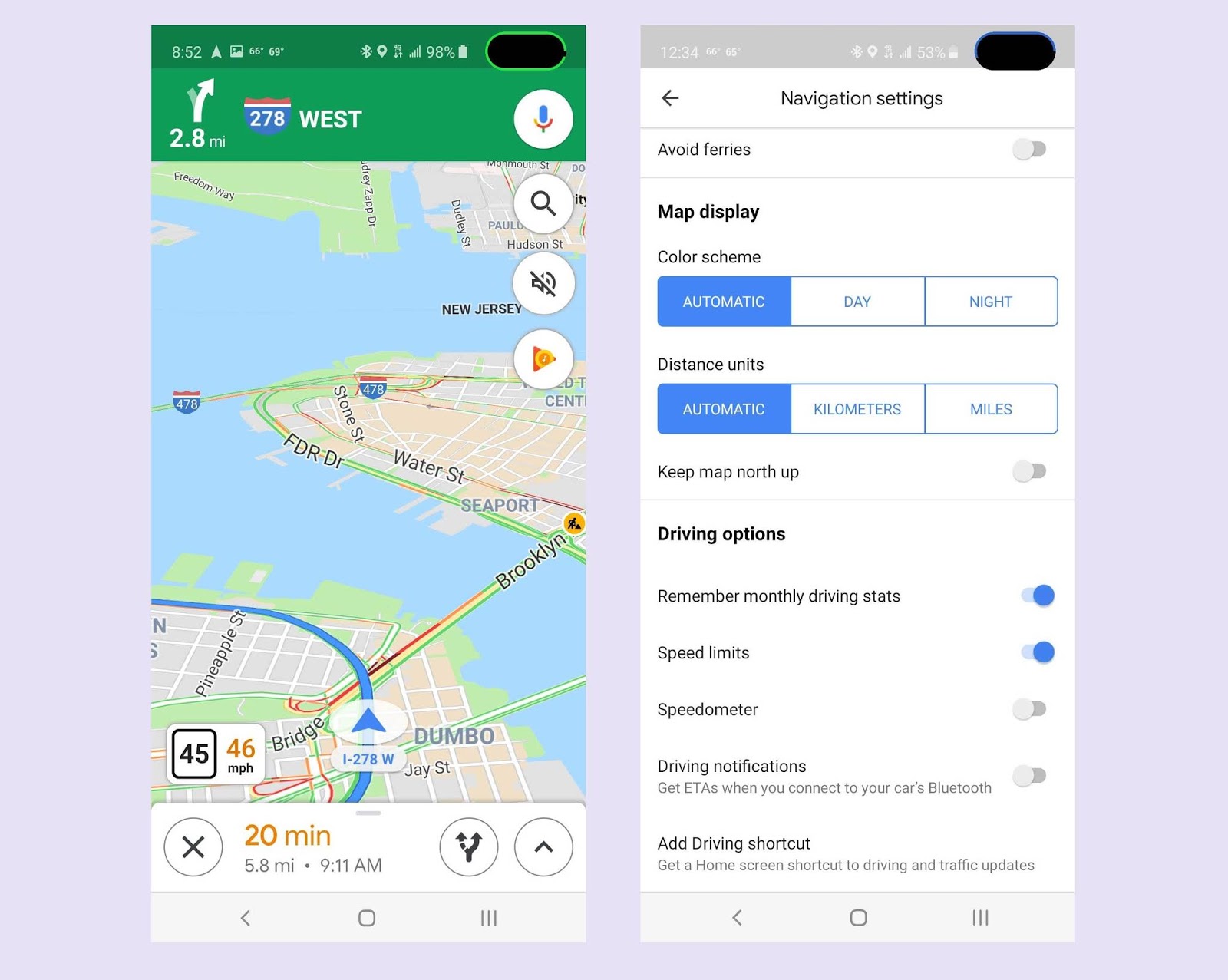
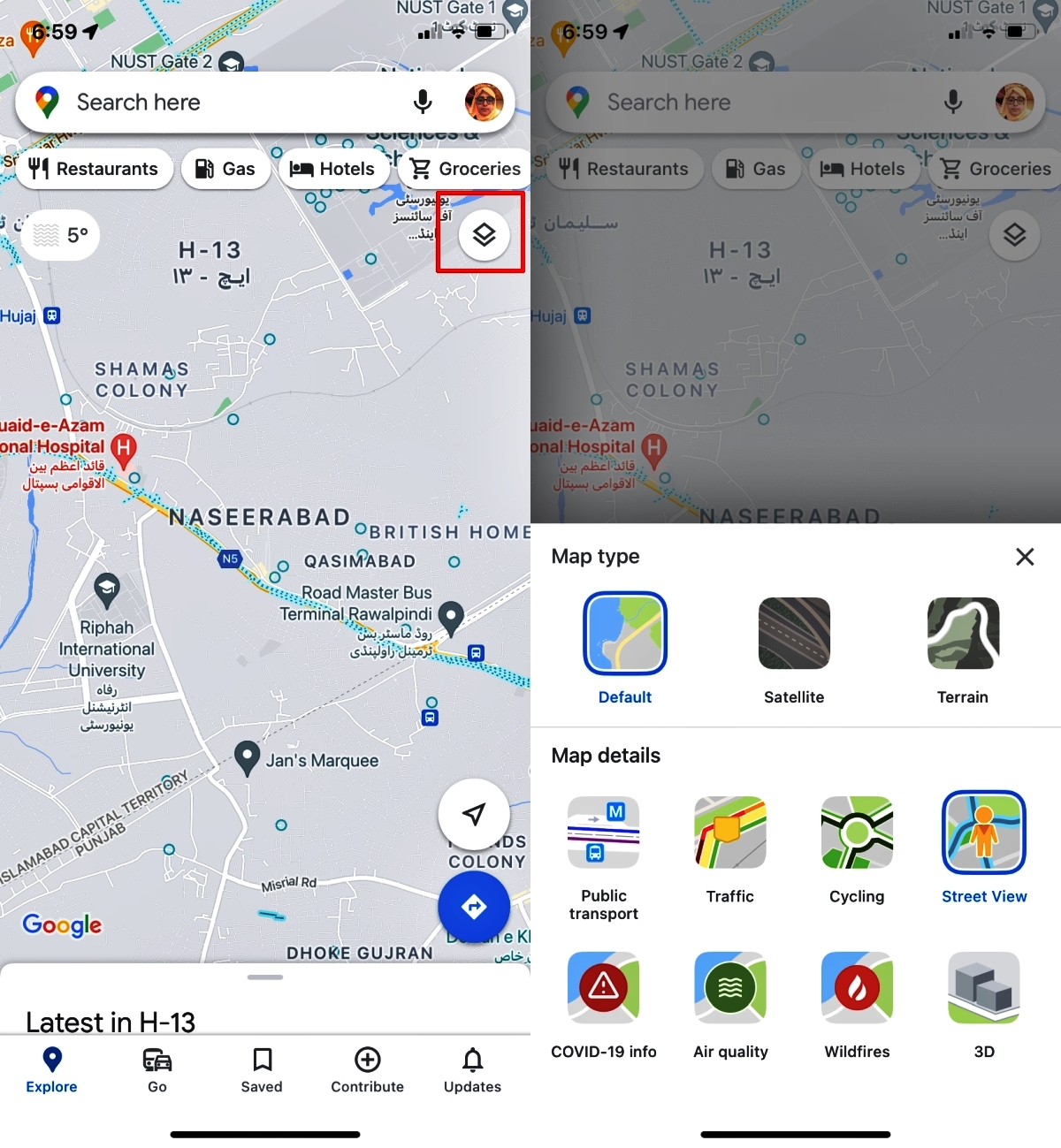
The articles here solve two main kinds of problems. One set helps you customize your mapping experience: you can learn how to change your car in Google Maps, set a default transportation mode, enable the speed limit display, or even make Google Maps your default on an iPhone. Another group focuses on practical, location-based tasks, such as sending a location pin on Android, measuring a mile on your phone, or changing your starting location in Maps. A few pieces also cover broader navigation and device control, including how to use Google Maps from scratch, how to go back to the previous screen on an iPhone 13, and whether Tesla Premium Connectivity is worth the cost in 2024.
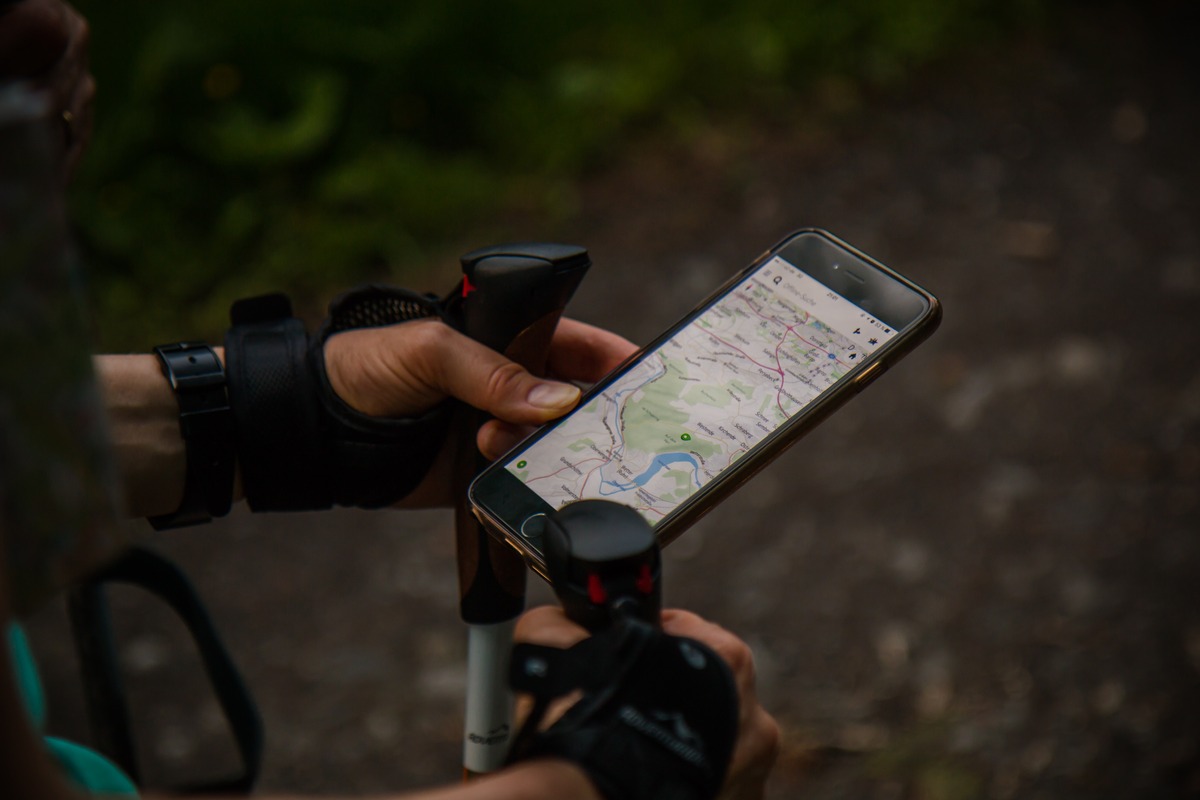
These articles help you take control of your phone’s navigation tools and interface logic. You will find straightforward advice on adjusting map settings, sharing your position, and moving through apps more efficiently. From evaluating a biking app like Komoot to understanding what an address bar actually does, the content is built around real, repeatable actions that make your device work the way you need it to.