The address bar is the browser field where you type or paste a web address or search term. It is your primary gateway to the internet, acting as the control center for navigating to websites, performing searches, and accessing saved bookmarks.
What is an address bar?
The address bar is the text input field found in every web browser, typically located at the top or bottom of the screen depending on your device and settings. It accepts Uniform Resource Locators (URLs), the technical name for web addresses, and search queries. When you enter a URL and press enter, the browser uses the address bar to interpret your request and fetch the corresponding website, making it the single most important tool for browsing the web.
How the address bar works
When you type a URL into the address bar and submit it, the browser performs a series of steps to display the website on your screen:
- The browser interprets the input, checking that the URL is properly formatted and includes the necessary protocol identifier, such as
http://orhttps://. - The browser sends a request across the internet to the server that hosts the website.
- The server receives the request and responds by sending back the data needed to display the site.
- The browser renders that data into the visual webpage you see on your screen.
This process happens in seconds, turning your typed address into a fully loaded website.
Beyond URLs: search, bookmarks, and autofill
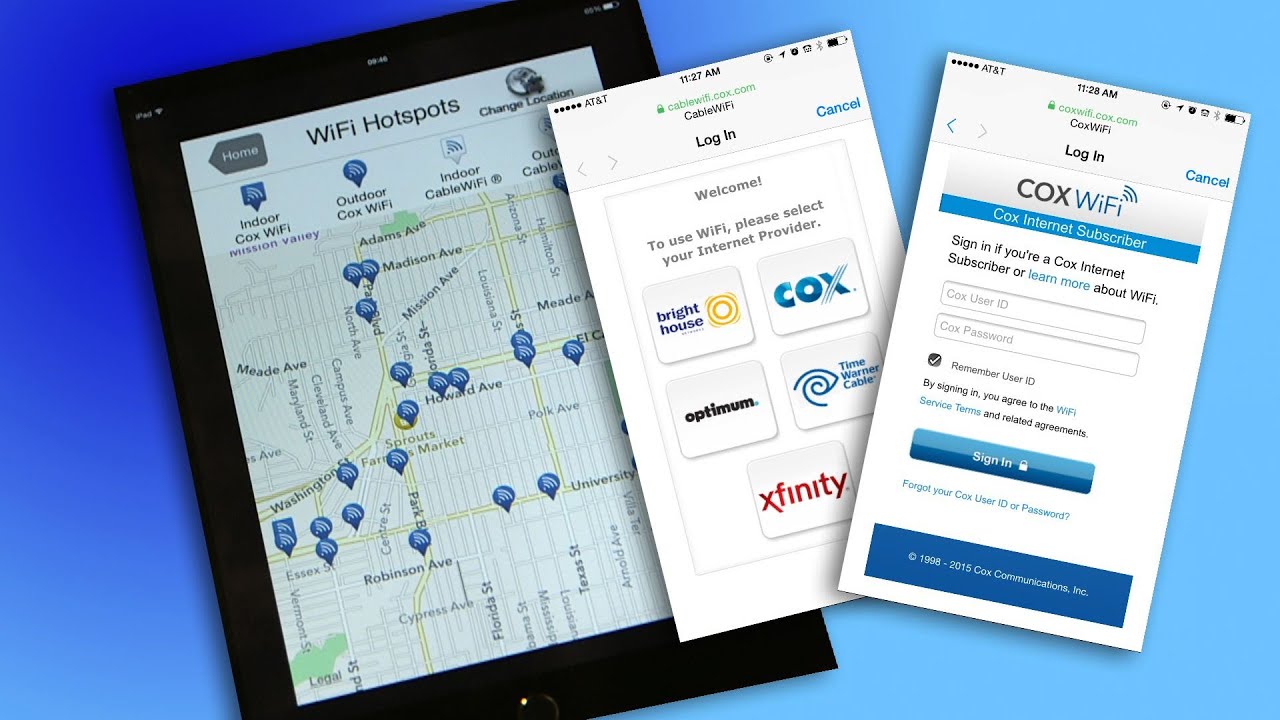
The address bar does more than accept web addresses. You can type a search query directly into it, and the browser will run the search using your default search engine without needing to visit a search engine homepage first. It also lets you access your bookmarks by typing their names, with the browser suggesting matches as you type. Additionally, when filling out online forms, the address bar area supports autofill, remembering and suggesting previously entered information like names or addresses to speed up form completion. You can also set a new homepage by typing or pasting the desired URL into the address bar and dragging it onto the Home button in your browser’s toolbar. These functions make the address bar a versatile tool for everyday browsing, including when you need to connect to wireless networks and hotspots by quickly navigating to a login page.
Where is the address bar on iPhone Safari?
On iPhone Safari, the address bar is at the bottom of the screen by default in current layouts. To move it, tap the aA button on the left side of the address bar, then choose Show Top Address Bar or Show Bottom Tab Bar if that option appears. You can also go to Settings > Safari > Tabs, where selecting Single Tab places the address bar at the top, and Tab Bar keeps it at the bottom.
Where is the address bar on Android Chrome?
On Android Chrome, you can move the address bar by opening Chrome > More (the three-dot menu in the top right) > Settings > Address bar, then selecting Move address bar to the bottom or Move address bar to the top. A faster method is to long-press the address bar itself and select Move address bar to bottom from the pop-up menu. Google documents both methods for Android Chrome, and no per-device limit or subscription is required for these controls.
Frequently Asked Questions
Can I use the address bar to search without going to Google first?
Yes. Typing any search term directly into the address bar will automatically run the search using your browser’s default search engine, such as Google or Bing, without needing to visit the search engine’s homepage first.
What happens if I type a partial URL into the address bar?
Most browsers will automatically add the https:// prefix and attempt to load the site. If the address is incomplete, the browser may run a search instead or suggest matching sites from your history and bookmarks.
Does moving the address bar affect how websites load?
No. Changing the address bar’s position only affects its screen location; it does not change how the browser interprets URLs, sends requests, or renders websites.
Why is my address bar showing a warning about a site not being secure?
This warning appears when the website does not use HTTPS encryption, meaning data sent between your browser and the site is not protected. The address bar displays this information to help you decide whether to trust the site.
Can I hide the address bar entirely?
Most browsers do not allow you to permanently hide the address bar, but it may automatically hide when you scroll down on some mobile browsers and reappear when you scroll up or tap the top of the screen.
Related reading: What Is Verizon Fiber Optic Service (Verizon FiOS)?, How To Search By Lyrics In Apple Music, and How To Look Someone Up On Facebook Using Phone Number.