Yes, for many Tesla owners, Tesla Premium Connectivity is worth it in 2024, but the calculus has shifted with the recent removal of included streaming music accounts. If you rely heavily on live traffic visualization, satellite maps, or remote Sentry Mode viewing, the $9.99/month subscription remains a strong value; if you only want music streaming and are willing to use your phone’s hotspot, you can likely skip it and save the money. The decision ultimately hinges on which features you consider essential versus which you can replicate with a workaround.
What Tesla Premium Connectivity includes
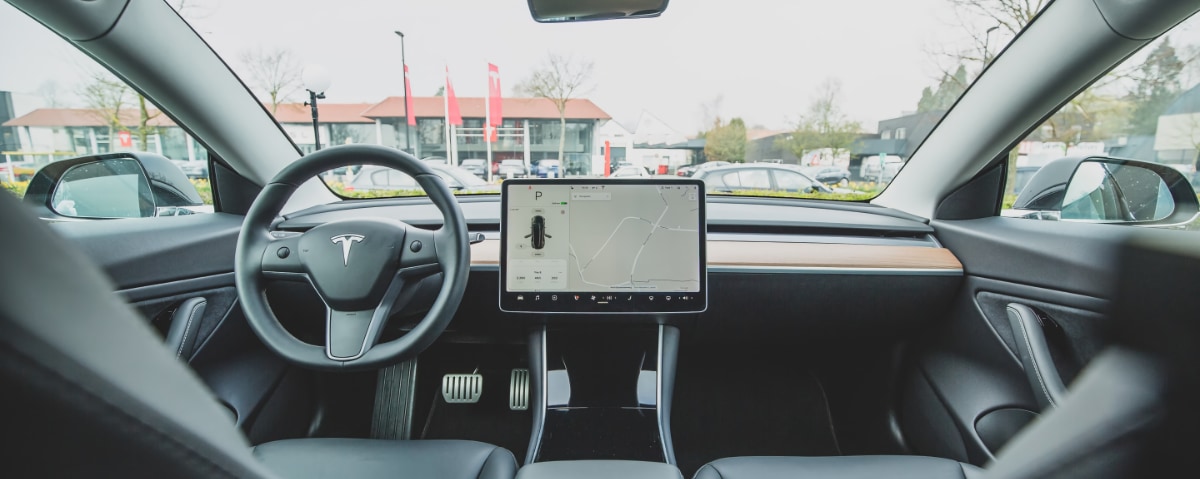
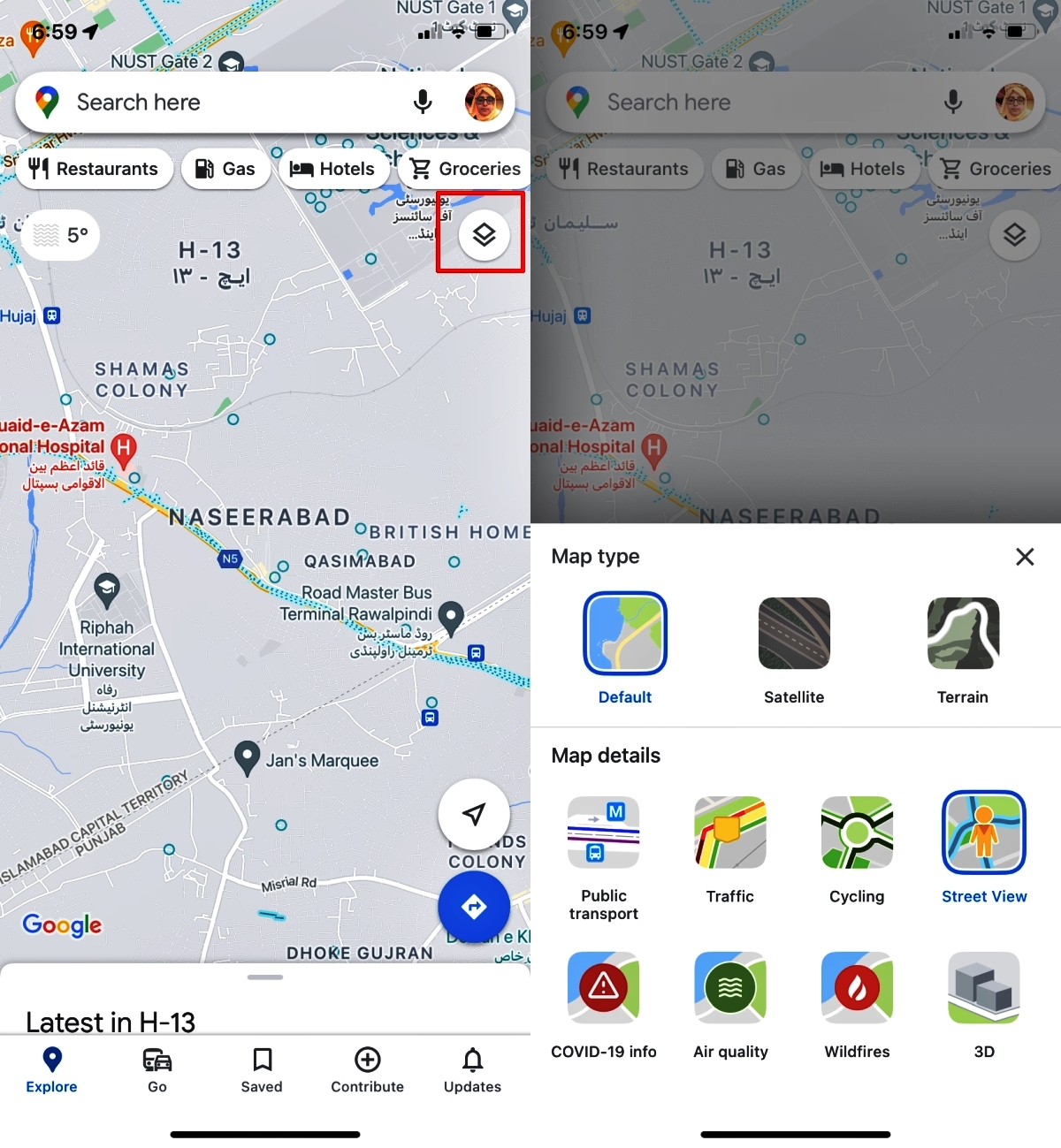
Premium Connectivity is Tesla’s paid tier that unlocks data-dependent features beyond the basic package. Subscribers get Live Traffic Visualization (colored lines showing real-time congestion on the navigation map) and Satellite-View Maps, which provide high-resolution aerial imagery for better context. You also gain access to Video Streaming (Netflix, YouTube, Hulu, etc.) and Caraoke over cellular, plus Music Streaming from services like Spotify and Tidal, and the Internet Browser for on-screen web use. A key extra is Sentry Mode live-view cameras, which lets you remotely view your car’s cameras from the Tesla app, a feature that requires a stable cellular connection and is exclusive to Premium Connectivity. Most Premium Connectivity features, such as video streaming and Caraoke, are only available when the vehicle is parked, while music streaming and navigation can be used while driving.
What Standard Connectivity already gives you for free
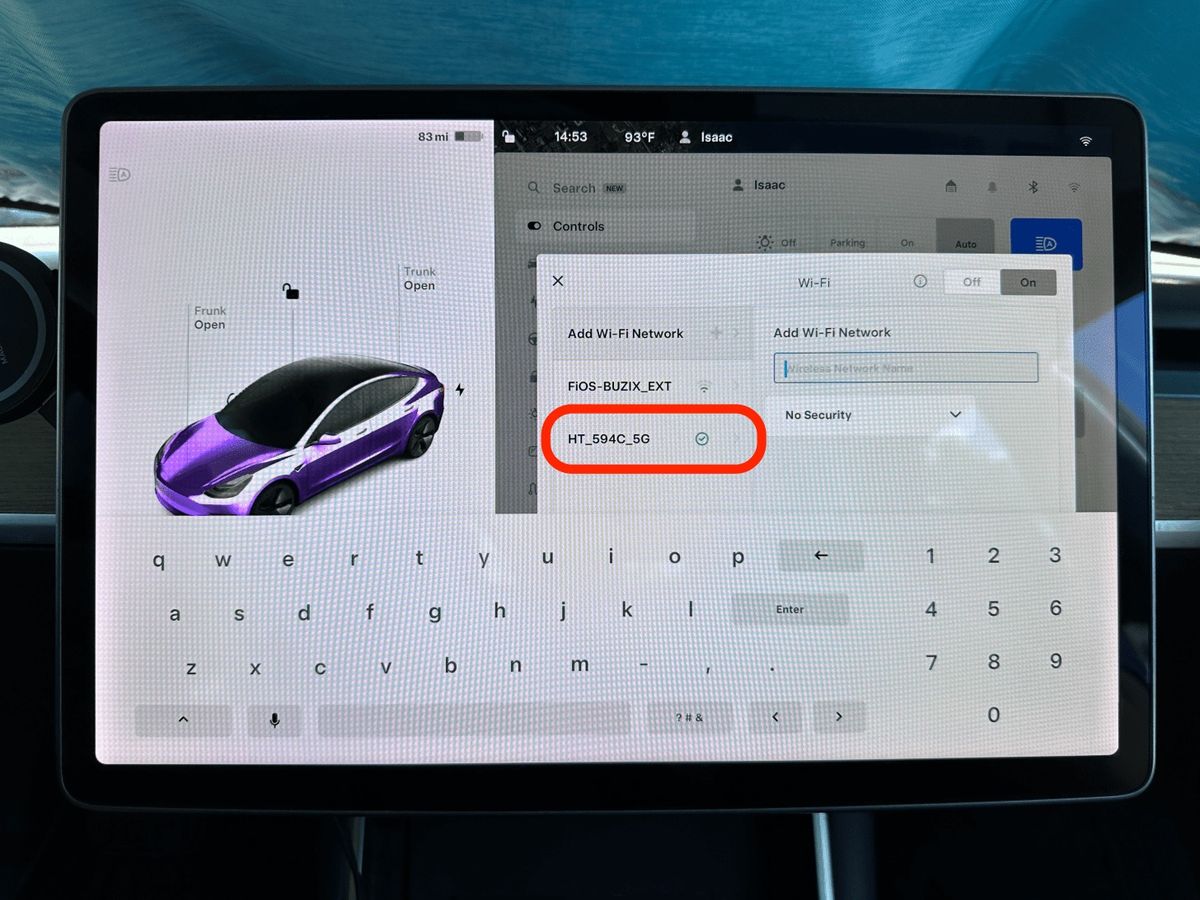
Every new Tesla includes Standard Connectivity for eight years, covering essential functions without any subscription fee. Standard Connectivity is included for eight years with new Tesla vehicles. This includes basic navigation with traffic-based routing (so you still get rerouting around jams, just without the visual overlay), Trip Planner, and Supercharger stall availability. You also get Bluetooth pairing for phone calls and media, FM radio, USB playback from a flash drive, and over-the-air software updates. Importantly, video streaming, Caraoke, and the internet browser work over Wi-Fi only, so if you park near a known network, you can still access some entertainment without paying. For most daily driving, Standard Connectivity handles core needs, but it lacks the real-time map layers and remote camera access that define the premium tier.
The big 2024 change: no more free streaming music
As of late 2024, Tesla has altered the value equation significantly. For vehicles delivered on or after October 1, 2024, a streaming music account (like Spotify Premium or LiveOne) is no longer included with Premium Connectivity, you must pay for a third-party subscription separately. For older vehicles delivered before that date, any previously included streaming music accounts will be cut off starting December 1, 2024, meaning even long-time subscribers will need to bring their own logins. This change effectively removes one of the most tangible perks of Premium Connectivity, making the $9.99/month feel less like a bundled entertainment package and more like a pure data-and-maps subscription. If you were only paying for the music, this alone might push you to cancel.
Can a phone hotspot replace Premium Connectivity?
Yes, a mobile hotspot can replicate some Premium Connectivity features, but not all. Using your phone’s hotspot, you can stream music from Spotify or Apple Music, watch videos on the car’s browser (when parked), and even use the internet browser, all of which are standard functions that don’t require a Tesla subscription. However, a hotspot cannot provide Live Traffic Visualization, Satellite-View Maps, remote Sentry Mode viewing, or Grok AI (Tesla’s integrated assistant). These four features rely on Tesla’s own cellular connection and backend services, so they’re simply unavailable through a phone’s data. If you rarely use those four, a hotspot is a free workaround; if you depend on them, you’ll need to pay.
Premium Connectivity cost and how to subscribe
The subscription costs $9.99 per month or $99 per year (plus applicable tax), which is a 17% savings with the annual plan. To subscribe, open your Tesla touchscreen and go to Controls > Upgrades, or use the Tesla app and navigate to Upgrades > Software Upgrades. To subscribe, you can also navigate to 'Controls' > 'Upgrades' on the touchscreen. The process takes under a minute, and you can start or stop the subscription at any time. Keep in mind that Premium Connectivity is tied to your Tesla account and cannot be transferred to another vehicle, so if you sell your car, the new owner must buy their own subscription. Premium Connectivity subscriptions cannot be transferred between vehicles. There’s no prorating or family-sharing option, so weigh whether you’ll keep the same car long-term before committing to the yearly plan.
How to cancel Premium Connectivity
Cancelling is straightforward: open the Tesla app, tap Upgrades > Manage, select Premium Connectivity, then tap Manage again and choose Cancel Subscription. Your service will continue until the end of the current billing cycle, so if you cancel mid-month, you’ll still have access for the remaining days. If you cancel, you will continue to have Premium Connectivity features for the remainder of the current billing cycle, and no partial or full refund will be issued. Tesla does not offer partial or full refunds upon cancellation, so it’s best to time your cancellation right before a renewal date if you’re sure you don’t want to continue. For example, if you subscribed on the 15th and cancel on the 20th, you’ll lose access on the 15th of the next month, not immediately.
Final verdict: who should pay for Premium Connectivity
Subscribe if you frequently drive in unfamiliar cities and rely on live traffic visualization to avoid delays, or if you depend on satellite maps to orient yourself in areas with poor street-level detail. Remote Sentry Mode viewing is a must-have for those who park in high-risk areas and want to check on their car from their phone, a feature no hotspot can replicate. You should also pay if you use Grok AI for hands-free commands or want the convenience of not tethering your phone every trip. On the other hand, skip it if you primarily drive local routes you know well, rarely use the browser, and are comfortable connecting your phone to the car’s Wi-Fi for music and video. The 2024 change means you’ll pay extra for music anyway, so ask yourself: is the Tesla mobile connector and hotspot workaround enough? For many, the answer is yes, but for power users, the $99 annual fee is a small price for the safety and convenience it unlocks. If you’re still on the fence, consider this: the cost of a single year equals about 10 cups of coffee, and it might save you from one traffic jam or parking lot incident. And if you’re wondering whether “this streaming service worth paying for” applies here, remember, the music is now separate, so judge Premium Connectivity purely on the maps and remote features. If you’re still unsure, try the 30-day free trial with a new vehicle, then decide based on your actual usage patterns.
Frequently Asked Questions
Does Premium Connectivity include a streaming music account?
No.
Can I transfer my Premium Connectivity subscription to a new Tesla?
No, Premium Connectivity subscriptions cannot be transferred between vehicles.
Will I get a refund if I cancel Premium Connectivity early?
No partial or full refunds are issued upon cancellation. You will continue to have access to Premium Connectivity features for the remainder of the current billing cycle.
Can I use a phone hotspot instead of Premium Connectivity?
Is live traffic visualization the same as traffic-based routing?
No. Standard Connectivity includes traffic-based routing for navigation, while Premium Connectivity adds the live traffic visualization overlay with colored lines on the map and satellite-view maps.
Related reading: How To Change Your Starting Location In Maps.