The Network Setup tag collects practical guides for anyone who needs to connect a device to a home or office network, or extend an existing wireless signal. Whether you are setting up a new phone system, making a printer wireless, or getting a smart scale online, these articles are written for everyday users who want clear, step-by-step instructions without technical jargon.

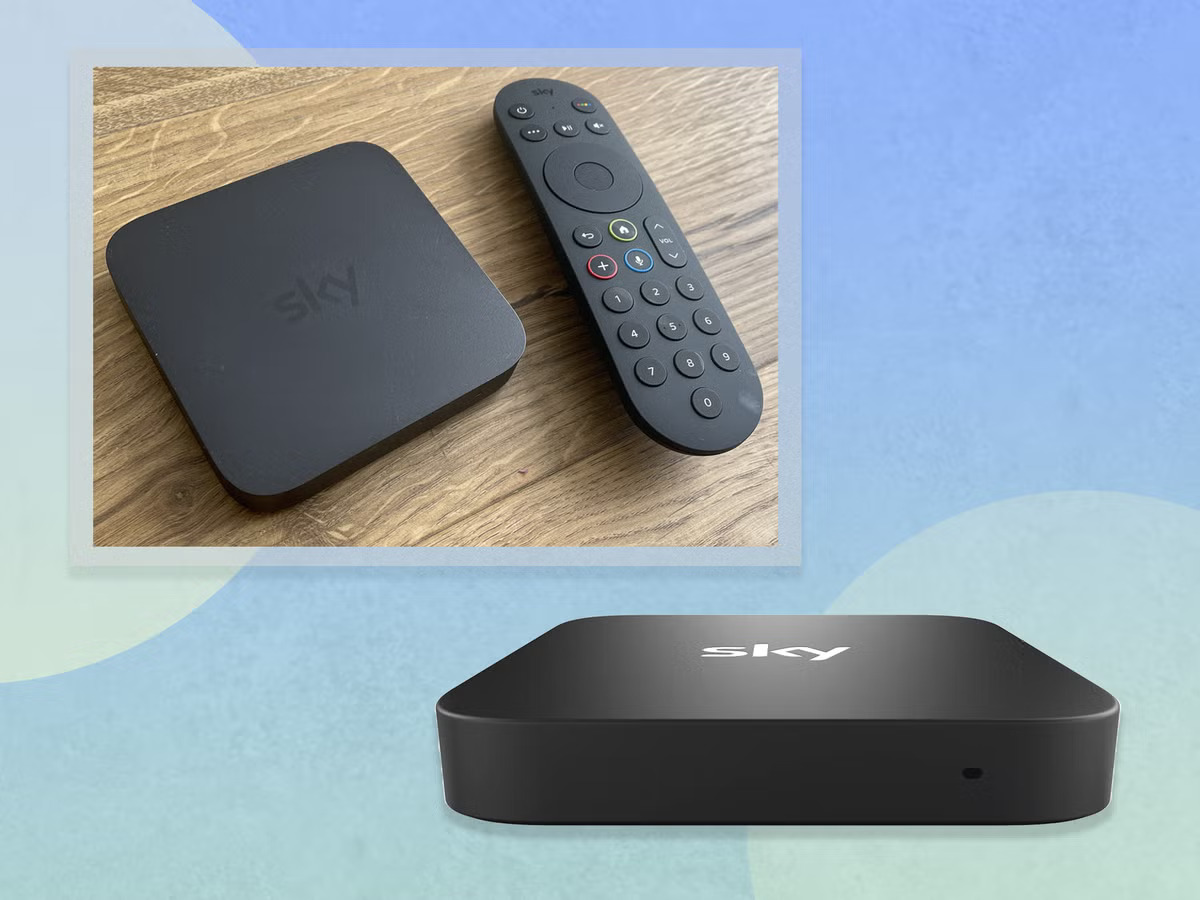
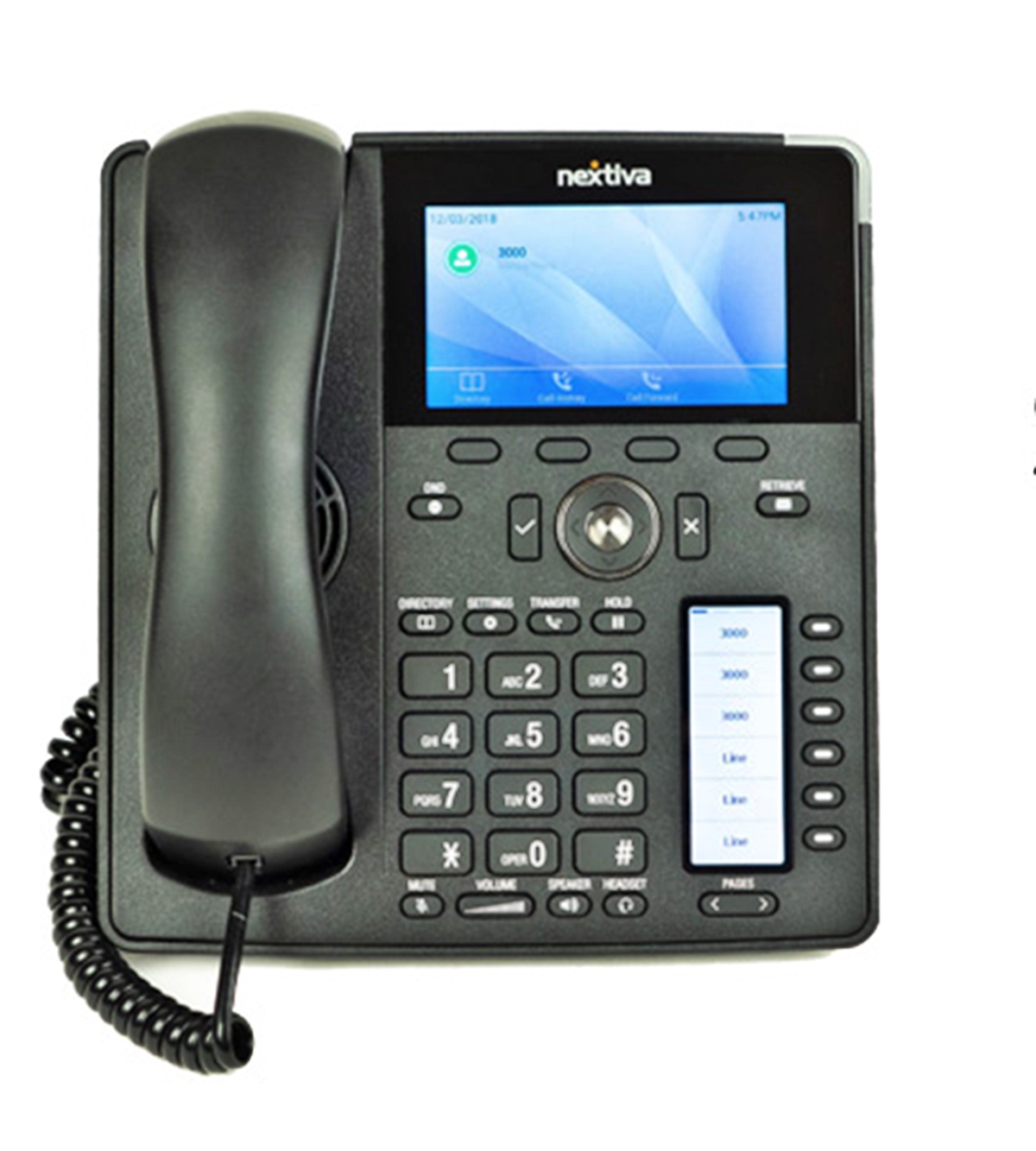
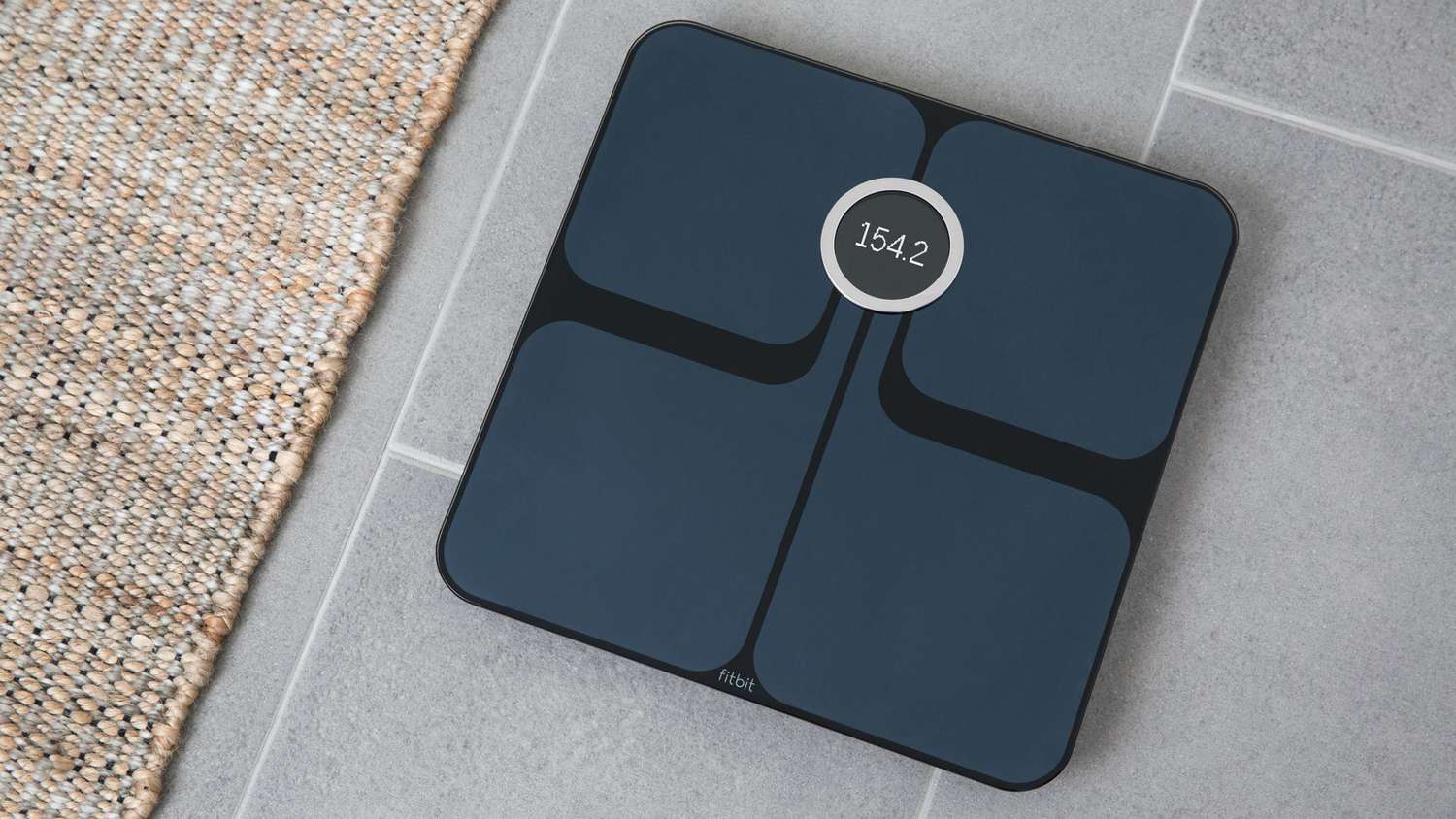
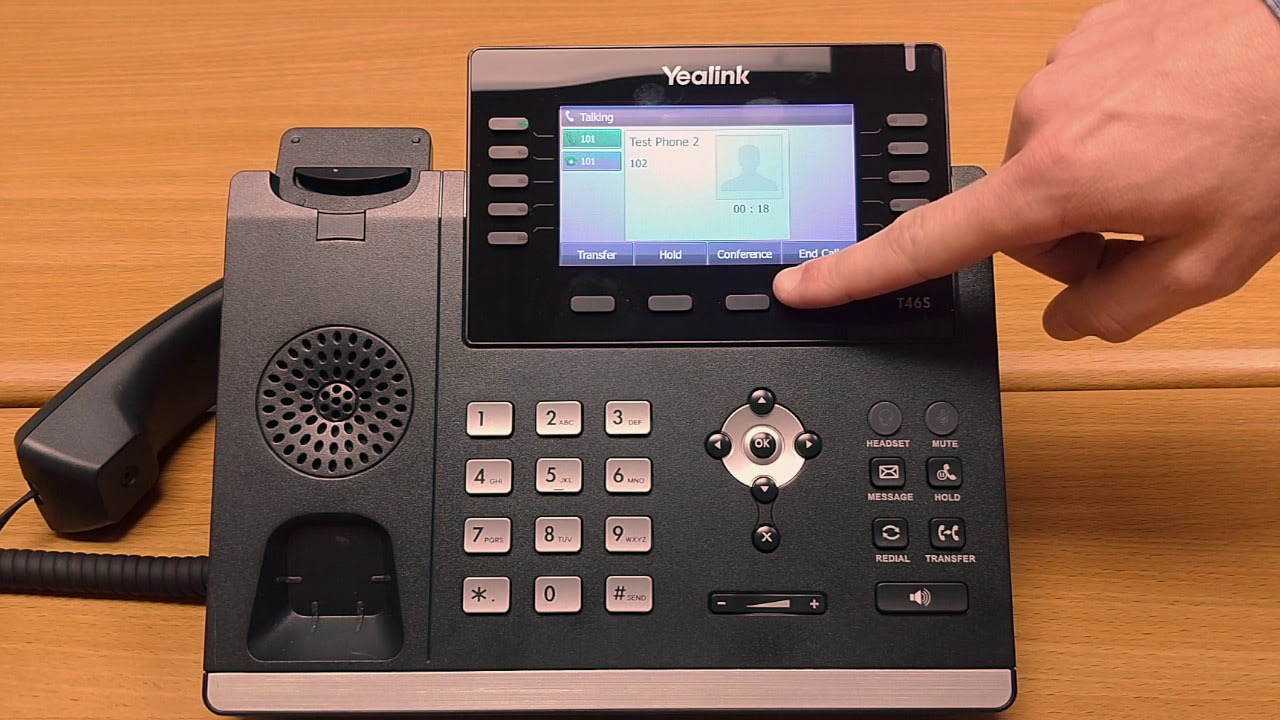
The articles here solve two main kinds of problems. First, they help you connect specialized devices to your network, such as a Yealink office phone or a VoIP phone, and they show you how to get a Sky Box onto wireless internet. Second, they focus on extending and improving your existing network, with guides on how to set up a wireless mini router, extend a wireless router, and access an Amped Wireless range extender. You will also find help for making a network printer wireless and changing the WiFi connection on a Fitbit Aria scale.

Each article is designed to help you complete a specific task, from physically connecting hardware to navigating the settings menus on your phone or computer. By following these guides, you can get your devices online, expand your network coverage, and fix common connection issues without needing to call a technician.
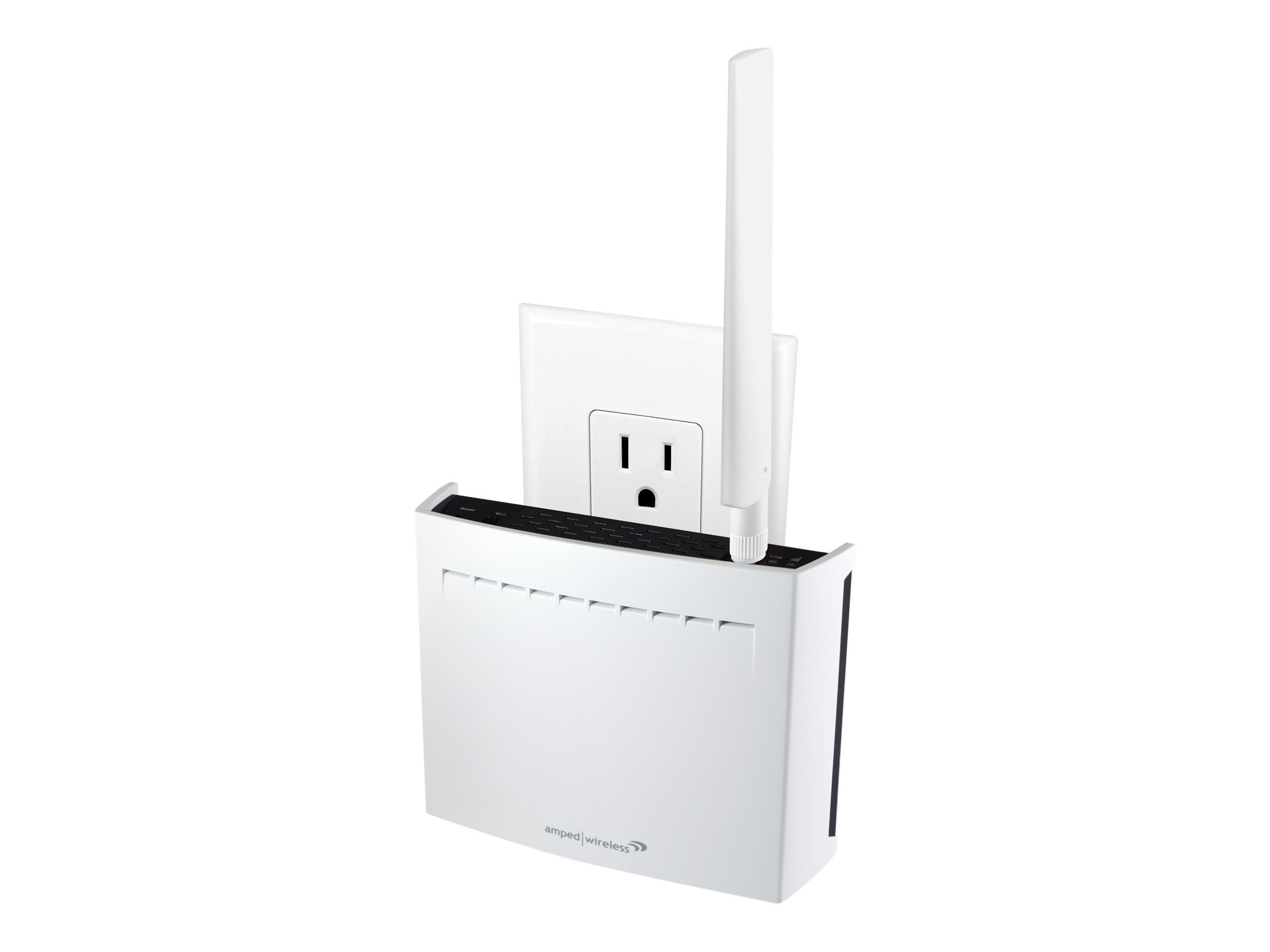
How To Access Amped Wireless Range Extender

To access an Amped Wireless range extender, you must first connect your phone, tablet, or PC to the extender's Wi‑Fi network, then open a web browser and go to setup.ampedwireless.com....

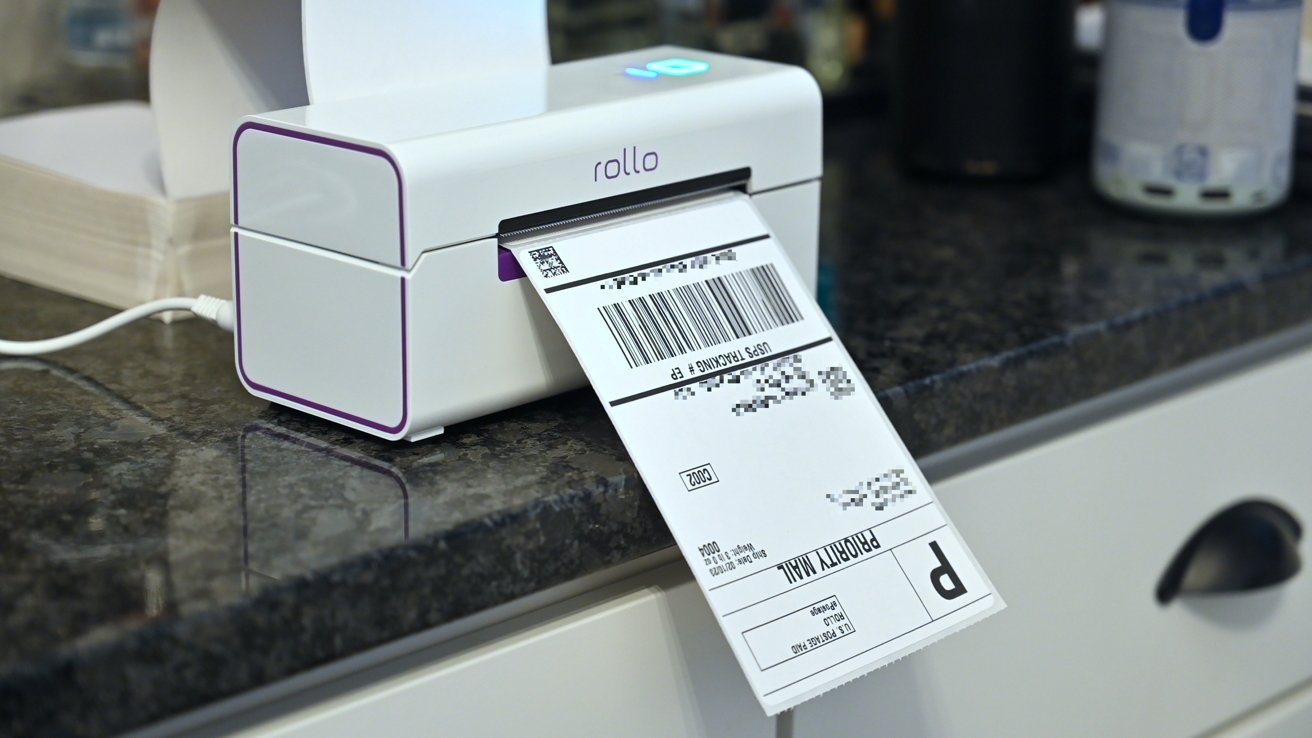
How To Make Network Printer Wireless

To make a network printer wireless, you have two main options: connect the printer directly to your Wi‑Fi router using its built-in wireless capabilities, or use a wireless print server...

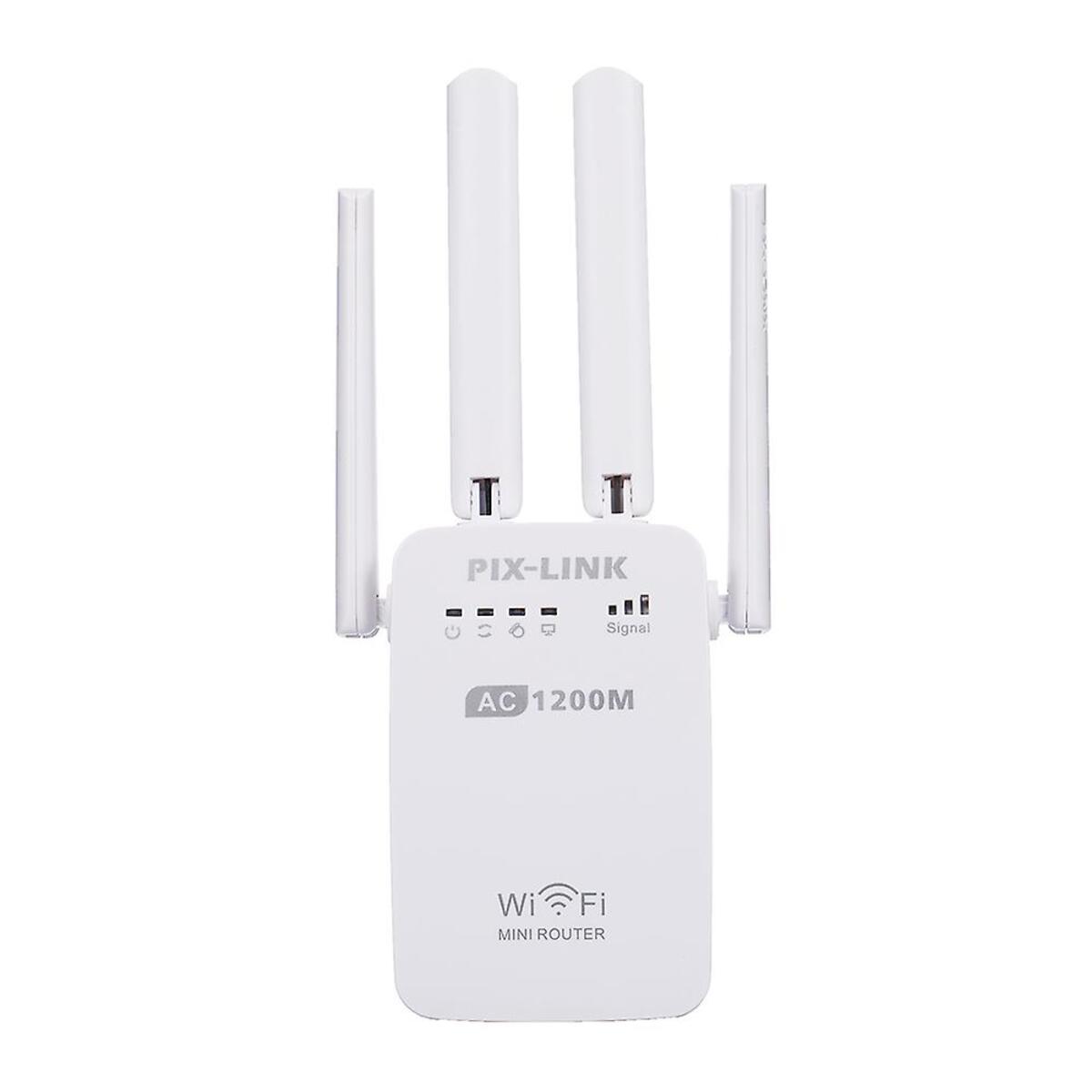
How To Set Up Wireless Mini Router

To set up a wireless mini router, plug in the router and modem, then complete the router’s quick setup in its app or web page. This step-by-step process covers the...

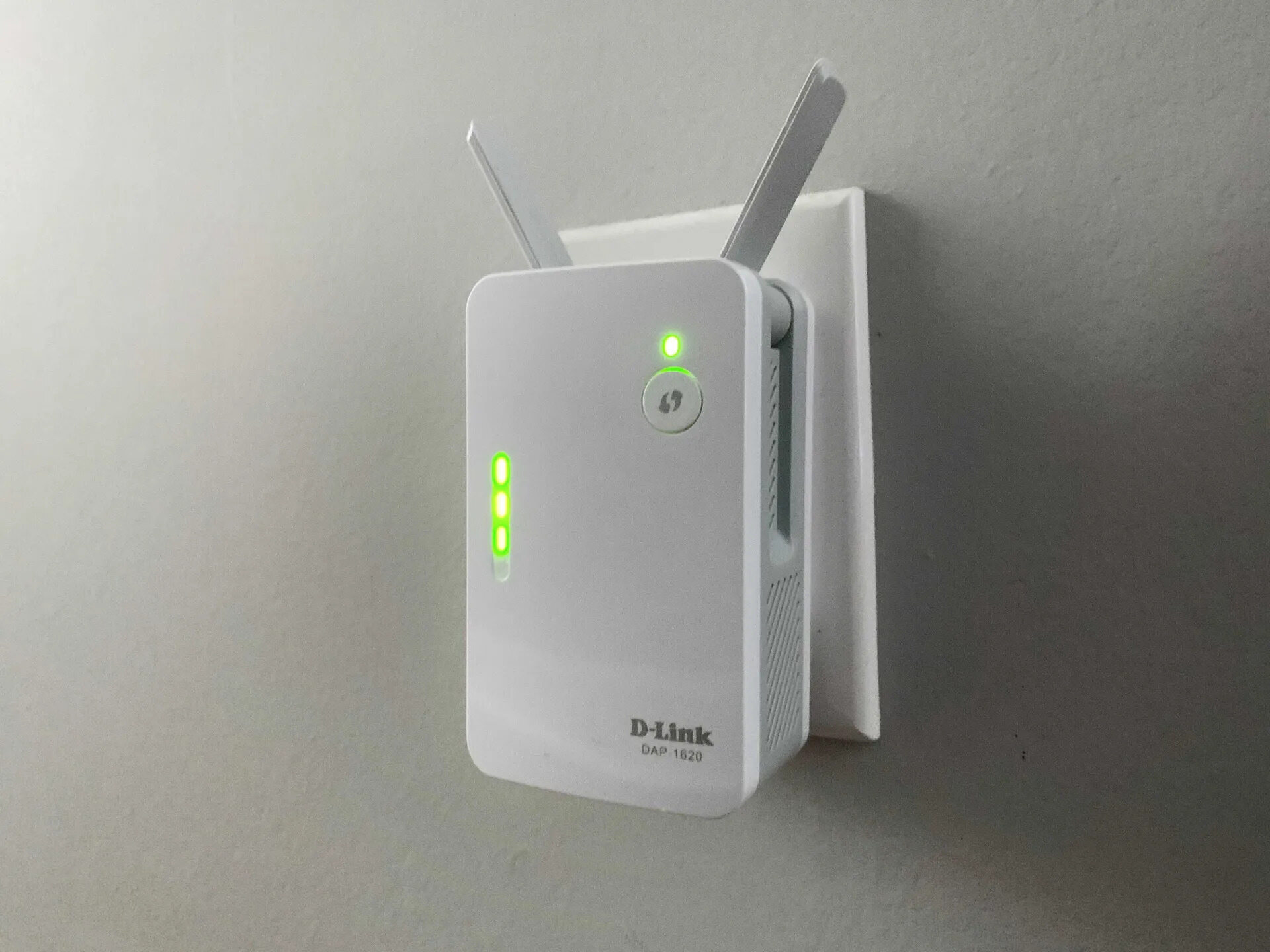
How To Extend Wireless Router

To extend your wireless router's range, the most effective method is to use a dedicated Wi‑Fi range extender or set up a second router as an access point. These devices...

How To Get Wireless Internet On Sky Box

To get wireless internet on a Sky Box, press Setup on your Sky remote, scroll to Internet Connection, and press Select. Then choose your Wi‑Fi network and enter the password...

How To Set Up VoIP Phone

To set up a VoIP phone, you need to connect a VoIP-compatible device to your internet network and register it with a VoIP service provider, which then lets you make...