Welcome to the Network Troubleshooting tag on CellularNews. This page collects practical guides for anyone dealing with frustrating connectivity issues on their phones, home networks, or mobile devices. Whether you are a casual user trying to get your printer back online or a more experienced owner looking to optimize your signal, these articles are designed to help you diagnose and fix common problems without needing technical support.
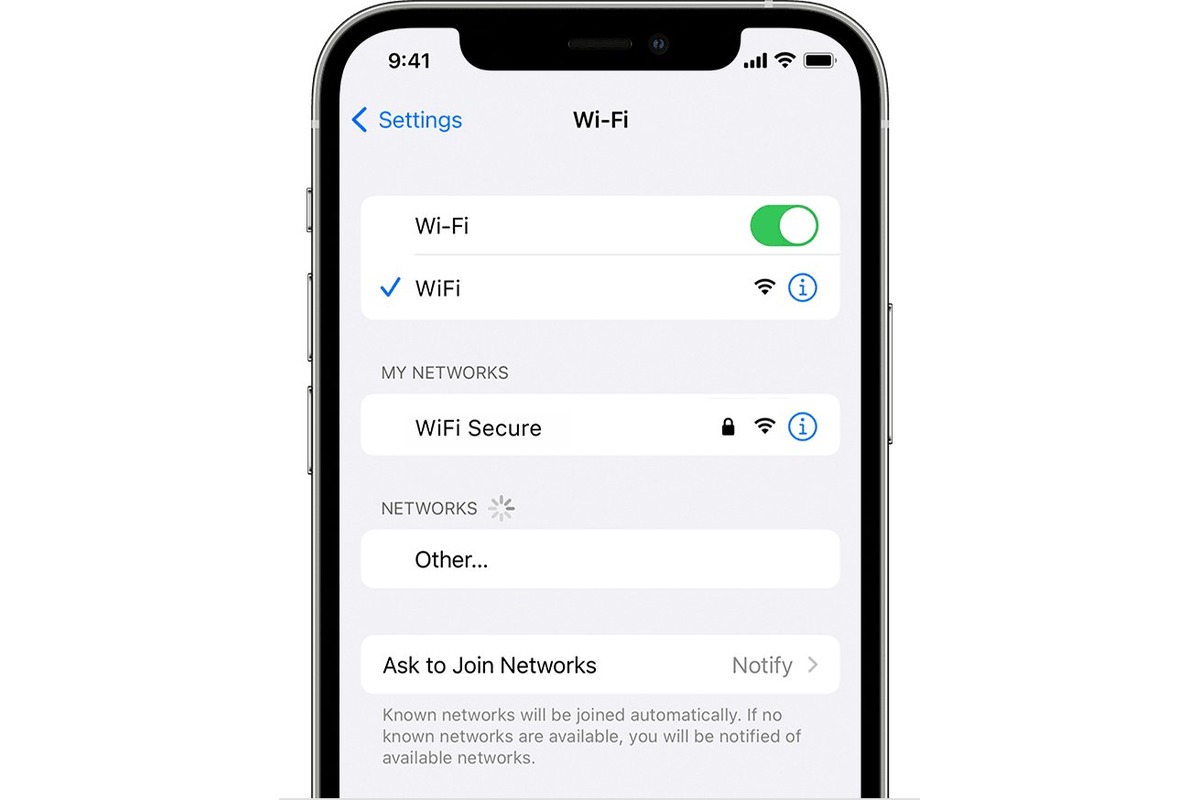
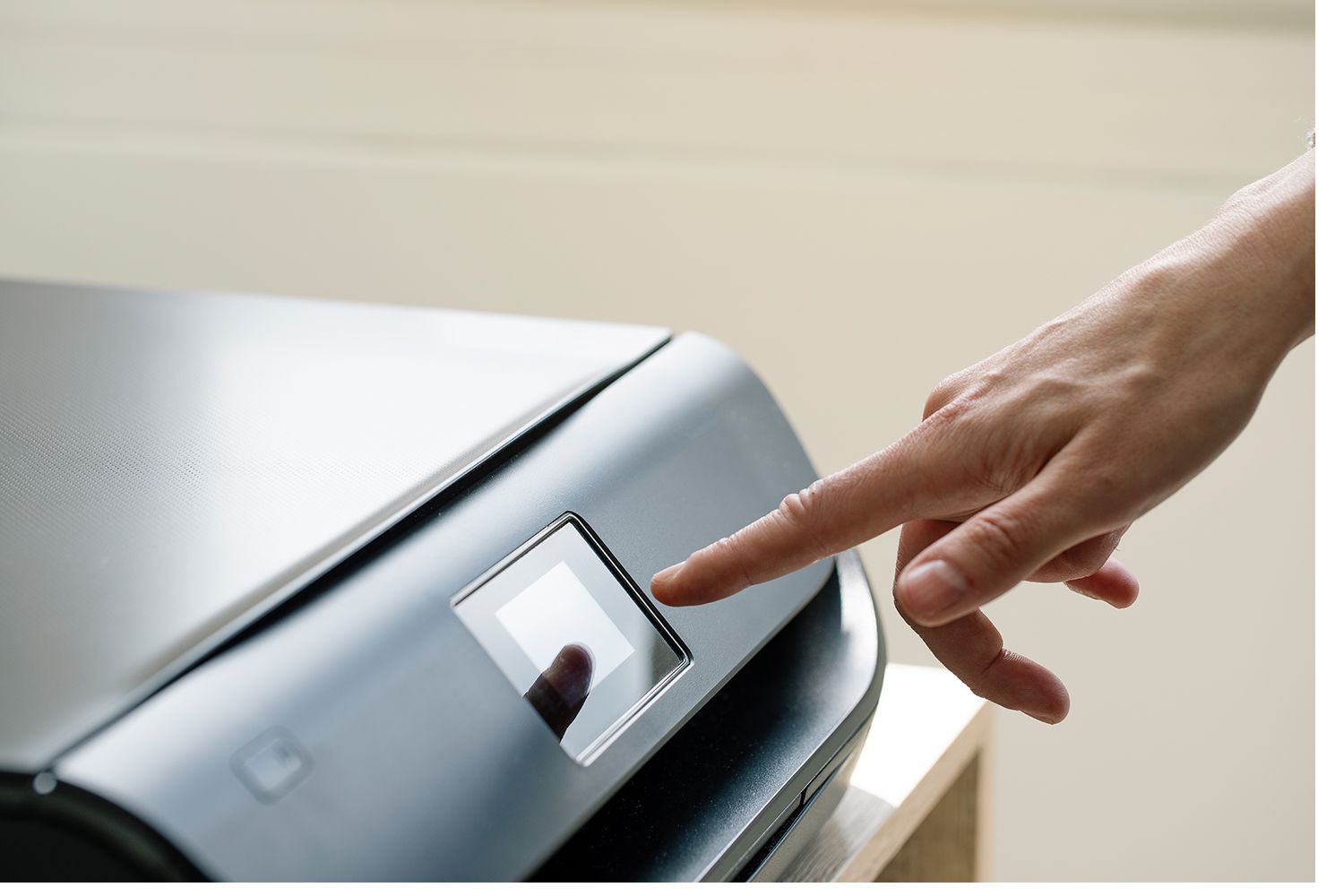
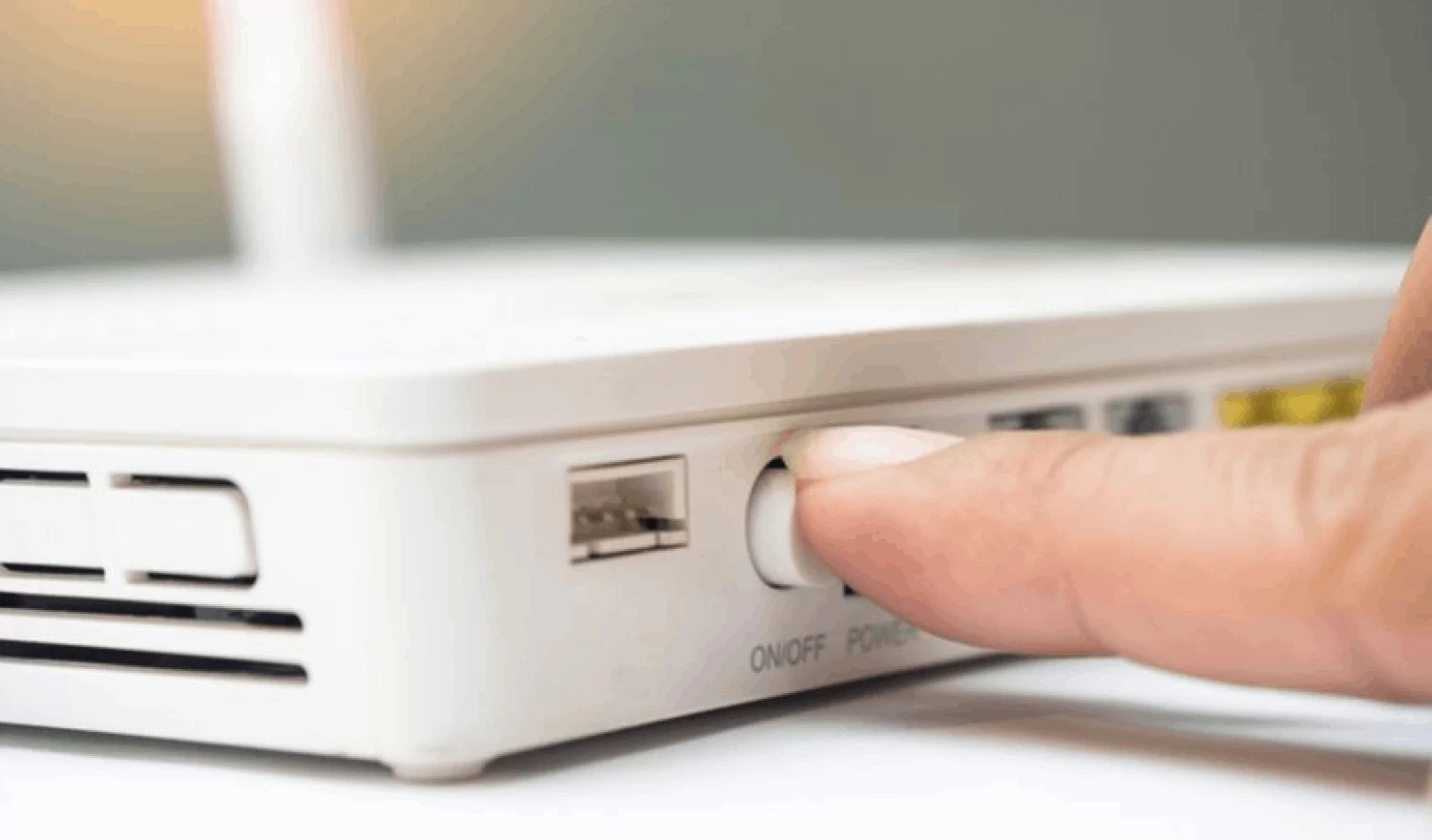
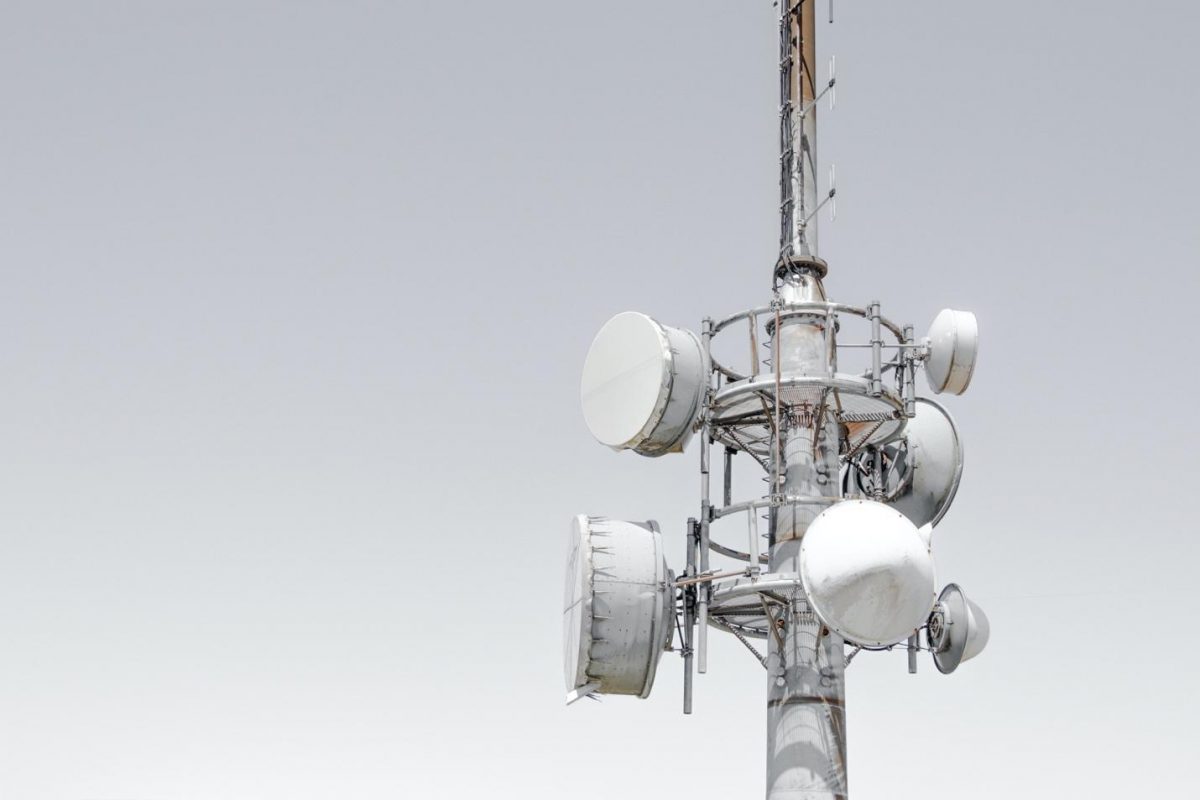
The articles here address two main themes: understanding your current network environment and taking direct action to improve it. For example, you can learn how to quickly locate a cell tower near you to better understand your coverage, or check if your iPhone is connected to a 2.4GHz or 5GHz Wi-Fi band to improve speed and stability. Other guides focus on restoring lost connections, such as how to restart your wireless router or how to get your wireless printer back online after it drops off the network.
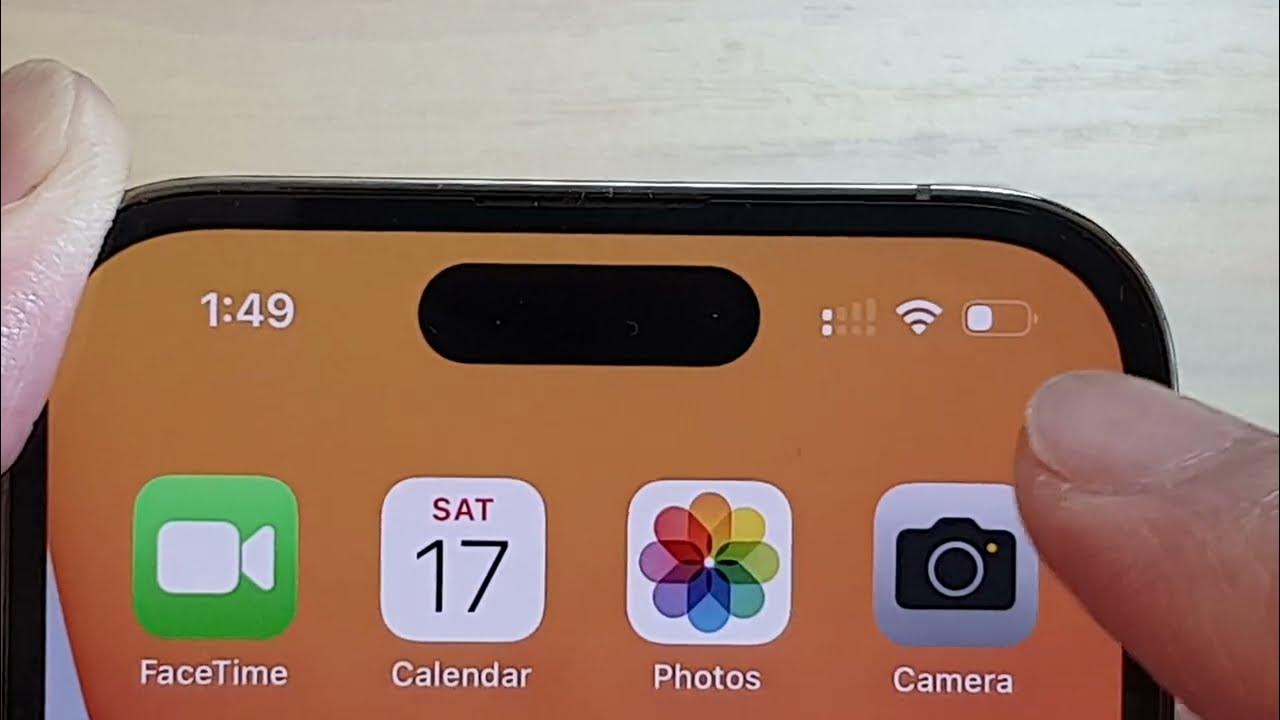
You will also find solutions for specific signal issues. If you have ever wondered why you only have 2 bars on your iPhone 12, the related article explains the common causes behind weak cellular reception. For a broader approach, the guide on boosting mobile signal strength provides actionable steps to strengthen your connection without requiring new hardware. Each article helps you take a specific, clear action to resolve a real-world network problem.