Understand what's actually causing your weak mobile signal
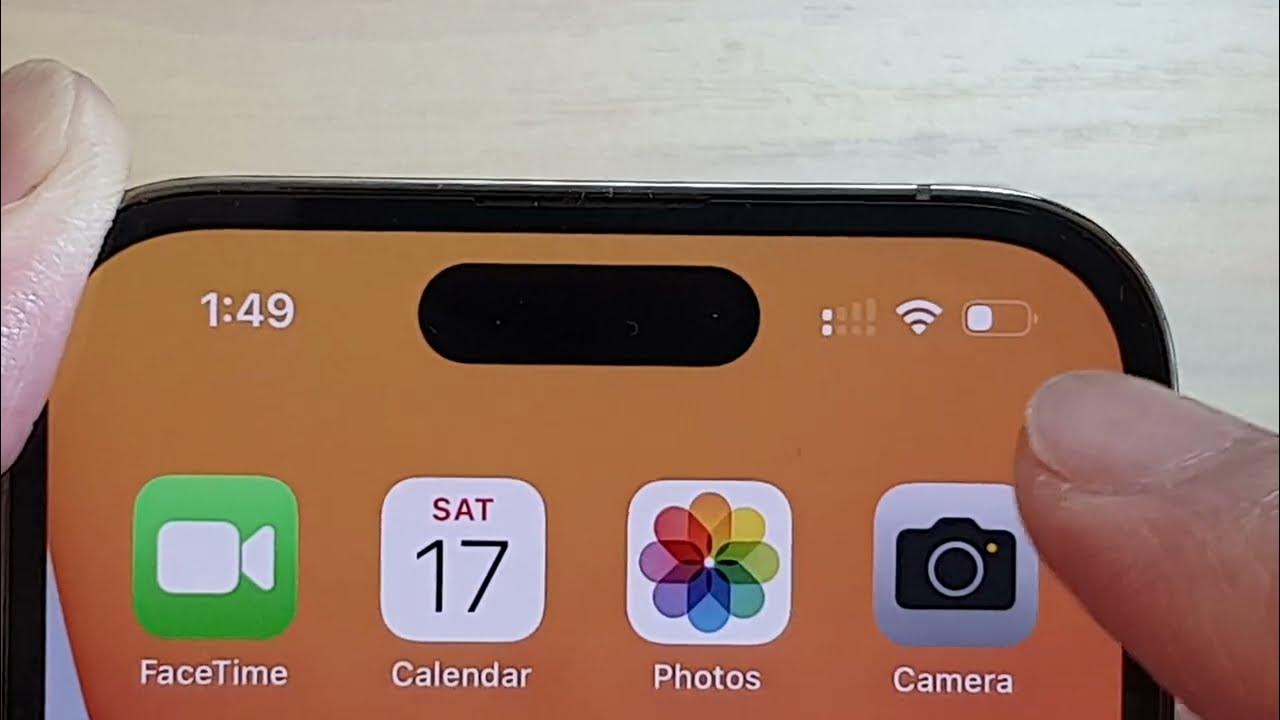
Before you spend money on a booster, it pays to confirm what is actually weakening your mobile signal strength. The bars your phone paints at the top of the screen are a rough guess, not a measurement, and two devices from the same carrier can sit on the same table and report completely different readings. You might see an iPhone 13 single bar signal while an iPhone 12 two bar signal sits right next to it, and an iPhone 11 two bar signal on the same account could show yet another tally. Because those icons are tuned by each manufacturer, a more reliable step is to check wireless signal strength as a cold number your phone already collects. On an iPhone, open the Phone app, tap Keypad, enter *3001#12345#* and tap the green Call or Dial button to enter Field Test Mode, where readings like RSRP and SINR give you a real look at what is reaching the antenna. If you need to detect cell phone signals with an Android device, the platform reports LTE and NR strength at the system level. A single weak reading indoors does not automatically mean the tower is the problem, and sometimes a poor T-Mobile signal strength result traces back to a network setting that a quick reset can clear. T-Mobile’s own troubleshooting points to resetting network settings on an iPhone as one early check.
Choose the right carrier and equipment for your area
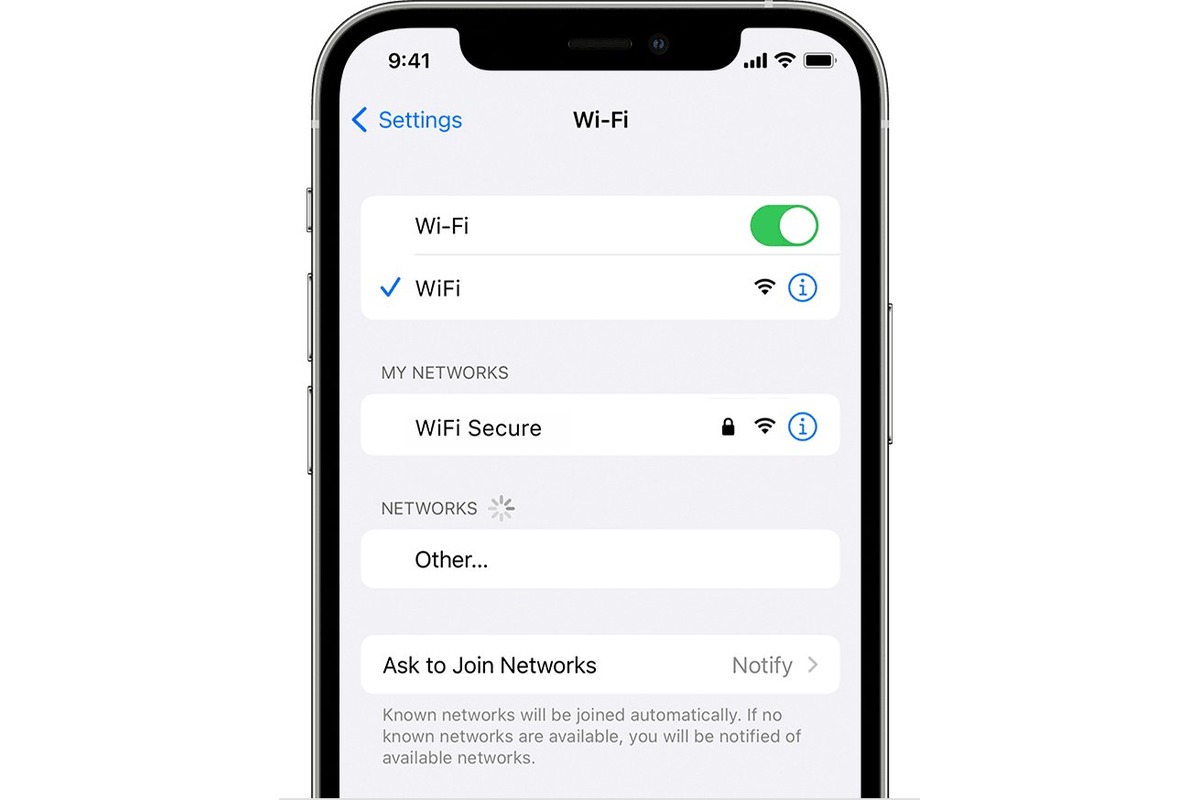
Before you choose a path, understand that the right fix depends entirely on where the problem lives. If your phone struggles in every room of your house and outdoors too, the issue is likely tower distance or terrain, and no device you plug in at home can fix that. In that case, your first move is to check whether the cellphone company with the best signal in your specific neighborhood is actually the one you are paying, because coverage maps are painted with a broad brush and a single block can flip from strong to dead zone. Most carriers now support Wi‑Fi Calling as a built‑in backup, and enabling it in your phone’s Cellular settings lets you route calls over your home internet without buying any extra hardware.
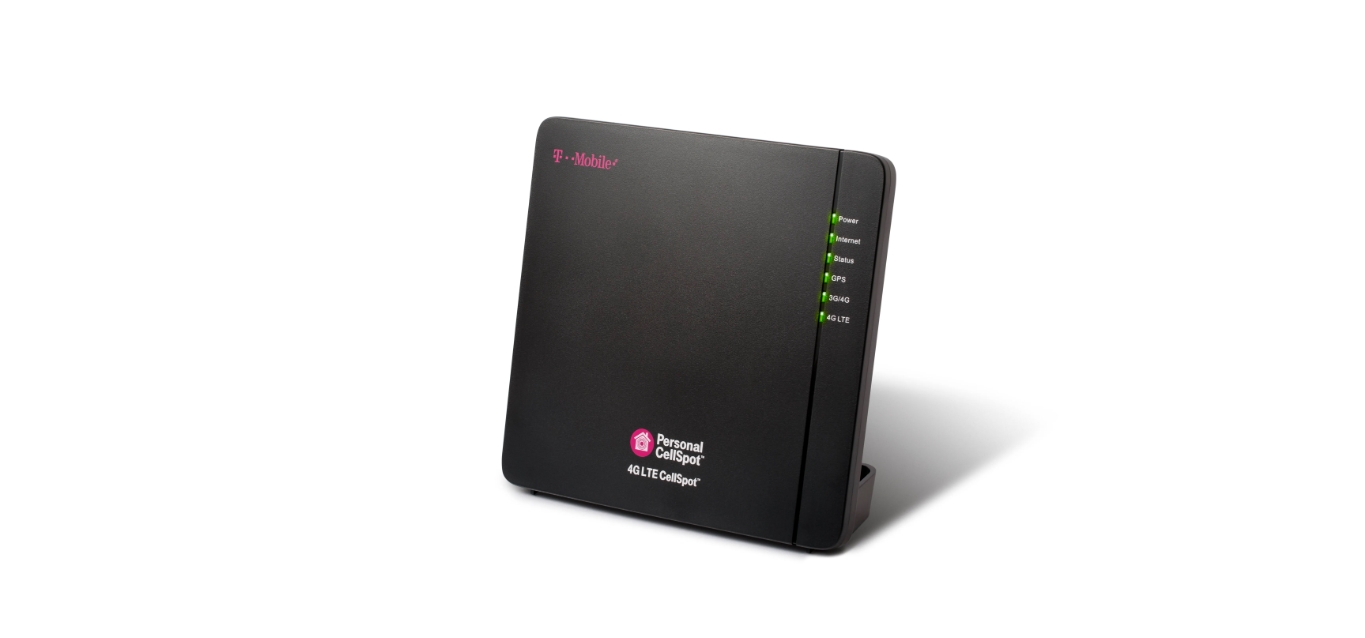
If the outdoor signal is usable but collapses the moment you step inside, that is the scenario where a cell phone signal booster and how does it work becomes relevant. A window‑mounted unit grabs the existing outside signal, amplifies it, and rebroadcasts it indoors. For T‑Mobile customers the official path is to obtain a T-Mobile signal booster through the company’s coverage support pages, which will ask you to register the device before shipping anything. There is no direct way to connect external antenna to mobile phone, because modern iPhones and Android handsets do not expose an antenna port for consumers; the designed solution is always a standalone booster or Wi‑Fi Calling, not a cable running to your phone.
Boost signal across all carriers at home
Getting a workable signal indoors often starts with the carrier-specific tools your provider already built into your plan. If you need to improve mobile signal strength at home, the first setting to check on an iPhone is whether your carrier bundle is current. Open Settings > General > About and wait a few seconds for any update prompt. An outdated configuration can keep you camped on a weaker band even when a stronger one is available. You may want to Boost your Verizon wireless signal if you rely on Verizon’s network and need to overcome indoor dead zones without switching carriers.
For households specifically trying to improve AT&T cell phone reception AT home, AT&T’s device support pages show Settings > Cellular for signal and cellular data settings. You may want to Boost Xfinity hotspot signal if you depend on Xfinity’s public hotspots for connectivity and find them unreliable indoors.
Verizon takes a different approach by requiring you to register any signal booster with the carrier, though pre-approval is not needed for FCC-certified devices. Some accounts may qualify for a 4G Network Extender through the company’s loaner program instead of buying hardware outright. You may want to Boost T-Mobile signal if you are a T‑Mobile subscriber experiencing dropped calls or slow data inside your home. The same principle holds across other networks. Where documented, carriers publish their own process for diagnosing and solving poor indoor reception. You may want to Boost Mobile signal if you use Boost Mobile as your provider and need practical steps to improve call quality and data speeds indoors. The right starting point is the official guide that matches your service provider.
- Boost your Verizon wireless signal
- Boost Mobile signal
- Boost Xfinity hotspot signal
- Boost T-Mobile signal
Fix specific T-Mobile signal and internet issues
T-Mobile’s own tools often resolve signal complaints before you spend money on hardware. Before you try to increase T-Mobile signal, open the carrier’s coverage map and enter your address to see modeled outdoor strength and determine whether the issue is tower distance or just your building’s materials. If you use an iPhone, ensure your device software is updated to the latest version to refresh how the phone talks to T‑Mobile’s network.
Home internet performance depends heavily on gateway placement. The quickest way to improve T-Mobile home internet speed is to open the T-Life app and use the interactive placement assistant to find a spot with stronger reception. Once the gateway is positioned away from other electronics, test your devices at different distances. T‑Mobile notes that devices closer to the gateway are good for gaming and HD/4K streaming, while a device farther away may see a significant drop. If a laptop or smart TV refuses to connect reliably, use the same app to run network diagnostics and find optimal placement.
Troubleshoot non-phone devices and quick wins
Security panels and hotspot routers often fail in ways that have nothing to do with your carrier’s tower. When an ADT system shows a communication error, you can usually fix cellular failure ADT by first confirming that the Base is within range of usable cellular service, since losing connectivity can take the panel offline.
If the trouble is a weak hotspot connection instead of a dead security sensor, moving the gateway into the same room as the device that needs it gives the simplest gain. Once you find the spot with the strongest reception, remember that signal strength weakens as distance from the nearest cell tower increases. Before you buy any extra hardware, there are 15 incredibly easy ways to Boost your mobile coverage that start with zero‑cost adjustments, such as toggling Airplane Mode, updating your carrier settings, or reducing congestion by distributing devices across available bands.
Frequently Asked Questions
How do I check my actual signal strength on Android?
The page text and verified facts do not document a universal Android menu path or dialer code for reading signal strength in dBm. Android reports LTE and NR strength at the system level, but the exact steps vary by manufacturer and no single official path is documented here.
What does RSRP mean in iPhone Field Test Mode?
RSRP stands for Reference Signal Received Power and is the primary measurement of LTE and 5G signal strength reaching your phone. The verified facts confirm it is one of the key radio metrics exposed in Field Test Mode, alongside RSRQ and SINR.
Where is the Wi-Fi Calling setting on a Verizon phone?
The verified facts do not include a Verizon-specific Wi-Fi Calling menu path. Apple documents the iPhone path as Settings > Cellular > Wi-Fi Calling, but Verizon's own pages gathered here focus on signal booster registration and the 4G Network Extender program instead.
Can I use a signal booster with Boost Mobile?
The page text mentions Boost Mobile as a provider needing practical steps for indoor reception, but the verified facts contain no official Boost Mobile documentation on signal booster eligibility or registration. The general guidance is to start with the official guide matching your service provider.