This tag collects all of CellularNews's articles related to Personal Identification Numbers (PINs), passwords, and voicemail access codes. It is for anyone who needs practical, step-by-step help managing the security and access features on their phone, whether you are setting up a new device, troubleshooting a forgotten code, or switching carriers.
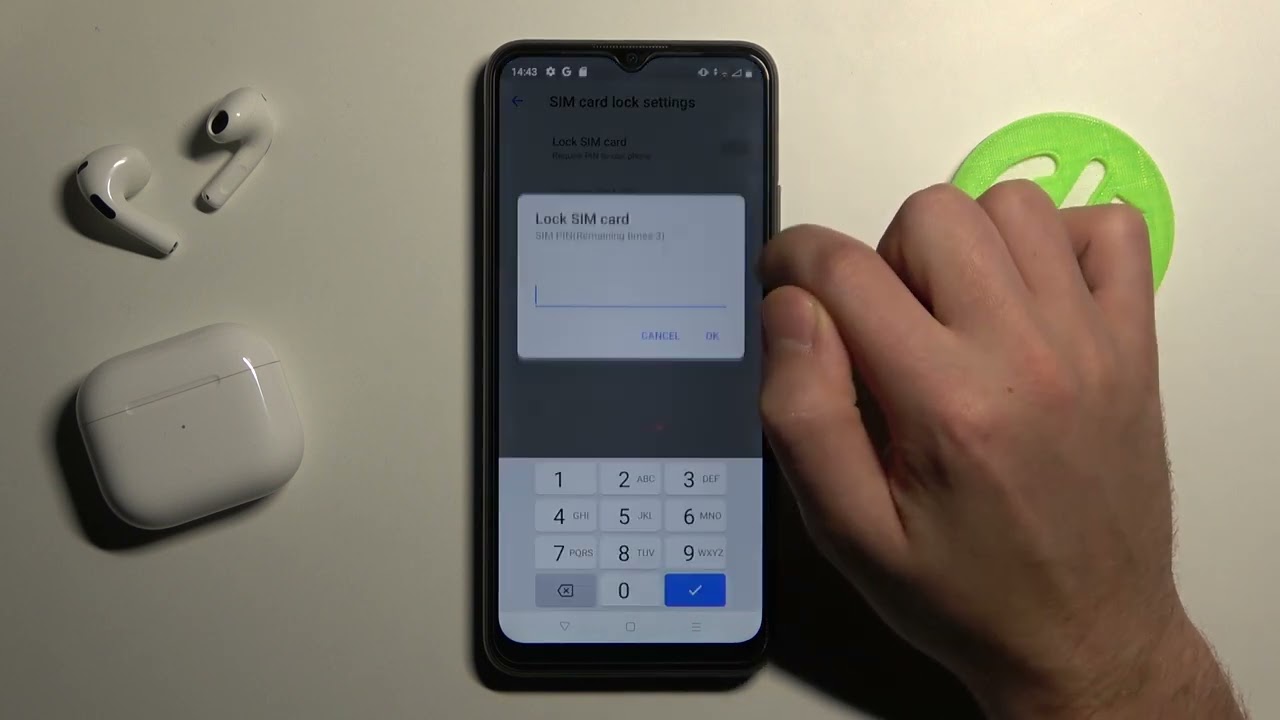
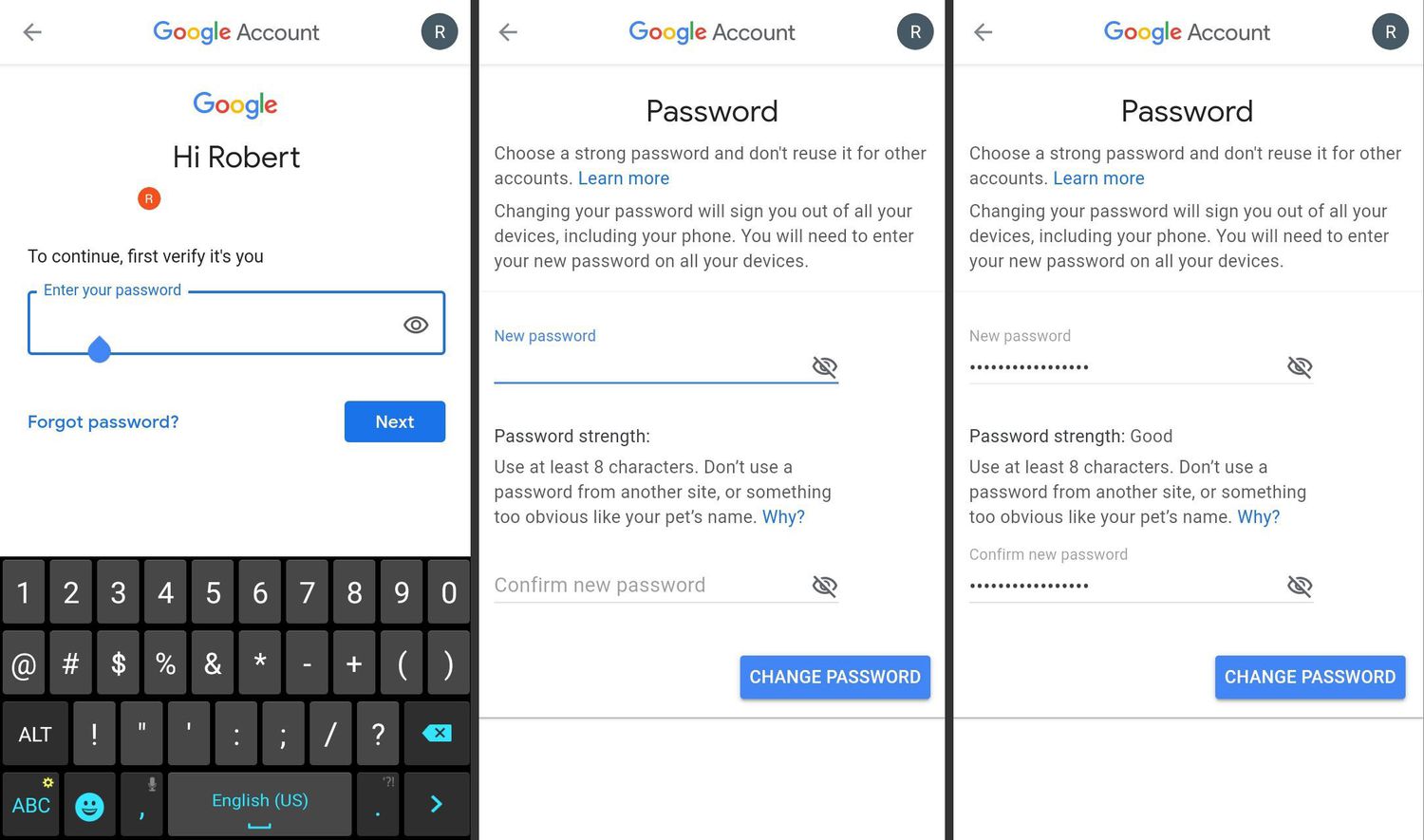
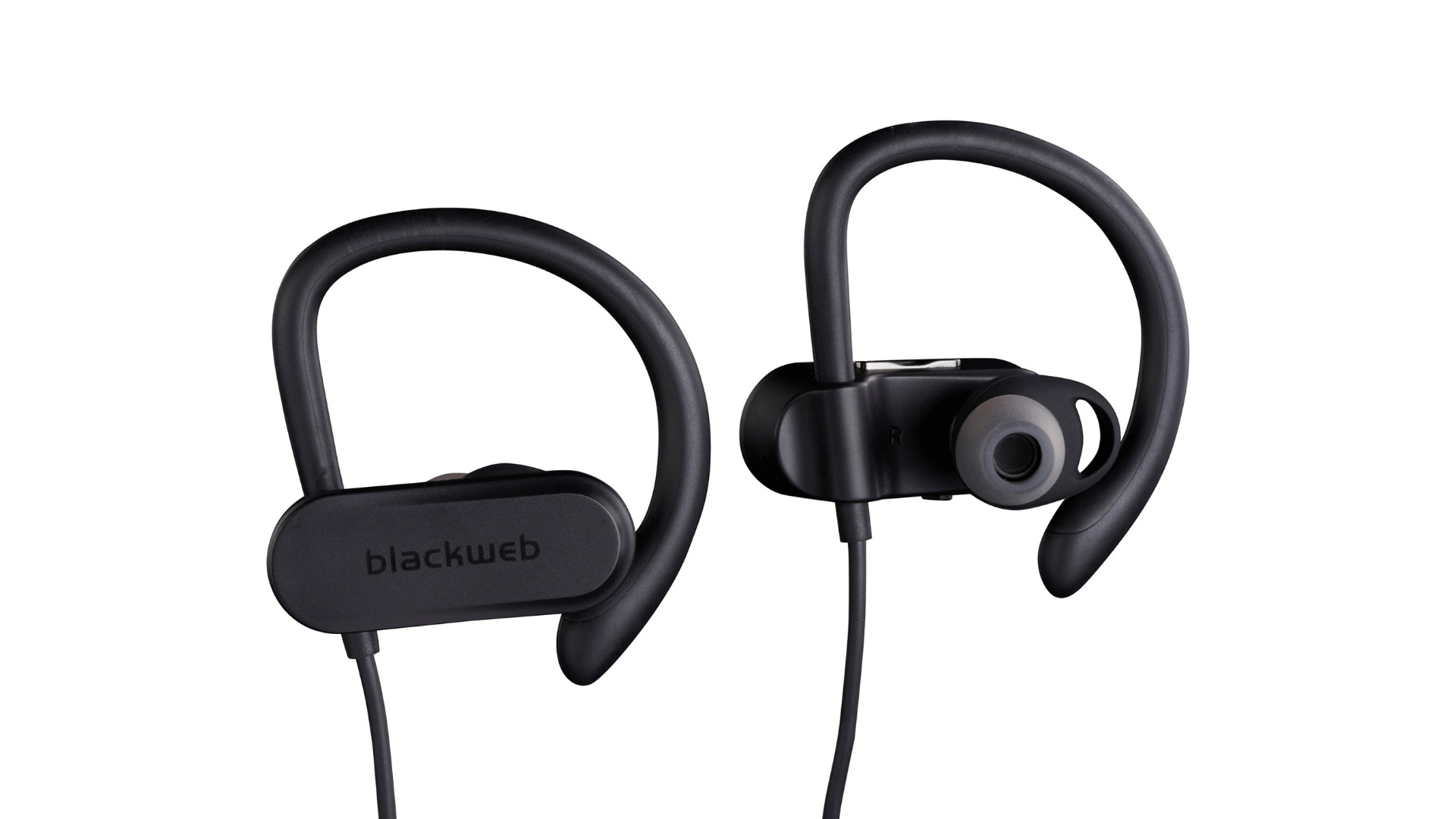
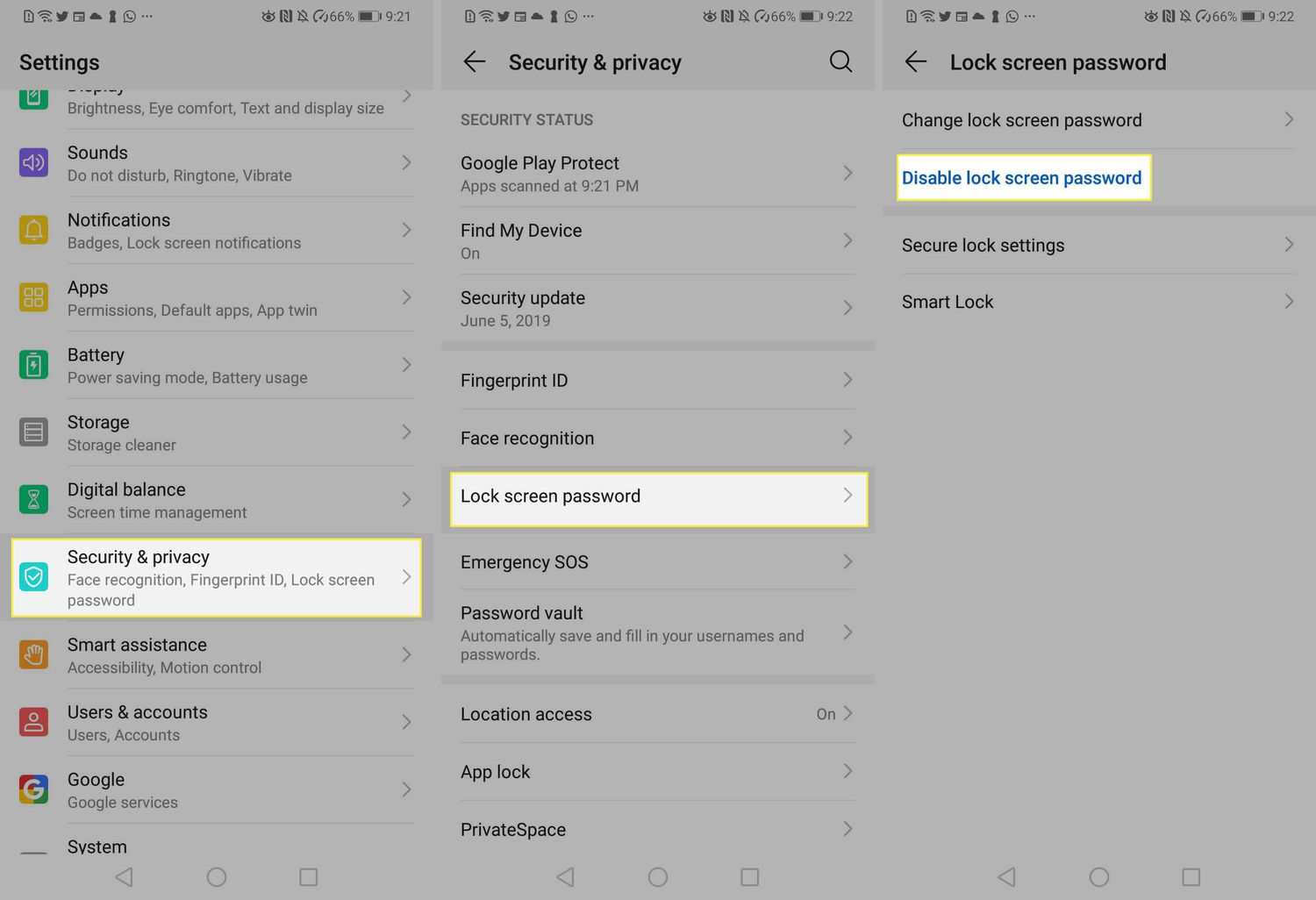
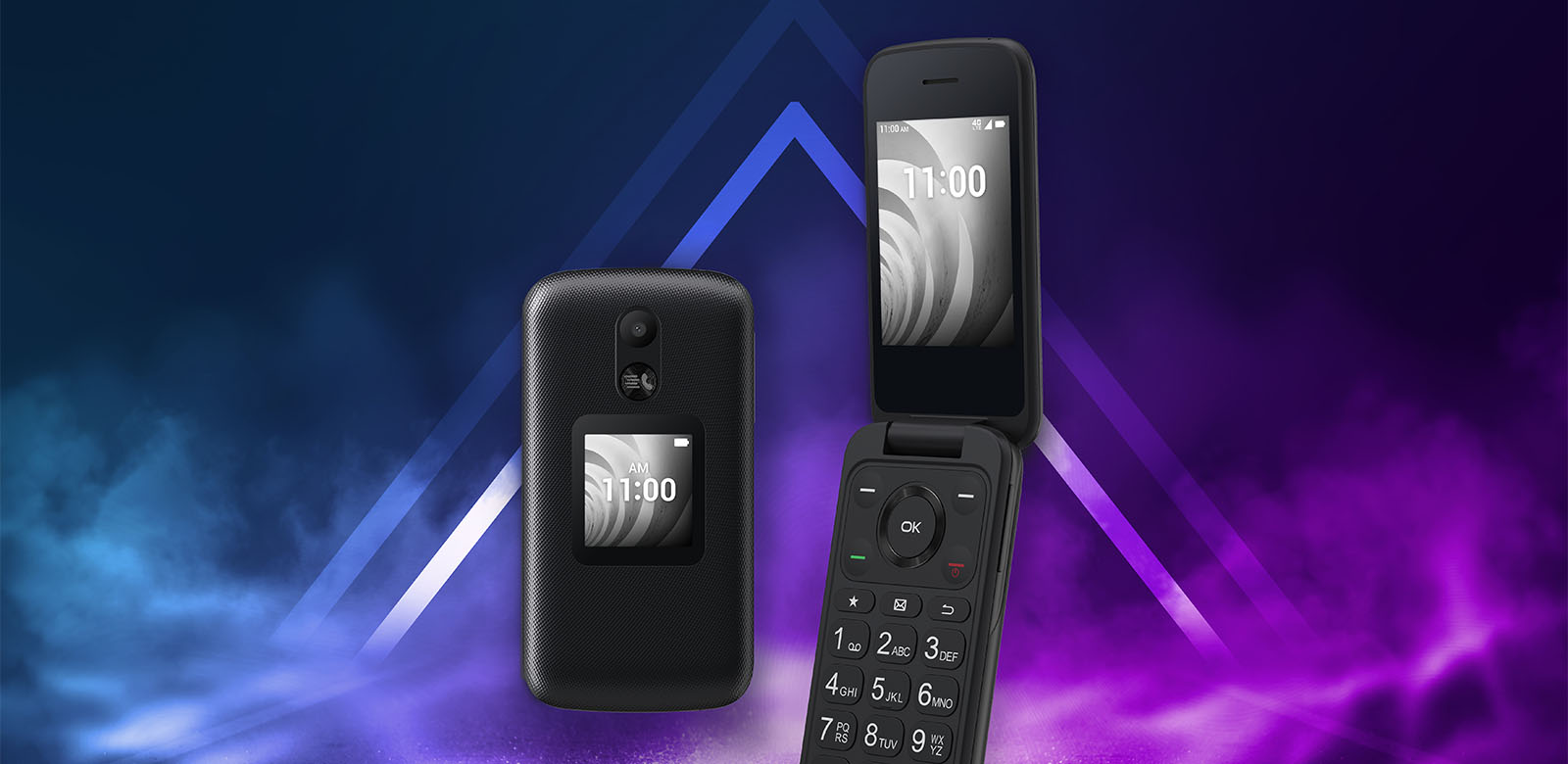
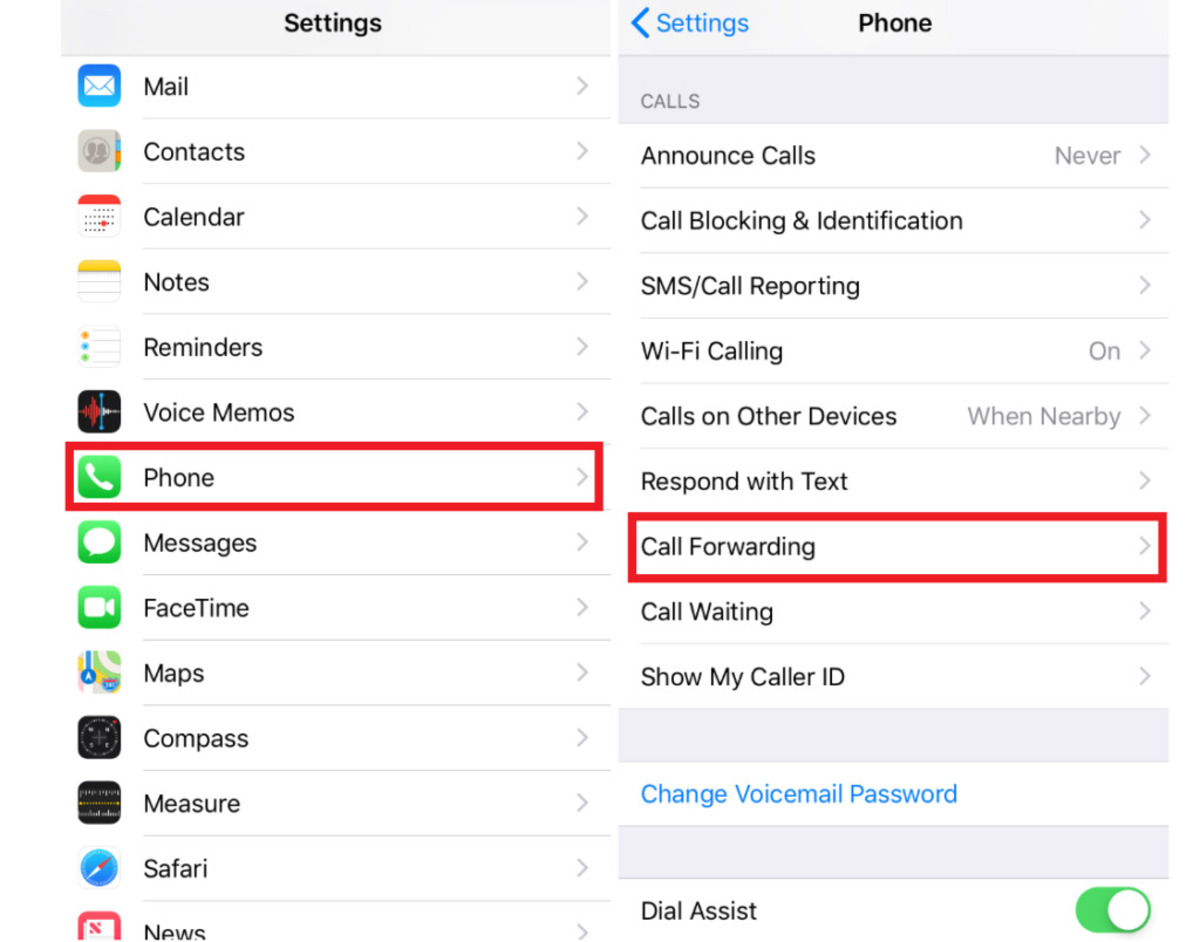
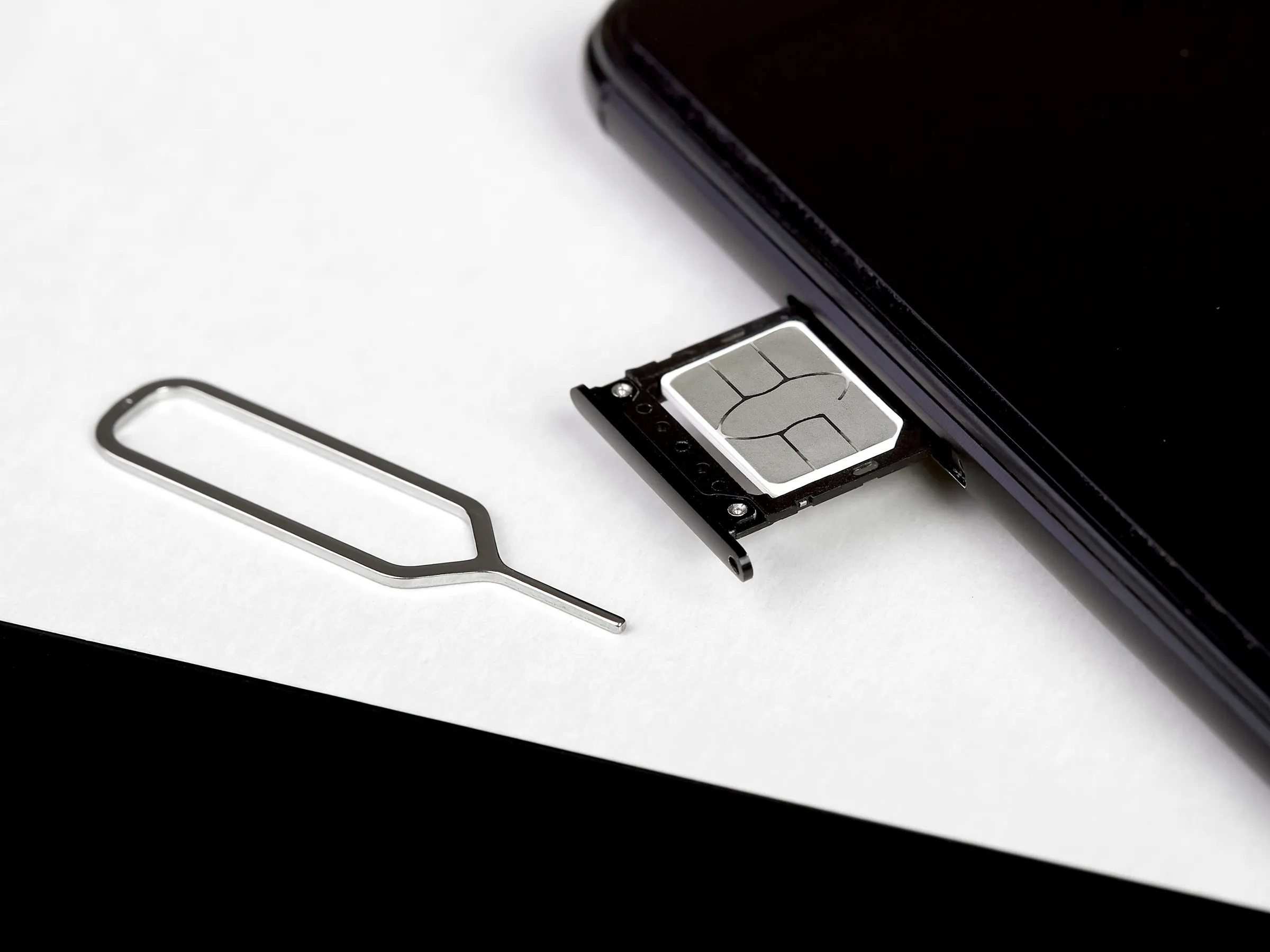
The articles here solve two main kinds of problems. The first group focuses on setting up and changing your security credentials. You can learn how to change your password on an Android phone, remove a PIN from an Android device, or change your Samsung phone password if you have forgotten it. There is also specific guidance for managing your Xbox PIN directly from your phone. The second group tackles voicemail and account access, including how to set up voicemail on a Consumer Cellular line or a TCL Flip Phone, and how to access your cell phone voicemail from a landline. For carrier-specific needs, you can find instructions on how to get your Simple Mobile account number and PIN, or how to find your T-Mobile PIN number. Other practical fixes cover unblocking your SIM card and connecting Blackweb wireless headphones.
These articles help you take direct action: secure your device, recover lost access, and manage your carrier account details without confusion. Whether you are transferring a phone number from Verizon or simply need to set up your voicemail, each guide provides a clear path to completing the task at hand.