Welcome to the Profile Settings tag on CellularNews. This collection is for anyone who manages their digital identity across the services they use on their phone, from banking apps and social networks to streaming platforms and workplace tools. The articles here focus on the practical steps needed to update, secure, or hand off the personal information tied to your accounts.
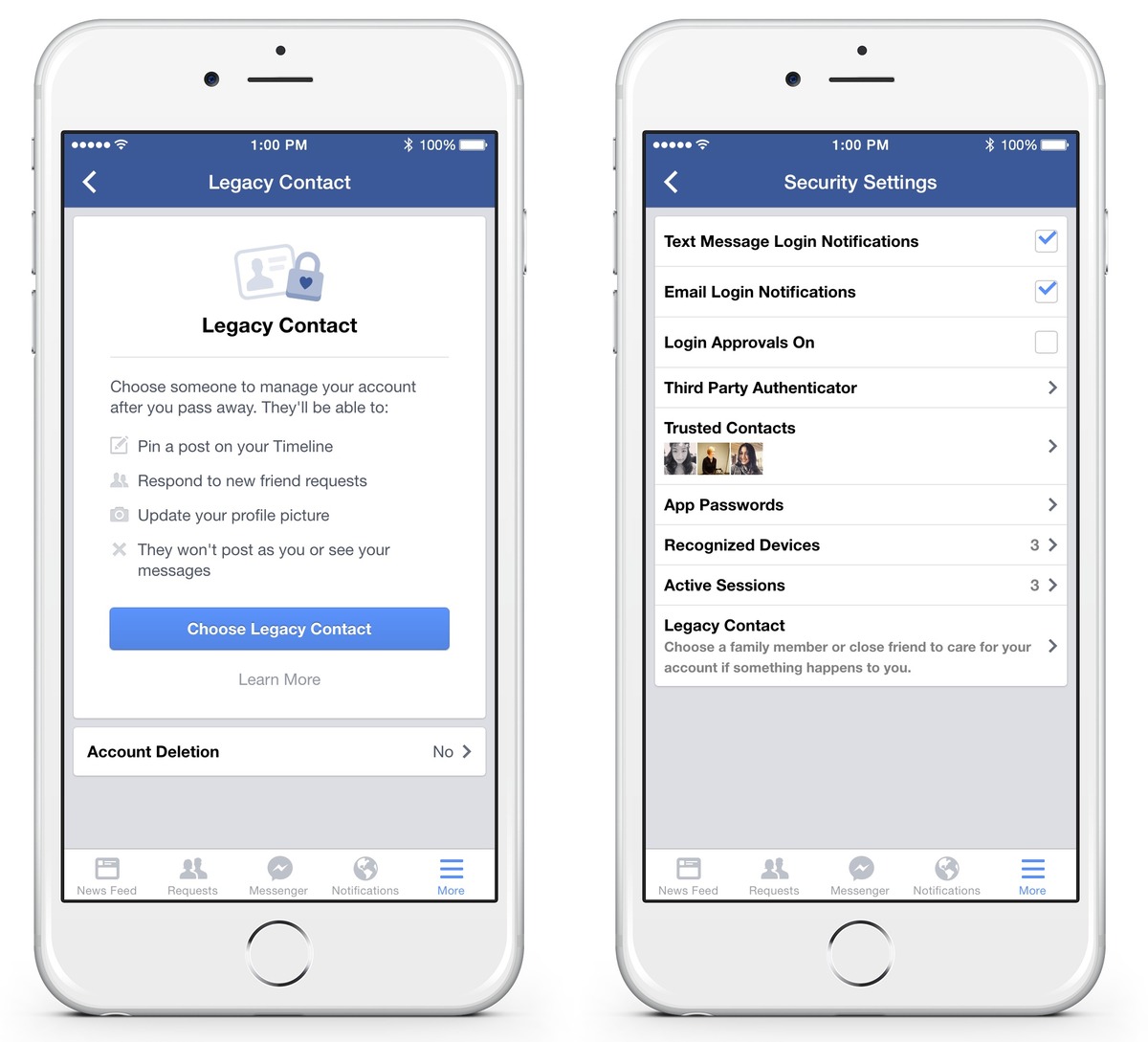
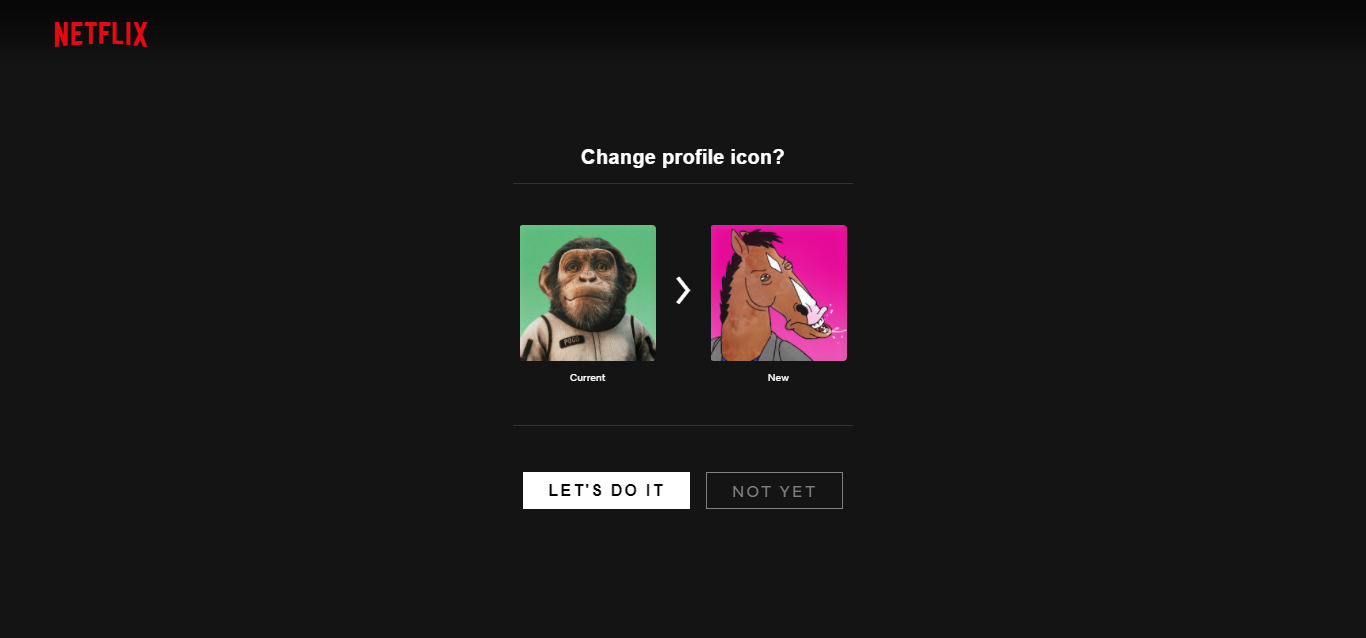
Many of the guides solve problems around changing core contact details, such as how to update your phone number on the Bank of America app or the ADP app when you switch carriers or move. Another clear theme is customizing how you appear online, with articles like How to Change Your Netflix Icon and Customize Your Profile and How to Edit Your Profile on Deviant Art Mobile showing you how to refresh your look. A third group tackles account management and legacy planning, including how to designate someone to manage your Facebook page when you die, how to find your LinkedIn URL on mobile, and how to set up a Discord account and server from scratch.
Whether you need to update a forgotten number, give your profile a new icon, or prepare your digital accounts for the future, these articles provide the straightforward, step-by-step instructions to get it done directly from your phone.