Practical, step-by-step guides for anyone who wants to fix, disassemble, or maintain their phone and its everyday accessories. Whether you are a cautious DIYer or someone dealing with a sudden malfunction, these articles are written for the hands-on reader who prefers a clear walkthrough over a trip to the repair shop.
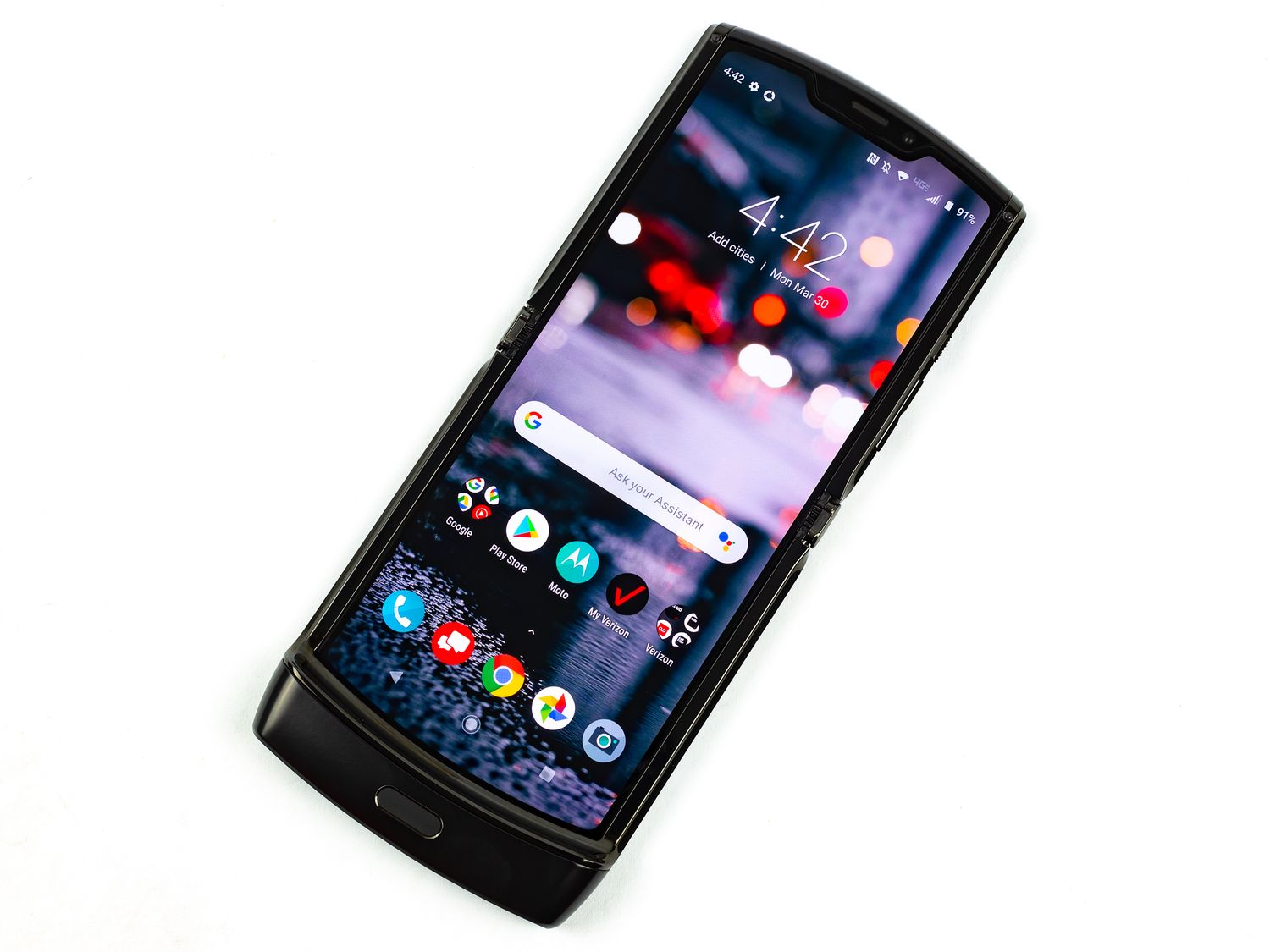
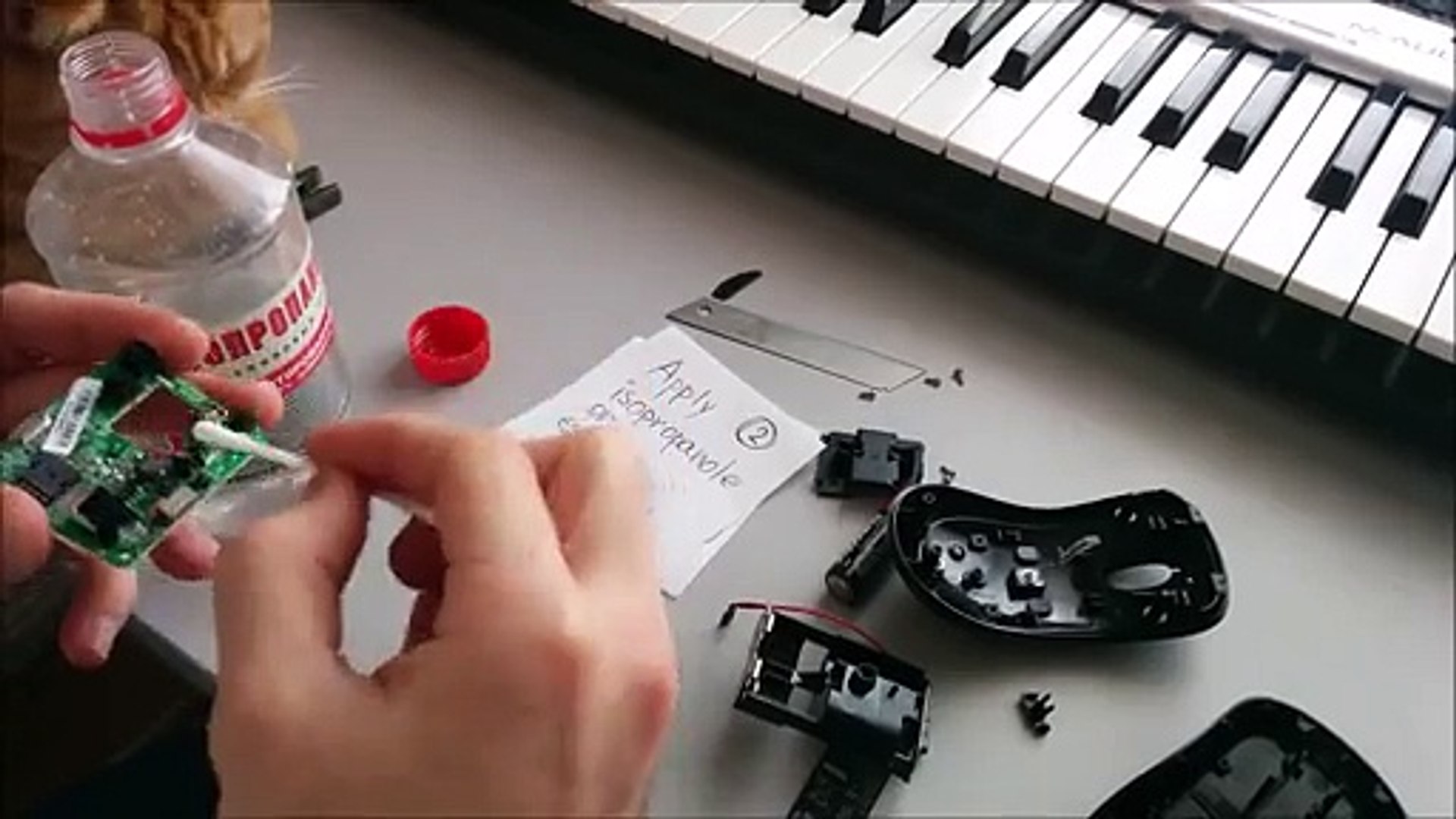
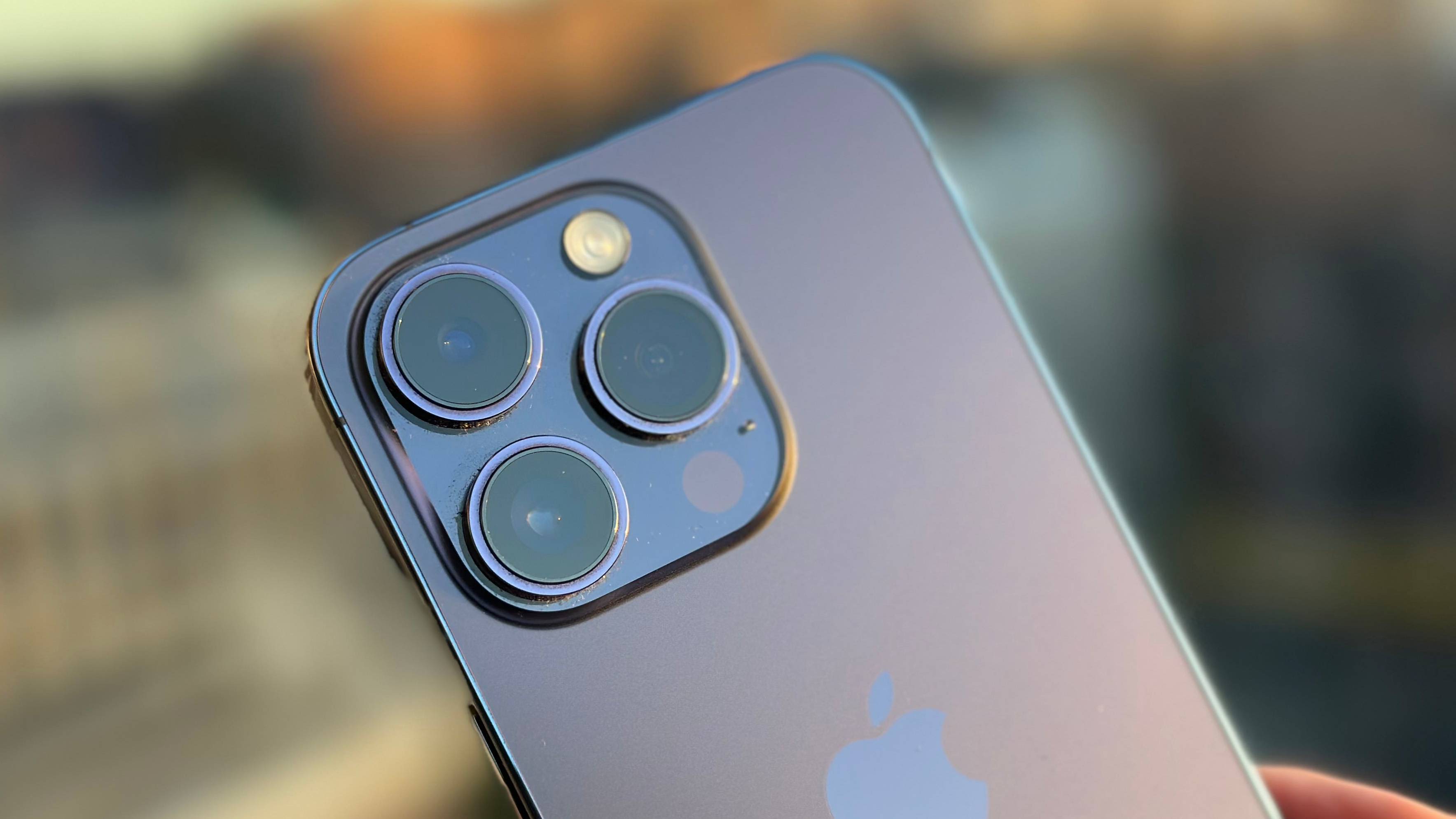
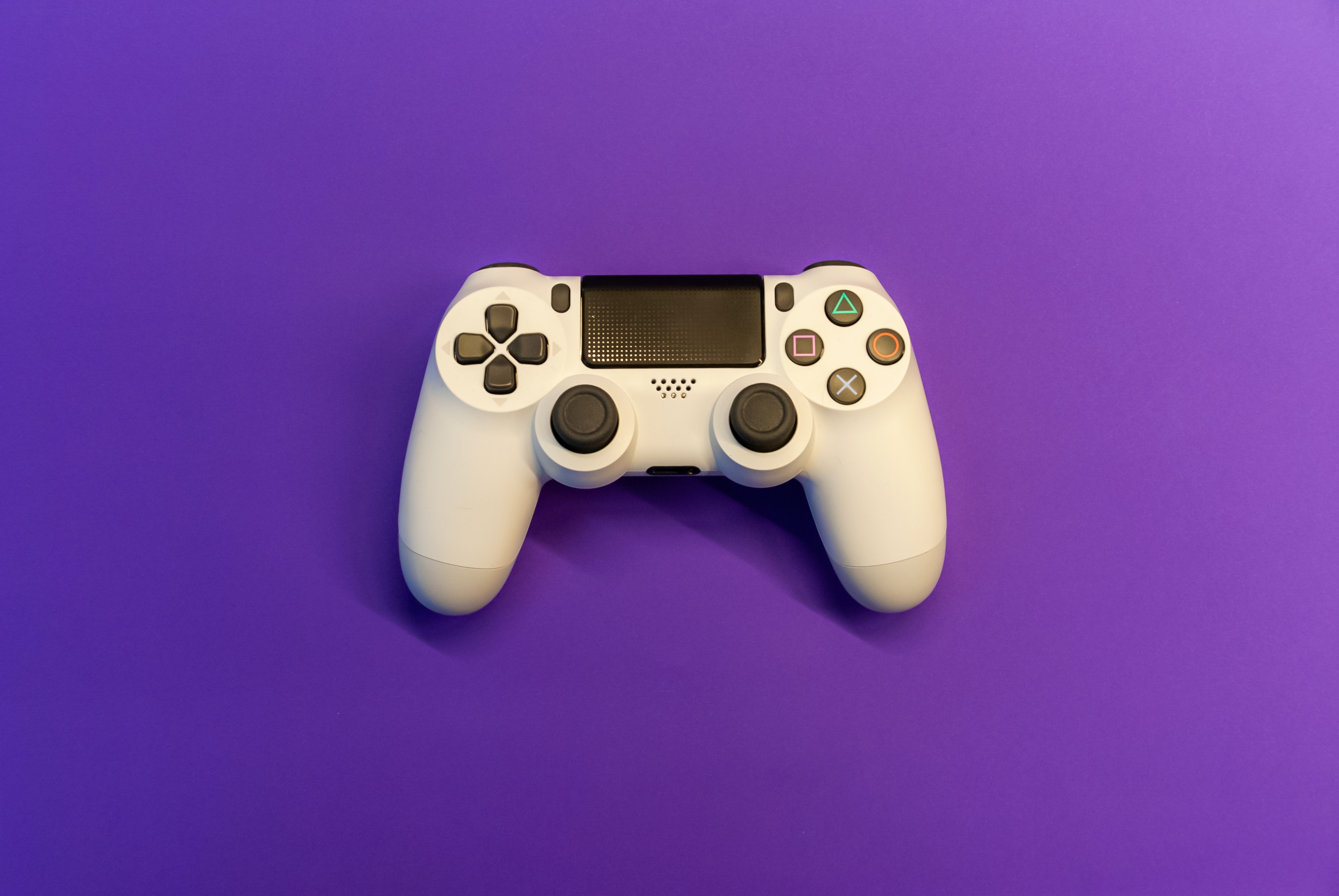
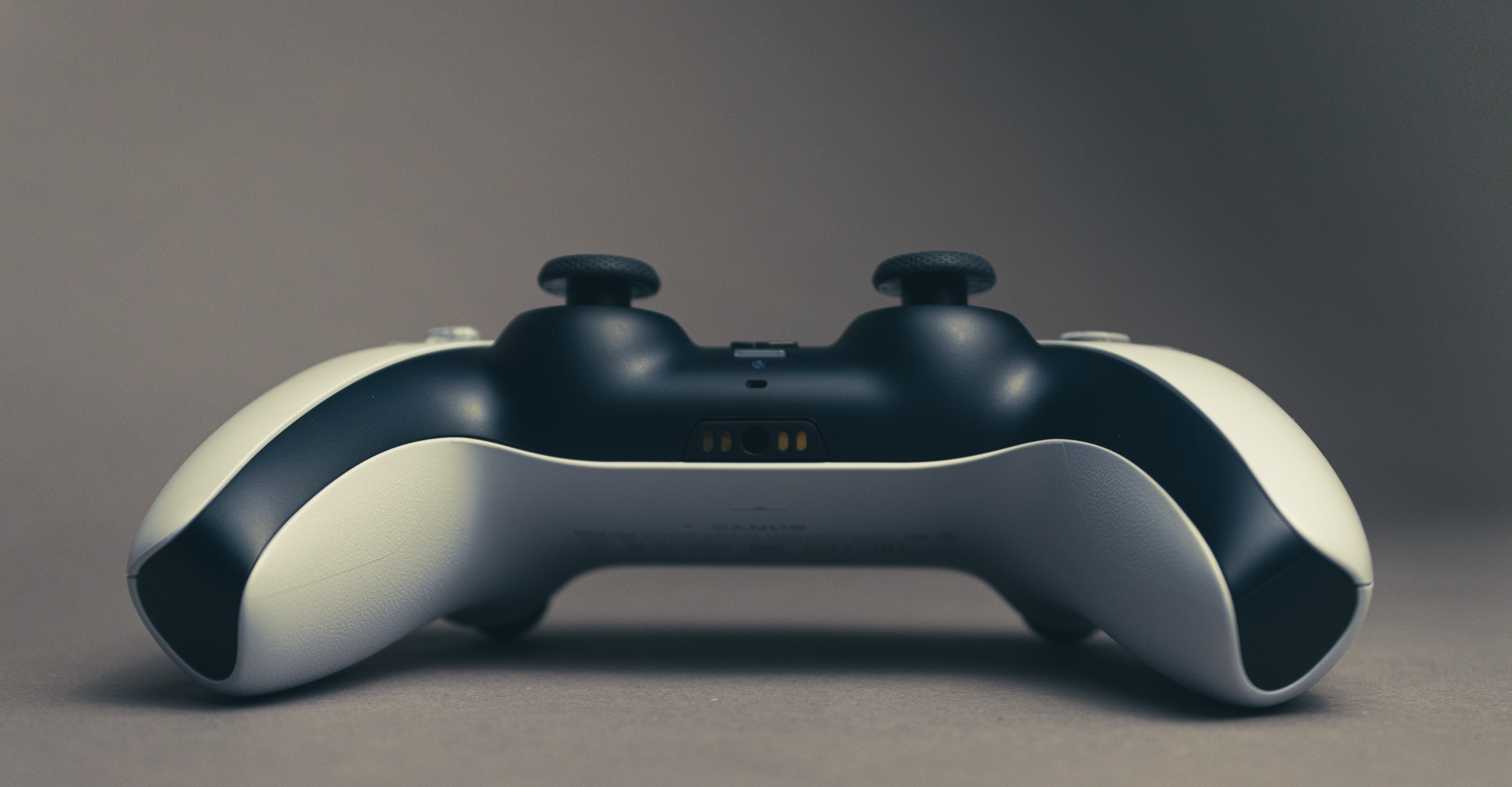
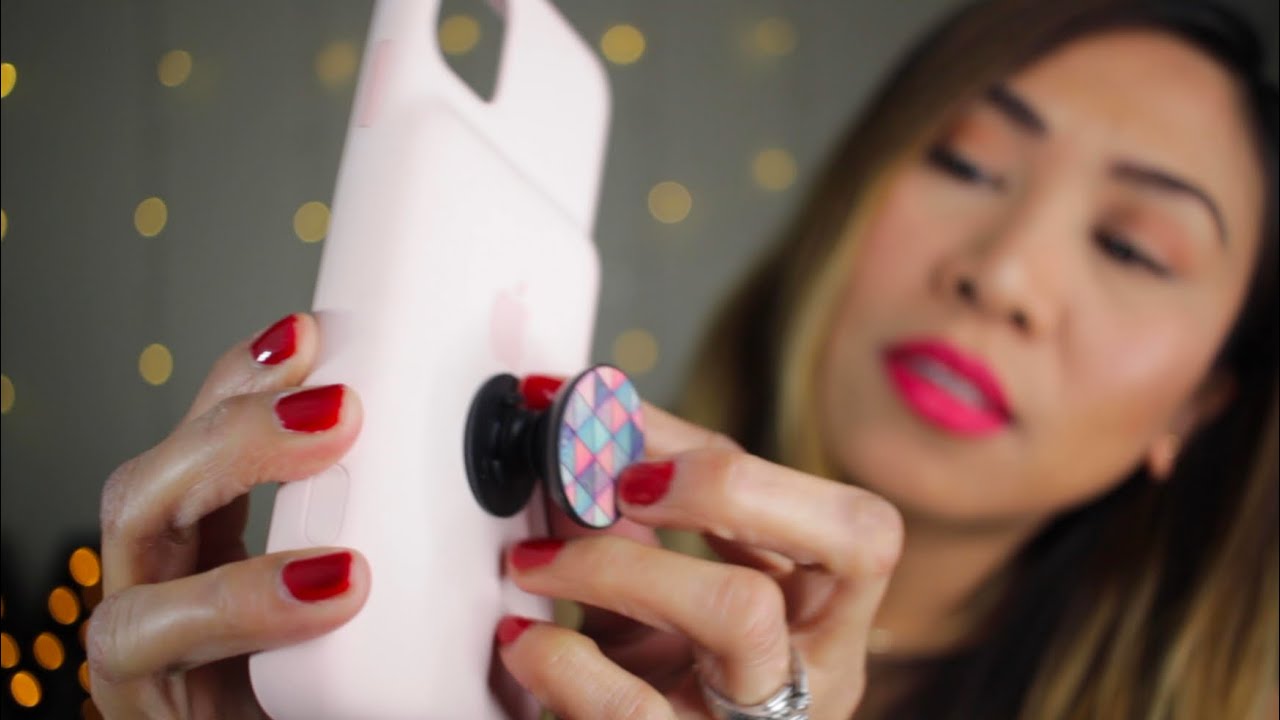
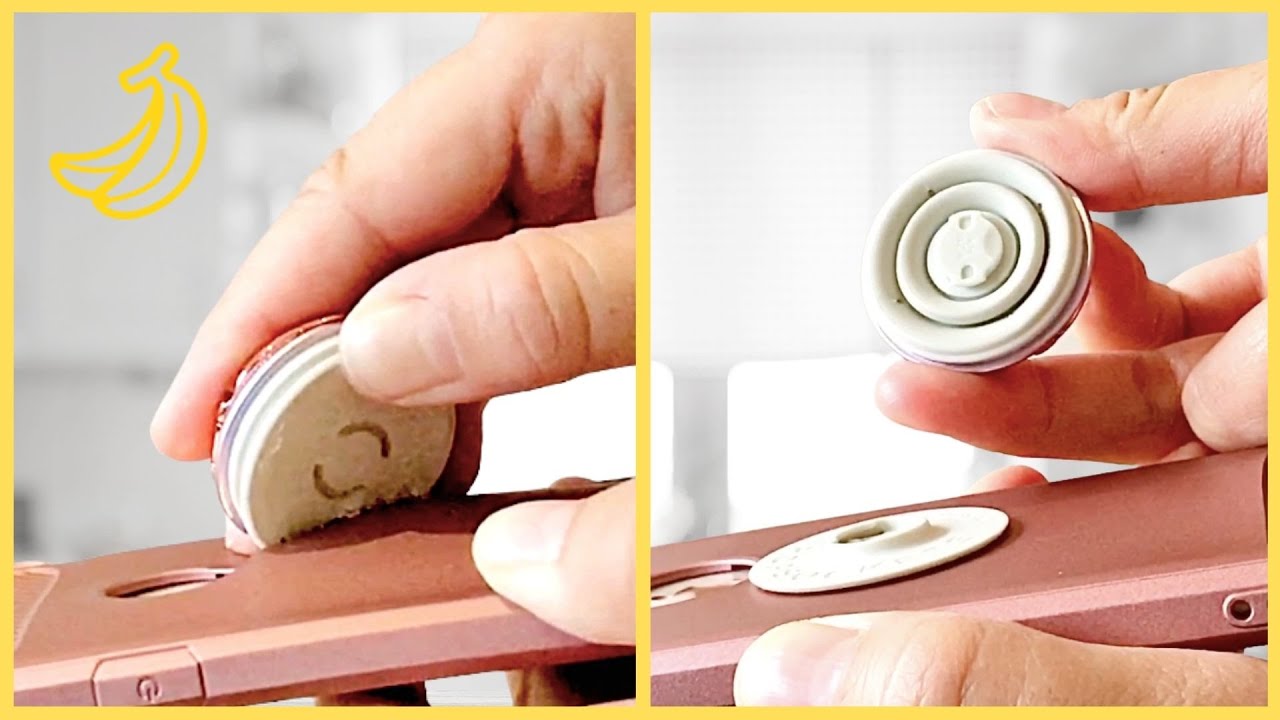
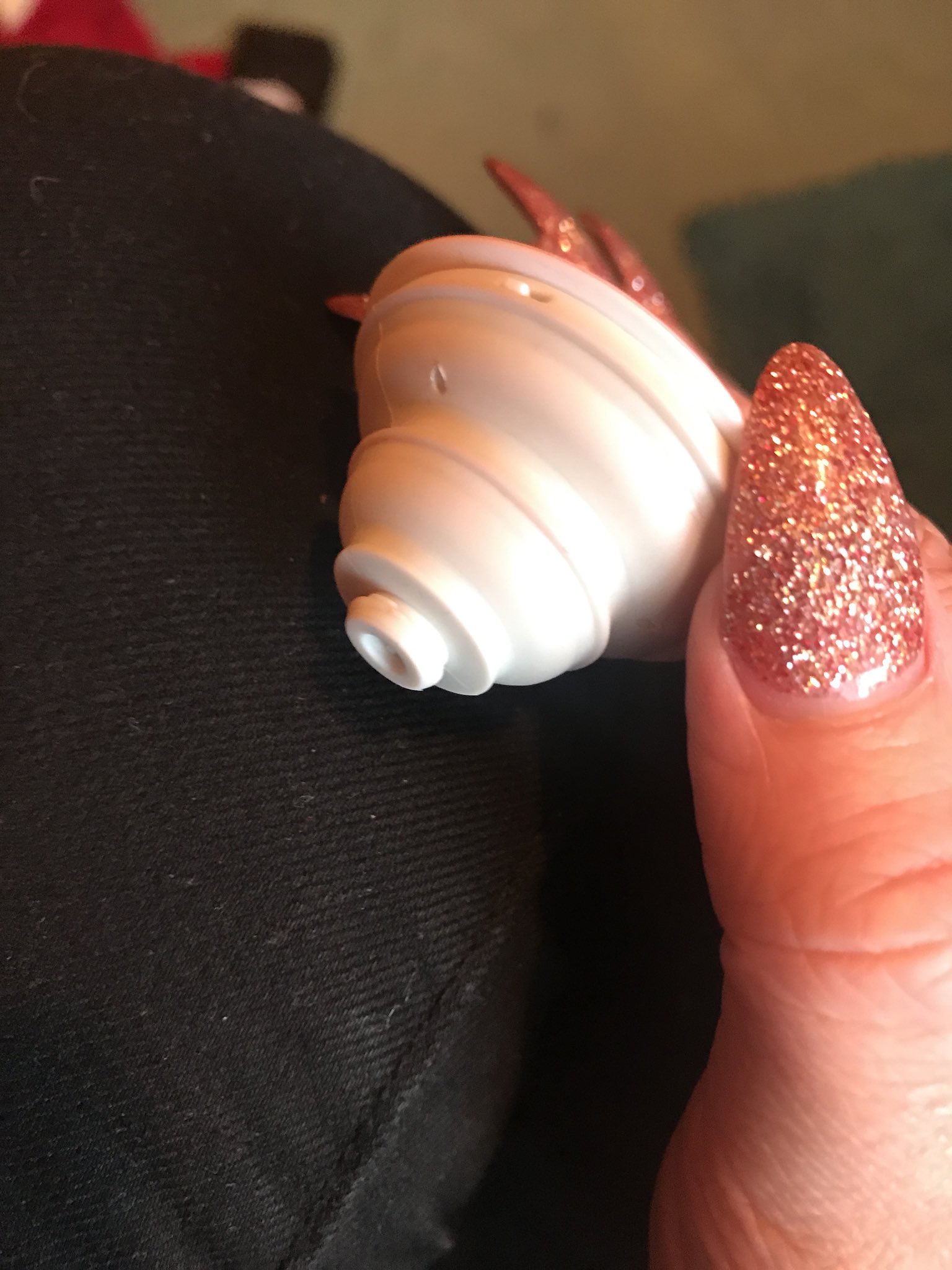
The problems covered here fall into two main themes: fixing sticky or drifting controls, and safely taking apart gadgets without damaging them. Several articles address common joystick issues, such as a controller joystick that moves by itself or one that has become sticky and unresponsive. On the disassembly side, you will find guides on how to take apart a Popsocket, how to take apart Bluetooth speakers with no screws, and how to take apart a Microsoft wireless mouse. For phone-specific hardware, the collection includes a guide on how to replace a Motorola Razr screen and how to get rid of black spots on a phone camera lens.
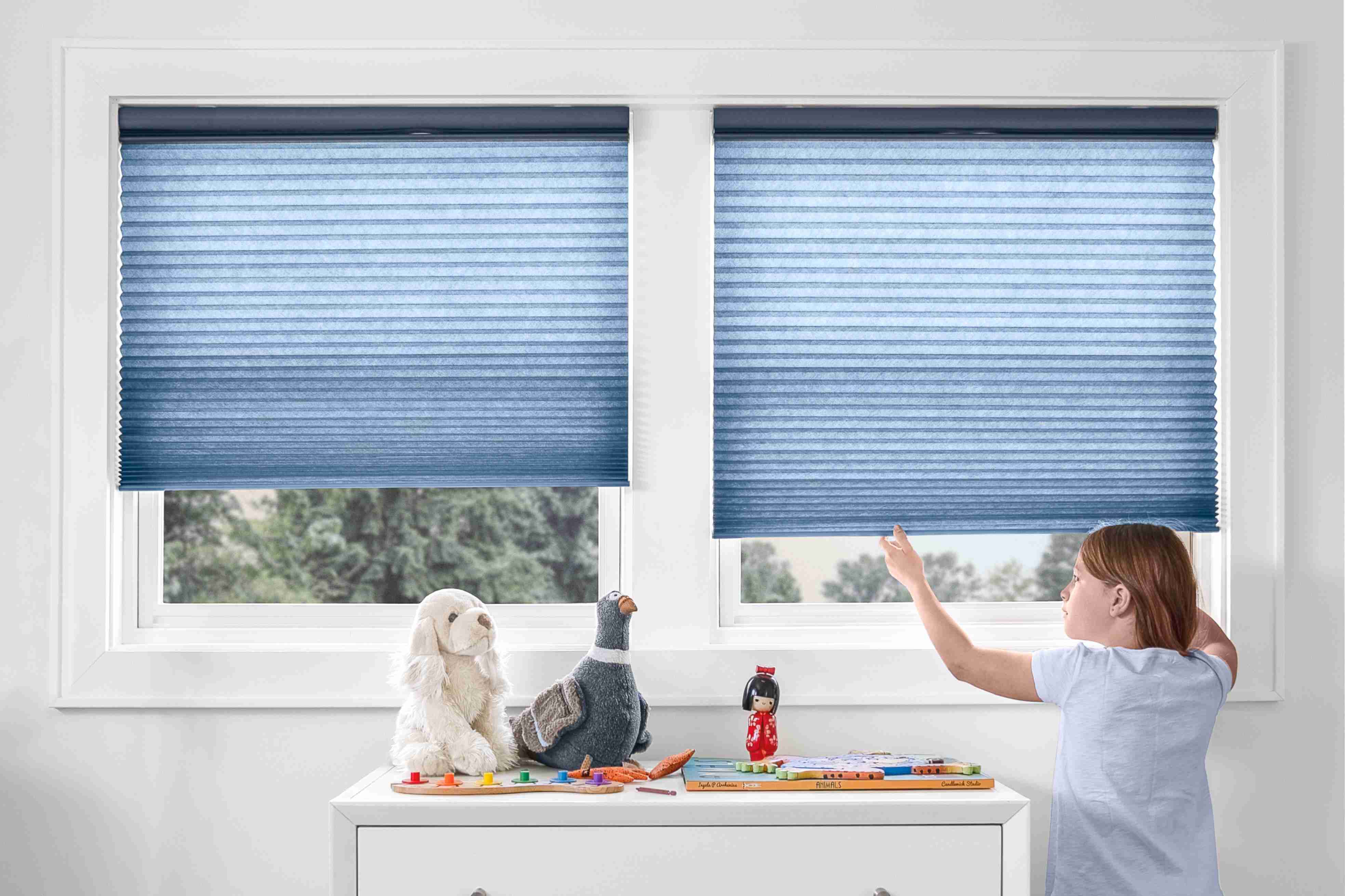
These articles help the reader perform specific actions: remove a stuck accessory, clean a dirty lens, or swap out a broken display. They also cover unexpected but related repairs, such as how to fix cellular shades and how to make and use a Minecraft Grindstone. Each guide focuses on the actual steps and tools needed, so you can follow along and get your device or accessory working again.