The "Restart" tag on CellularNews collects articles focused on troubleshooting and reviving devices when they become unresponsive, stuck, or error-prone. This page is for anyone who owns a smartphone, tablet, or wearable, especially those dealing with frozen screens, uncooperative buttons, or confusing modes. The guides here are practical, step-by-step fixes for common glitches that interrupt normal use.

The articles fall into two main themes. One group tackles devices that are locked in a special mode or showing a persistent error. You’ll find solutions for getting an Android out of Safe Mode, taking Safe Mode off a Samsung phone, and removing a Motorola phone from Emergency Mode. Another set of articles focuses on physical restarts and resets when the touchscreen isn’t working, like how to restart an iPhone without a working screen, how to reboot an Android tablet, and how to unfreeze a Jitterbug Flip Phone. A third theme covers Fitbit wearables, with guides on restarting models like the Fitbit Inspire HR, Charge 5, Versa 3, and Luxe, as well as troubleshooting shutdowns and screen issues.

These articles help the reader regain control of a device that won’t behave normally, whether by forcing a reboot, exiting a locked mode, or performing a factory reset. They turn a frustrating “bricked” moment into a clear, actionable fix, no special tools required, just the steps provided.
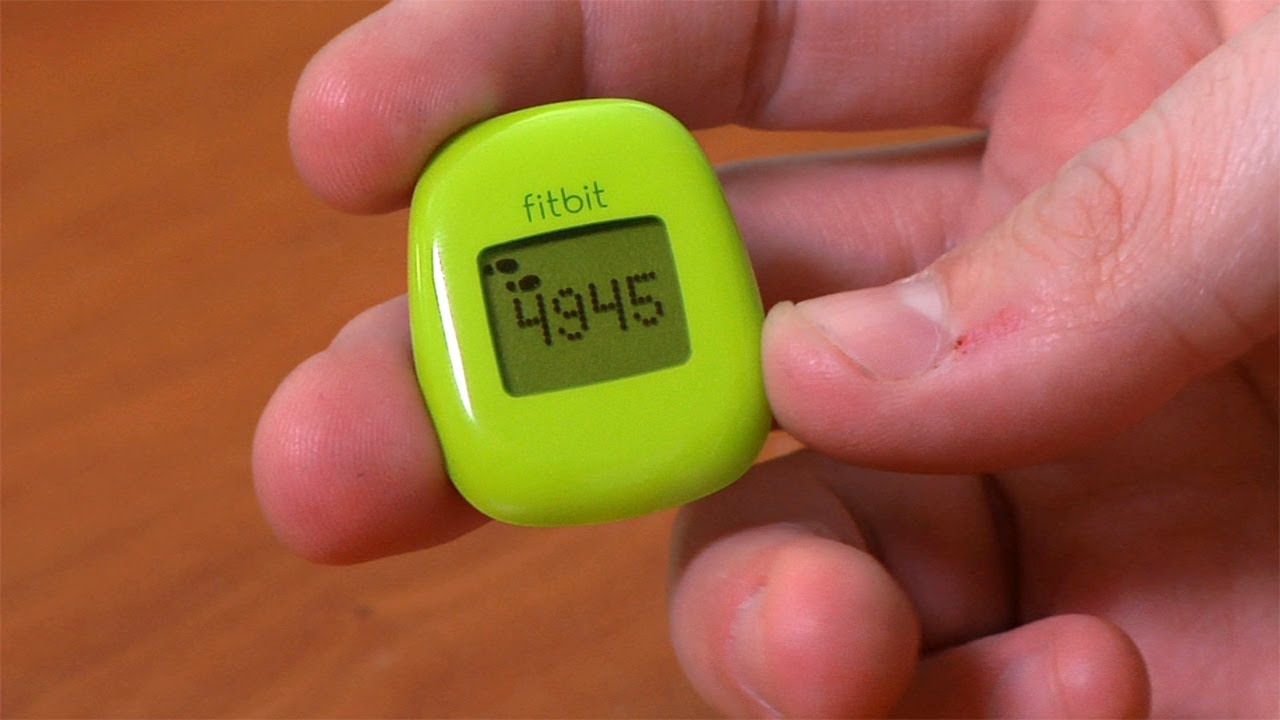
How Do I Reset My Fitbit Zip

To restart Fitbit Zip, simply remove the battery from the device, wait 10 seconds, then reinsert the battery with the "+" side facing up and close the battery door. This...

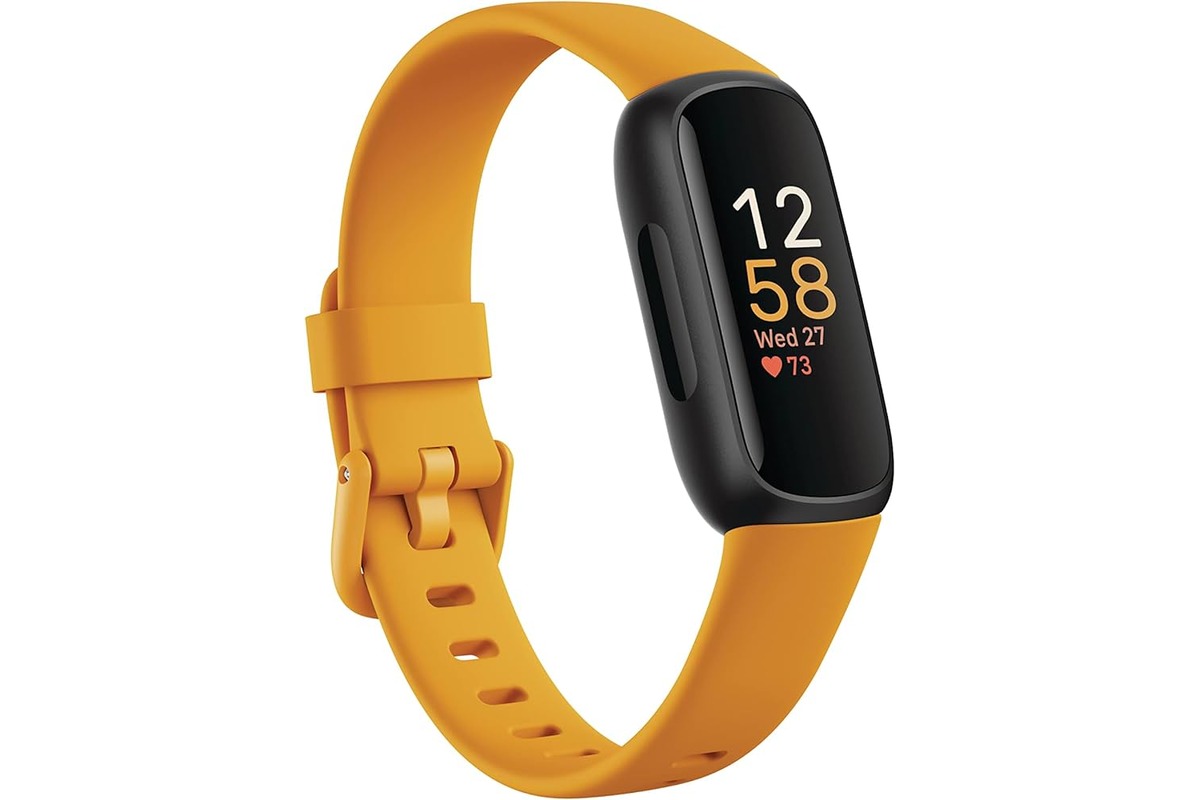
How To Restart Fitbit Inspire 3

To restart Fitbit Inspire 3 when it is frozen or unresponsive, connect it to its charging cable and press and hold both touch-sensitive side buttons for about 10 seconds until...

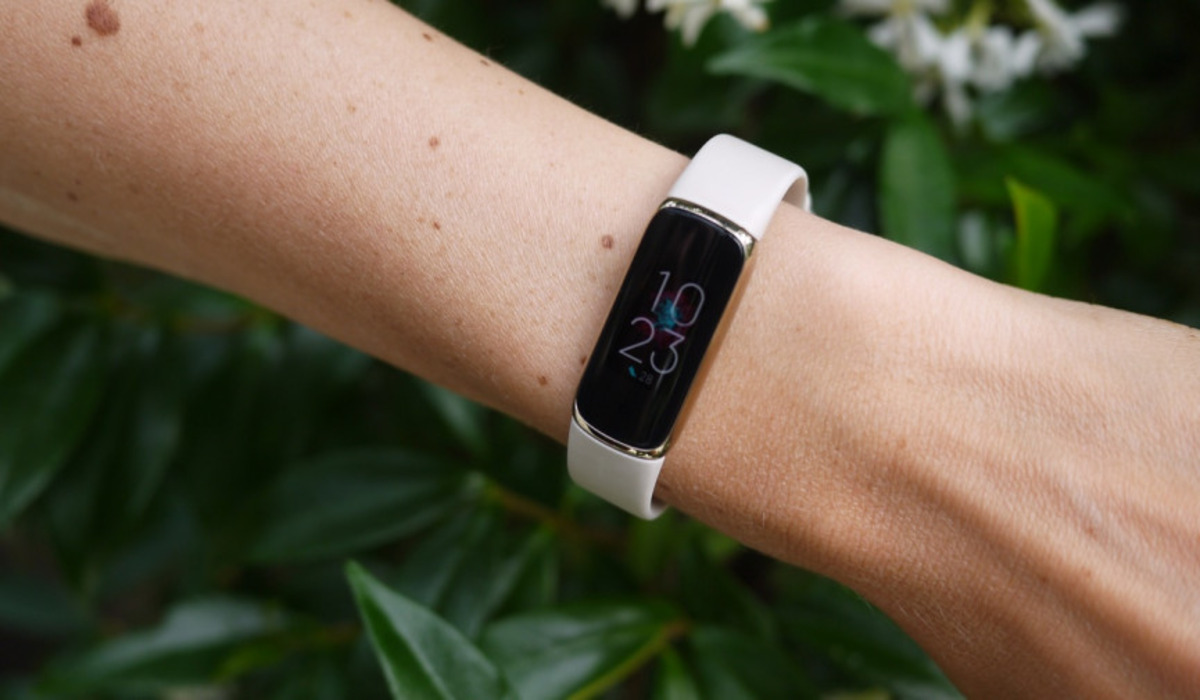
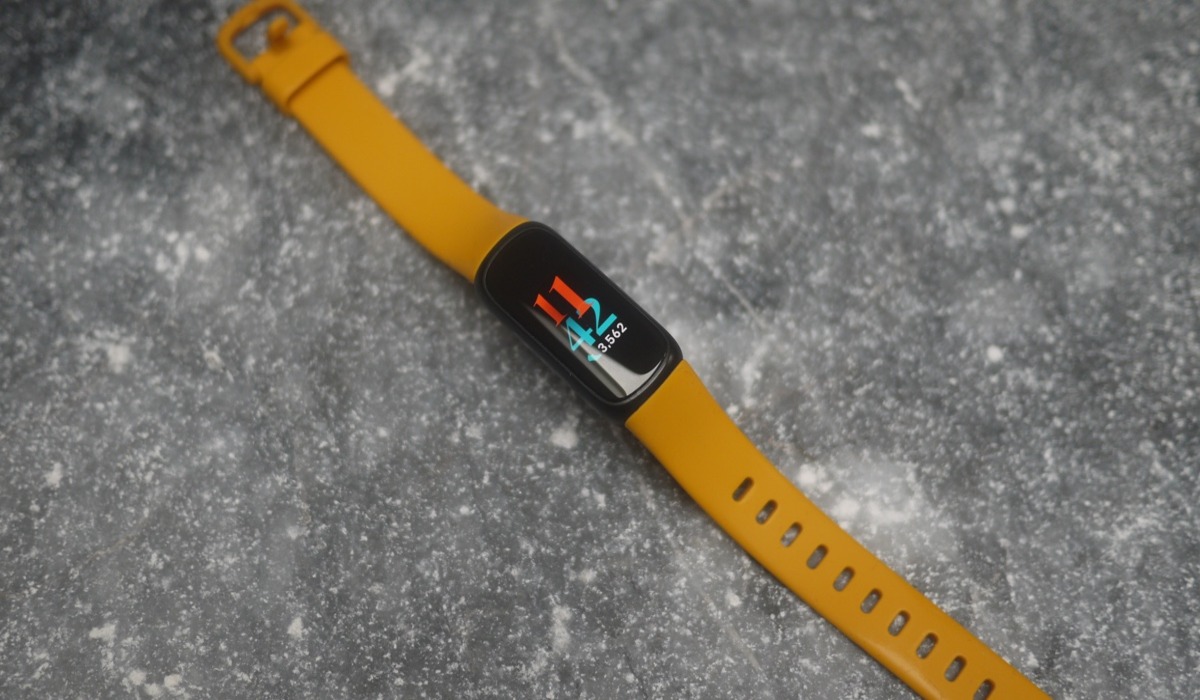
How To Sync Luxe Fitbit

To sync Luxe Fitbit, open the Fitbit app on your phone and pull down on the screen; your Luxe will automatically begin syncing. How to sync your luxe Fitbit Ensure...

How To Turn A Fitbit Off

If you own a Fitbit smartwatch, you can turn off a Fitbit by using the Shut Down option in the Settings menu. However, for popular trackers like the Charge and...

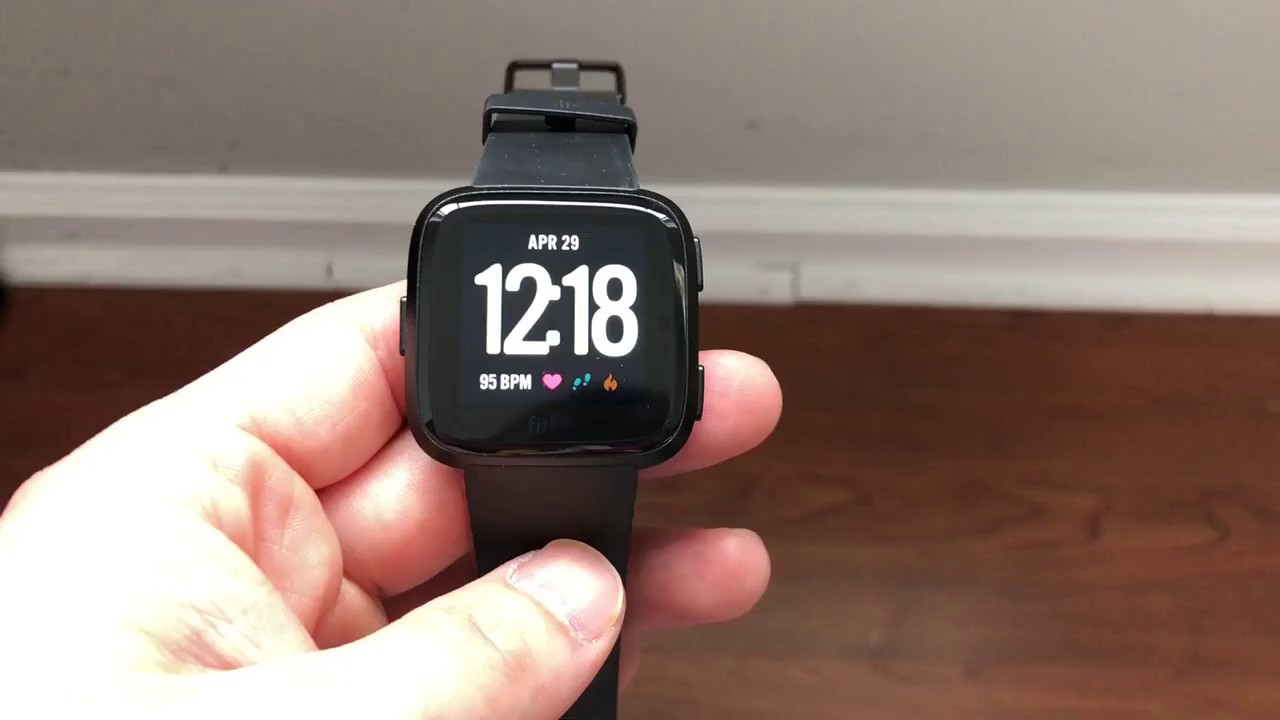
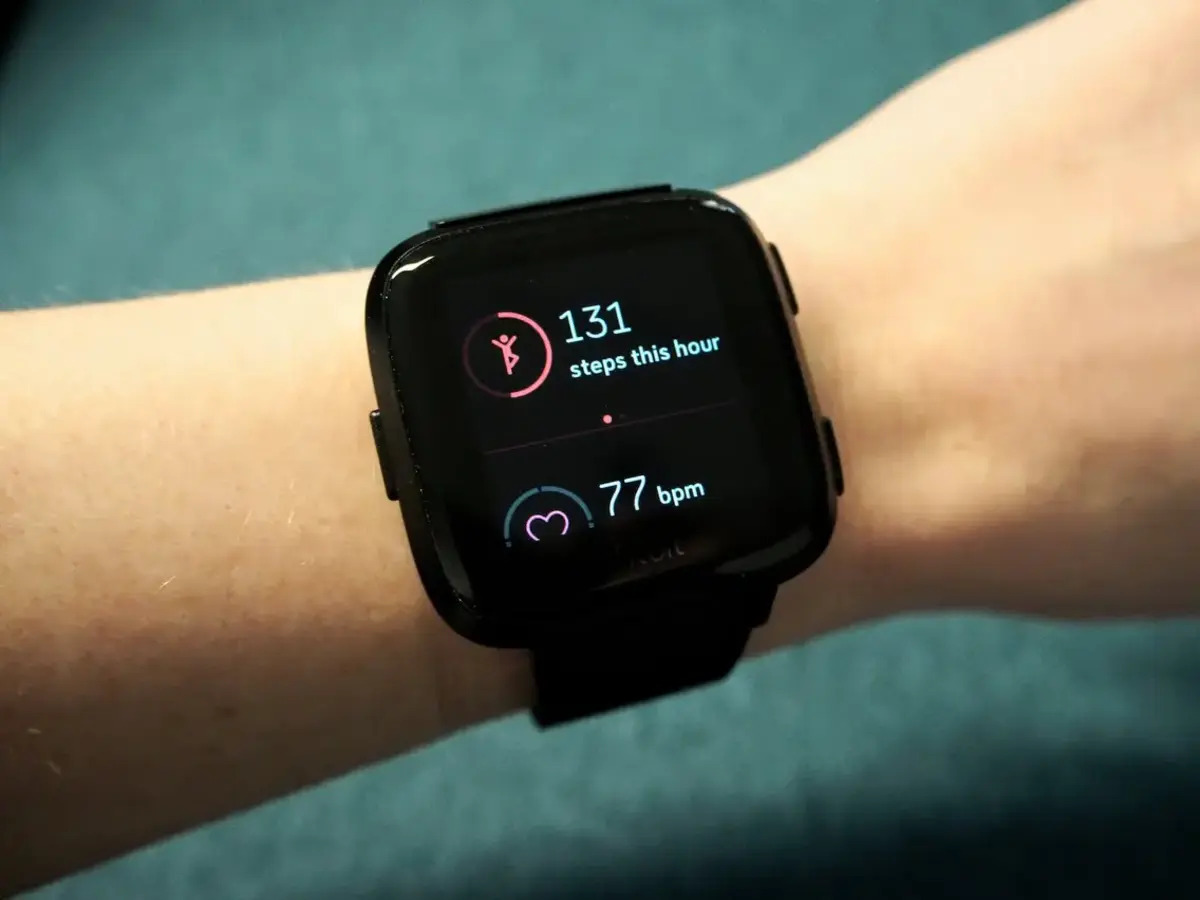
How To Reset My Fitbit Versa 3

To reset your Fitbit Versa 3, you first need to know whether you need a quick restart or a full factory reset. A restart reboots the watch without losing any...

How Do I Reset My Fitbit Inspire 2

To reset Fitbit Inspire 2, you have two options: a restart to fix minor issues like sync problems or unresponsiveness, and a factory reset to erase all personal data before...

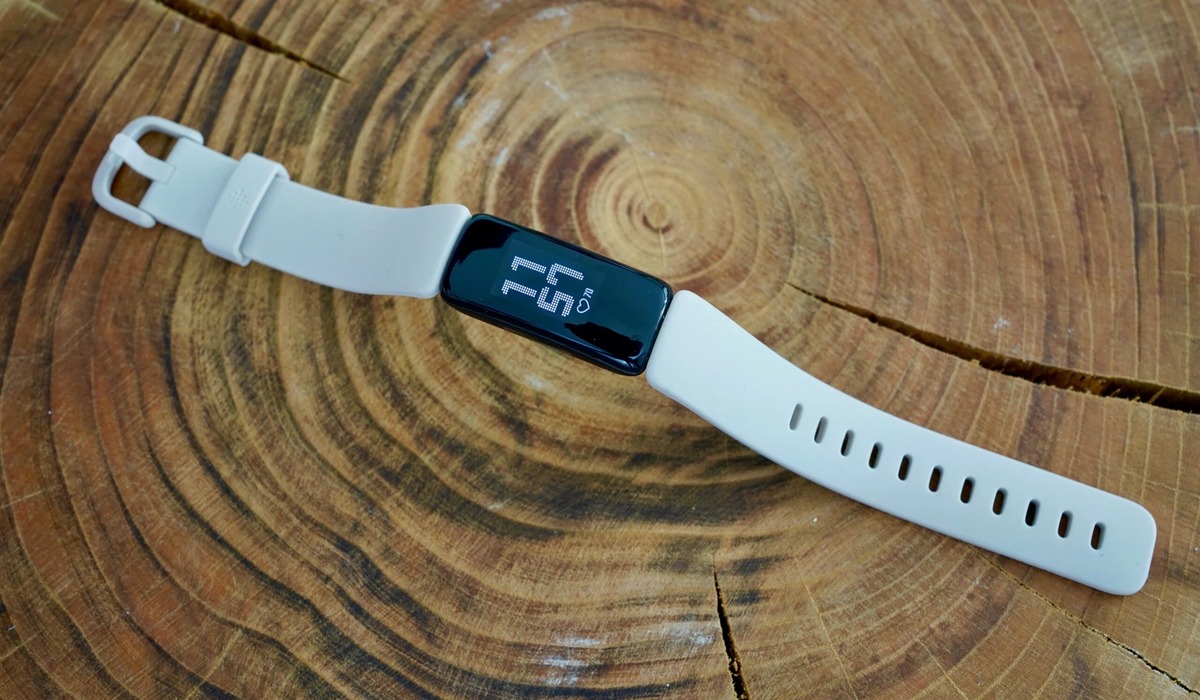
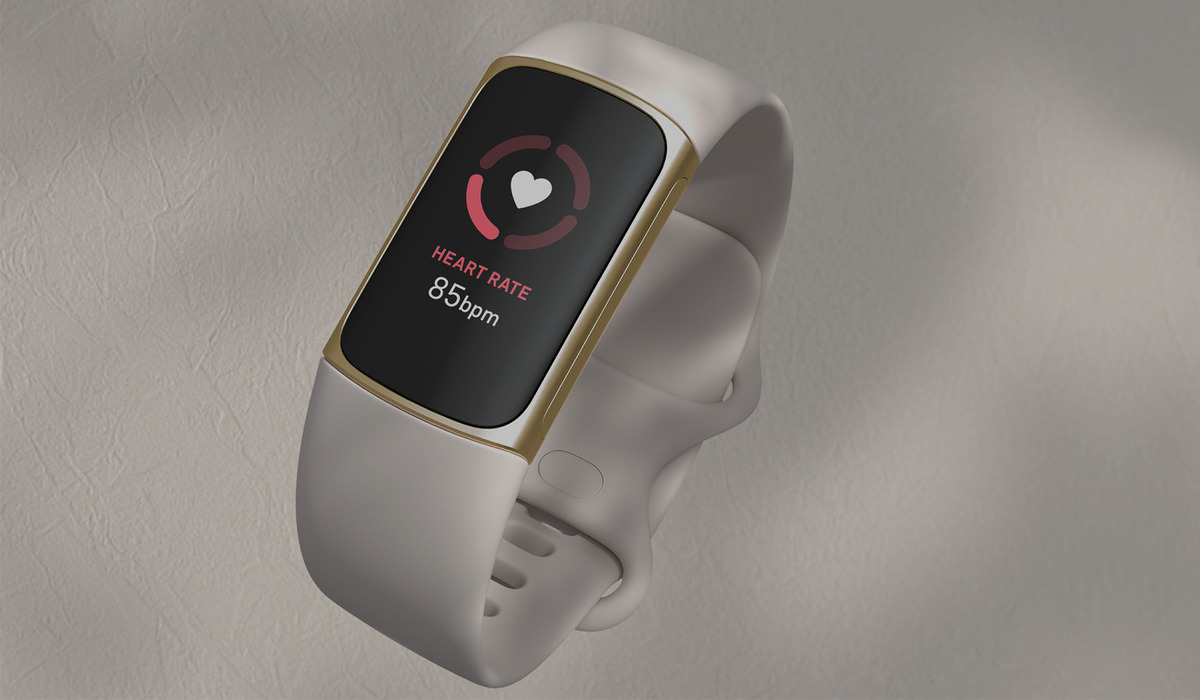
How To Restart A Fitbit Luxe

To restart a Fitbit Luxe, you can use a soft restart from the screen if the device is responsive, or a force restart with the charging cable if the screen...

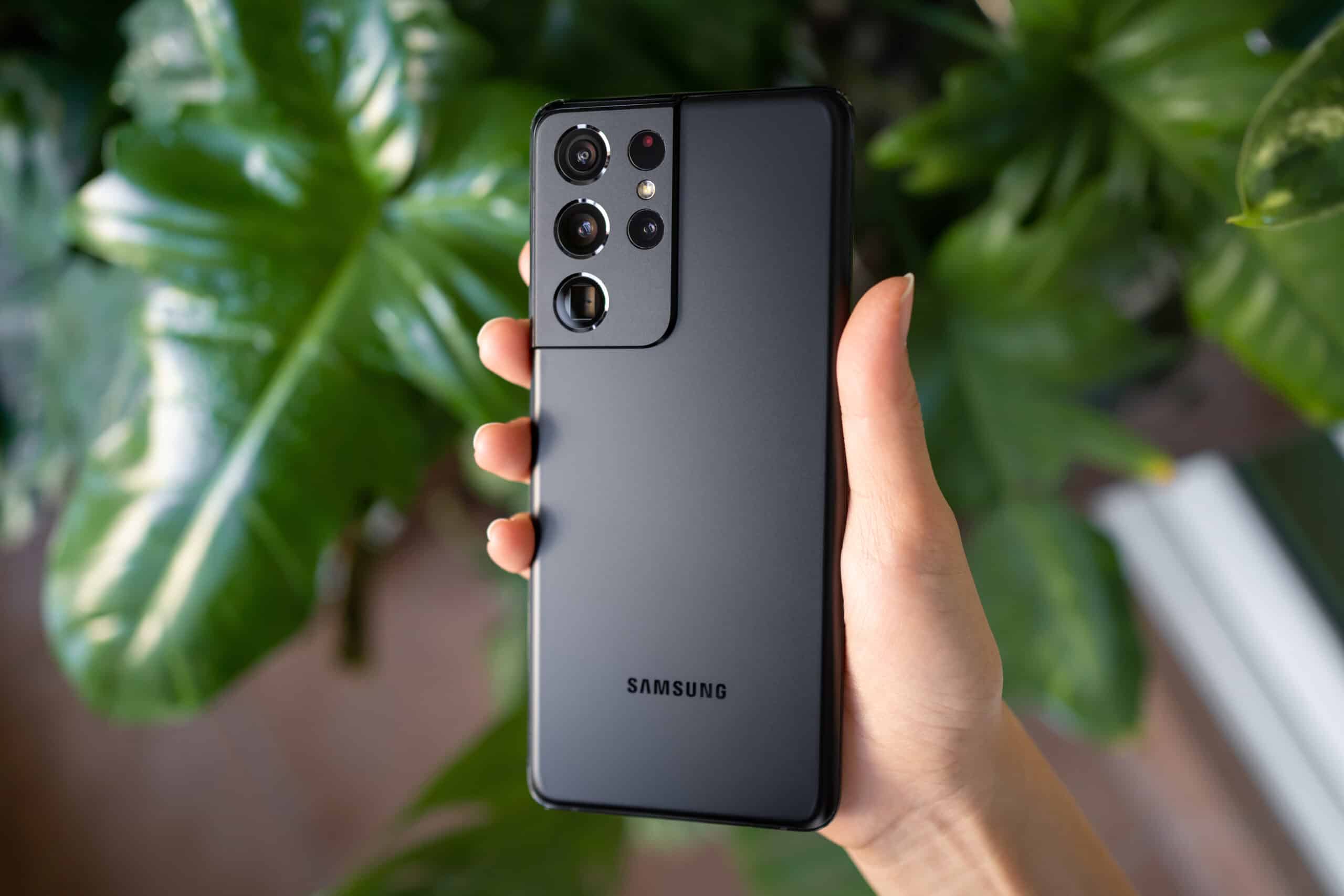
How To Restart New Samsung Phone

To restart a new Samsung phone, press and hold the Side button and Volume down button together until the power menu appears, then tap Restart. This standard method works for...

How To Reset Fitbit Versa

To reset Fitbit Versa, open the Settings app on the watch, tap About, then tap Factory Reset. This is the primary method to erase all data and restore factory settings,...

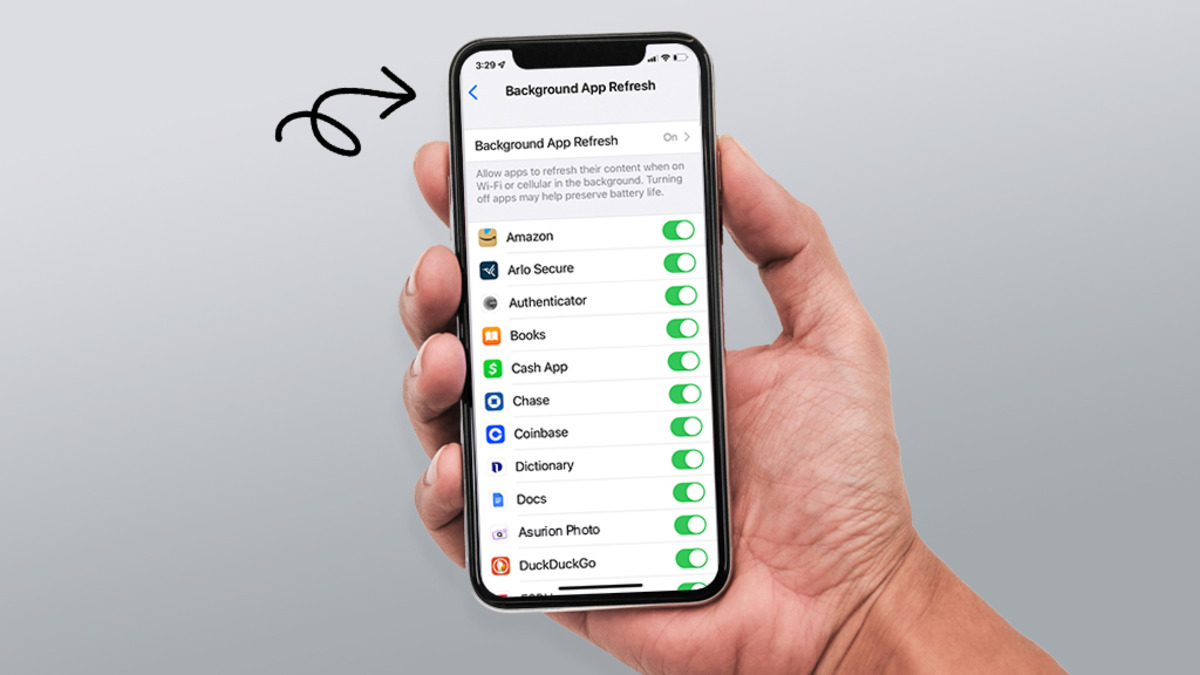
How To Refresh Your IPhone

Refreshing your iPhone means clearing the clutter and resetting settings to fix slowdowns and glitches without deleting your personal data, not hunting for a hidden RAM-clearing button that doesn't exist....

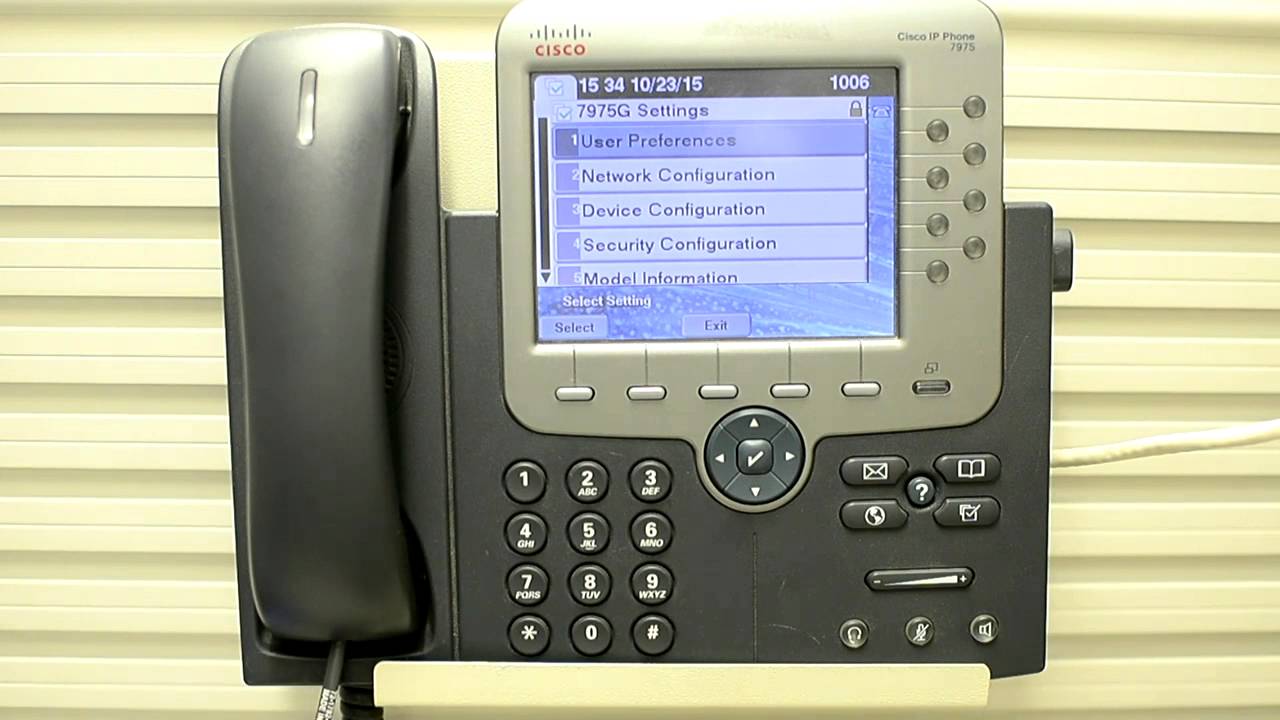
How To Reset A Cisco Phone

To reset a Cisco phone, you must first identify whether you need a factory reset, which erases all settings, or a simple restart, which preserves them. How to reset a...