Troubleshooting and reviving devices when they become unresponsive, stuck, or error-prone. This page is for anyone who owns a smartphone, tablet, or wearable, especially those dealing with frozen screens, uncooperative buttons, or confusing modes. The guides here are practical, step-by-step fixes for common glitches that interrupt normal use.
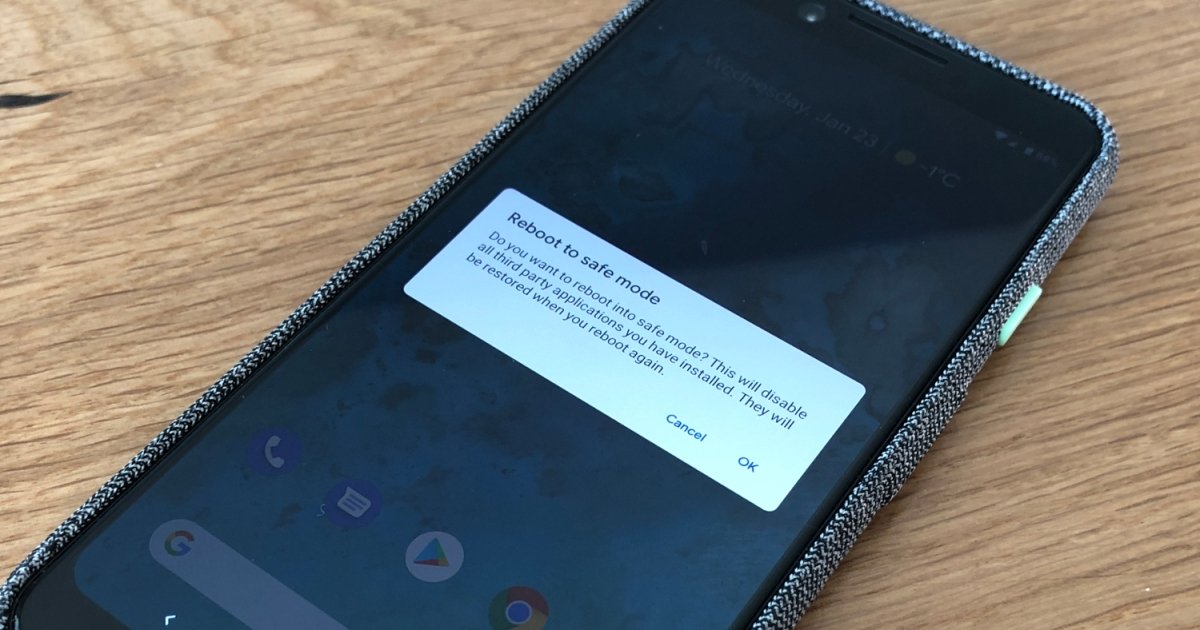
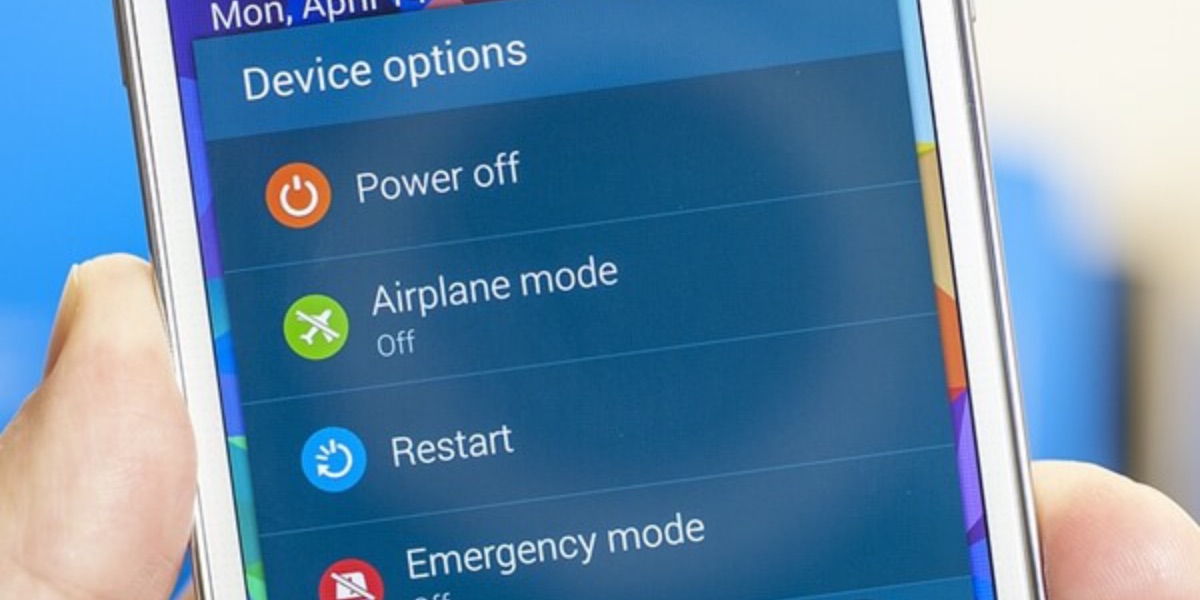
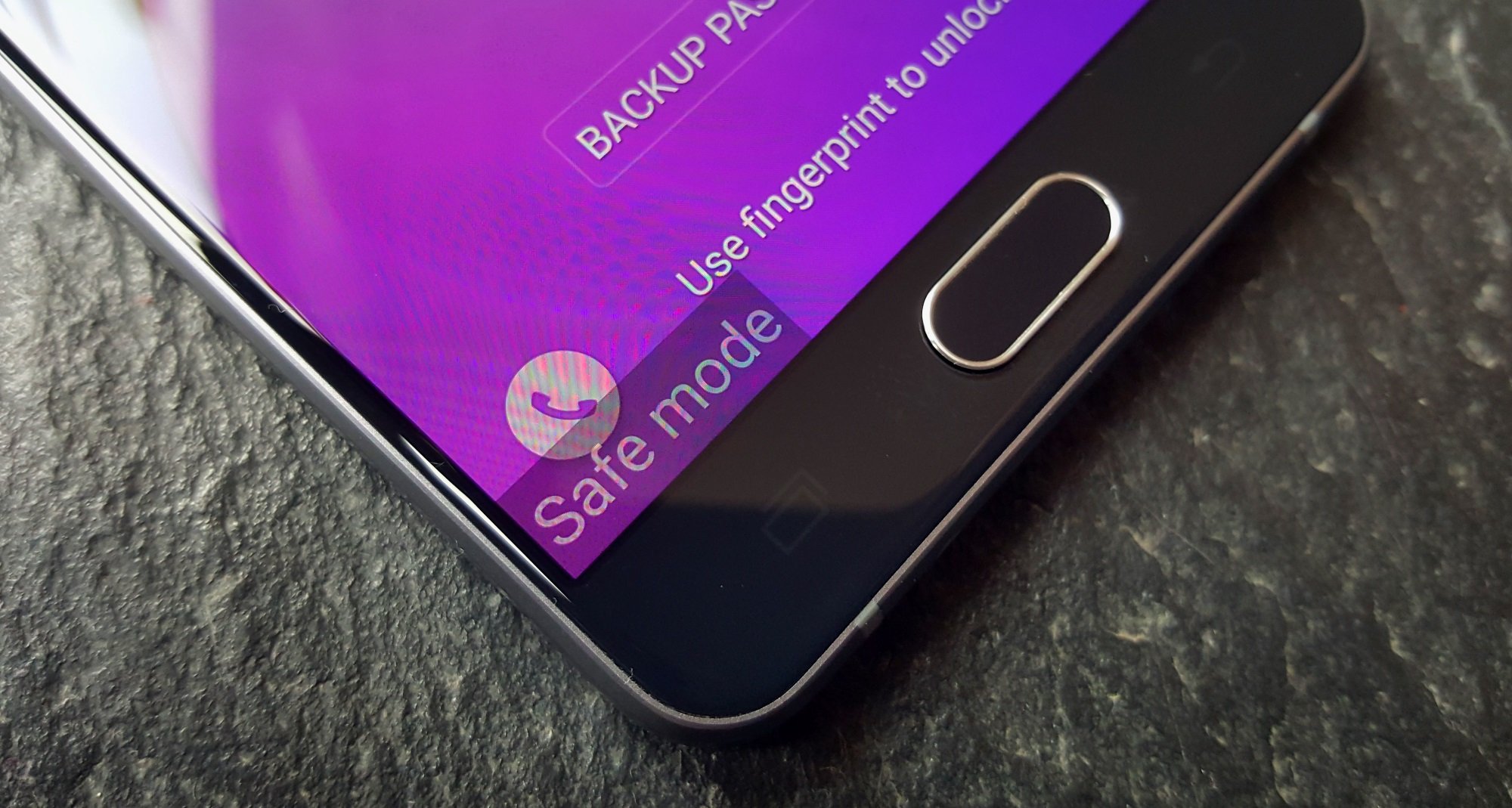
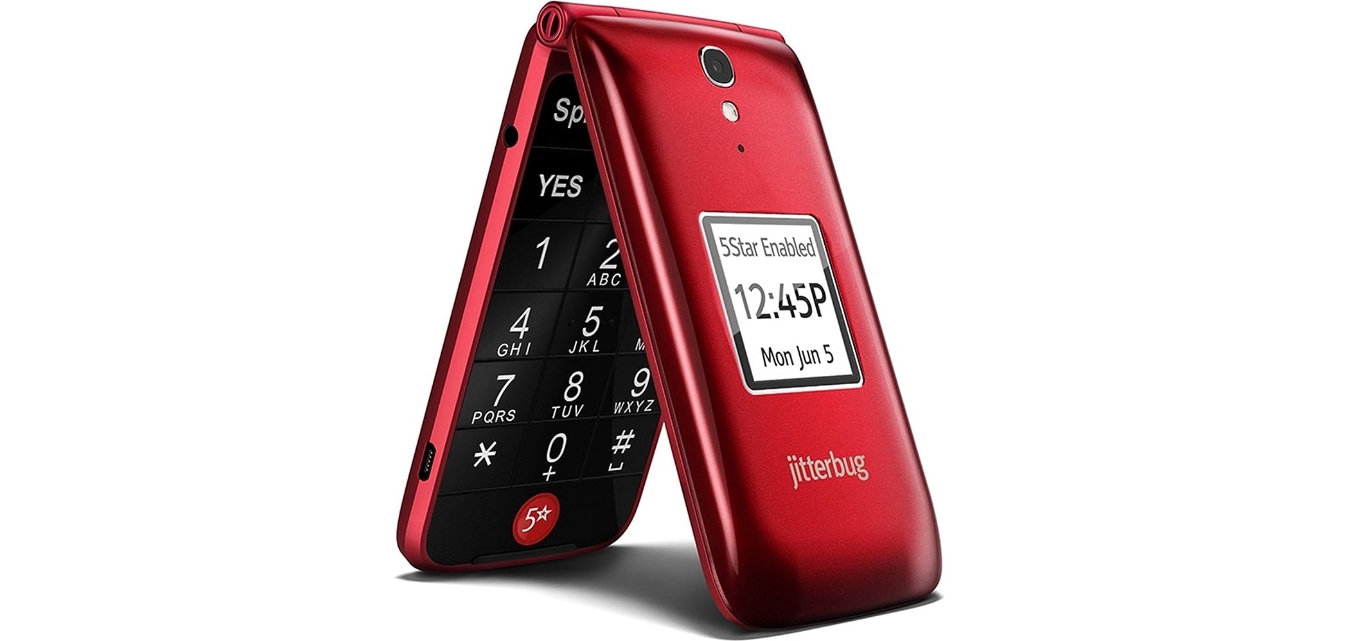
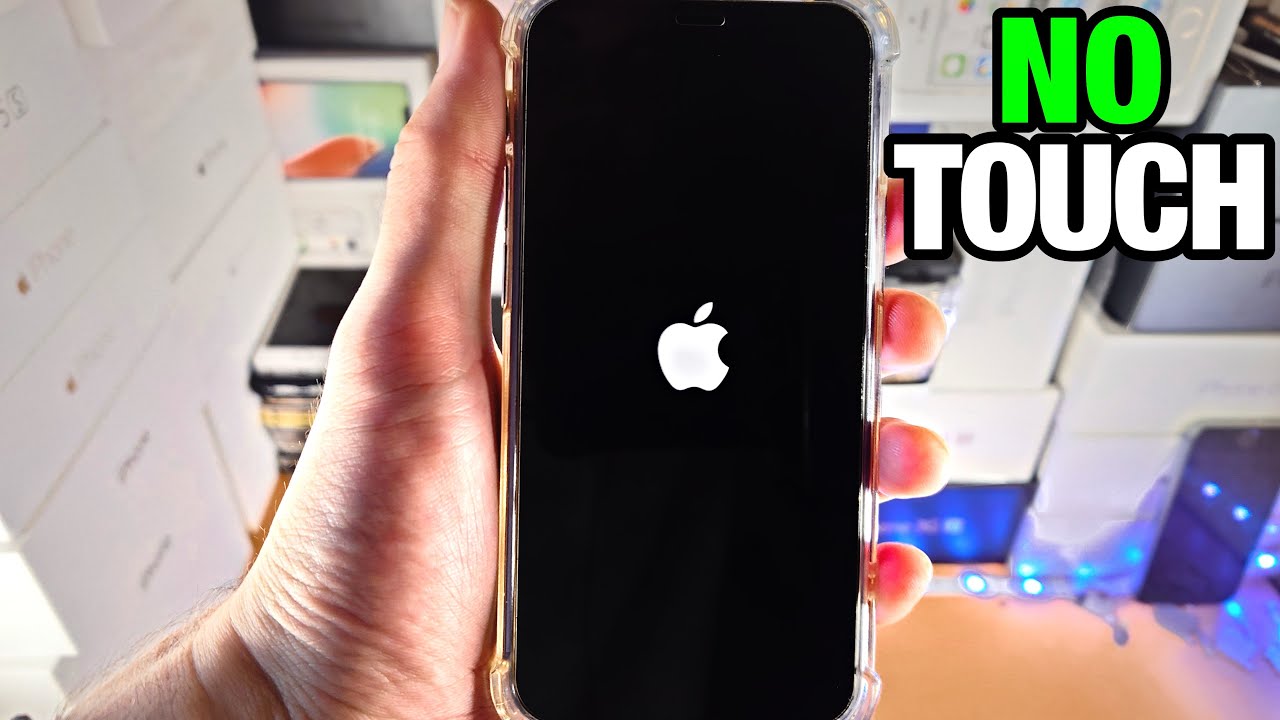
The articles fall into two main themes. One group tackles devices that are locked in a special mode or showing a persistent error. You’ll find solutions for getting an Android out of Safe Mode, taking Safe Mode off a Samsung phone, and removing a Motorola phone from Emergency Mode. Another set of articles focuses on physical restarts and resets when the touchscreen isn’t working, like how to restart an iPhone without a working screen, how to reboot an Android tablet, and how to unfreeze a Jitterbug Flip Phone. A third theme covers Fitbit wearables, with guides on restarting models like the Fitbit Inspire HR, Charge 5, Versa 3, and Luxe, as well as troubleshooting shutdowns and screen issues.
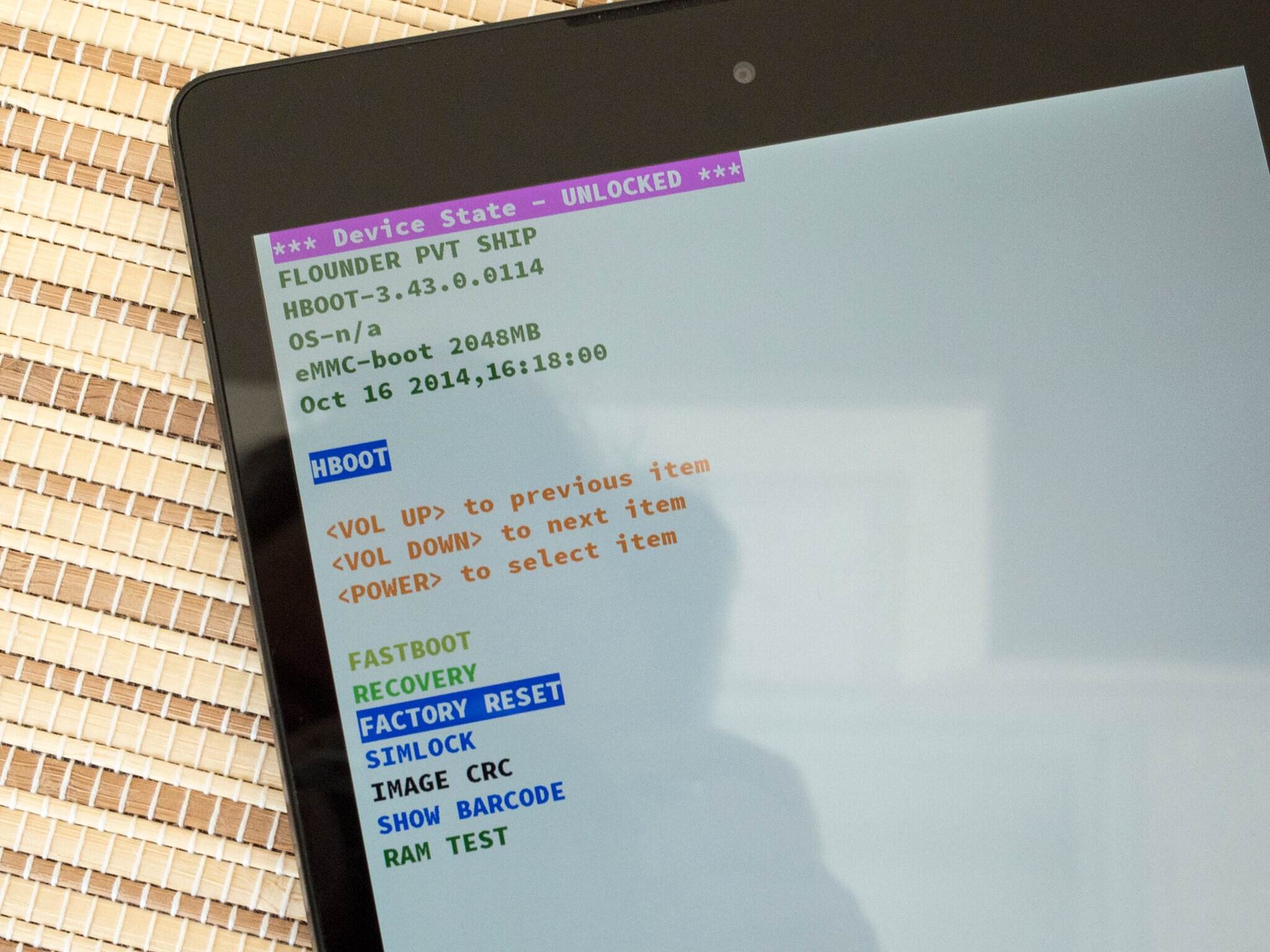
These articles help the reader regain control of a device that won’t behave normally, whether by forcing a reboot, exiting a locked mode, or performing a factory reset. They turn a frustrating “bricked” moment into a clear, actionable fix, no special tools required, just the steps provided.