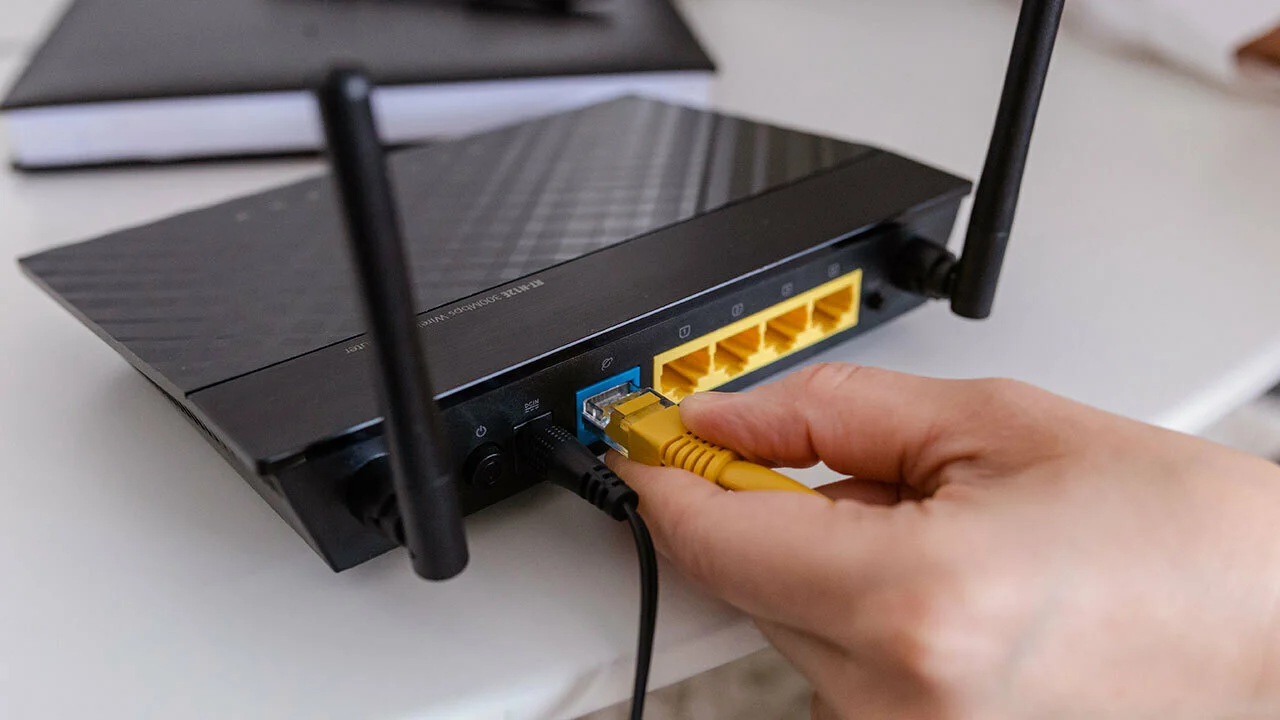
Our guides focused on the physical network connections that keep your phone, tablet, or laptop online. This content is for anyone who needs to set up a wired internet connection, whether you are running a new cable through a wall, fixing a broken plug, or simply trying to understand what kind of connector your Cat6 cable requires. These articles solve practical, hands-on problems that arise when working with Ethernet cabling at home or in a small office.
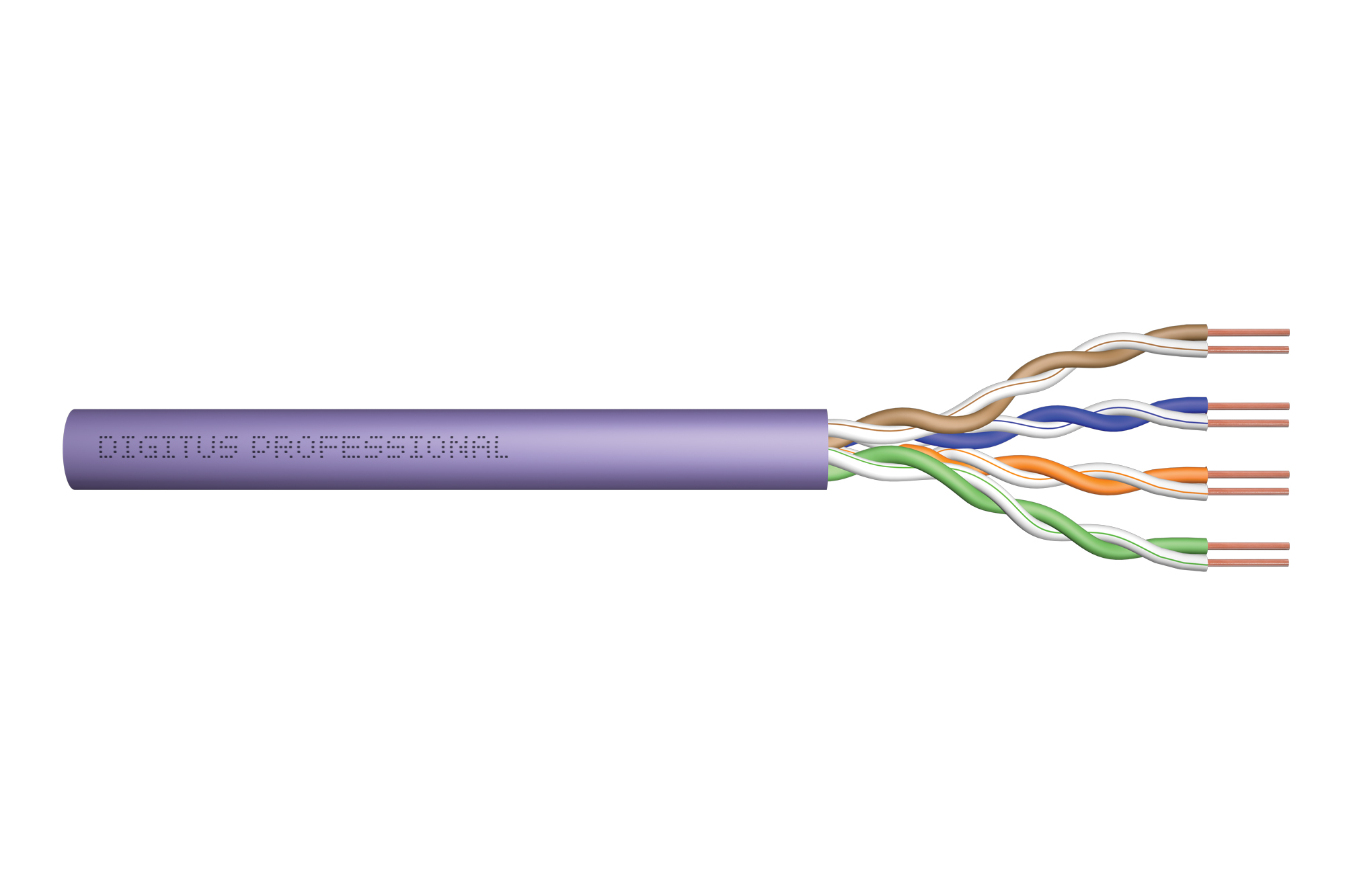
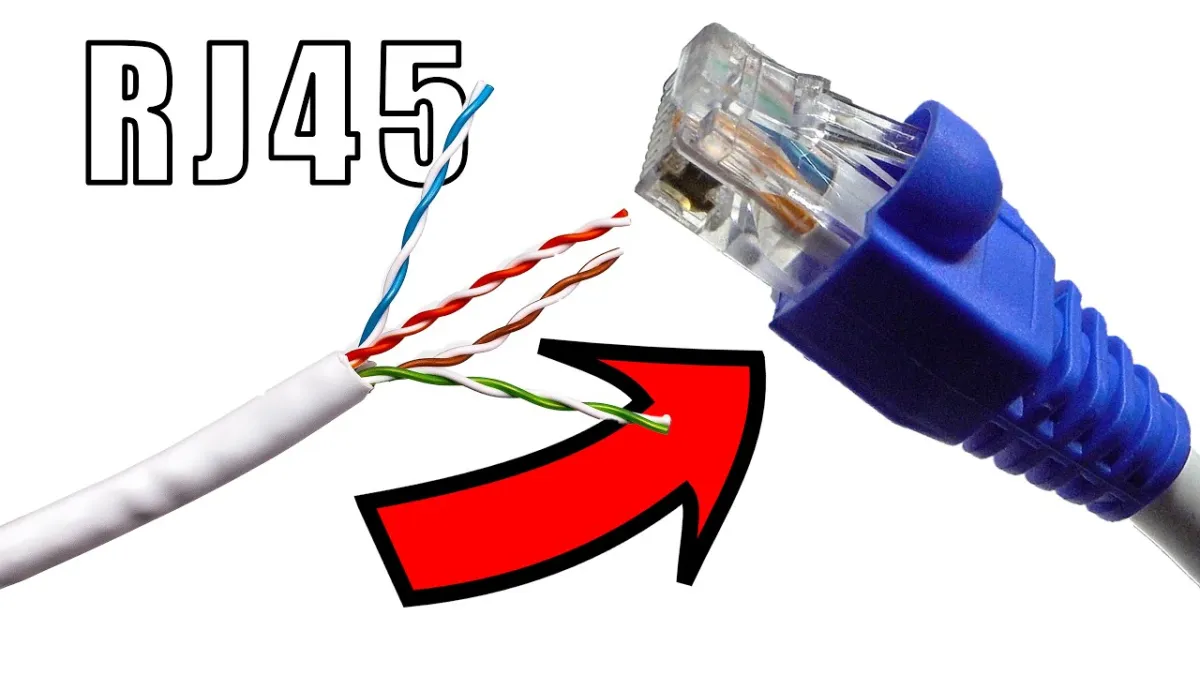
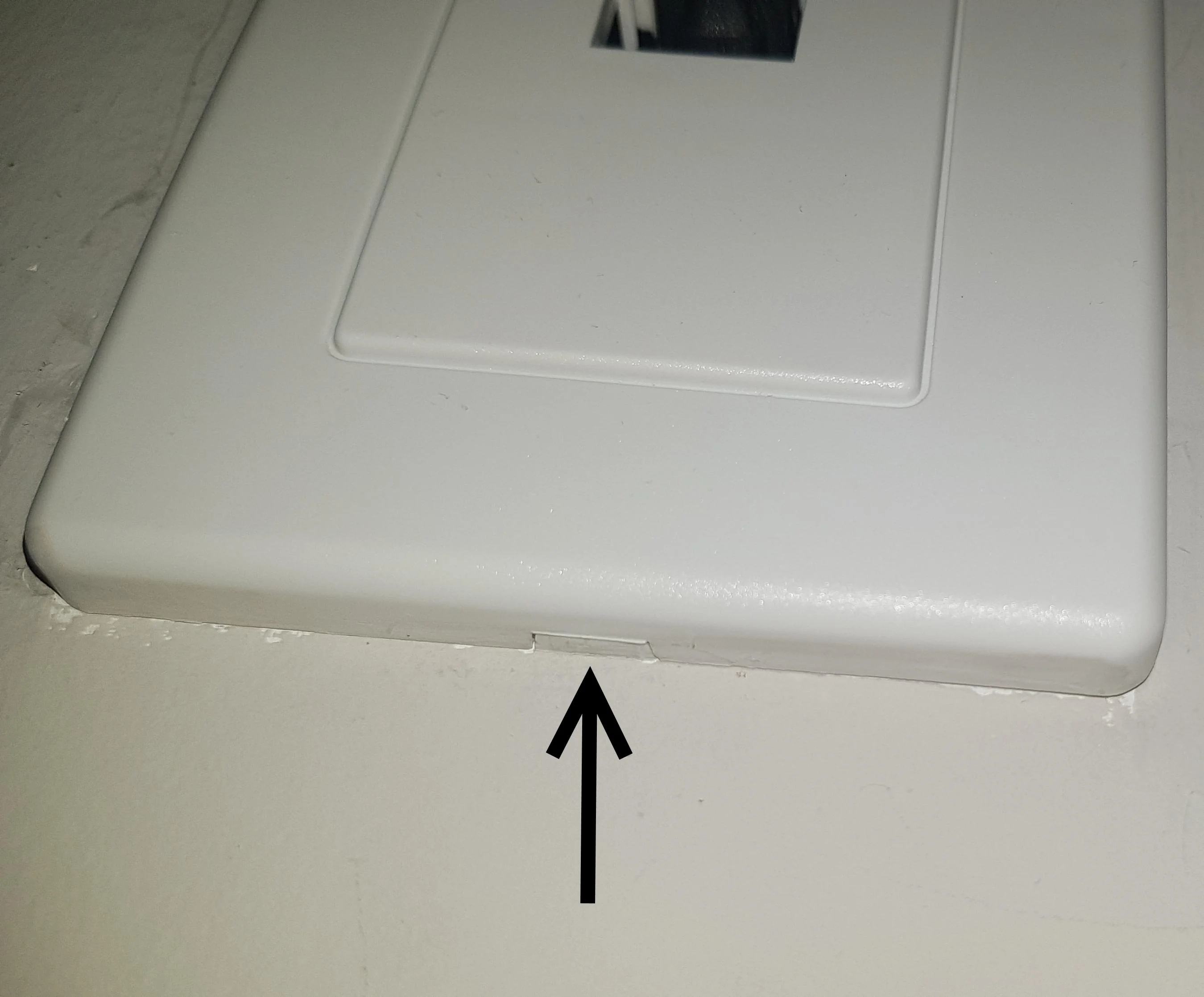
The articles here fall into two main themes: installation and removal. For installation, you can learn how to attach an Ethernet connector to a bare cable and how to connect an RJ45 connector specifically with Cat6 cable. These guides walk you through the precise steps of aligning the wires and crimping the plug correctly. For removal, the tag includes a guide on how to remove an RJ45 connector from a wall plate, which is useful when you need to replace a damaged jack or reroute your cabling. There is also a dedicated article on how to install a Cat6 connector, covering the specific technique required for that thicker cable type.
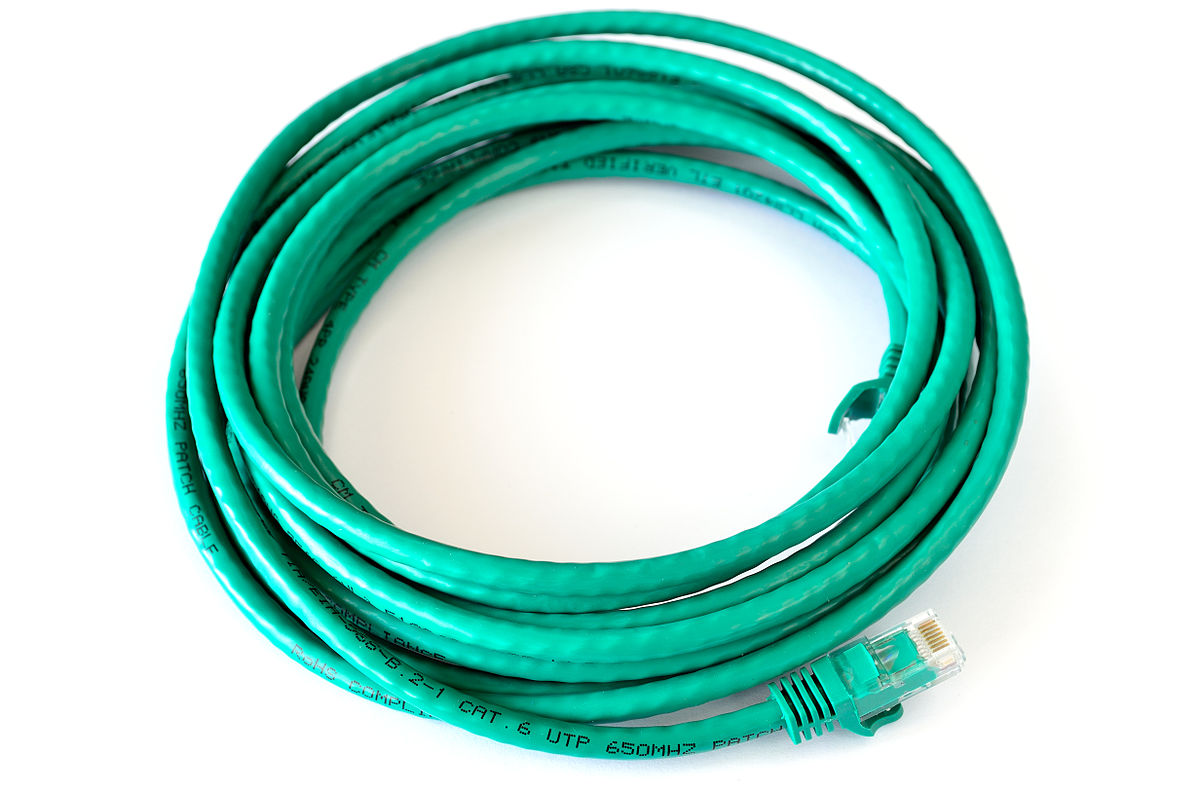
Finally, the tag answers a common identification question: a typical Cat 6 cable uses which connector? This article helps you confirm that you have the right hardware before you start your project. Together, these pieces help the reader physically terminate cables, swap out wall jacks, and verify their equipment, turning a confusing tangle of wires into a reliable network connection.