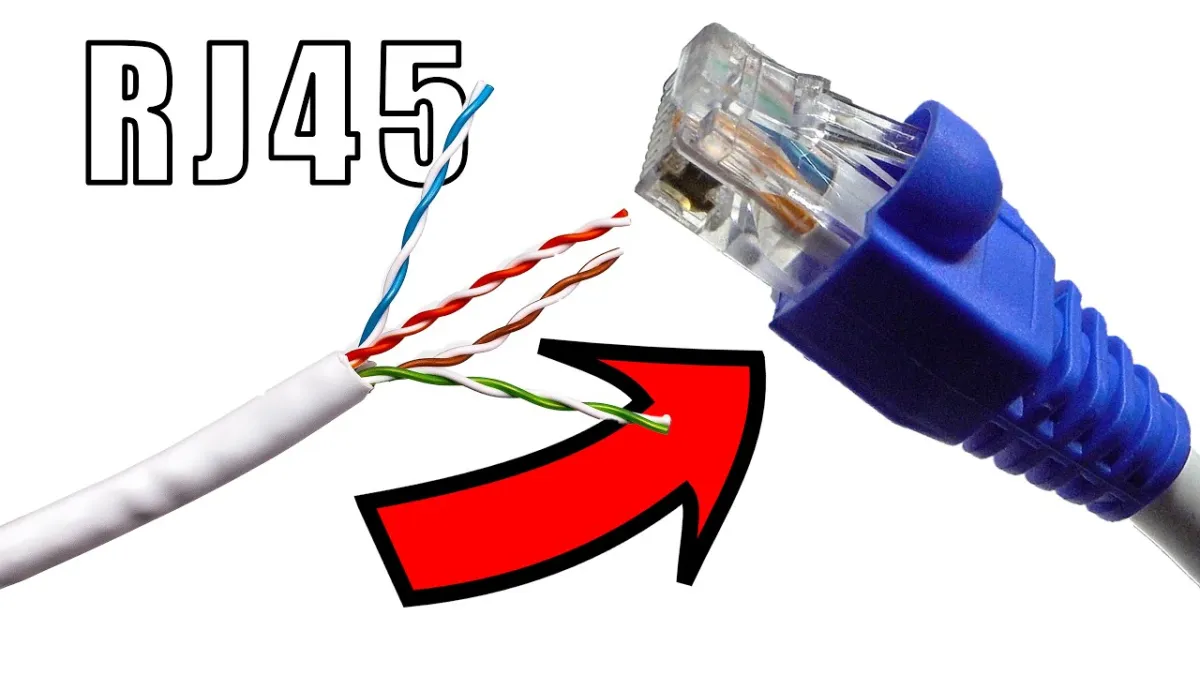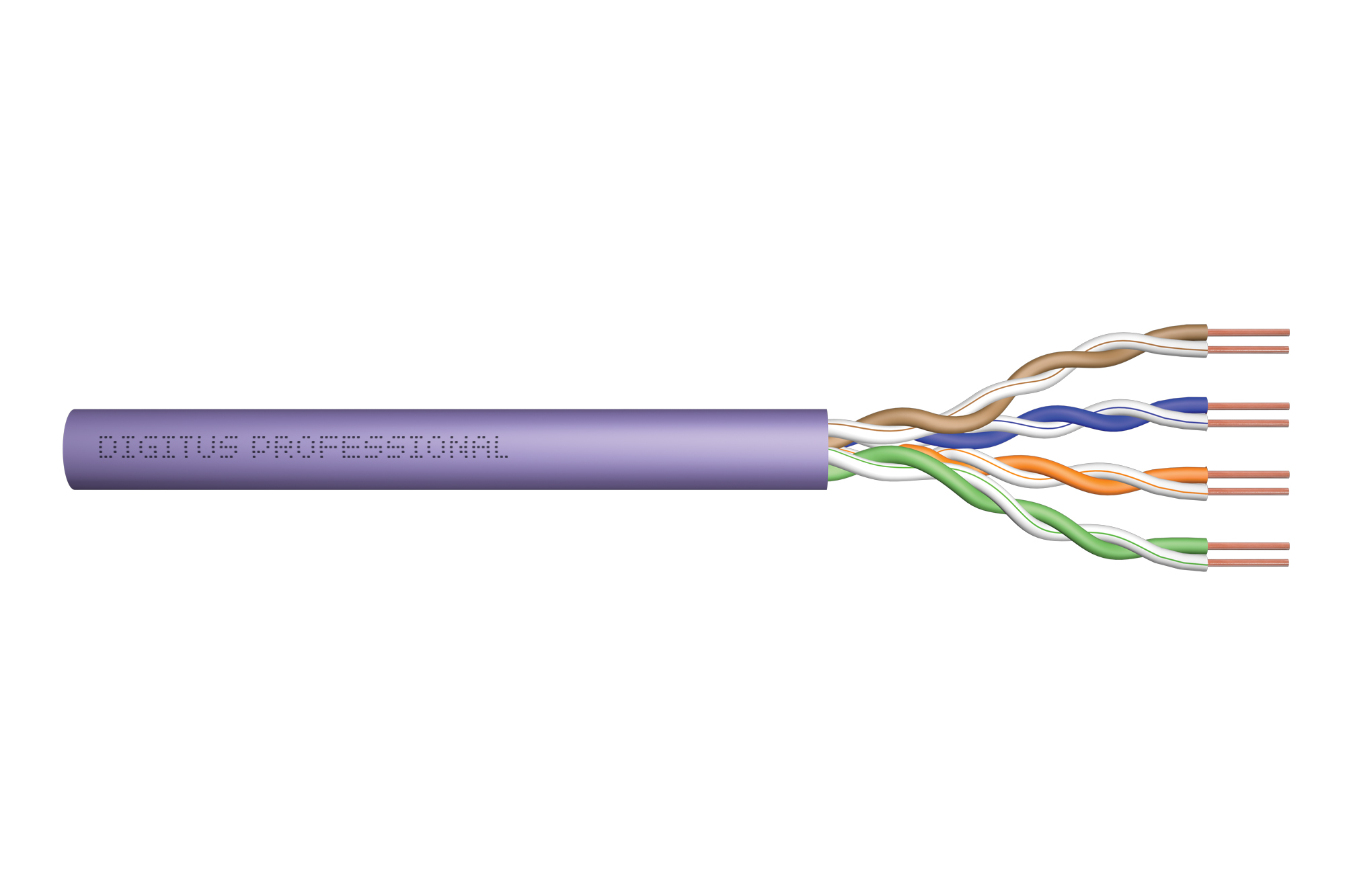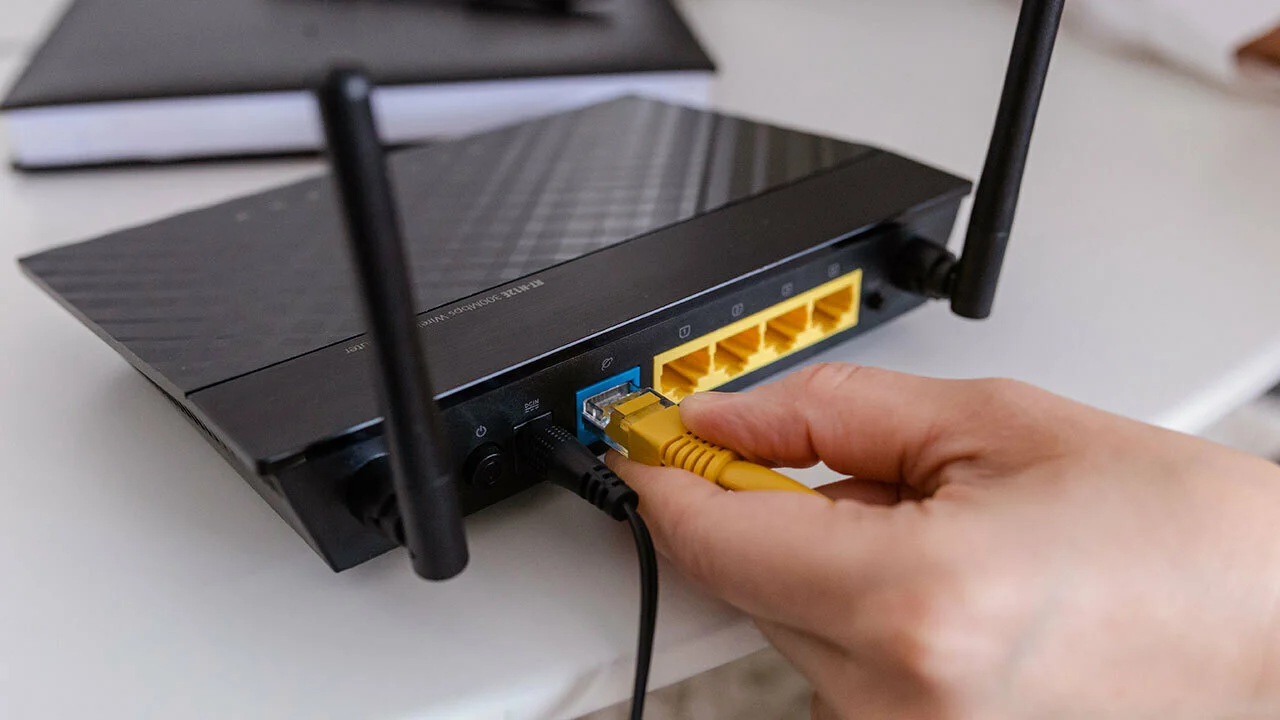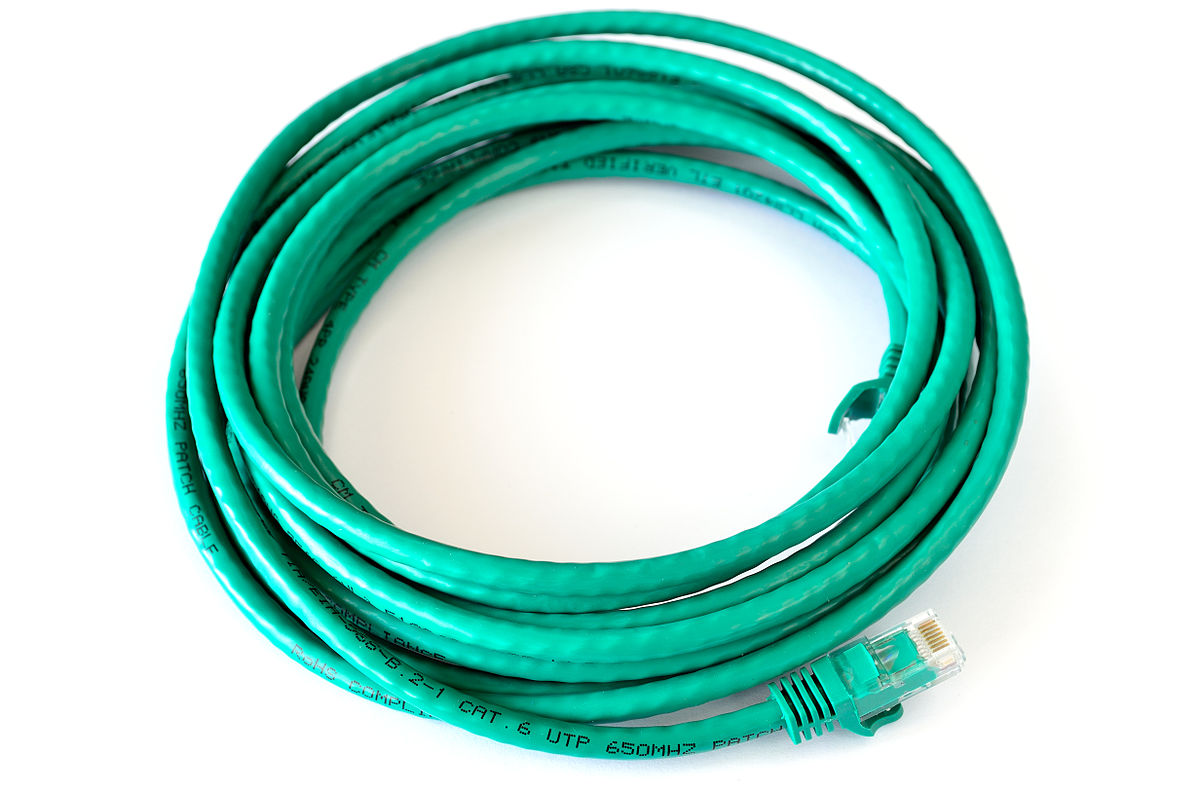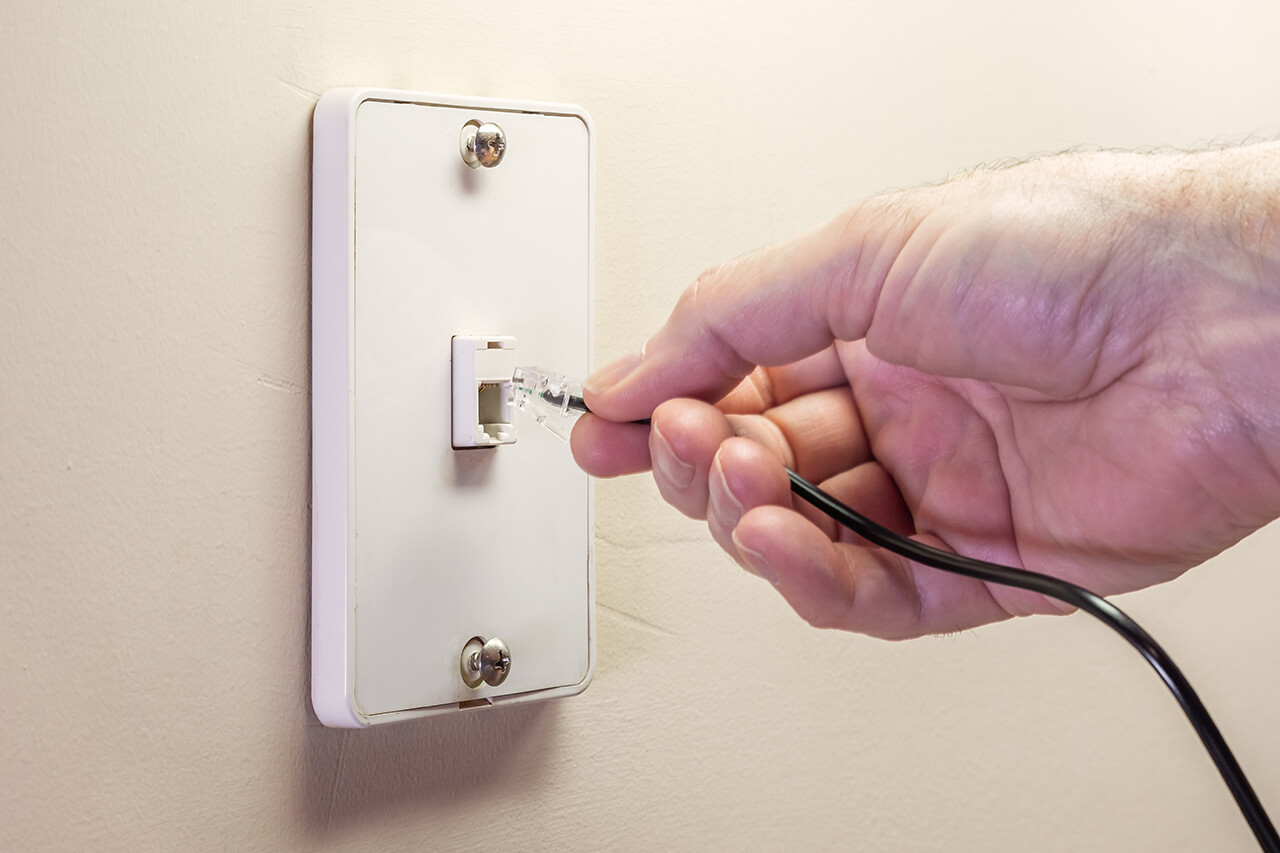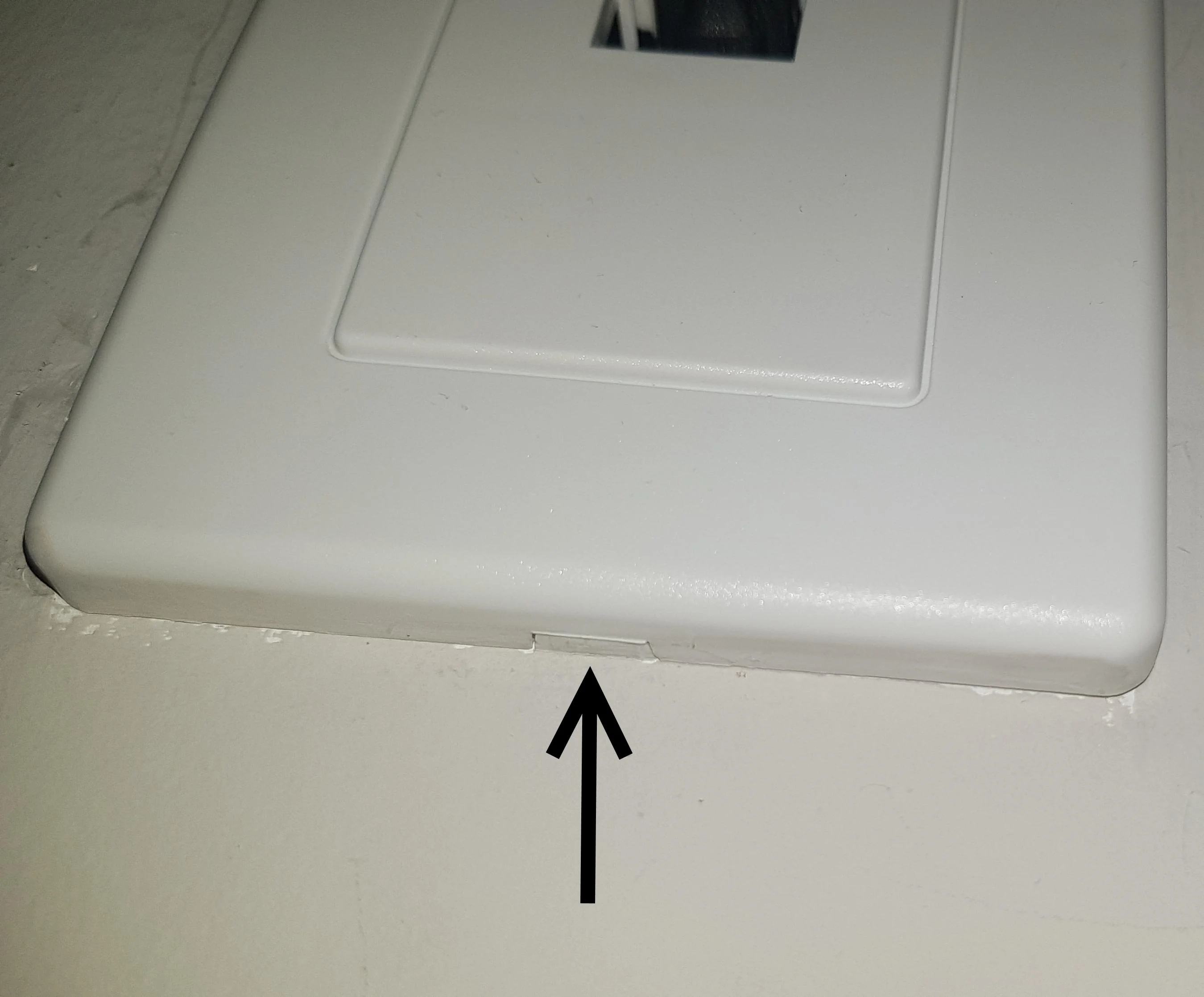
To safely remove an RJ45 jack from a wall plate, first take the wall plate off, then release the keystone jack from the back by pressing its locking tab. This task is about removing the keystone jack itself from the plate, not the cable connector plugged into it, and is commonly done to replace a damaged jack or access the wiring behind it.
Tools you will need
- Phillips screwdriver for the wall-plate screws.
- Flat-head screwdriver or thin plastic pry tool for screwless covers or for releasing the jack tab if needed.
- Needle-nose pliers can help grip and remove the connector from the wall plate.
- Wire strippers are needed if you need to rewire the connector or make adjustments.
- Electrical tape can secure loose wires or provide insulation if necessary.
- Optional flashlight and label maker or tape for marking wiring before disconnecting it.
Step 1: Remove the wall plate
If the plate is screw-mounted, use a Phillips screwdriver to remove the screws. If the plate is screwless, gently pry the cover off at the notch or release point; some screwless plates have a small button or bottom release point.
Step 2: Release the keystone jack from the plate
Pull the wall plate forward carefully so you can see the back of the RJ45 keystone jack. Locate the locking clip or retaining tab on the back of the jack. Press the clip or tab, then push the jack out from the front of the plate. For a snap-in keystone style, pressing the top clip while pushing on the front of the jack will pop it out. If the RJ45 connector is secured with screws, use a screwdriver to carefully remove them. If the RJ45 connector is secured with snap-in tabs, gently push the tabs inwards while simultaneously pulling the connector away from the wall plate.
Step 3: Disconnect the cable if necessary
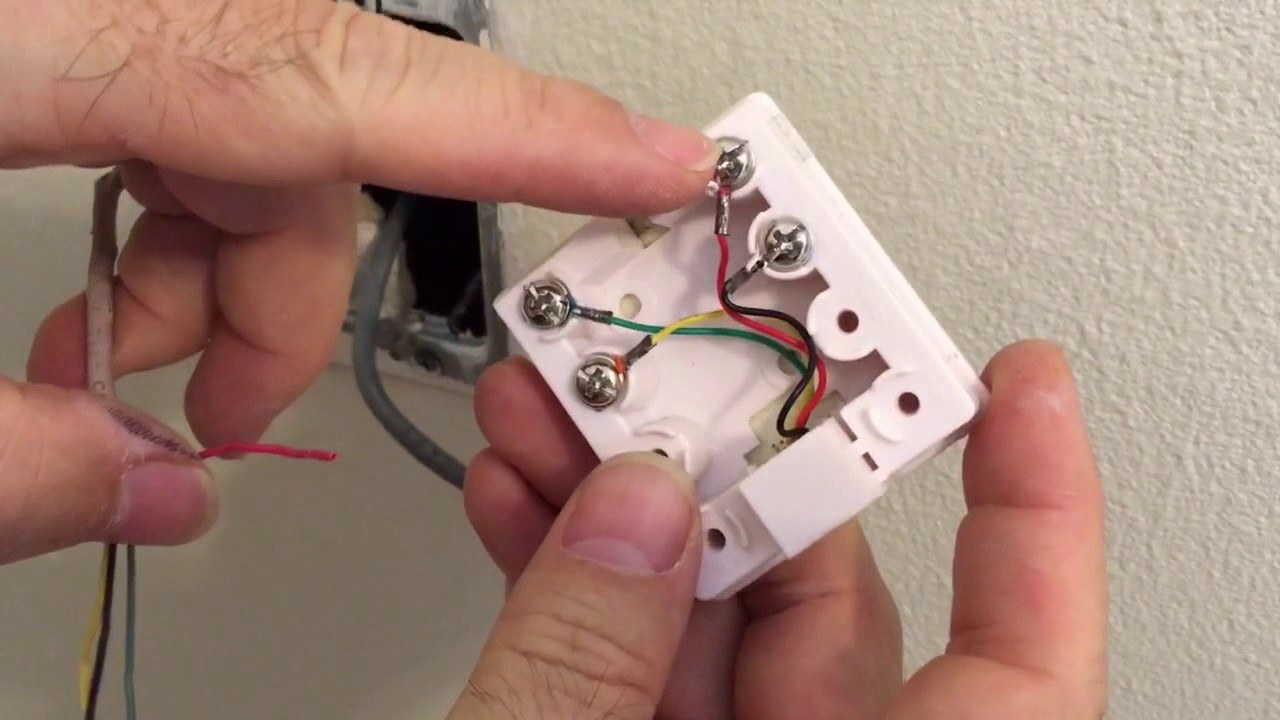
If the cable is still attached to the jack, note the wire order first. Disconnect the cable only if you are replacing or re-terminating the jack; for simple removal from the plate, you do not need to disconnect the cable. Check the cable for any signs of damage like frayed wires or loose connections after detaching the connector.
Variations by wall plate model
The exact removal method varies by model. Screwless wall plates and standard screw-mounted plates use different release points. Some keystone designs release from the rear with a retaining tab, while others may need a thin blade at a clip. The process is not universal, so check the release mechanism for your specific plate and jack.
Frequently Asked Questions
Can the RJ45 jack be removed without taking off the wall plate?
No. The documented guides remove the plate first, then release the jack from the back. You cannot access the locking clip or tab without removing the plate.
Does the cable need to be cut to remove the jack?
Not for simple jack removal from the wall plate. Cutting or re-terminating is only mentioned when disconnecting or replacing the cable or jack assembly, such as when you need to re-terminate the cable after removing the jack.
What if the plate is screwless?
Use the release point or tab for that model. Some screwless plates have a bottom button or notch for prying off the cover. The method varies, so check the specific design of your plate.
Can I reuse the RJ45 jack after removing it?
You can reuse the jack if it is not damaged. Inspect it for wear or damage before reinstalling it in another plate or application. Make sure the connector is clean and free from debris or dirt before reattaching it.
Can I reuse the RJ45 connector after removing it from a wall plate?
Yes, but inspect it for damage or wear first; replace if damaged.
Why would I need to remove the jack for a wireless printer setup?
Wireless printer setup and mobile printing often require a stable wired connection during initial configuration. Removing the jack from the wall plate lets you access the Ethernet cable to connect the printer directly for setup, then reinstall the jack once the printer is configured.
Related reading: How To Install Cat6 Connector and How To Attach Ethernet Connector To Cable.