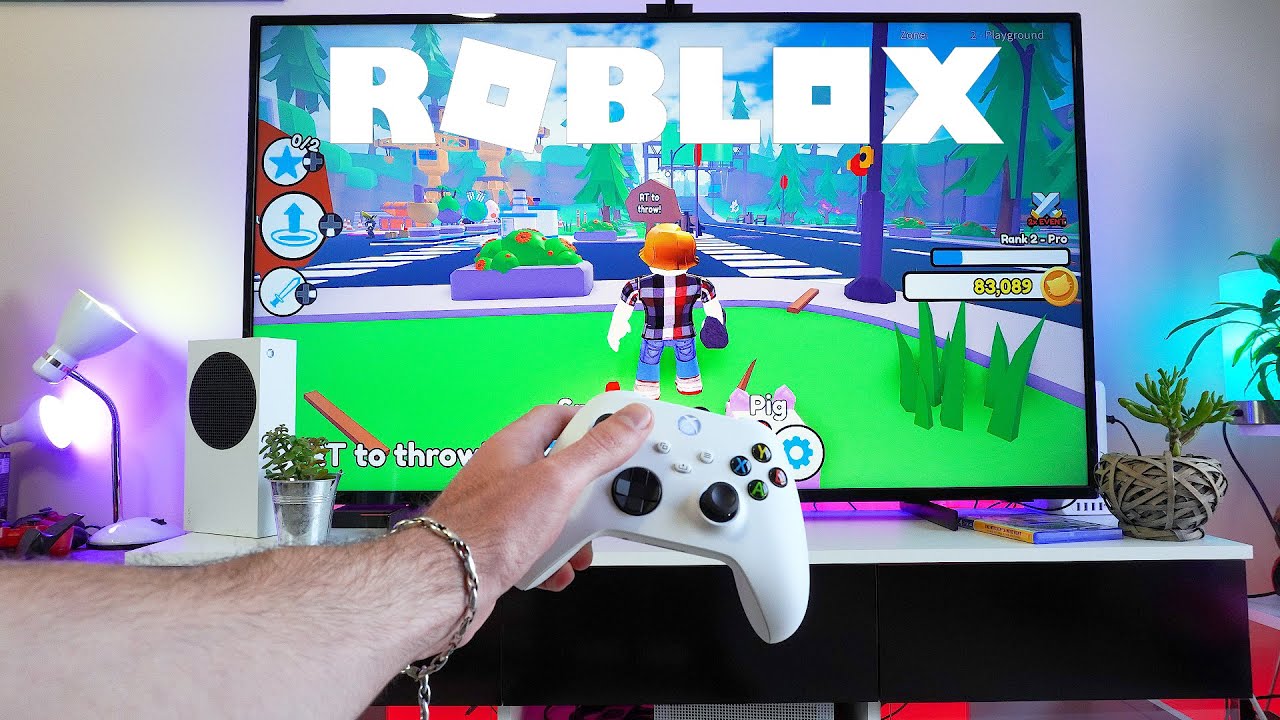
This tag collects all of our articles about playing and managing Roblox on mobile devices, from phones to VR headsets. It is for anyone who wants to get the most out of Roblox on their phone, whether they are troubleshooting a problem, customizing their experience, or learning how to use specific features like gamepads and joysticks.

The articles here solve two main kinds of problems. First, there are many guides for fixing common issues, such as why Roblox is not working and how to stop it from opening Steam VR. Second, a large group of articles focuses on mobile-specific controls and settings, including how to change your joystick, make it bigger, and add gamepad controls. You will also find guides for account management on mobile, like how to appear offline while playing, how to connect your Xbox Roblox account, and how to delete chat or outfits.

Other topics cover the basics of playing and creating, such as how to play Roblox on your phone, how to make a Roblox game on an Android phone, and how to redeem a Roblox gift card. For those interested in VR, there are several articles explaining how to play Roblox in VR on the Oculus Quest 2 and how to turn off Roblox VR. The collection also includes guides for sending Robux to a friend and getting free Robux on your phone.
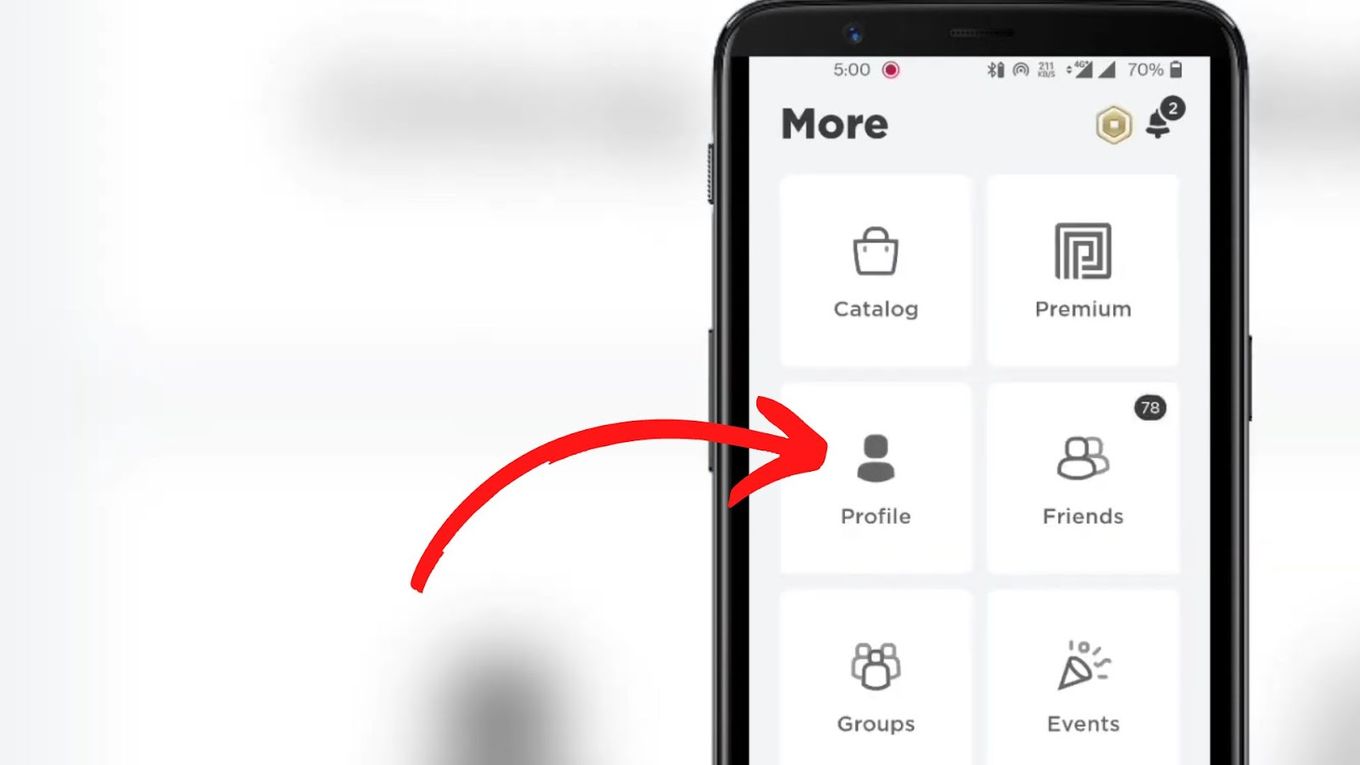
How To See Favorites On Roblox Mobile

To see favorites on Roblox mobile, open the app and go to your Profile page, then tap the Favorites tab to view all your saved games and items. This is...

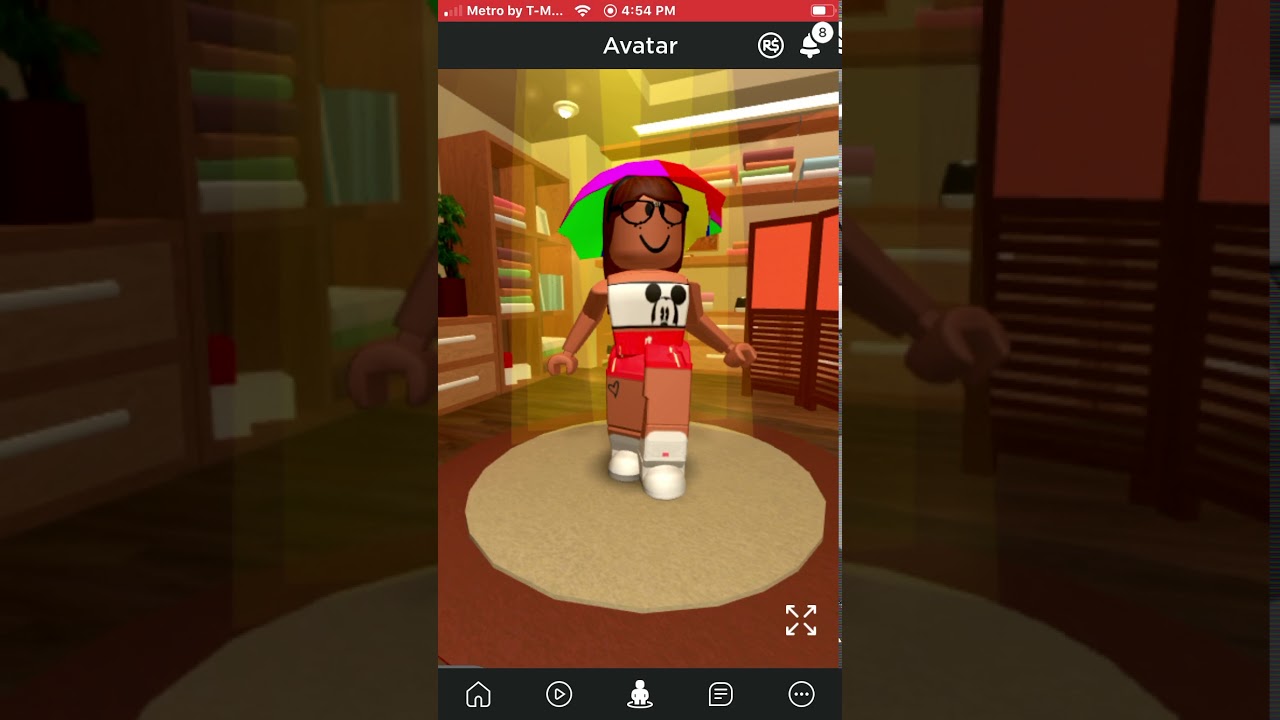
How To Save Outfits On Roblox Mobile

To save outfits on Roblox Mobile, open the app, go to Avatar, and customize your look. Then open Characters, tap the plus or gear icon, choose Save as New, enter...

How To Trade Items In Roblox Mobile

To trade items in Roblox mobile, you must use a mobile browser to access the Roblox website, because the mobile app itself does not support trading. What you need before...

How To Add Friends On Roblox Mobile

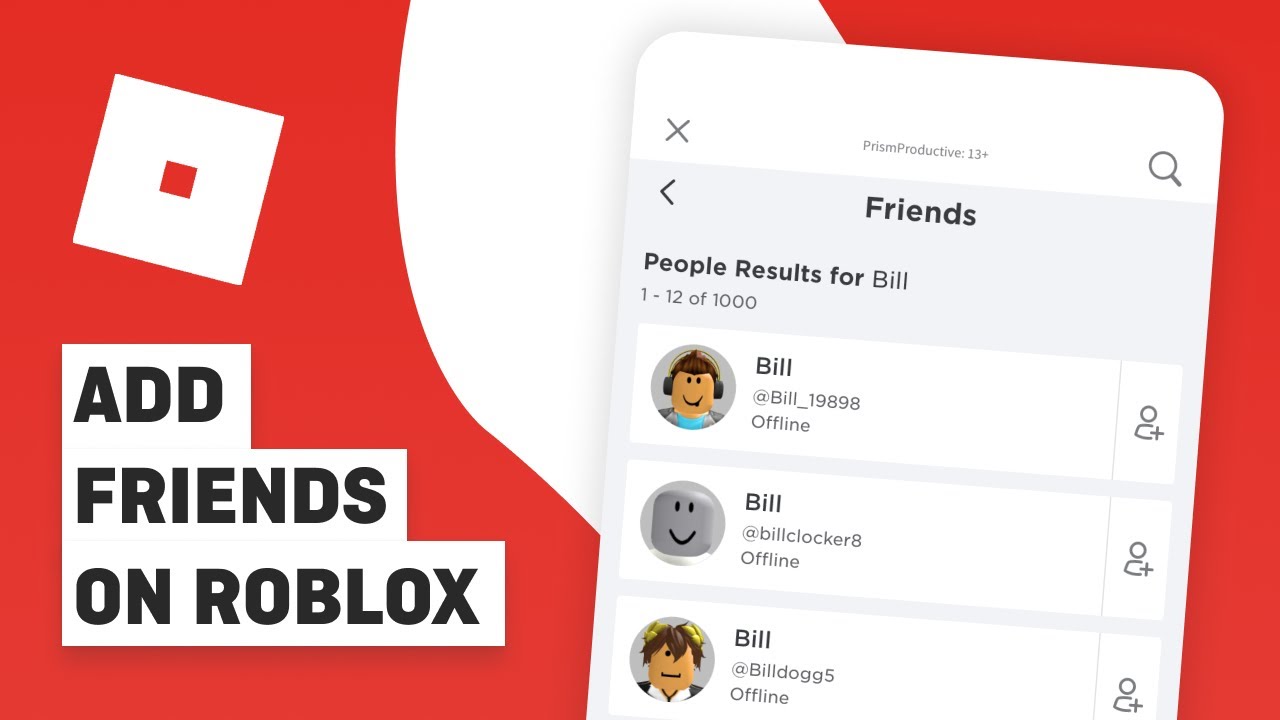
To add friends on Roblox mobile, open the app, tap the More menu, then tap Friends. Use the search icon or search bar to enter the exact Roblox username of...

How To Make A Roblox Game On Android Phone

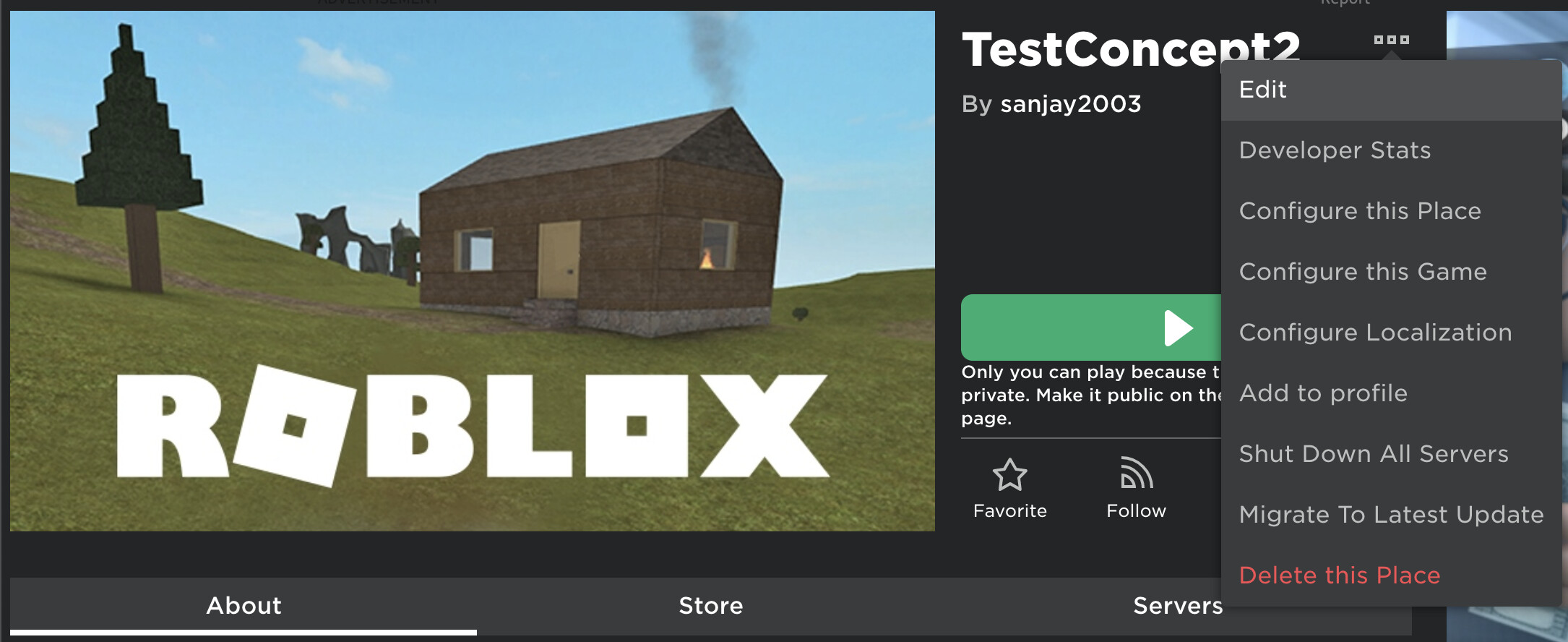
You cannot make a full Roblox game on Android because Roblox Studio, the primary development tool, is not available for mobile devices. However, you can use the official Roblox mobile...

How To Play Roblox On Phone

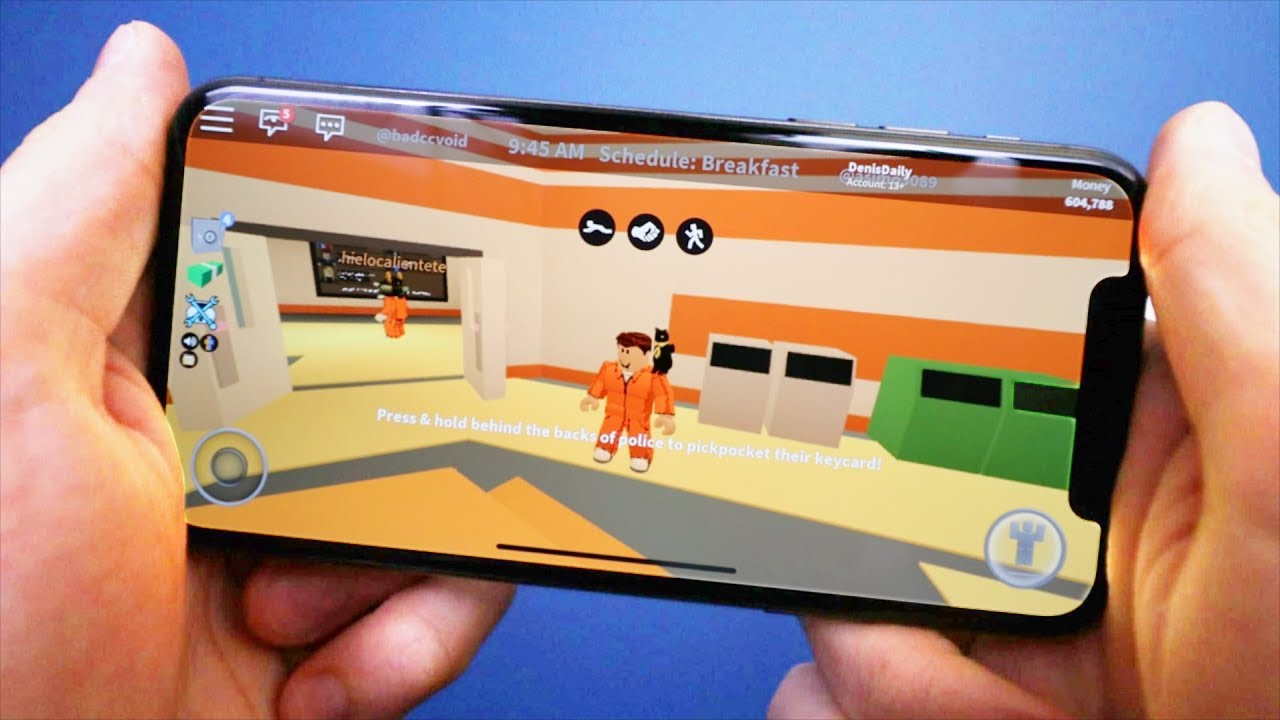
To play Roblox on your phone, download the official Roblox app from the App Store (iPhone) or Google Play Store (Android) and install it on a device that meets the...

How To Add Gamepad Controls On Roblox

To add gamepad controls on Roblox, first enable the feature in Roblox's in-game settings by toggling the gamepad option on. Once enabled, your connected controller should be automatically detected, allowing...