This tag collects all of our articles about playing and managing Roblox on mobile devices, from phones to VR headsets. It is for anyone who wants to get the most out of Roblox on their phone, whether they are troubleshooting a problem, customizing their experience, or learning how to use specific features like gamepads and joysticks.
The articles here solve two main kinds of problems. First, there are many guides for fixing common issues, such as why Roblox is not working and how to stop it from opening Steam VR. Second, a large group of articles focuses on mobile-specific controls and settings, including how to change your joystick, make it bigger, and add gamepad controls. You will also find guides for account management on mobile, like how to appear offline while playing, how to connect your Xbox Roblox account, and how to delete chat or outfits.
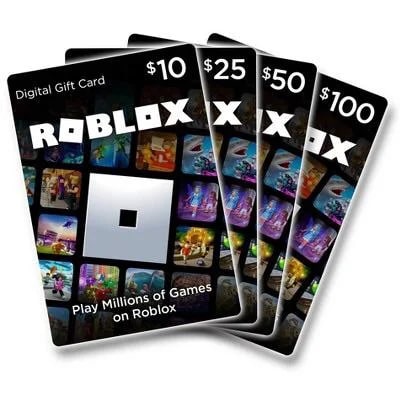
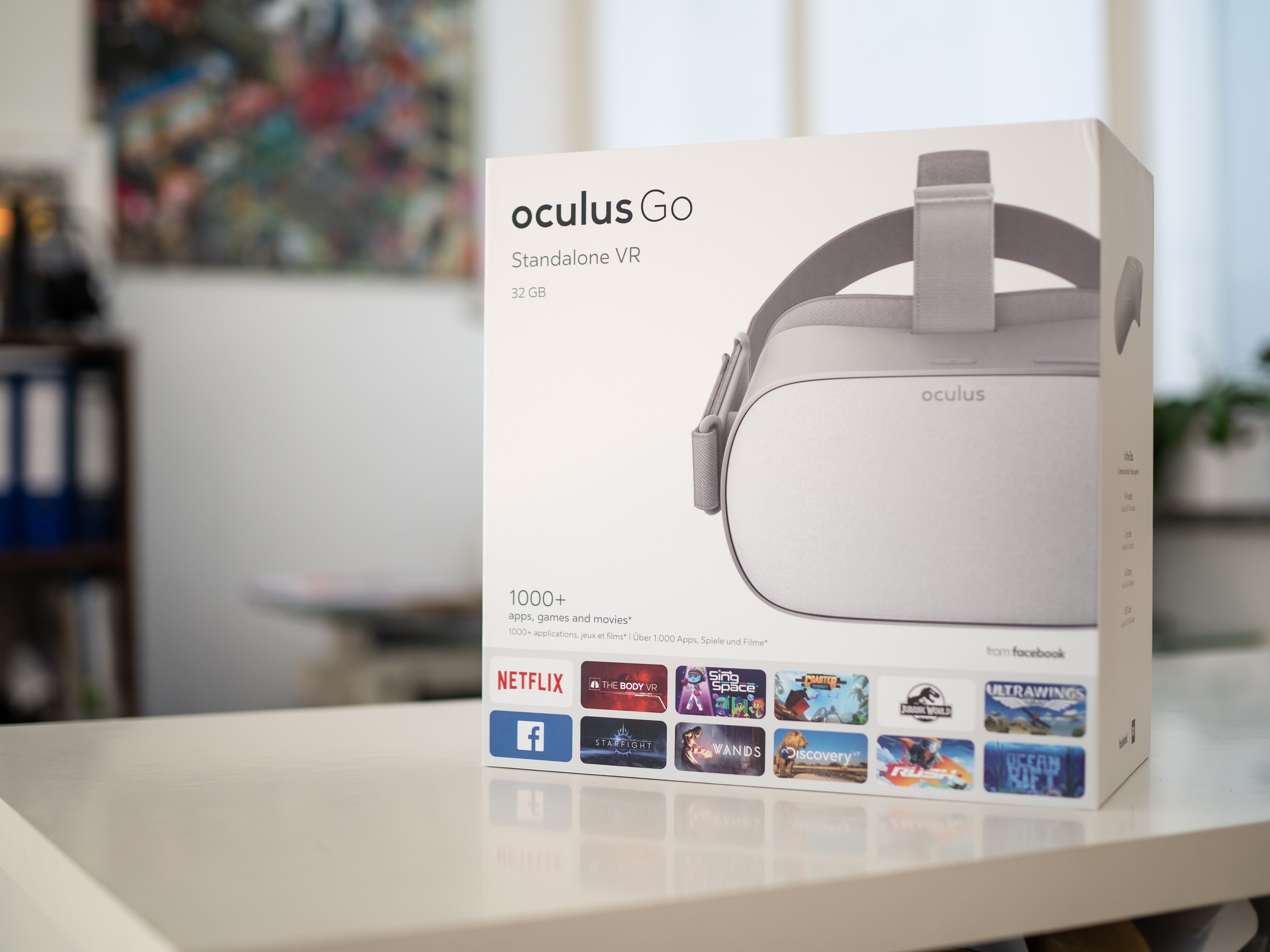
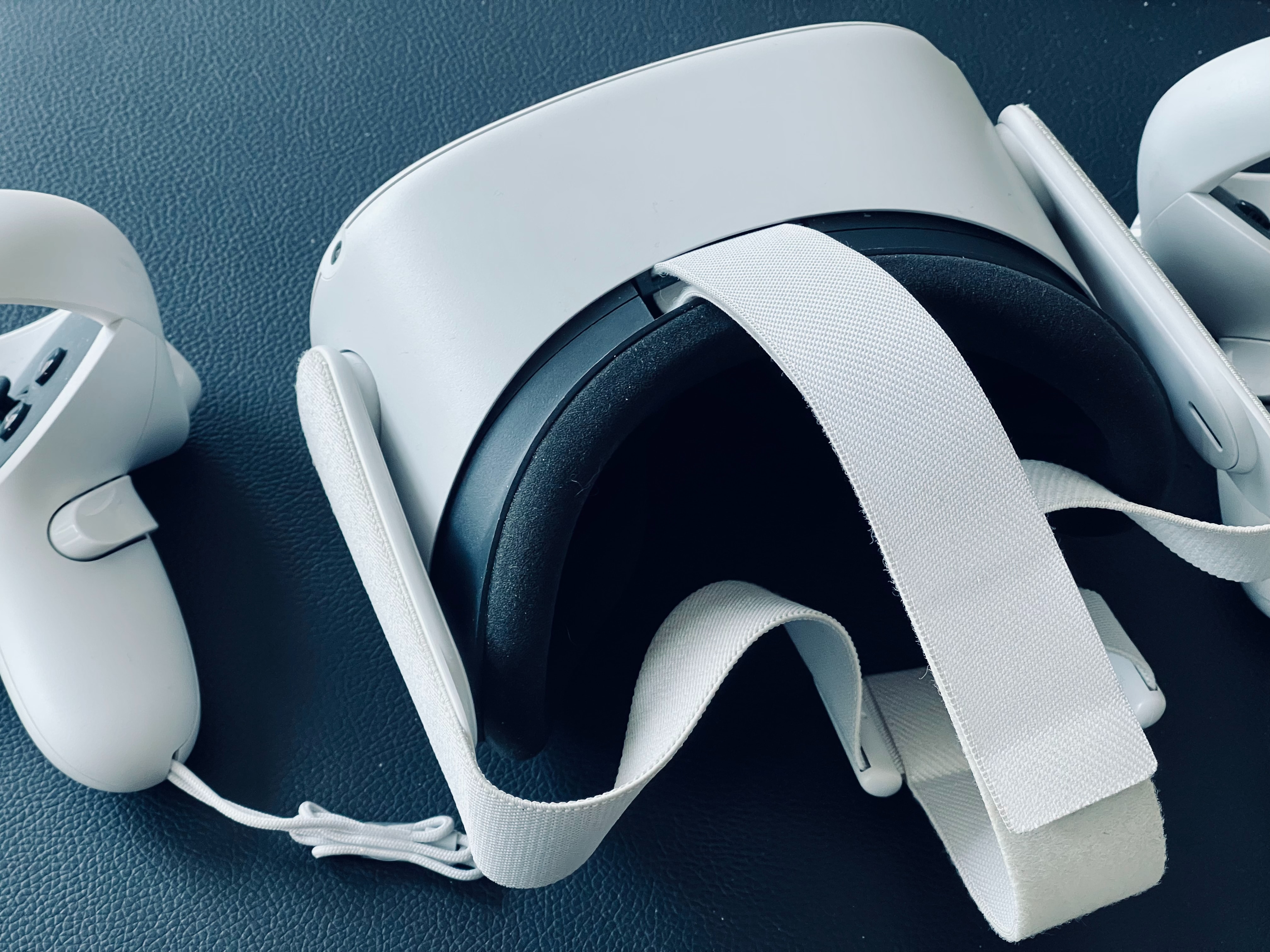
Other topics cover the basics of playing and creating, such as how to play Roblox on your phone, how to make a Roblox game on an Android phone, and how to redeem a Roblox gift card. For those interested in VR, there are several articles explaining how to play Roblox in VR on the Oculus Quest 2 and how to turn off Roblox VR. The collection also includes guides for sending Robux to a friend and getting free Robux on your phone.
![How to Use Roblox FPS Unlocker [Your Ultimate Guide]](/wp-content/uploads/2022/08/Screenshot_20220818_153916_com.roblox.client.jpg)
![What Is a Roblox Noob and How to Be One [Ultimate Guide]](/wp-content/uploads/2022/07/Noob.jpg)