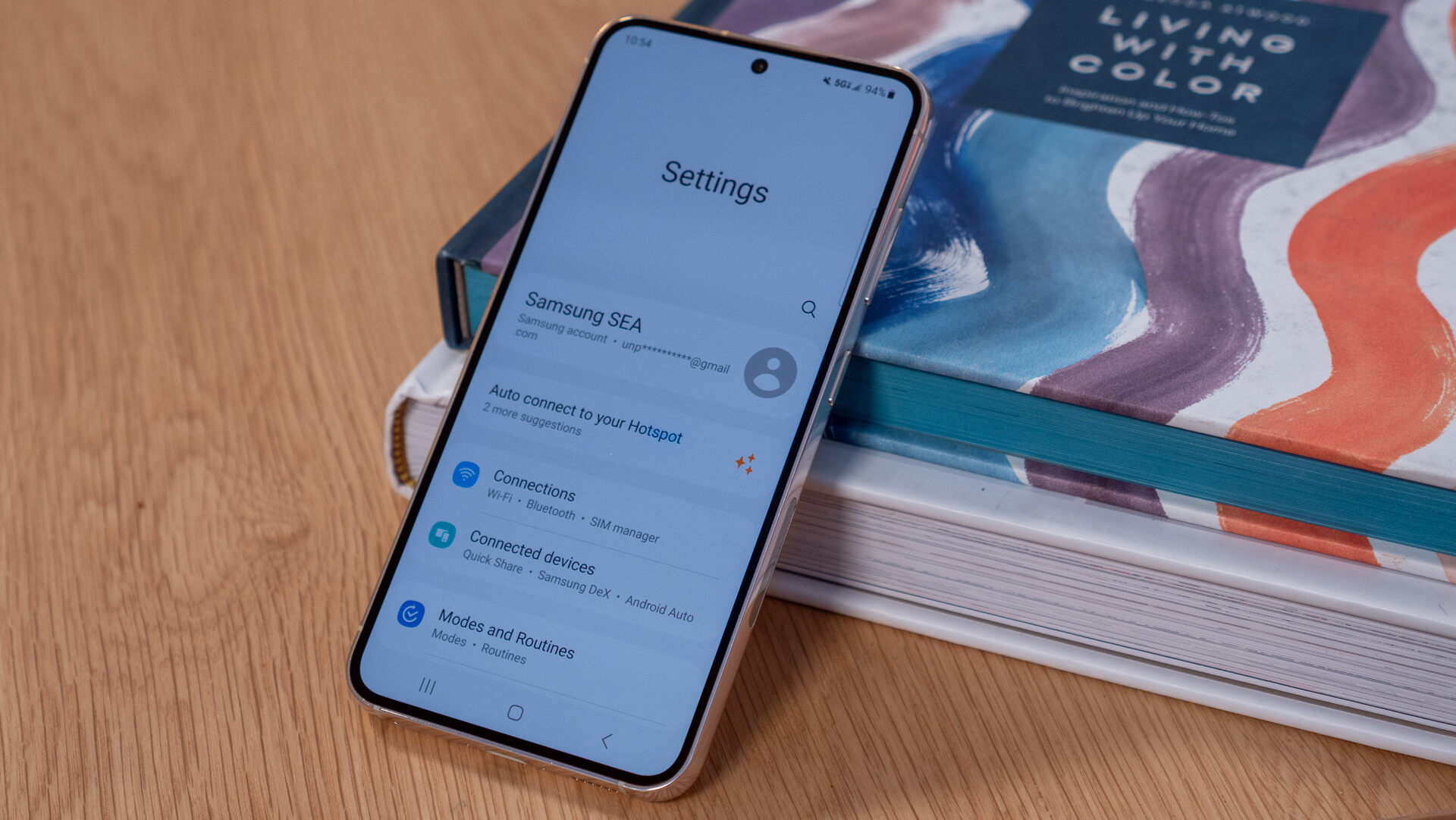
The Samsung tag on CellularNews brings together a focused collection of guides and explainers for anyone who owns or is considering a Samsung phone. Whether you are troubleshooting a specific issue, looking to master a built-in feature, or simply curious about phone accessories and maintenance, these articles are written for the everyday user who wants clear, actionable answers.

The articles here solve two main kinds of problems. First, they tackle practical device management and settings: you can learn how to set an alarm, check your phone’s memory, split the screen, or even decide whether to use or disable the Samsung Game Launcher. Second, they address common frustrations and repairs, from unlocking a Samsung phone and bypassing an FRP lock to recording a conversation or finding a hidden Samsung device. There is also a strong focus on accessories and care, with topics covering Qi charging, wireless power banks, screen protectors, and even how to wash a phone case or remove stains from it.

Beyond Samsung-specific fixes, the tag also includes broader mobile topics that apply to many users, such as how to call back a private number, what refurbished phones are, and how to play music through two Bluetooth speakers. For anyone looking to get more out of their Samsung device or solve a nagging problem, these articles provide straightforward steps and clear explanations.
How To Unfreeze An Android Phone

To unfreeze an Android phone, start by holding the power button for about 30 seconds if the screen is on but unresponsive. This is the standard method for Google Android...

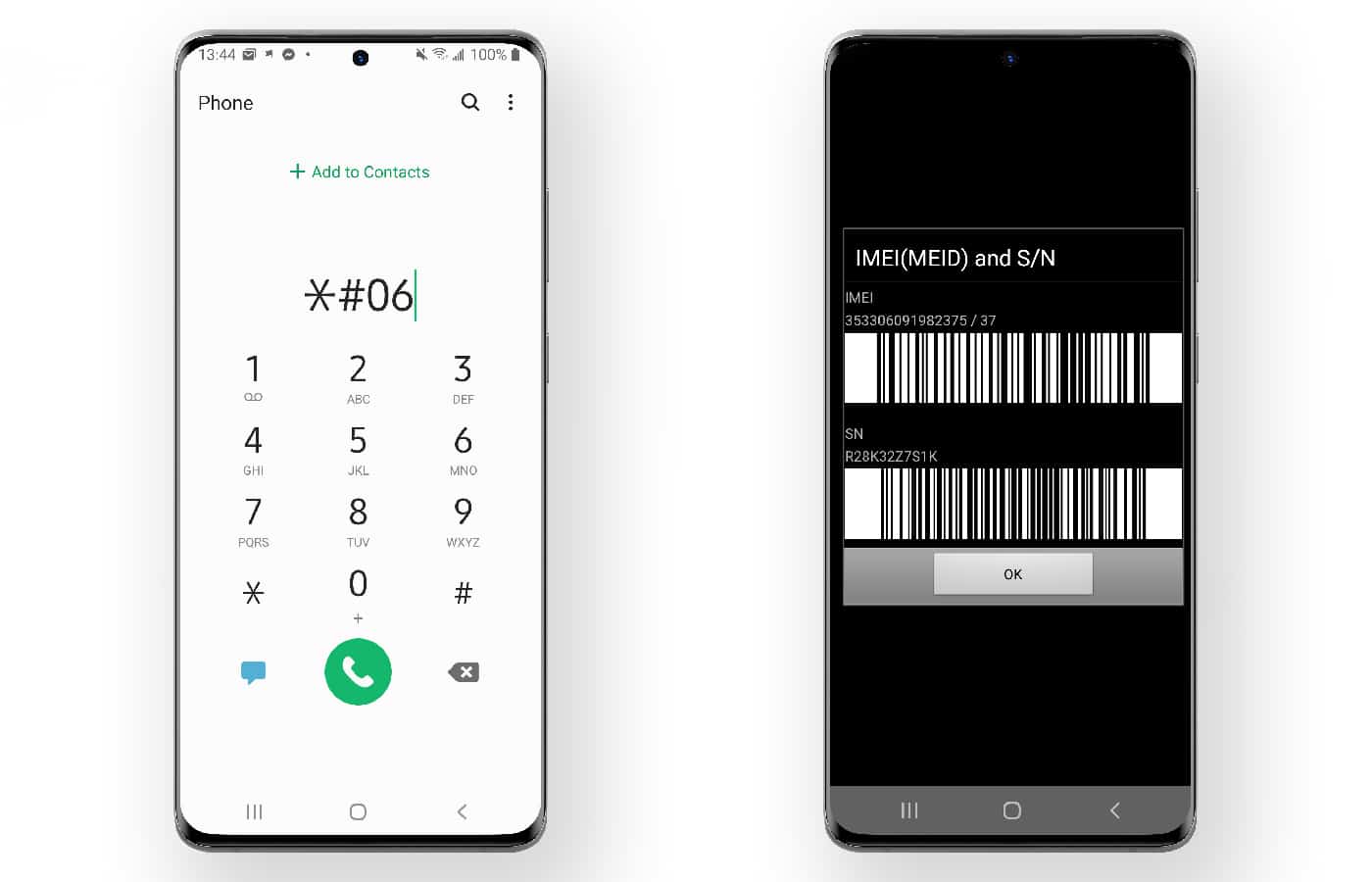
How To Check Samsung Mobile Activation Date

To check Samsung activation date, you need to look at the warranty start date, because Samsung ties the "activation" record directly to when your device's warranty began. This date is...

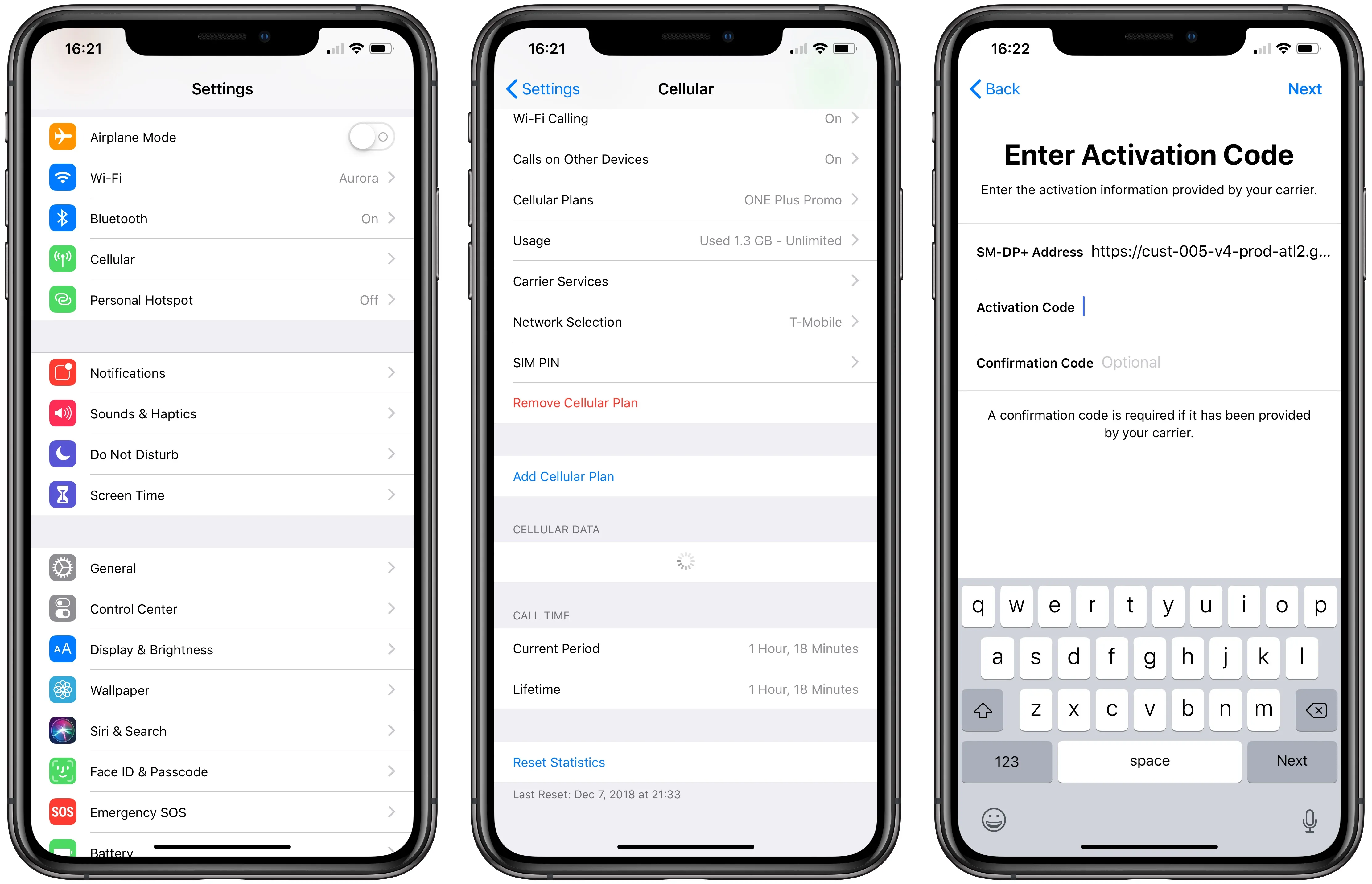
How To Activate ESIM On T-Mobile

To activate eSIM on T-Mobile, you can use the T-Life app, scan a QR code, or set up automatically on a new iPhone, no store visit required. The method that...

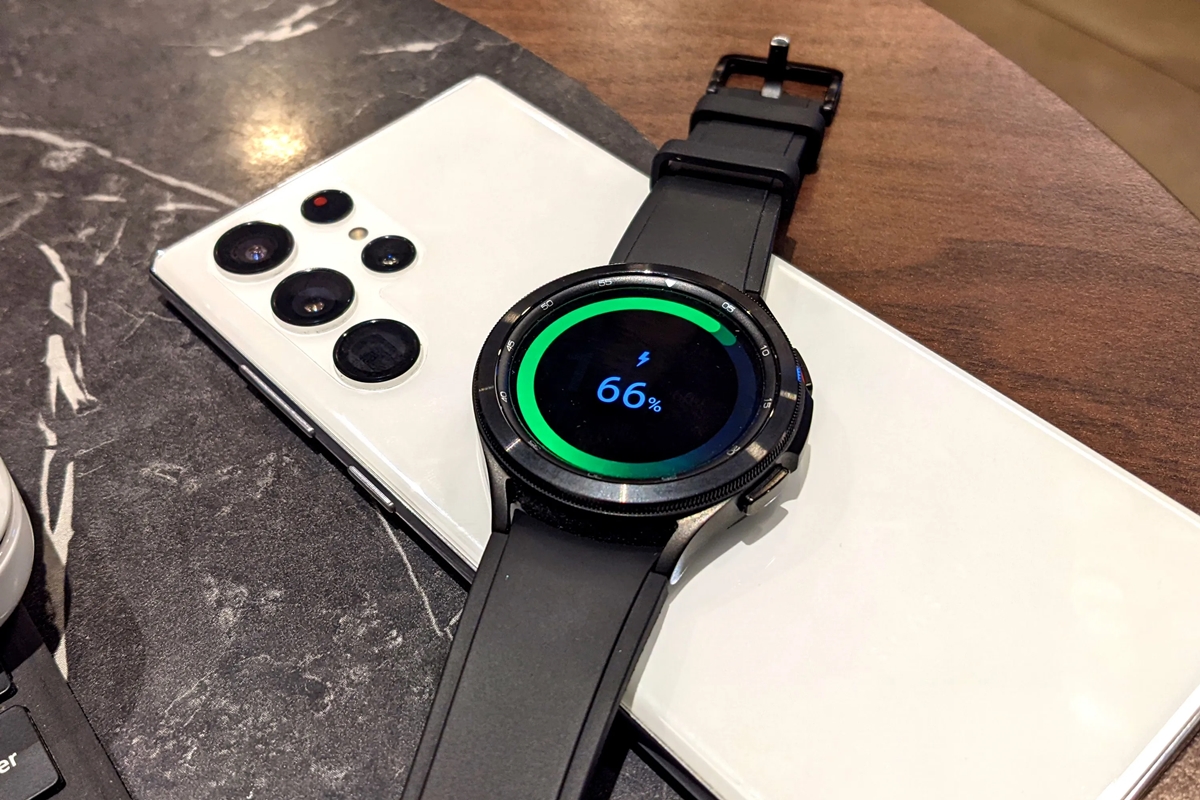
How To Charge Samsung Watch With Phone

You can charge a Samsung watch with a phone by using the phone's Wireless PowerShare feature, which lets you place the watch on the back of a compatible Galaxy phone...

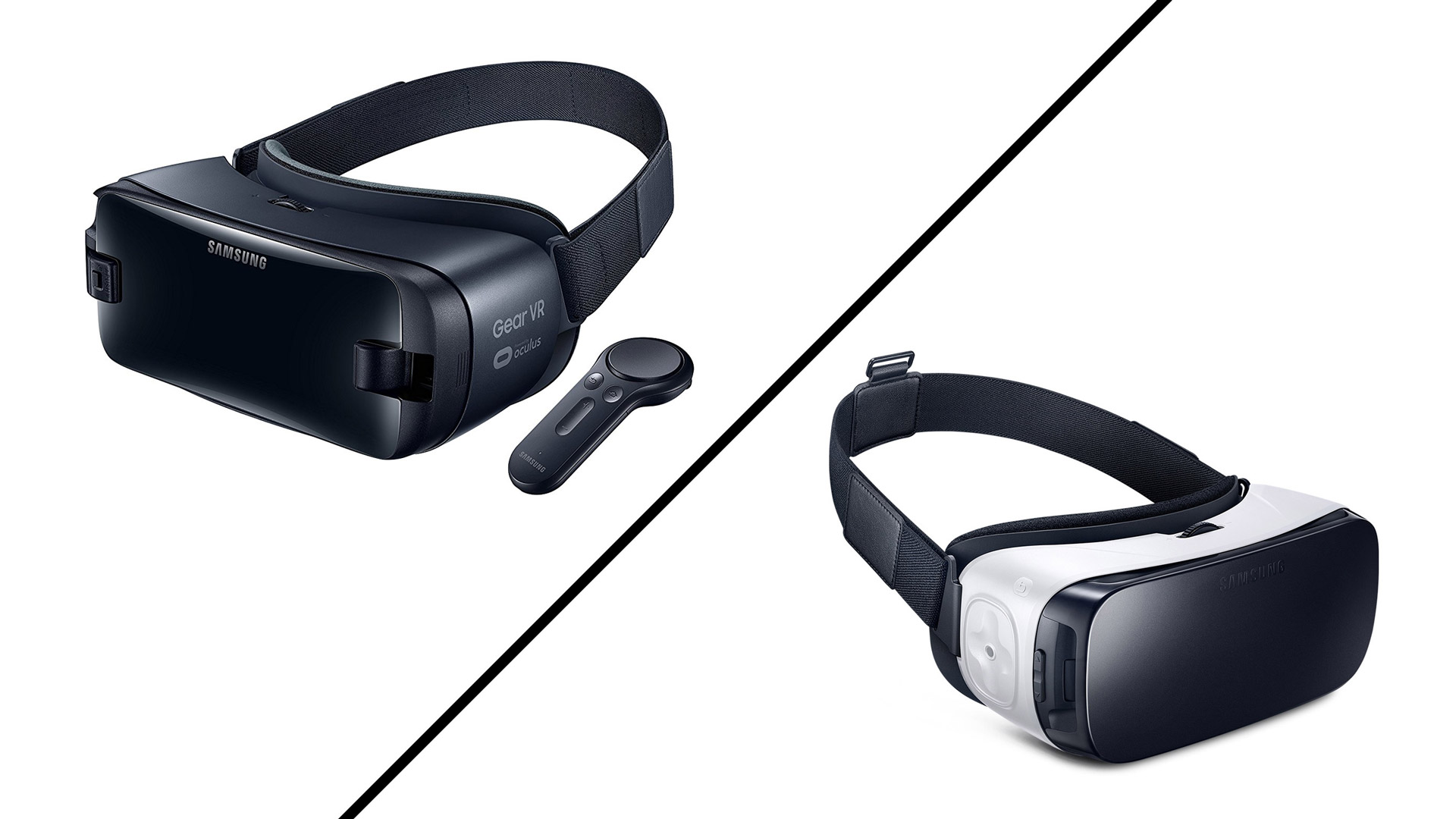
How To Use Samsung Gear VR With Any Phone

Samsung Gear VR compatibility is strictly limited to specific Samsung Galaxy phones; it is not a universal headset and cannot be used with iPhones or non-Samsung Android devices. The Gear...

How To Zoom On Samsung Phone

To zoom the screen on a Samsung phone, go to Settings > Display > Screen zoom and use the slider to make everything on your display larger or smaller. This...

How Do I Get My Phone Out Of SOS Mode

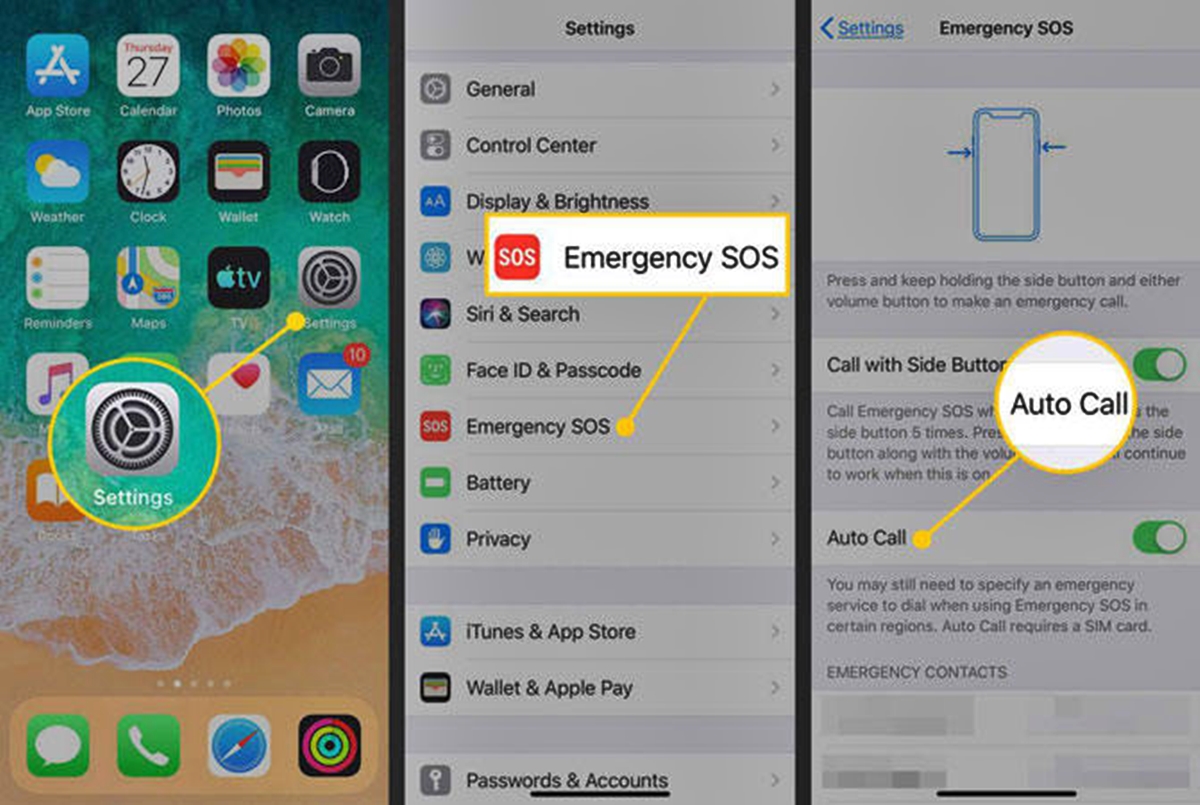
To get your phone out of SOS mode, you first need to identify which of three distinct causes is triggering the message: a temporary network signal loss, Samsung's battery-conserving Emergency...

What Is Hue?

Hue is the color attribute that distinguishes red, green, blue, and other color families, separate from a color's brightness or saturation. If you are searching for "what is hue" because...

How To Back Up Samsung Notes? (2024)

To back up Samsung Notes, use the built-in Samsung Cloud sync on your Galaxy device to keep your notes safe and accessible. This is the primary method to back up...

Get More Free Onedrive Storage (2024)

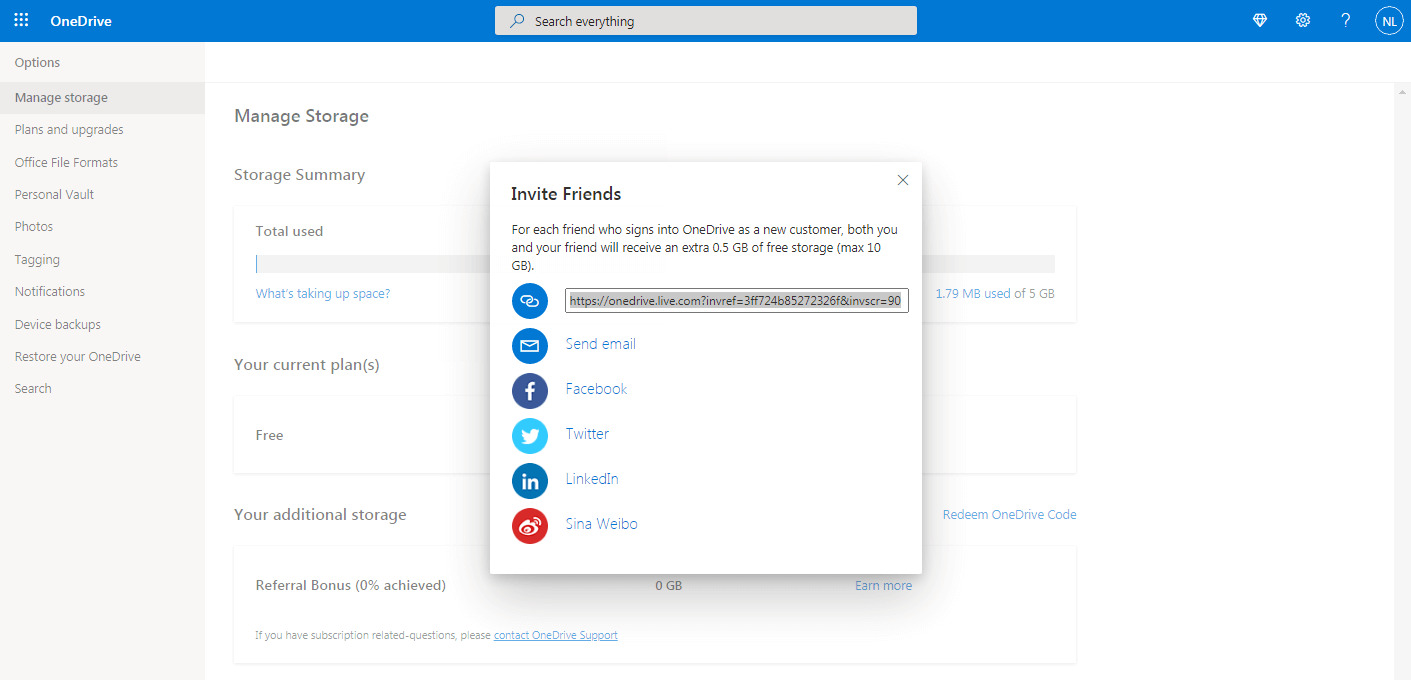
Here are the only two verified methods to get more free OneDrive storage beyond the default 5 GB limit. Increase your storage with the OneDrive referral bonus Microsoft's referral program...