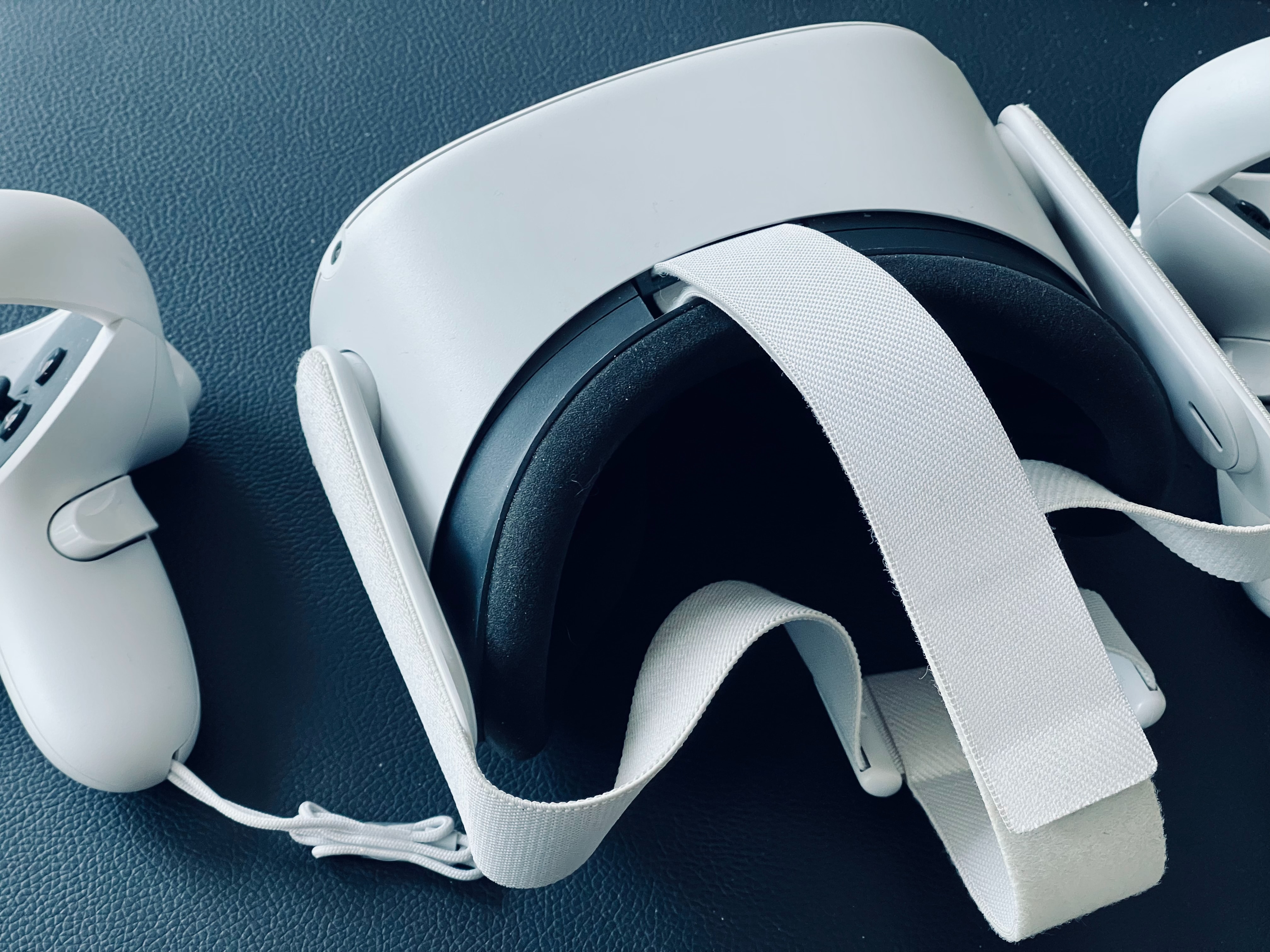
Understanding your Steam VR setup hardware Before you buy or set anything up for your Steam VR setup, it helps to know that virtual reality headsets explained simply are displays...
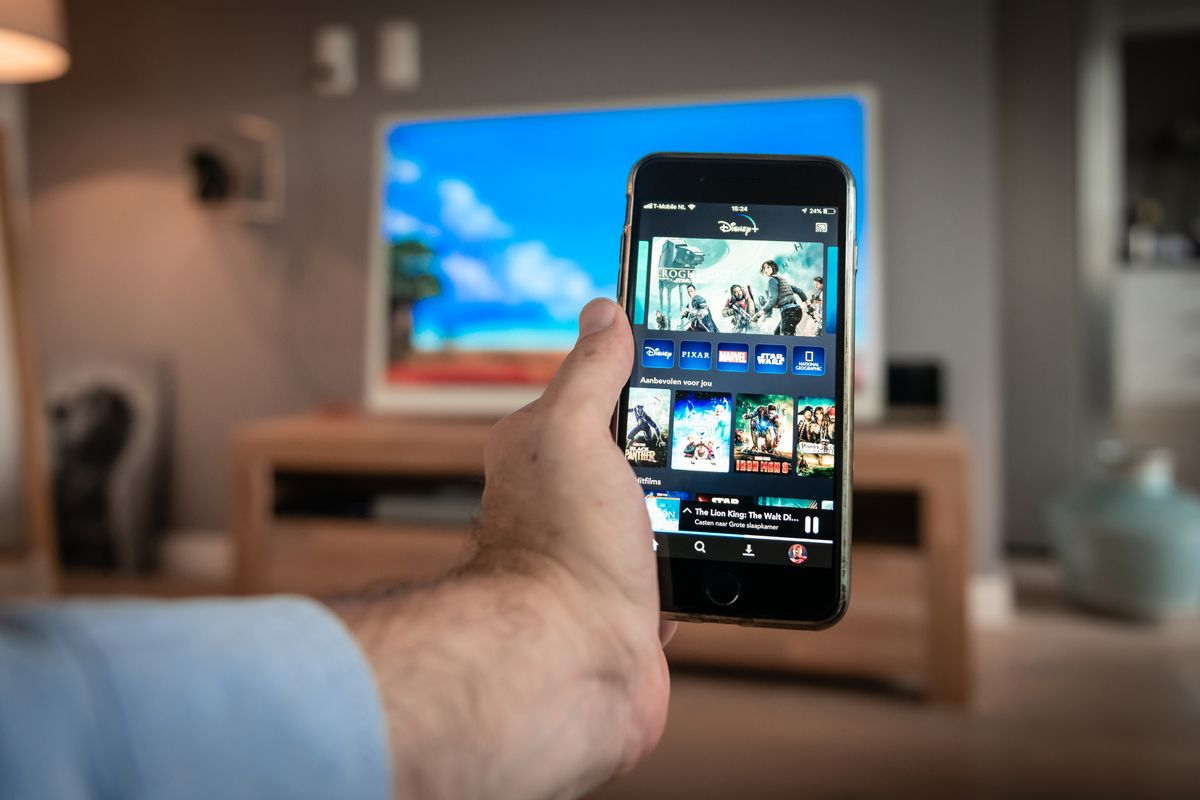
Before you start: the one cast phone to TV mistake that trips everyone up Before you can cast phone to TV using any wireless method, whether mirroring a Galaxy handset...
Before you start: how to cast phone to TV When you cast phone to TV, every connection relies on one of two underlying methods, and mixing them up is the...
To mirror NFL mobile to TV, you can wirelessly cast the NFL app from your phone to your television using Chromecast, AirPlay, or built-in smart TV features. This lets you...
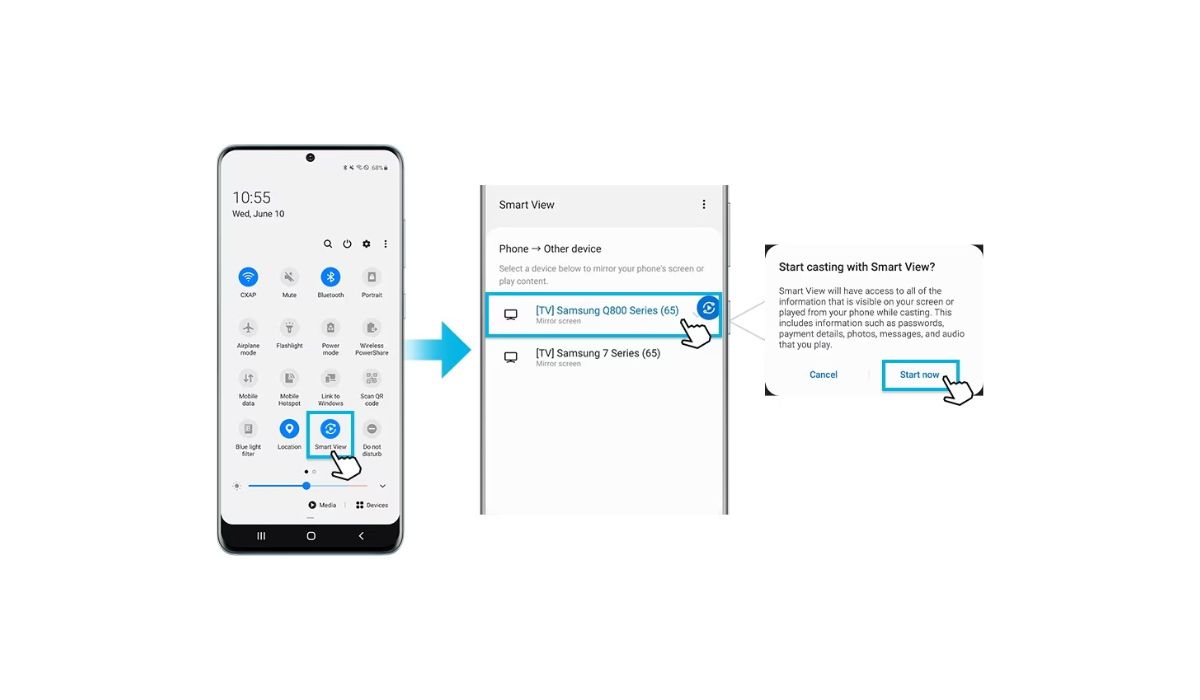
To cast from a Google phone to a Samsung TV, the primary method is using Samsung's Smart View feature, which works with most modern Samsung TVs. Ensure both devices are...
To cast Moto G to TV, you need both devices on the same Wi-Fi network and a TV with Chromecast built-in or a Chromecast dongle plugged into an HDMI port....
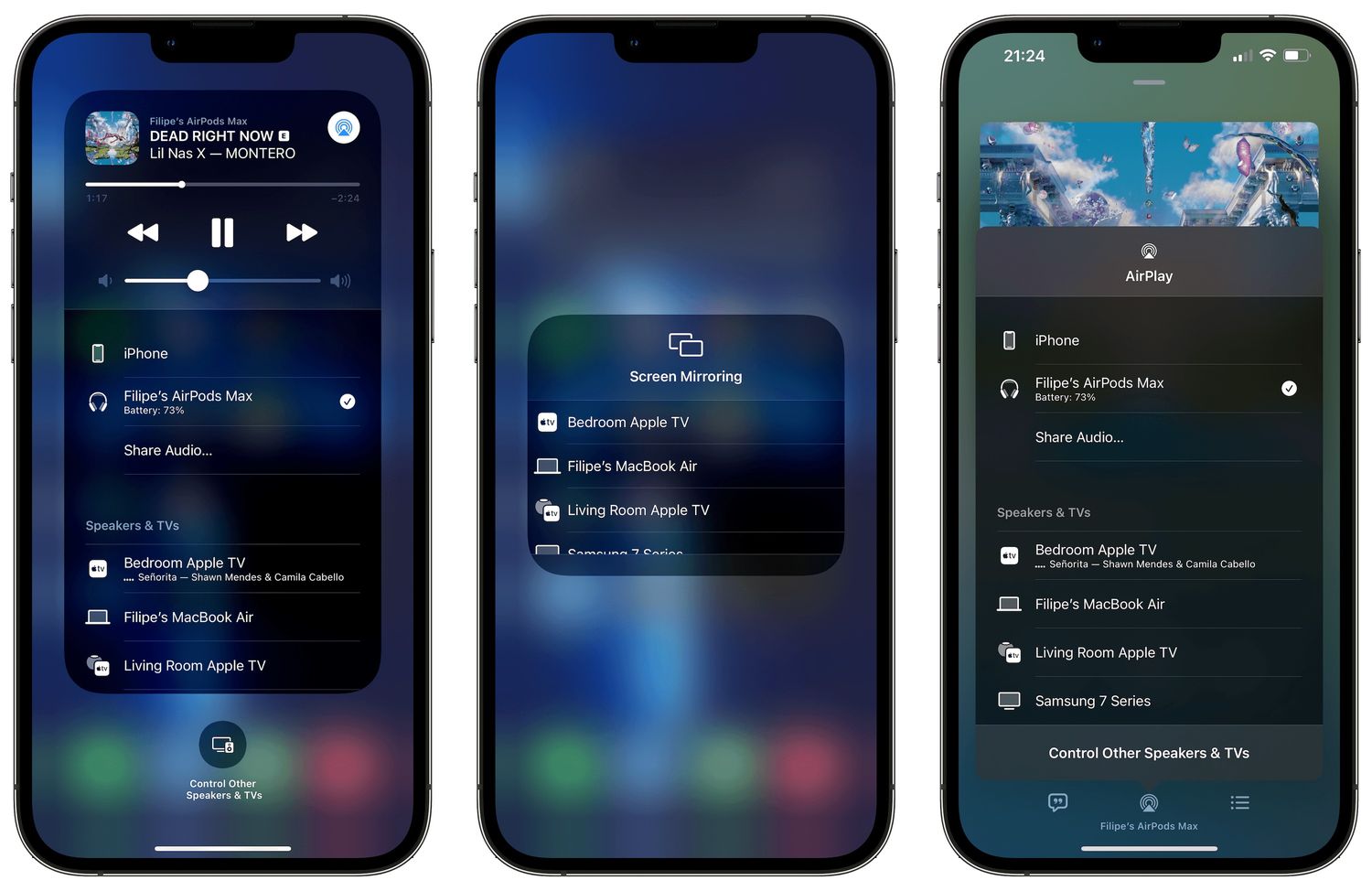
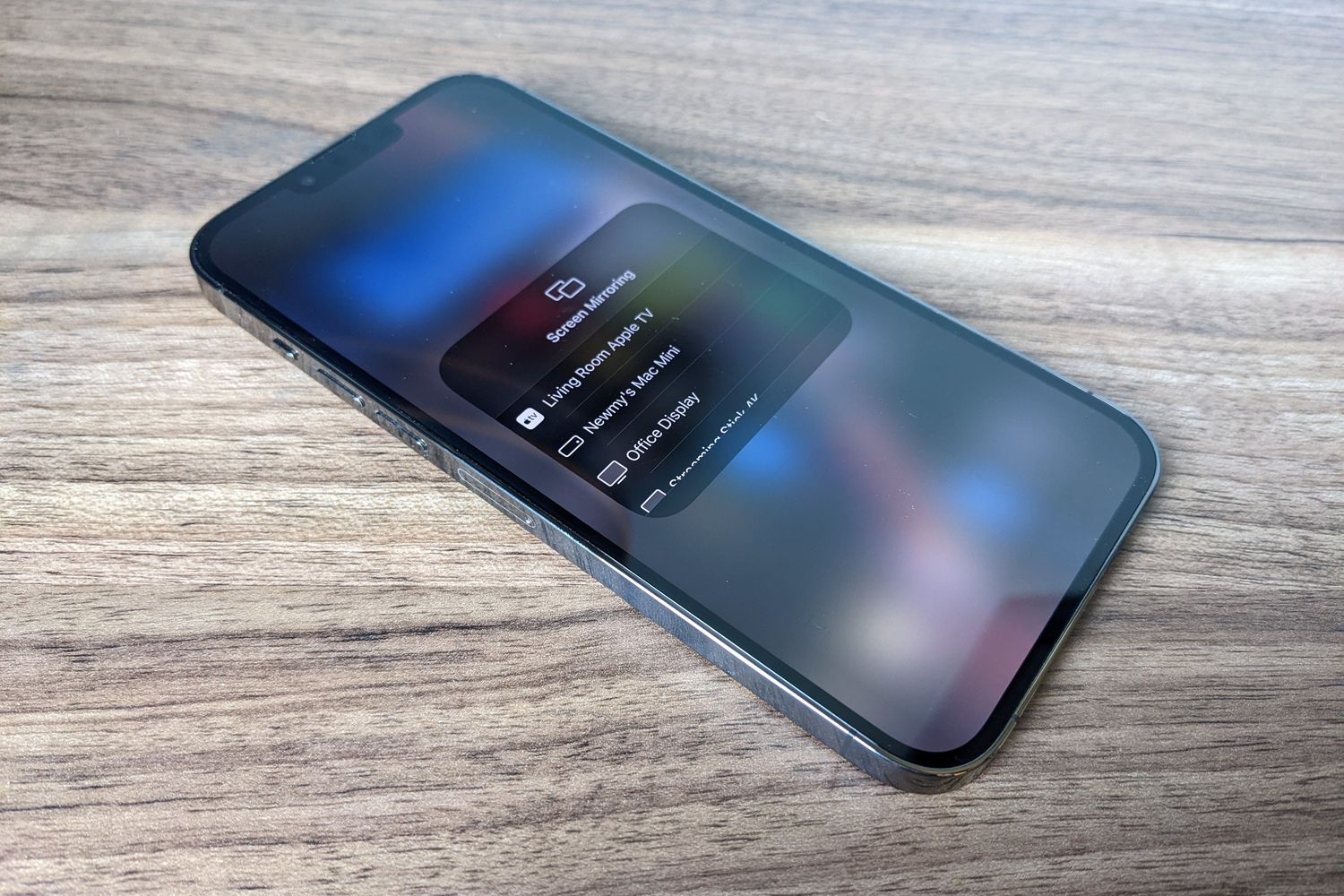
To screen mirror on iPhone 14, use the built-in AirPlay feature to wirelessly display your screen on an Apple TV, Mac, or AirPlay-compatible smart TV. Open Control Center by swiping...
You can screen share iPhone 13 wirelessly to a TV, Mac, or during a FaceTime call using built-in tools like AirPlay and Apple’s screen sharing features. These methods let you...
To cast from Samsung S20 FE to TV, use the built-in Smart View feature from Quick settings to wirelessly mirror your screen to a Samsung Smart TV or a Chromecast...
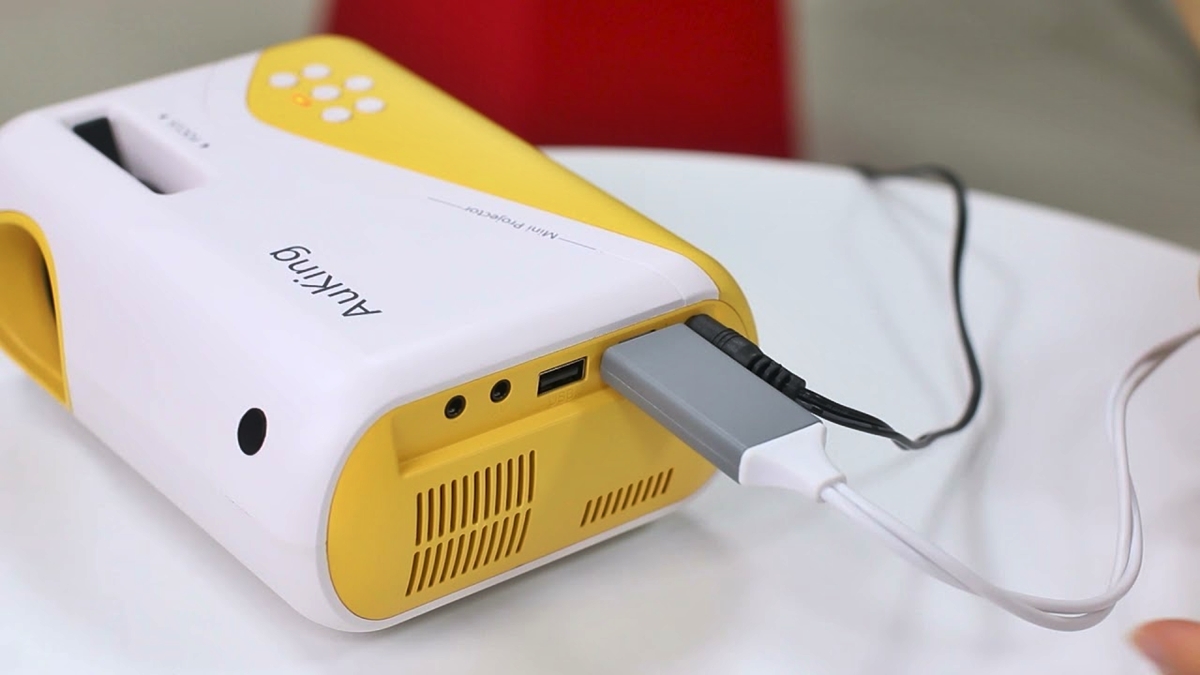
To connect a phone to an Auking projector, you need an HDMI adapter cable for your specific phone model, then select the HDMI input on the projector and enable screen...
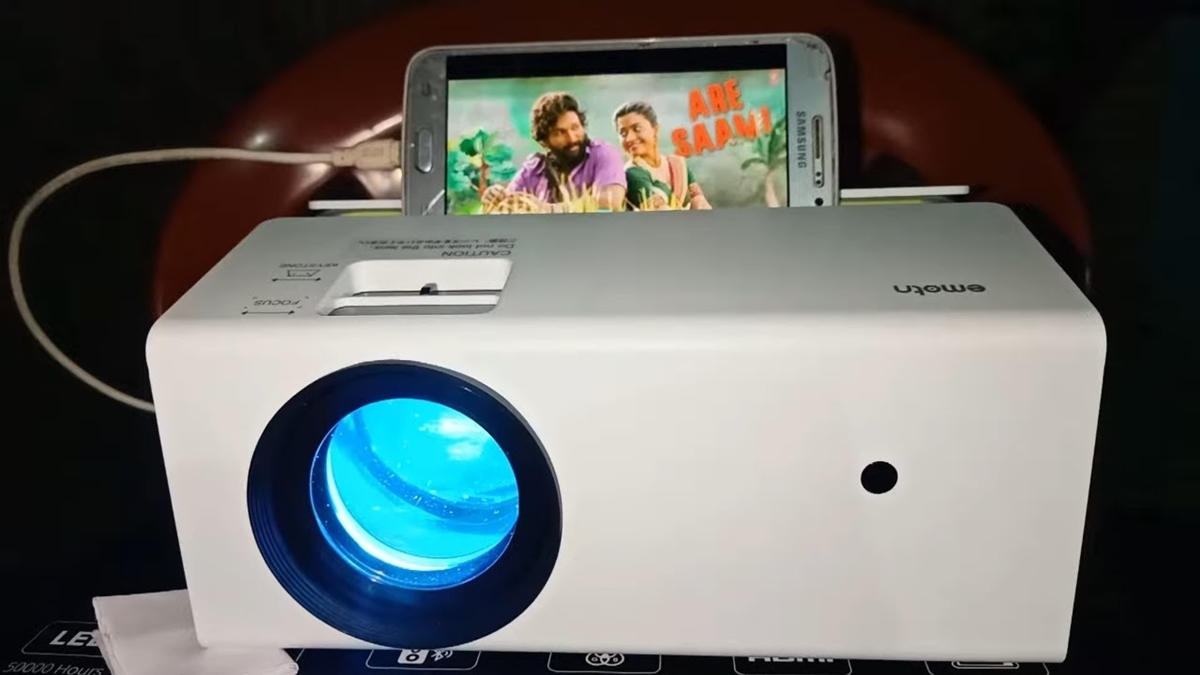
To mirror Android to a projector, use your phone's built-in screen mirroring feature found in Quick Settings. The feature may be labeled Screen Mirroring, Screen Cast, or Smart View depending...