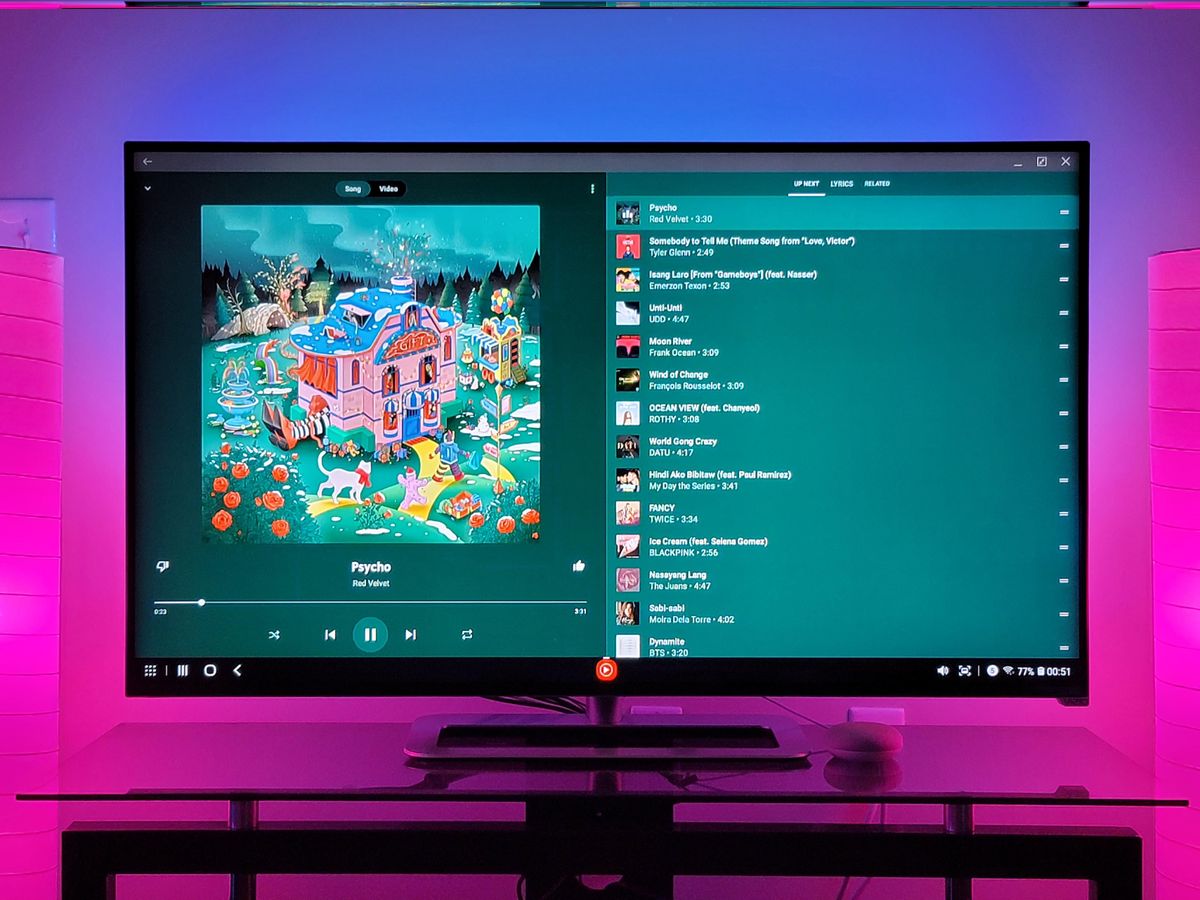
To play music from your phone on a TV wirelessly, you can use AirPlay (for iPhone) or Smart View (for Samsung Galaxy phones) if your TV or streaming device supports...
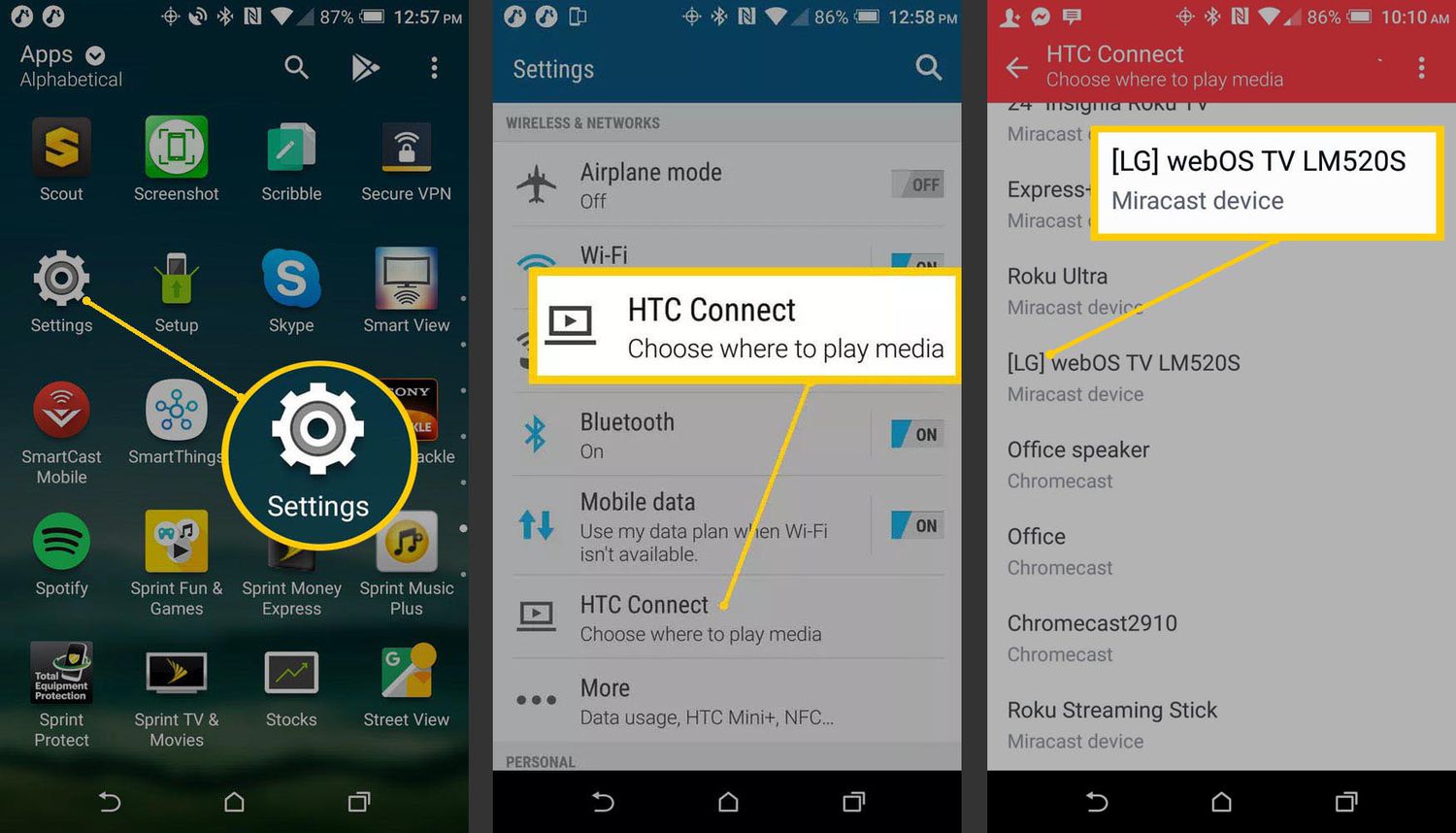
To cast from an LG phone to a TV, both devices must be connected to the same Wi-Fi network, then use the built-in Screen Share feature. Swipe down from the...
To connect a phone to a non-smart TV wirelessly, you need an external streaming device because the TV itself lacks built-in Wi-Fi and casting support. The main options are an...
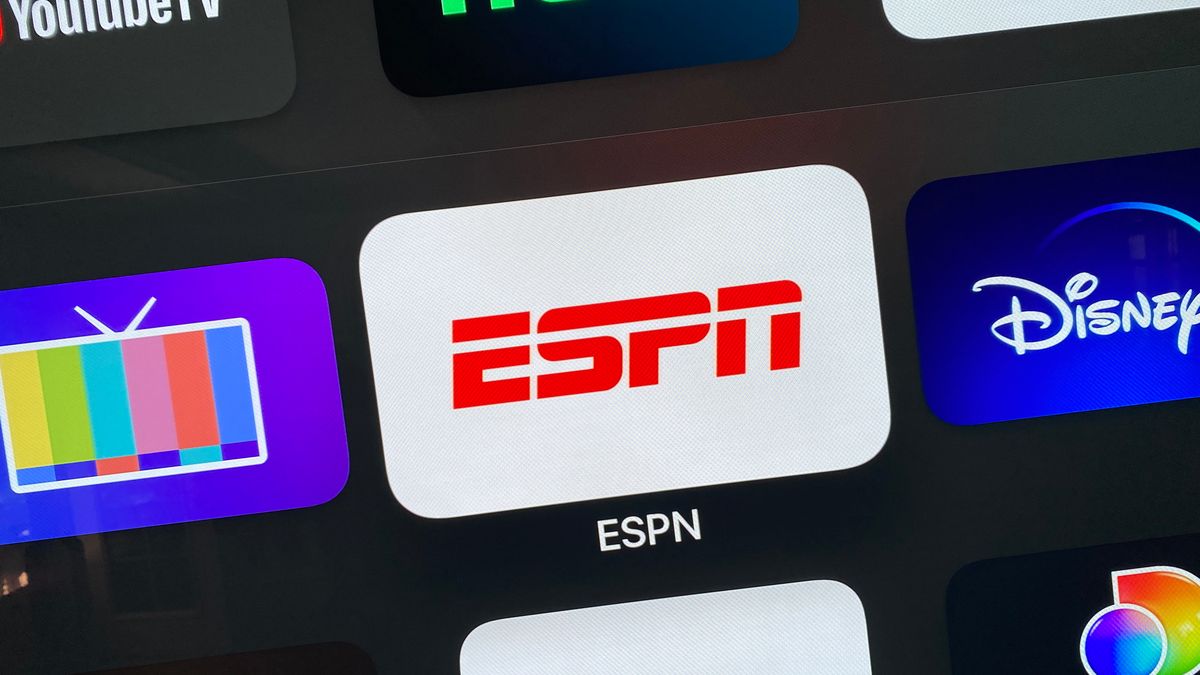
To stream ESPN from phone to TV, use the official AirPlay feature on an iPhone or iPad, or the Cast feature on an Android or iPhone with a Chromecast. These...
To cast Tubi from phone to TV, you need your phone and TV connected to the same Wi-Fi network, and a compatible device like a Chromecast, Apple TV, or a...
The only reliable way to cast Netflix to a TV without WiFi is to use a direct wired HDMI connection from your phone to the TV. This method, documented by...
To cast from a Motorola phone to a TV, use the built-in Android Cast feature, which utilizes Chromecast technology, to mirror your screen or send content wirelessly. For most modern...
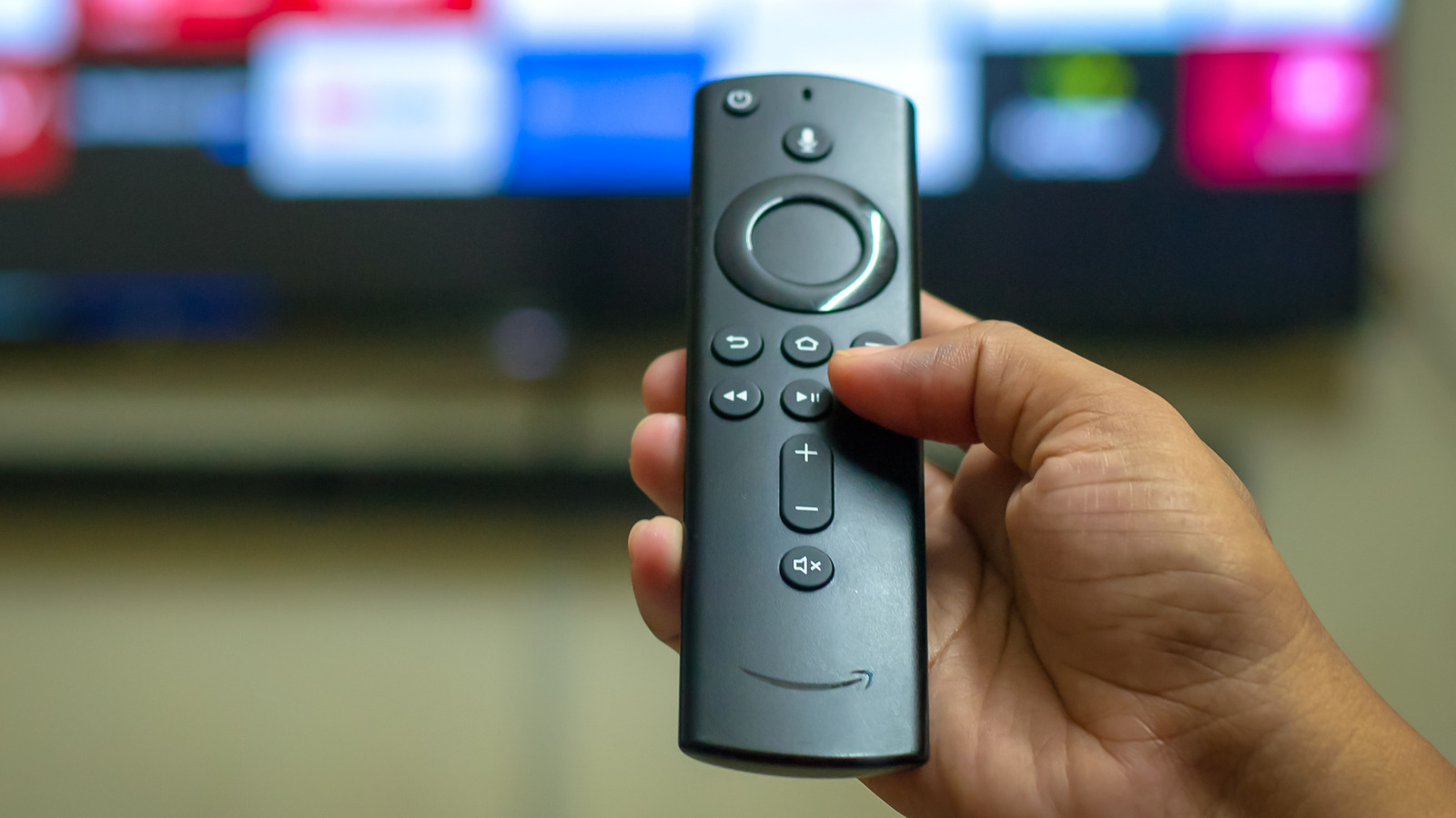
To cast your phone to a Fire Stick, both devices must be on the same Wi-Fi network and your Fire TV Stick must support screen mirroring. For Android phones running...
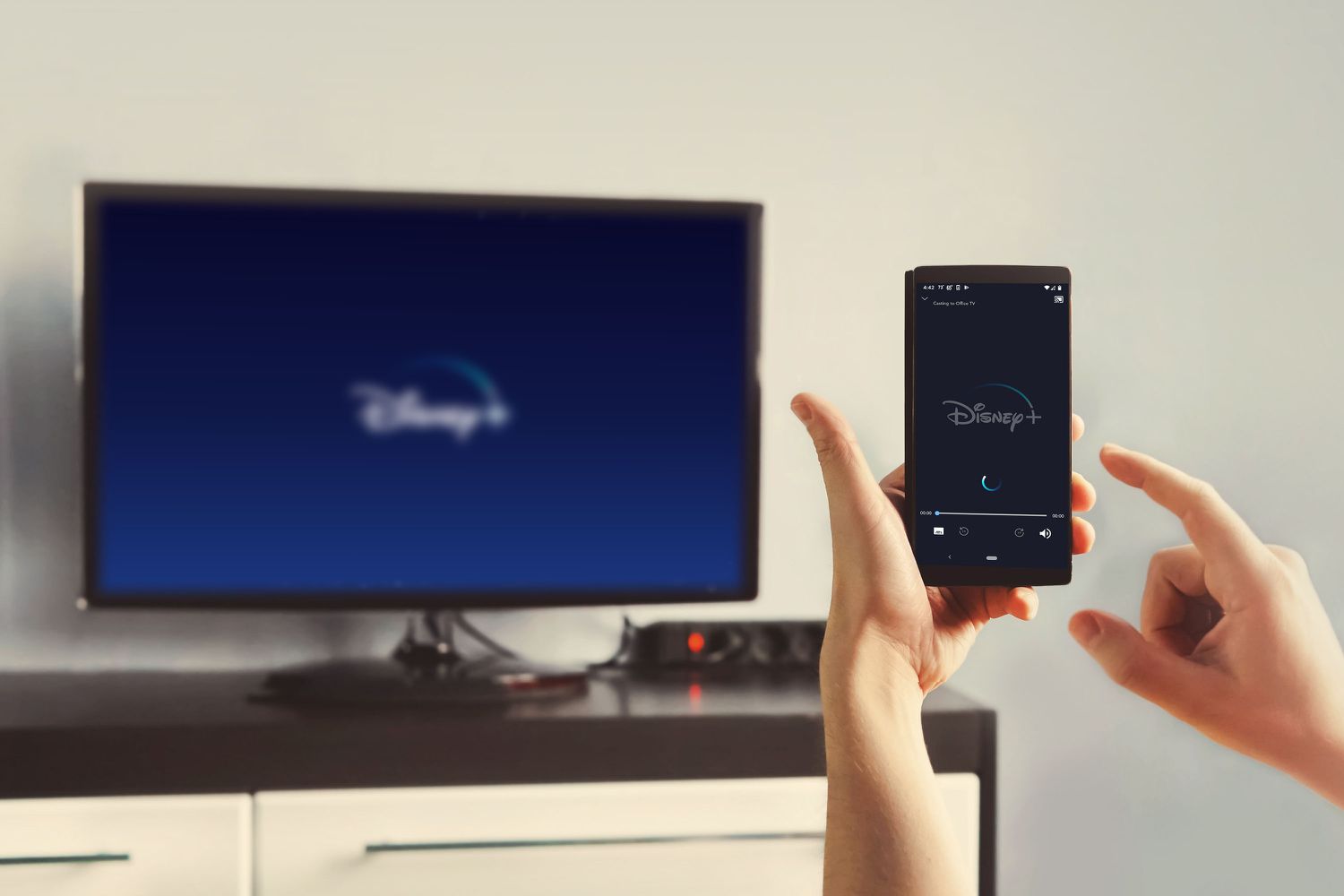
To play Disney Plus from your phone on TV, you can use one of four methods: the app directly on a smart TV or streaming device, casting with a Chromecast,...
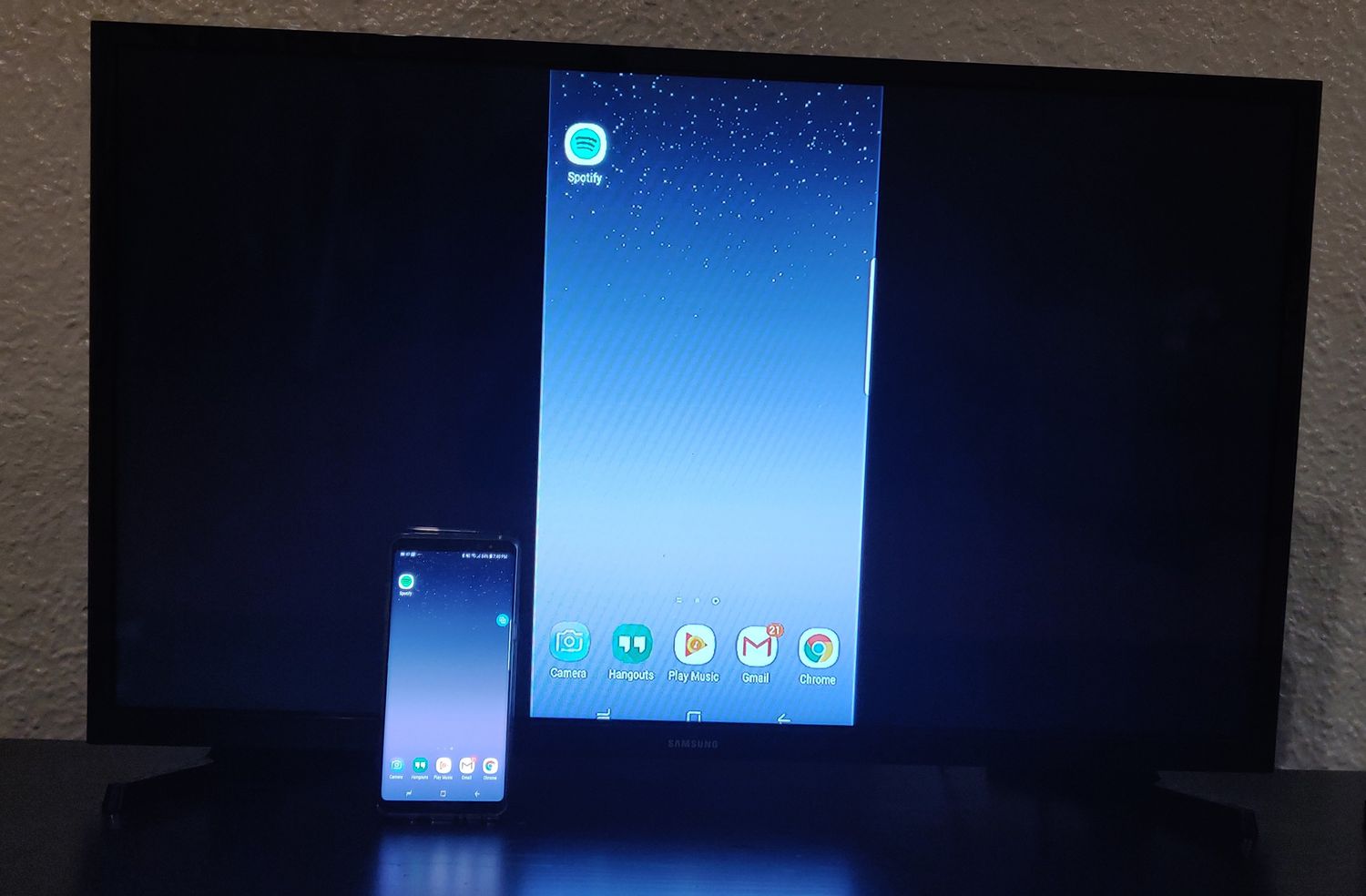
To cast from a Samsung phone to a TV, use the built-in Smart View feature or the SmartThings app, both of which mirror your phone's screen wirelessly to a compatible...
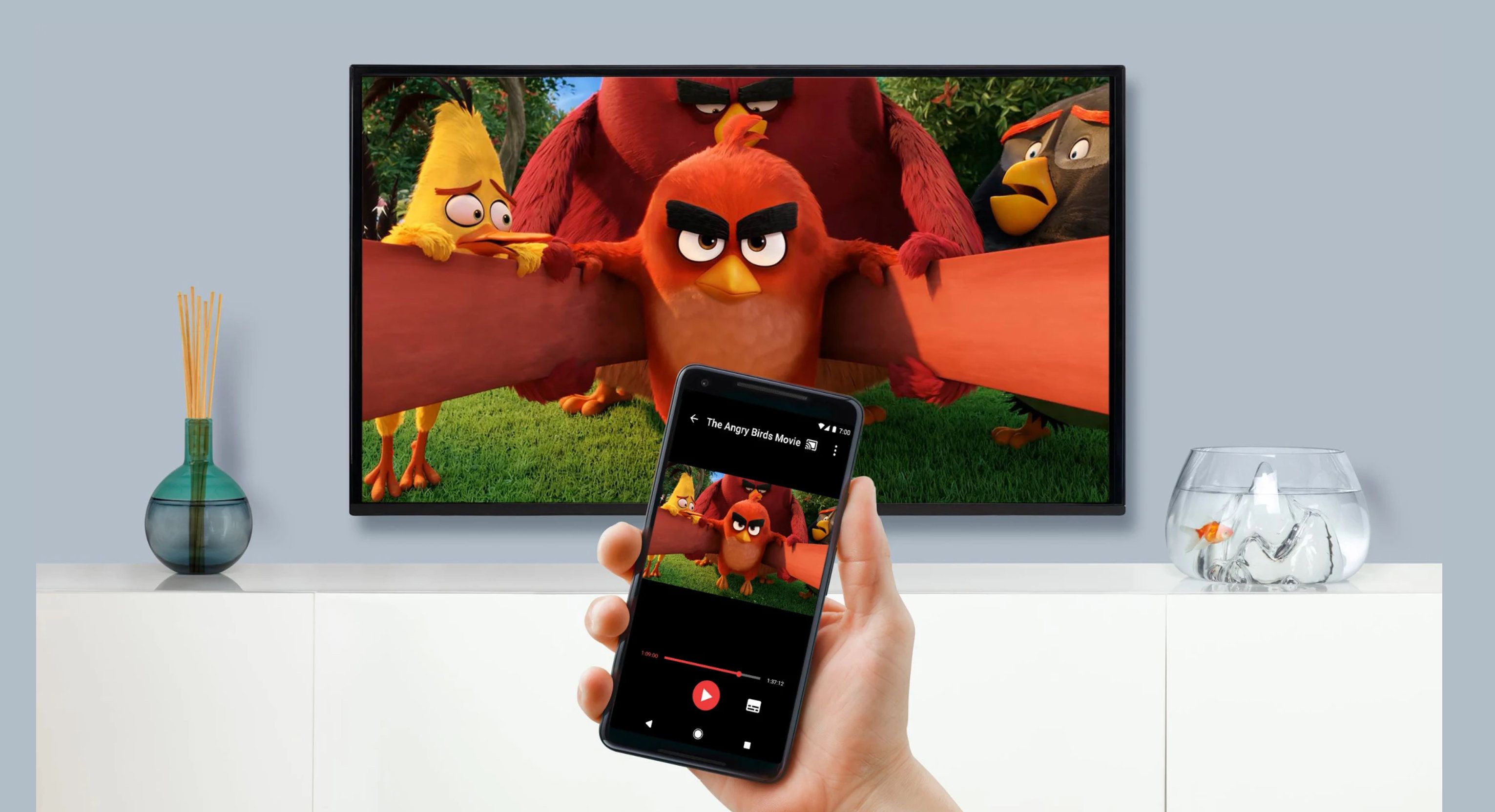
To cast videos from a phone to TV, both devices must be on the same Wi‑Fi network; then you open a supported app, tap the Cast or AirPlay button, and...