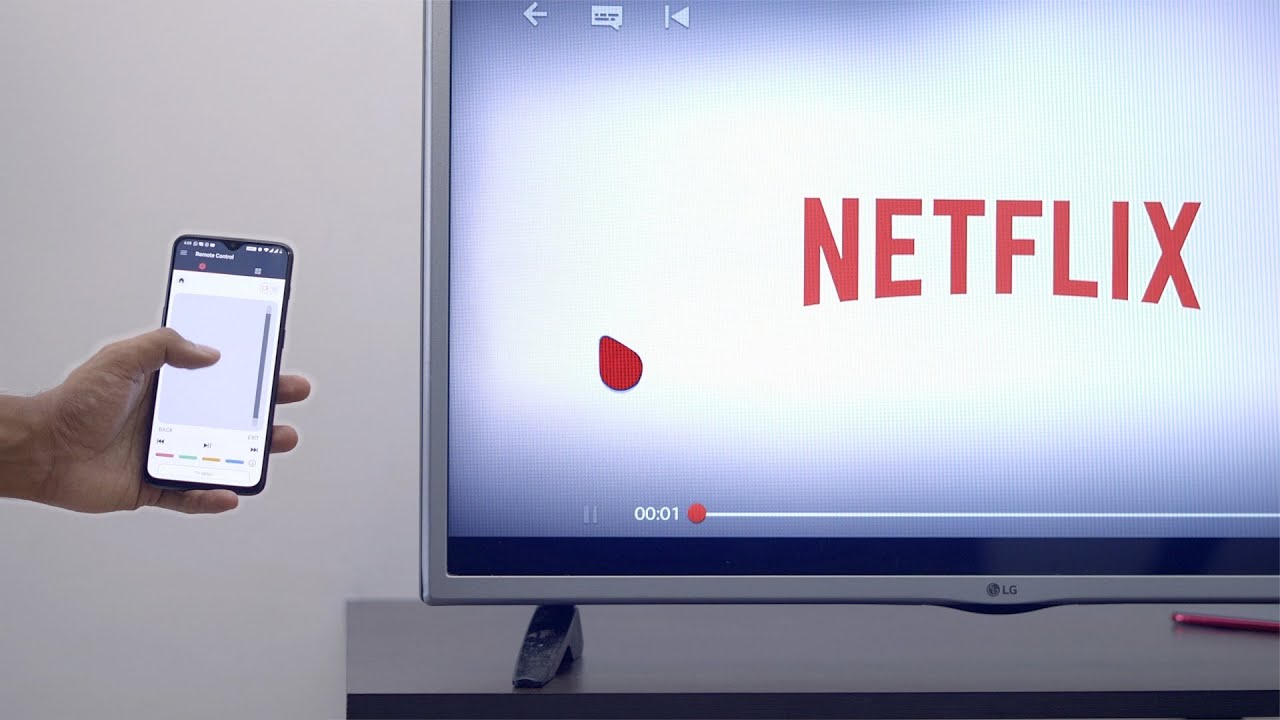
To connect Netflix from a phone to TV, you have three reliable options: using an HDMI cable for a stable wired connection, casting with an older Chromecast model, or mirroring...
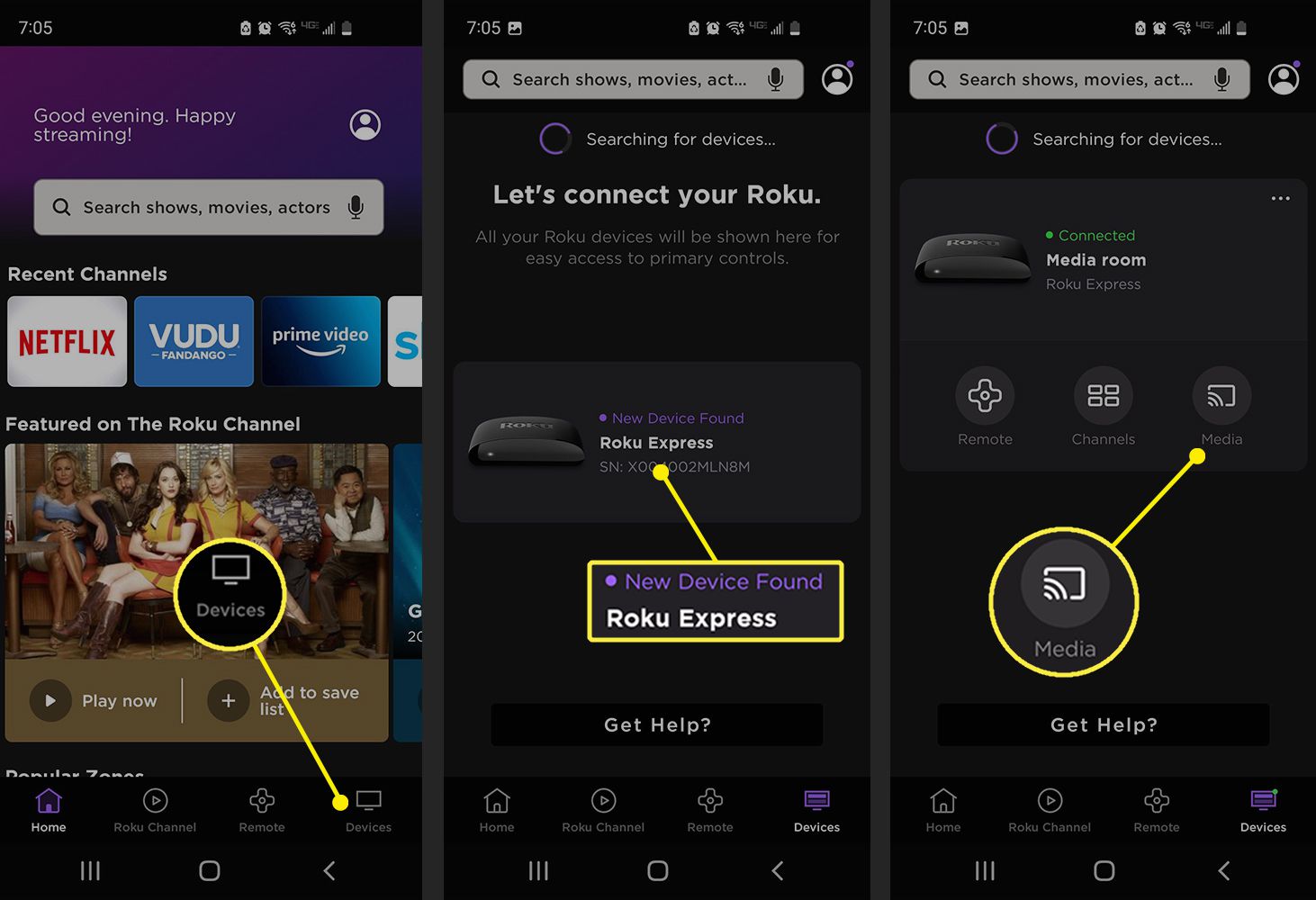
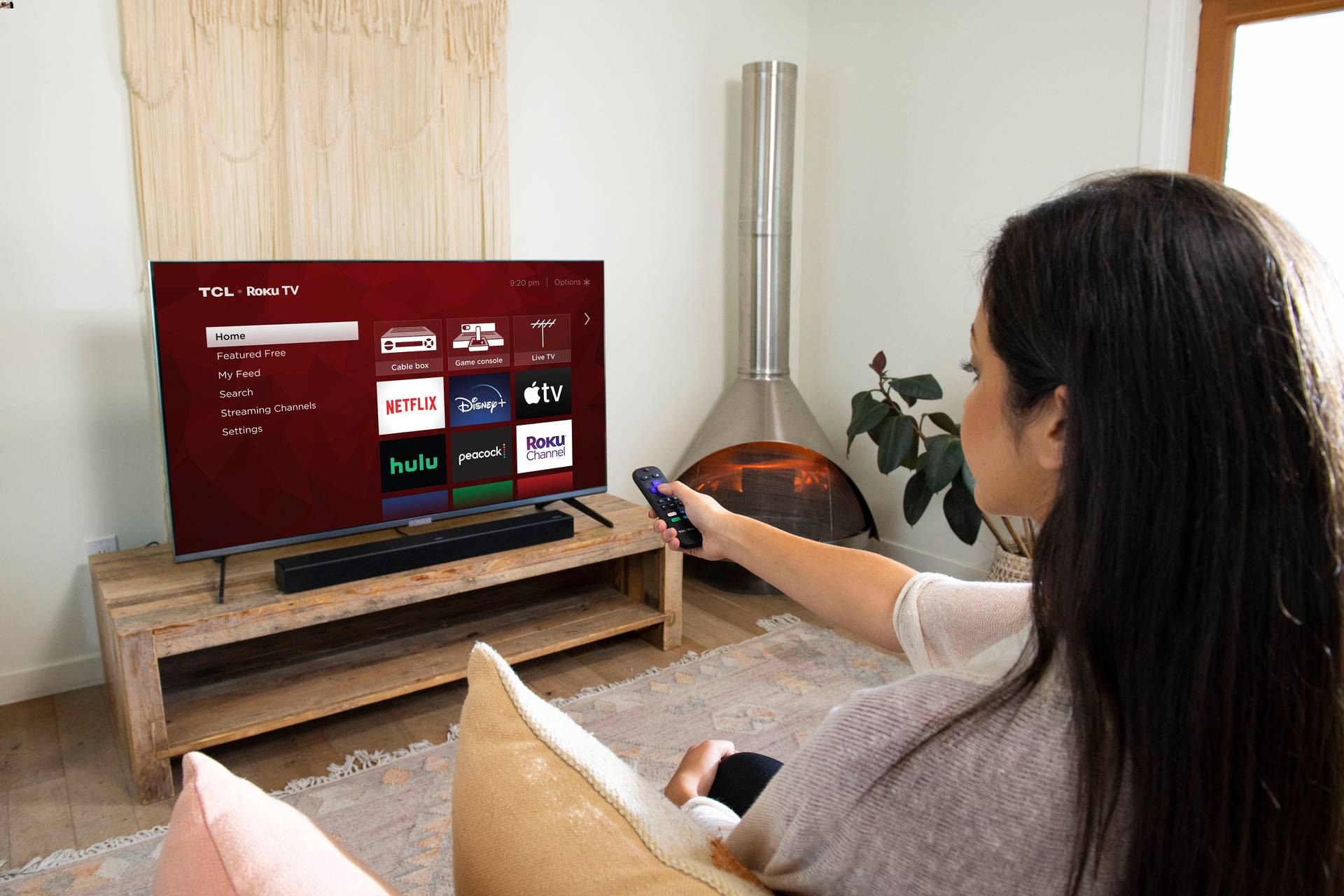
You can stream Roku from a phone to TV using three main methods: casting from supported apps, playing personal media through the Roku mobile app, or mirroring your entire phone...
To cast a phone to TV without wifi, the only reliable method is a wired HDMI connection using the correct adapter for your phone. This direct physical link mirrors your...
You cannot connect an iPhone to a TV using Bluetooth for video or screen mirroring. Apple does not support Bluetooth as a method for connect phone to TV using Bluetooth...
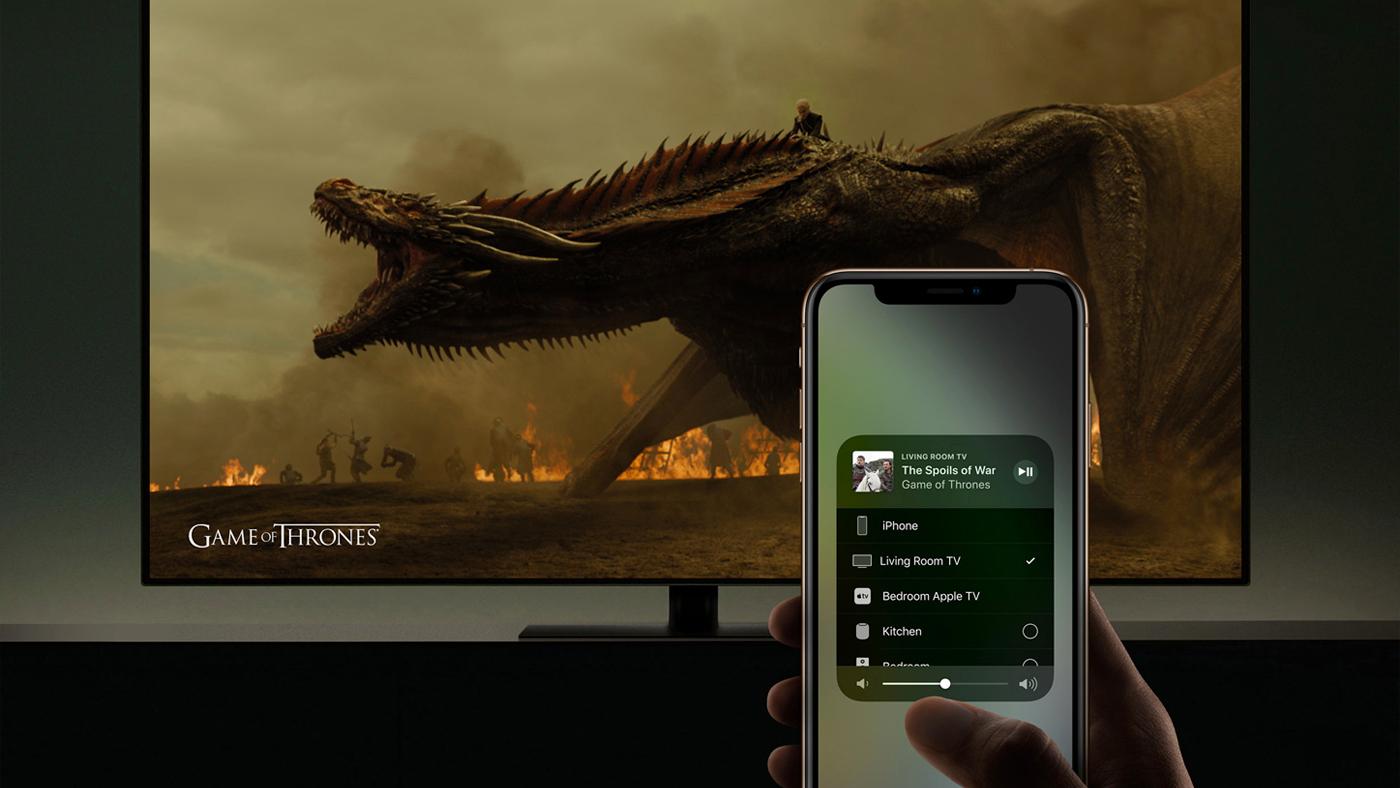
To connect iPhone to Roku TV, you use Apple AirPlay, not Bluetooth. Roku TVs and streaming devices do not support iPhone media streaming over Bluetooth; instead, AirPlay is the official...
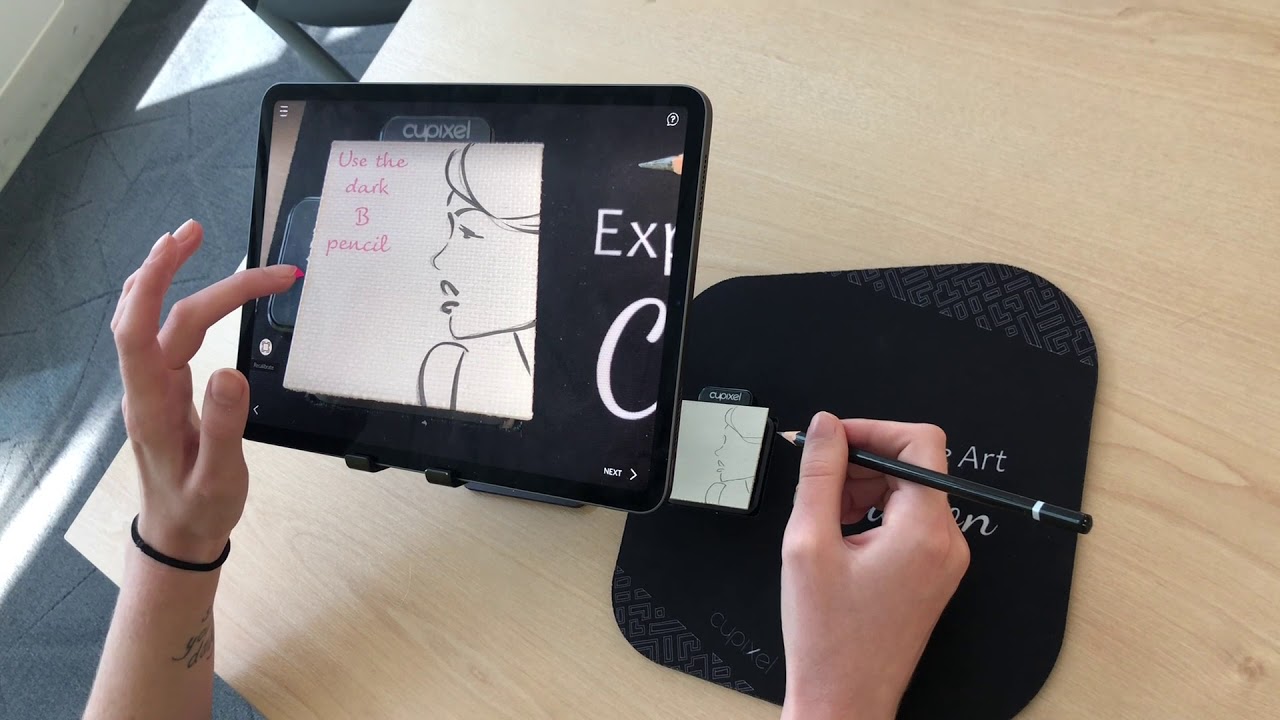
To project a phone image onto paper for tracing or transferring a design, you need to mirror your phone’s screen to a larger display or a projector, then trace the...
You can cast your phone to your Vizio TV using two built-in wireless methods: Chromecast built-in for streaming from apps on both Android and iPhone, and AirPlay 2 for screen...
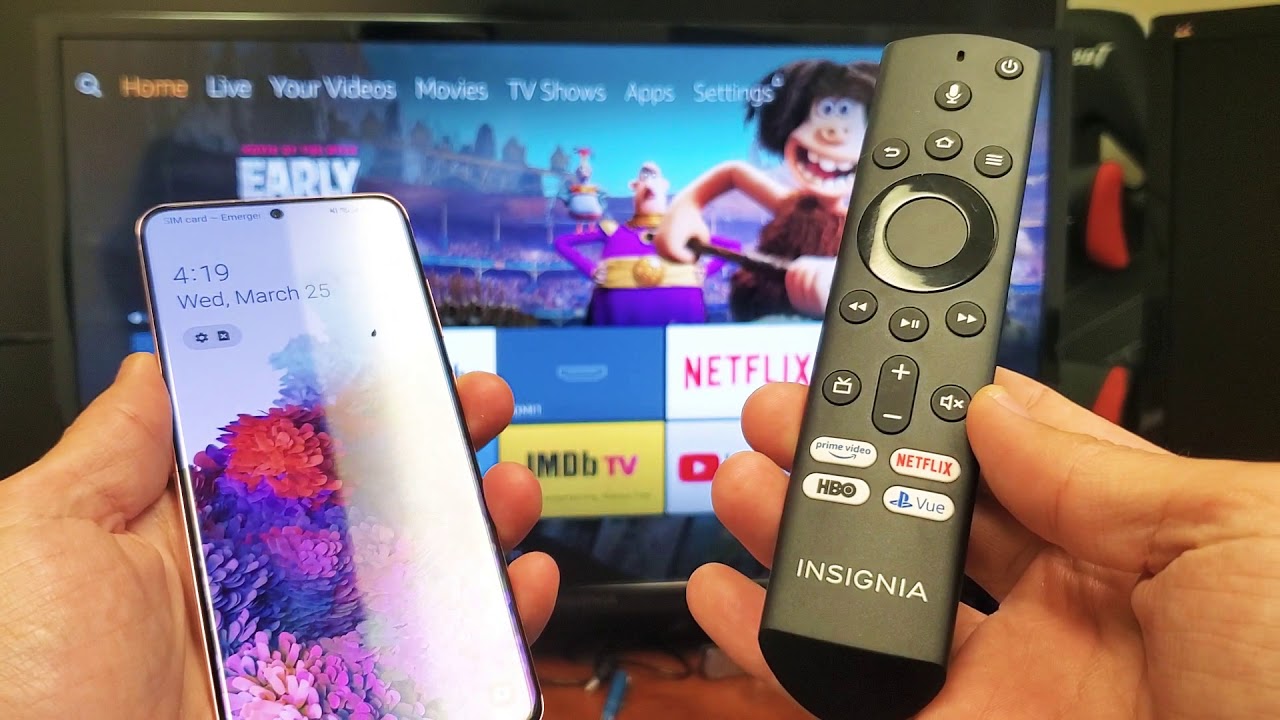
To cast phone to Insignia TV, you can use the built-in wireless features of your TV and smartphone without needing extra hardware. This lets you share photos, videos, and apps...
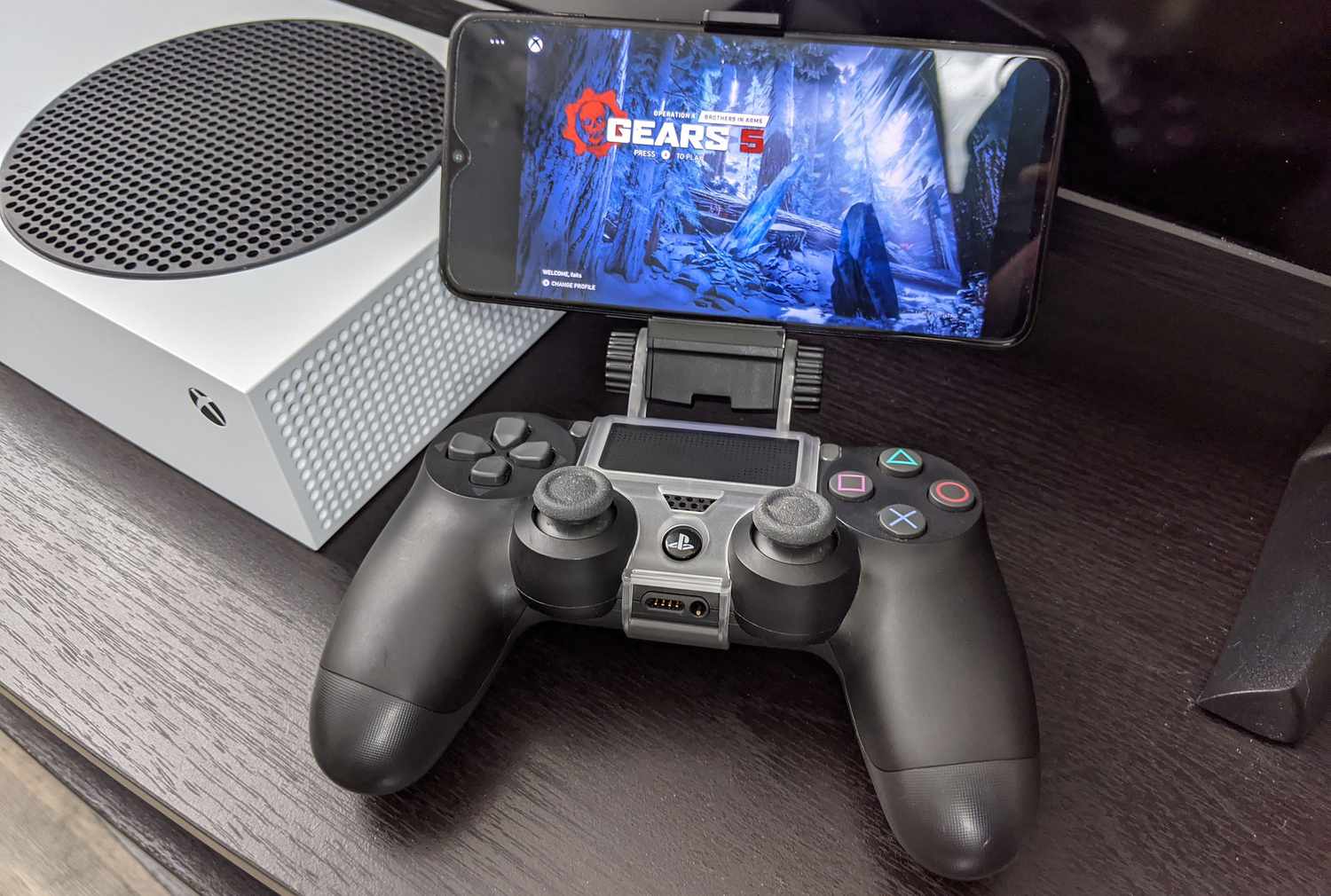
You cannot directly cast your phone to a PlayStation 4 because the console lacks native support for standard screen mirroring protocols like Chromecast, AirPlay, or Miracast. The only practical way...
To cast phone to Sony TV, you need a wireless connection method like Chromecast built-in for Android or Apple AirPlay for iPhone. Before you start, ensure both your phone and...
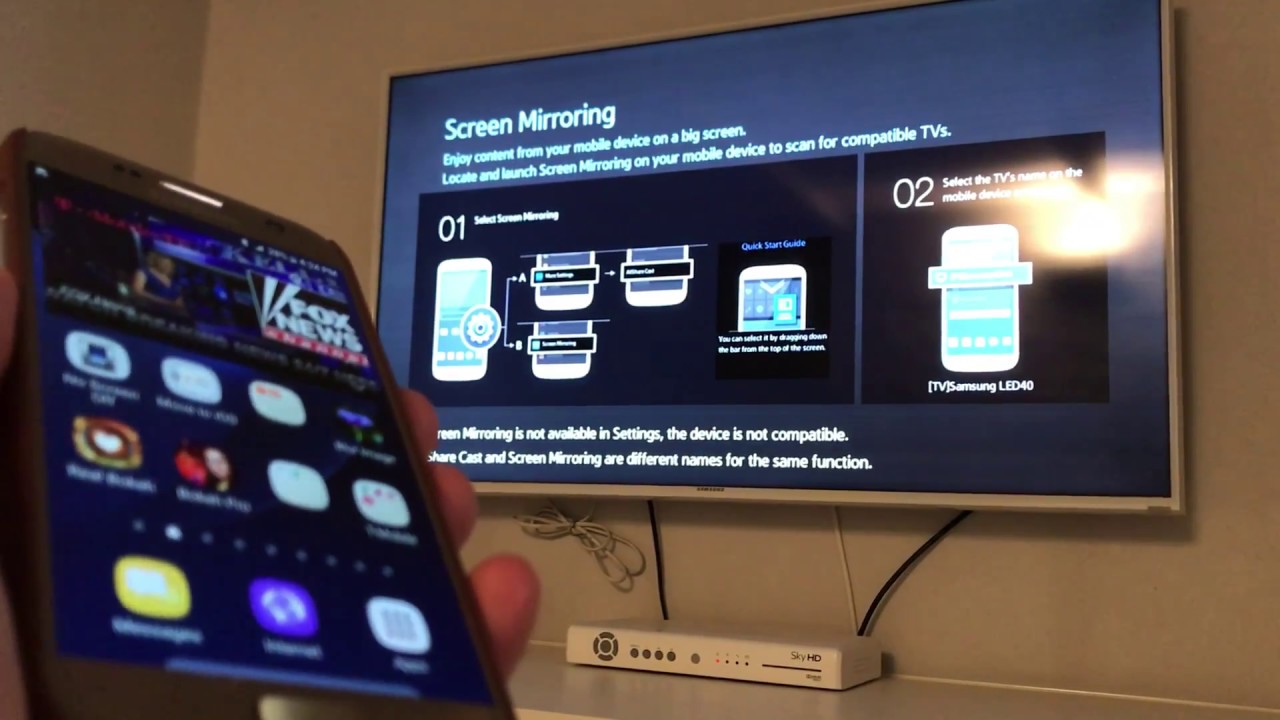
To cast a Galaxy phone to a TV, the primary and most straightforward method is to use the built-in Smart View feature, which wirelessly mirrors your phone's screen to any...
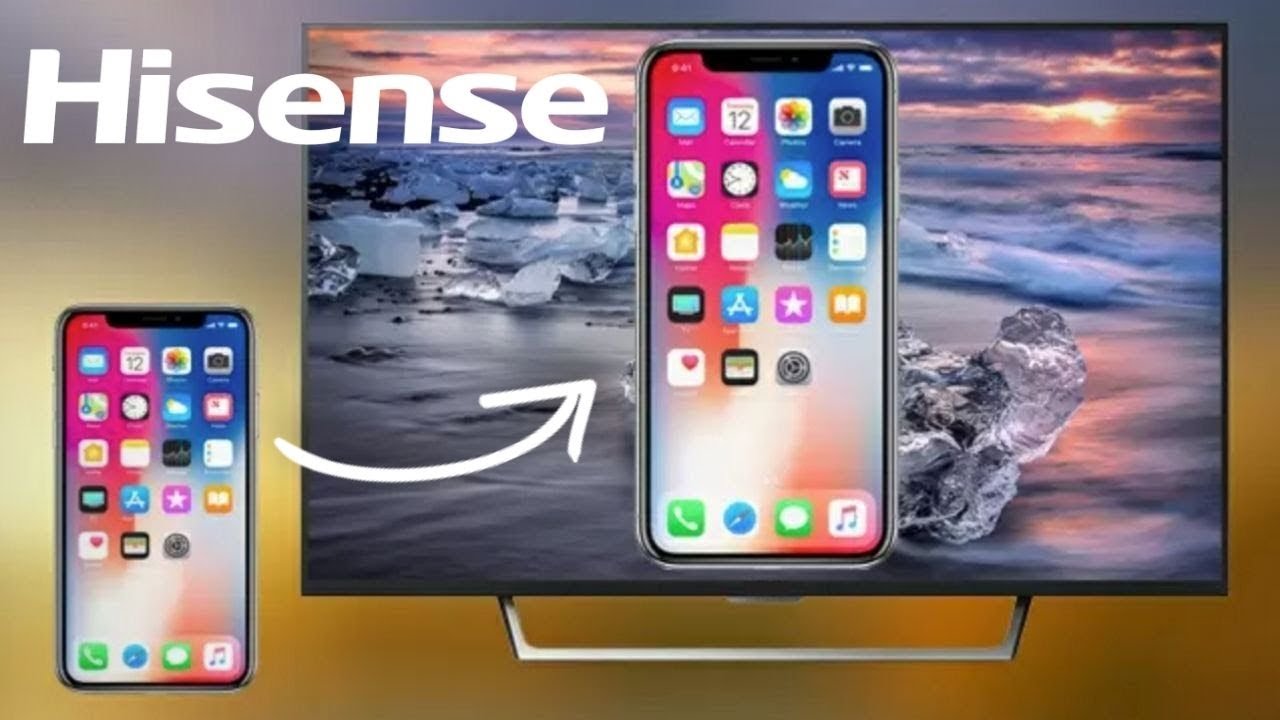
To cast a phone to a Hisense Roku TV, you use two different methods depending on your device: AirPlay for iPhone and iPad, or screen mirroring for compatible Android phones....