The Shortcuts tag on CellularNews is a straightforward collection of guides for anyone who uses a smartphone and wants to make it work more efficiently for them. Whether you are a new Android user or someone looking to streamline daily tasks, these articles are designed to help you perform specific actions that save time and reduce friction. The content here focuses on practical, one-step solutions rather than general device overviews.
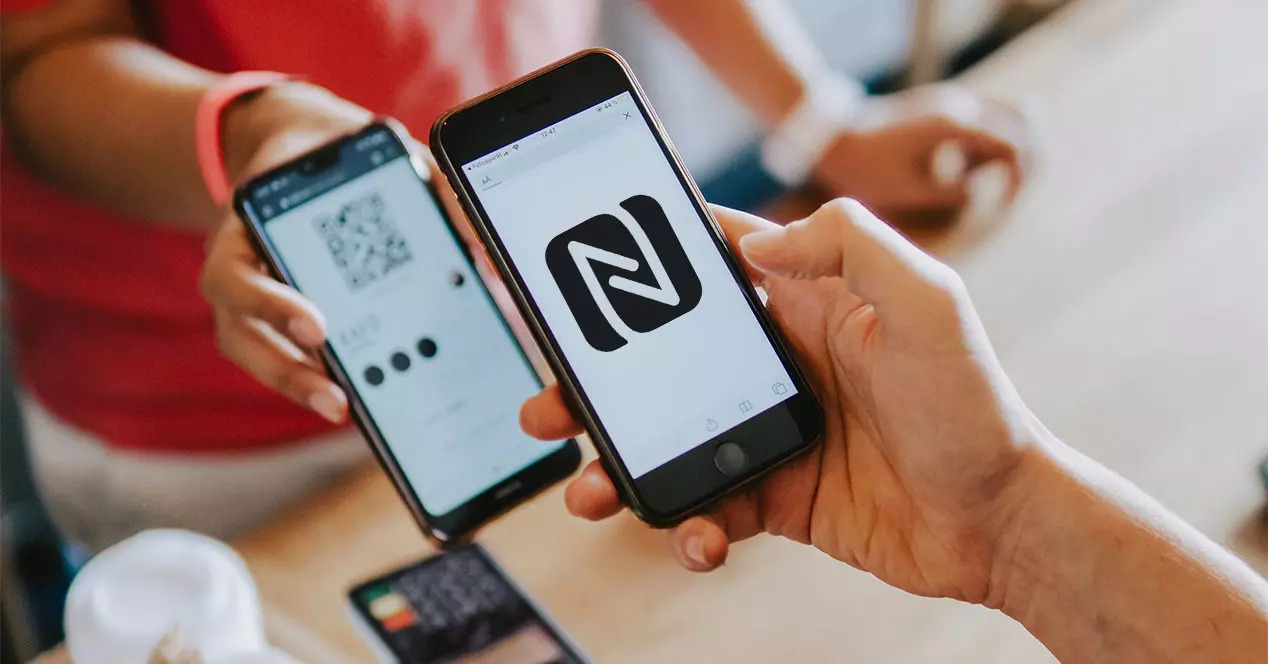
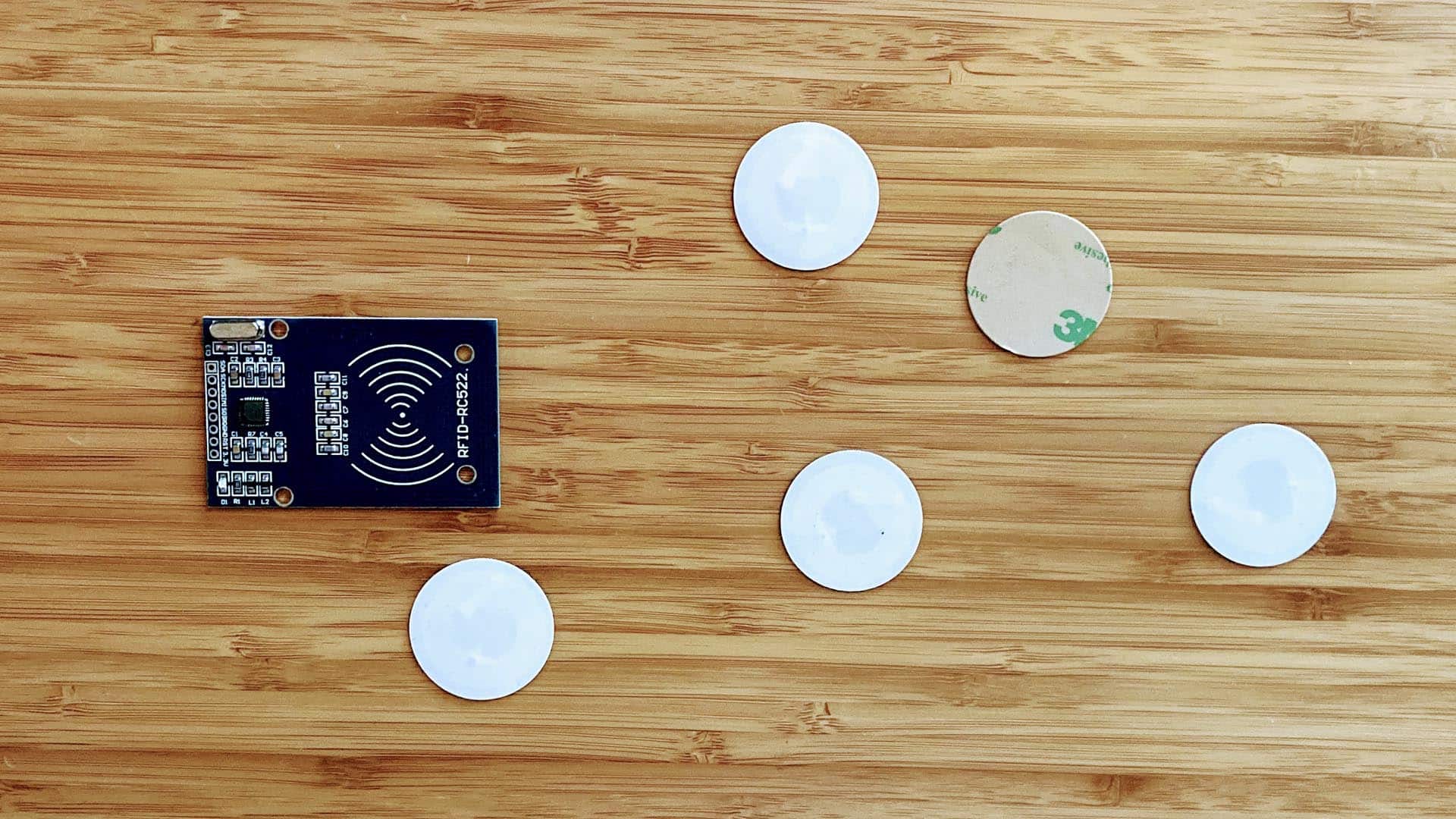
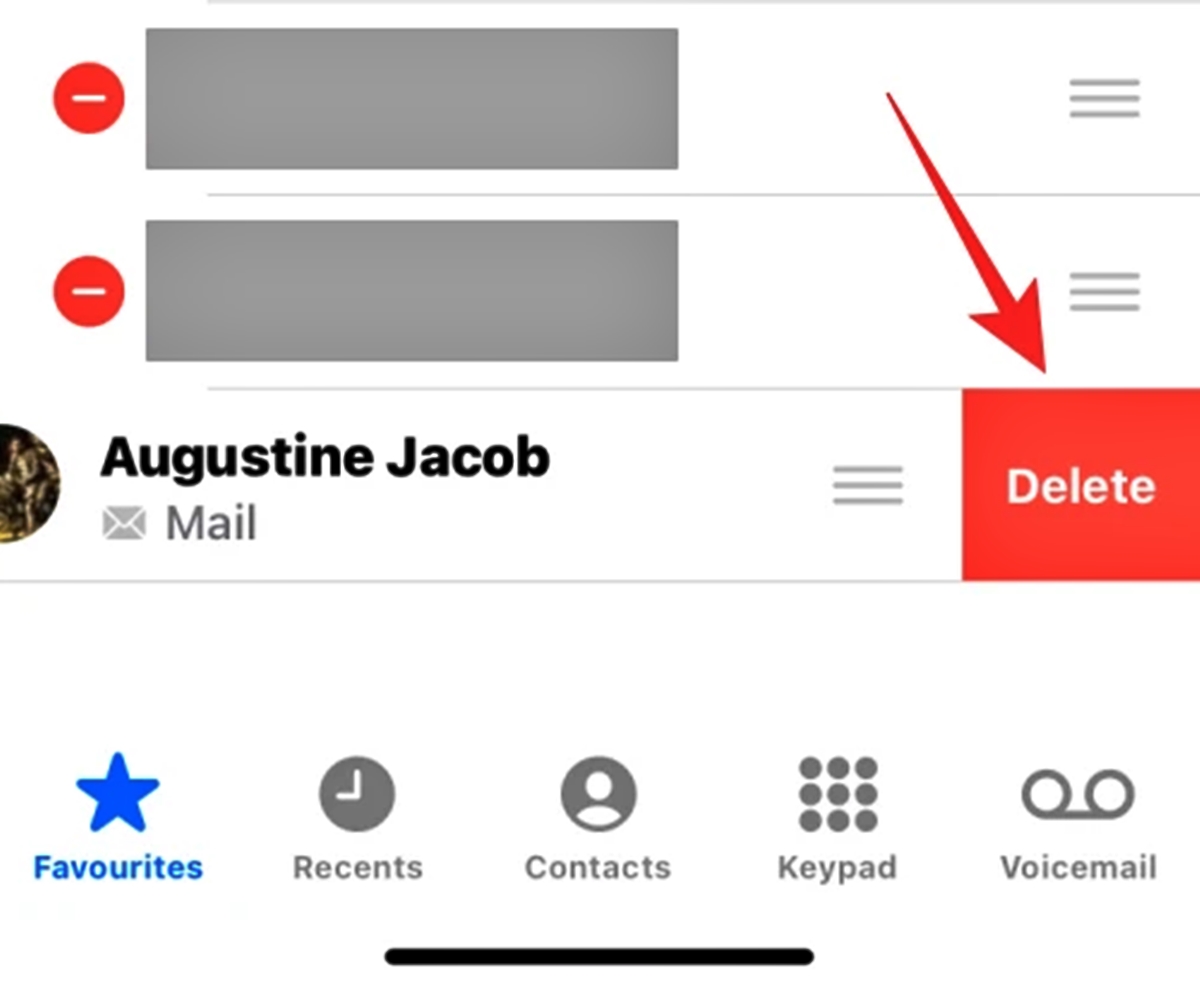
The articles fall into two main themes: customizing your home screen and managing smart tags. For home screen customization, you will find clear instructions on how to put an app on your Android home screen, how to add a website to your home screen for quick access, and how to remove favorites on your Android phone when your shortcuts get cluttered. The second theme covers the world of NFC technology. If you have ever wondered how to set up an NFC sticker for automating a task, or needed to learn how to copy an NFC tag to an iPhone, these guides walk you through the process step by step.
Additionally, the collection addresses a couple of specific, less common settings. For example, you can learn how to turn off magnifier on Android if that feature is accidentally activated, and how to make your phone talk when you plug it in, which is useful for confirming a charge without looking at the screen. Each article helps you do exactly one thing, with no extra fluff.