Straightforward, practical guides for anyone who owns a phone and needs to handle its SIM card. Whether you are a new smartphone user, someone switching carriers, or a repair-minded owner trying to fix a jammed slot, these articles are written for you. They focus on the physical steps of inserting, removing, and troubleshooting the small tray that holds your cellular identity.
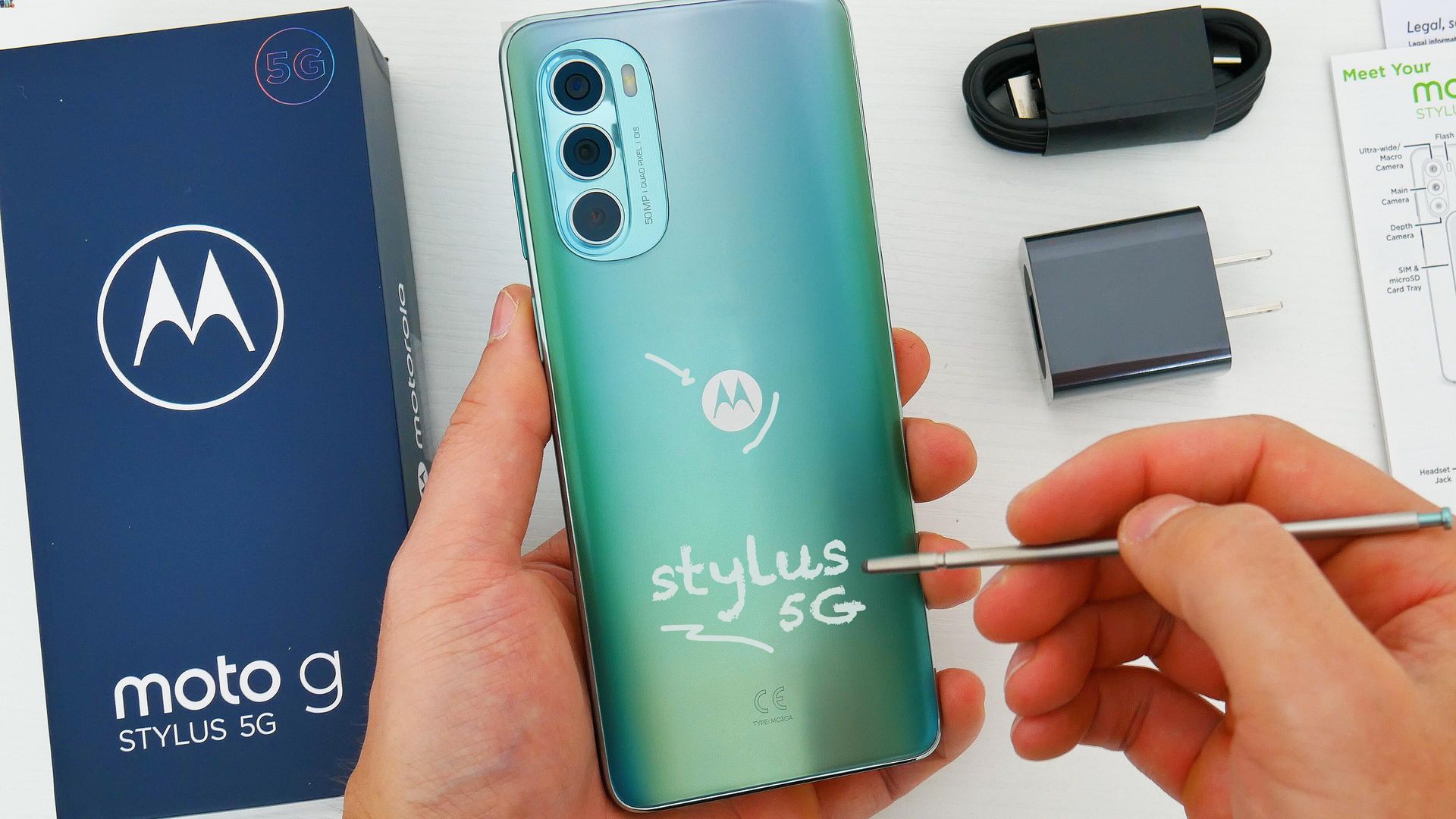
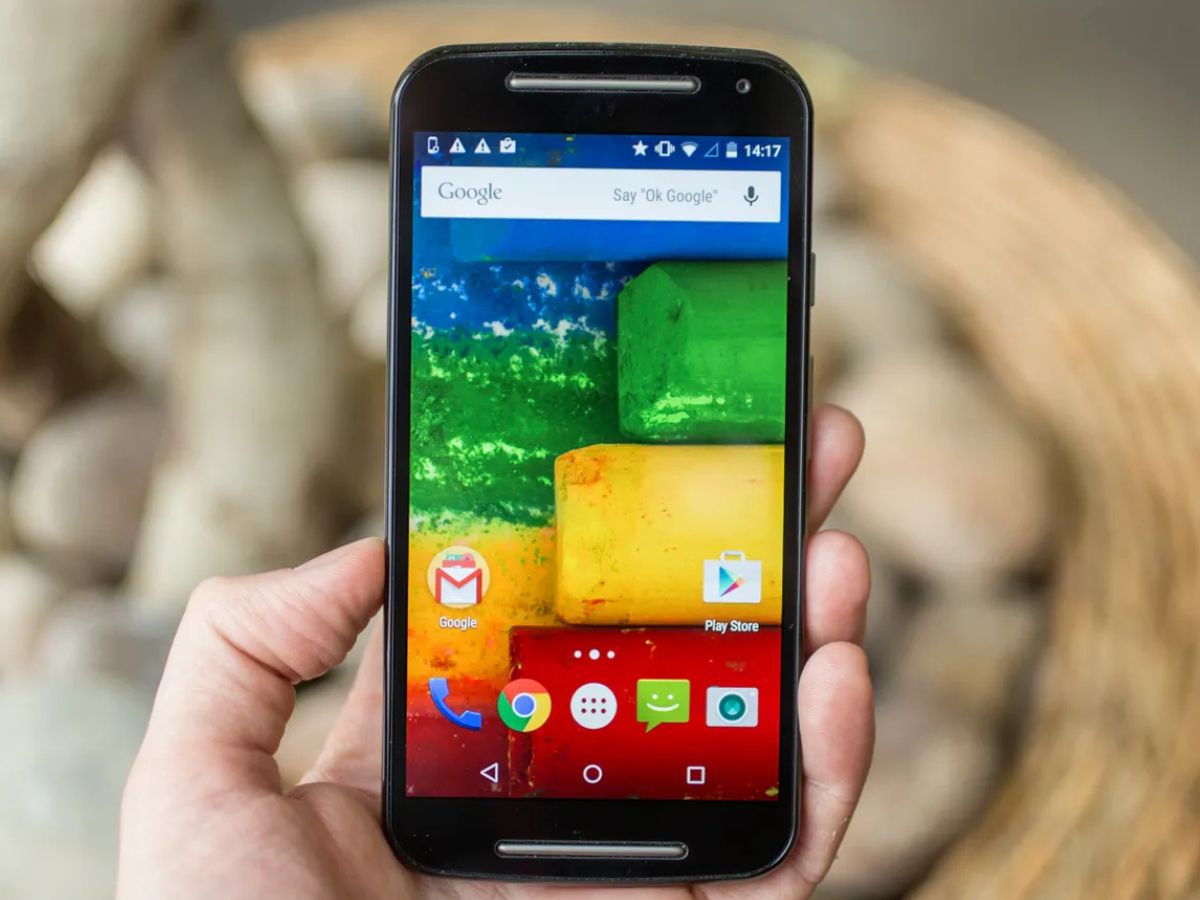
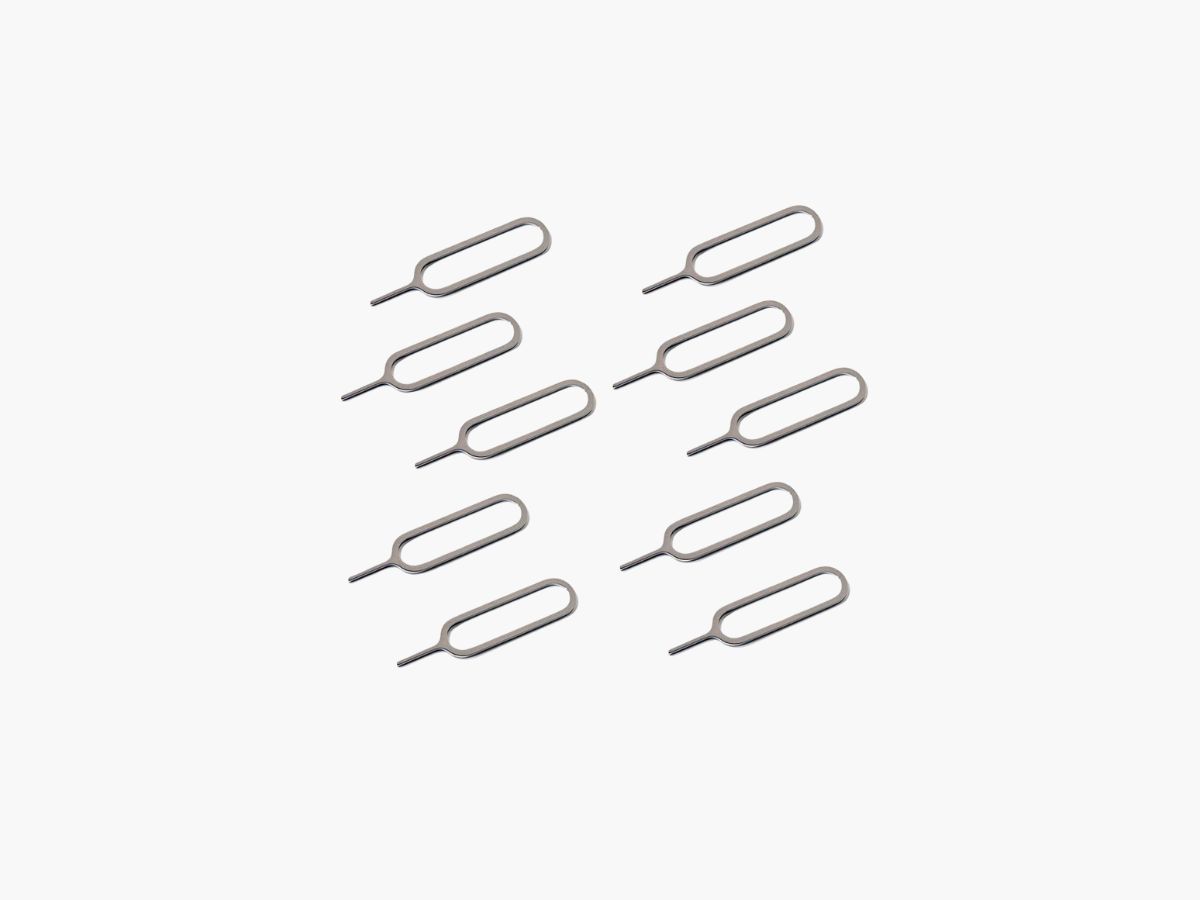
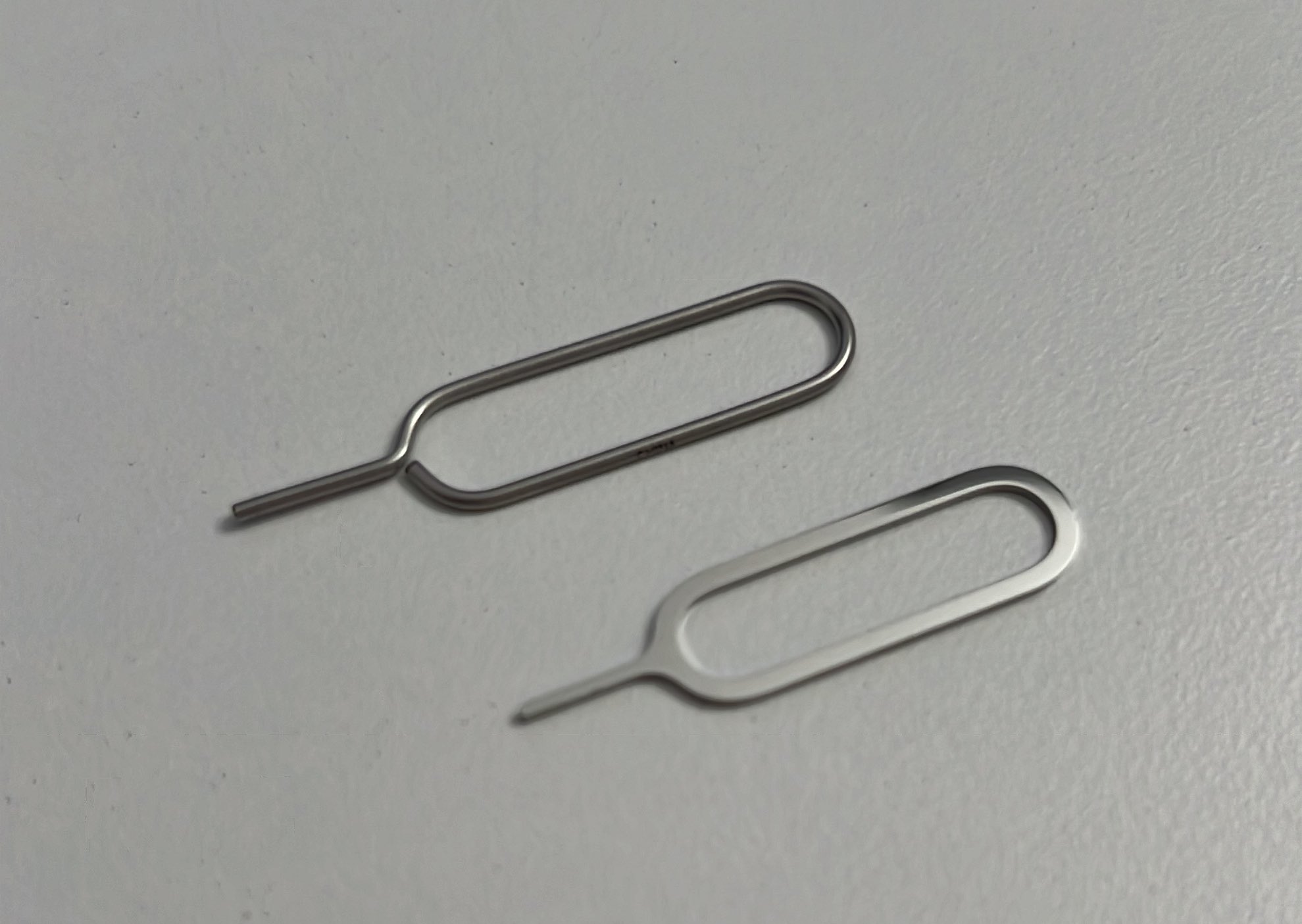
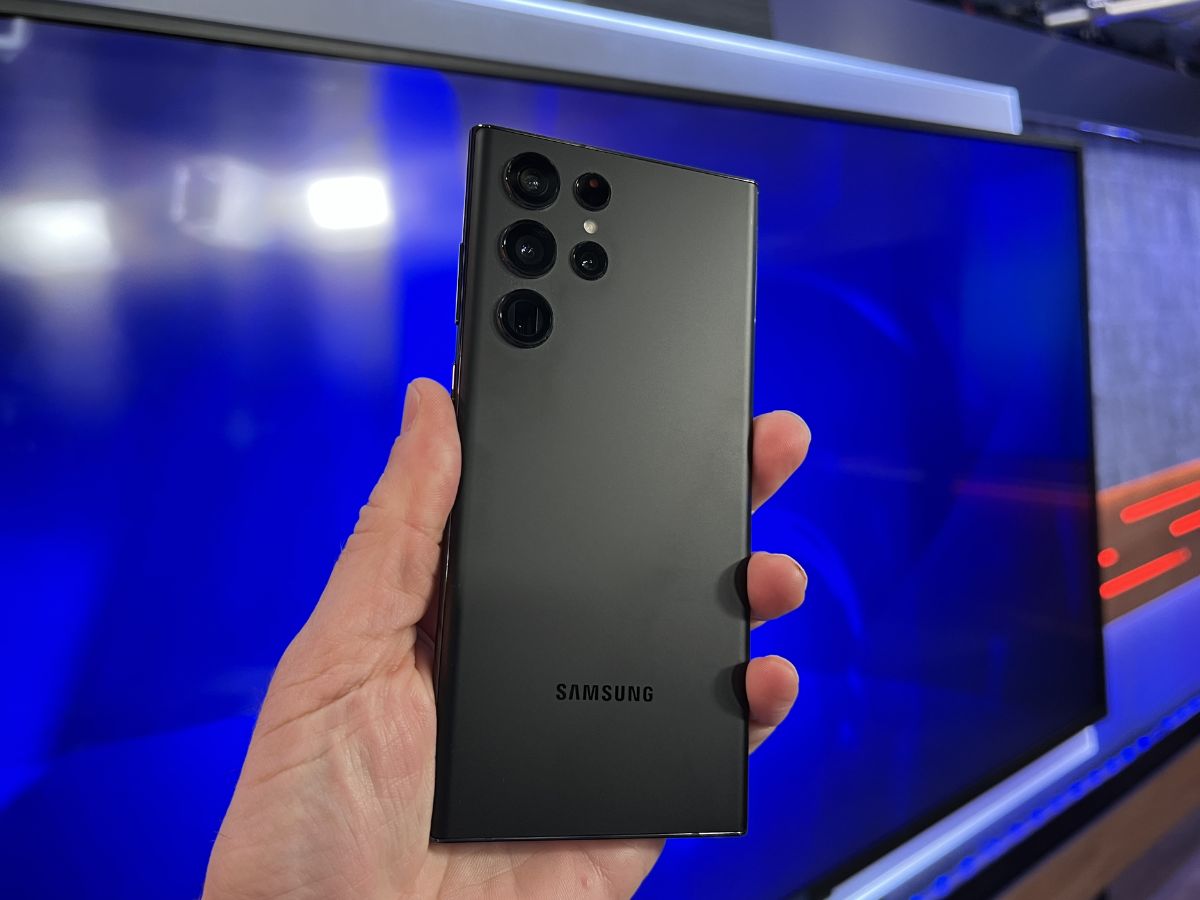
The articles here solve two main kinds of problems. First, they address the basic mechanics of access: how to find the SIM slot on a specific model, how to use the eject tool or a substitute, and how to safely remove a card from devices like the Samsung S22 Ultra or the iPhone 13. Second, they tackle common frustrations, such as a stuck SIM card that won't budge, or the need to identify if a Sony Xperia is original by checking its SIM tray. You will also find model-specific instructions for phones like the Kyocera, the Motorola Moto G, and the Moto G Stylus 5G, as well as a general guide on what household items can work as a SIM eject tool.
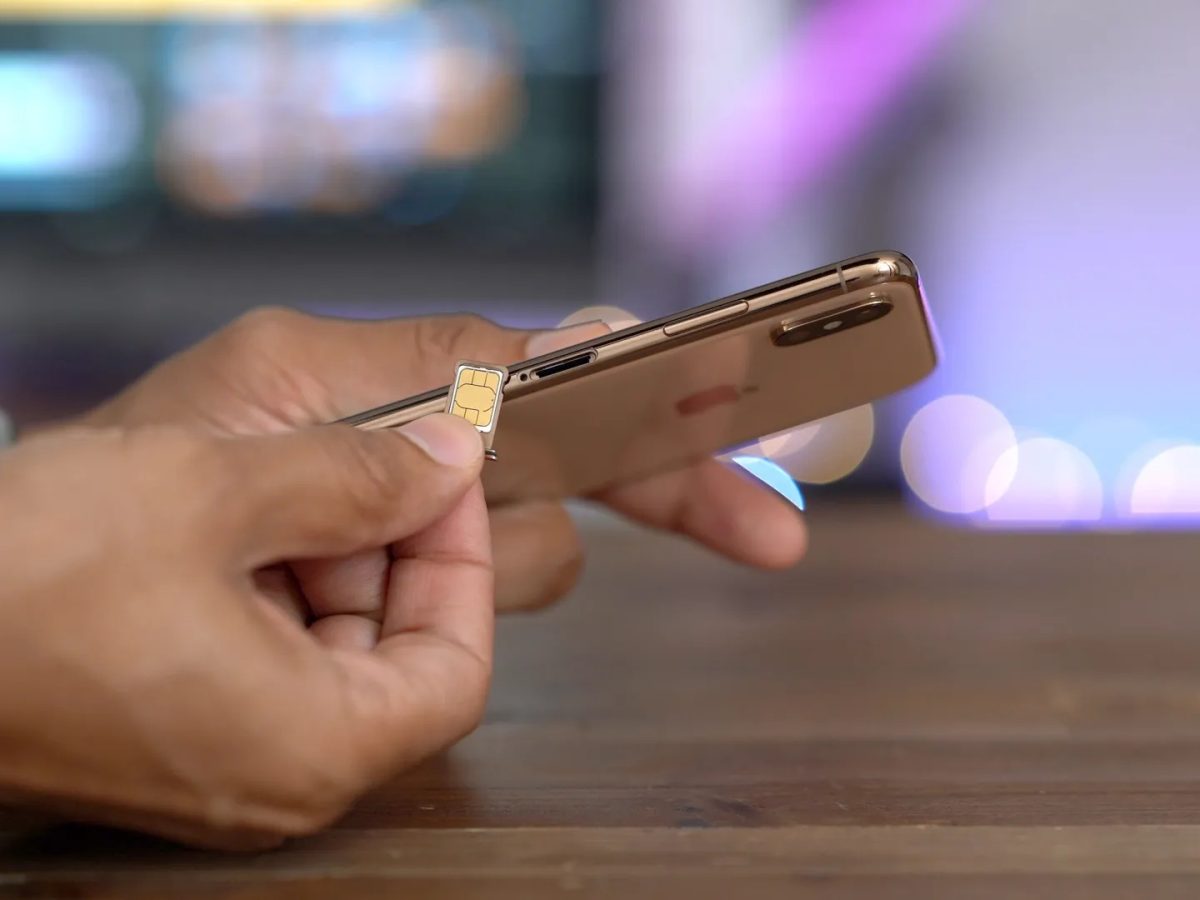
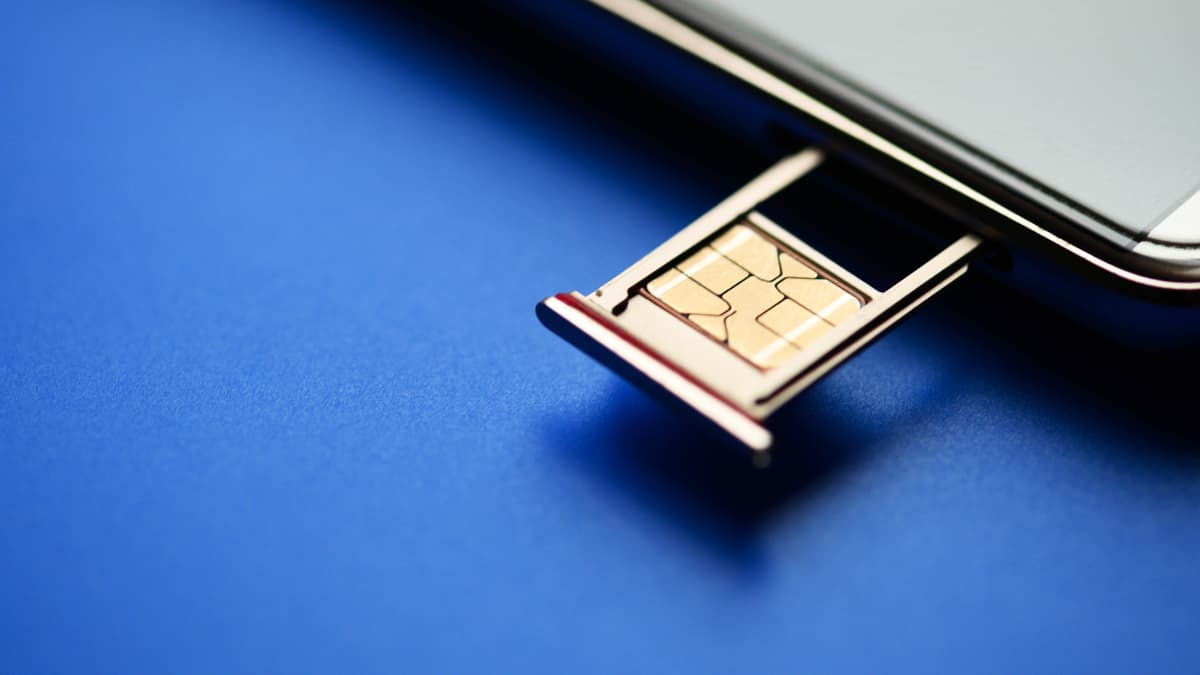
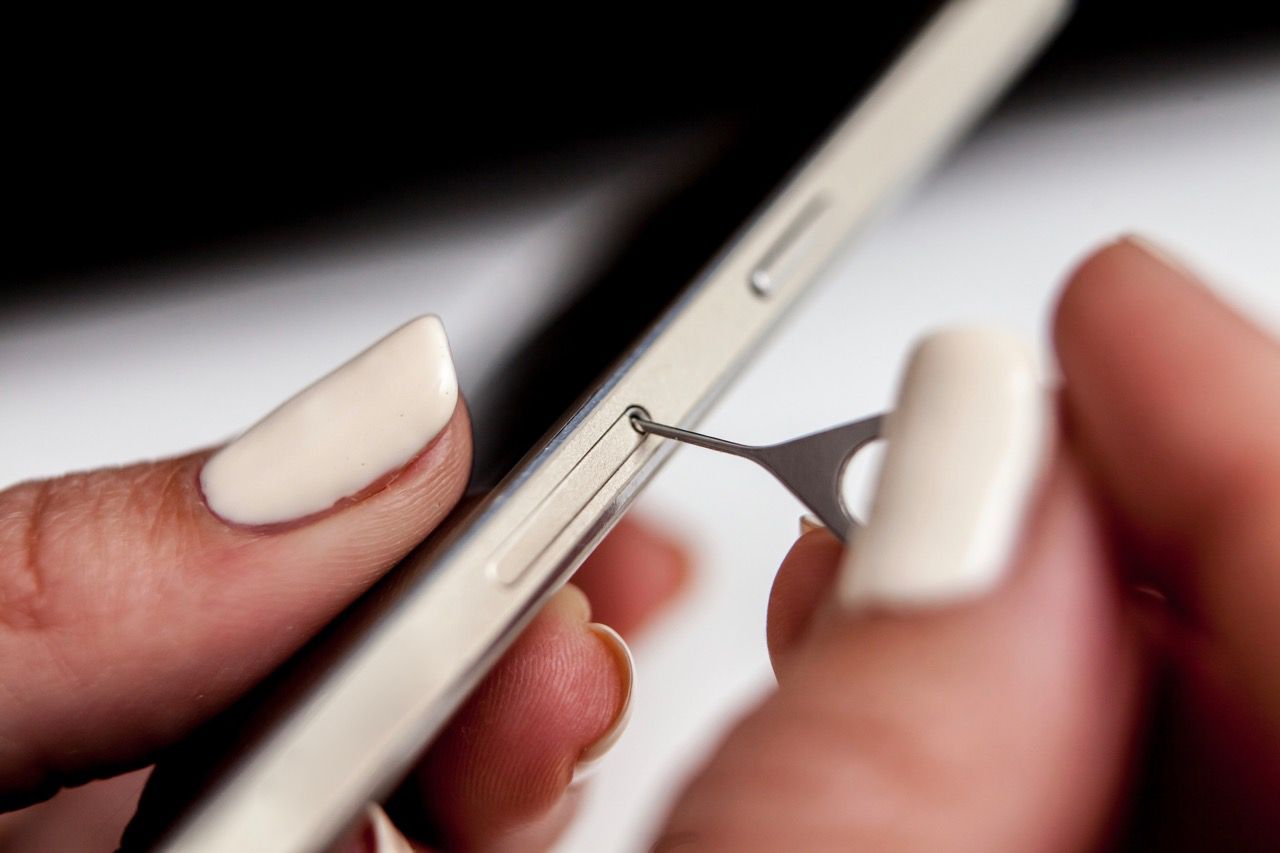
Ultimately, these articles help the reader perform a specific physical task. They describe exactly where to look, what tool to use, and how much force to apply when taking a SIM card out of an Android phone, putting one into an iPhone 3G, or changing the card on a Motorola Moto G. The content is practical and avoids speculation, sticking to the exact steps needed to get the tray open and the card swapped or removed without damage.