Welcome to the Streaming tag on CellularNews. This collection is for anyone who wants to get the most out of their phone as a media hub, whether you are a casual viewer or a dedicated live broadcaster. The articles here focus on the practical side of streaming, covering the apps, carrier deals, and device settings that make it all work on your mobile device.
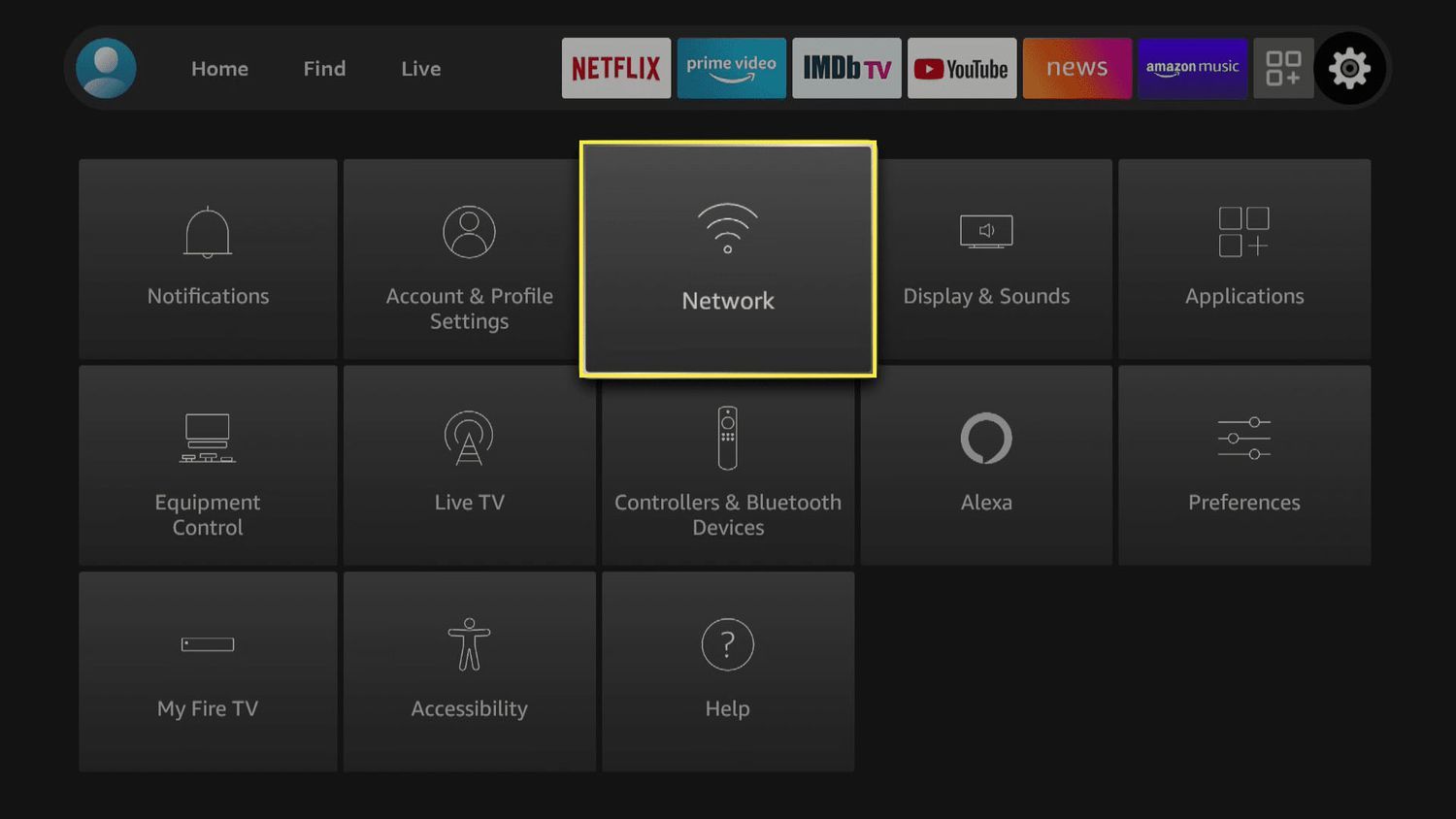
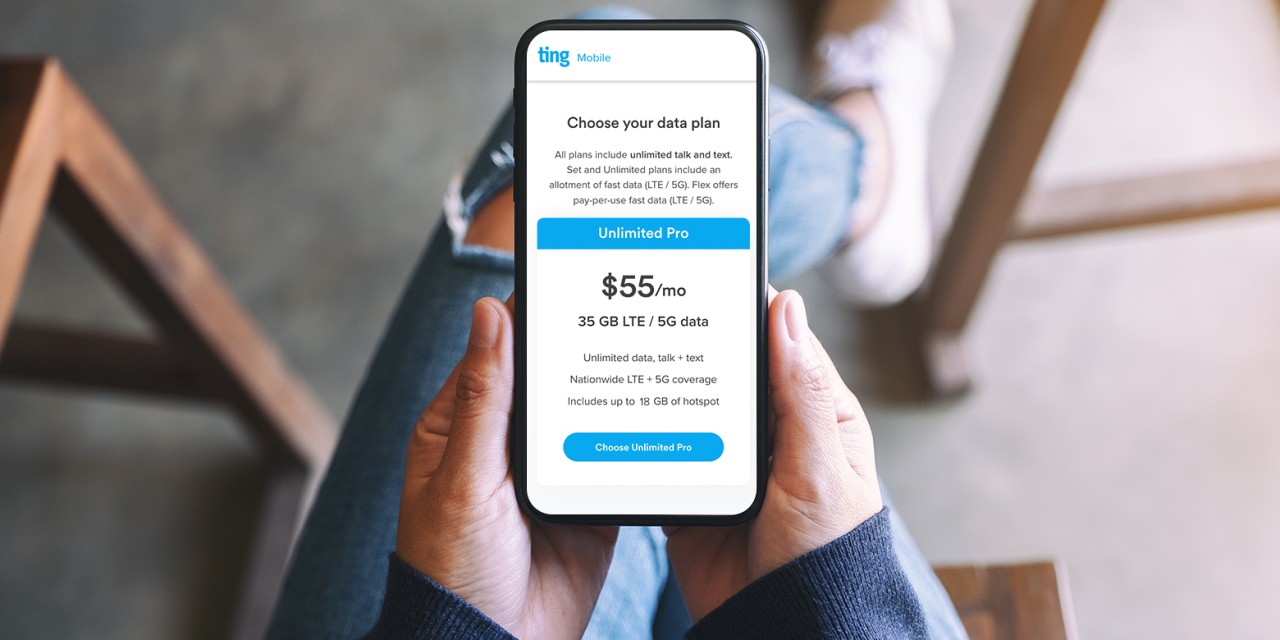
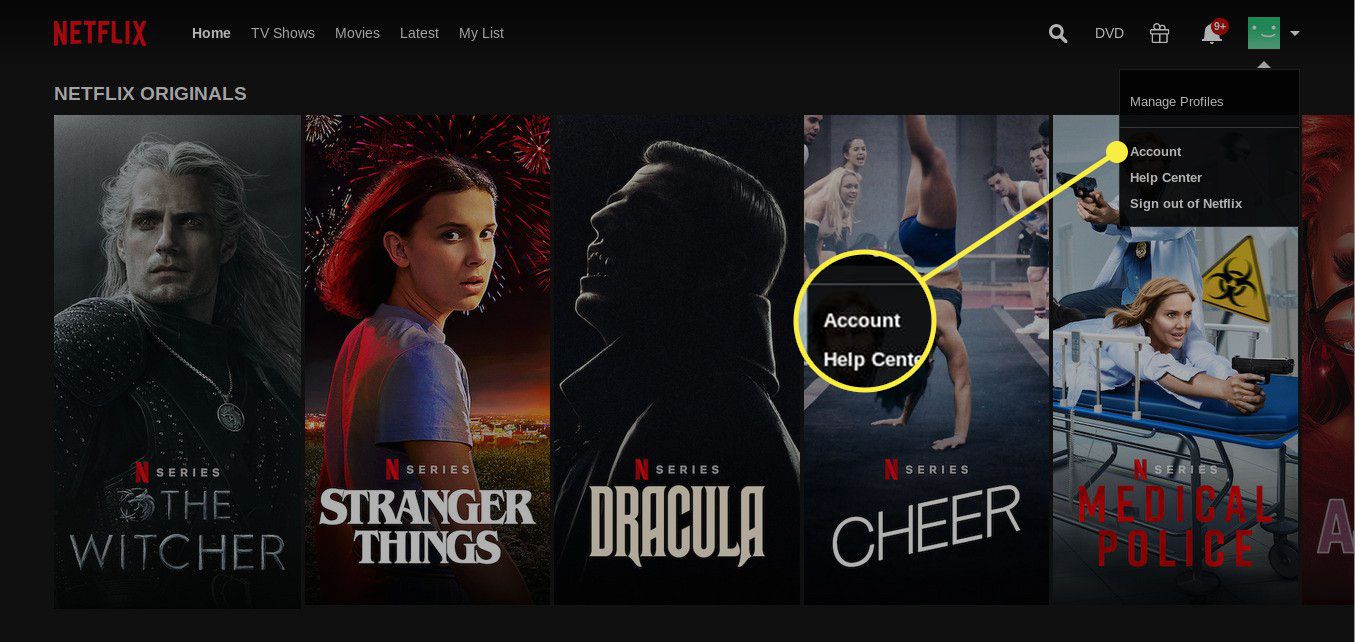
Many of these guides solve two core problems: how to access content for free or at a discount, and how to manage the technical details of your streaming setup. For example, you can learn about free movie apps like Tubi TV and Pluto TV, or find out how to get premium services like Netflix on T-Mobile or Disney Plus on Verizon without paying extra. On the technical side, articles walk you through connecting a Chromecast or Firestick to a mobile hotspot, managing your Netflix watch history, and figuring out how much data YouTube or Spotify actually consumes on your iPhone or iPad.
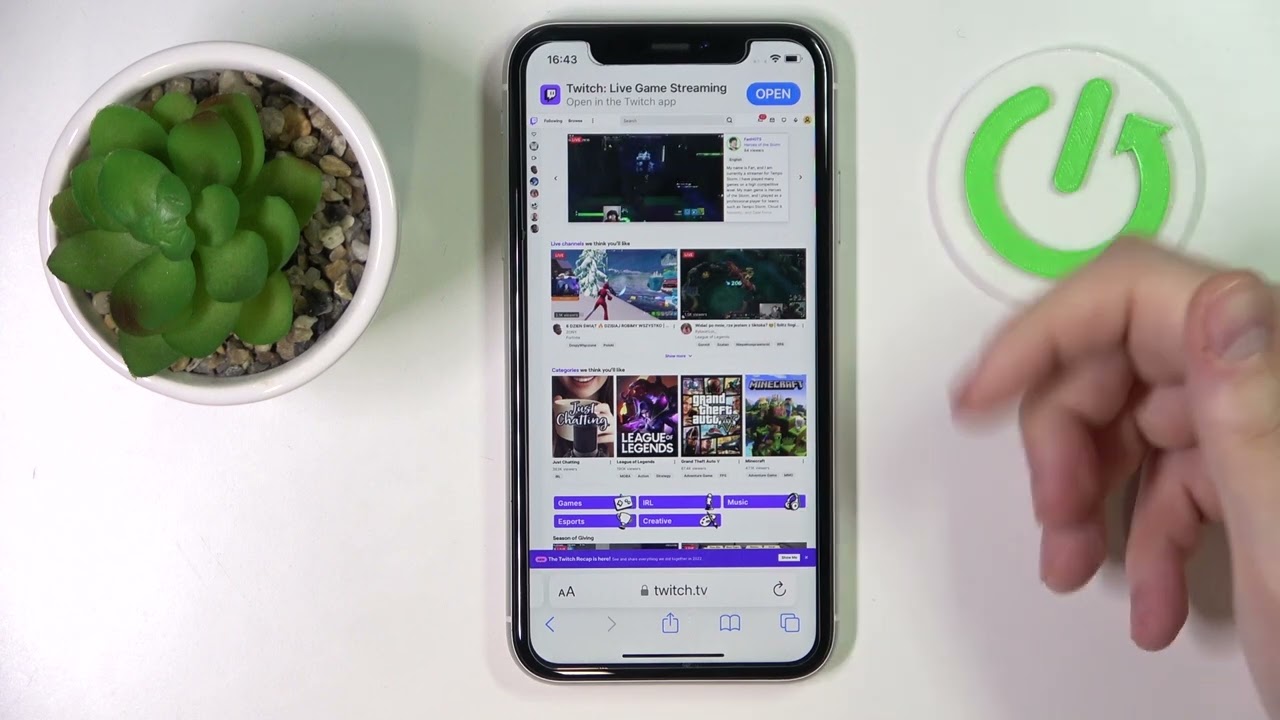
Other articles help you take control of your subscriptions and troubleshoot common issues. You will find step-by-step instructions for canceling services like Hulu, HBO Max, and Paramount Plus, as well as fixes for specific errors like Disney Plus Error Code 83. If you are interested in creating content, there are guides for streaming mobile games on Twitch or Afreeca TV. Whether you need to change the language on Netflix or turn off subtitles on Disney Plus, this tag has the practical advice you need to stream smarter.