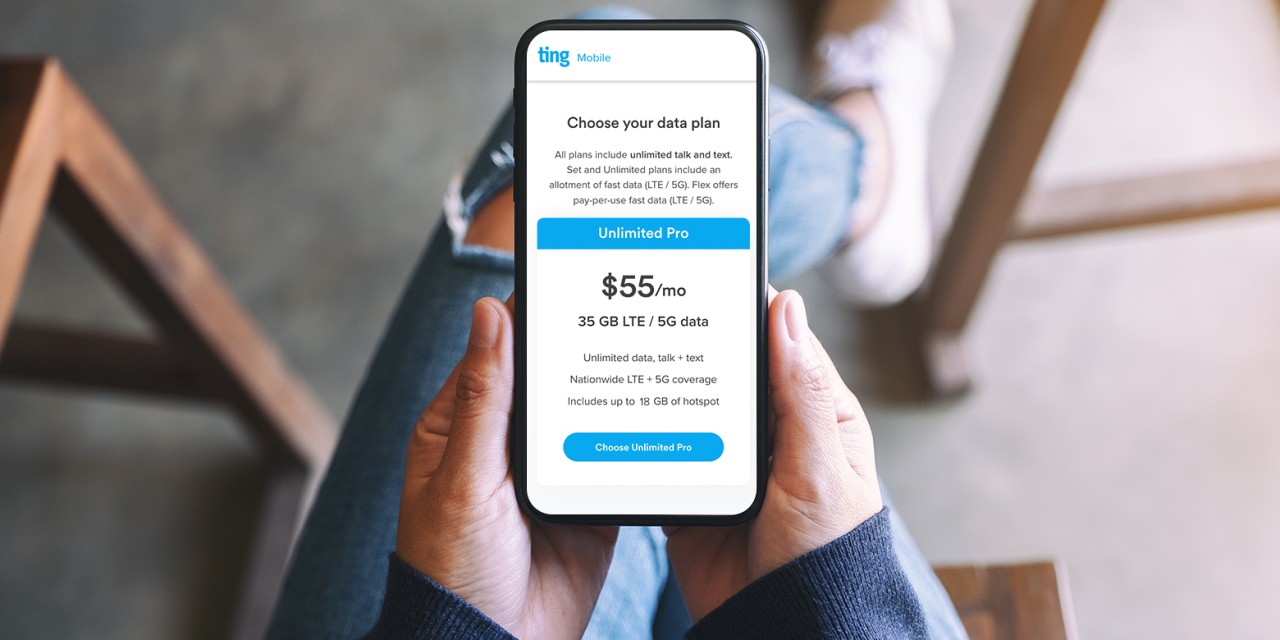
Gigabytes are the currency of your phone plan, directly determining how much data you can use for streaming, browsing, and social media before you face overage charges or slowed speeds. Understanding what do gigabytes do for your phone plan is the first step to controlling your monthly bill and avoiding unexpected slowdowns, because every online activity you perform, from sending a text to watching a video, consumes a measurable amount of this data allowance.
What do gigabytes do for your phone plan?
Gigabytes act as the fuel for all online mobile activities. Your monthly data allowance, measured in gigabytes (GB), dictates how much information your phone can send and receive over the cellular network. When you stream a song, browse a website, or download a file, you are drawing from this pool. The size of your gigabyte allowance directly impacts your experience: a larger allowance lets you do more high-data activities, while a smaller one requires careful management to avoid overage fees or throttled speeds. In short, your gigabytes are the bridge between your phone’s capabilities and your carrier’s billing structure.
How to check your gigabyte usage on iPhone and Android
Knowing your current data consumption is essential to staying within your plan’s limits. Here is how to find that information on both major platforms.
- On an iPhone: Go to Settings > Cellular (or Mobile Data on some versions). You will see usage for the “Current Period” and a breakdown by individual apps. To align this counter with your billing cycle, scroll to the bottom of the Cellular screen and tap Reset Statistics. This resets the counter so you can track usage from the start of your billing period. On an iPhone, you can reset your data usage statistics by scrolling to the bottom of the "Cellular" screen and tapping "Reset Statistics" to align with your billing cycle.
- On an Android phone: Navigate to Settings > Network & internet > Internet. On some devices like Samsung Galaxy, the path is Settings > Connections > Data usage. Tap on your SIM or mobile network to view usage graphs and app-specific data totals.
Most phone carriers also offer official apps (e.g., My Verizon app, T-Mobile T Life app) and websites that provide real-time usage tracking and can send text message alerts when you approach your data limit. Most phone carriers offer text message alerts when you approach your data limit.
How streaming and downloading eat up your data
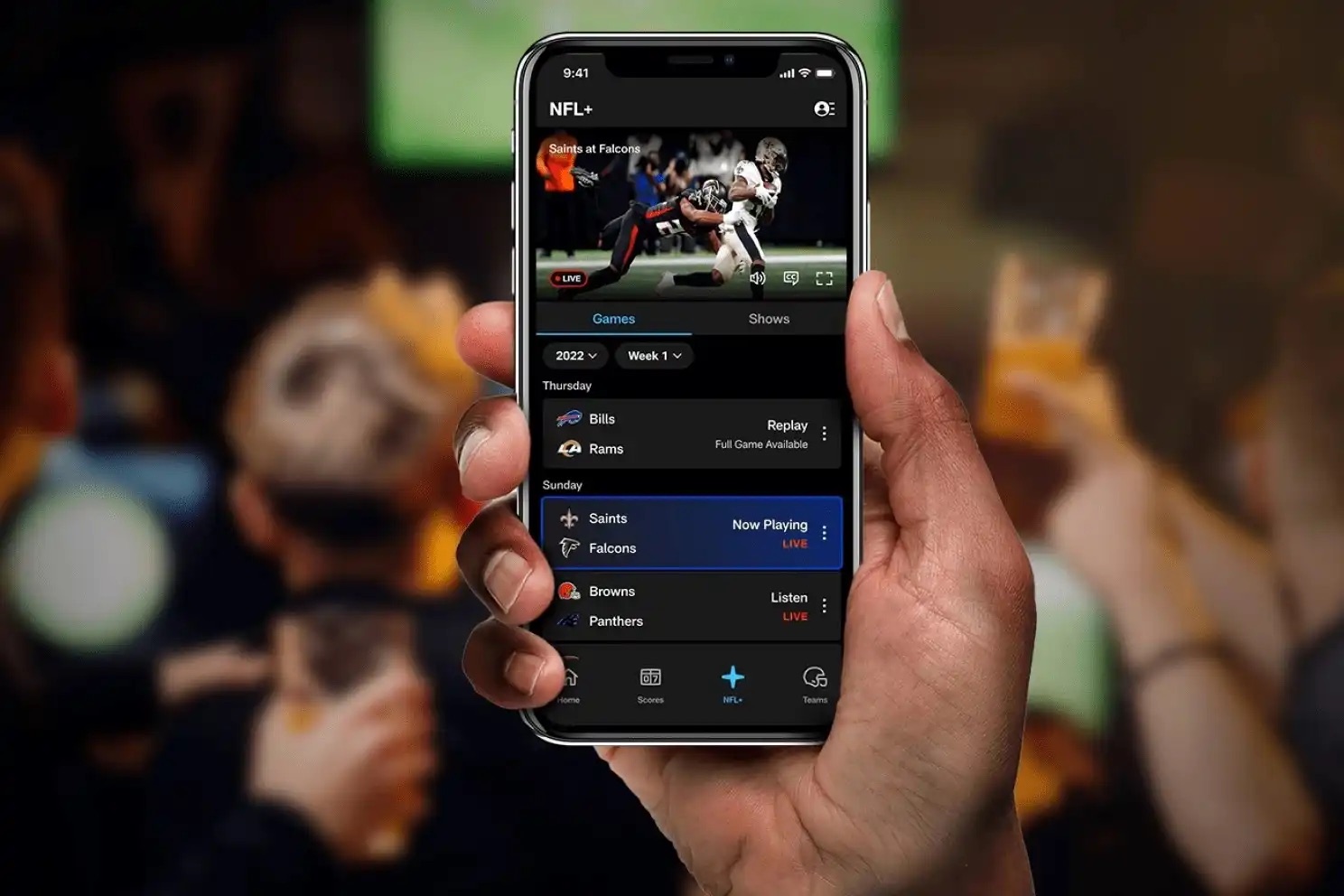
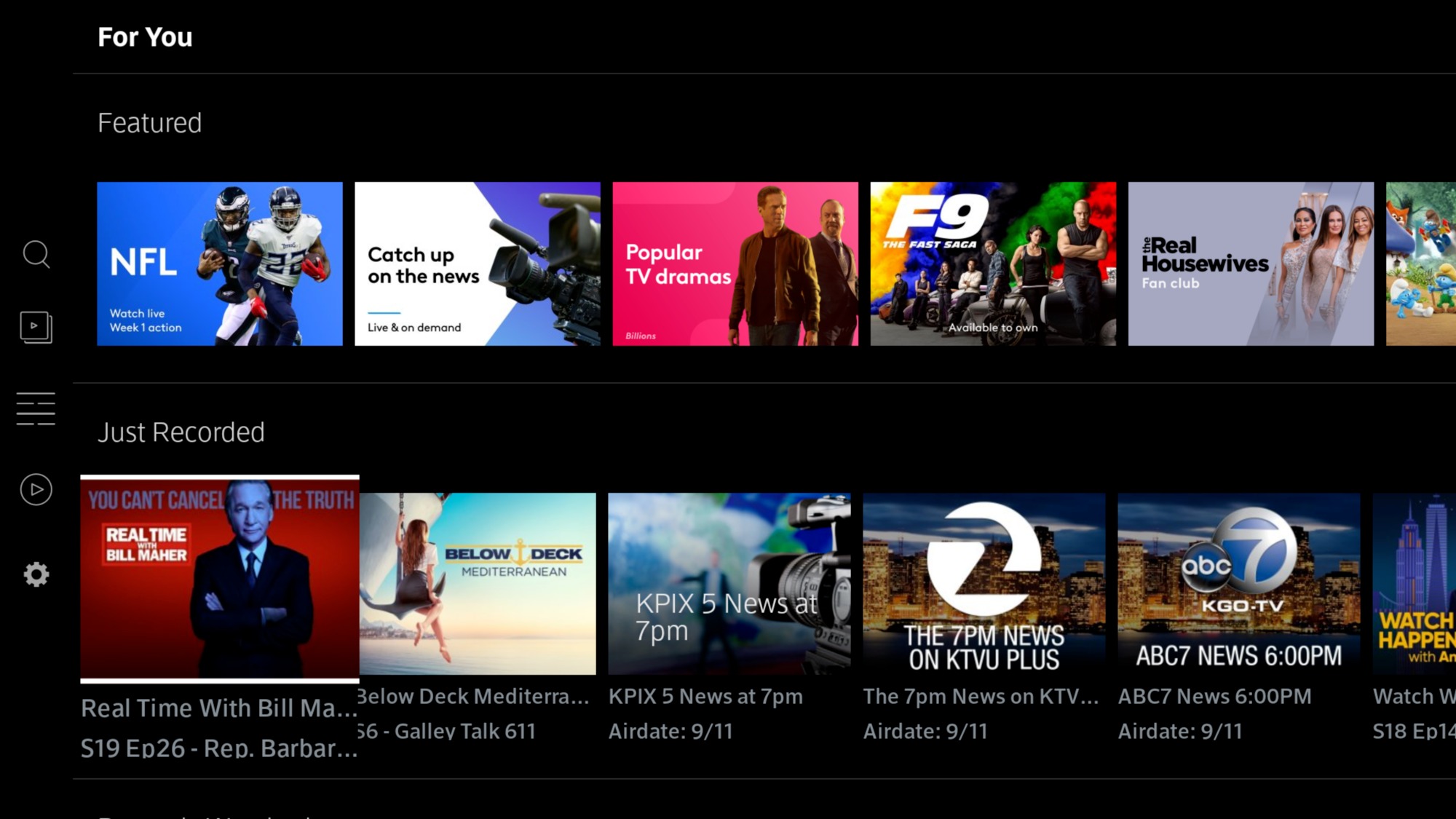
Streaming and downloading are the most data-intensive activities on your phone. The quality of the content you choose has a major impact on consumption. For example, streaming music uses relatively little data, but watching a high-definition video consumes far more than standard definition. Downloading large files, such as apps, games, or high-resolution images, can quickly deplete your allowance. Frequent downloading of large files can lead to faster data exhaustion, potentially resulting in additional charges or reduced data speeds. Being mindful of the quality settings in streaming apps (like choosing a lower video resolution) and the size of files you download helps you stretch your gigabytes further.
Data use by apps, email, and web browsing
Different apps and activities consume data at very different rates. Social media apps like Facebook, Instagram, and Twitter are data-intensive because they preload images and videos to provide a seamless experience. Video streaming apps such as YouTube, Netflix, and Hulu can use several gigabytes per hour, especially at HD quality. Messaging apps like WhatsApp, iMessage, and Messenger are generally more data-efficient for text-based messages, but sending and receiving photos and videos still adds to your usage. Gaming apps vary widely: simple games use little data, but graphically intensive or multiplayer games that require constant internet connectivity can consume substantial amounts. Email and general web browsing use minimal data when viewing text-based content, but pages with high-resolution images, videos, or interactive elements increase consumption. The frequency of checking and sending emails can contribute to data usage over time. Having a sufficient data allowance is essential to accommodate multimedia-rich emails and file attachments without incurring additional charges or experiencing connectivity issues. Regular web-based activities like online banking or using cloud storage also contribute to your total data usage.
The truth about 'unlimited' data plans
“Unlimited” data plans are not truly unlimited in the way most people assume. These plans typically include a threshold of high-speed data, often between 22 GB and over 100 GB, after which your data speeds may be slowed down (throttled) or deprioritized during network congestion. This means your connection can become noticeably slower, especially during peak times. To avoid surprises, monitor your usage through your carrier’s app or your phone’s built-in data tracker, and be aware of your specific plan’s high-speed cap.
Simple ways to reduce your data usage
You can take several straightforward steps to conserve your mobile data and make your gigabyte allowance last longer.
- Connect to Wi-Fi whenever possible. Data used over Wi-Fi does not count against your phone plan’s allowance, making this the most effective way to save mobile data.
- Turn off cellular data for specific apps. In your phone’s settings, you can disable cellular data for individual apps, allowing them to use Wi-Fi only. This prevents data-hungry apps from consuming your plan’s gigabytes in the background.
- Activate data-saving modes. Enable Data Saver mode on Android or Low Data Mode on iOS. These settings reduce background data usage and pause automatic updates, helping you stretch your allowance.
- Check your device’s storage as part of your overall data management. While not directly related to mobile data usage, checking memory and storage capacity helps you manage downloaded files and apps that may be using data in the background or consuming local space.
You can conserve data by streaming videos in lower resolutions.
Frequently Asked Questions
What happens when I run out of data on my plan?
Depending on your carrier and plan, you may either have your data speeds reduced (throttled) for the remainder of your billing cycle, or you may be charged for additional data usage at a per-gigabyte rate. Some plans offer the option to purchase extra data.
How can I monitor my data usage without using my phone’s settings?
Most carriers provide a free mobile app (such as My Verizon or T-Mobile T Life) that shows your current data usage and allows you to set alerts. You can also check your account online or text a short code to your carrier to receive a usage summary.
Does using Wi-Fi calling use my mobile data?
No. Wi-Fi calling uses your Wi-Fi connection, not your cellular data allowance. However, if you make a call over a cellular network, it will use minutes, not data.
Can I optimize my data usage for specific apps?
Yes. Many apps have built-in settings to reduce data consumption. For example, you can set video streaming apps to play at a lower resolution, disable auto-play for videos on social media, and turn off background app refresh for non-essential apps in your phone’s settings.
Related reading: What Are Lines In Phone Plans? and What Phone Plans Does Straight Talk Have.