This tag collects all of CellularNews's articles about T-Mobile, from plan comparisons and coverage questions to account management and device troubleshooting. It is designed for anyone researching T-Mobile as a potential carrier, current customers looking to get the most out of their service, or users trying to solve a specific problem like unlocking a phone or blocking spam calls.

The articles here help you make informed decisions about choosing and using T-Mobile. One clear theme is carrier comparison and plan selection: you can read about how T-Mobile stacks up against AT&T and Verizon, see reviews of flanker brands like Mint Mobile and Metro by T-Mobile, and learn which unlimited data plan is best for 2022. Another major theme is practical account and device management. These guides show you how to unlock a T-Mobile phone, get your account number for a port, pay your bill on your phone, check voicemail, and even find out what time your local store closes. You can also learn about specific perks like the Netflix on Us offer and what T-Mobile insurance actually covers.

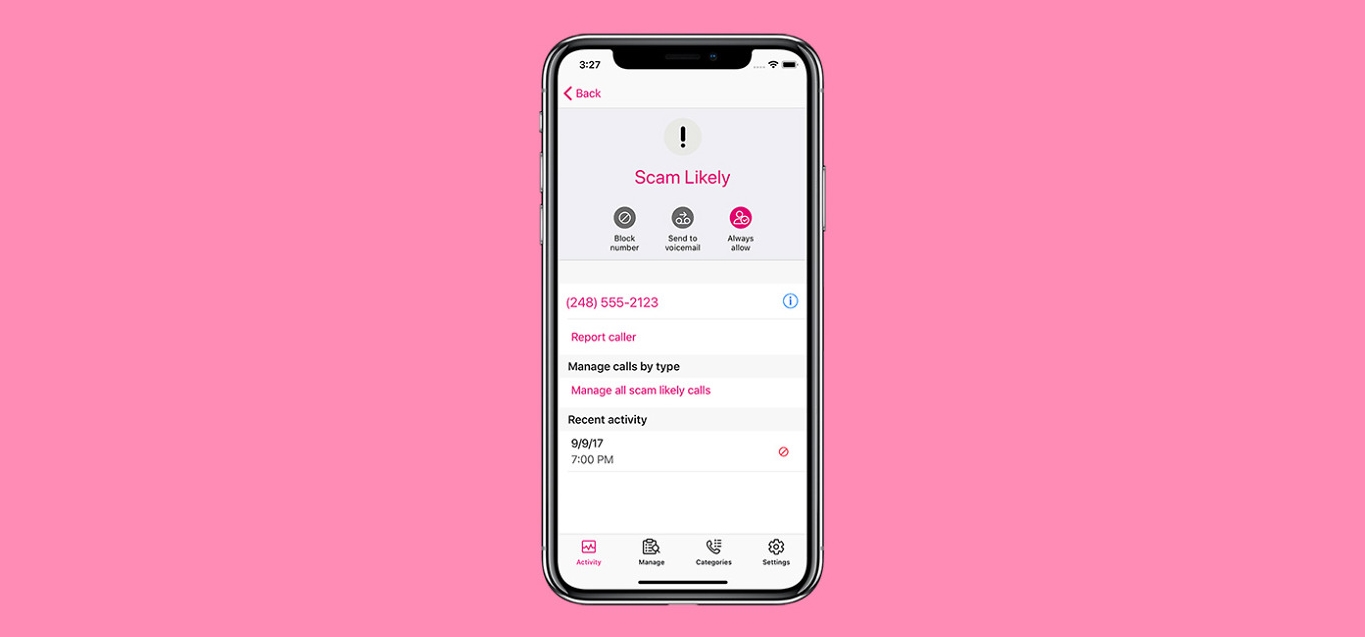
Finally, a set of articles addresses technical and operational questions about the network itself. You can find out which towers T-Mobile uses, how fast its 5G home internet is, and how to block scam likely calls. For those looking into connectivity hardware, there are also pieces on resetting a dongle and the cost of a T-Mobile hotspot. Whether you are comparing carriers, managing your plan, or fixing a service issue, these articles provide straightforward answers to common T-Mobile questions.
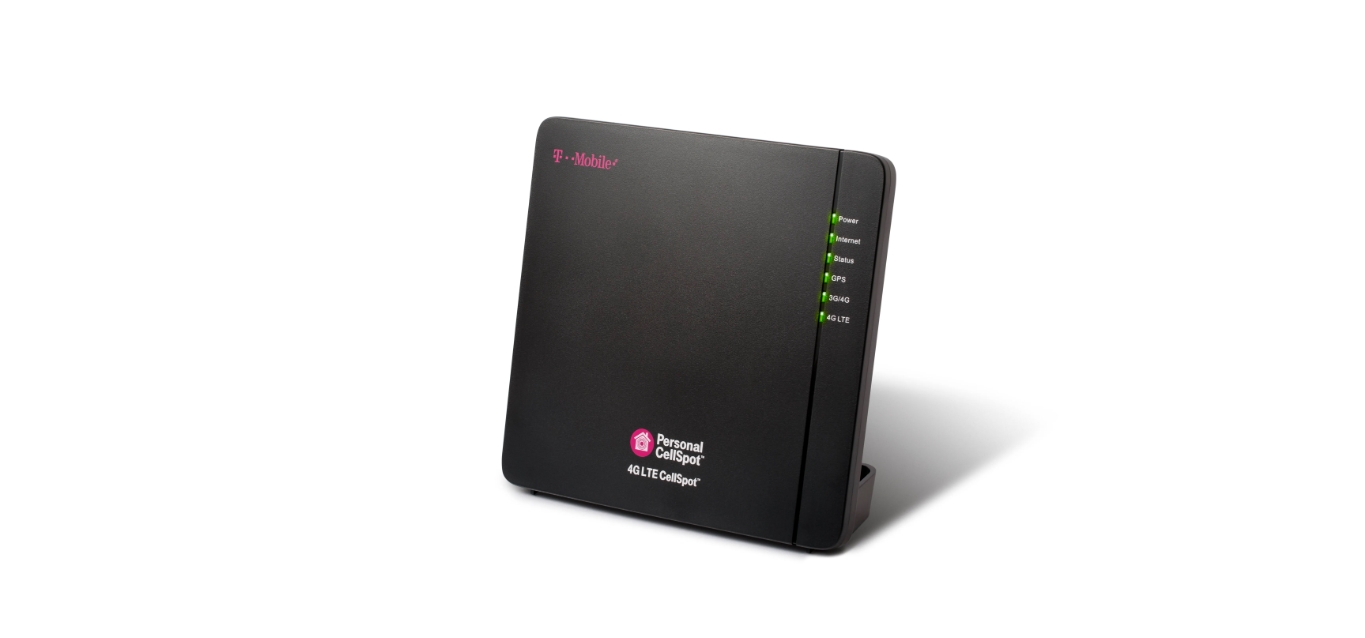
How To Boost T-Mobile Signal

To boost T-Mobile signal at home or work, the fastest free solution is enabling Wi-Fi Calling, which T-Mobile documents as its primary method for improving coverage in areas with little...

How To Cancel T-Mobile Account

To cancel a T-Mobile account, you must contact T-Mobile Customer Care directly, as there is no documented way to complete the process online or through the app. This is the...

How To Cancel Protection 360 T-Mobile

To cancel Protection 360 T-Mobile, call 611 from your T-Mobile phone or dial 1-800-937-8997 from any phone to speak with a customer service representative. This is the fastest way to...

How To Cancel Call Forwarding On T-Mobile

To cancel call forwarding on T-Mobile, dial ##004# from your phone and press the call button. This universal reset code cancels all types of call forwarding at once and returns...

How To Block Text Messages T-Mobile

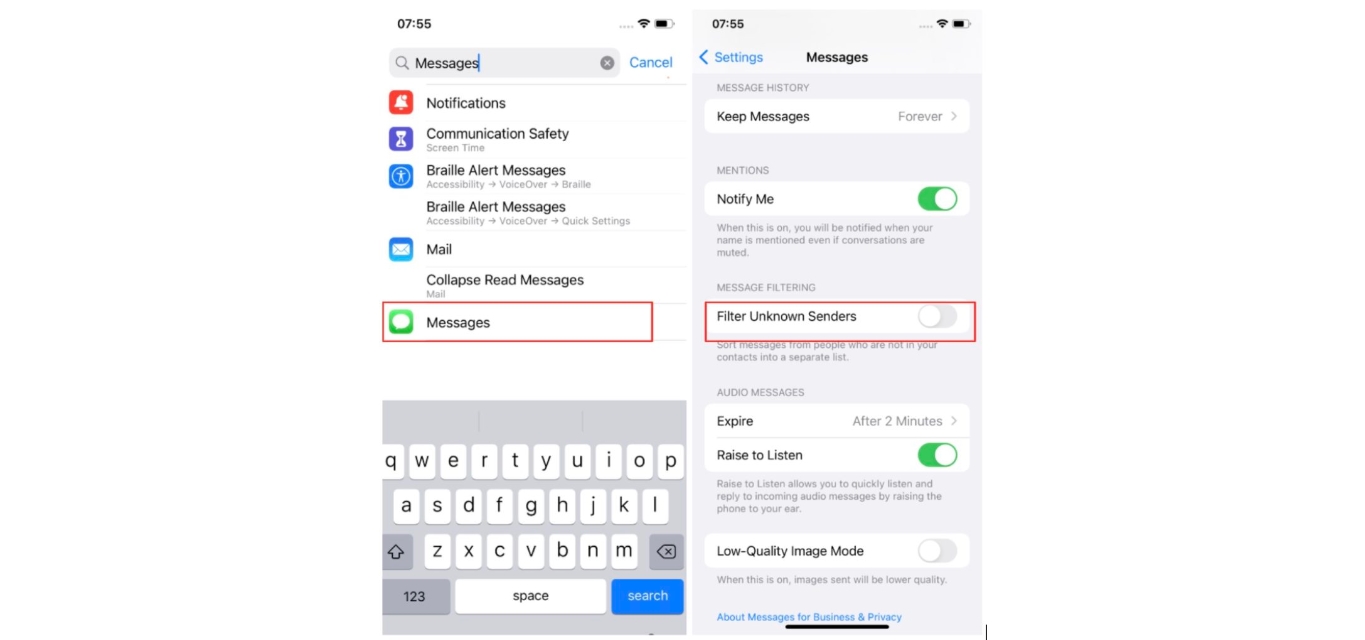
To block text messages on T-Mobile, you have three main options: block a specific number directly on your iPhone or Android device, or use T-Mobile's account-level Message Blocking feature to...

How To Block A Number T-Mobile

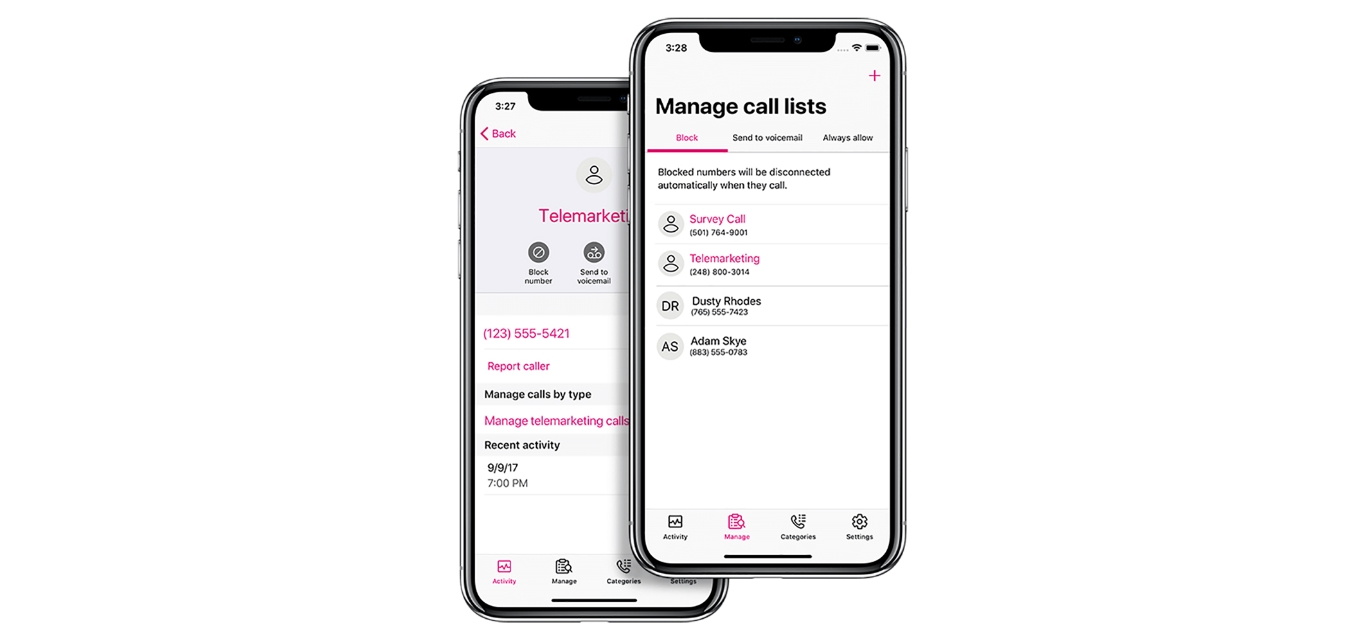
To block a number on T-Mobile, your best option is not a single carrier-side feature but one of three effective methods: using the free T-Mobile Scam Shield app for its...

How To Block A Number On T-Mobile App

To block a number on T-Mobile, you need the Scam Shield app, which is now accessible through the T-Life app. The free Scam Shield features only block "Scam Likely" calls;...

How To Activate ESIM On T-Mobile

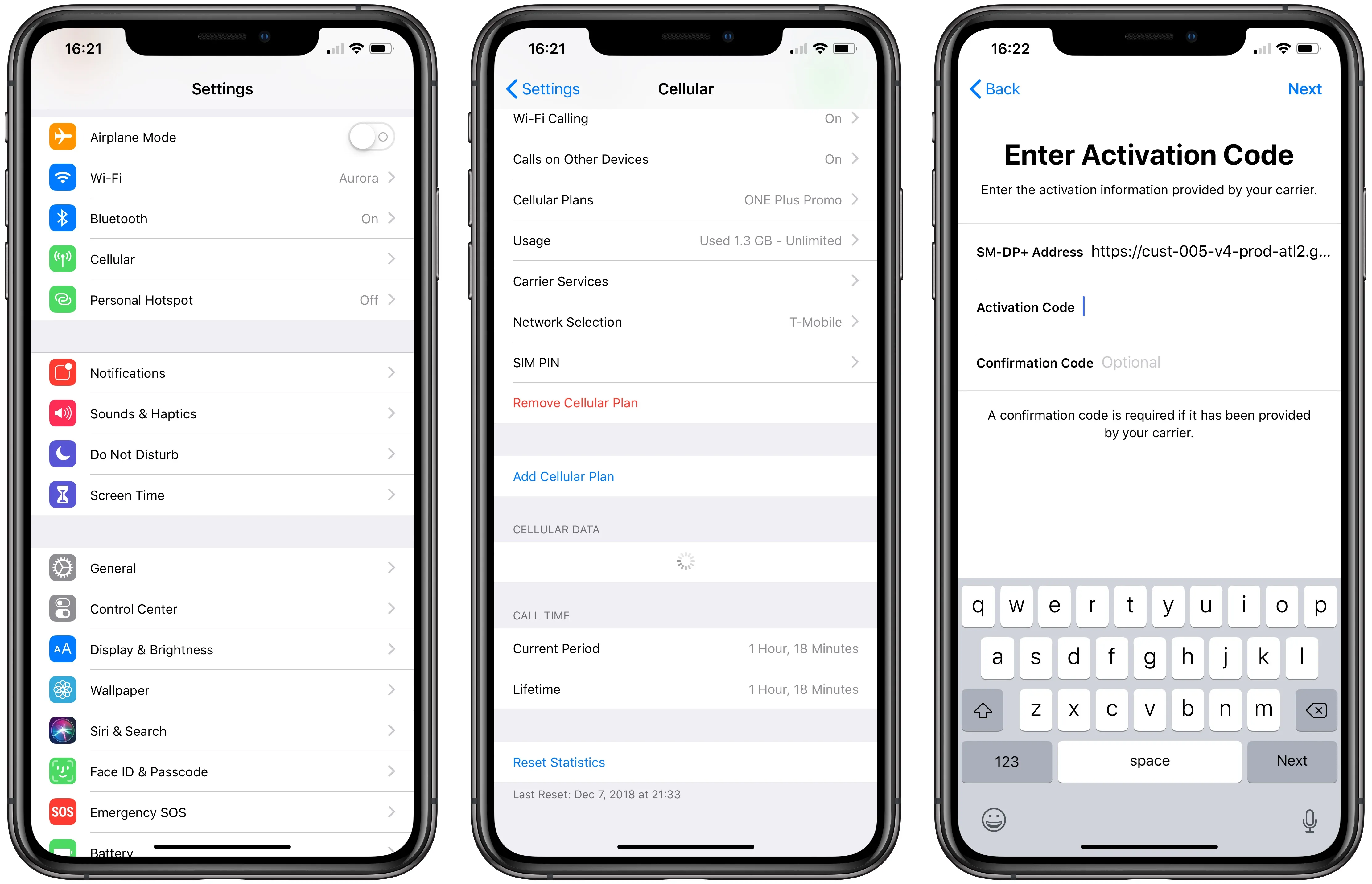
To activate eSIM on T-Mobile, you can use the T-Life app, scan a QR code, or set up automatically on a new iPhone, no store visit required. The method that...

How To Unlock Sprint Phone

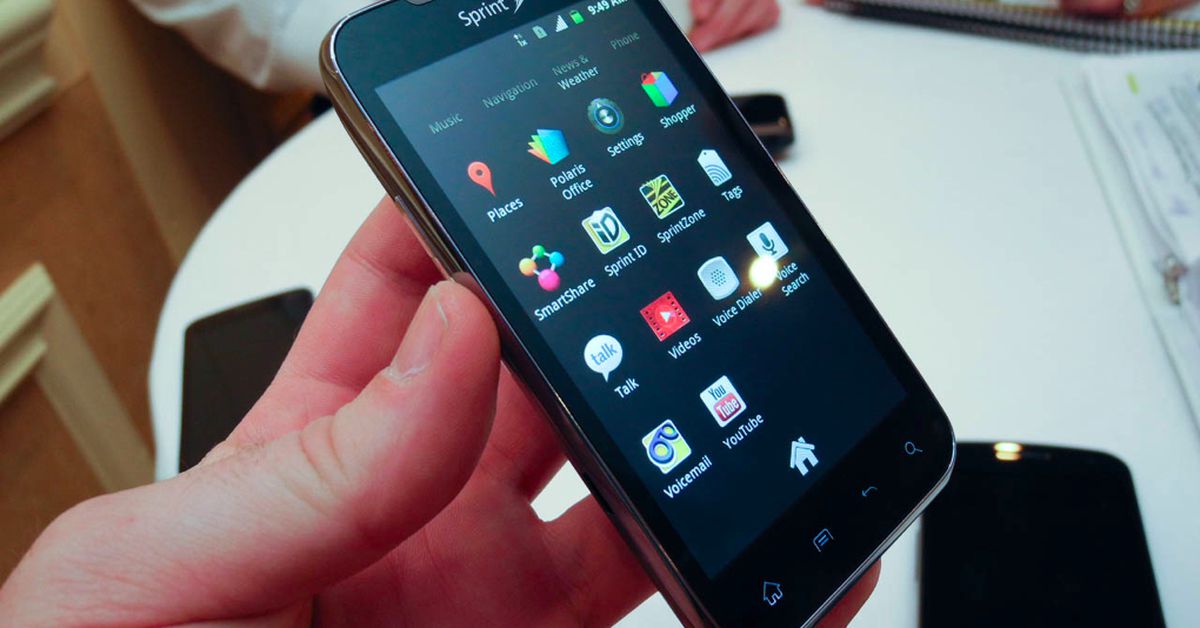
To unlock a Sprint phone, you now go through T-Mobile, because Sprint is part of T-Mobile and all Sprint phone unlocks follow T-Mobile's SIM Unlock Policy. Your device must meet...

How Much Does A T-Mobile Hotspot Cost

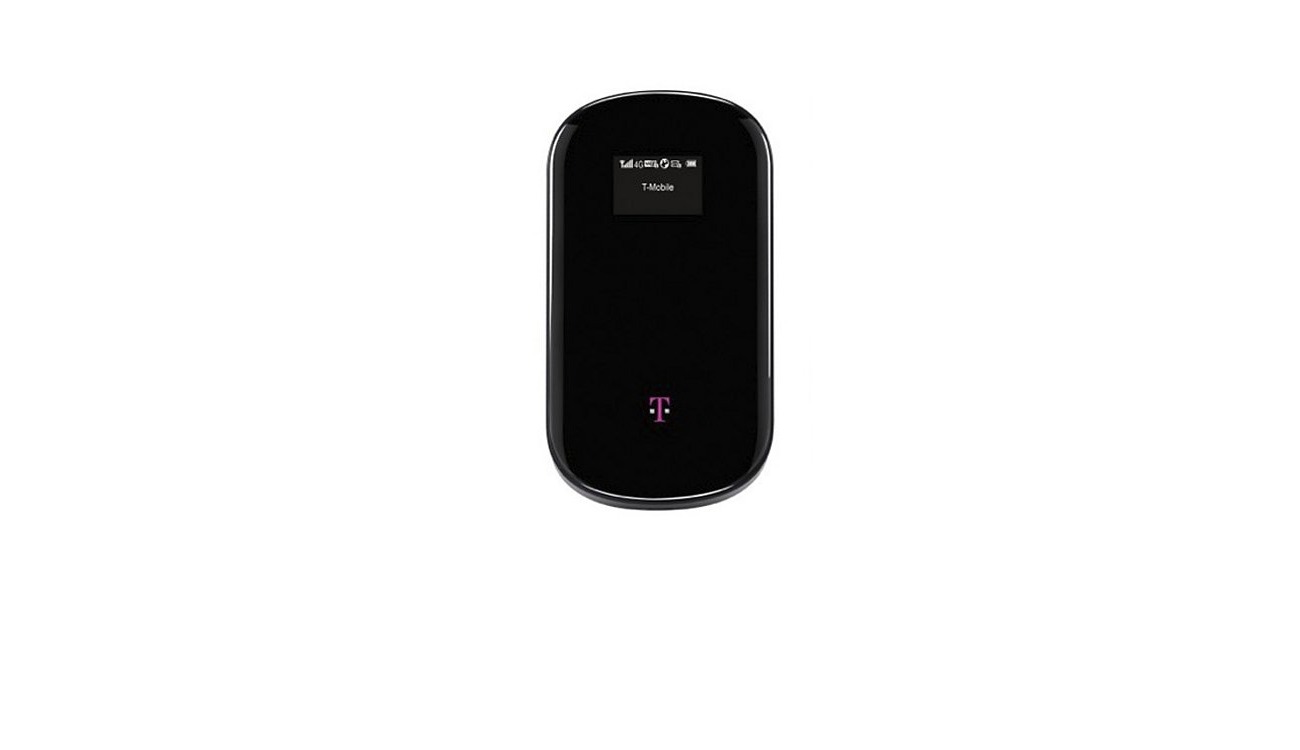
How much does a T-Mobile hotspot cost depends on whether you buy a dedicated device or use your phone's built-in tethering. A dedicated T-Mobile mobile hotspot device costs between $90...