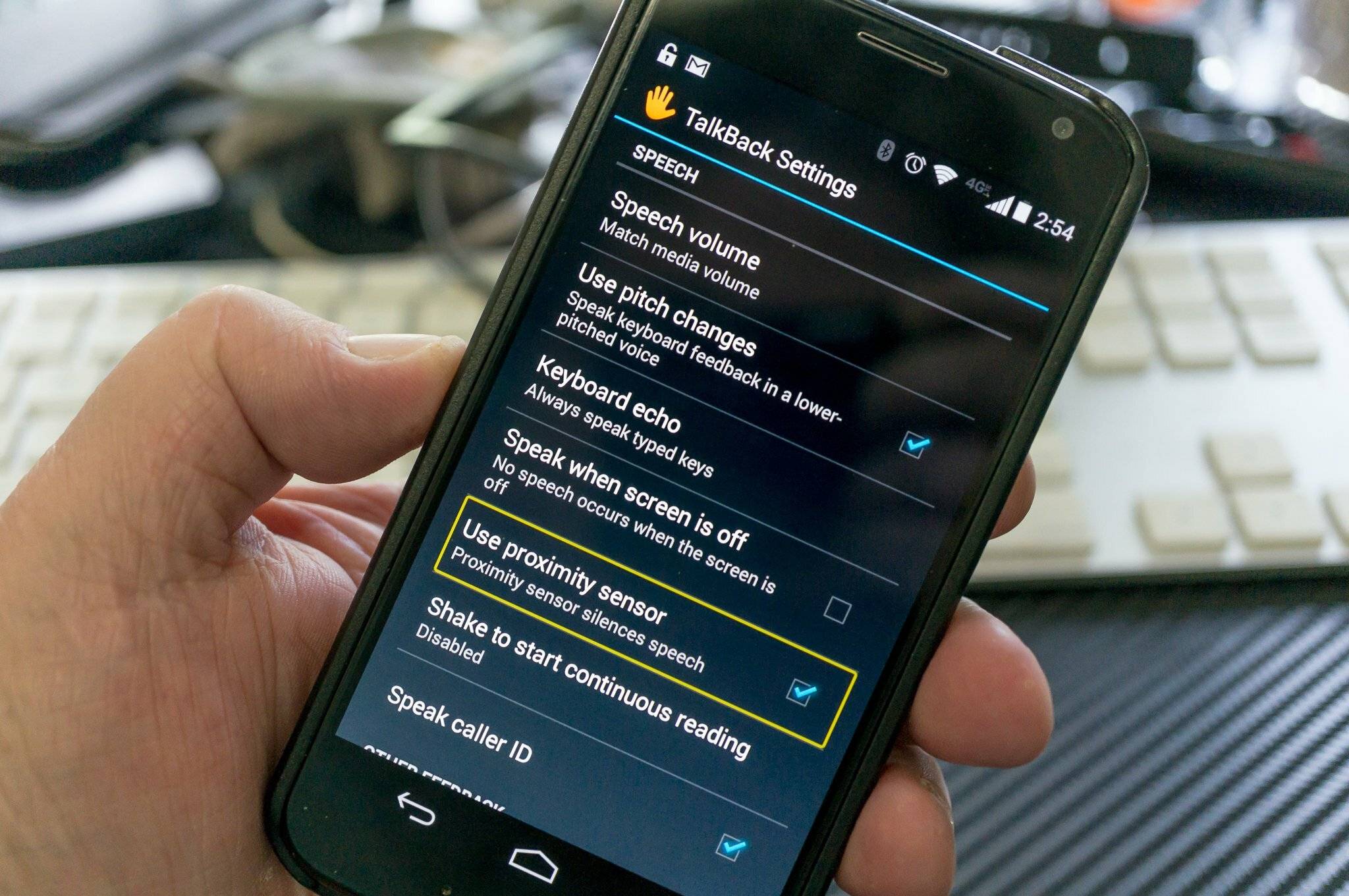
Articles that help you manage and troubleshoot the voice and accessibility features on your Android phone. This page is for anyone who has accidentally triggered a screen reader, wants to silence constant spoken feedback, or needs to handle unexpected on-screen elements that interfere with normal use. The solutions here are practical, step-by-step guides written for users who may not be familiar with advanced settings.
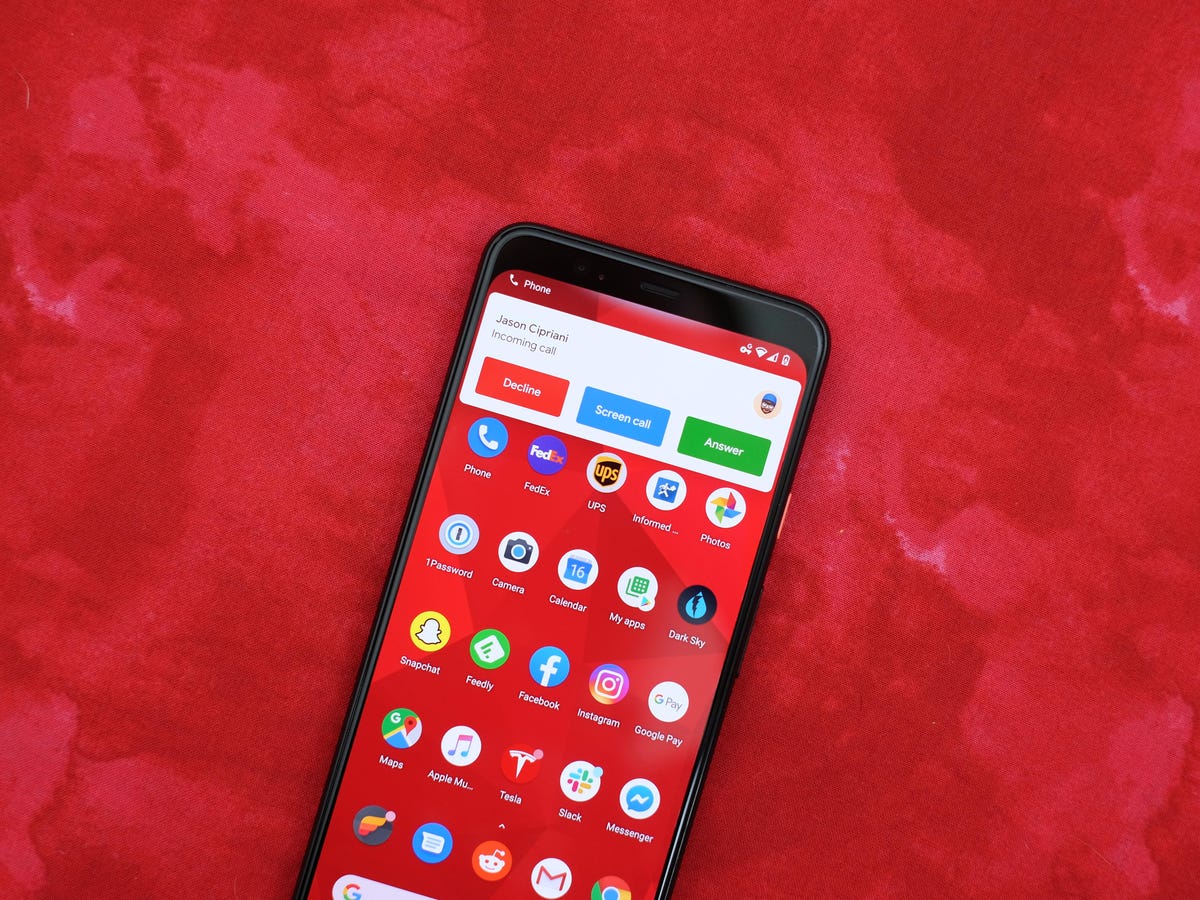
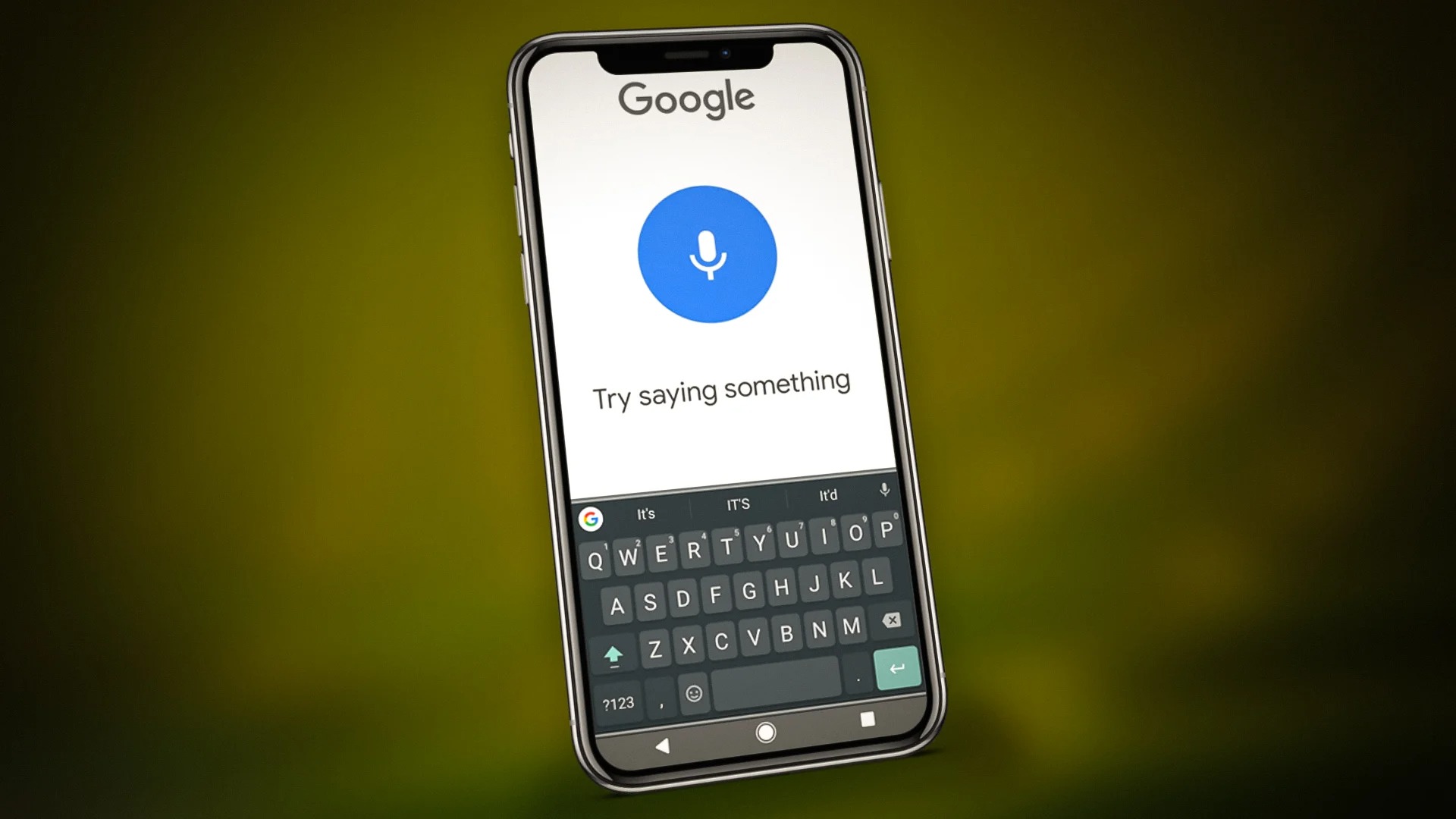
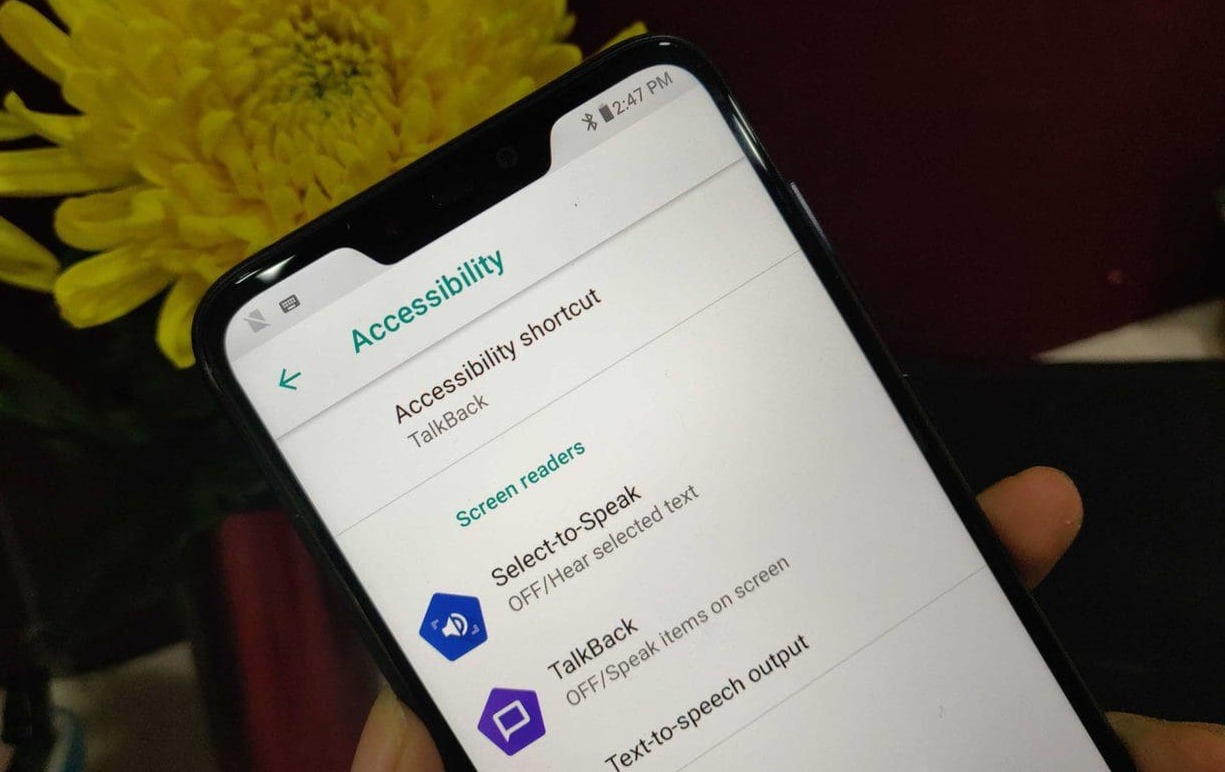
The articles solve two main kinds of problems. First, several guides focus on disabling voice features, such as turning off TalkBack, stopping an Android phone from talking, or silencing a Motorola phone’s voice output. These are for users who find the spoken feedback intrusive or who activated it by mistake. Second, other articles address specific interface issues, like how to remove a persistent green box on the screen or how to properly answer an incoming call when the usual gestures are not working. These problems often appear alongside accessibility modes, and the guides show you exactly which settings to change or which buttons to press.
For example, you can learn what the Three-Finger Salute gesture does and how to use it, or follow clear instructions to turn off Talkback on your phone entirely. Whether you need to silence a Motorola device or fix a visual glitch that appeared after an update, these articles help you take control of your phone’s behavior without guesswork.