This tag collects all of CellularNews’s guides dedicated to managing visual voicemail across different carriers and devices. It is written for anyone who needs practical, step-by-step help setting up, accessing, or clearing their voicemail inbox, whether you are new to a carrier like T-Mobile or Boost Mobile, or just trying to clean up old messages on an Android phone.
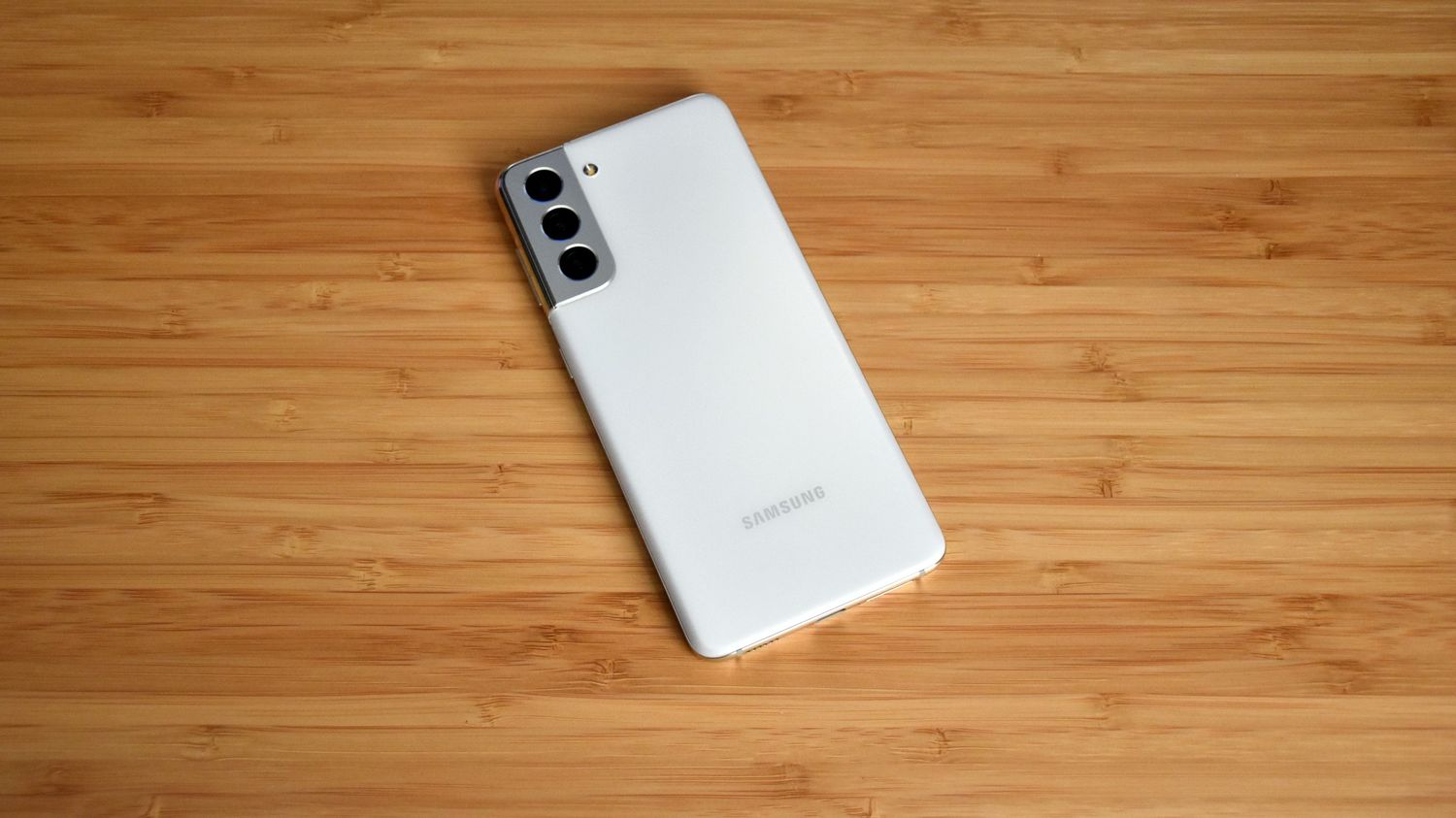
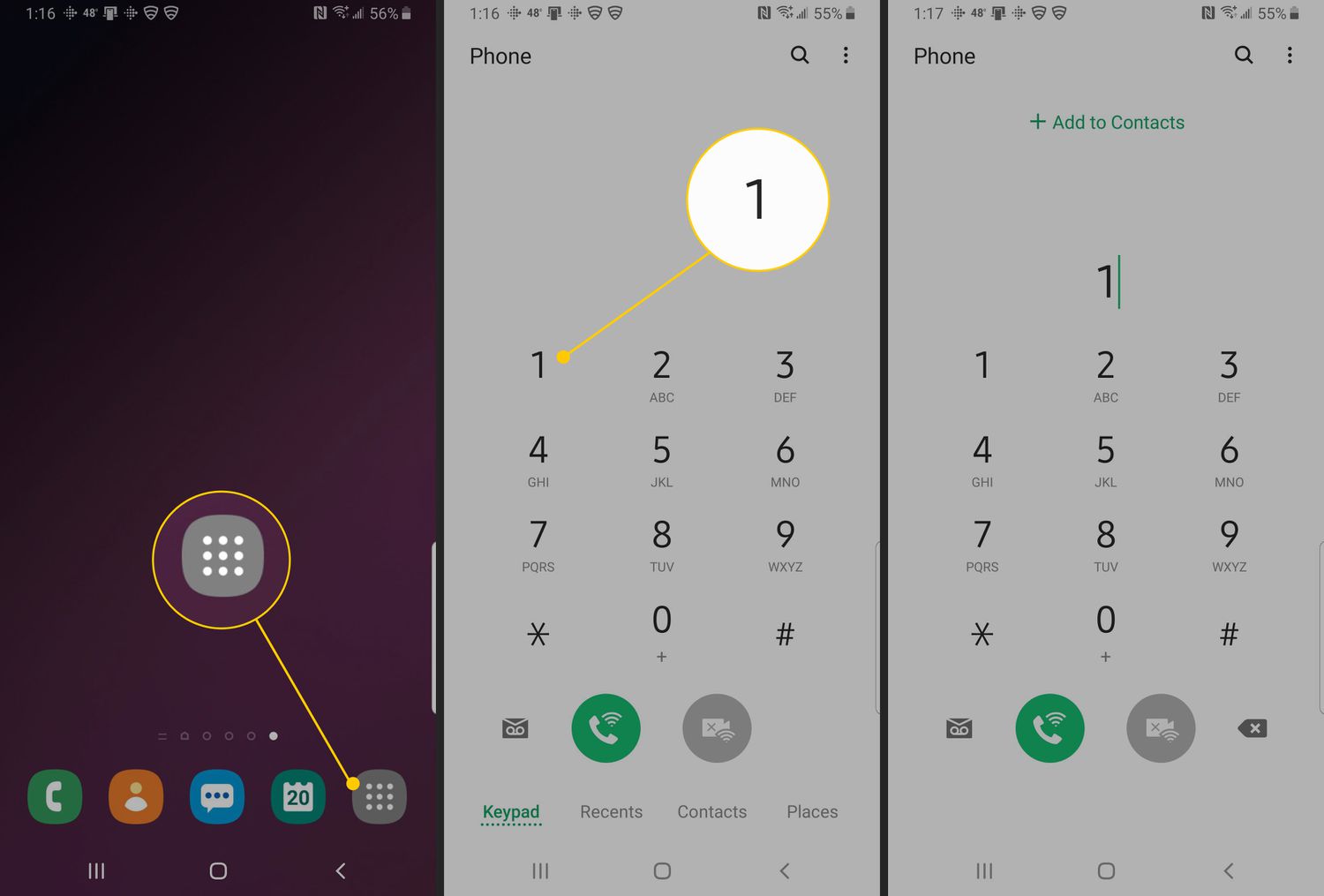
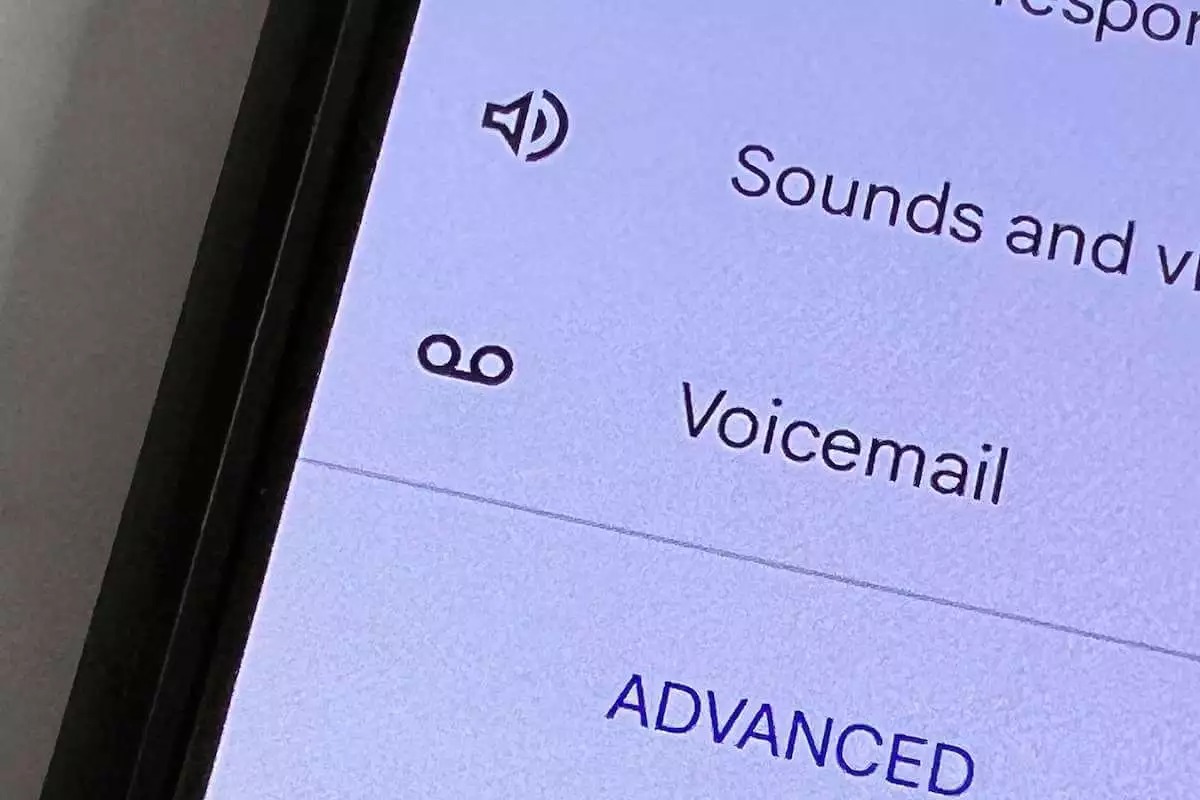
The articles here solve two main kinds of problems: getting voicemail working for the first time, and keeping it organized once it is running. For setup, you will find instructions like “How To Set Up Voicemail On Boost Mobile” and “How To Set Up Voicemail On Samsung Galaxy S21,” which walk you through activation and PIN creation. For day-to-day management, guides such as “How To Check Voicemail On T-Mobile” and “How To Access Voicemail On Android” show you where to find your messages, while “How To Empty Voicemail On Android Phone” helps you delete old recordings to free up storage.
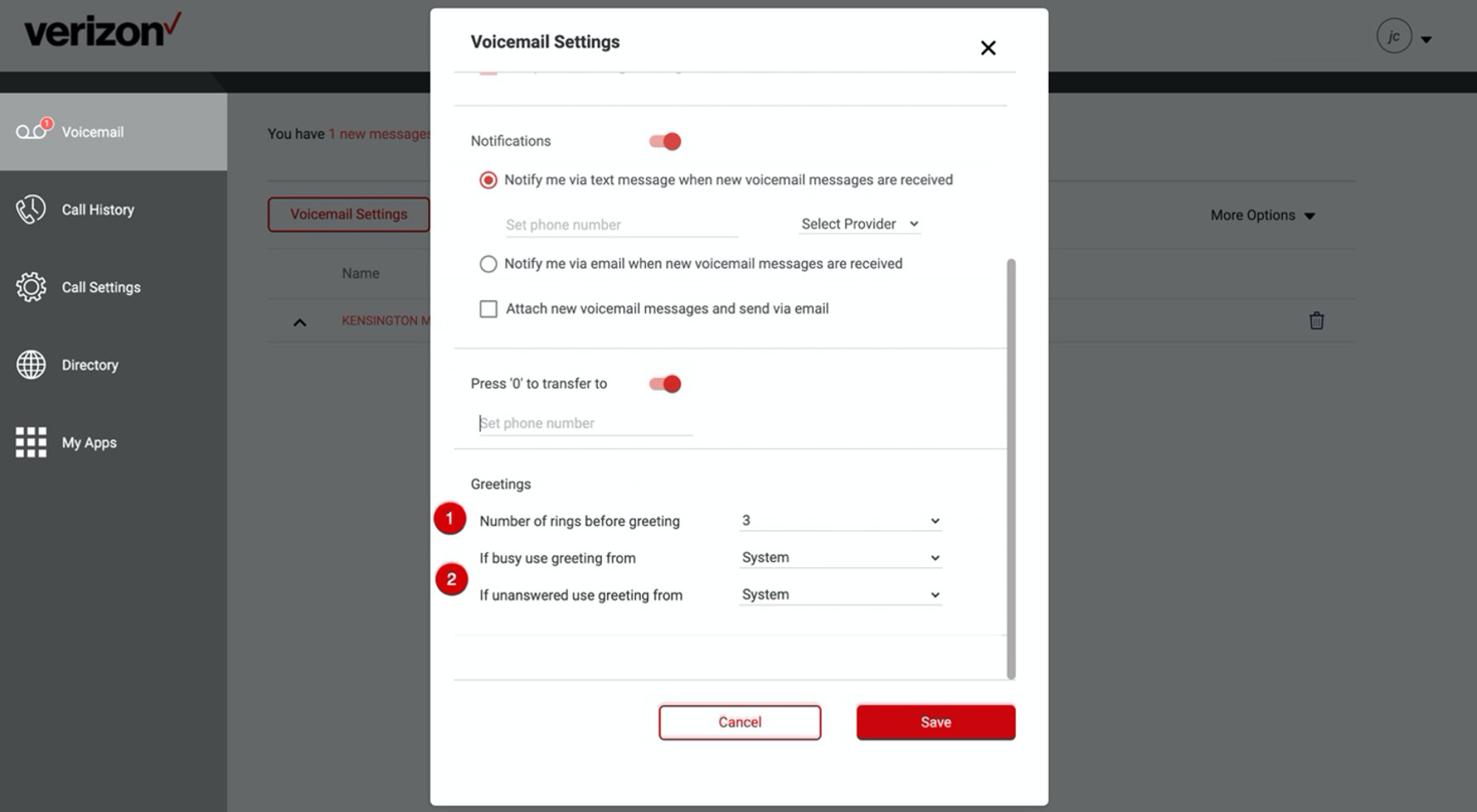
Specific topics covered include saving important messages with “How To Save Verizon Wireless Voicemails,” and navigating carrier-specific menus on T-Mobile. Each article focuses on a single, clear action, like checking, emptying, or setting up voicemail, so you can find the exact fix you need without extra steps.