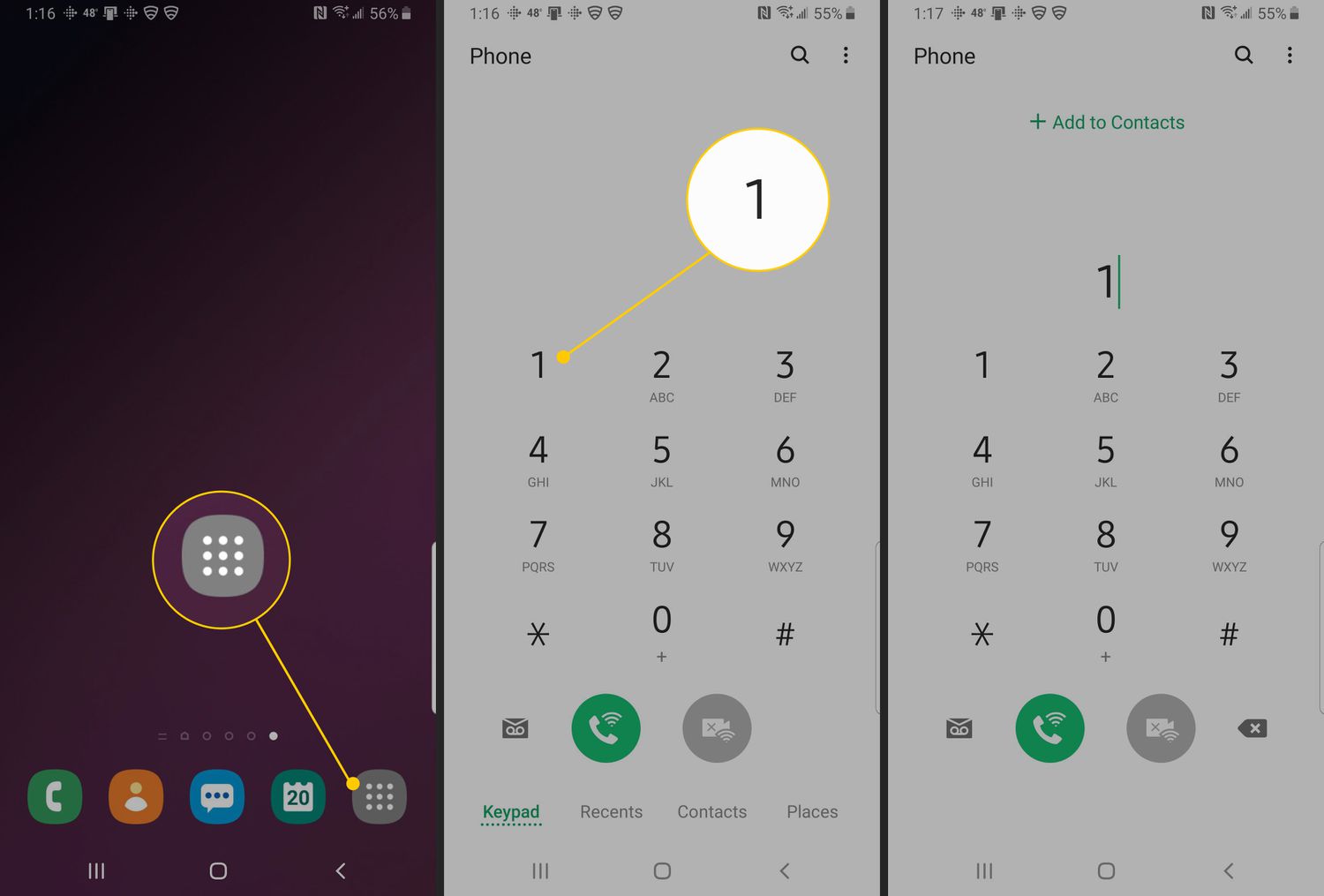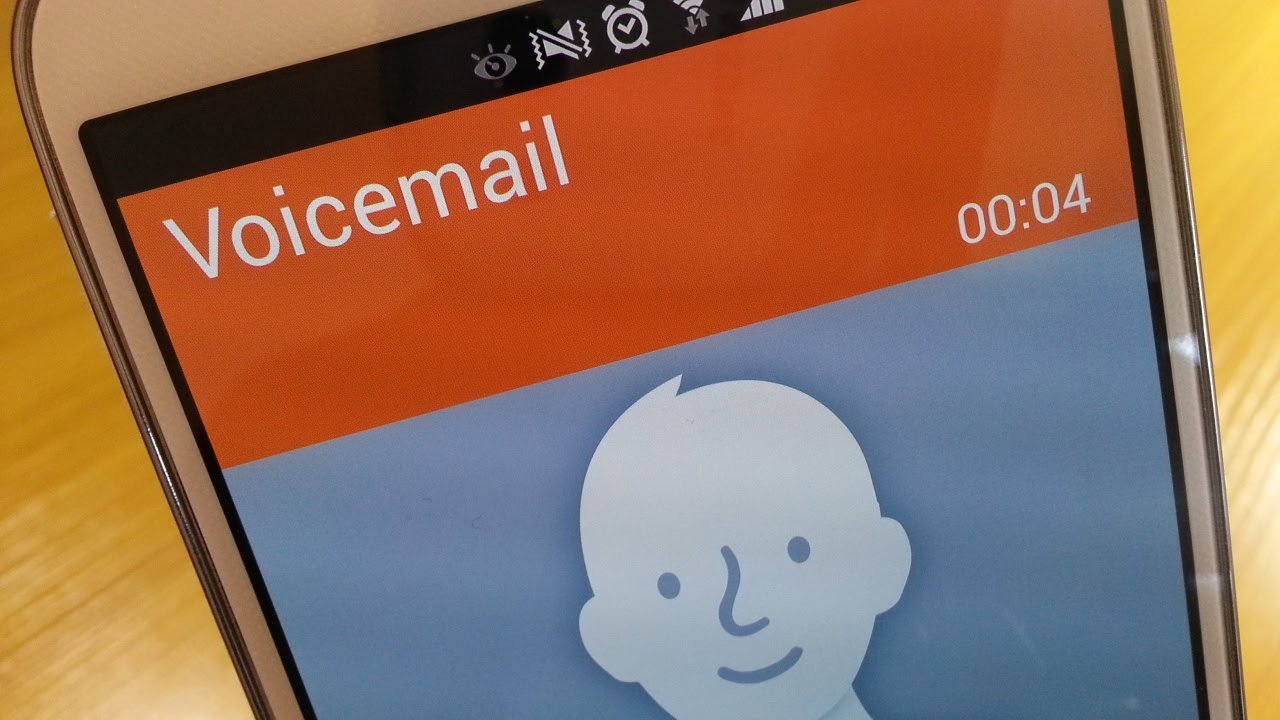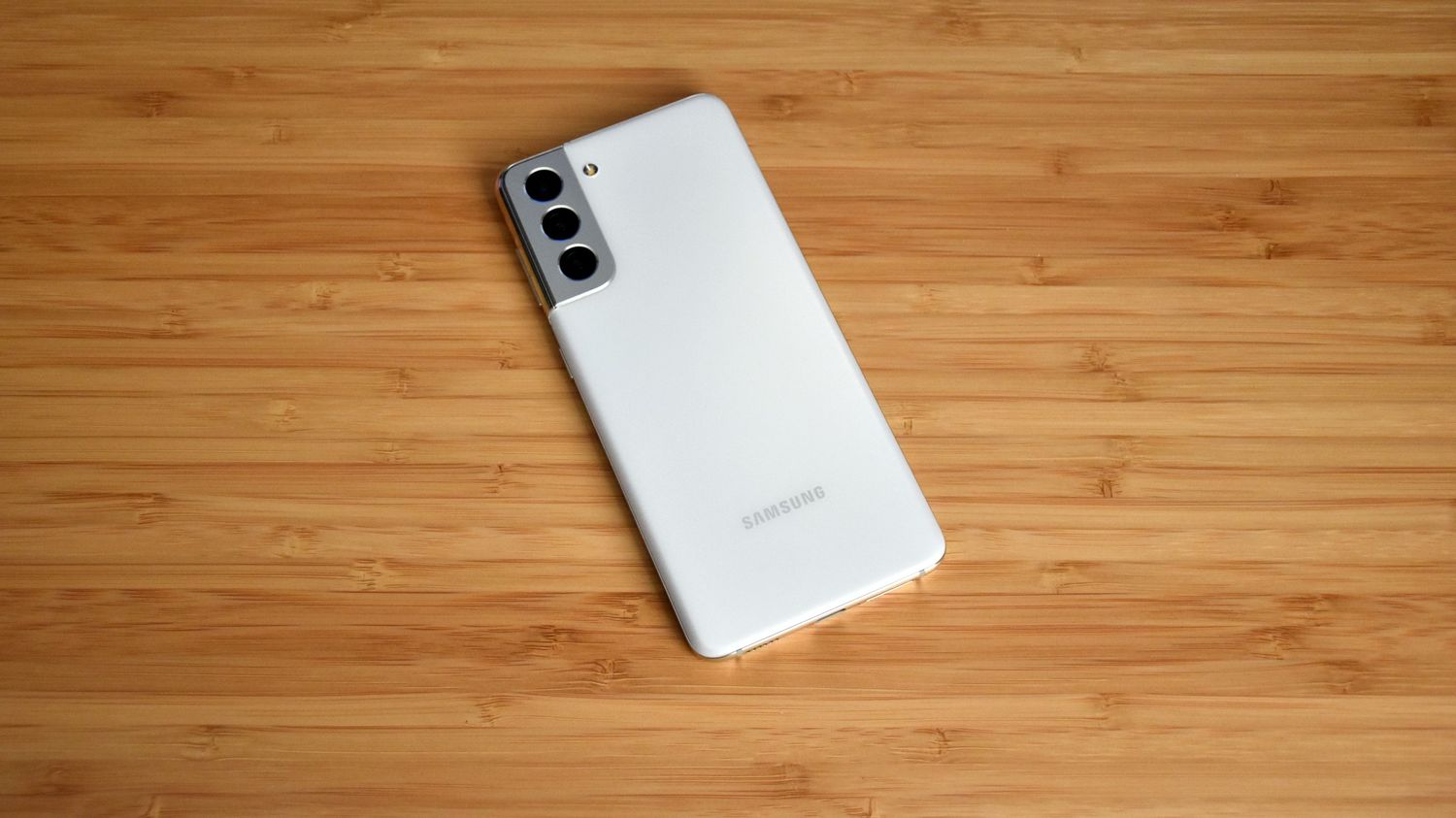
To set up voicemail on Samsung Galaxy S21, open the Phone app and either touch and hold the 1 key or tap the Voicemail icon. This launches the setup tutorial where you create a password, record a greeting, and record your name, making it the most direct method for setting up and managing voicemail.
How to set up voicemail on Samsung Galaxy S21
Samsung provides two official setup paths for voicemail on the Galaxy S21, both starting from the Phone app. The standard voicemail setup works by opening the Phone app and either touching and holding the 1 key or tapping the Voicemail icon, then following the on-screen tutorial to create a password, record a greeting, and record your name. For visual voicemail, open the Phone app and tap the Visual Voicemail icon, then tap Continue, allow the requested permissions, review the welcome message, and follow the prompts to finish setup.
Accessing your voicemail after setup
To listen to messages after setup, open the Phone app and touch and hold the 1 key, or tap the Voicemail icon. On carriers like AT&T, you may also access voicemail by selecting the Keypad tab and then tapping the Visual Voicemail icon, or holding the 1 key to enter the voicemail system. You can also access your voicemail by dialing your voicemail number directly from your Samsung Galaxy S21.
Changing your voicemail greeting
The greeting is recorded during the initial setup tutorial. To change it, you must re-enter the voicemail system by holding the 1 key or tapping Voicemail, then follow the audio prompts to record a new greeting.
Managing Direct voicemail settings
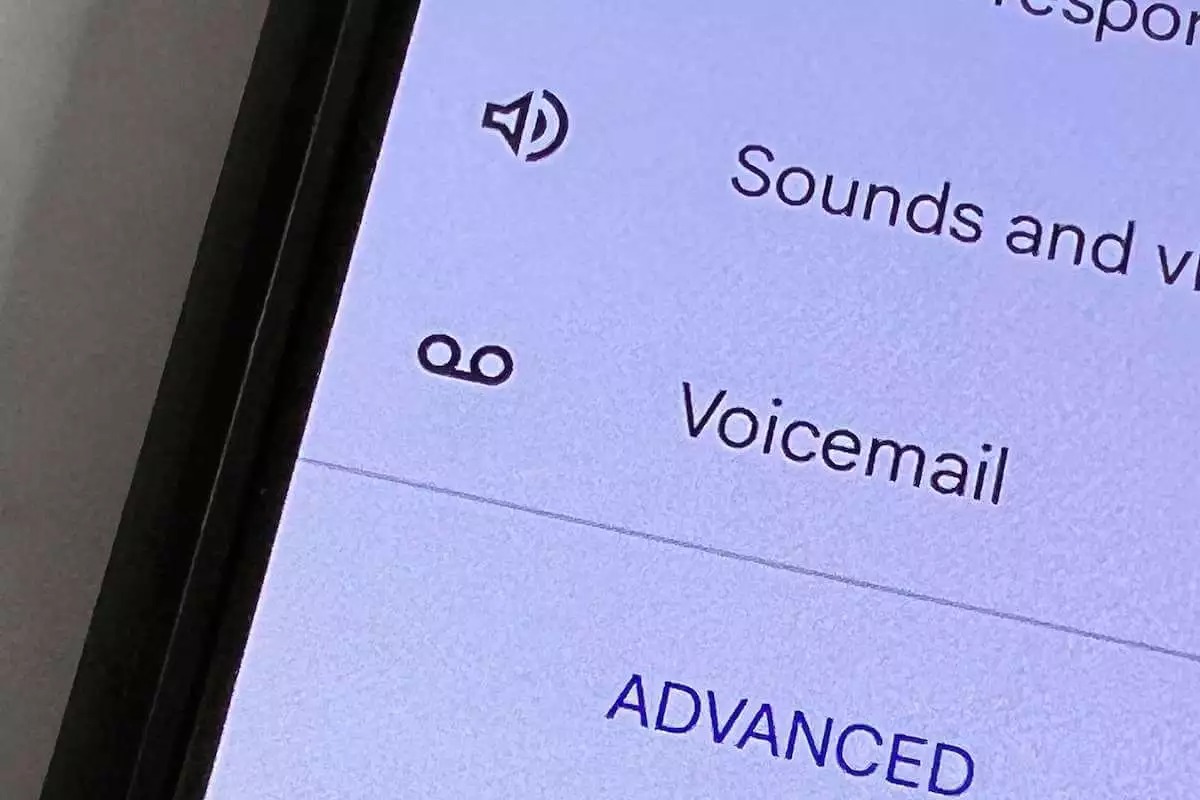
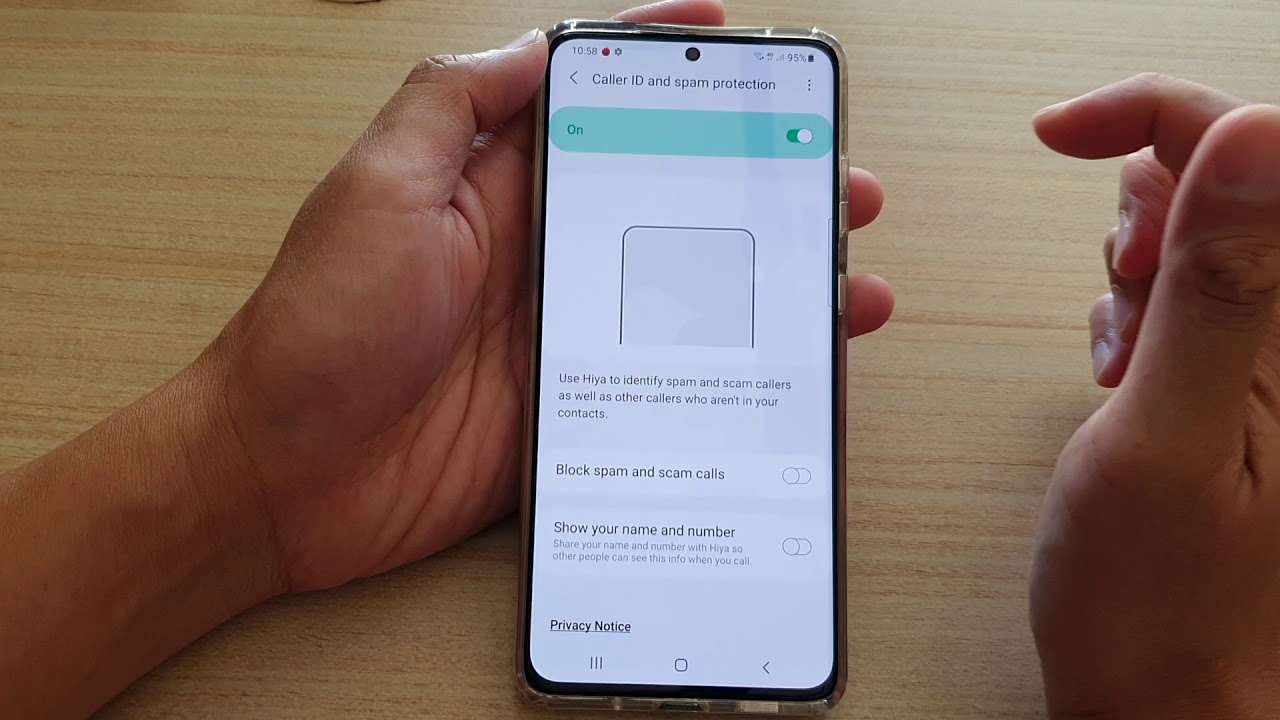
Direct voicemail is a call-handling feature, not the basic voicemail mailbox setup. To enable it, go to Phone > More options > Settings > Direct voicemail, tap the switch to turn it on, then tap Agree to the terms and conditions. Within Direct voicemail settings, you can also turn on Auto send to voicemail and set the time before a call is sent to voicemail after ringing. When enabled, you can swipe up during an incoming call, choose Direct voicemail, and the caller hears your greeting and can leave a message. In the voicemail settings, you can customize notification sounds, enable or disable voicemail notifications, and set up visual voicemail for a more streamlined message management experience. You can manage your voicemail password in the settings to ensure that your messages remain private and accessible only to you. The Galaxy S21 offers the option to transcribe voicemail messages into text, making it easier to read and comprehend messages without having to listen to the audio. You can manage this feature in the voicemail settings to enable or disable voicemail transcription.
Carrier-specific voicemail setup
AT&T Galaxy S21 5G users can set up voicemail by opening the Phone app, selecting the Keypad tab, then tapping the Visual Voicemail icon, or by pressing and holding the 1 key to use the voicemail system. Other carriers may have similar variations, so check your carrier’s support page for the exact flow.
Frequently Asked Questions
Does Samsung have a separate voicemail app?
No. Samsung uses the built-in Phone app for voicemail and, if available, the Visual Voicemail feature within that same app.
Is the setup path the same on all Galaxy devices?
Yes, per Samsung support. The documented basic flow applies to Galaxy devices generally, with no S21-only difference called out in the support article.
What should I do if voicemail setup fails?
First, ensure you are using the Phone app and following the touch-and-hold 1 or Voicemail icon method. If the tutorial does not appear, contact your carrier, as voicemail setup may require carrier activation or a specific visual voicemail flow.
Can I disable voicemail on my Samsung Galaxy S21?
You can disable voicemail on your Samsung Galaxy S21 if you prefer not to use this feature.
Can I access my voicemail from another phone?
You can access your Samsung Galaxy S21 voicemail from a different phone or landline.
Related reading: How To Access Voicemail On Android and How To Empty Voicemail On Android Phone.