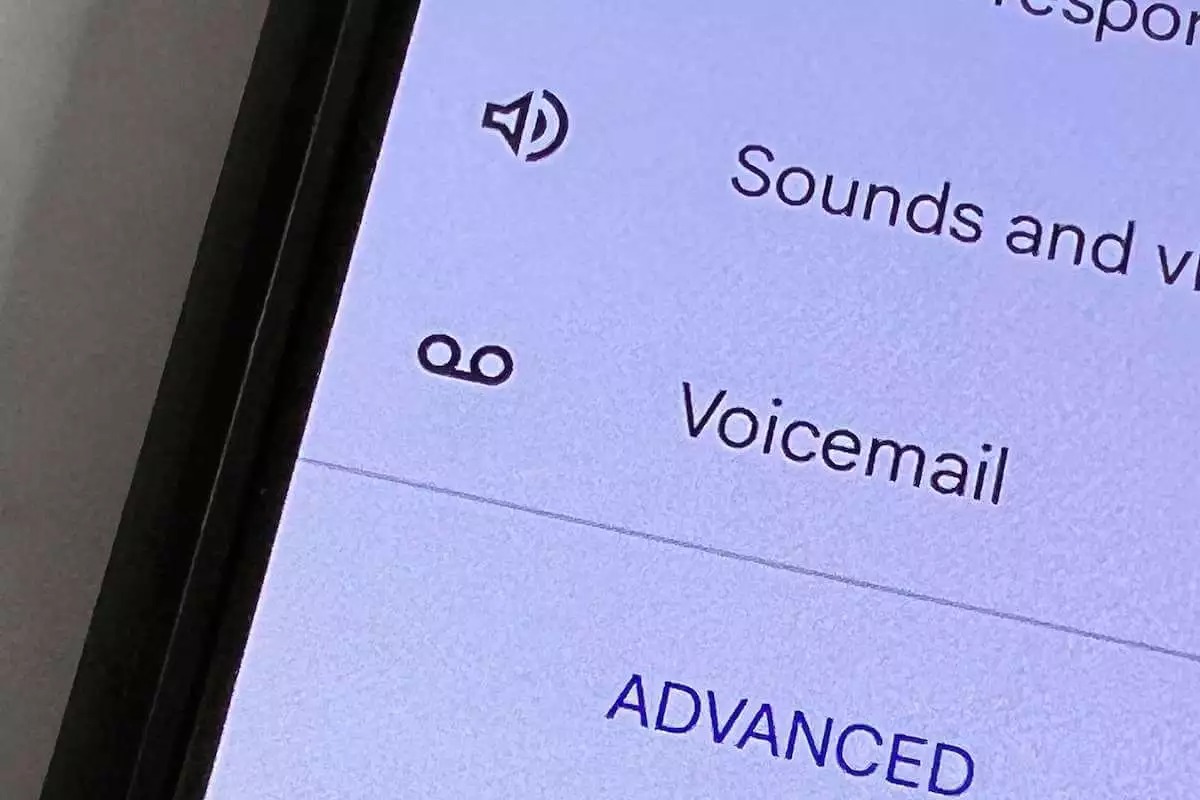
To empty voicemail on Android, you need to delete messages using either the Visual Voicemail app in your Phone app or by calling your carrier's voicemail service. A full voicemail box blocks new messages, so regularly clearing it out is essential to avoid missing important calls.
Why you need to empty voicemail on Android
When your voicemail inbox reaches its capacity, callers will hear a "mailbox full" message and cannot leave new messages. This means you could miss urgent communications from work, family, or clients. Managing your voicemail by deleting old or unnecessary messages frees up space and ensures your mailbox can accept new recordings.
How to empty voicemail using the Visual Voicemail app
Most modern Android phones include a Visual Voicemail feature built into the Phone app. This is the fastest and most intuitive method for deleting voicemails.
Delete a single voicemail
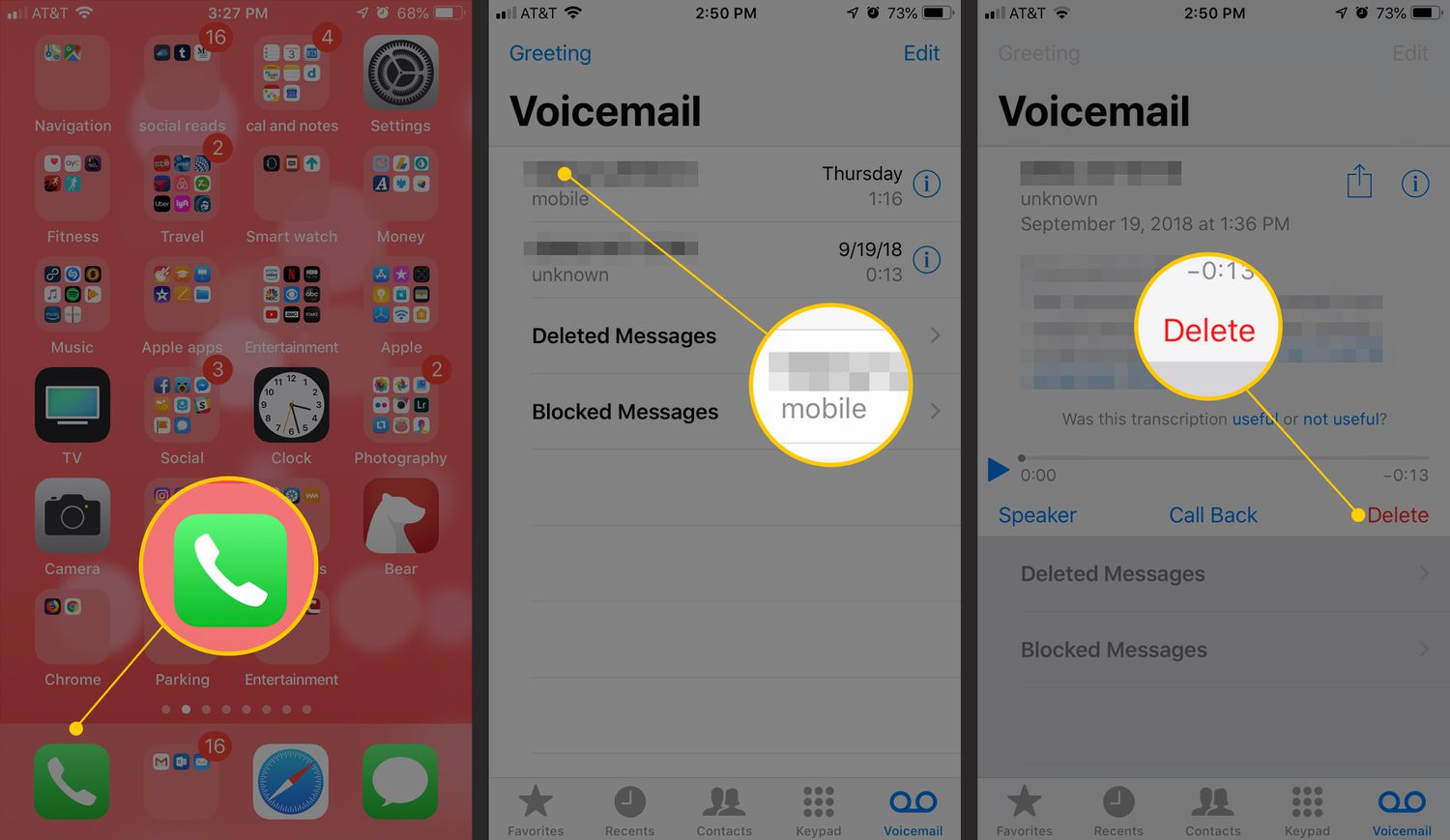
- Open the Phone app and tap the Voicemail tab at the bottom of the screen.
- Select the voicemail message you want to remove.
- Tap the trash can or delete icon. A confirmation prompt may appear; confirm the deletion.
Delete multiple voicemails
- In the Voicemail tab, long-press one message to enable multi-selection mode.
- Tap additional messages to select them.
- Tap the Delete or trash icon to remove all selected messages at once.
Delete all voicemails at once
- In the Voicemail tab, tap the three-dot menu (⋮) in the top corner.
- Select "Edit" or "Select All" to highlight every message.
- Tap the trash icon to delete the entire inbox.
On Samsung Galaxy devices, open the Samsung Phone app, tap the Voicemail icon (or select Voicemail from the three-dot menu), then long-press the desired messages and tap Delete.
How to delete voicemails by calling your carrier
If your phone does not support Visual Voicemail or you prefer the traditional method, you can delete messages by dialing into your carrier's voicemail system.
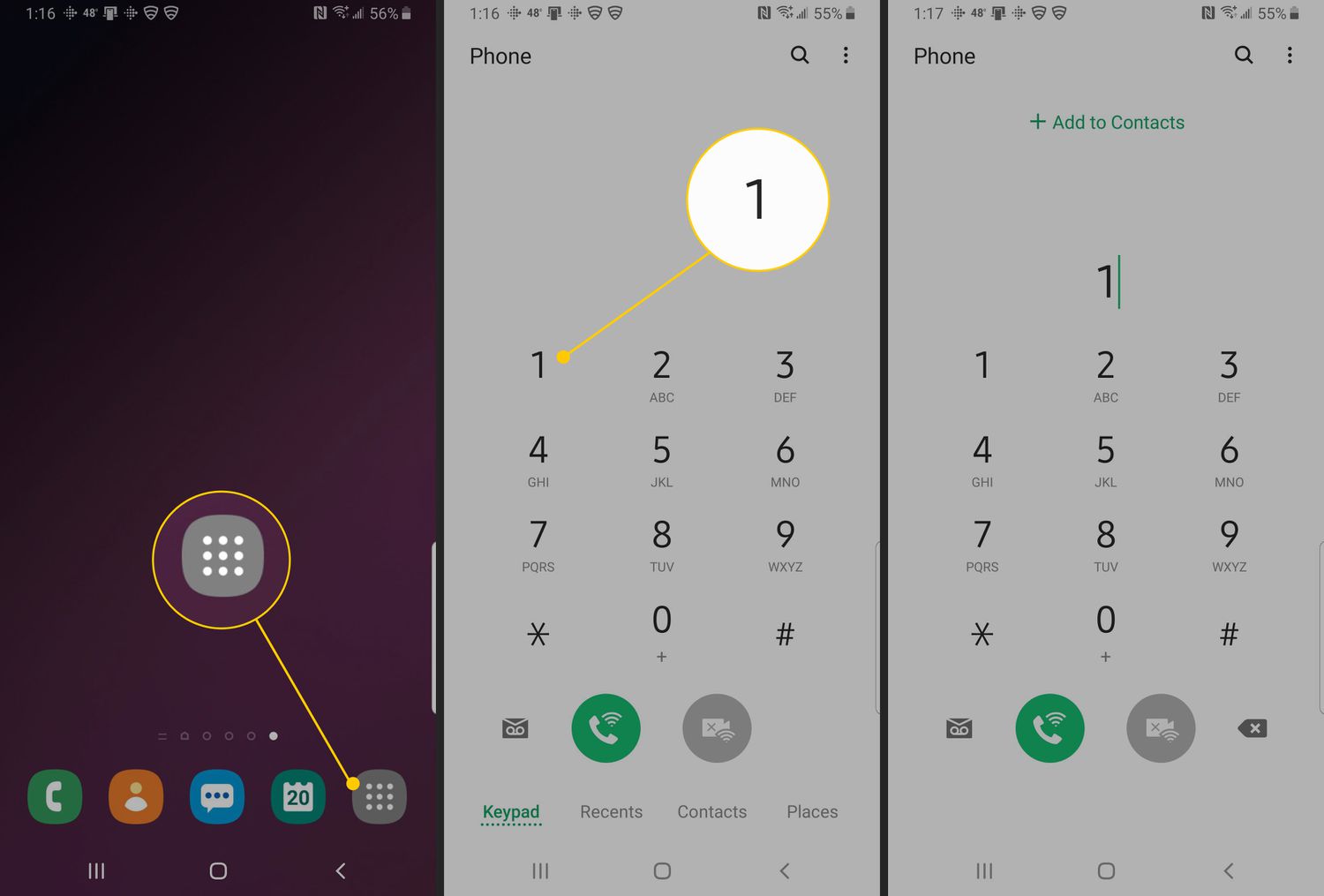
- Open the Phone app and press and hold the number 1 on the dial pad.
- Enter your voicemail PIN or password when prompted.
- Listen to the automated menu and press the key designated for deleting messages, commonly "7" for major carriers like AT&T, T-Mobile, and Verizon.
- Follow the voice prompts to delete individual messages or all messages after listening to them.
Empty the trash to permanently delete voicemails
Deleted voicemails are not always gone immediately. Depending on your Visual Voicemail app's settings, messages may be moved to a Trash folder instead of being permanently erased. Services like Verizon and Google Voice have trash folders, while other services may delete messages permanently. To reclaim storage space and ensure privacy, you must empty the trash.
On Google Pixel phones running Android 16 or newer, an additional step of tapping 'Clear Trash' in the settings menu may be necessary after deleting a voicemail to remove the audio file from the local cache for privacy.
Adjusting your voicemail settings
Customizing your voicemail settings helps you stay on top of messages and avoid inbox clutter. Open the Phone app, tap the three-dot menu, select Settings, and then choose Voicemail or Voicemail settings. Here you can:
- Greeting: Tap Greeting to record a custom message or revert to the default greeting.
- Automatic forwarding: Enable forwarding to send voicemails to another phone number or email address automatically.
- Notification settings: Adjust the sound, vibration pattern, or LED color for voicemail alerts so you never miss a new message.
Some Visual Voicemail apps allow you to configure the frequency at which the trash folder is emptied. These adjustments are part of setting up and managing voicemail on phones, making the entire process more efficient.
Frequently Asked Questions
Does deleting a voicemail on my phone remove it from the carrier's server?
Yes, when you delete a voicemail using the Visual Voicemail app or the carrier dial-in method, it is removed from the carrier's server. The deletion is permanent unless your app moves it to a Trash folder first.
Can I recover accidentally deleted voicemails?
If your Visual Voicemail app has a Trash folder and you have not emptied it, you can restore messages by moving them back to the inbox. Once the Trash is cleared, recovery is typically impossible. Some carriers may retain deleted messages for a short period, but this is not guaranteed.
Why do I still see "mailbox full" after deleting voicemails?
This usually happens because you deleted messages only from the Visual Voicemail app but did not empty the Trash folder. Check for a Trash or Deleted Messages folder and clear it to free up space on the server.
Can I set my phone to automatically delete old voicemails?
Some Android phones and Visual Voicemail apps allow you to configure automatic deletion after a set number of days.
Is there a limit to how many voicemails I can store?
Yes, carriers impose a limit on the number of voicemail messages or total recording time your mailbox can hold. Deleting old messages ensures you stay under this cap.
Related reading: How To Access Voicemail On Android.