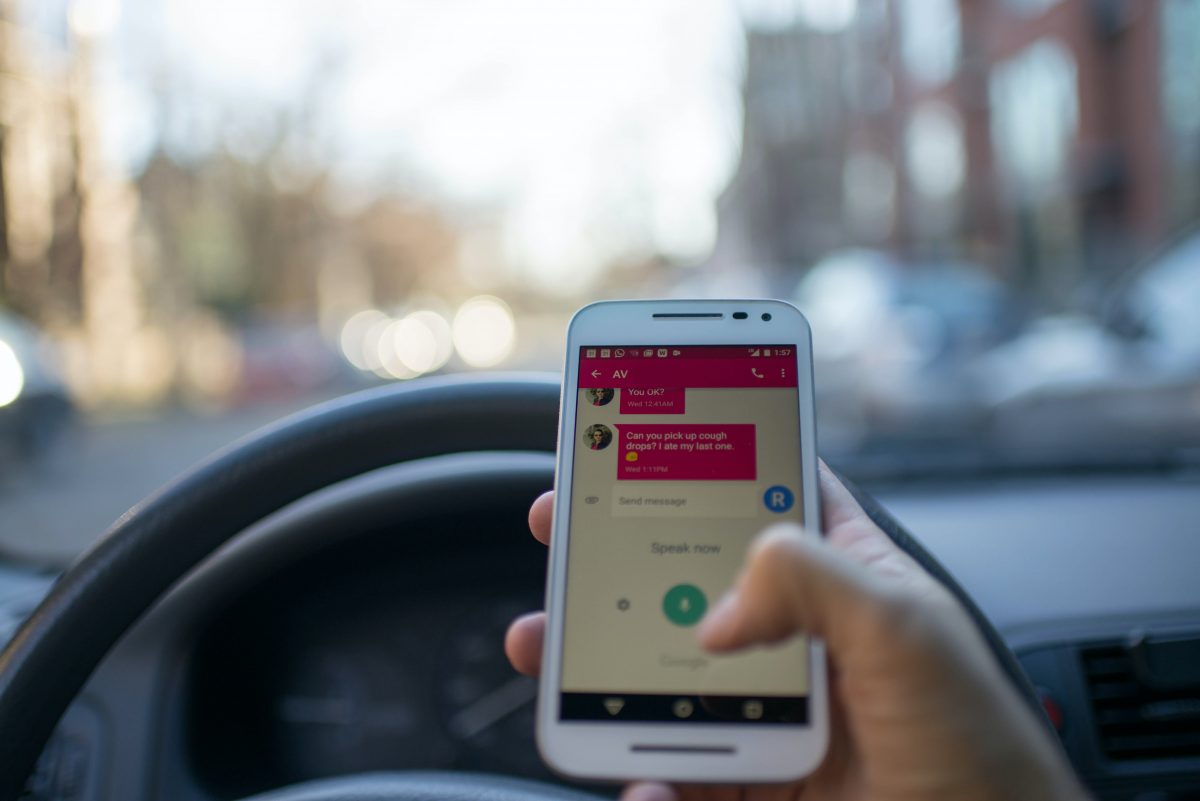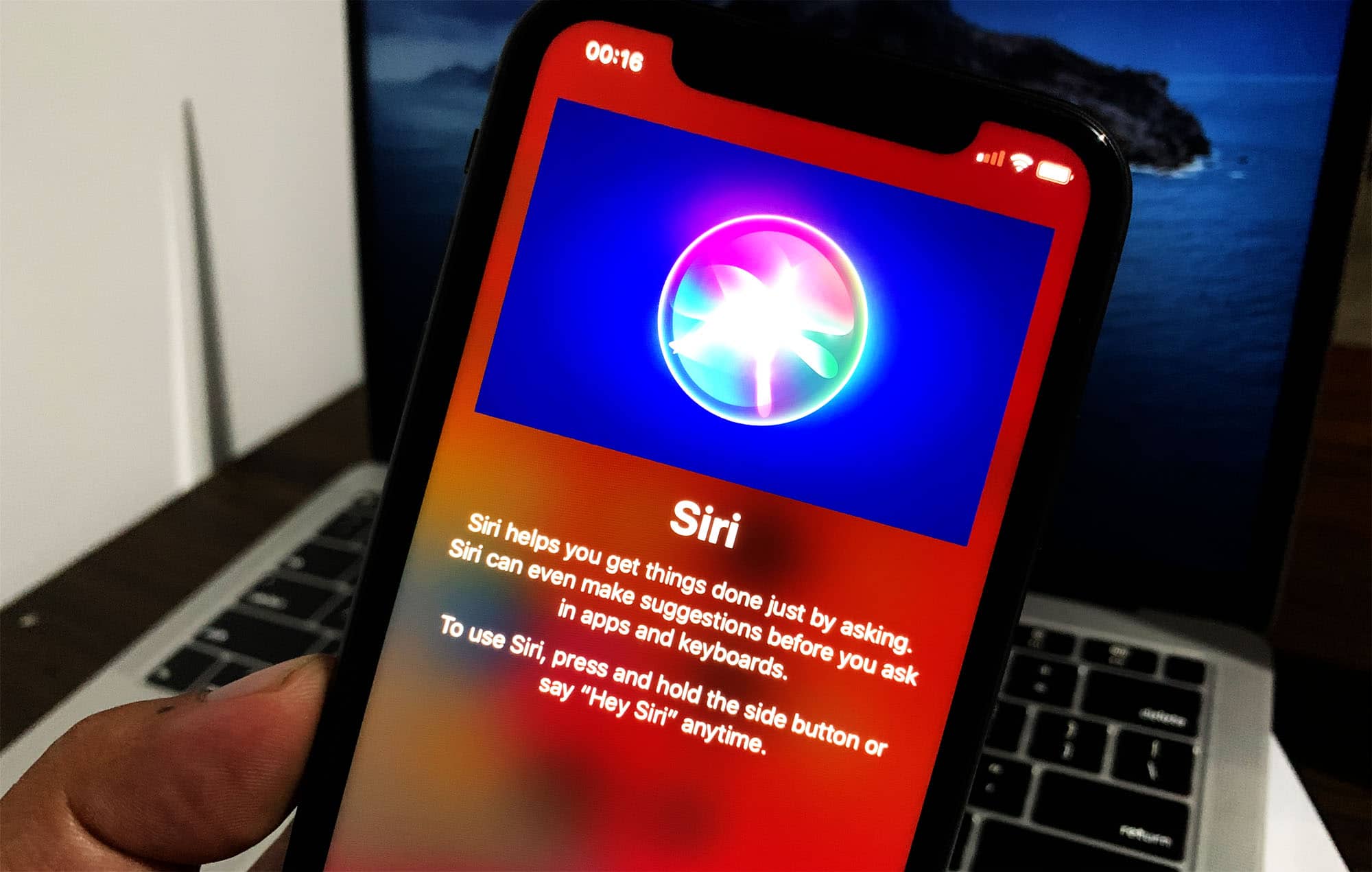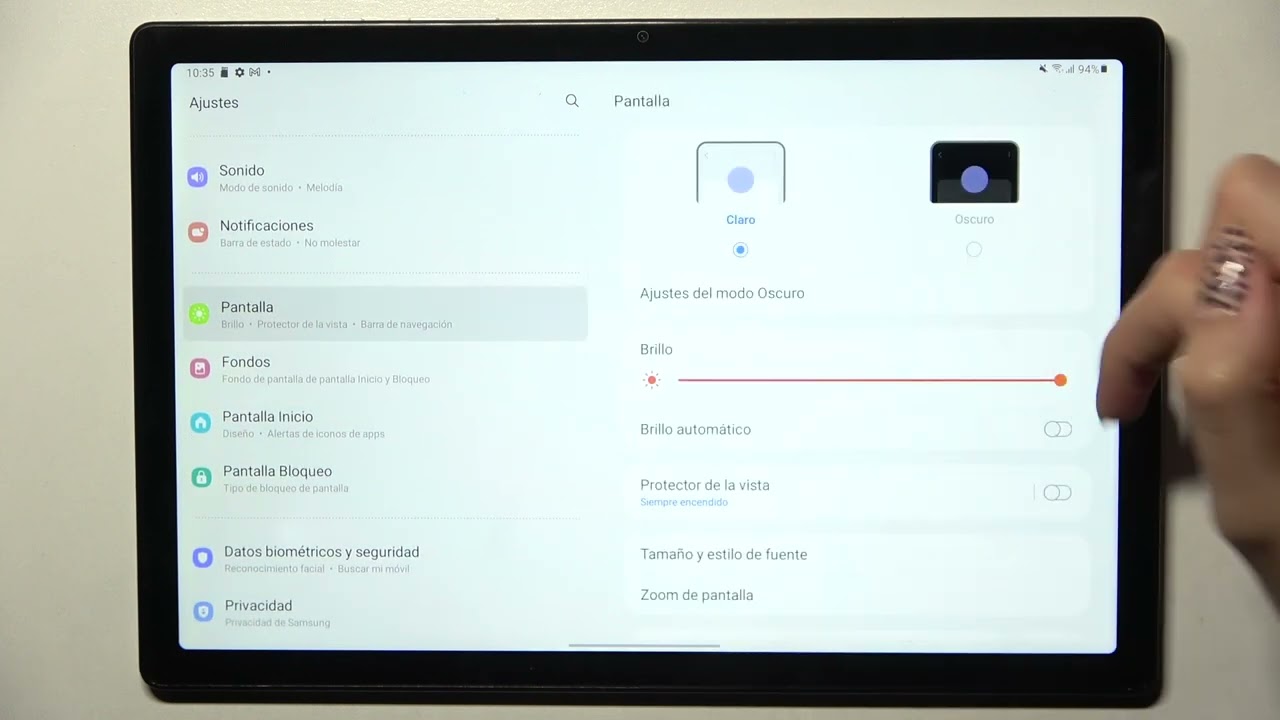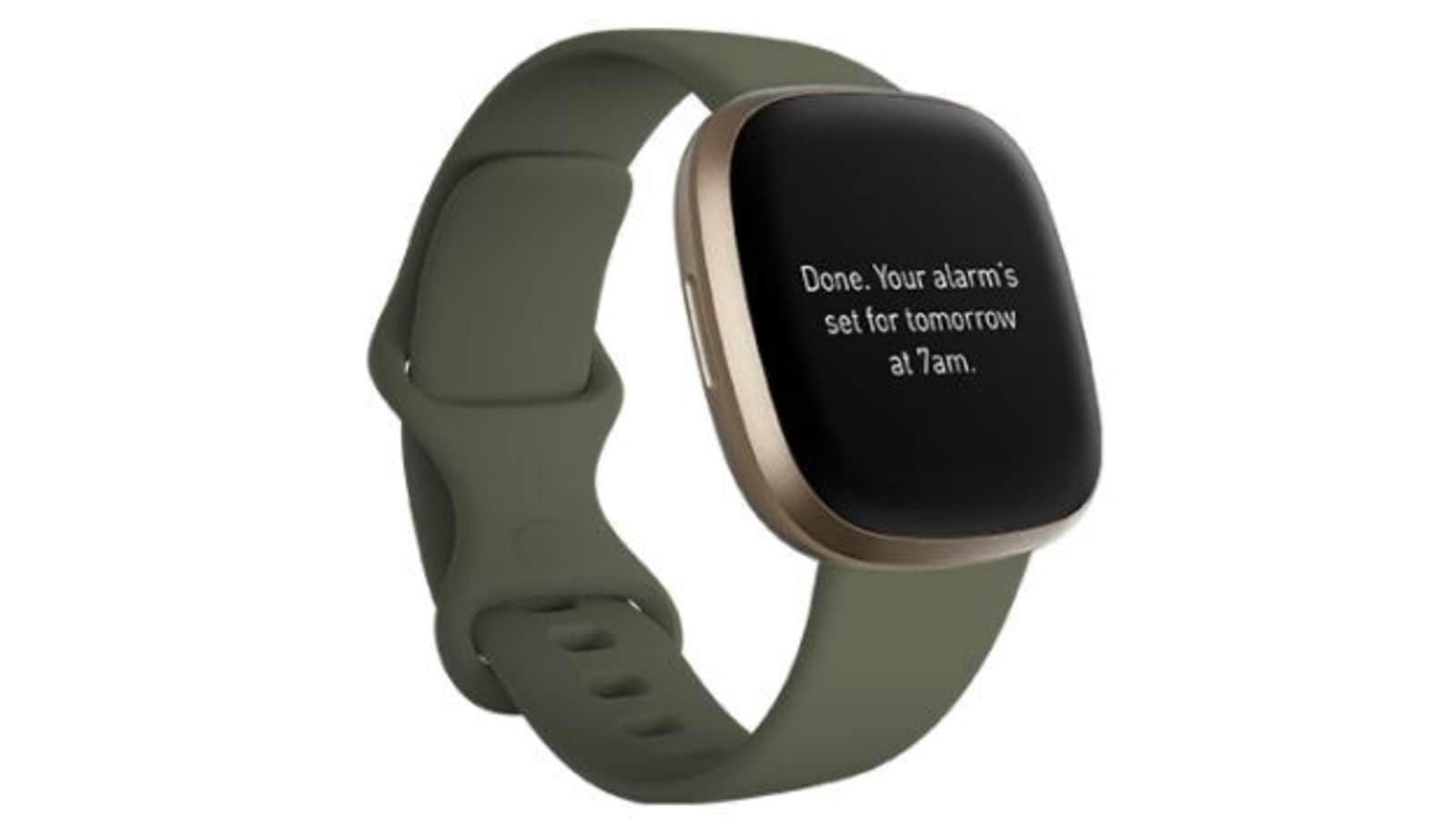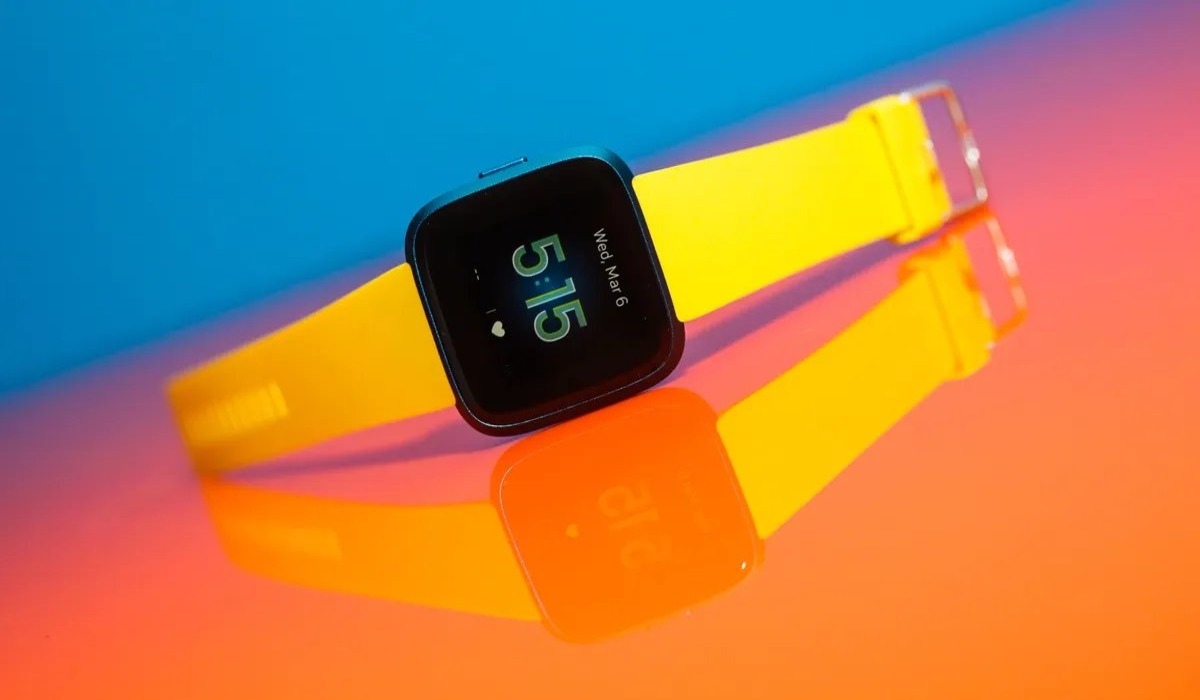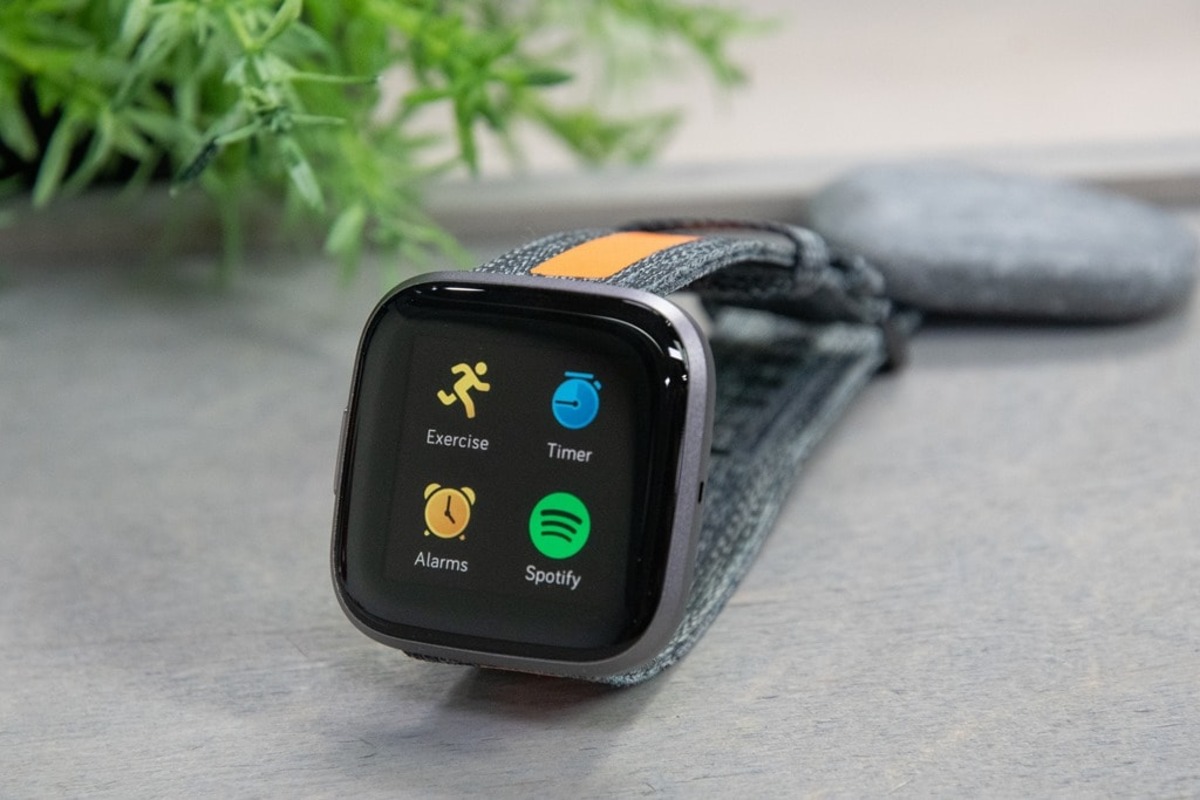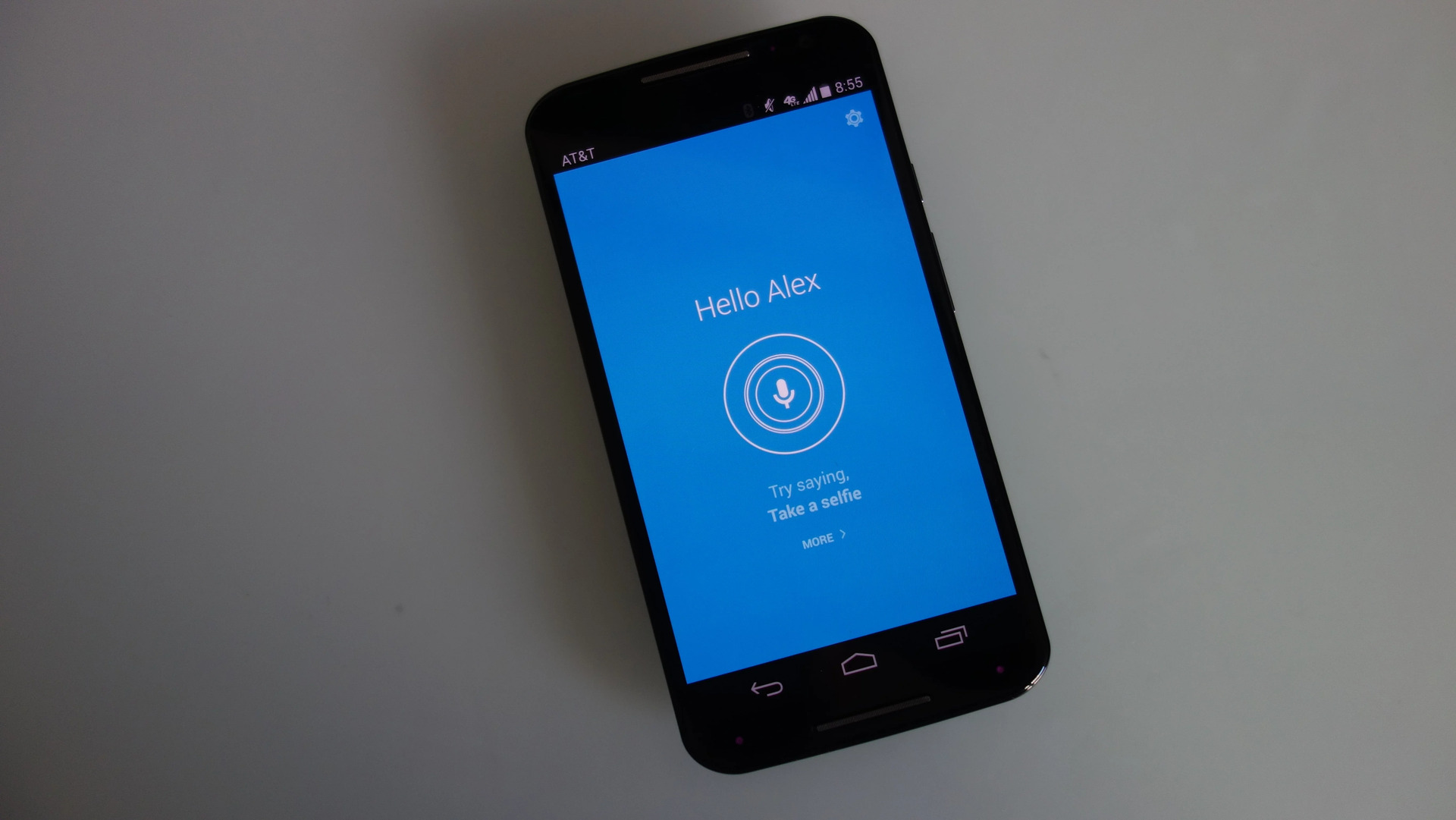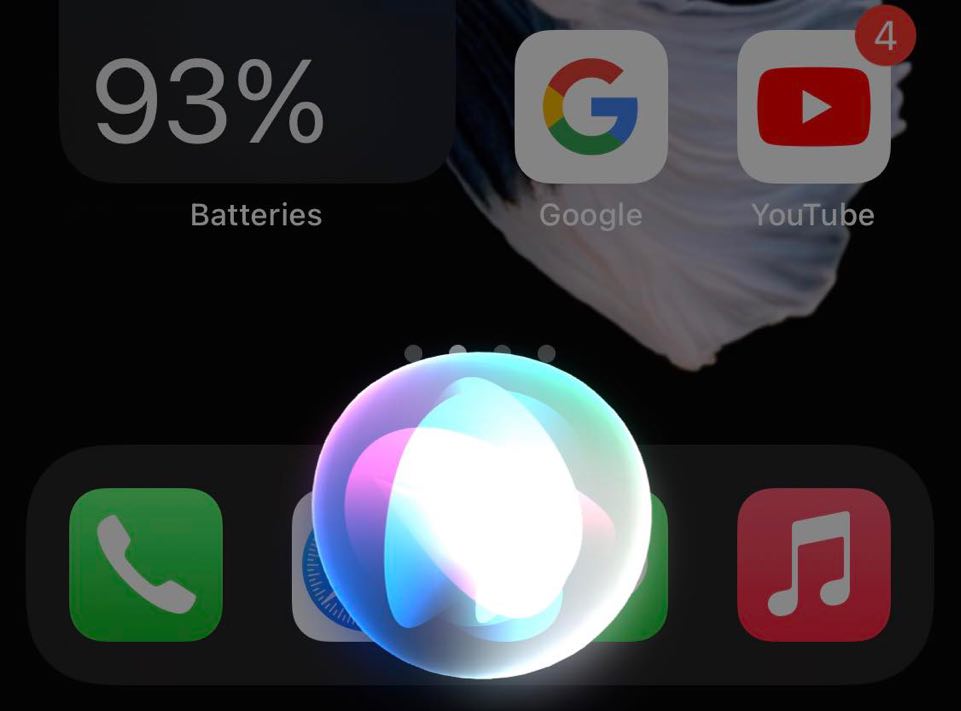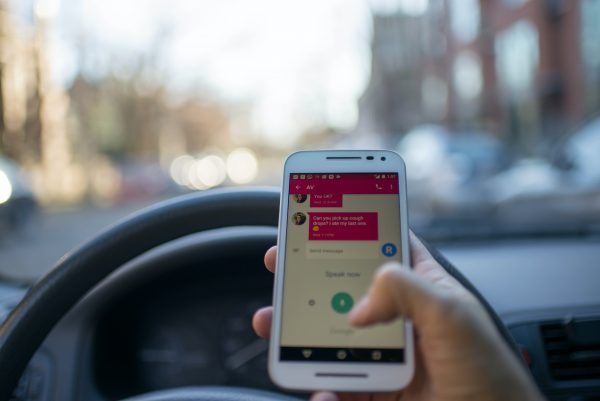
Welcome to the Voice Assistant tag page on CellularNews. This collection is for anyone who uses a smartphone, smartwatch, or tablet and wants to manage the built-in voice control features on their devices. Whether you own an iPhone, a Samsung Galaxy, a Motorola, or a Fitbit wearable, the articles here focus on the practical side of getting these digital helpers to work the way you want them to.
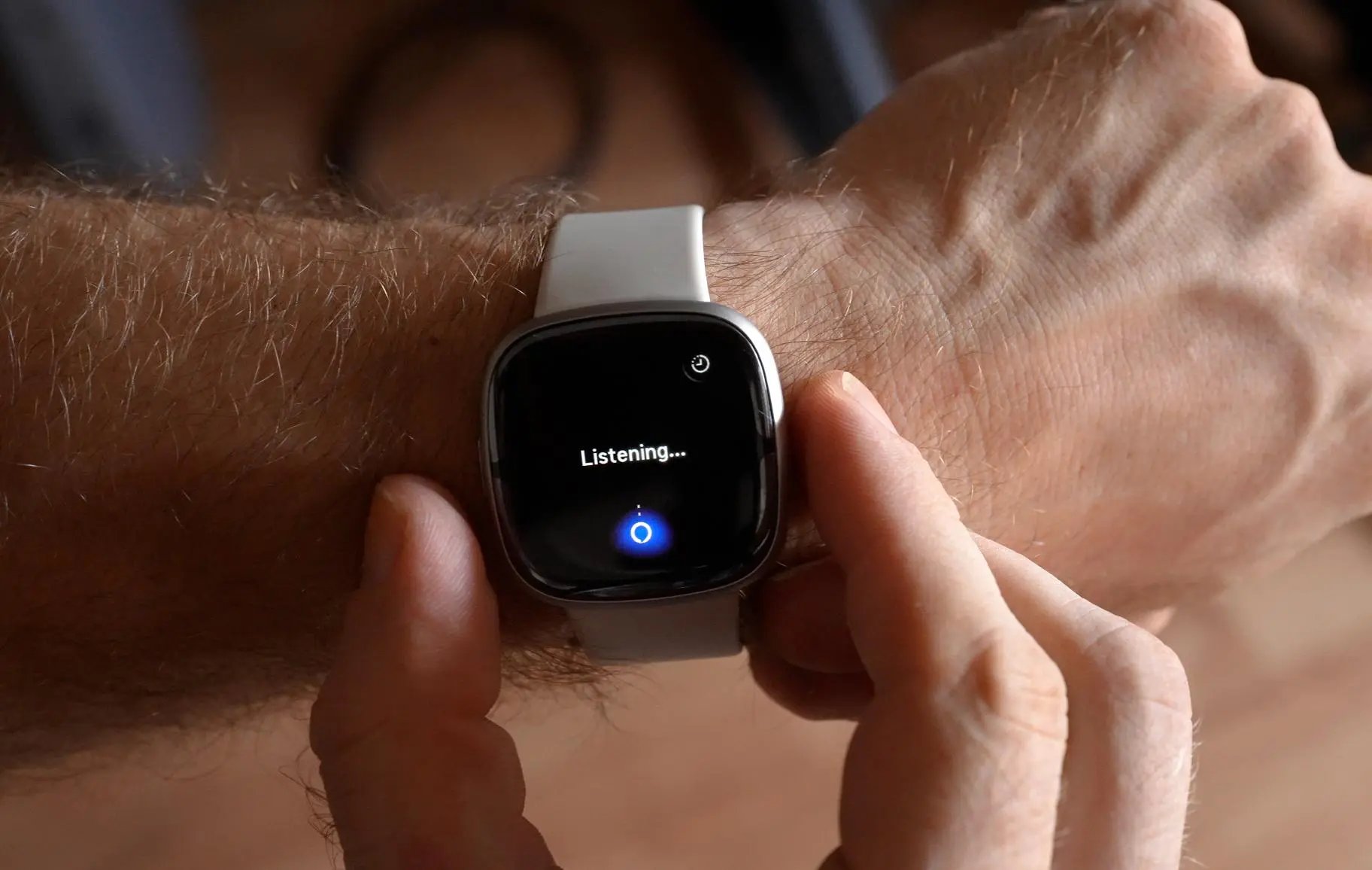
The articles you will find address two main kinds of problems. First, there are guides for enabling or disabling specific voice assistants, such as how to turn off voice on a Motorola phone or disable Voice Talk on a Samsung Galaxy A tablet. Second, the collection covers setup and troubleshooting for cross-platform assistants, including detailed steps on how to set up Alexa on a Fitbit Versa 3 or how to access Siri on an iPhone 11. You will also find fixes for when things go wrong, like the guide for when “Hey Siri” stops working, and articles that explain how to adjust the microphone settings that control these features.
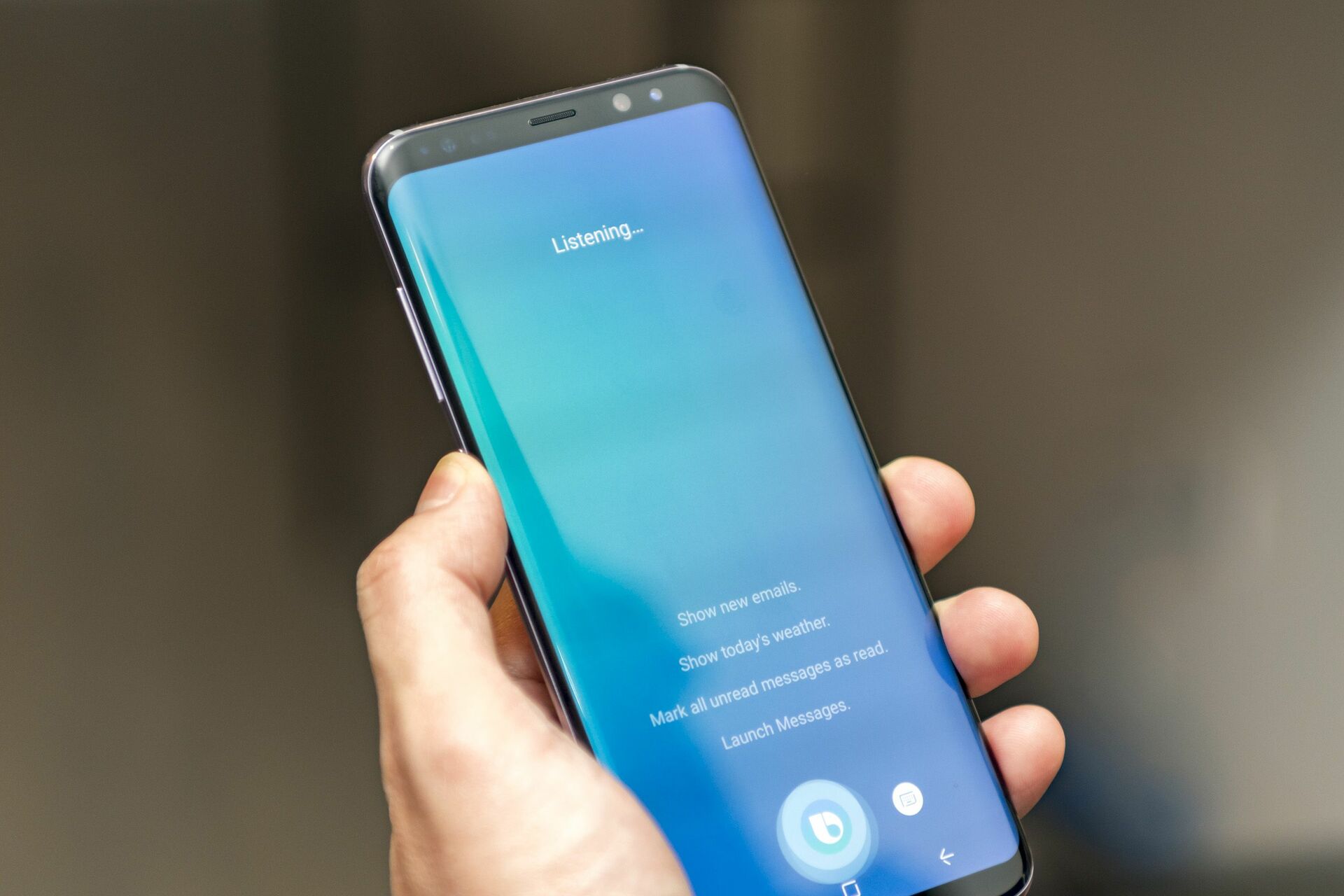
These articles help you take direct action: you can learn to get Bixby on your phone, set up Google Assistant on your Fitbit, or understand how Alexa’s new reminders and timer labels work. The goal is to give you clear, step-by-step instructions for the specific voice assistant and device you own, without any extra fluff.