Guides and troubleshooting articles for anyone who has ever struggled with their phone’s sound. Whether you own a Samsung, an iPhone, or an Android device, and whether the issue is with the ringer, media playback, or a connected accessory, this tag is built to help you take control of your audio settings. It is designed for everyday users who want clear, step-by-step fixes rather than technical jargon.
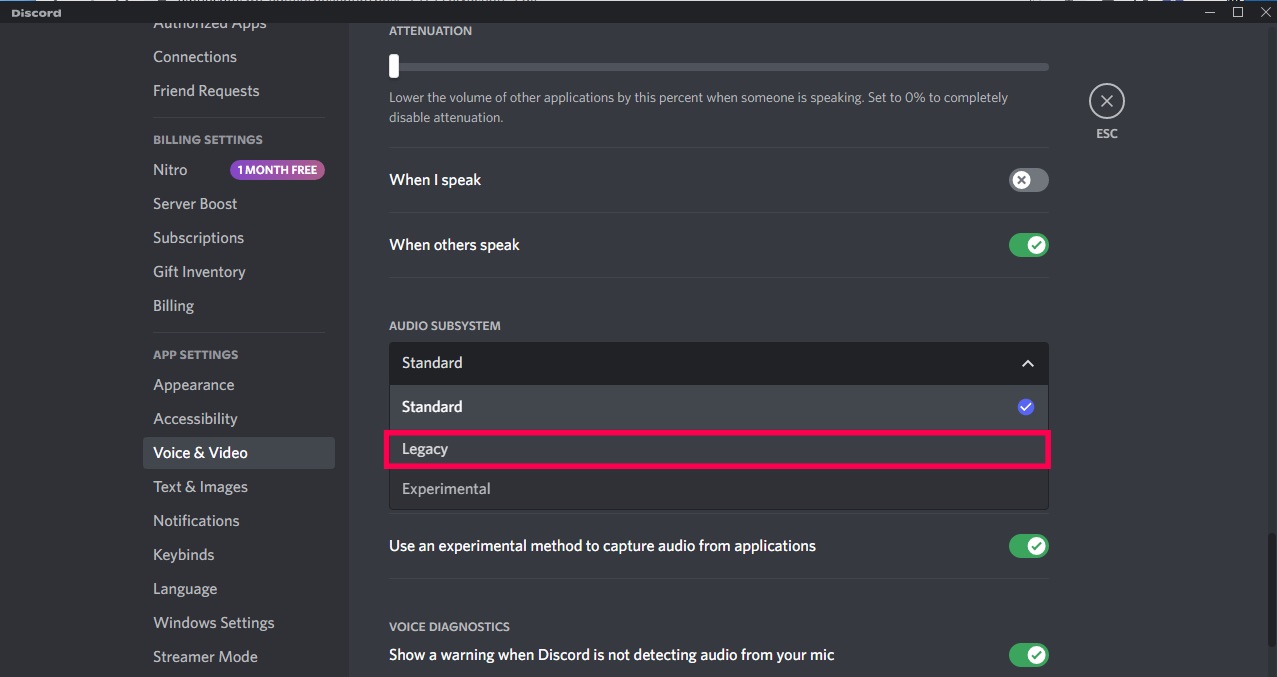
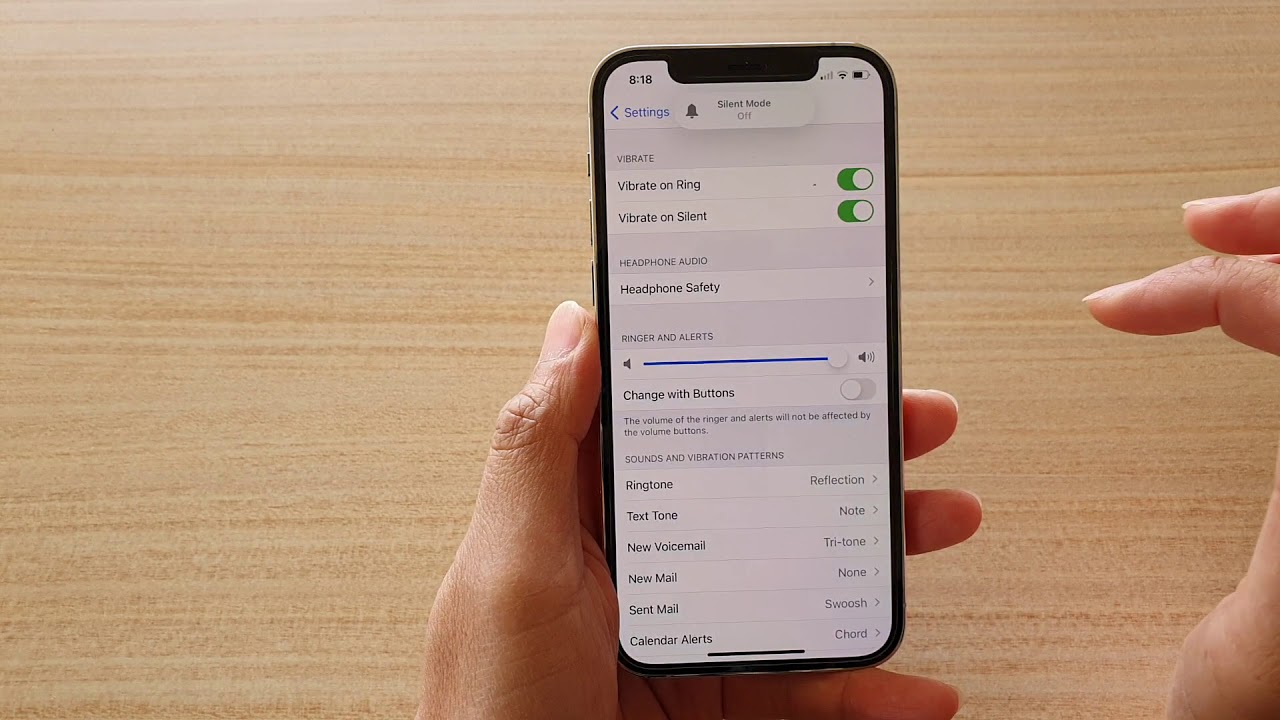
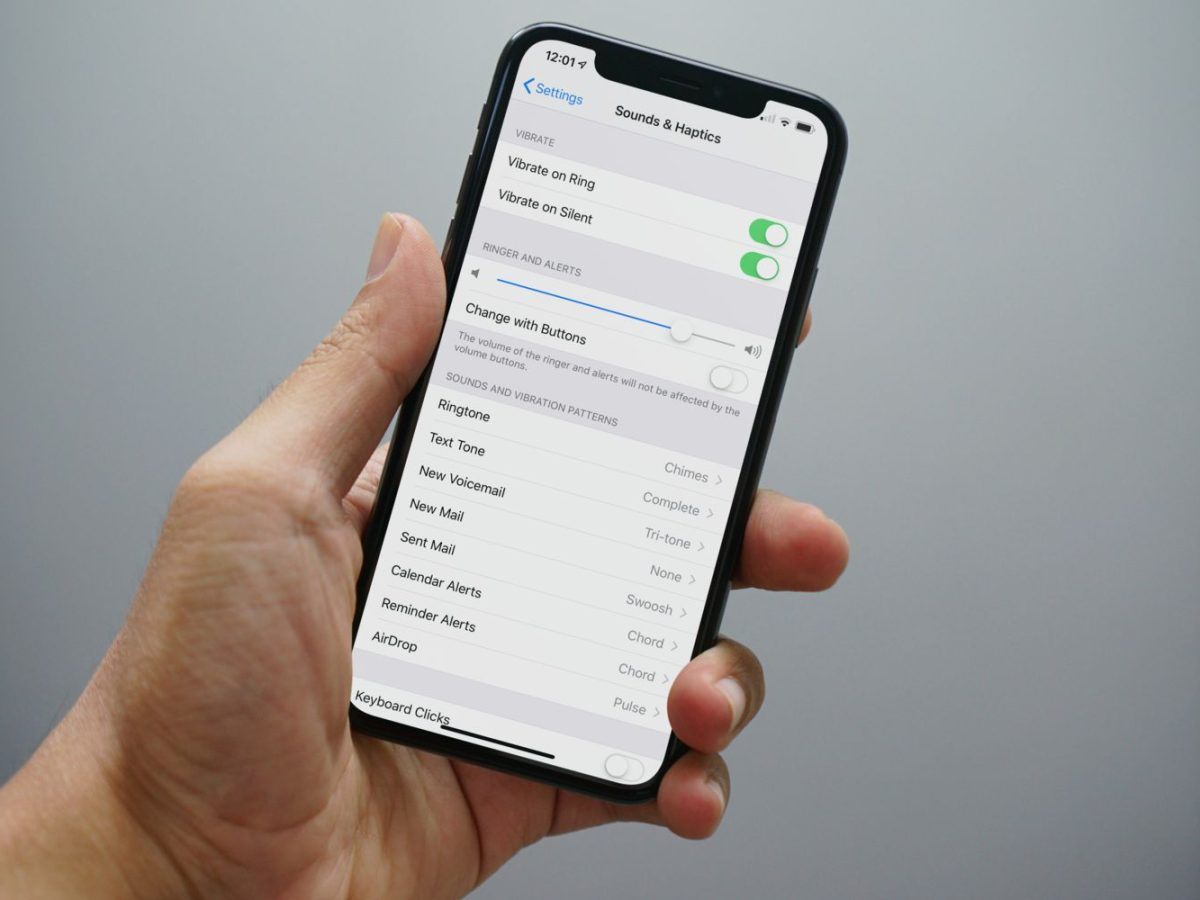
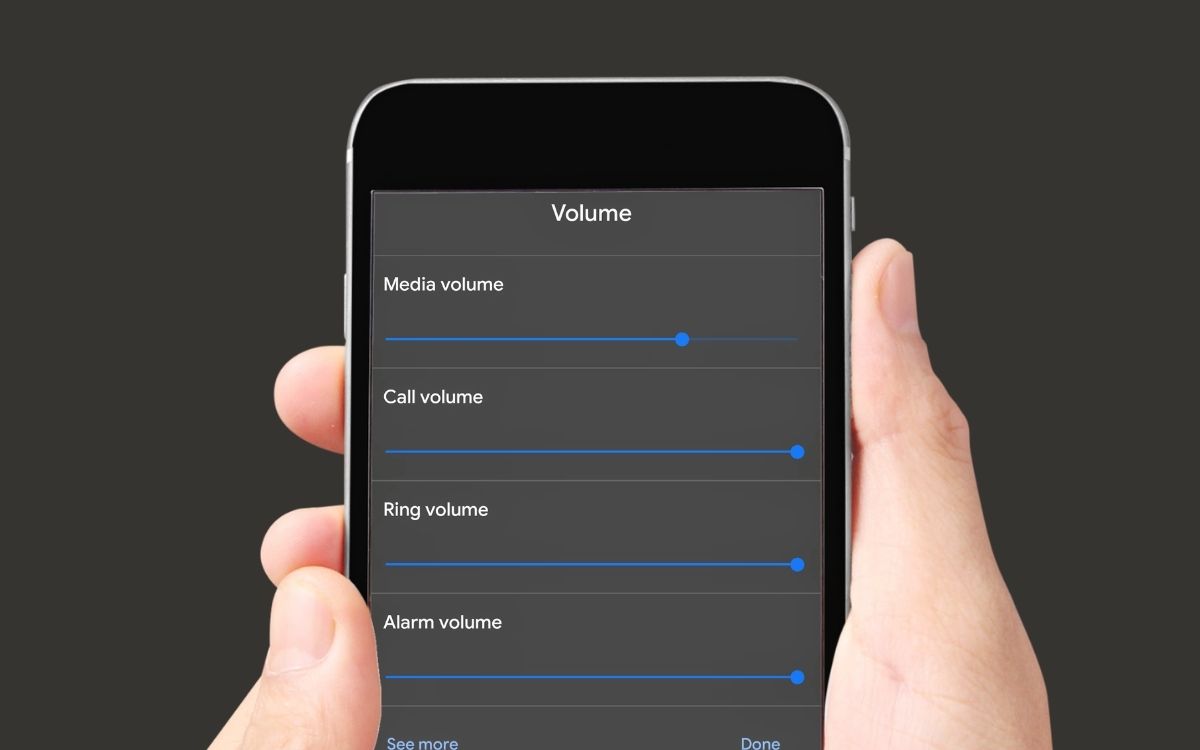
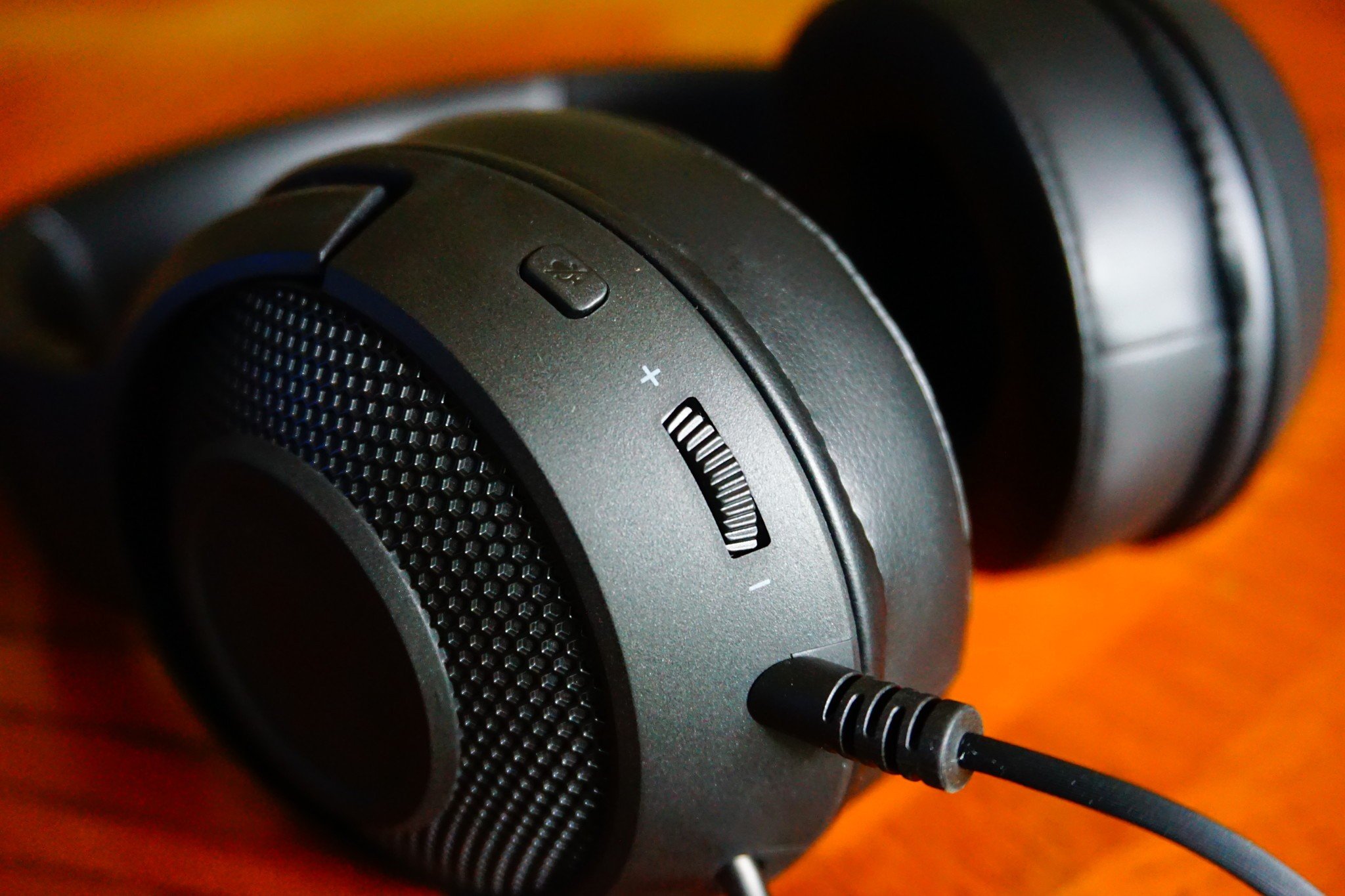
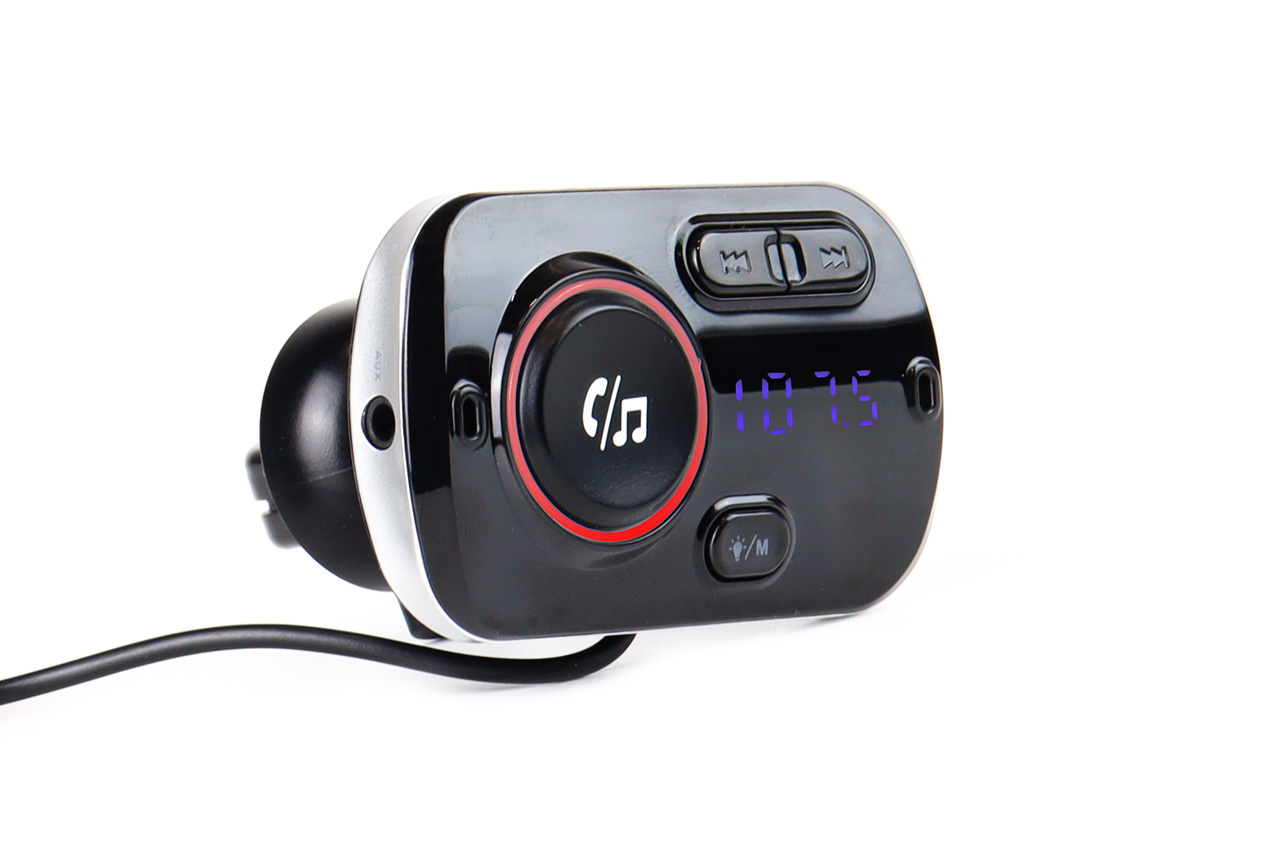
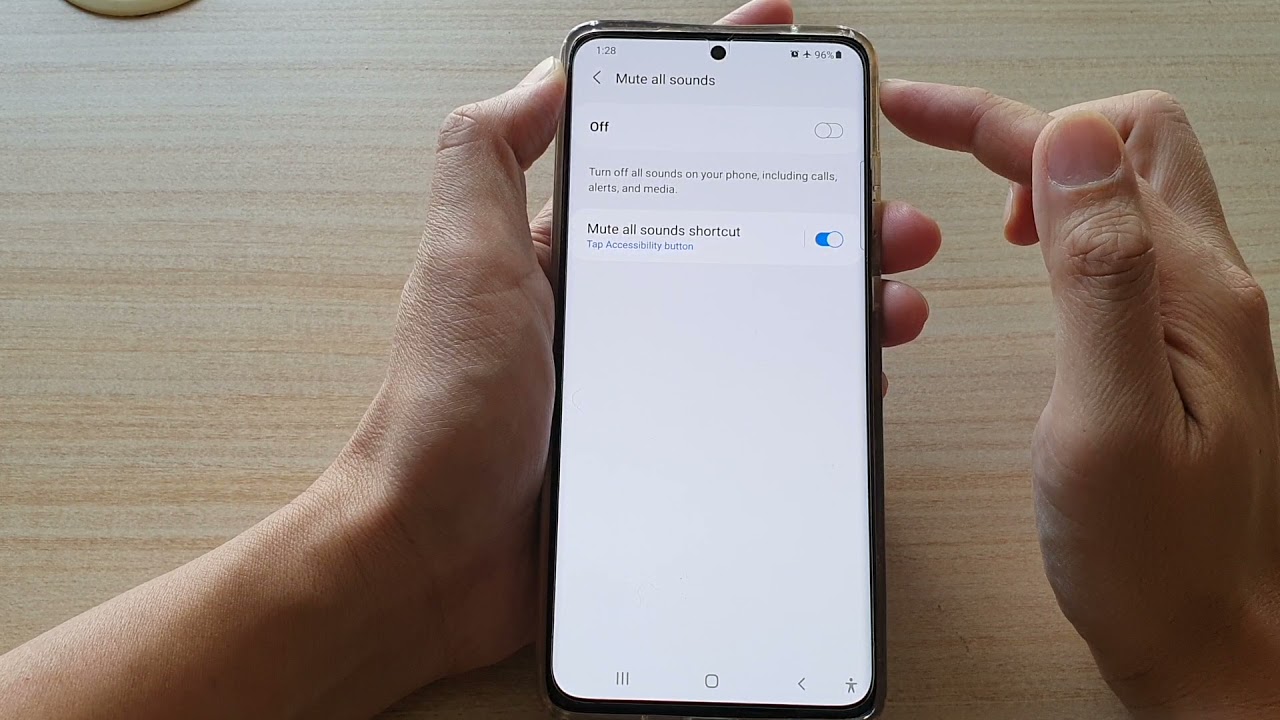
The articles here address three common problem areas. First, they help you manage basic ringer and mute settings, so you can stop missing calls. For example, you can learn how to turn on the ringer on an iPhone 12 or how to turn off mute on a Samsung phone. Second, the tag covers volume adjustments for accessories like headsets and Bluetooth FM transmitters, with specific guides on how to make a Turtle Beach headset louder or how to turn up headset volume. Third, several articles solve mysterious volume behavior, such as why your iPhone 11’s volume keeps going down or why your phone’s ring volume starts loud then goes low. You will also find help for app-specific audio problems, like why you cannot hear anything on Discord Mobile or how to unmute a stream on Discord Mobile.
In short, these articles help you do one thing: get the sound on your phone working exactly the way you want it, whether that means making the ringer louder on an iPhone 13, turning the volume up on a Samsung phone, or fixing a headset that is too quiet.