Guides and troubleshooting articles for anyone using virtual reality with their phone or a dedicated headset like the Oculus Quest 2 or PS VR. Whether you are a gamer trying to get Assetto Corsa or Fortnite running in VR, or someone just setting up a headset for the first time, these articles address the practical questions that come up when mixing phones, carriers, and VR gear.
You cannot delete your Meta account directly on the headset. To permanently delete your Meta account and all associated data, you must initiate the process through the Meta Horizon mobile...
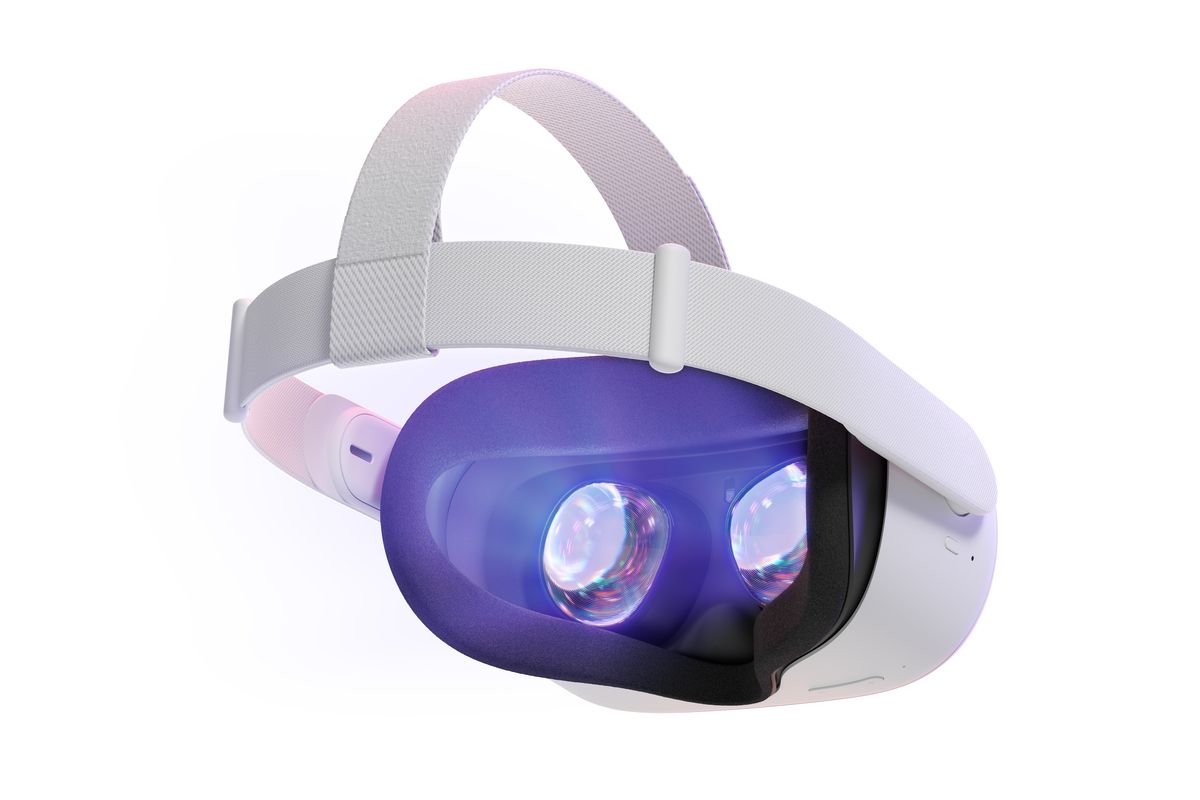
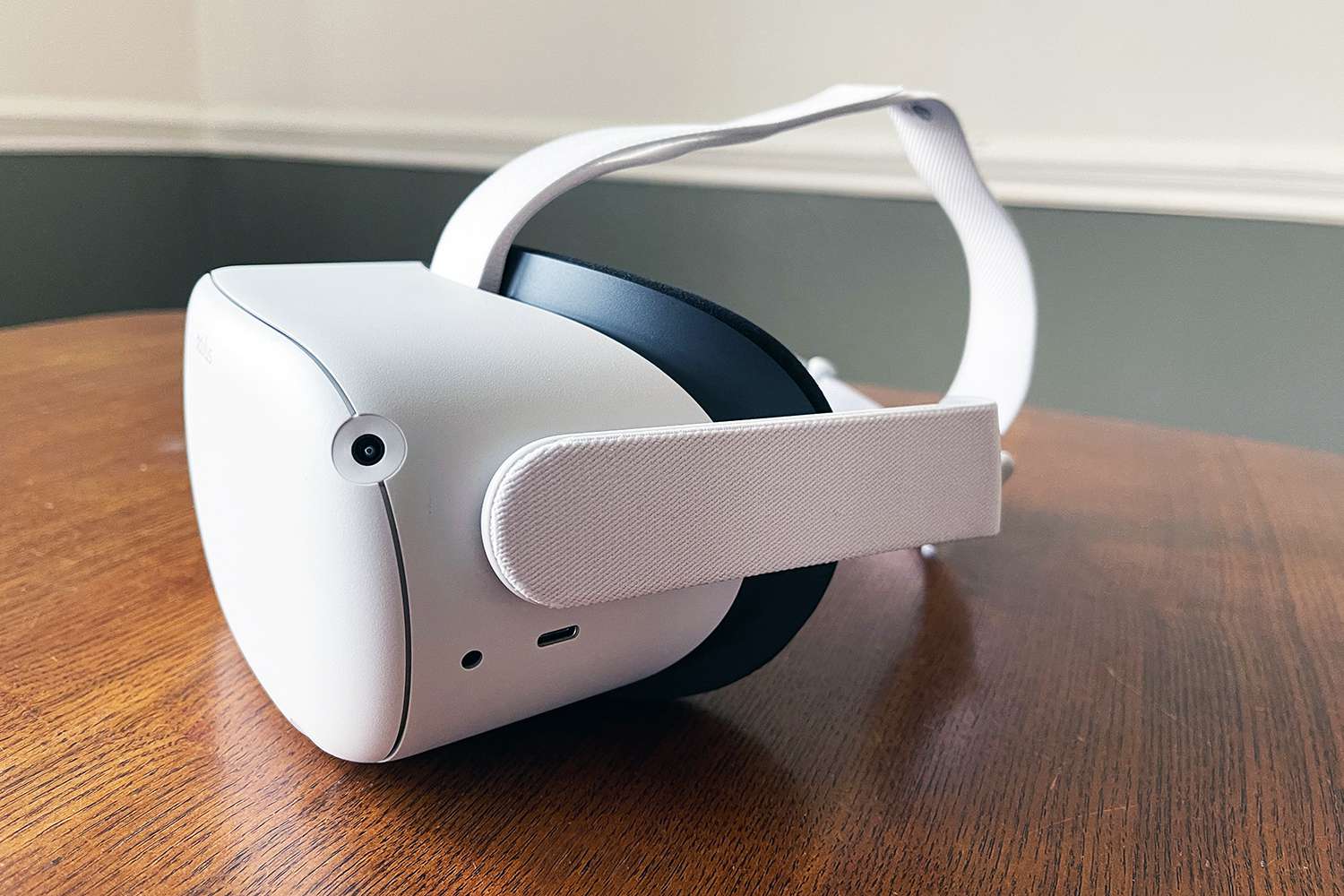
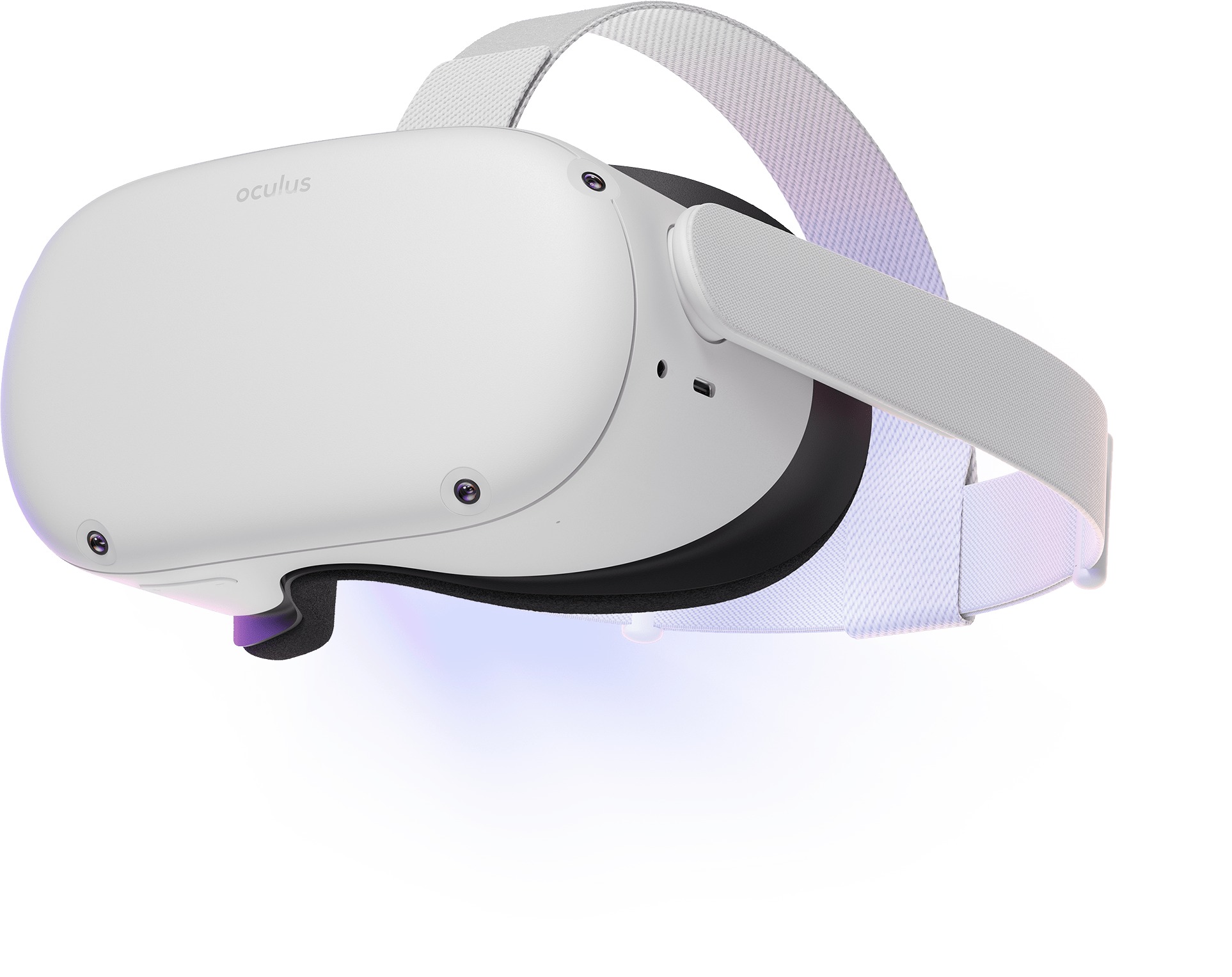
To take apart Oculus Quest 2 for external repairs like swapping a strap or facial interface, you only need a Phillips screwdriver and a thin plastic pry tool. Before you...
To adjust Oculus Quest 2 headset for a clear, comfortable VR experience, you need to master two physical adjustments: the lens spacing slider for visual clarity and the straps for...
To turn off Quest 2 completely, hold the power button for at least three seconds until the indicator light turns off and you hear the power-down chime. This is the...
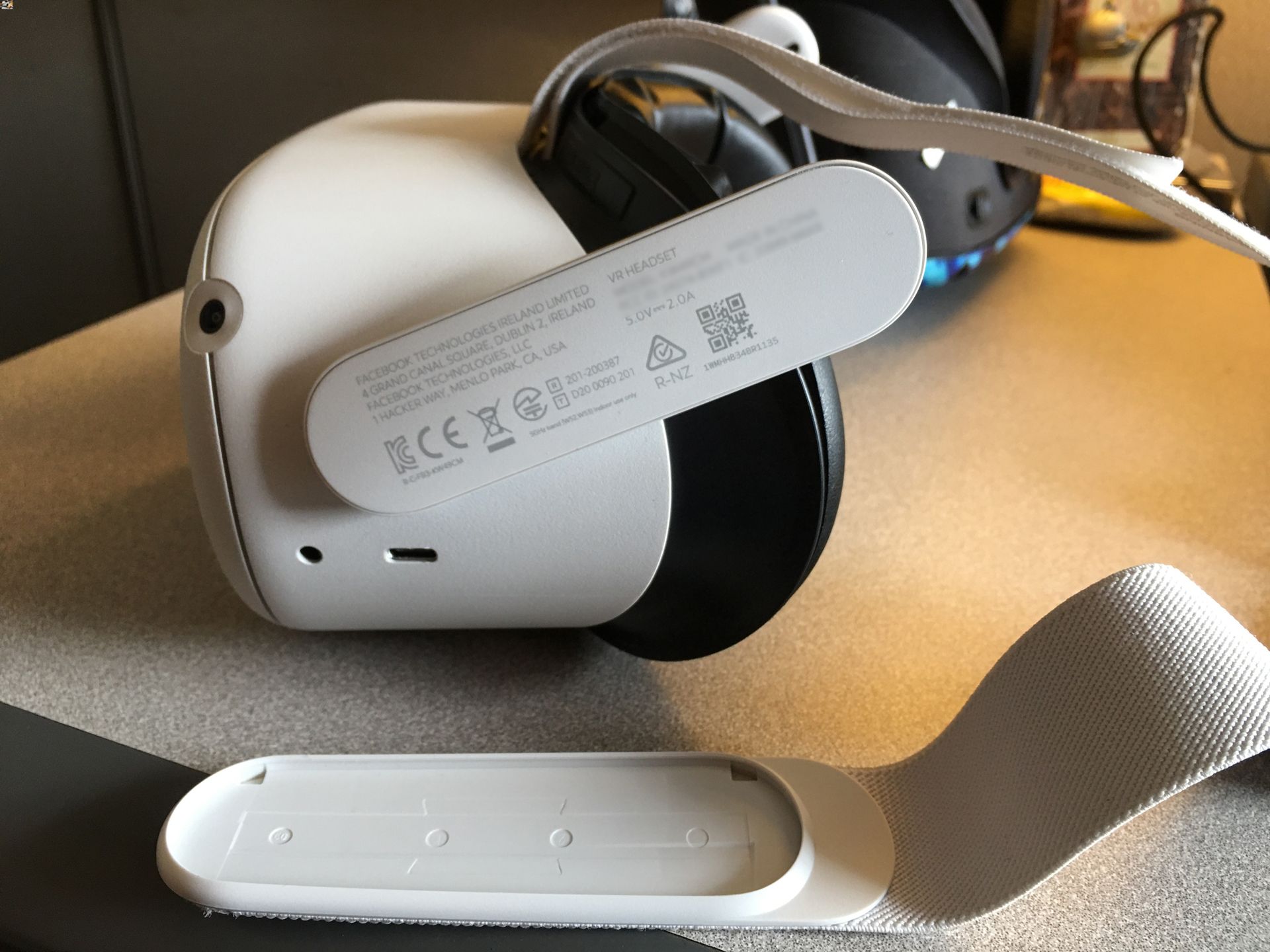
Your Oculus Quest 2 serial number is a unique 14-digit code required for Meta Store Support, warranty claims, and troubleshooting. You can find it using one of two verified methods:...
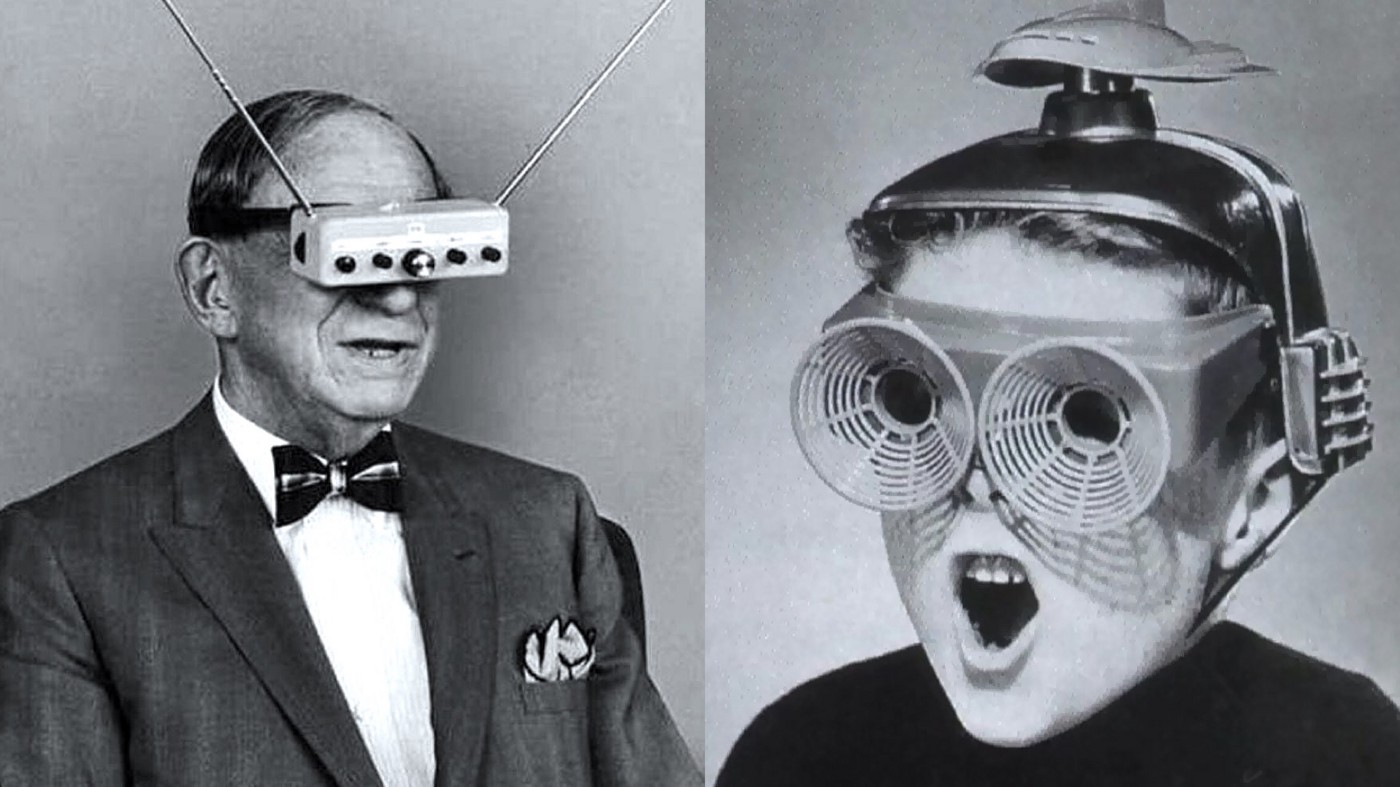
The question of when was virtual reality headset invented does not have a single answer; the earliest widely cited milestones are Morton Heilig’s Sensorama, first patented in the 1950s and...
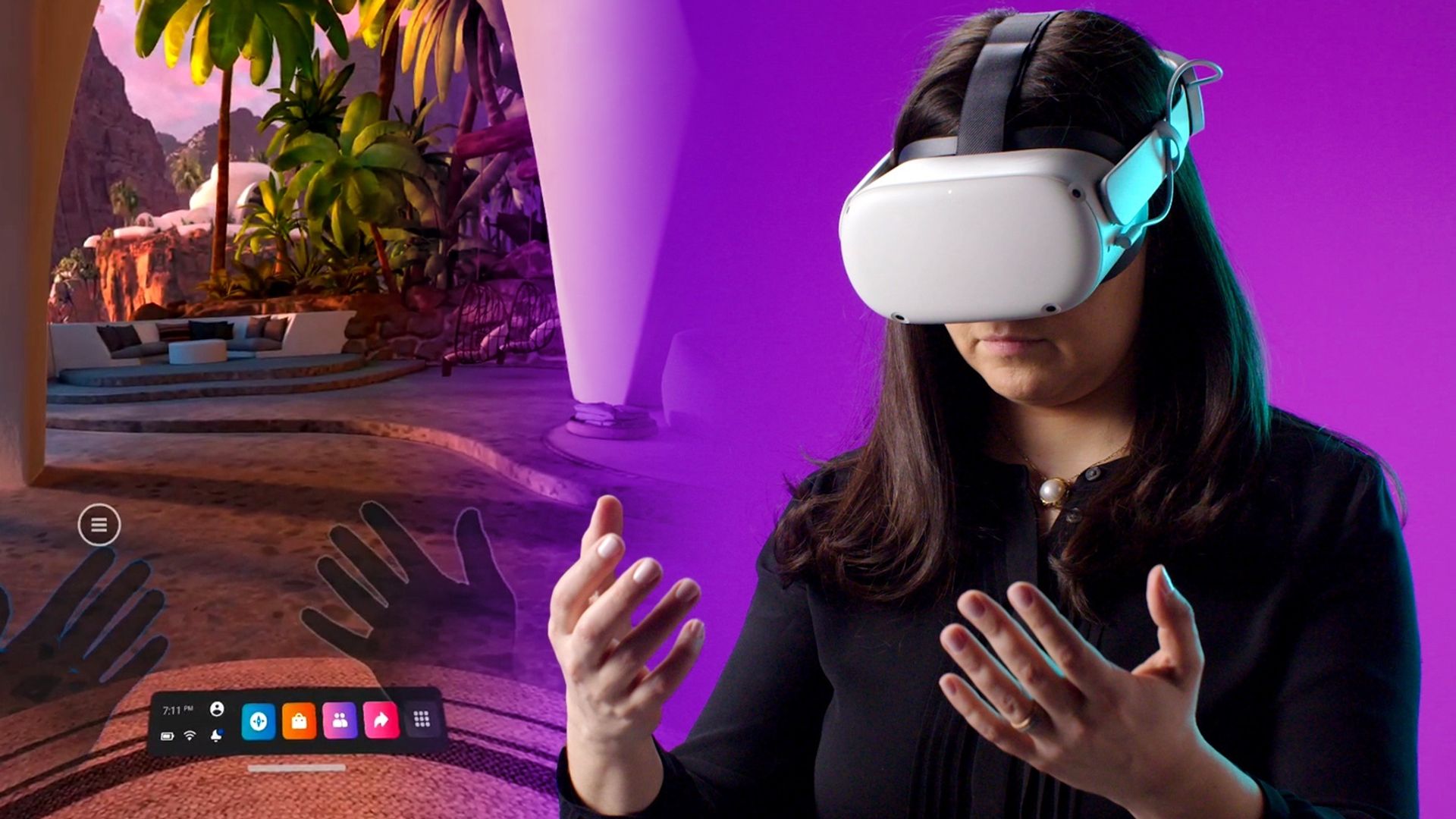
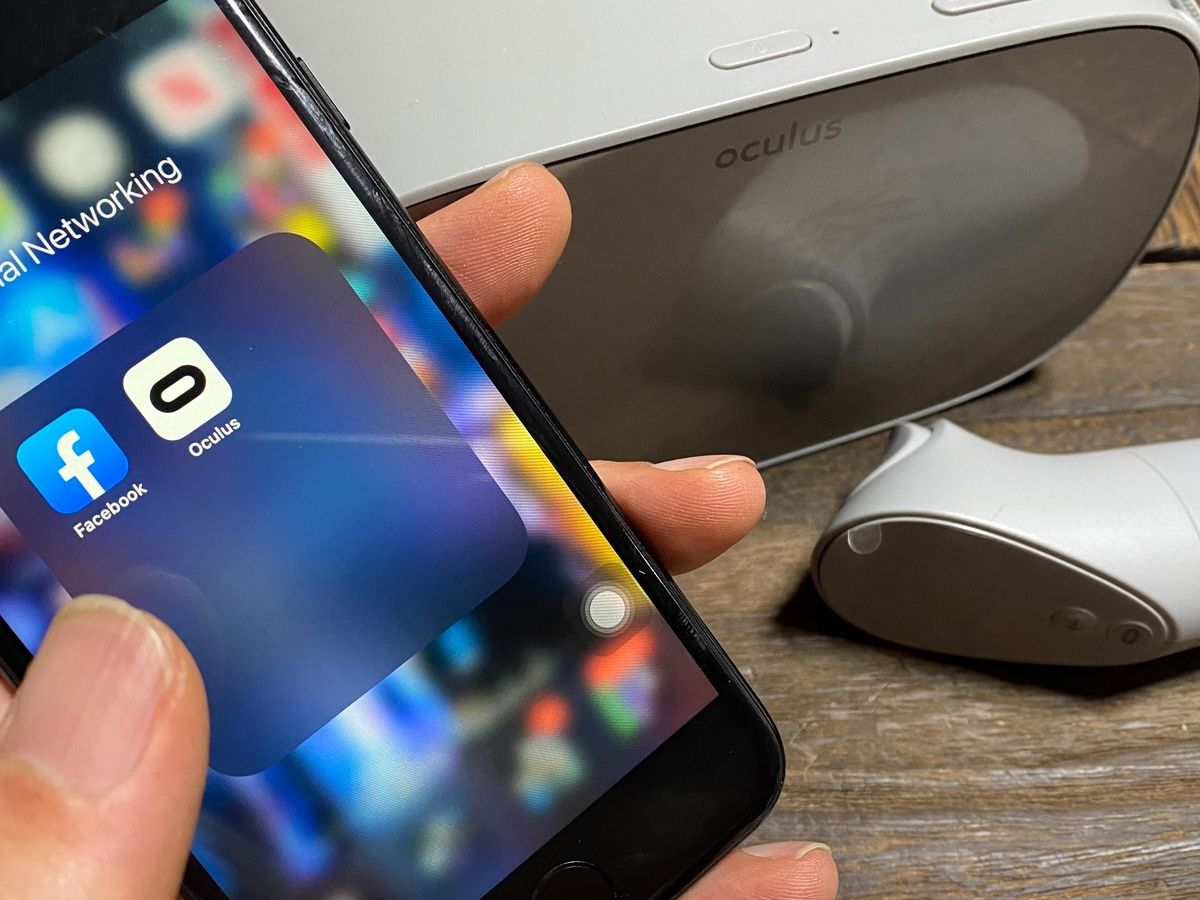
To connect your phone to Meta Quest, you need the official Meta Horizon mobile app installed on a compatible phone with Wi‑Fi and Bluetooth enabled. This wireless pairing process is...
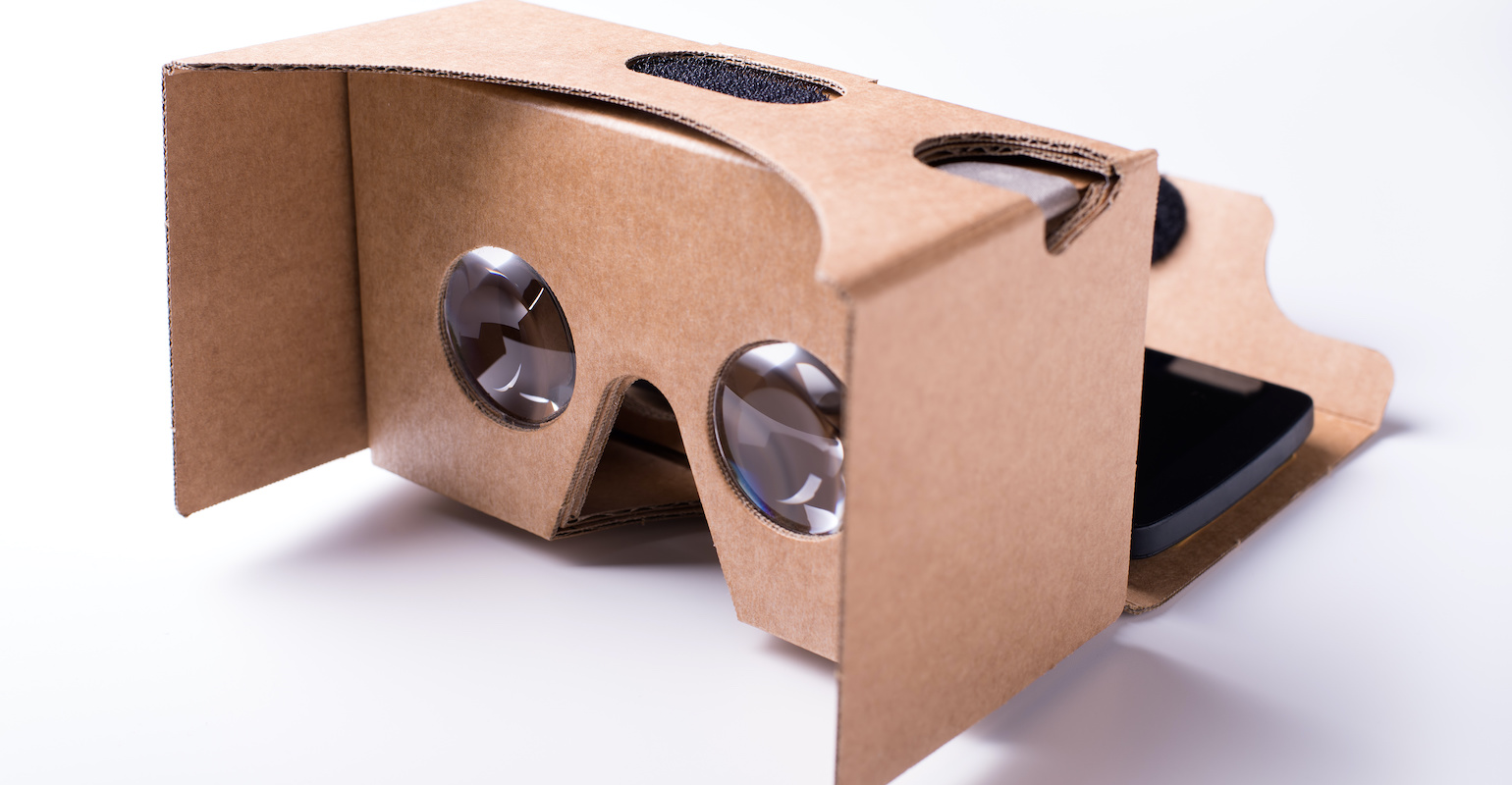
To make a VR headset with a phone, the only officially documented method is to use a pre-made Google Cardboard-compatible viewer and the Cardboard app, not a DIY build from...
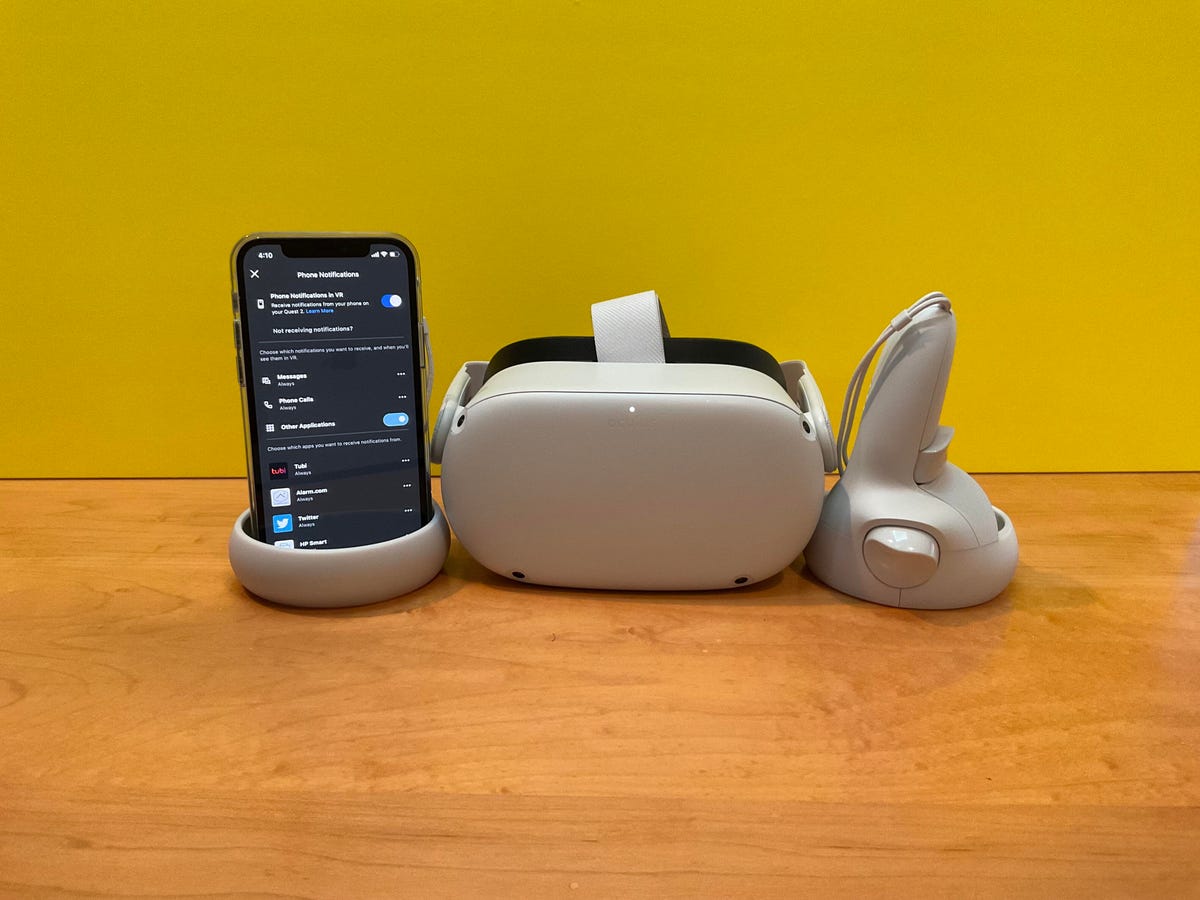
You can check quest 2 phone notifications directly in your headset, but the feature’s current status is confusing because Meta’s own documentation contradicts itself. One official page says phone notifications...
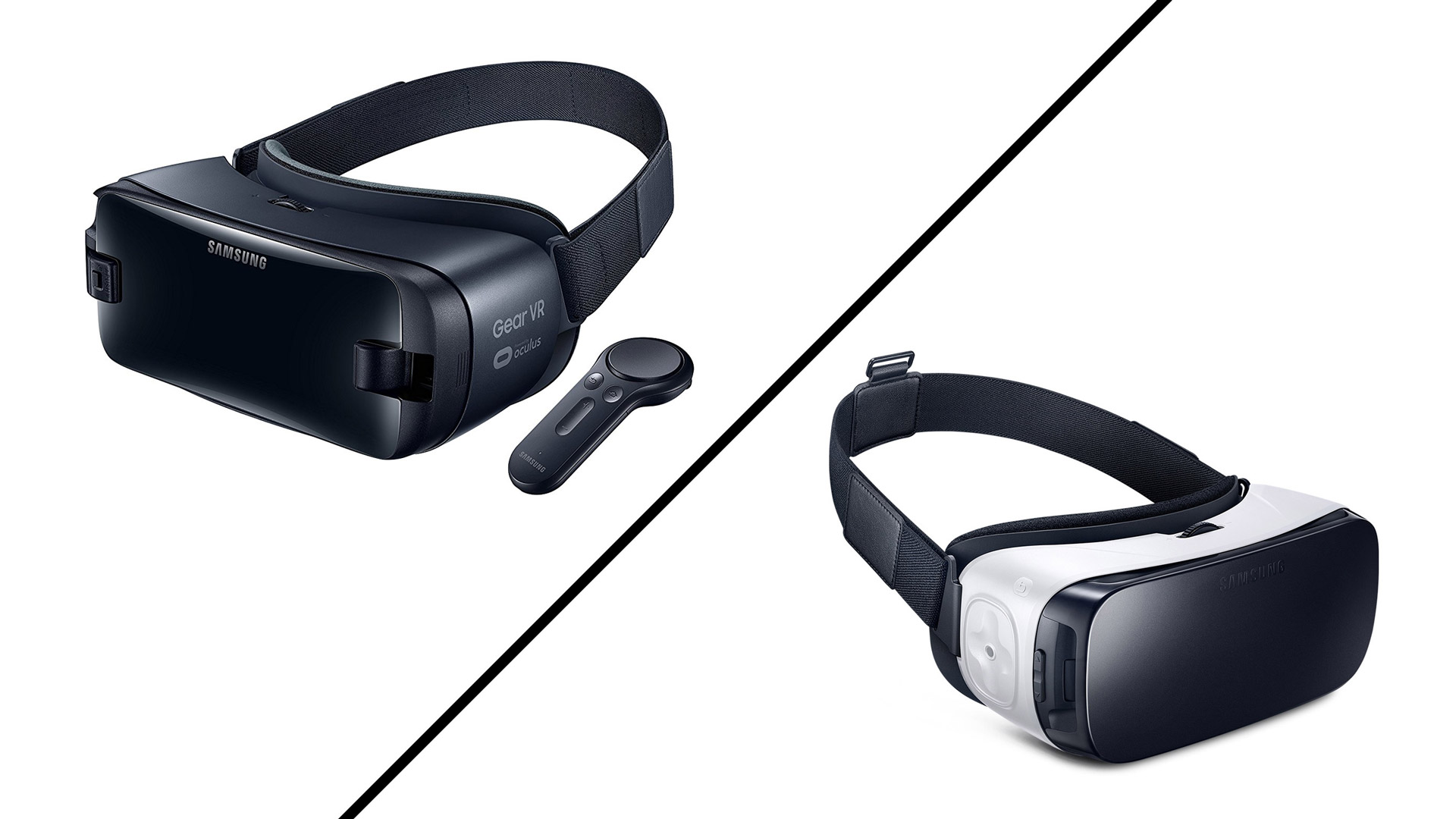
Samsung Gear VR compatibility is strictly limited to specific Samsung Galaxy phones; it is not a universal headset and cannot be used with iPhones or non-Samsung Android devices. The Gear...
Steam VR laggy performance almost always comes down to the PC, the network link, or headset and app settings rather than the headset alone. The most common cause is that...
When your VR headset is not working, the most common causes are power issues, loose cable connections, outdated software or drivers, or tracking problems. Start by restarting your VR headset,...