Our guides and tutorials focused on helping you get more out of the world’s most popular messaging app, whether you are a casual user, a business owner, or someone troubleshooting a specific problem. These articles are written for anyone who uses WhatsApp on their phone and wants practical, step-by-step solutions to common tasks and issues.
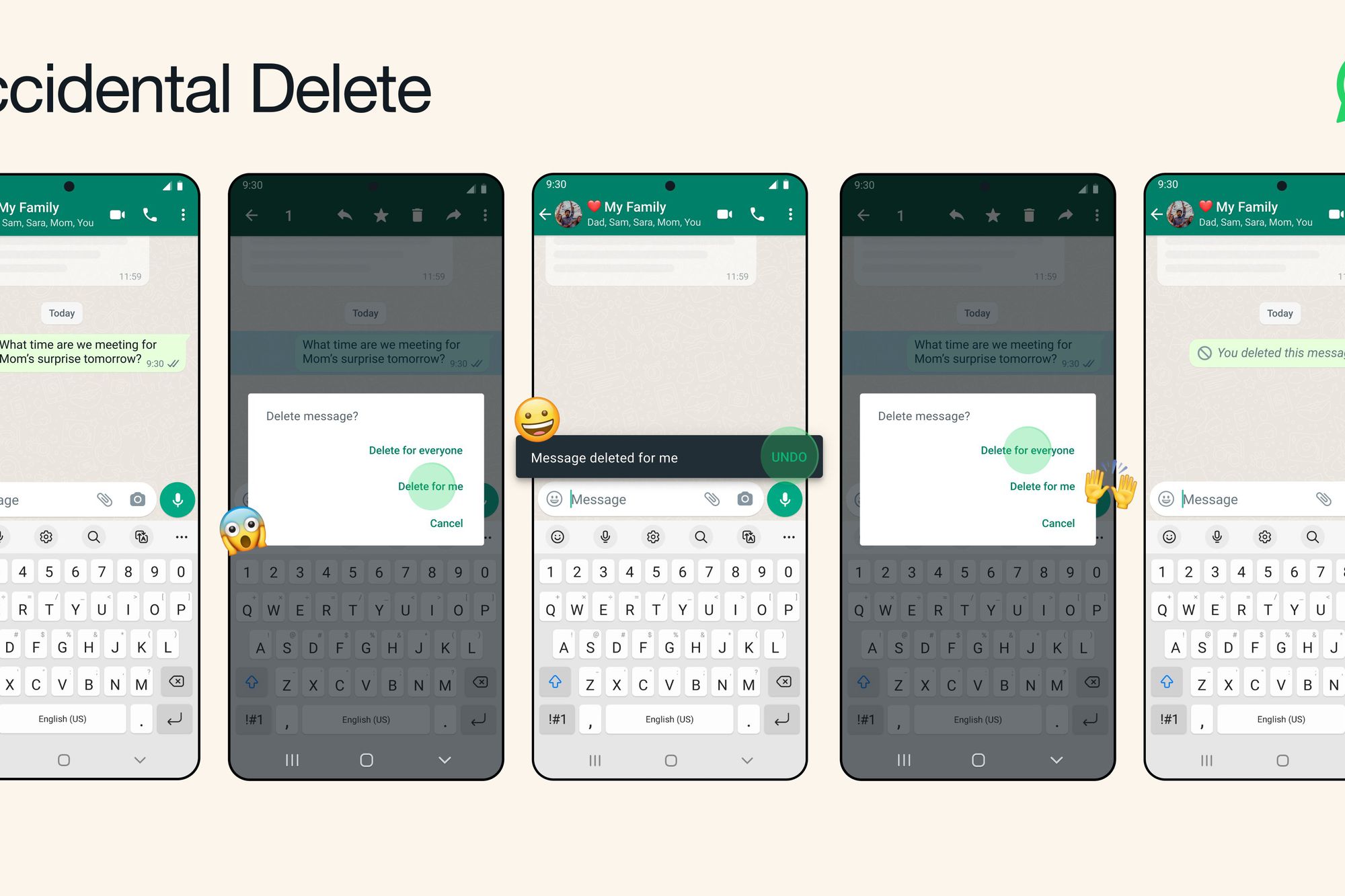
The content here falls into a few clear themes. One major group covers recovery and deletion, with articles that show you how to recover deleted WhatsApp messages on Android and iPhone, as well as how to delete wrongly sent messages. Another theme focuses on privacy and account management, including guides on how to turn off your online status, how to hide your phone number on WhatsApp, and how to know if someone is using two WhatsApp accounts on the same phone. A third theme deals with storage and practical usage, such as how to reduce WhatsApp storage on iPhone and Android, and how to print WhatsApp messages using two fixed methods.
These articles help you perform specific actions: calling back a private number, adding someone to WhatsApp in 2024, using WhatsApp without a phone number, and understanding the differences between WhatsApp and WhatsApp Business. They also cover related communication topics like making video calls on Android, using the internet to make phone calls, and sharing your location from Android to iPhone. Whether you need to fix a problem or learn a new feature, this tag points you to the right guide.