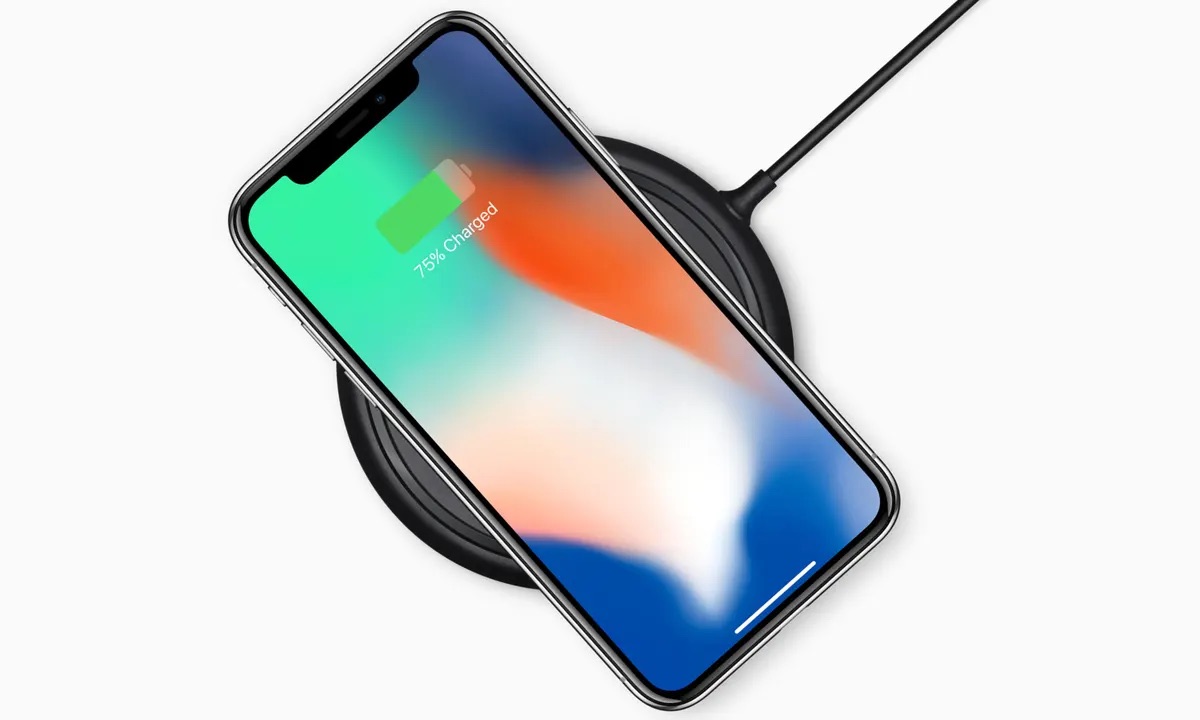
This tag collects CellularNews articles about wireless charging for your phone, covering the technology itself, the accessories that enable it, and the practical steps to get it working. It is for anyone who owns a modern smartphone, whether it's a Samsung Galaxy, a Motorola, or an older model, and wants to understand, use, or troubleshoot wireless power.

The articles here solve three main kinds of problems. First, they help you identify if your phone even supports wireless charging, with guides like Qi Charging: What Is It & Is Your Phone Qi-Enabled and How To Tell If Your Phone Is Qi Enabled. Second, they explain the gear you need, from magnetic cases and PopSockets to power banks and chargers, answering questions like What Is A Magnetic Phone Case and How To Remove Pop Socket For Wireless Charging. Third, they walk you through actual usage and common fixes, such as How Do I Turn On Wireless Charging, Why Is Wireless Charging Not Working, and even how to charge your phone in a Tesla or with another phone wirelessly.

Whether you are comparing speeds between wired and wireless, looking for the first phone to have the feature, or just trying to charge a Samsung watch with your phone, these articles help you take action, from turning on the setting to picking the right accessory for your device.
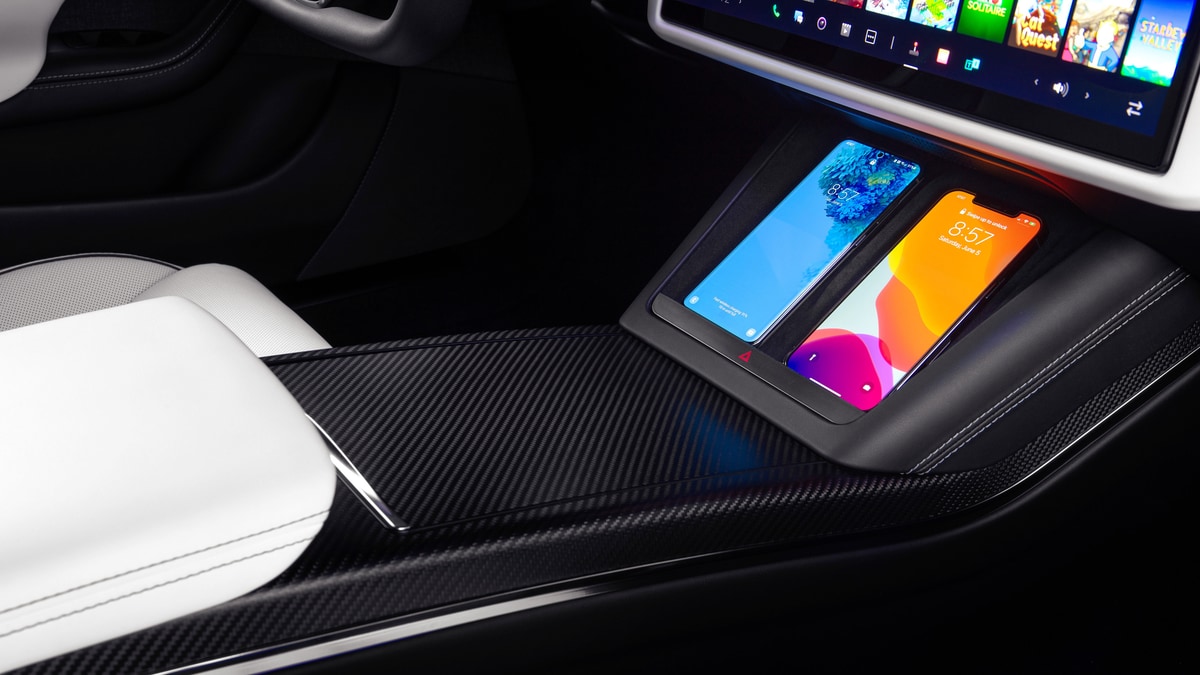
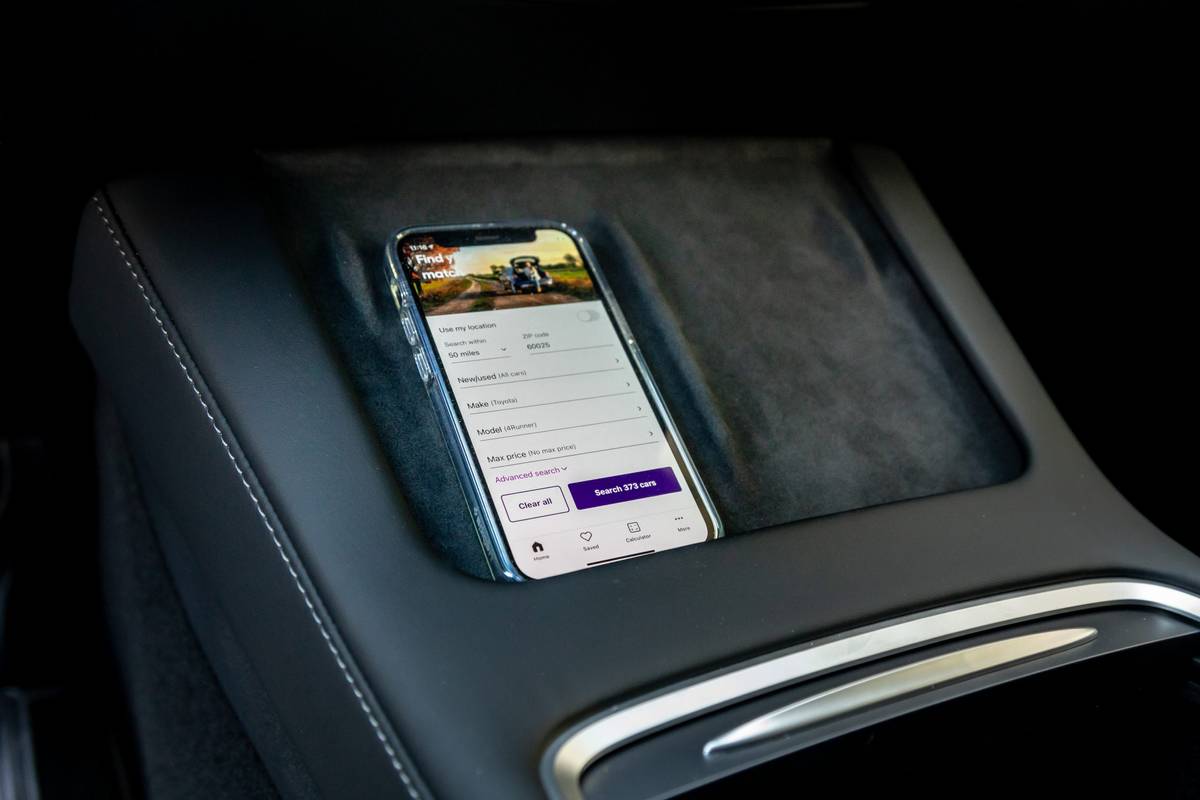
How To Charge Phone In Tesla Model 3

To charge your phone in a Tesla Model 3, use the two front center-console USB ports or, if your vehicle is equipped, place a Qi-enabled phone on the integrated wireless...

How To Charge Your Phone In A Tesla

To charge your phone in a Tesla, you can use the built-in wireless charging pad or connect a cable to one of the vehicle's USB ports. The most straightforward method...

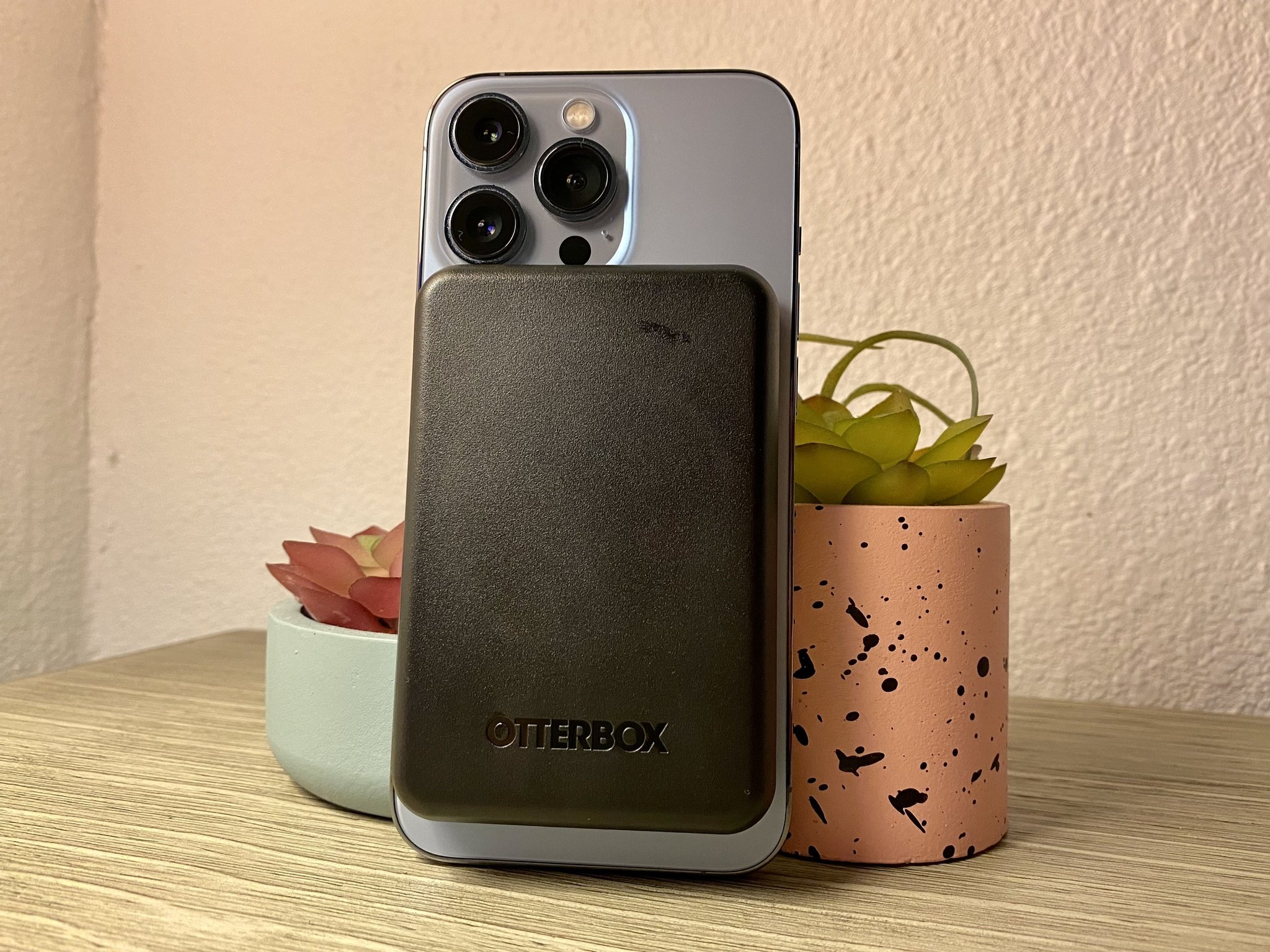
How To Use Magnetic Wireless Power Bank

To use a magnetic wireless power bank, first confirm your phone supports Qi wireless charging, then attach the bank magnetically to the back of your device and press the side...

How Long Do Wireless Chargers Take To Charge

Wireless chargers typically take 2 to 4 hours to fully charge a phone using standard Qi charging, though this range shifts depending on the phone model, charger wattage, and conditions....

How To Remove Pop Socket For Wireless Charging

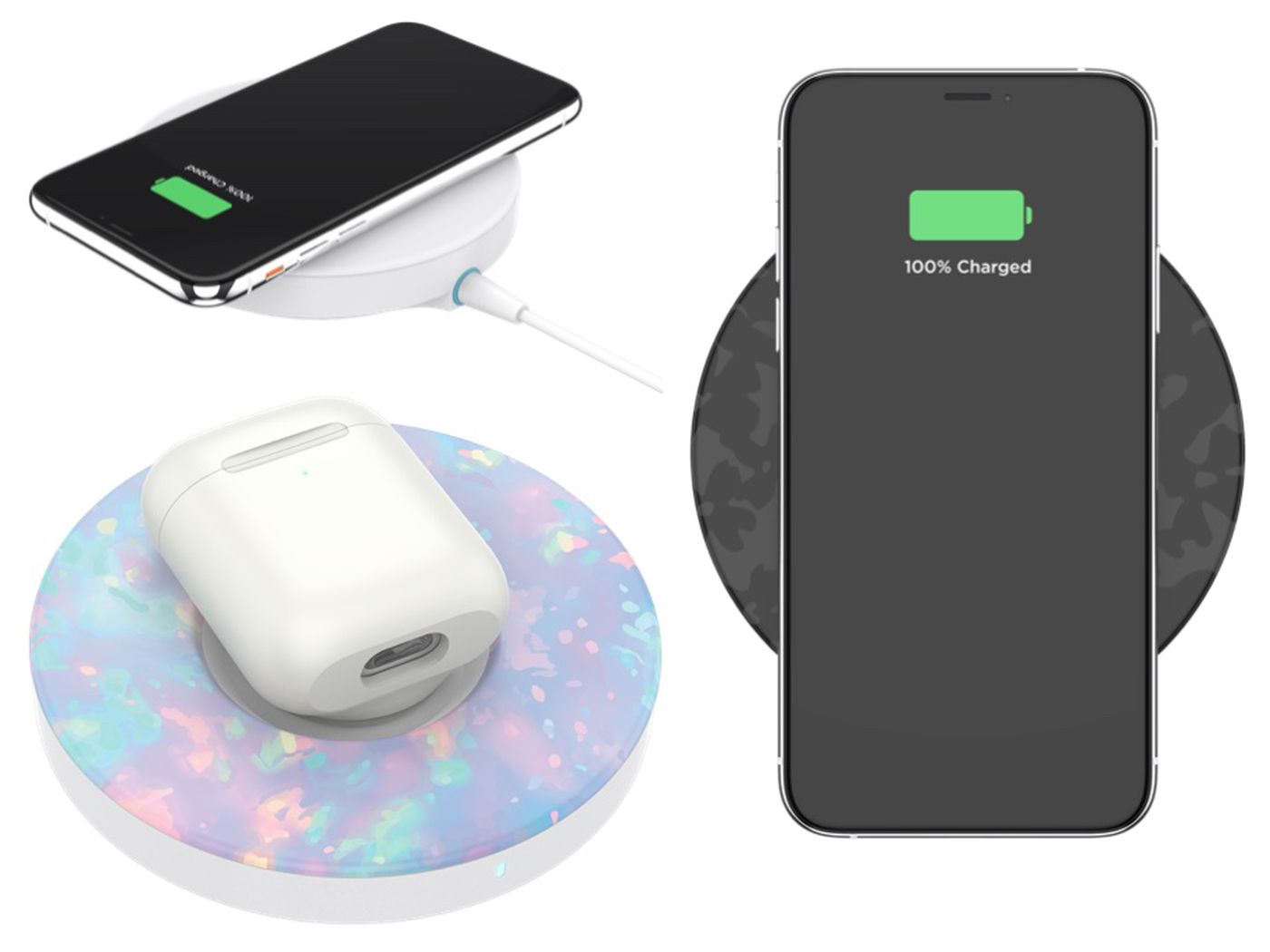
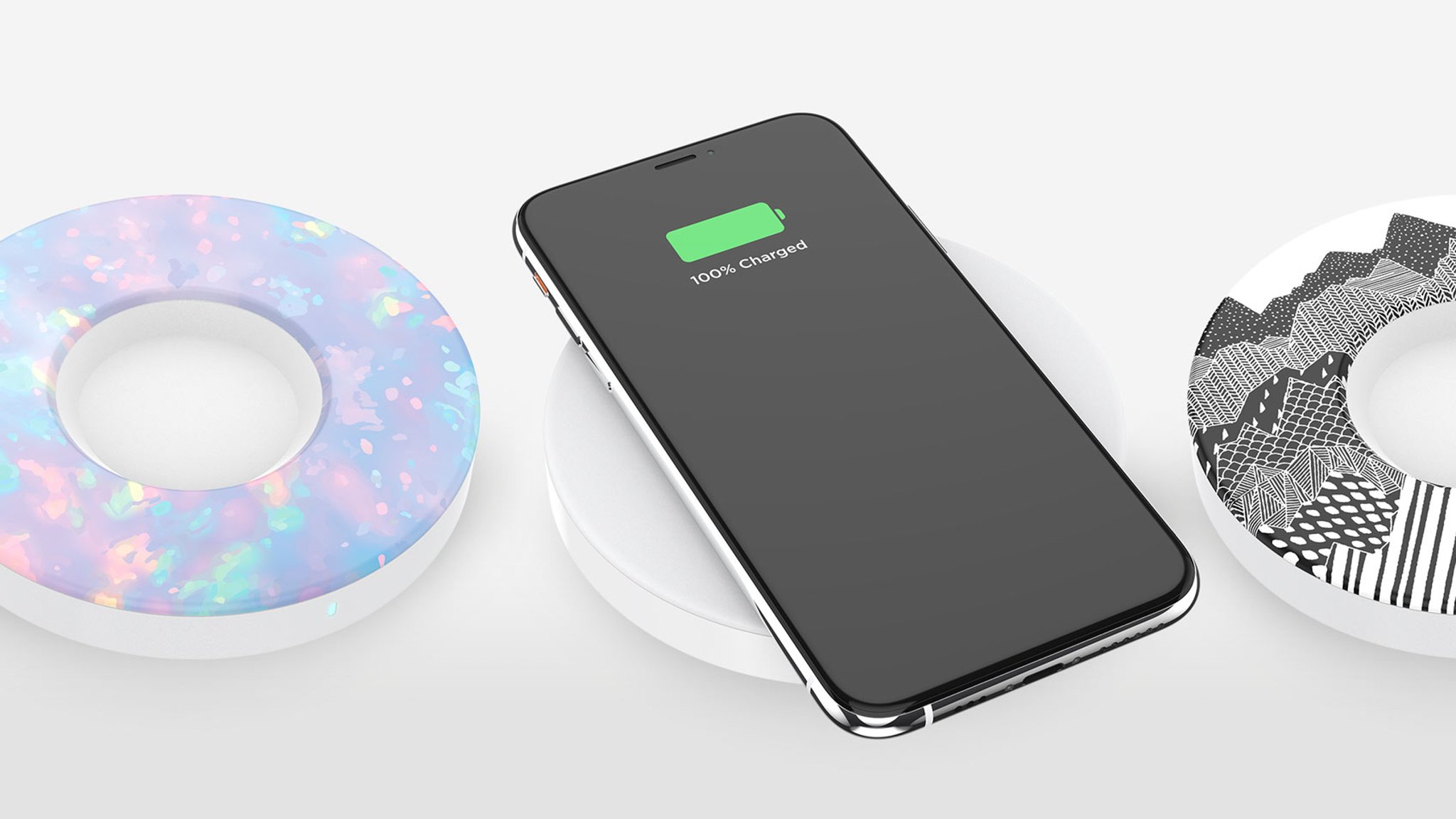
To wirelessly charge your phone, you need to physically remove the pop socket because the grip blocks the charging coil. PopSockets’ official guidance states, “For best performance, remove grip to...

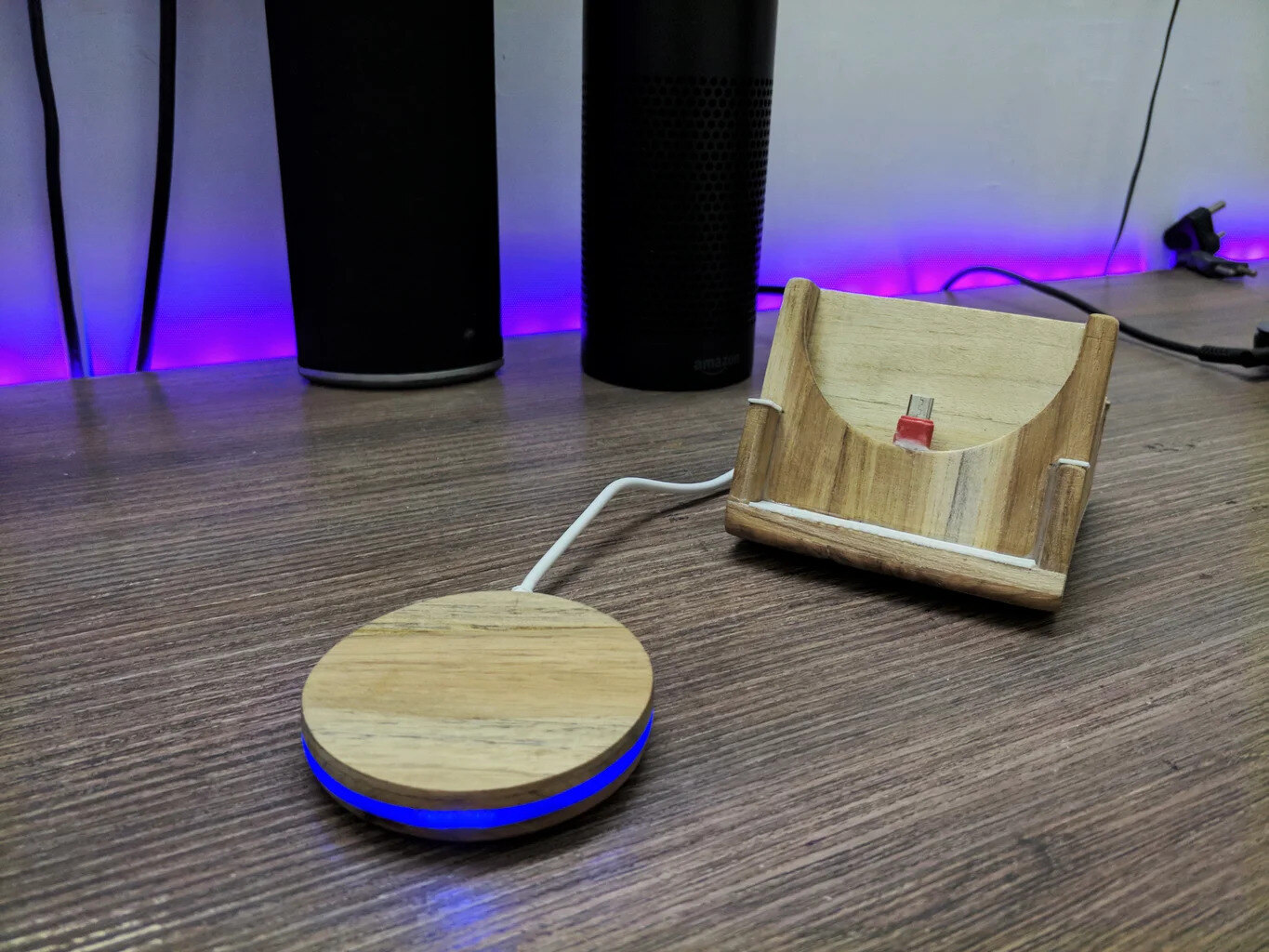
How To Build Wireless Charger

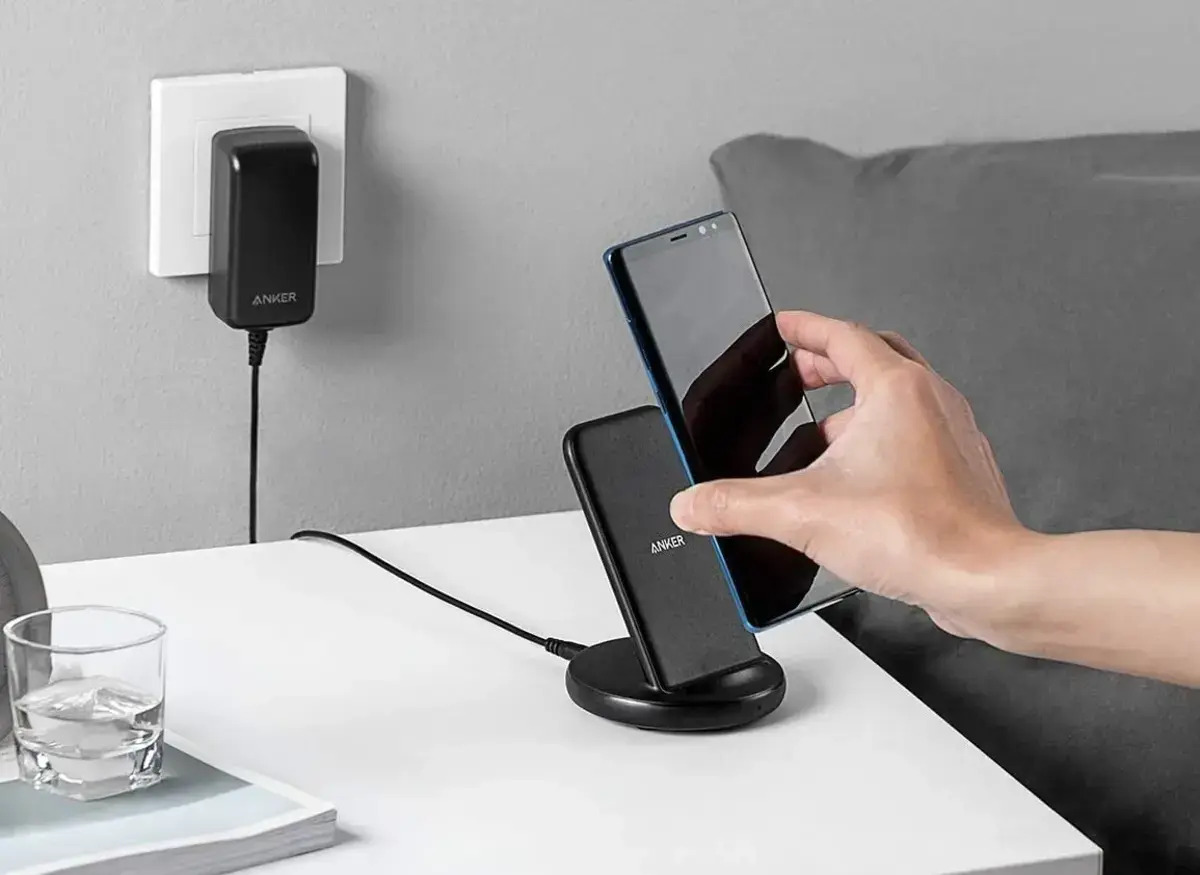
To use a wireless charger, place your compatible phone on a Qi-certified charging pad that is connected to power. This guide covers everything you need for a successful phone wireless...

How To Tell If Your Phone Is Qi Enabled

To tell if your phone is Qi enabled, check your specific phone model against the manufacturer's official compatibility list. Apple documents that iPhone 8 and later models support Qi-certified wireless...

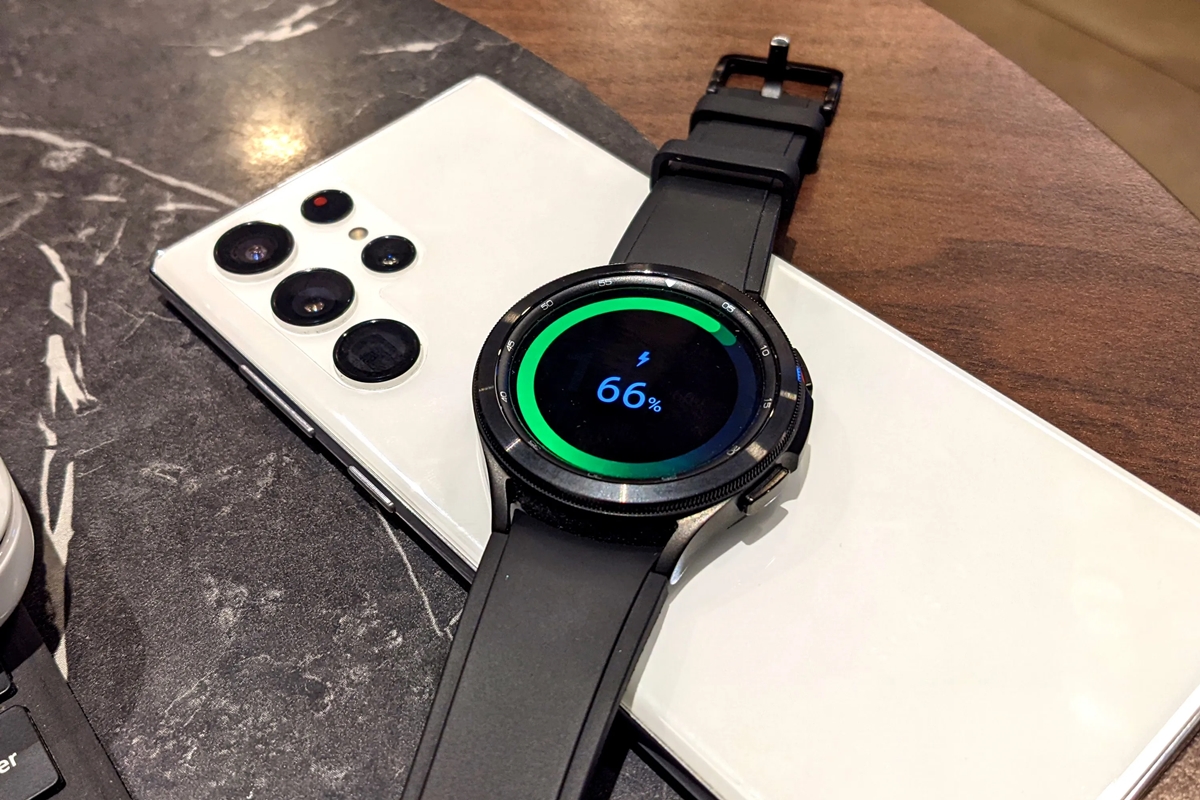
How To Charge Samsung Watch With Phone

You can charge a Samsung watch with a phone by using the phone's Wireless PowerShare feature, which lets you place the watch on the back of a compatible Galaxy phone...