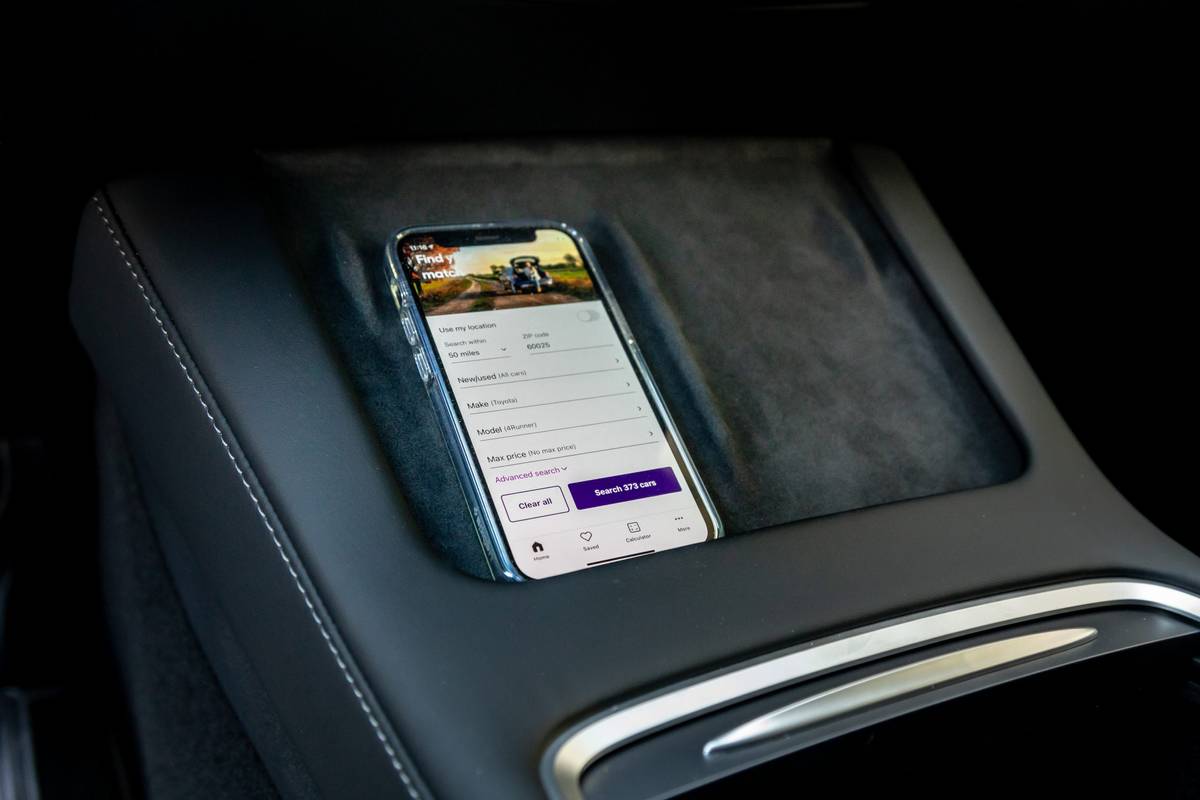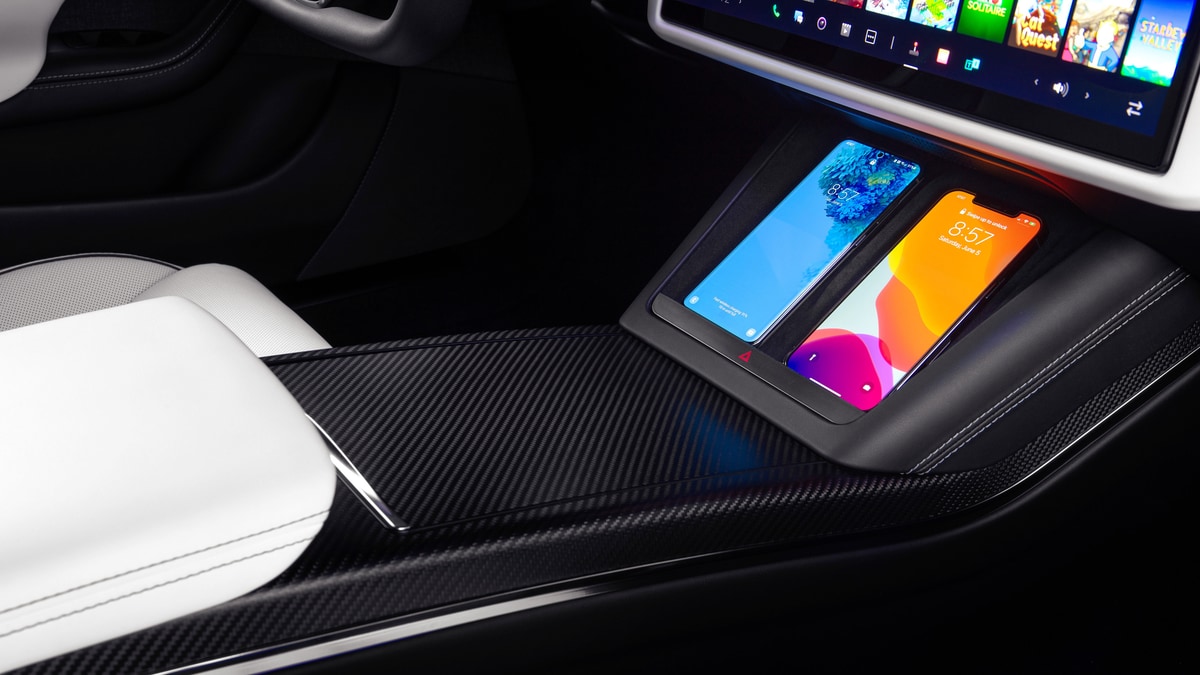
To charge your phone in a Tesla Model 3, use the two front center-console USB ports or, if your vehicle is equipped, place a Qi-enabled phone on the integrated wireless charging pad. The front USB ports and the wireless pad provide up to approximately 15W of power, while rear USB-C ports (available on vehicles manufactured since approximately June 2020) are charge-only and do not communicate data.
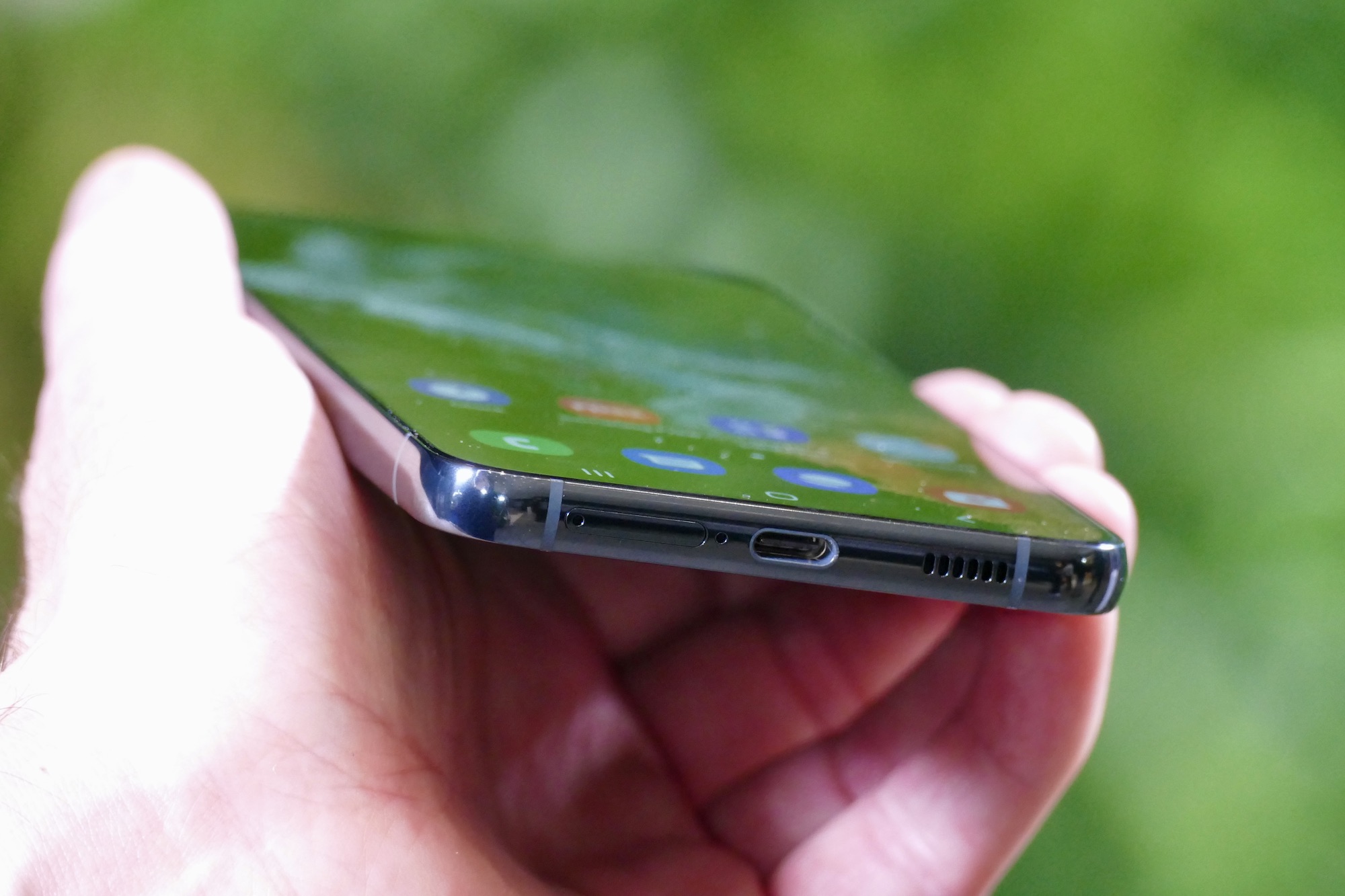
USB ports to charge phone in Tesla Model 3
The Tesla Model 3 has four USB ports total. Two are located in the front compartment of the center console. The other two are in the rear center console: on vehicles manufactured since approximately June 2020, these are USB-C ports. The rear ports charge USB-connected devices but do not communicate with the vehicle.
Charging your phone via USB
- Connect your phone to a USB cable.
- Plug the cable into any front or rear USB port in the center console. Some USB ports in the Model 3 may provide faster charging speeds than others.
- The phone will begin charging automatically when the vehicle is powered on.
The USB ports can output up to approximately 15W, depending on your vehicle's manufacture date. You can use a USB hub or multi-port USB charger to connect multiple devices to a single USB port.
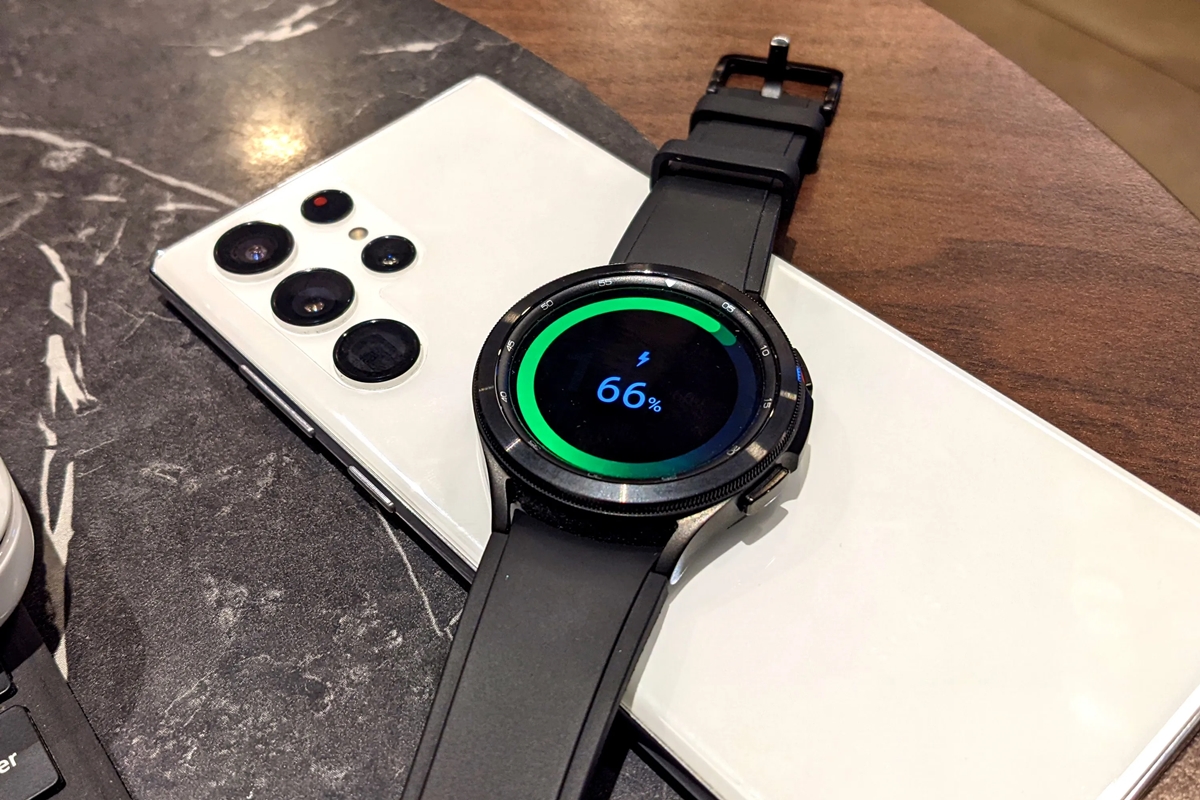
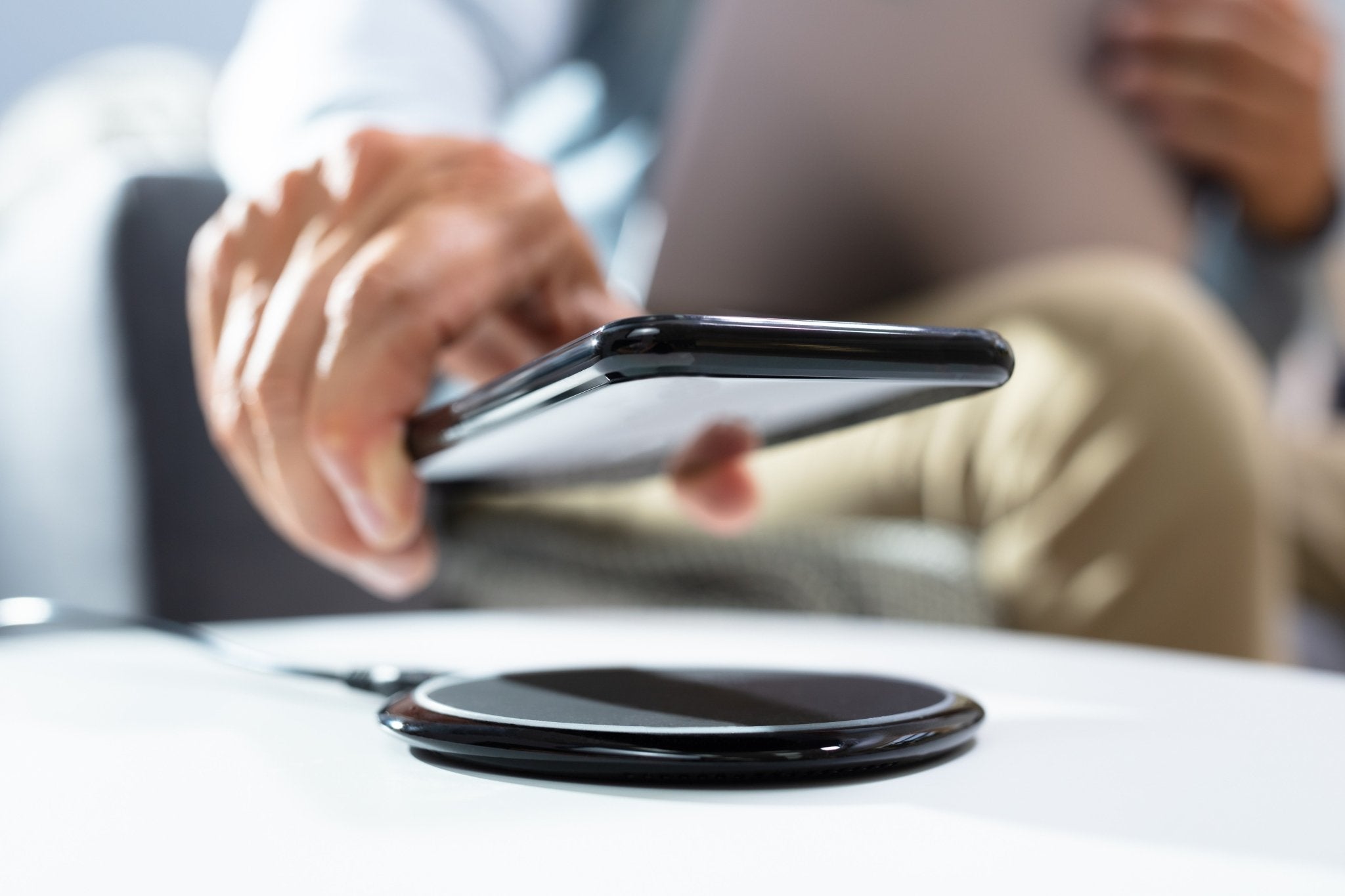
Charging your phone wirelessly
- Place a Qi-enabled phone flat on the front-console charging pad.
- Ensure the phone makes direct contact with the pad.
- The phone charges only when the vehicle is powered on (the touchscreen is on and you are inside).
The integrated wireless charger provides up to 15W for Qi-enabled phones. If you need to charge a phone that is not Qi-compatible, use the USB ports instead.
When wireless charging stops and how to keep it on
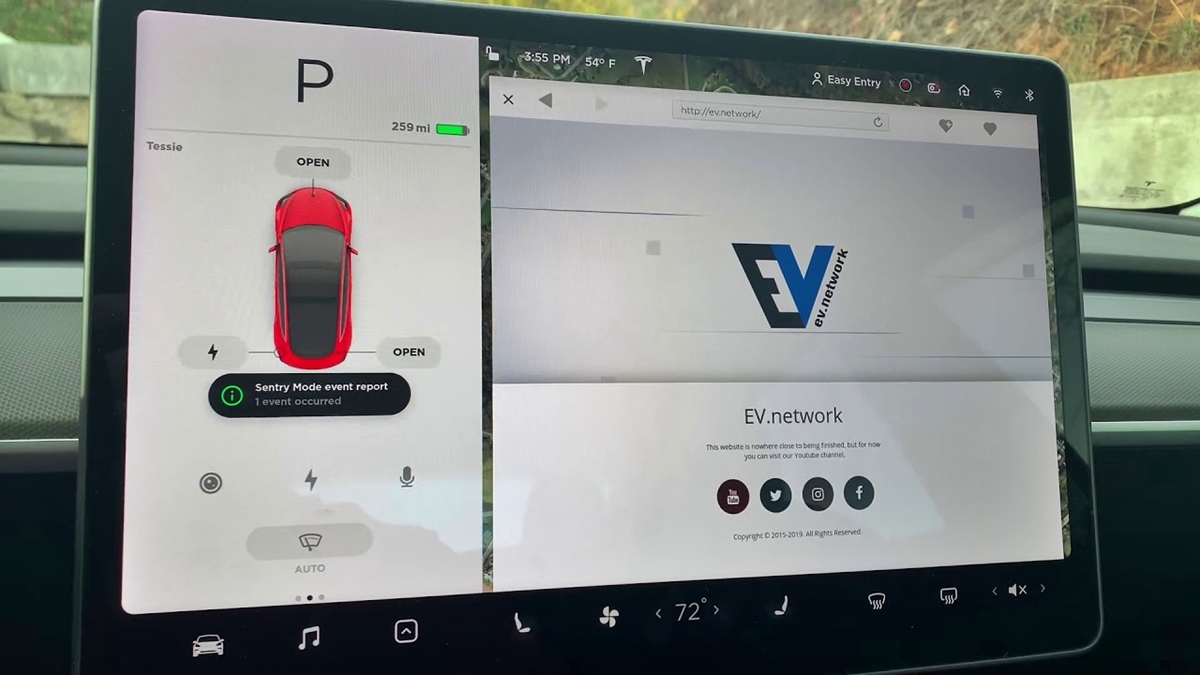
Wireless charging stops after you exit the vehicle unless you enable a feature such as Keep Climate On, Pet Mode, Camp Mode, or Sentry Mode. The phone does not charge after exiting the vehicle unless Sentry Mode is enabled and providing power to the USB ports (alternative manual version). In some Model 3 versions, you can disable the wireless charging pads by going to Controls > Charging > Wireless Phone Charging Pads. This option is available while you are in the vehicle.
What to expect for charging speed
Both USB and wireless charging cap at approximately 15W. Actual charging speed varies by your phone model and the vehicle's manufacture date. Rear USB-C ports are for charging USB devices only and do not offer higher output than the front ports.
Frequently Asked Questions
Does Model 3 wireless charging work with iPhone and Android?
Yes, any phone that supports the Qi wireless charging standard will work on the integrated pad. This includes most modern iPhones and Android devices that have Qi built in.
Do the rear USB ports charge my phone?
Yes. They are charge-only ports, so you cannot use them for data transfer or media playback.
Why won't my phone charge after I park and exit?
Wireless charging stops when you exit the vehicle unless you have enabled Sentry Mode, Keep Climate On, Pet Mode, or Camp Mode. USB ports also stop providing power after exit unless Sentry Mode is active and supplying power to the ports.
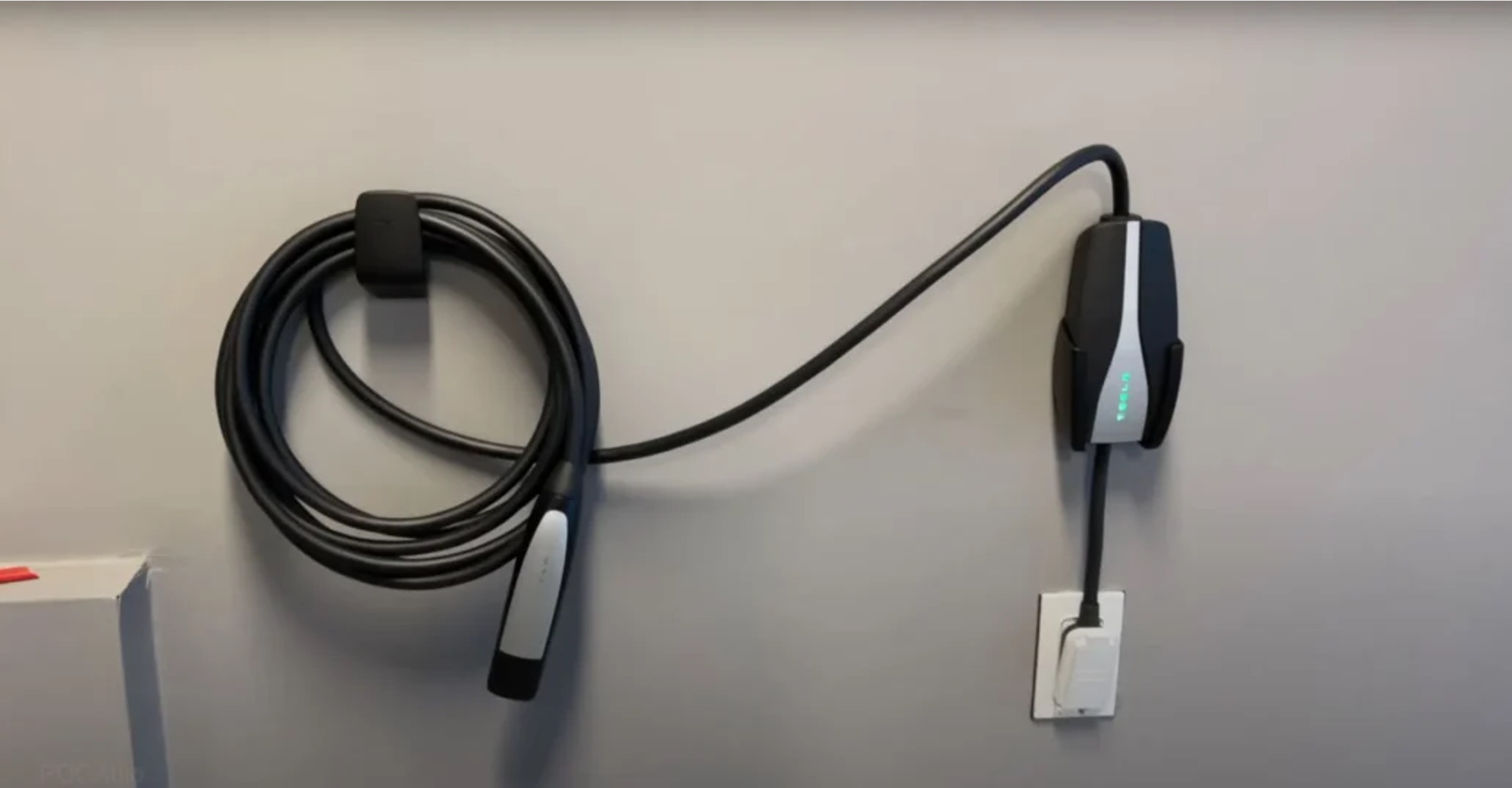
Can I use the Tesla mobile connector to charge my phone?
No. The Tesla mobile connector is designed to charge the vehicle's high-voltage battery, not personal devices. Use the vehicle's USB ports or wireless charging pad for your phone.
How do I turn off the wireless charging pad?
On some Model 3 versions, go to Controls > Charging > Wireless Phone Charging Pads and toggle the setting off. This disables the pads while you are in the vehicle.
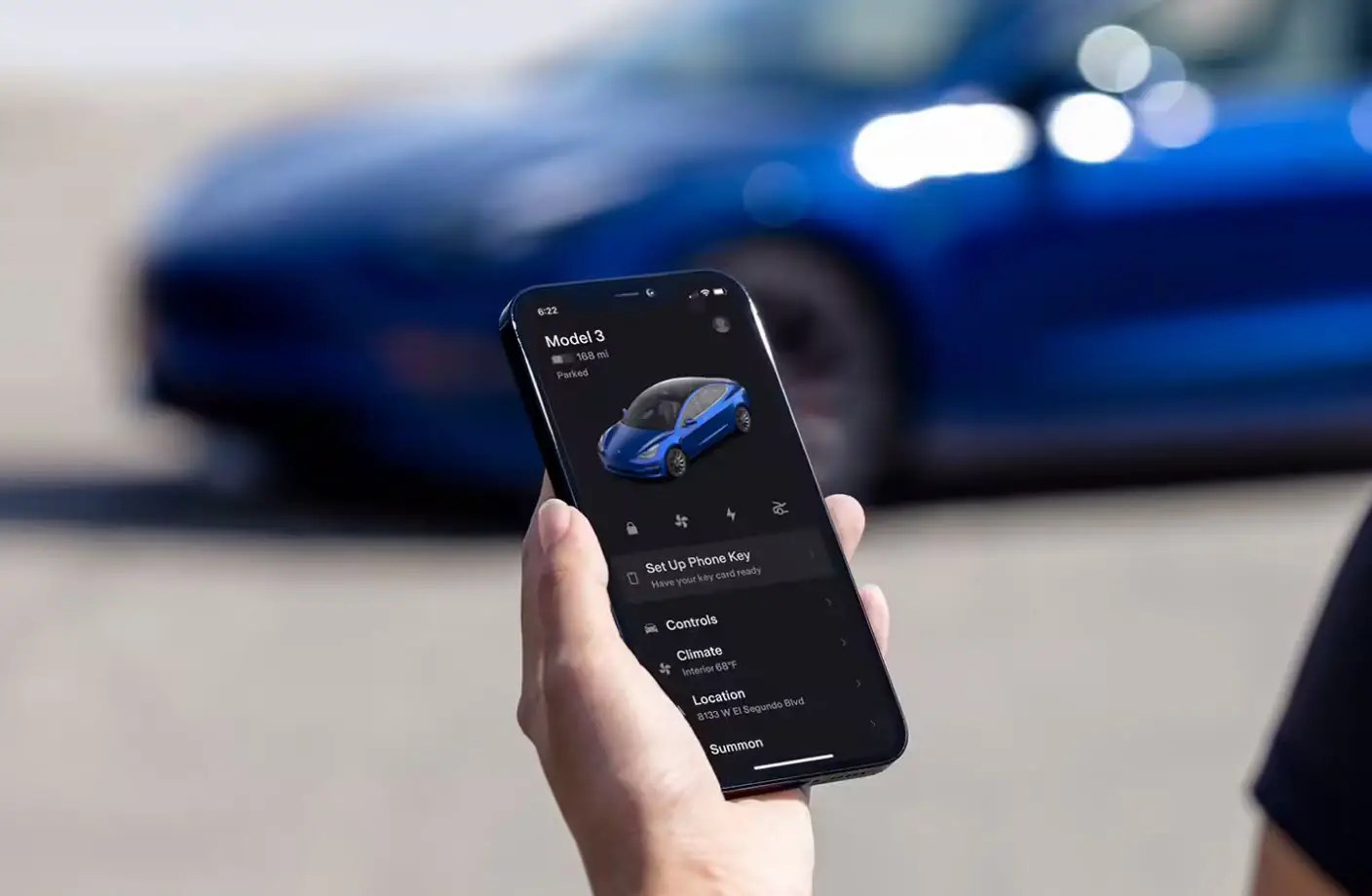
Related reading: How To Connect Your Phone To Tesla.