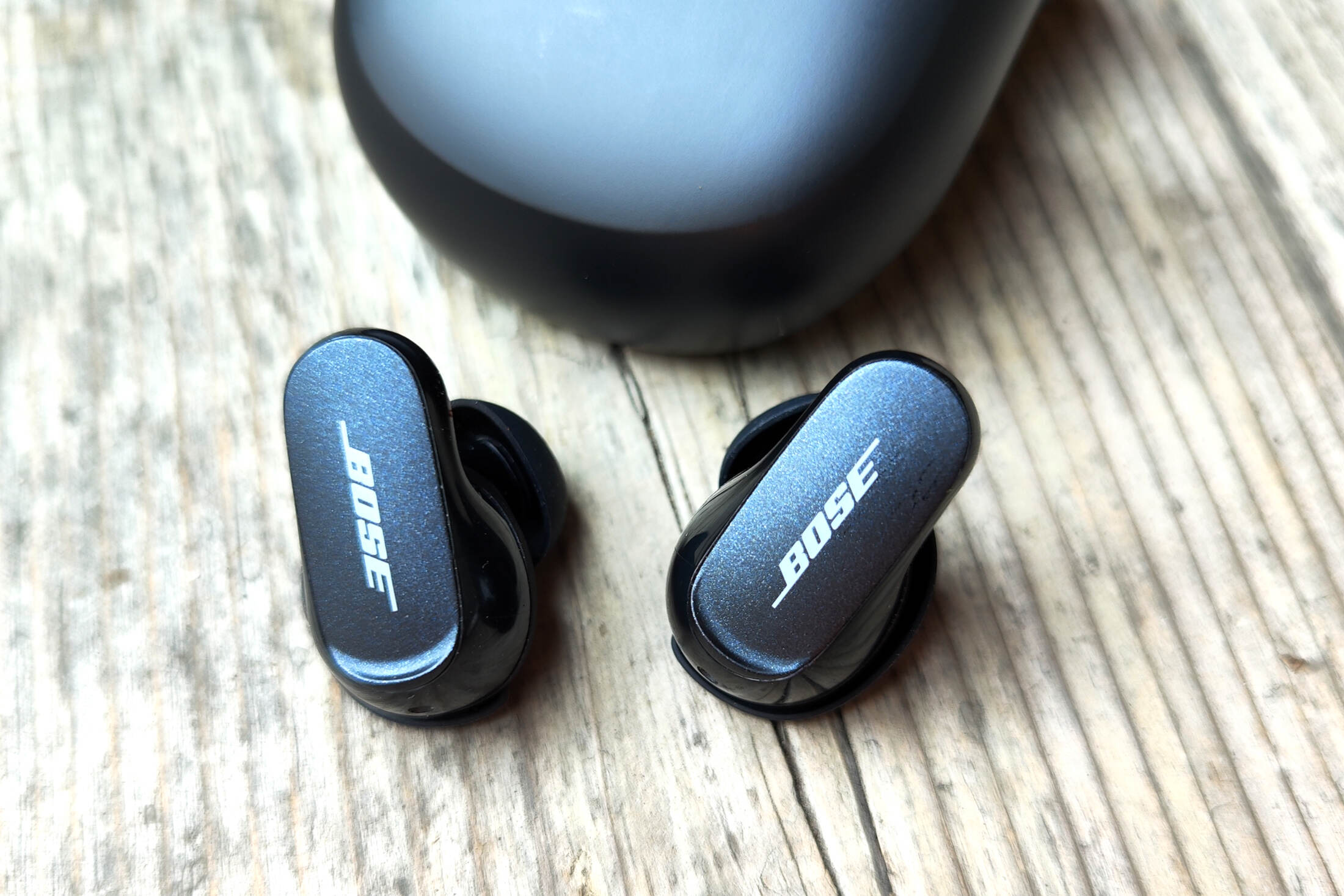
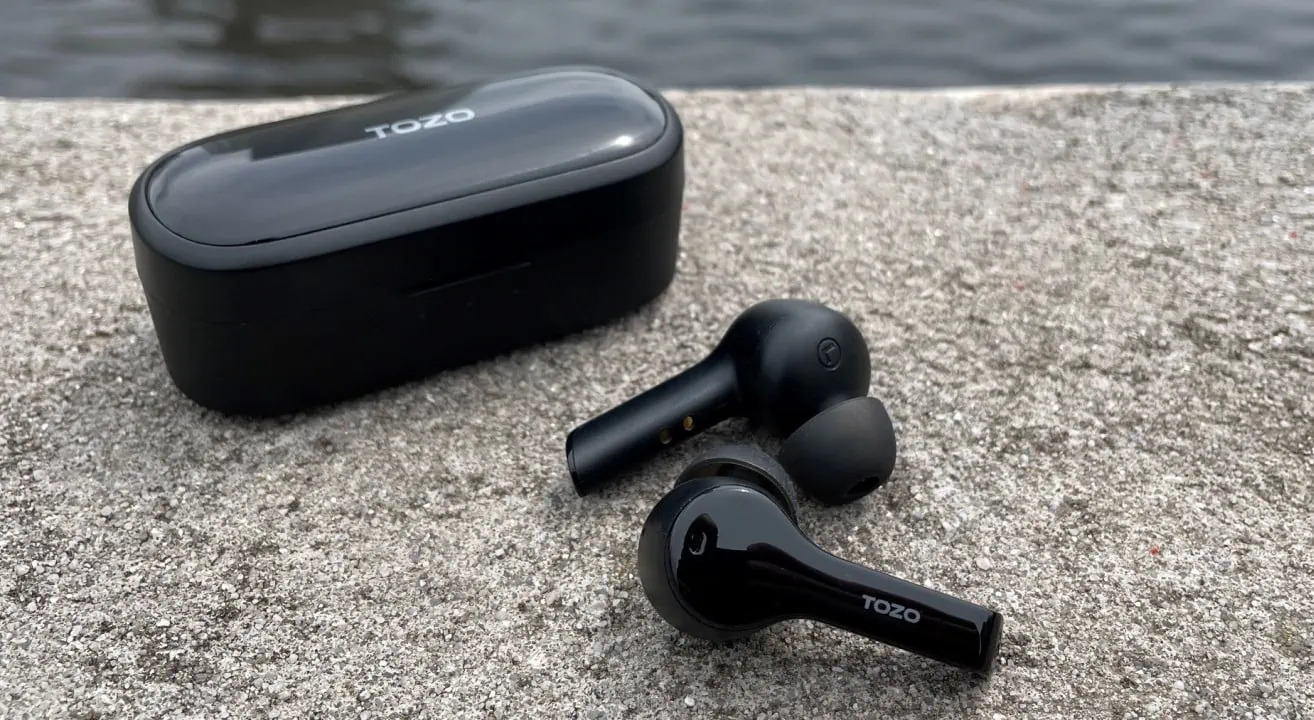
This tag collects all of CellularNews's articles about wireless earbuds, from pairing and charging to troubleshooting and everyday use. Whether you just unboxed a new pair or are trying to fix an old one, these guides are written for anyone who owns a set of Bluetooth earbuds and wants to get them working properly with their phone, tablet, or other devices.

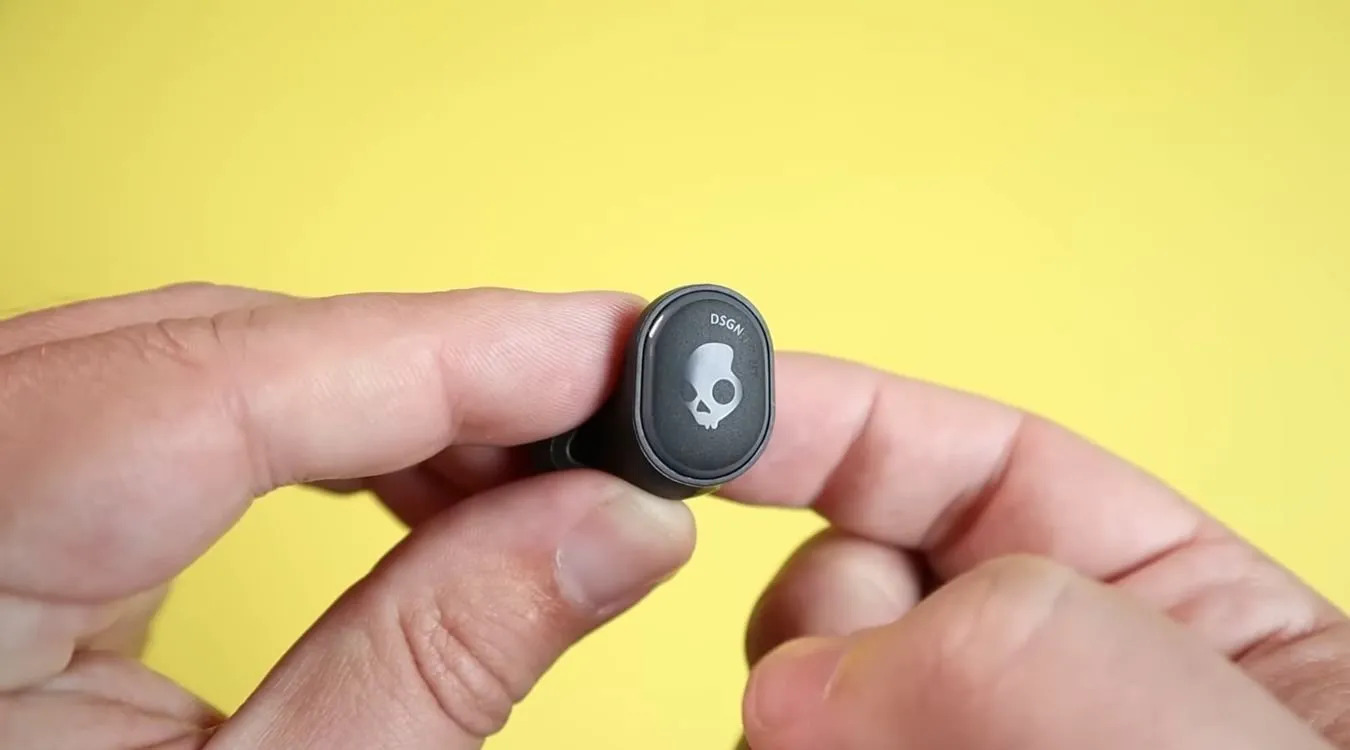
The articles here solve two main kinds of problems. First, they cover the basics of getting started: connecting earbuds to Android phones, pairing specific brands like Sony, Samsung, and JBL, and even linking them to an Xbox or a TV. Second, they address daily operations and maintenance, such as how to properly wear your earbuds, turn up the volume on Skullcandy models, charge a JLab pair without its case, or reset a set of Skullcandy earbuds when they act up. You will also find straightforward answers to practical questions like how long Onn or Bose wireless earbuds last on a charge and what to do with old earbuds you no longer use.

Readers can expect clear, step-by-step help for tasks like answering calls, turning on Beats or JBL earbuds, and understanding why your earbuds keep flashing. Each article is designed to help you take a specific action, connect, charge, pair, reset, or adjust, without any guesswork.
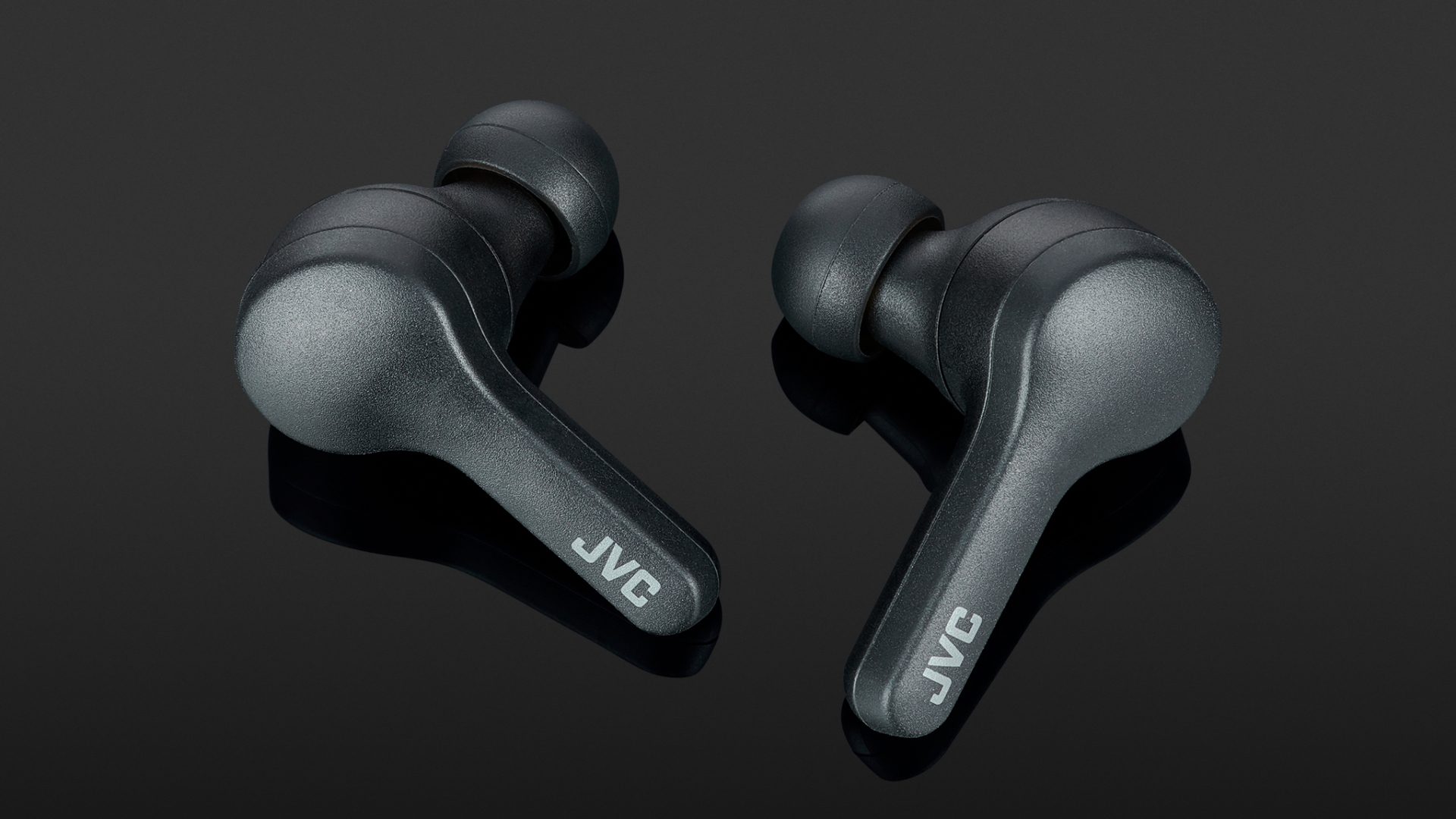
How To Pair JVC Gumy Wireless Earbuds

To pair JVC Gumy wireless earbuds, simply open the charging case to automatically power them on and enter pairing mode, then select the correct device name from your phone or...

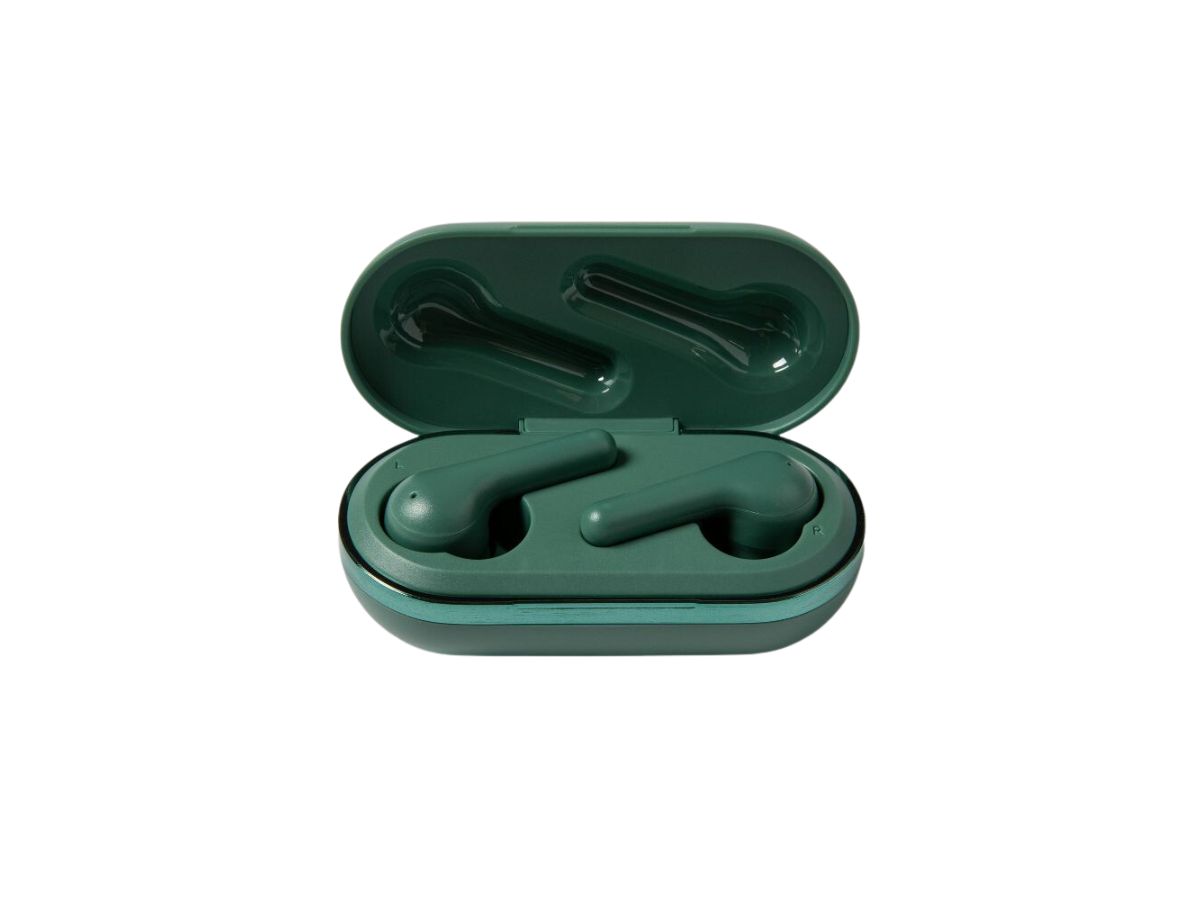
How To Turn Off Heyday Wireless Earbuds

To turn off Heyday wireless earbuds, the primary method is to simply place them back into the charging case, which immediately powers them down and begins charging them. If you...

How To Factory Reset Wireless Earbuds

To factory reset wireless earbuds, you need to follow a specific button-press sequence that varies by brand and model, and you must first unpair or "forget" the earbuds in your...

How To Repair Skullcandy Wireless Earbuds

To repair Skullcandy wireless earbuds, the primary official fix is to reset them using the standard true wireless sequence. This process resolves most pairing, connectivity, and unresponsiveness issues by clearing...

How To Pair Jib True Wireless Earbuds

To pair Jib True wireless earbuds, remove both earbuds from the charging case, manually power them off, then perform the documented 10-second reset before selecting Jib True from your phone’s...

How To Disconnect Wireless Earbuds

The quickest way to disconnect wireless earbuds is to place them back into their charging case and close the lid. This action automatically powers them off and breaks the Bluetooth...

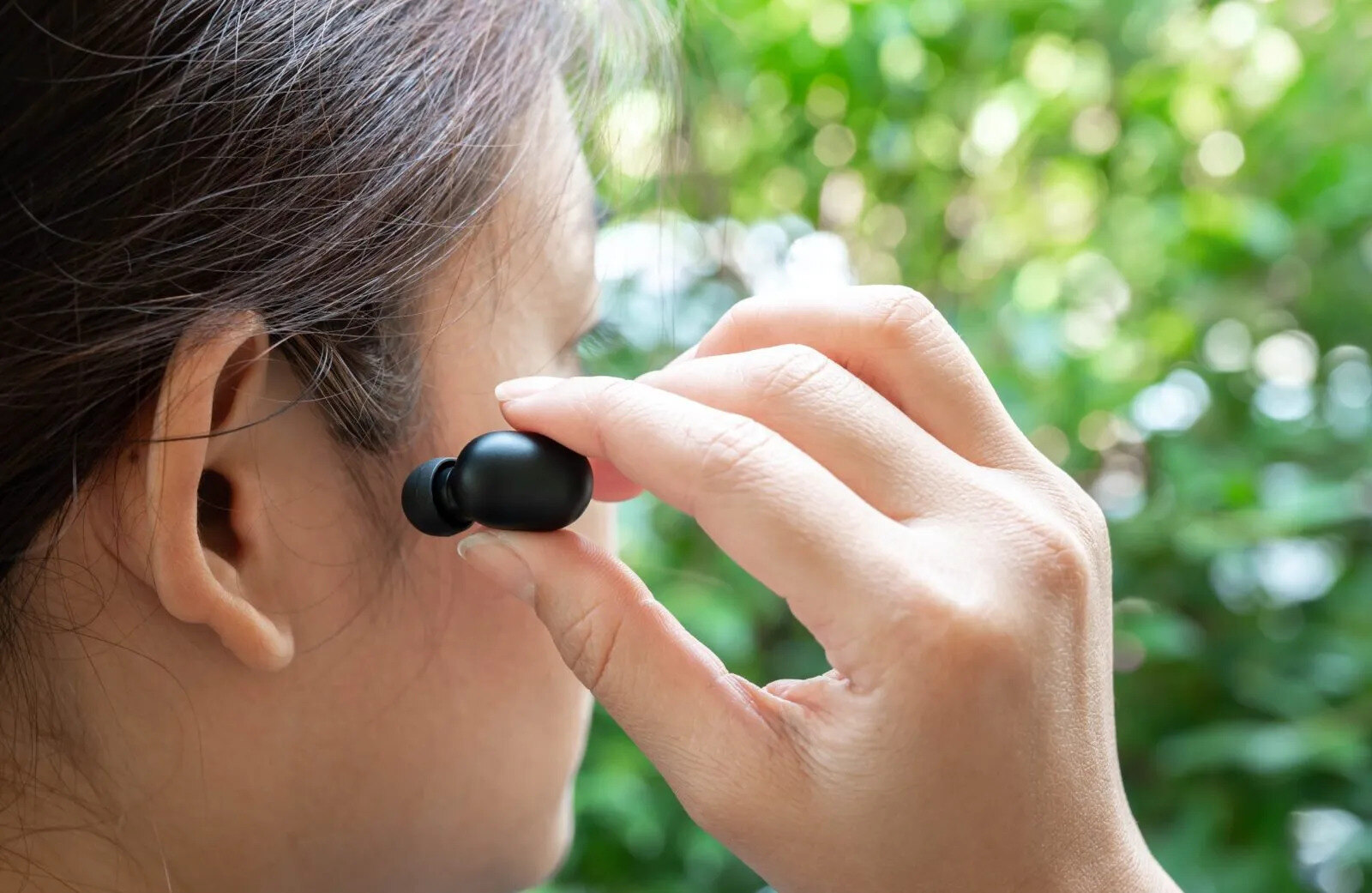
How To Insert Wireless Earbuds

To insert wireless earbuds correctly, you need to gently place the tip into your ear canal and twist it until it locks into a snug, secure position. How to insert...

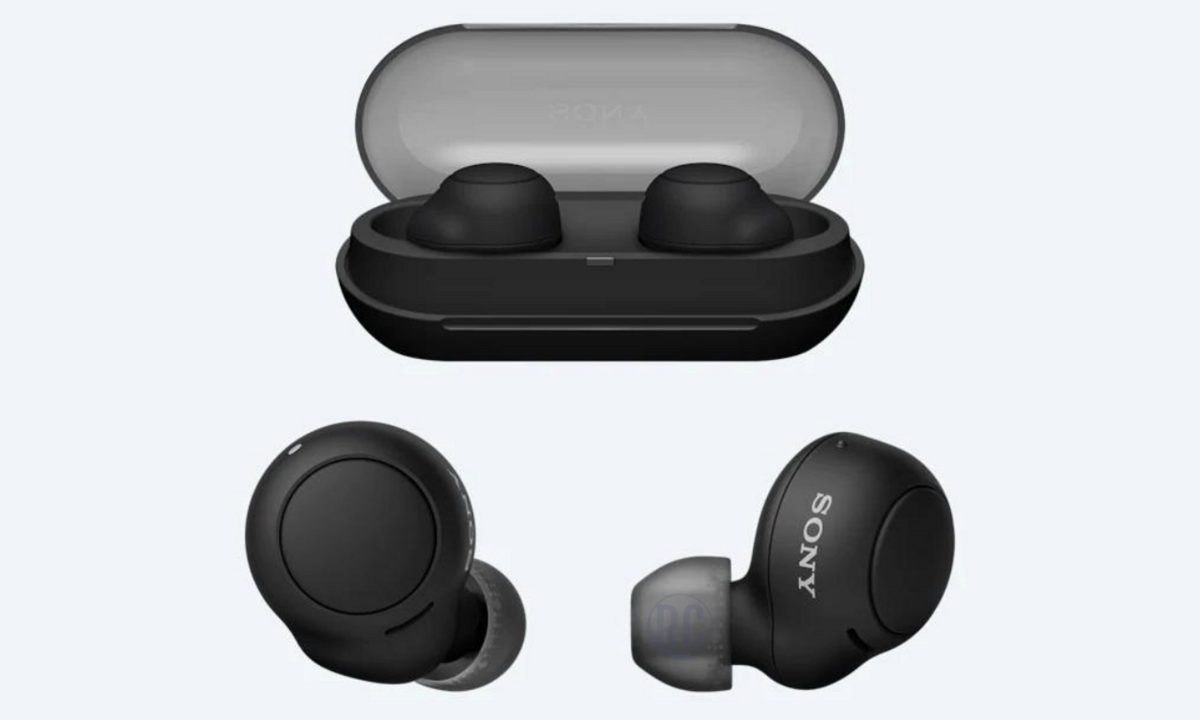
How To Sync Sony Wireless Earbuds

To sync Sony wireless earbuds, place them in pairing mode and connect via your phone’s Bluetooth settings, or use the Sony companion app for a guided setup. This process works...

How To Reset Bose Wireless Earbuds

To reset Bose wireless earbuds, you need to follow a specific process that varies by model, and some resets only clear Bluetooth pairings while others restore factory settings. This model-by-model...

How To Connect Tozo Wireless Earbuds

To connect Tozo wireless earbuds, you need to put the earbuds into pairing mode and then select them from your phone or tablet's Bluetooth menu. The universal Bluetooth pairing process...