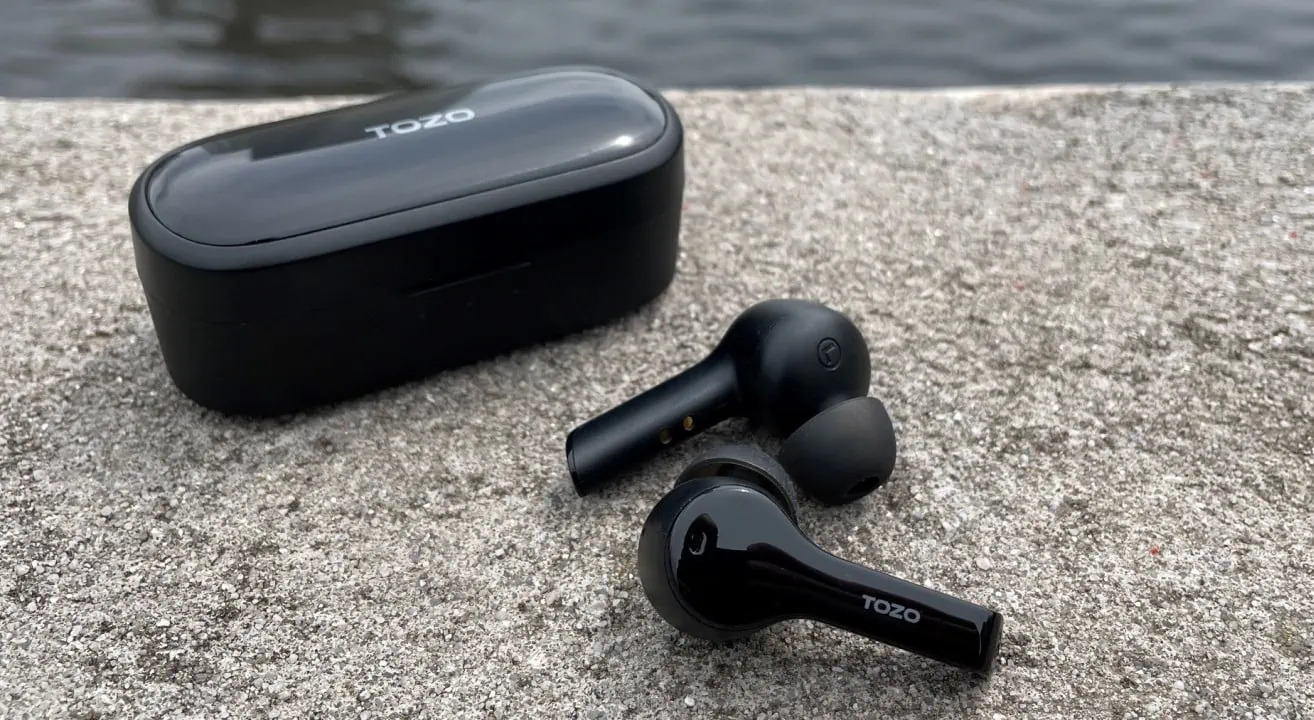
To connect Tozo wireless earbuds, you need to put the earbuds into pairing mode and then select them from your phone or tablet's Bluetooth menu. The universal Bluetooth pairing process works the same for most devices, and we'll walk you through the exact steps using an iPhone as the verified example.
How to connect tozo wireless earbuds to your device
The process of pairing wireless earbuds follows the same general steps across all Bluetooth devices. To connect your Tozo earbuds, first make sure they are charged and ready. Then, activate pairing mode on the earbuds, typically by pressing and holding the power button until the LED indicator flashes. On your phone or tablet, go to the Bluetooth settings and enable Bluetooth. Your device will search for available accessories. When you see "Tozo" or a similar name appear under the devices list, tap it to complete the connection. You may be prompted to enter a passcode to complete the pairing process. If so, refer to the user manual provided with your Tozo wireless earbuds for the specific passcode.
For iPhone users, the verified path is:
- Open Settings and tap Bluetooth.
- Make sure Bluetooth is turned on.
- When your Tozo earbuds appear under Devices or Other Devices, tap their name to connect.
Your iPhone must be within about 33 feet (10 meters) of the earbuds for pairing to work. Once connected, you will see a confirmation on your device, and the earbuds are ready to use.
Charging your tozo wireless earbuds
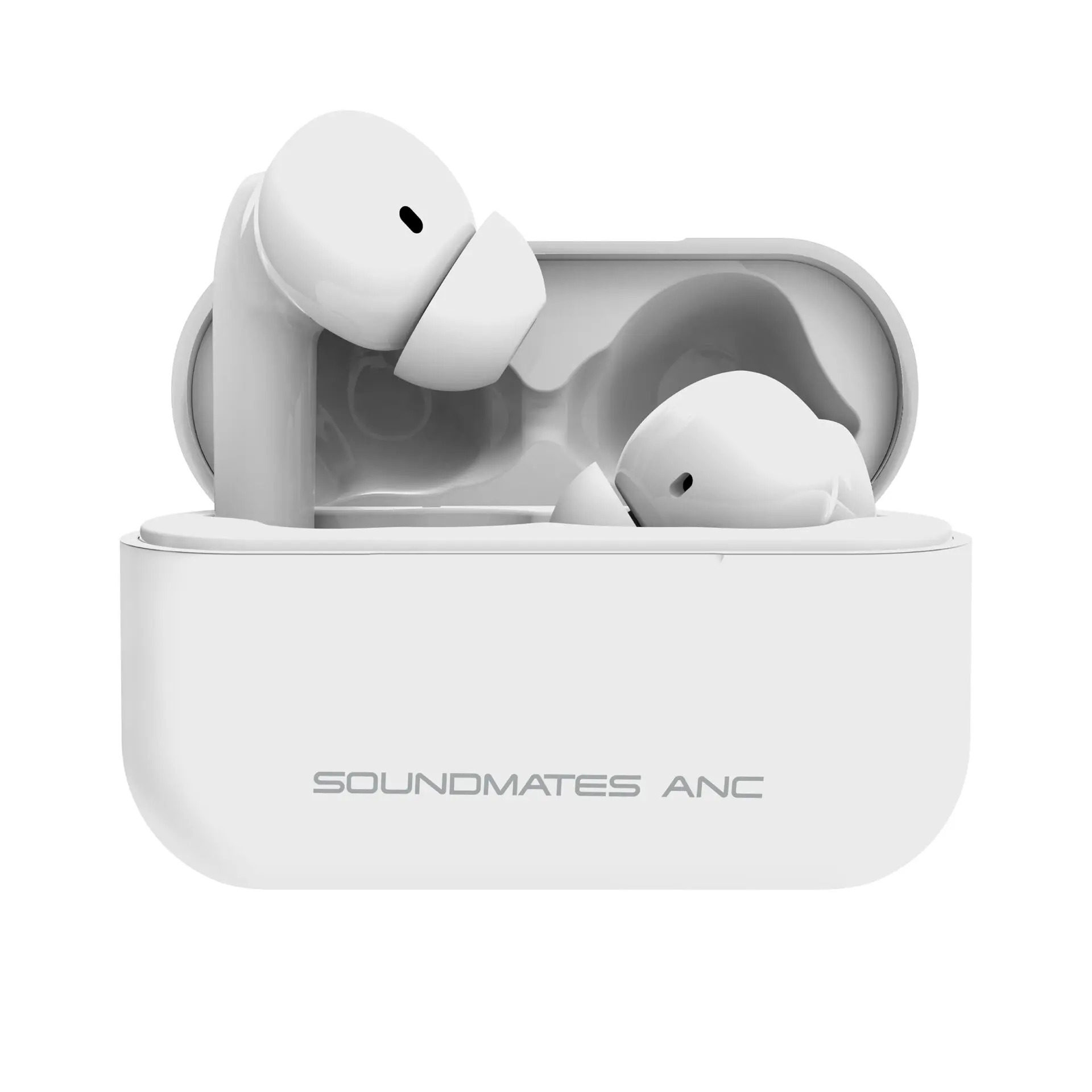
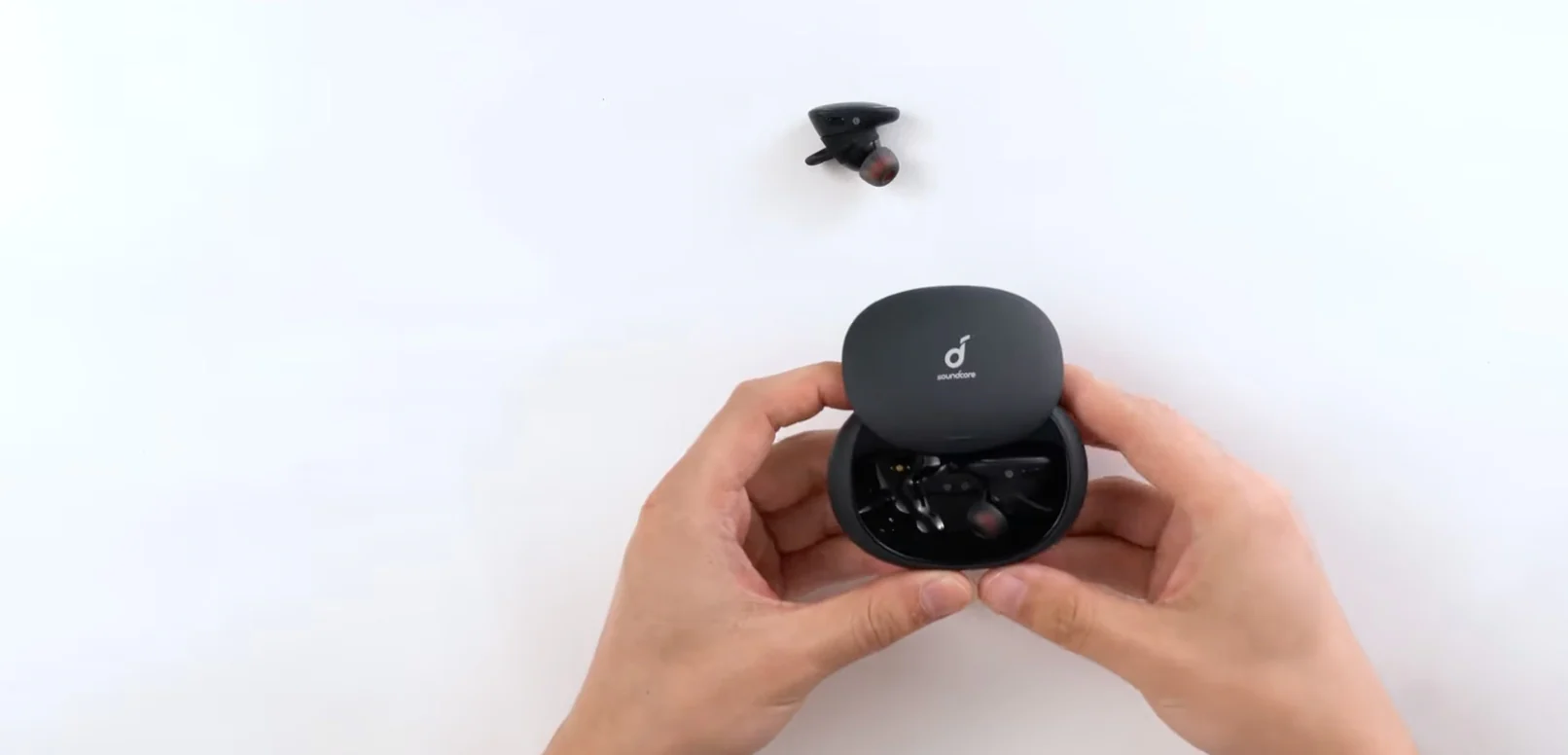
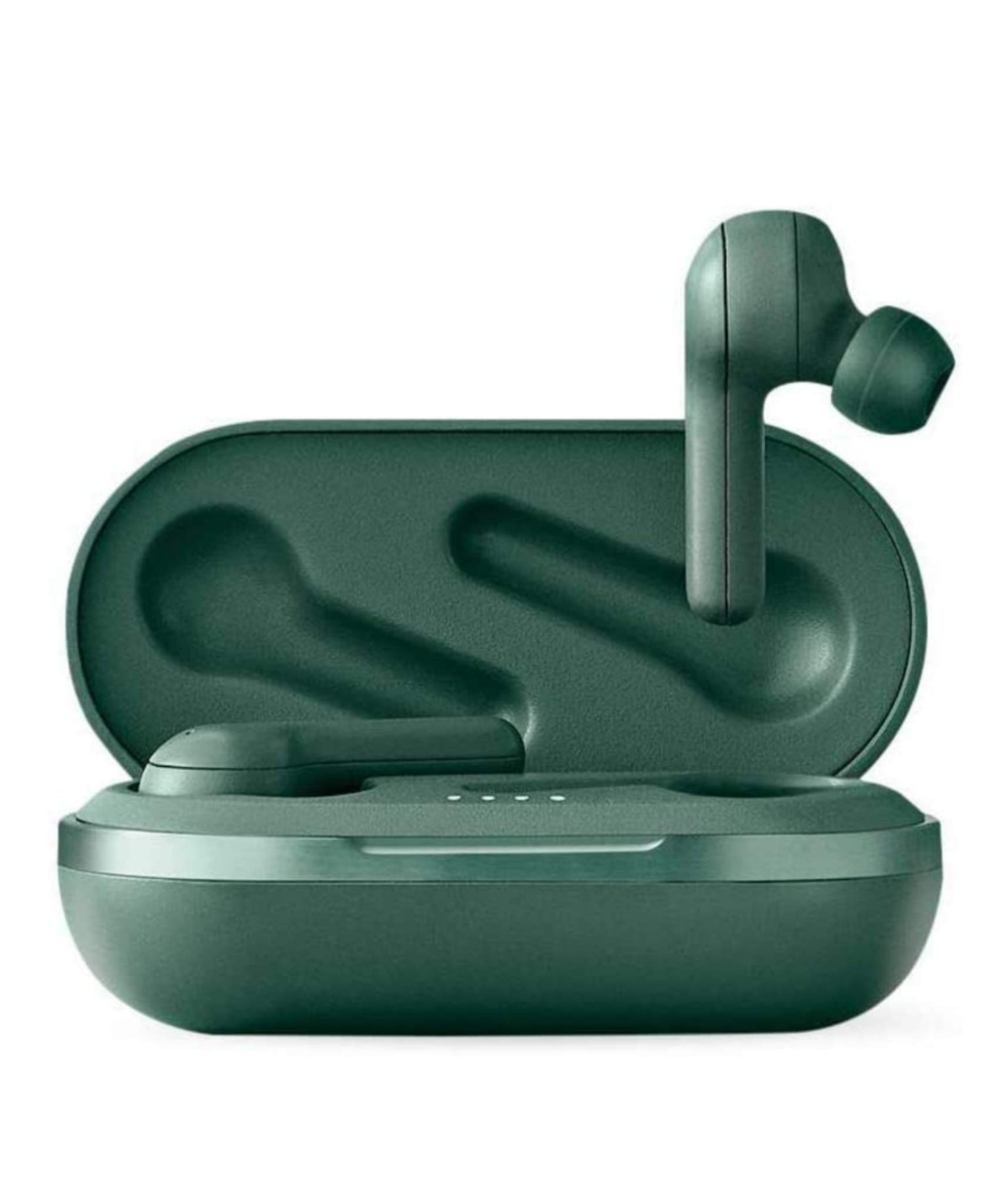
To keep your earbuds powered, use the charging case that came with them. Open the case and insert each earbud into its slot, making sure they are properly aligned. Close the case, then connect it to a power source using the included USB cable. You can plug into a wall adapter, computer, or power bank. Allow enough time for the earbuds to charge fully before using them again. When the case is connected to power, the LED indicator will show the charging status. While charging, the LED indicator light on the front of the charging case will be amber or red when charging, and turn green once fully charged. Disconnect the charging case from the power source when finished charging to conserve energy and prevent unnecessary wear on the charging components.
Getting the right fit with your tozo earbuds
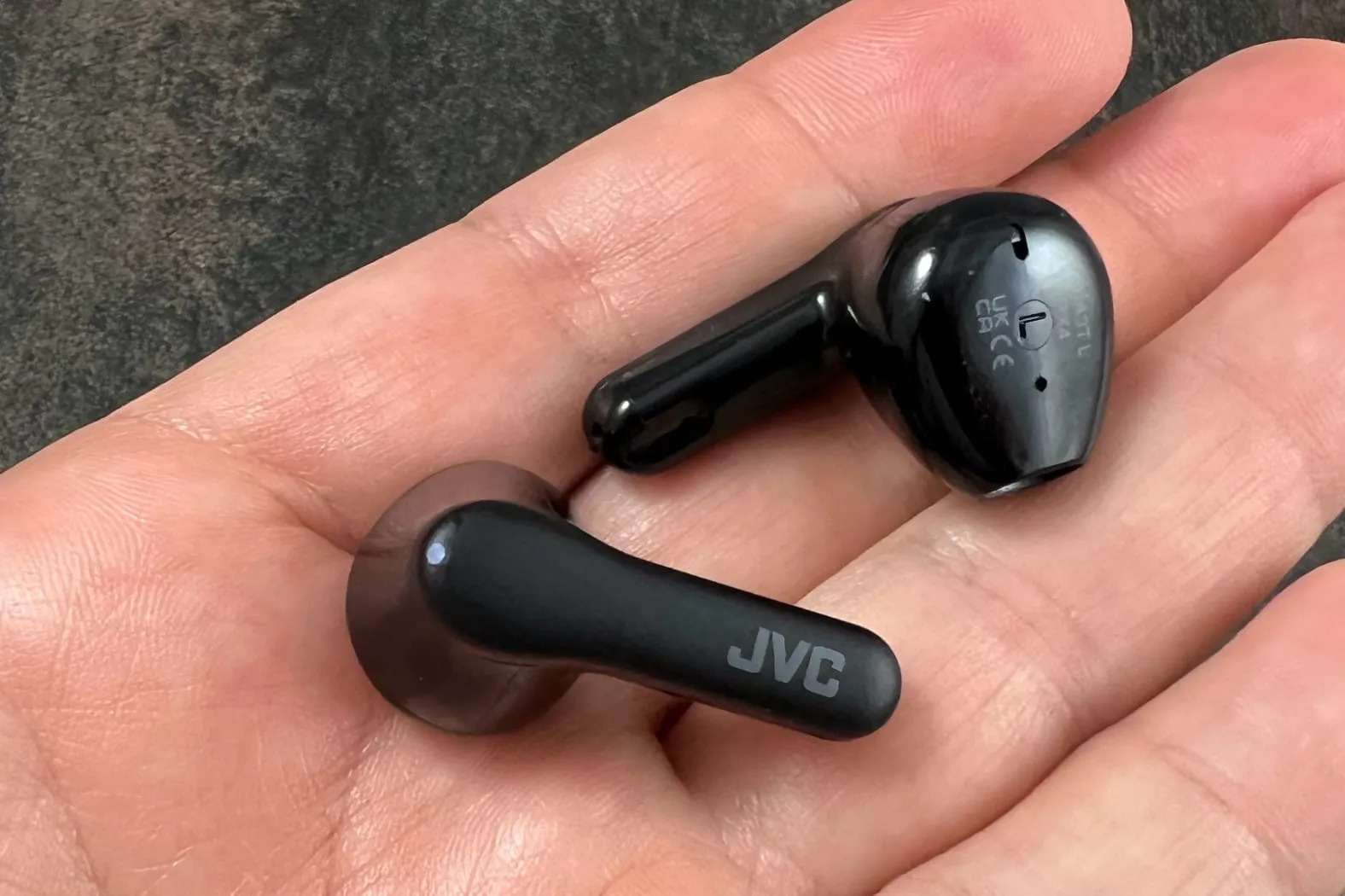
A secure fit improves sound quality and keeps the earbuds in place. Your Tozo earbuds come with multiple ear tip sizes. Start with the medium tips and try a different size if they feel loose or too tight. To insert the earbuds, gently hold them by the stem, align the ear tip with your ear canal, and twist them into place. Once inserted, move your head and jaw to check that the earbuds stay secure and comfortable. If they feel loose, adjust the angle or try a different ear tip size. Use the provided ear hooks or wings for additional stability and to prevent the earbuds from falling out during physical activity.
Troubleshooting tozo earbud connection problems
If your earbuds are not connecting, try these standard Bluetooth fixes:
- Make sure the earbuds are fully charged. Low battery can cause connection issues.
- Check that Bluetooth is turned on and your device is in pairing mode.
- Forget the earbuds from your device's Bluetooth settings, then pair them again from scratch.
- Reduce interference by moving away from other electronic devices, Wi-Fi routers, or metal objects.
- Consult your Tozo earbuds user manual for model-specific reset or pairing steps. Some Tozo earbuds models have a reset function that you can use to troubleshoot connectivity problems.
Check if there are any firmware updates available for your Tozo earbuds, as manufacturers often release updates to improve connectivity and fix known issues. If problems persist, contact Tozo customer support for further assistance.
Frequently Asked Questions
Can I connect my tozo earbuds to multiple devices at the same time?
No, Tozo wireless earbuds can only connect to one device at a time. To switch to a different device, disconnect from the current one and pair again with the new device.
How far can I be from my device and still maintain a connection?
The Bluetooth range for Tozo earbuds is up to 33 feet (10 meters) from the paired device. Walls and other obstacles may reduce this range.
How do I control playback and volume on my tozo earbuds?
Use the buttons on your earbuds to control playback. A single press typically plays or pauses audio, a double press skips to the next track, and a triple press goes back to the previous track. Press and hold the volume buttons to adjust the volume.
Can I use my tozo earbuds for phone calls?
Yes, Tozo earbuds have a built-in microphone that lets you make and receive phone calls. Press the button on the earbud to answer an incoming call.
Related reading: How To Connect Brookstone Wireless Earbuds To IPhone and How To Pair 2 Wireless Earbuds.