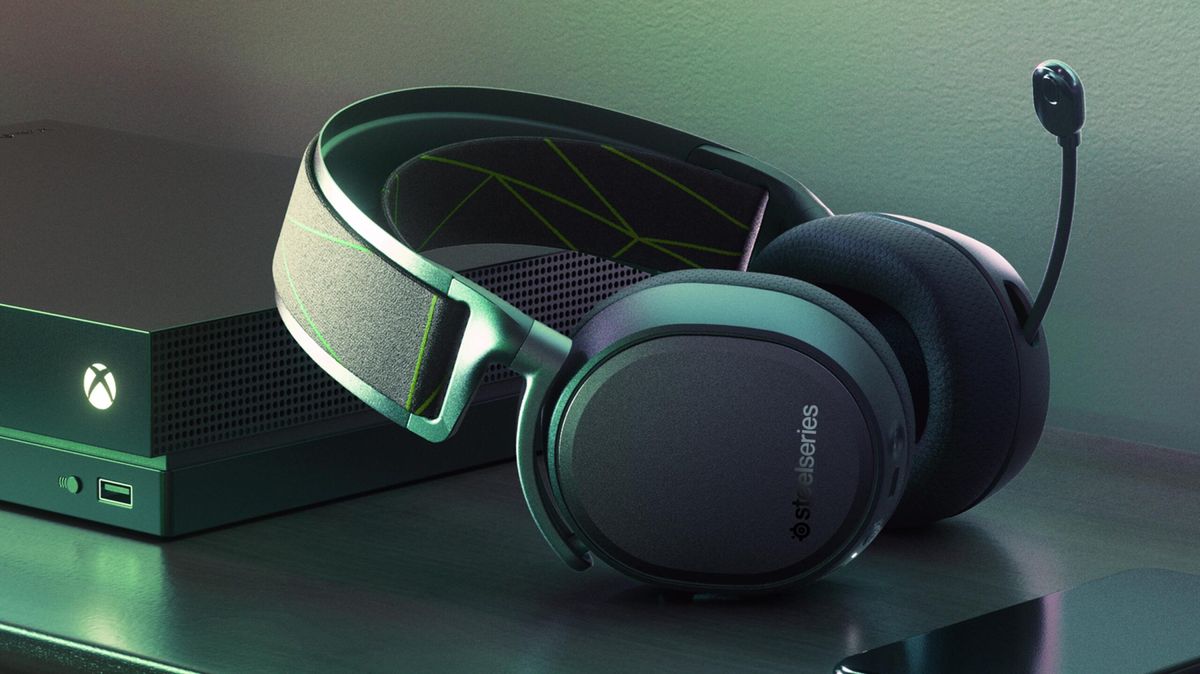
This tag collects articles about wireless headsets for gaming consoles, specifically focused on connection, setup, and basic maintenance. It is intended for gamers and phone users who own or are considering a wireless headset for their Xbox, PlayStation, or PC, and need straightforward, step-by-step guidance without marketing fluff.
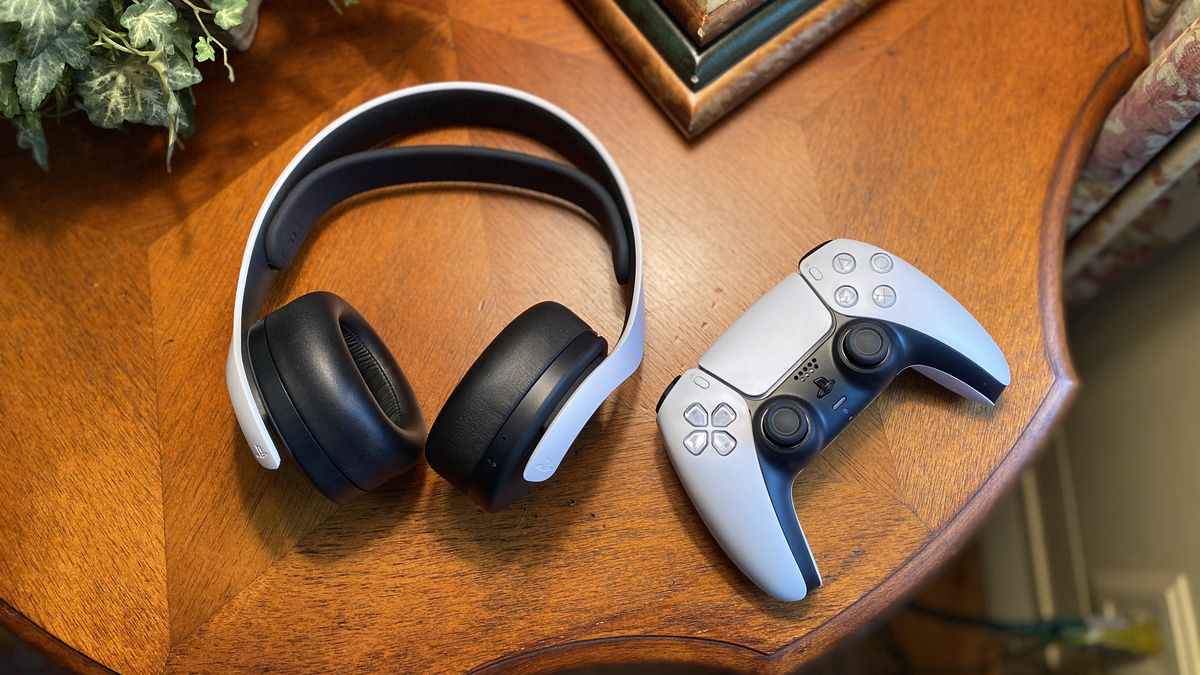
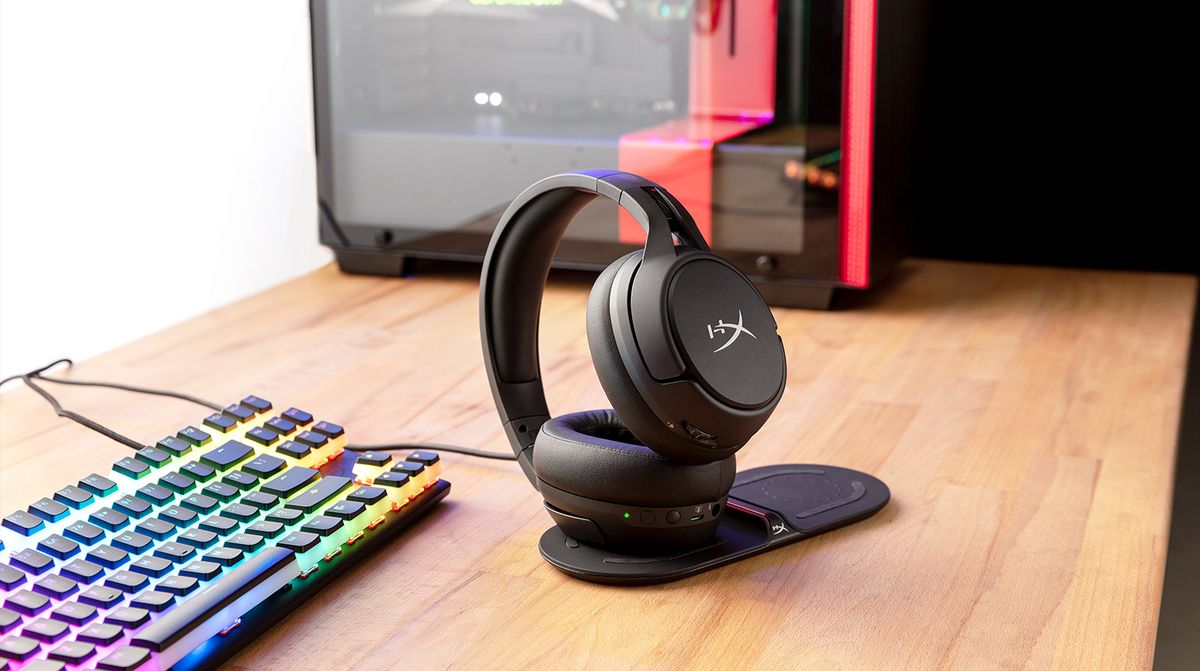
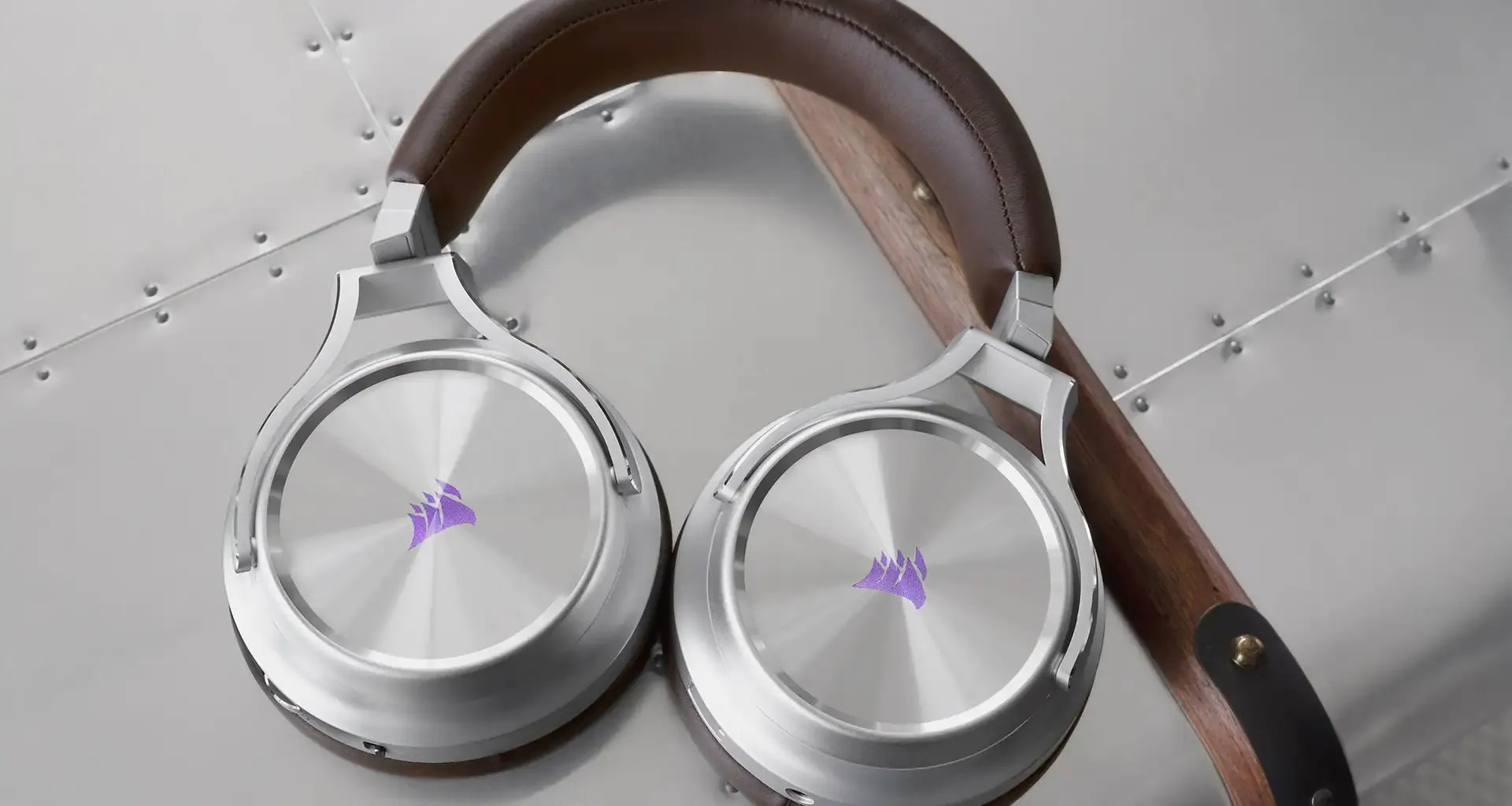
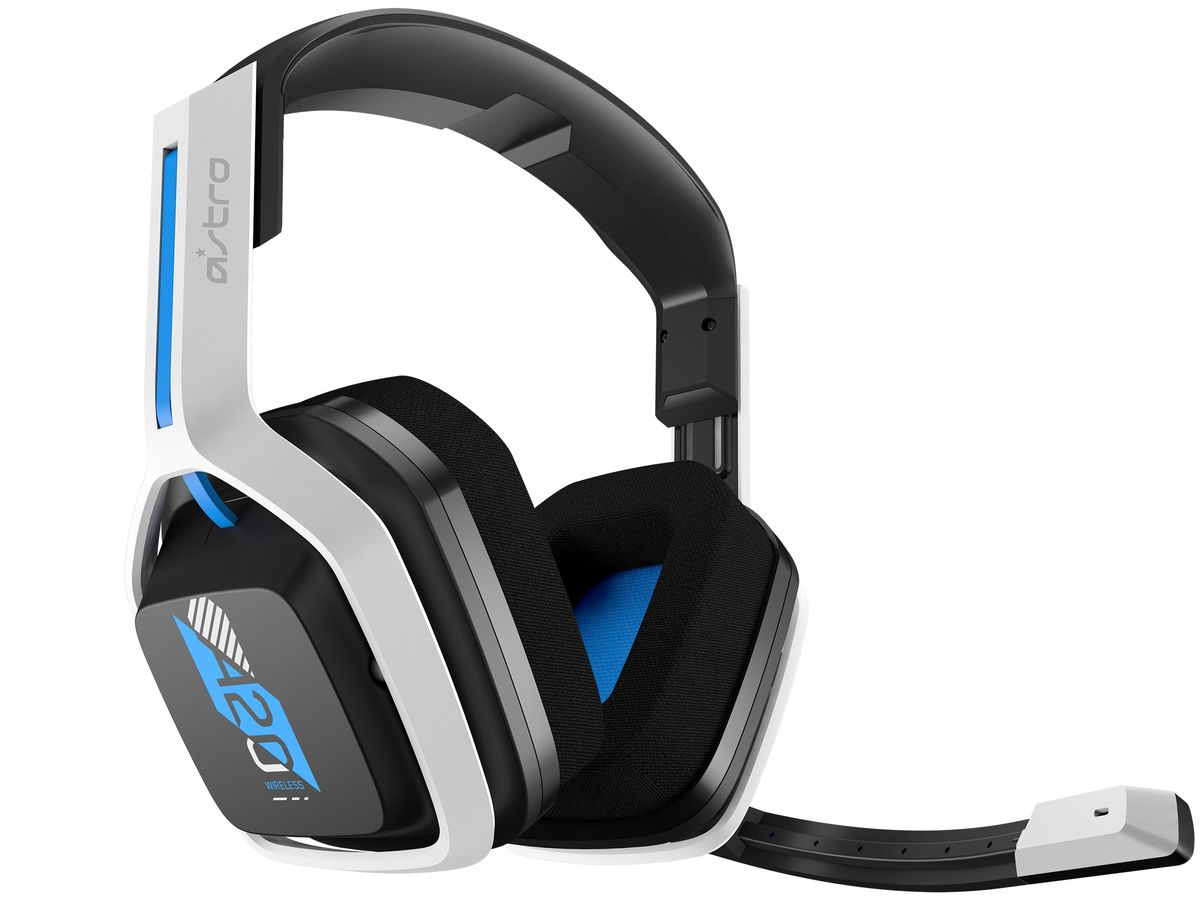
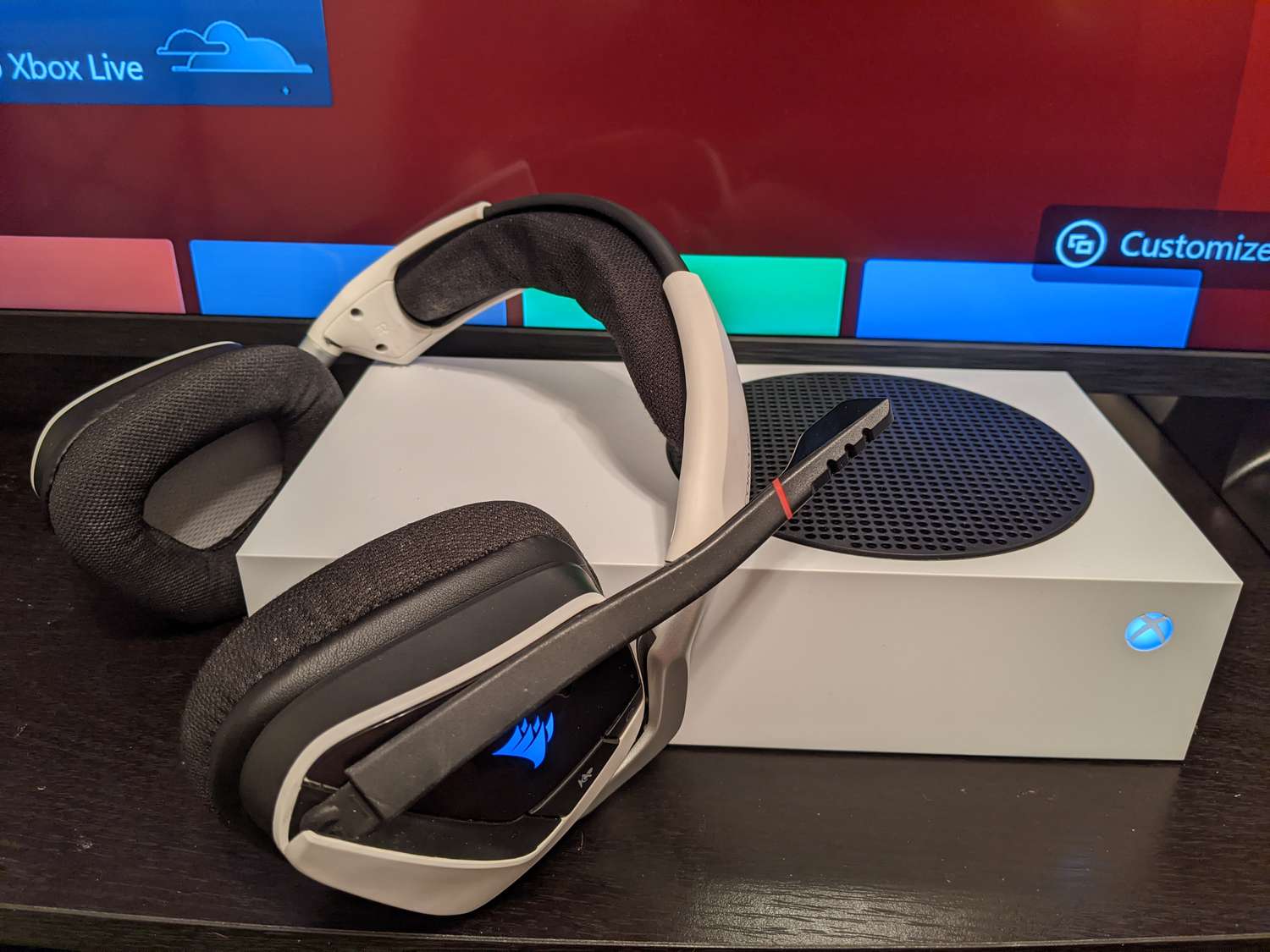
The articles here solve two main types of problems. First, they address the initial pairing and connection process for specific headset models to specific consoles, for example, how to connect a wireless Razer headset to an Xbox, a Pulse 3D headset to a PS5, or a Logitech wireless headset to an Xbox One. Second, they cover everyday operational issues like power management and disconnection, including how to turn off a Corsair Virtuoso headset, how to charge an A20 wireless headset, and how to disconnect a headset from an Xbox. A few articles also bridge the gap between USB headsets and consoles, such as how to use a USB headset on an Xbox Series S.
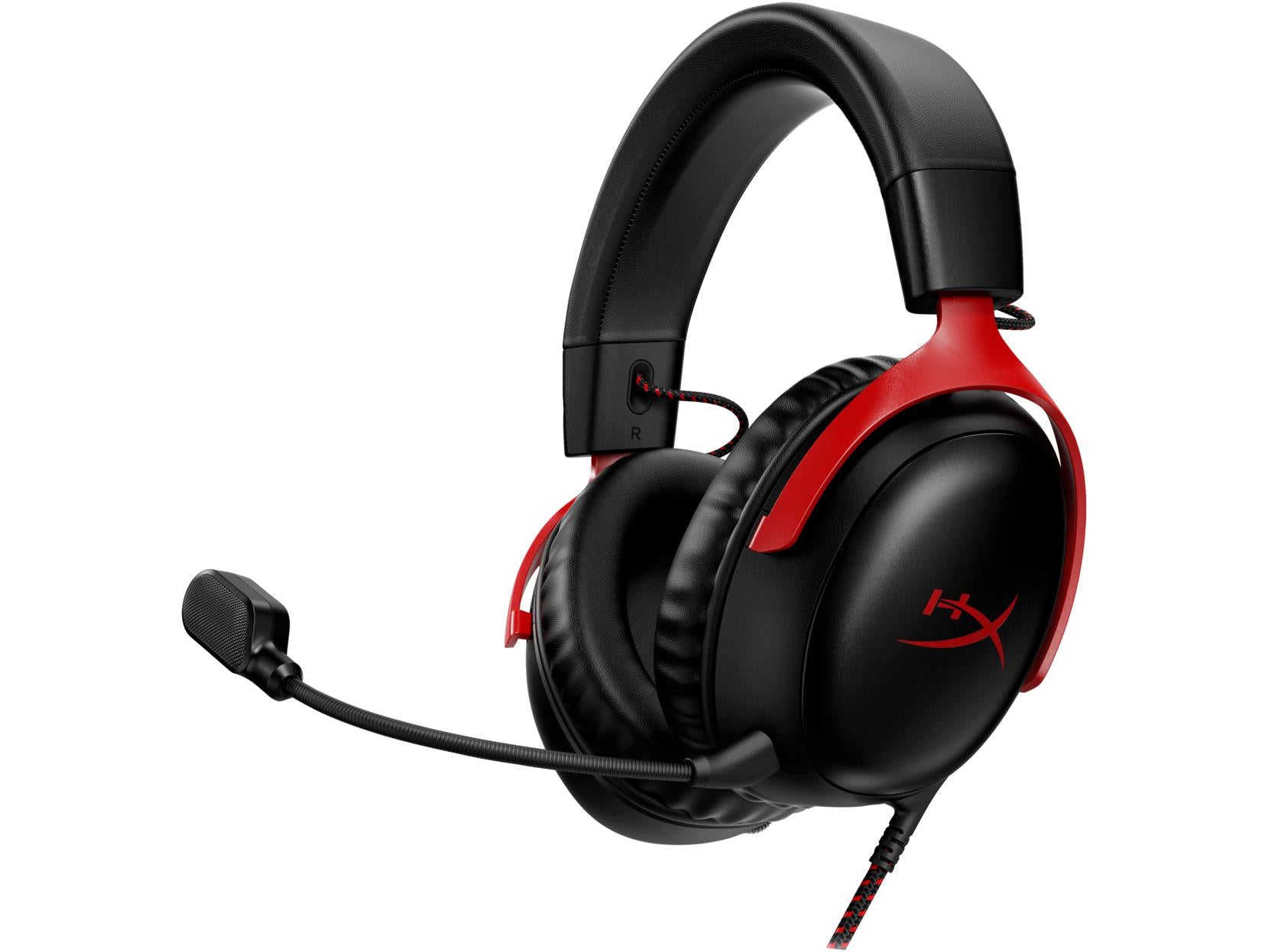
In short, these articles help the reader actually get their headset working with their console, keep it charged, and know how to properly disconnect or power it off. Whether you are connecting a HyperX headset to an Xbox or figuring out how to charge your headset, the tag provides the specific instructions needed to avoid frustration and get back to gaming.