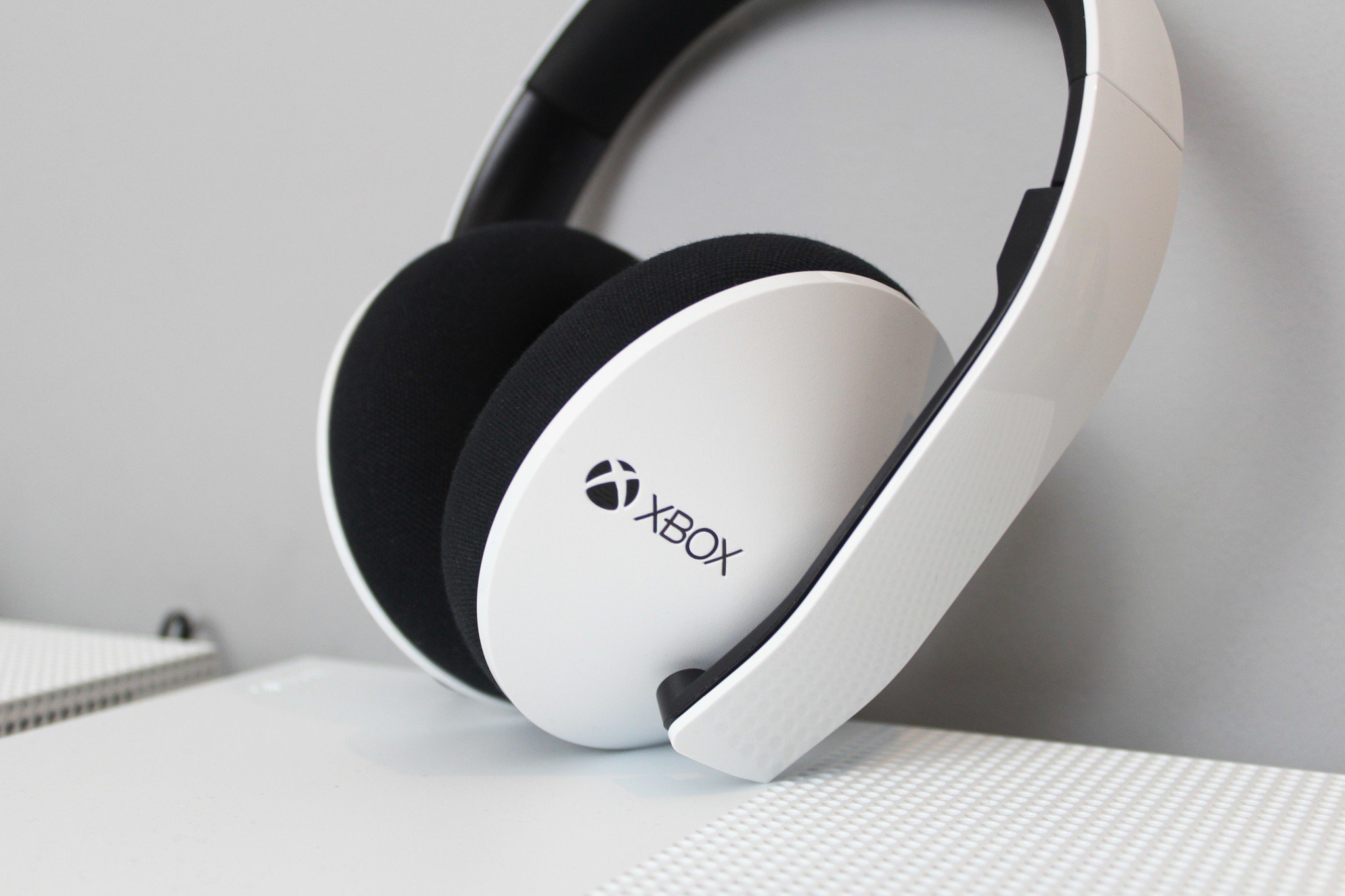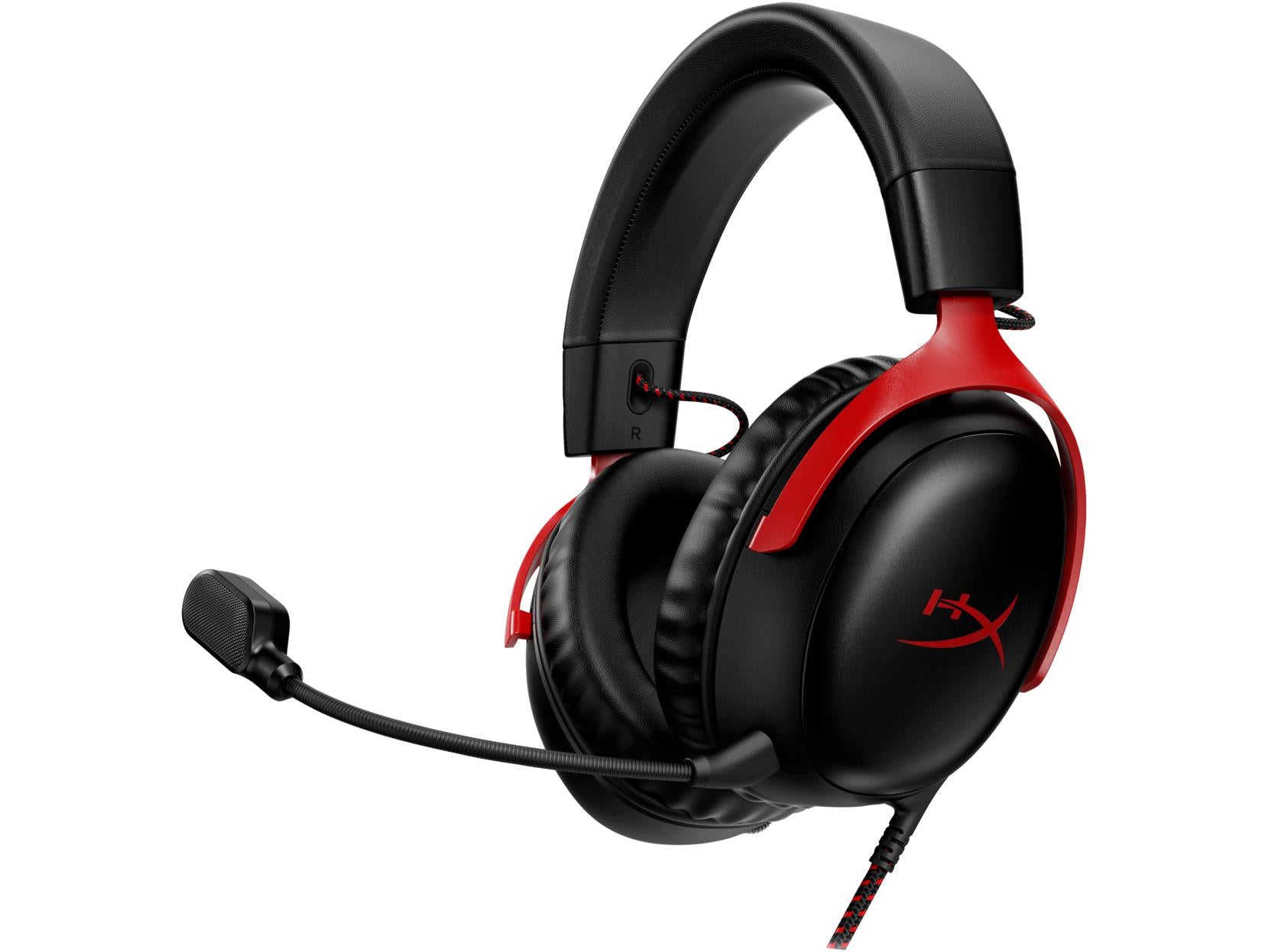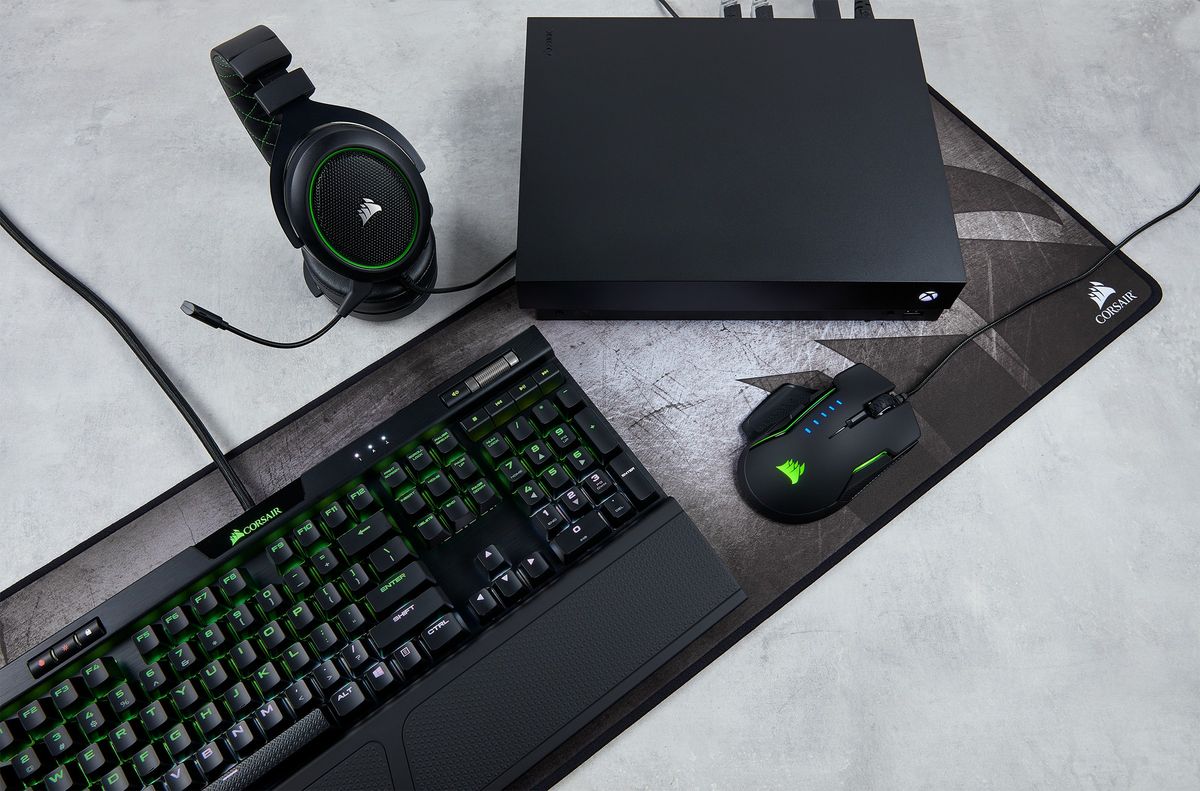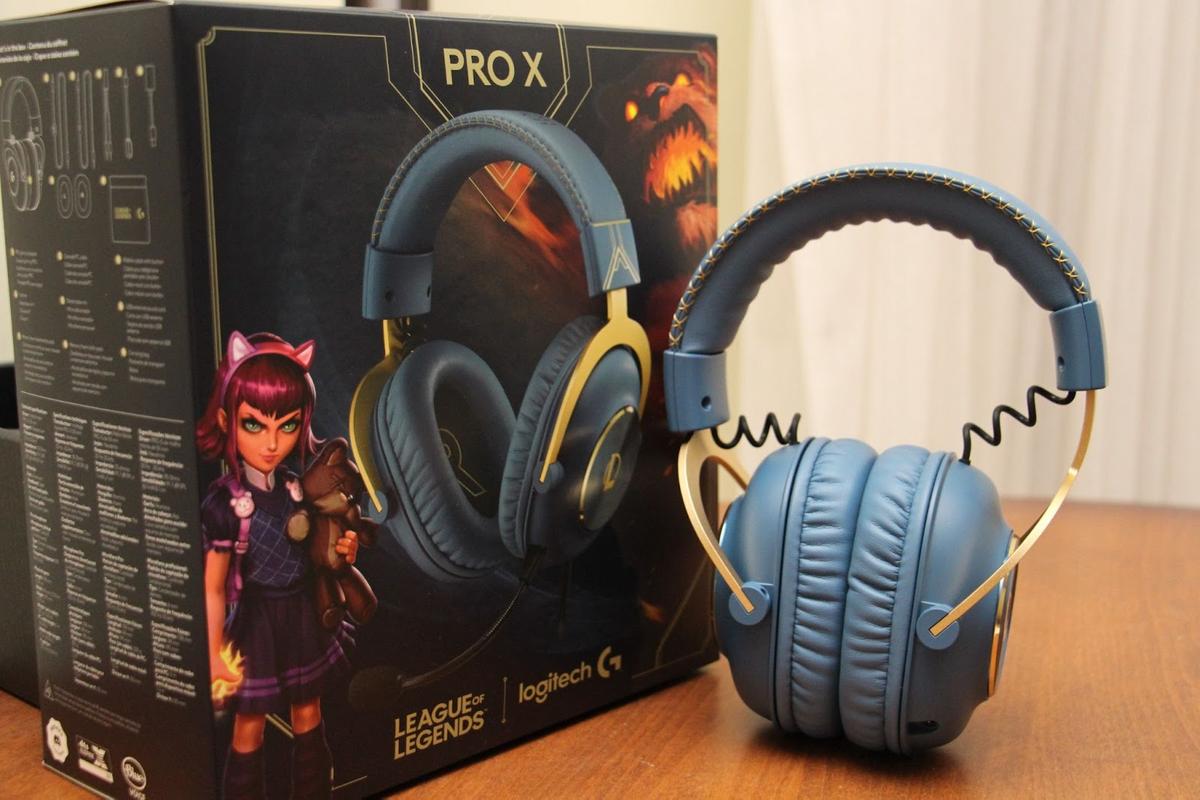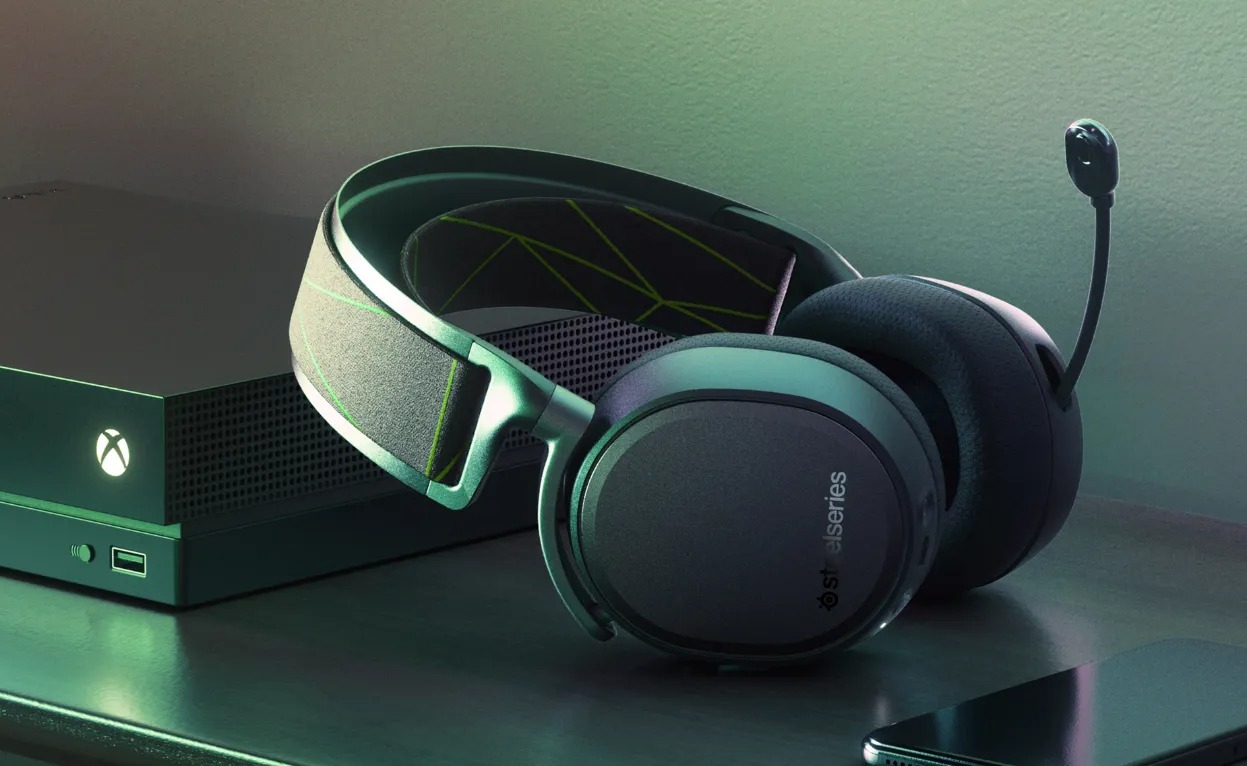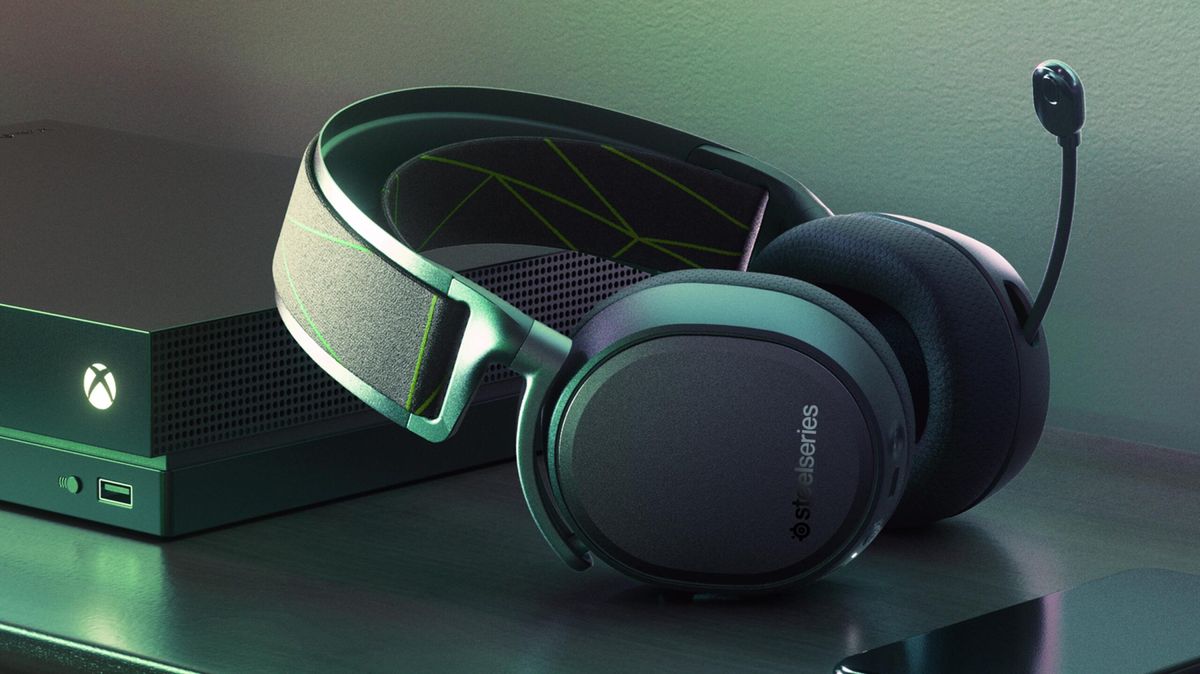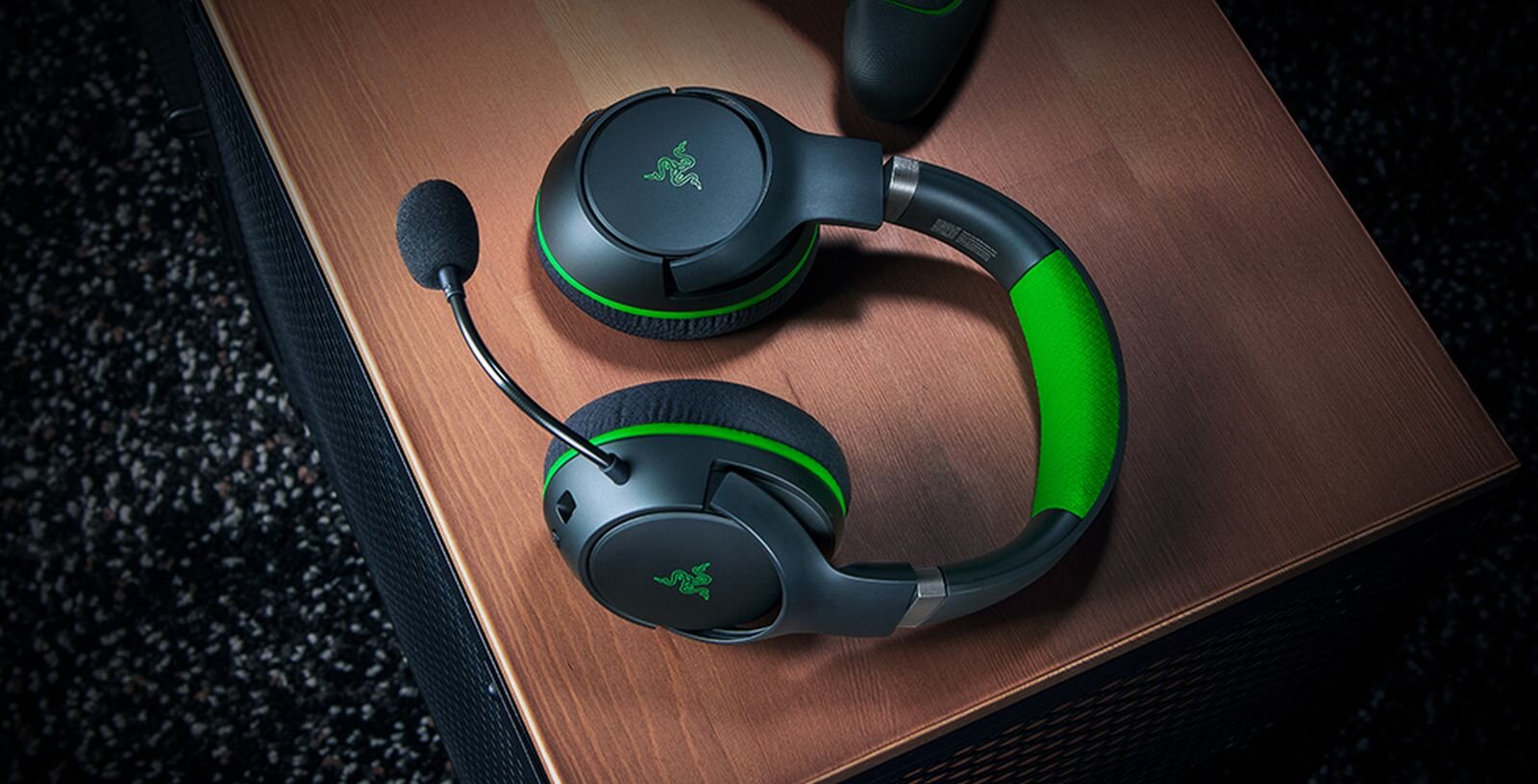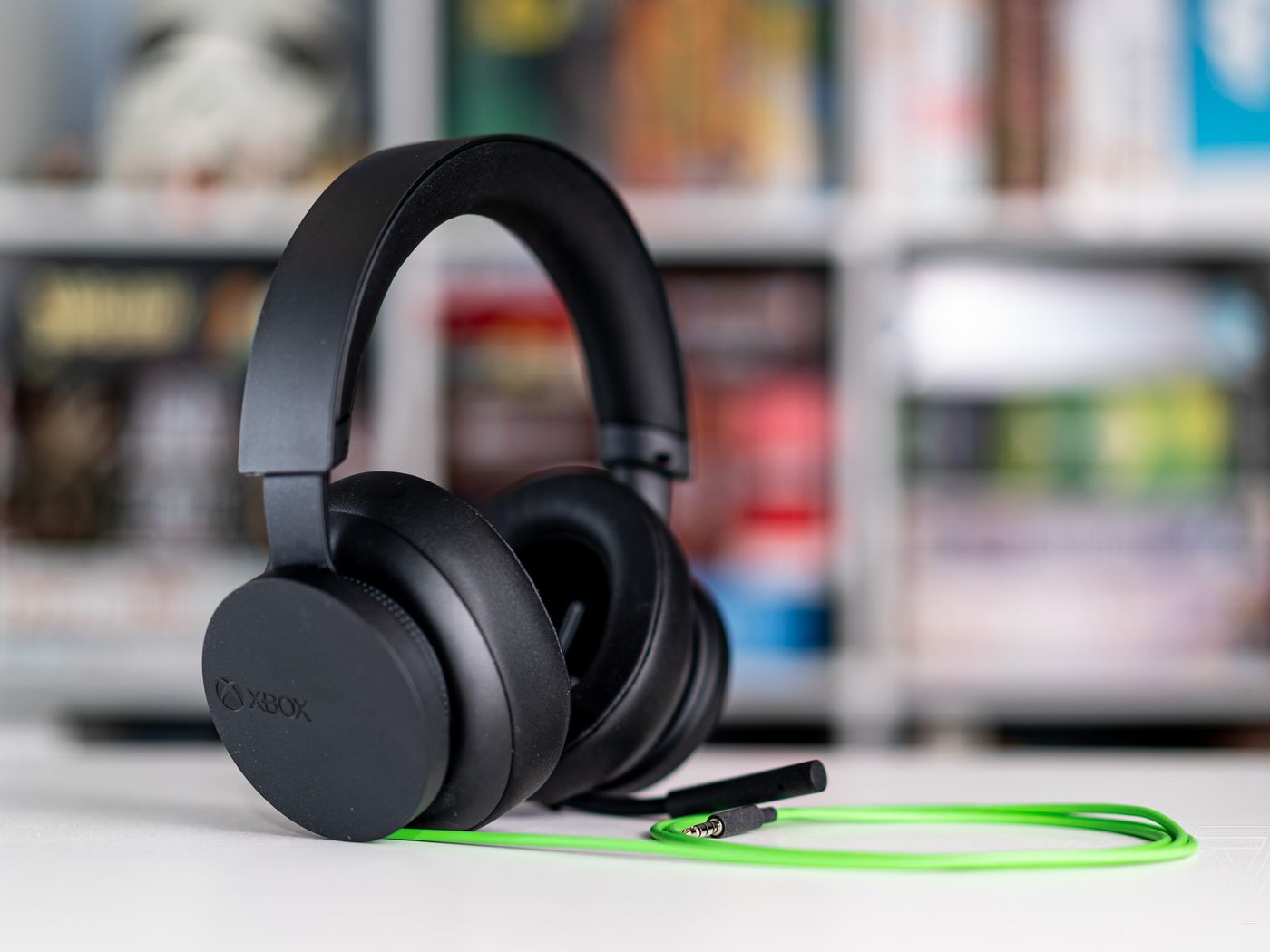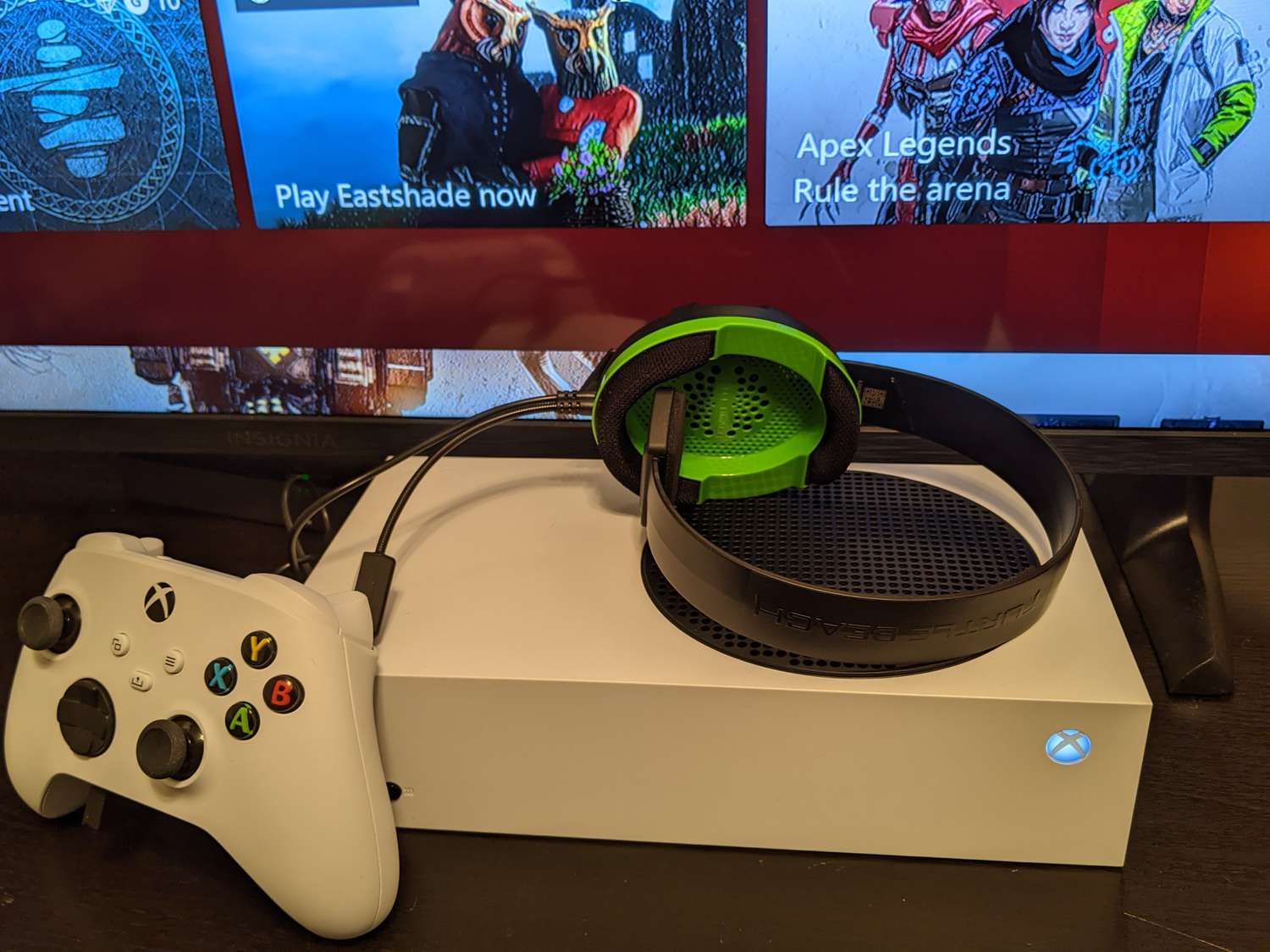
To connect a USB headset to Xbox Series X|S, plug a compatible headset's USB-A connector or its wireless dongle directly into a USB port on the console. Not all USB headsets work with Xbox, so you must verify compatibility before attempting to connect a USB headset to Xbox.
Before you start: USB headset compatibility with Xbox
A critical warning: the Xbox ecosystem is selective about USB audio devices. Microsoft's console uses a proprietary "Xbox Wireless" protocol, which is different from standard Bluetooth. Official Xbox Wireless headsets connect seamlessly without adapters, but not all USB headsets are compatible. Xbox One had very limited USB audio support, primarily for officially licensed products with an Xbox audio chip. Xbox Series X|S consoles have improved support for USB headsets that connect via a USB wireless transmitter (dongle) or specific wired USB headsets designed for Xbox. Headsets designed for Xbox One are generally compatible with Xbox Series X|S consoles. The most reliable and widely supported method for connecting a headset to any Xbox console remains the 3.5mm audio jack on the Xbox controller.
How to connect a wireless USB headset to Xbox
- Plug the USB wireless transmitter (dongle) into a USB-A port on the front or back of your Xbox Series X|S console.
- If the transmitter has a mode switch (e.g., Turtle Beach Stealth 600), set it to "XBOX" mode before plugging it in.
- Power on the headset (e.g., hold the power button for two seconds for Turtle Beach headsets).
- The headset and transmitter should pair automatically within a few seconds.
Connecting a USB wireless gaming headset directly to the console (on Xbox Series X|S) bypasses the controller's limited DAC, potentially delivering cleaner audio with no controller battery drain. If your controller audio sounds thin, USB connection (on compatible headsets) can improve it. This method is ideal for connecting gaming headsets to consoles without sacrificing audio quality.
How to connect a wired USB headset to Xbox
- Some wired gaming headsets can connect directly via a USB-A cable into the USB-A port on the front of your Xbox Series X or S, provided they are compatible.
- For headsets without a USB dongle, turn them on and allow them to automatically connect, or press the sync button next to the front USB port on your Xbox Series X/S.
If you need to connect headset to Xbox One using a wired USB headset, note that Xbox One has limited USB headset support, so compatibility is even more restricted than on Series X|S.
Adjust your Xbox audio settings for a USB headset
- Press the Xbox button on your controller.
- Navigate to Settings > General > Volume & Audio Output.
- To confirm the headset is selected as the output device, go to Settings, then General, then Volume & Audio Output.
- Adjust volume, chat mix, and mic monitoring as desired.
If audio doesn't come through, press the Xbox button on the controller and check the headset volume in the Audio section. Certain third-party headsets and adapters may not properly connect to the Xbox Series X, or may have issues with audio and adjusting game/chat audio mix.
Troubleshooting USB headset issues on Xbox
- Check compatibility: Not all USB headsets work with Xbox. Verify your headset is designed for Xbox Series X|S or Xbox One.
- Power-cycle the console: Turn off the Xbox completely, unplug the power cord, wait a few minutes, then plug it back in and restart.
- Test on another device: Try connecting the USB headset to a computer or another gaming console to determine if the issue is with the headset or the Xbox.
- No solution for unsupported headsets: There is currently no solution for unsupported headsets, aside from using a 3.5mm headset jack plugged directly into the Xbox controller or manually adjusting the mix.
Frequently Asked Questions
Can I use any USB headset with Xbox?
No. Most USB headsets designed for PC or PlayStation will not work with Xbox. You need a headset specifically designed for Xbox or one that explicitly states Xbox Series X|S compatibility.
Do USB headsets work wirelessly with Xbox?
Wireless USB headsets work by connecting their USB dongle to the console. They are not Bluetooth devices; they use the proprietary Xbox Wireless protocol or a dedicated 2.4GHz wireless connection through the dongle.
Can I use a USB headset with Xbox One?
Most USB headsets that work on Xbox Series X|S will also work on Xbox One, but compatibility is not guaranteed.
What if my USB headset has a 3.5mm cable instead of USB-A?
If your headset has a 3.5mm cable, plug it directly into the 3.5mm audio jack on your Xbox controller. Most Xbox controllers released after mid-2015 include a 3.5mm port. Very early Xbox One controllers require a separate adapter. All Xbox Series X|S controllers include the jack.
Will a USB headset sound better than a controller-connected headset?
If your controller audio sounds thin, a USB connection may improve it.